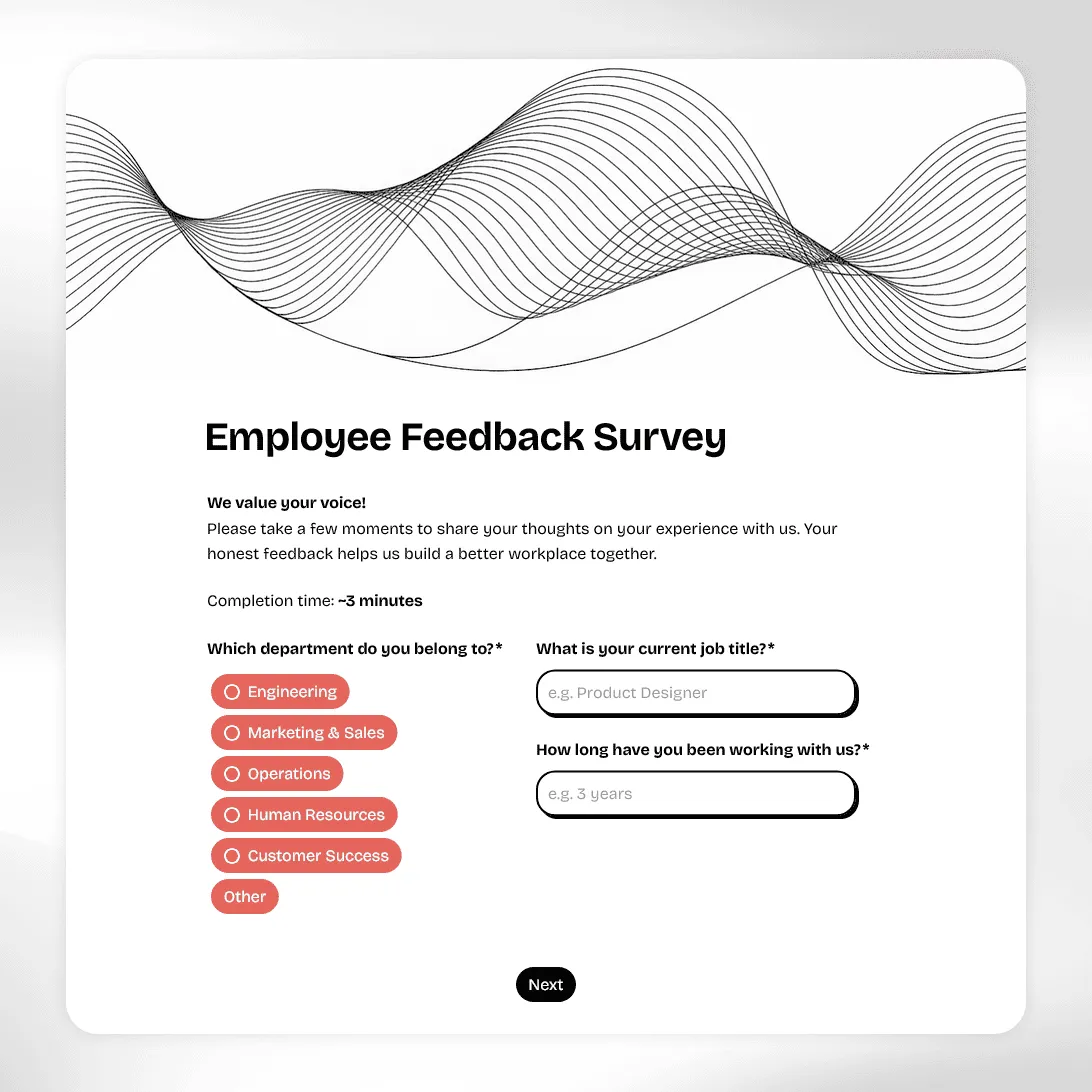
Employee Feedback Survey Template
Free employee feedback survey template for measuring engagement, culture, and team morale. Collect anonymous insights and act on what actually matters.
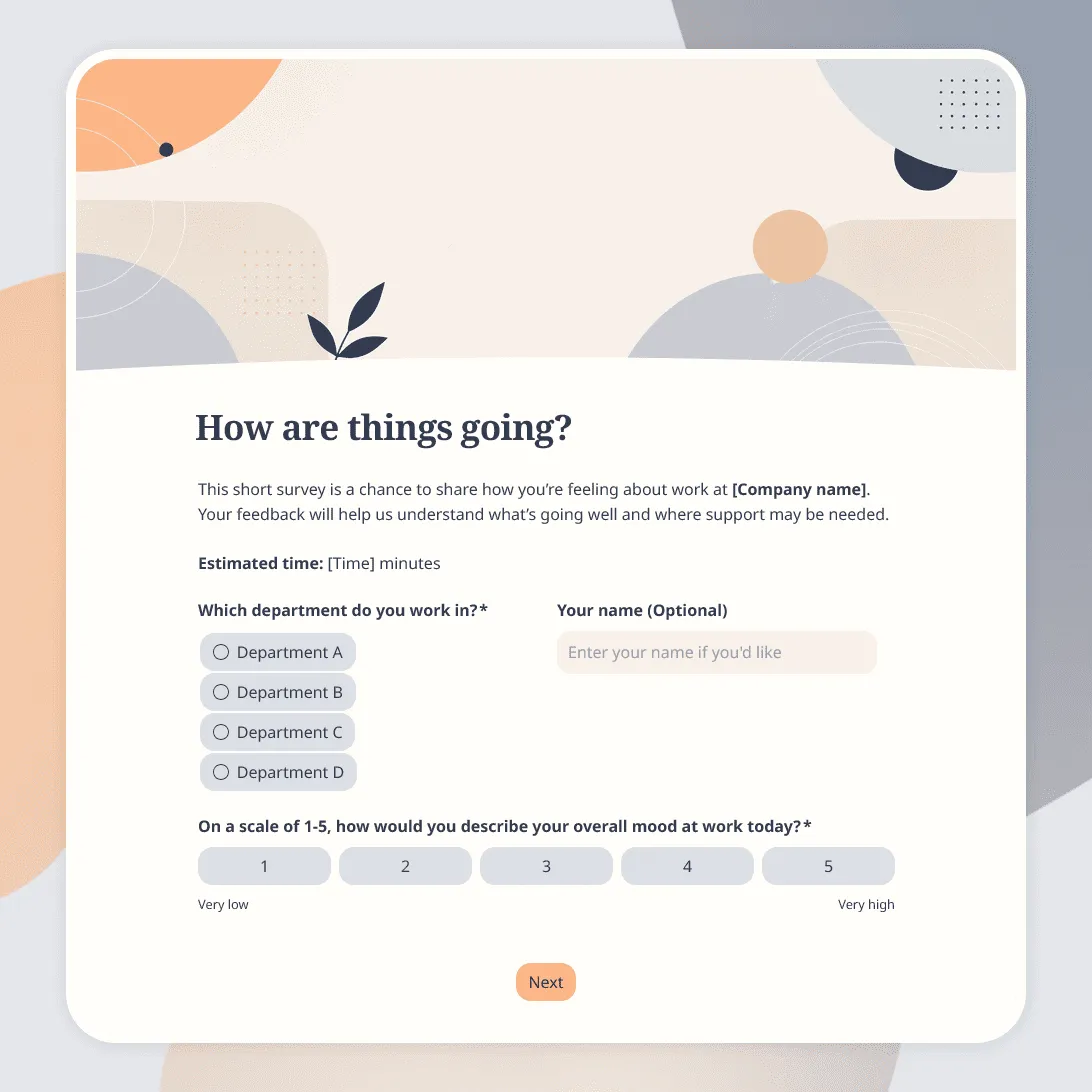
Employee Pulse Survey Template
Free employee pulse survey template for quick team check-ins on workload, morale, communication, manager support, and more.
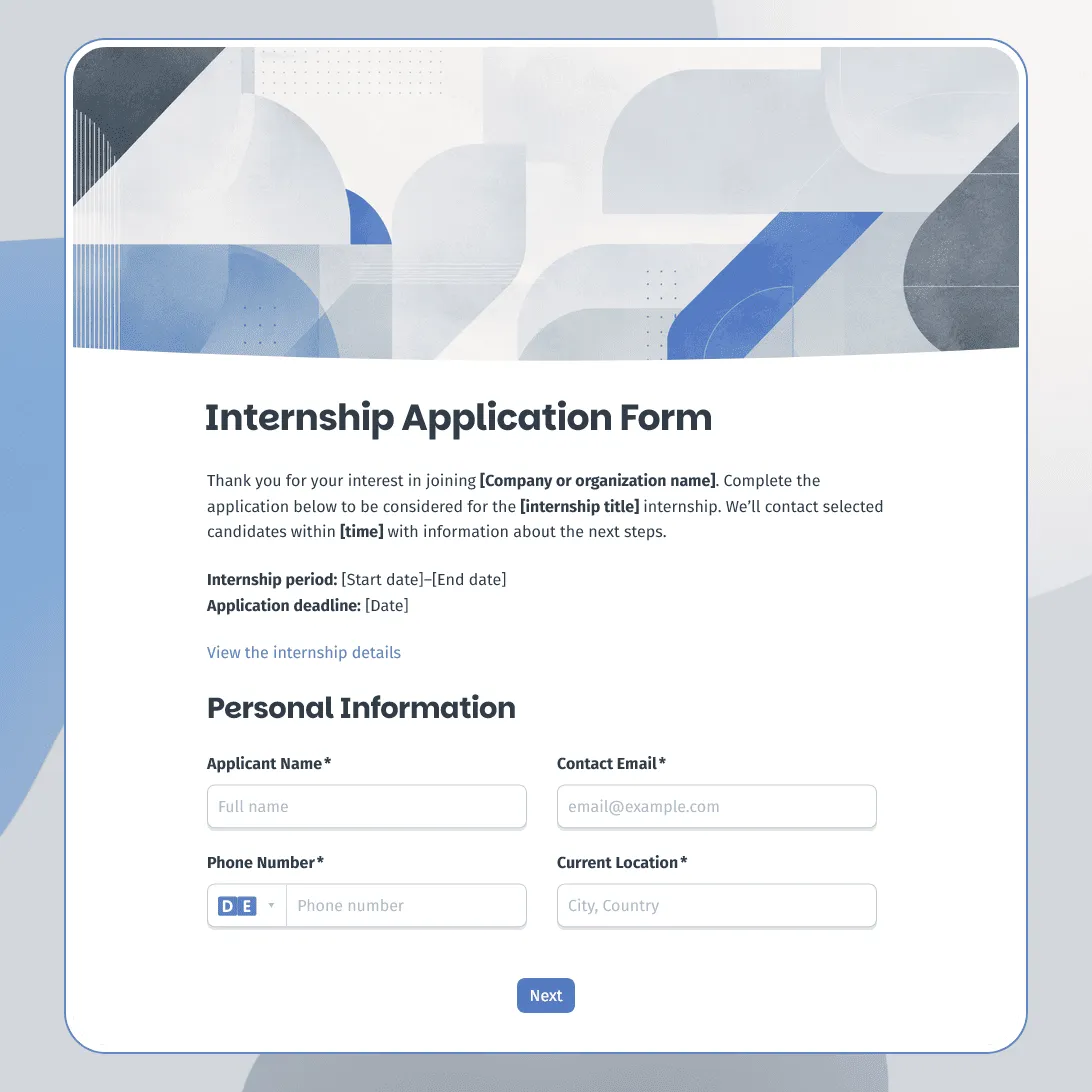
Internship Application Form Template
Free internship application form template for companies, nonprofits, schools, and startups. Fully customizable.
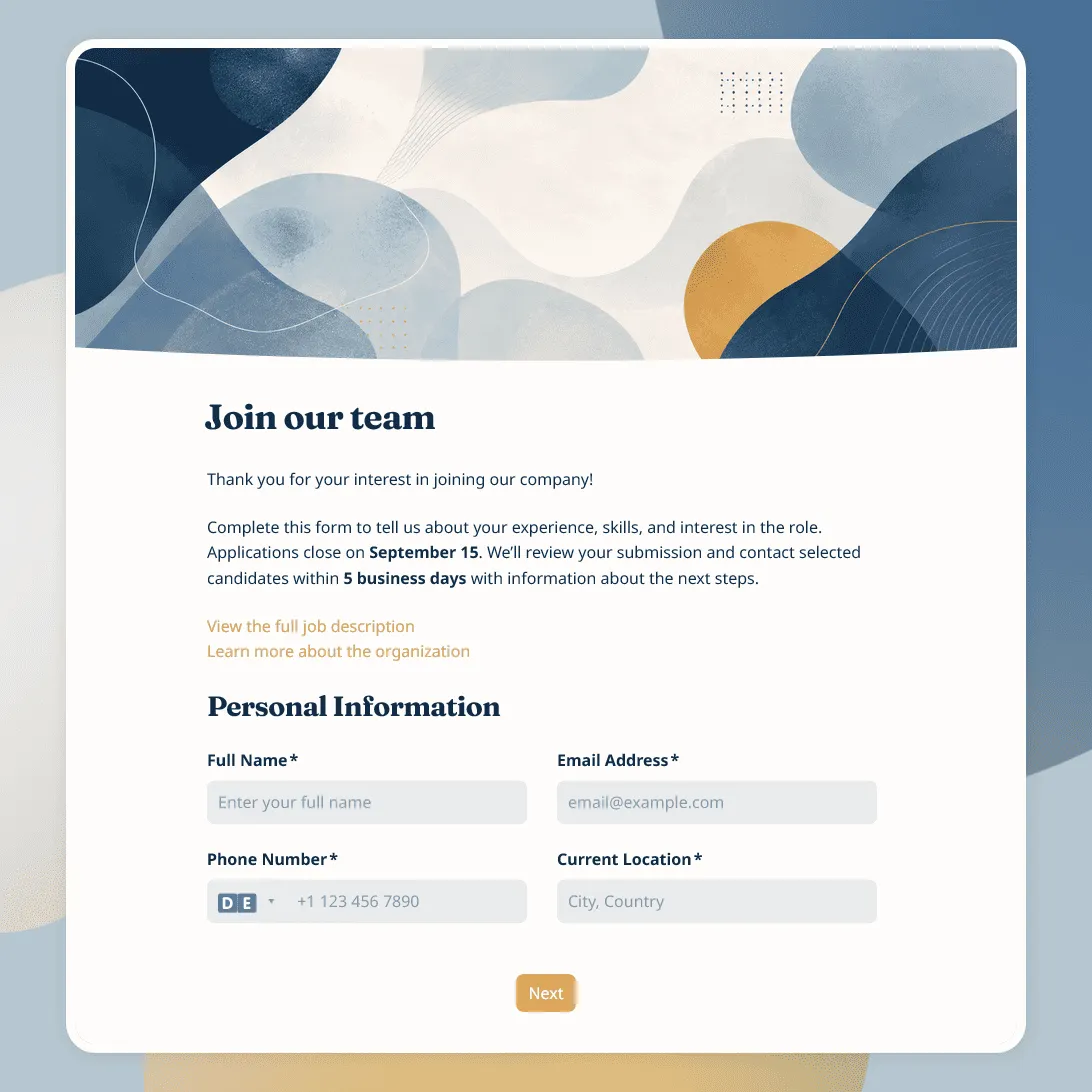
Job Application Form Template
Free job application form template for recruiters. Use it to collect candidate details, resumes, availability, salary expectations, and more.
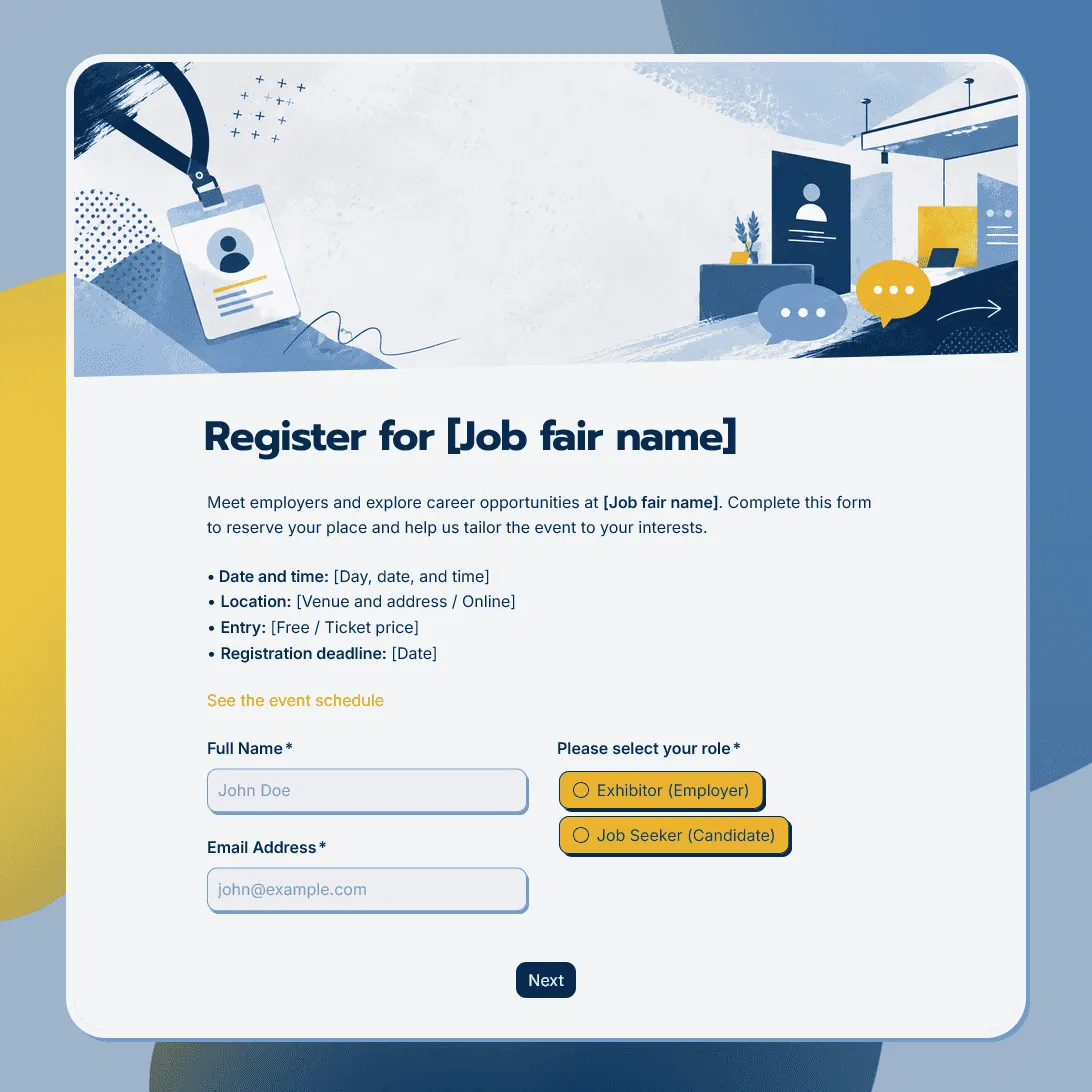
Job Fair Registration Form Template
Use this free job fair registration form template for career fairs and hiring events. Register employers, candidates, event attendees and more.
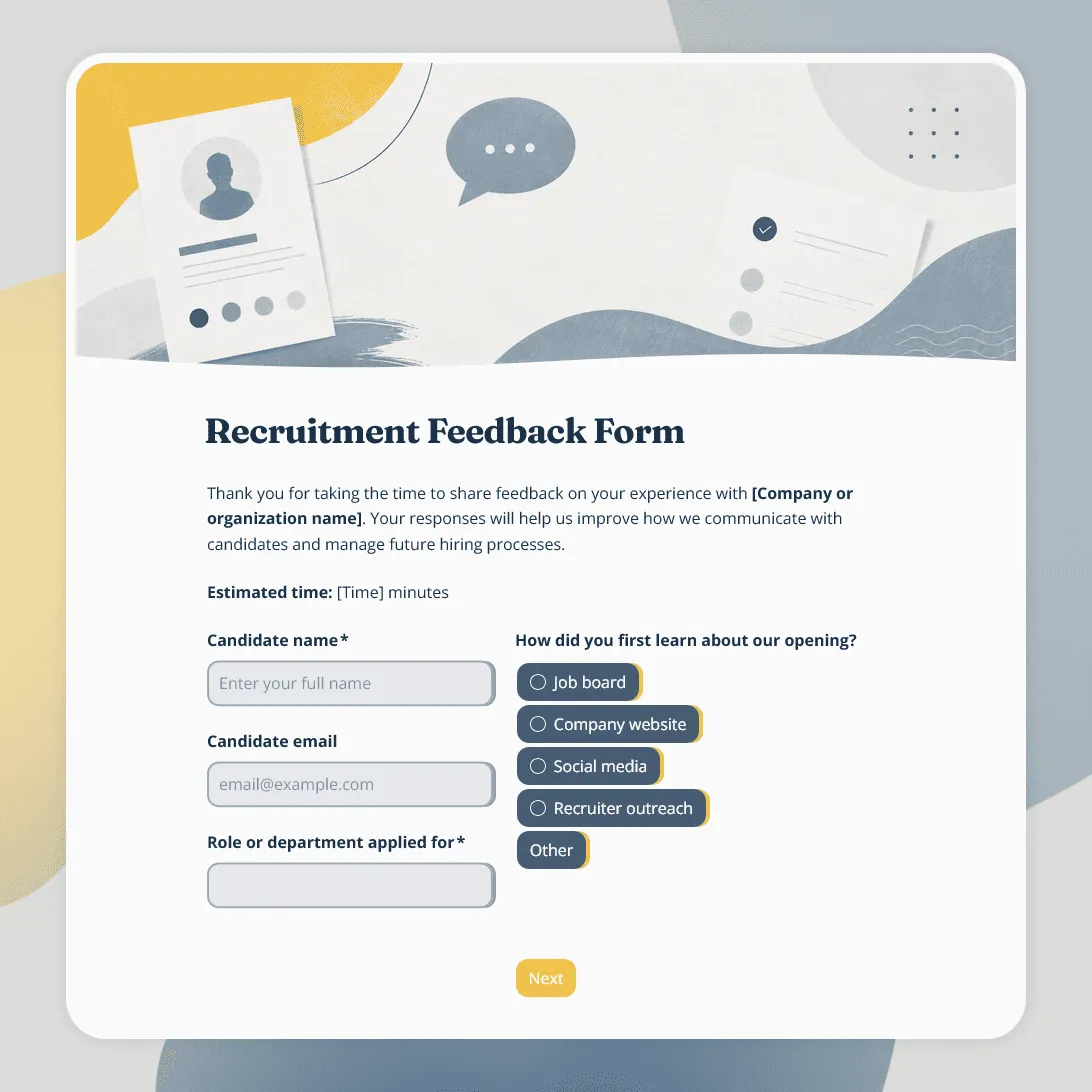
Recruitment Feedback Form Template
Free recruitment feedback form template for collecting candidate feedback after applications, interviews, and hiring events.
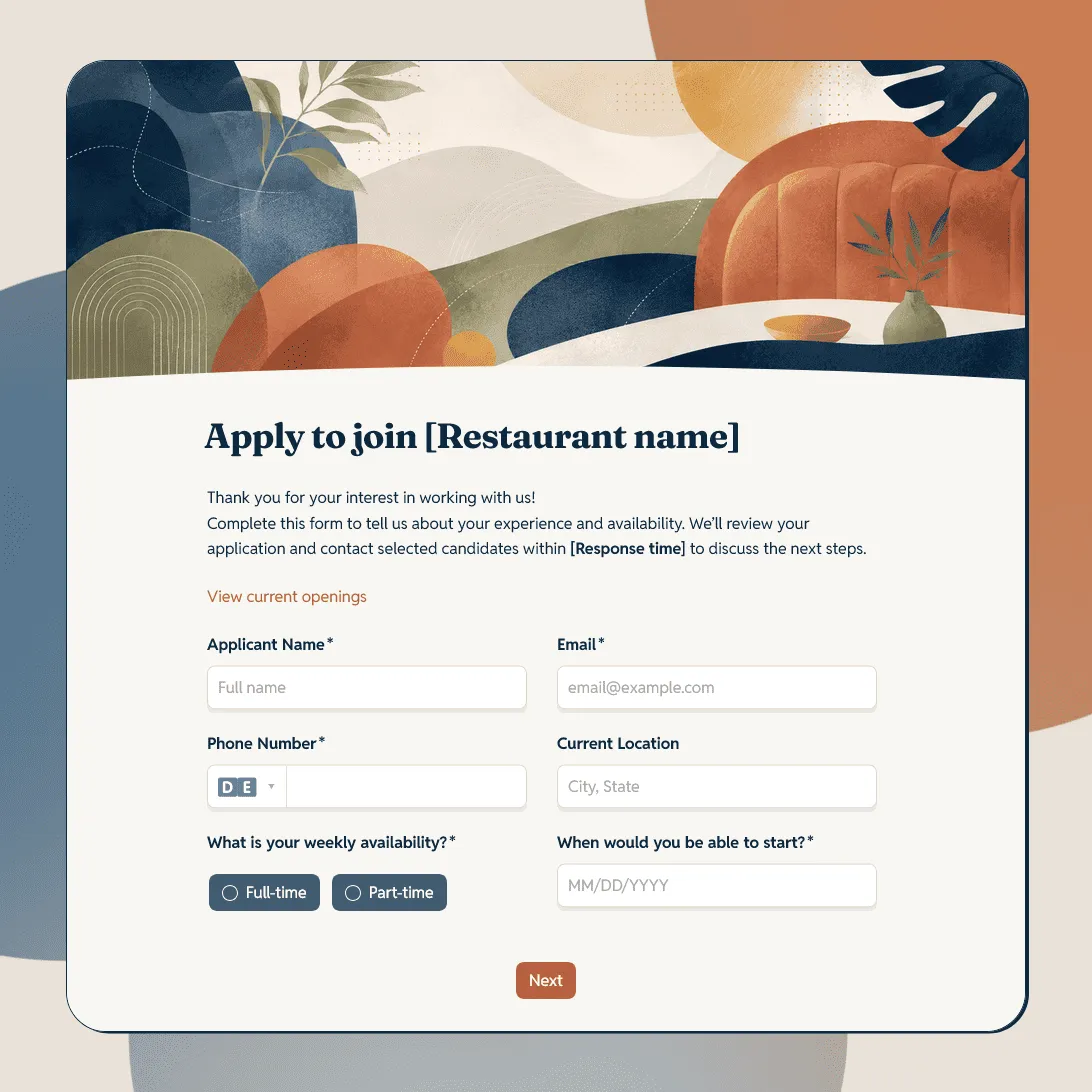
Restaurant Job Application Form Template
Free restaurant job application form template for hiring servers, bartenders, cooks, hosts, dishwashers, managers, and restaurant staff.
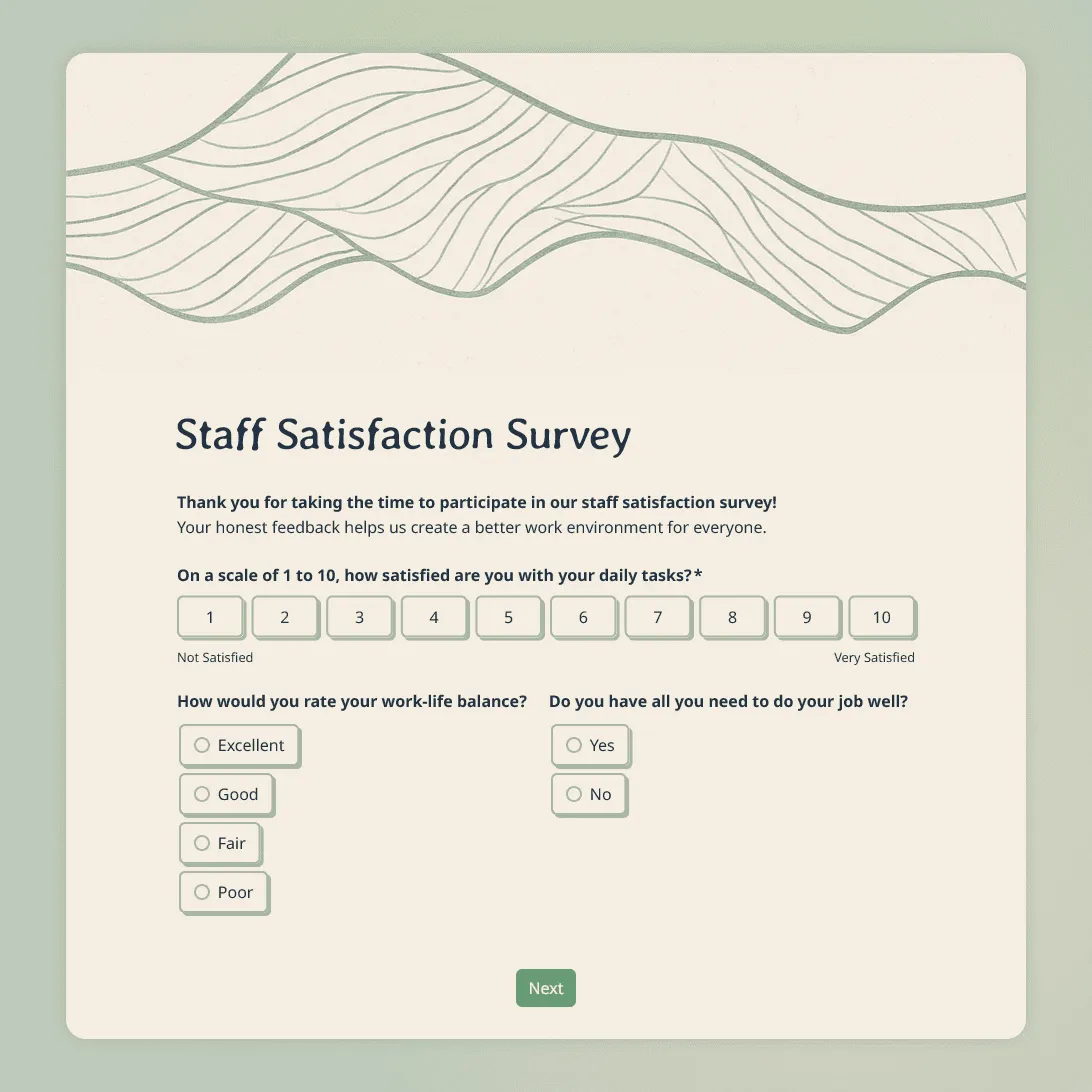
Staff Satisfaction Survey Template
Free staff satisfaction survey template for measuring employee morale, workload, manager support, recognition, workplace culture, and intent to stay.
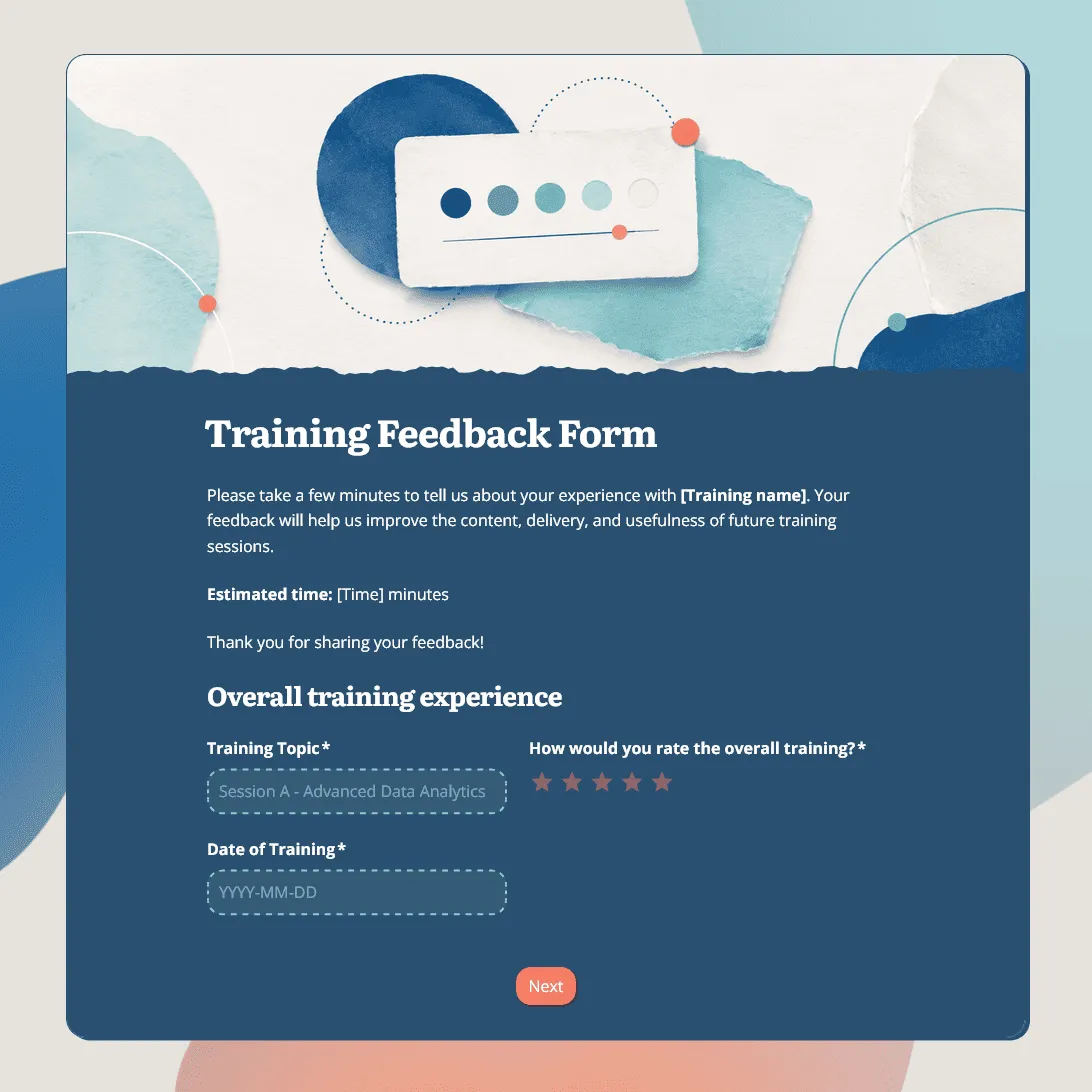
Training Feedback Form Template
Free training feedback form template for post-training evaluation, employee training feedback, trainer reviews, and learning follow-up.
About HR form templates
Use these templates when an HR process needs a clear form: collecting feedback, reviewing candidates, organizing hiring events, handling internal requests, or recording approvals.
This category is for HR teams, recruiters, managers, operations teams, schools, nonprofits, and small teams that need structured responses from employees, candidates, interviewers, or event participants.
What these HR form templates cover
- Employee feedback and staff surveys: Templates for workplace feedback, staff satisfaction, culture check-ins, manager feedback, and team surveys. For help planning questions, see how to create a feedback form.
- Hiring and interview feedback: Templates for interview notes, candidate evaluations, hiring recommendations, and recruiting follow-up.
- Job fairs and hiring events: Templates for employer registrations, candidate signups, booth requests, resumes, session choices, and event follow-up.
- Internal HR requests: Templates for training requests, equipment requests, access requests, onboarding tasks, policy questions, and recurring workplace requests.
- Acknowledgments and approvals: Templates for consent, policy confirmations, signed approvals, waivers, and other HR records that need a clear response.
Frequently asked questions
How do I collect anonymous employee feedback?
Leave out names, email addresses, employee IDs, team names, and any other details that could identify someone. This works well for staff satisfaction surveys, culture surveys, workplace check-ins, and sensitive feedback.
How do I handle several HR request types in one form?
Add a request type question, then use conditional logic to show different follow-up questions based on the selected request.
How do candidates or employees upload files?
Add a file upload field for resumes, cover letters, certificates, portfolios, IDs, signed documents, screenshots, or other supporting files.
How do I collect signatures on HR forms?
Use a signature field for acknowledgments, consent forms, agreements, waivers, or signed approvals.
How do I add an HR form to a careers page or internal site?
After publishing, add the form to the page with an embed code, or share it with a direct link.
How do I show next steps after someone submits the form?
Use a custom end page to confirm the submission, explain what happens next, share timing, or tell people when they will hear back.
How do I get notified about new HR submissions?
Turn on email notifications to receive new feedback, requests, applications, or registrations in your inbox.
How do I review and export HR form responses?
Review submissions in the response table. You can also export responses to CSV or Excel for reporting, hiring reviews, event lists, or follow-up.
Are these HR form templates free?
Yes. All FormGrid templates are free to use, and you can collect unlimited responses on the free plan.