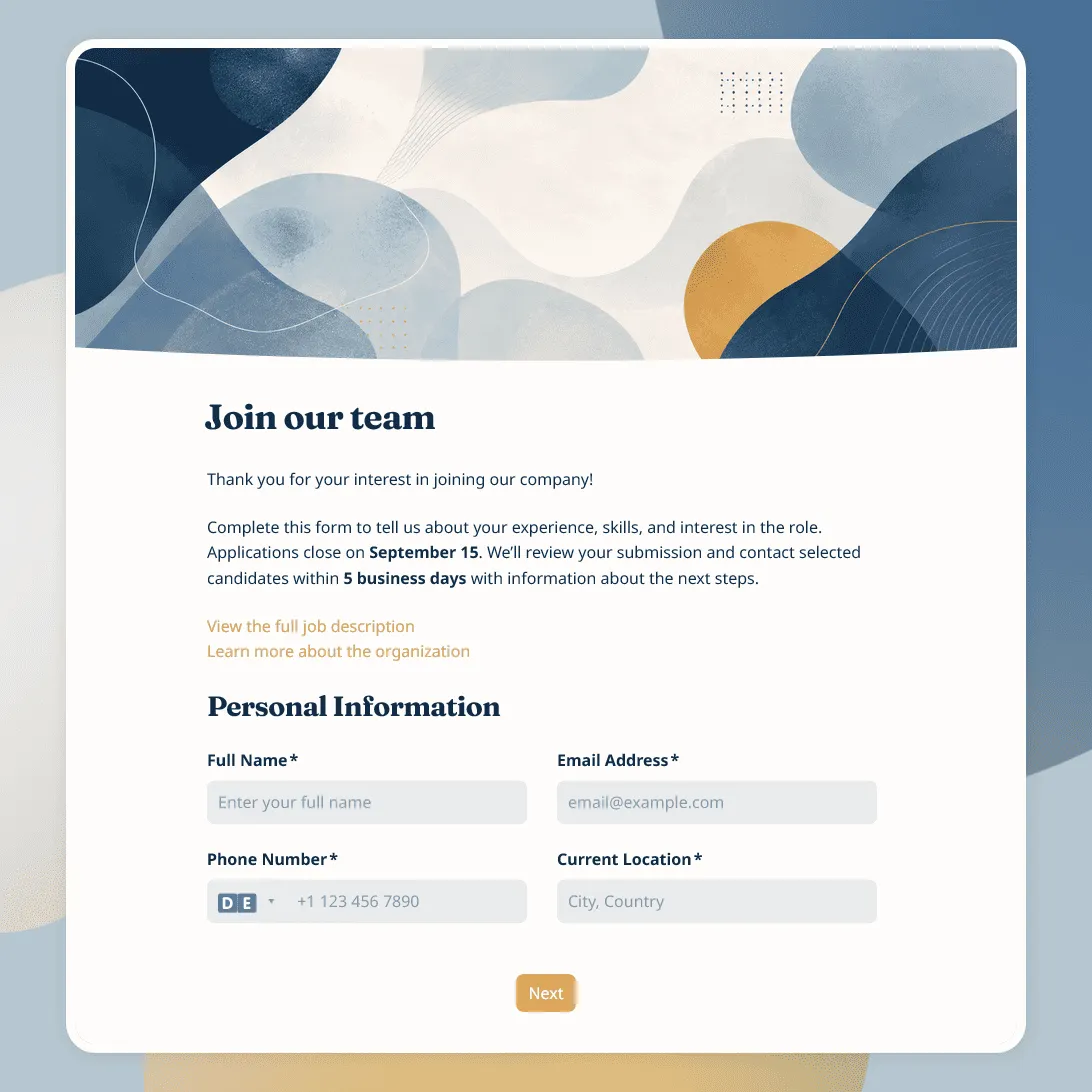
Job Application Form Template
Free job application form template for recruiters. Use it to collect candidate details, resumes, availability, salary expectations, and more.
Need a custom job application form?
Describe your job opening and FormGrid will generate a tailored application form template for you.
About this job application form template
Job applications are easier to review when every candidate submits the same core details in the same place. Resumes are useful, but they rarely answer everything a hiring team needs to know before screening, shortlisting, or following up.
Our job application form template helps you collect candidate details, application documents, role preferences, experience, availability, and consent in a structured format. It works for small businesses, startups, agencies, nonprofits, internal hiring teams, recruiters, seasonal hiring, internships, part-time roles, and full-time positions.
Use this template when you want a simple application page that candidates can complete online. You can keep the form short for entry-level roles, or add more sections for specialized positions, portfolio-based roles, multi-location hiring, or roles with eligibility requirements.
What this template includes
This job application form helps you collect:
- Candidate name and contact details
- Current location
- Role applied for
- Preferred work location
- Employment type
- Availability to start
- Resume or CV upload
- LinkedIn profile
- Portfolio or work sample link
- Relevant experience
- Education
- Key skills
- Certifications, if relevant
- Salary expectations, if appropriate
- Referral source
- Consent to process the application
You can fully customize this template for your hiring flow, including the questions, role-specific logic, form design, confirmation message, and automatic email candidates receive after applying.
How to use this template
Click “Use this template” to open the job application form in FormGrid.
- Add the role details. Update the title, intro text, company name, role title, location, employment type, application deadline, and hiring contact.
- Review the candidate fields. Keep the contact details, role choice, location, availability, and start date fields your hiring team needs for screening.
- Set up document uploads. Use a file upload field for resumes, cover letters, certificates, portfolios, writing samples, or other required documents.
- Adjust the experience questions. Add or remove questions about work history, education, skills, tools, certifications, languages, or role-specific requirements.
- Use logic for different roles. With conditional logic, candidates can see different follow-up questions based on role, location, employment type, experience level, or department.
- Edit the consent text. Replace the sample wording with your own privacy note, hiring policy, data processing consent, equal opportunity statement, or application agreement.
- Send next steps automatically. Add a send email block so candidates receive an email after applying. You can include the review timeline, contact details, missing document instructions, or what happens next.
- Customize the application page. Update the layout, theme, colors, fonts, button styles, and descriptions so the form matches your company or employer brand.
- Publish and share the form. After you publish the form, share the link in a job post, careers page, email, LinkedIn post, hiring campaign, or recruiter message. You can also embed it on your website with an embed code.
For help planning the full application flow, see how to create an application form.
Responses appear in your response table, where you can review candidates, resumes, role choices, experience, availability, and consent answers. You can also export responses when you need a spreadsheet for screening, shortlisting, interview planning, or sharing candidates with hiring managers.
Tips for job application forms
A job application form should make applying clear for candidates and make review easier for your hiring team.
-
Keep the first step simple. Start with the role, contact details, and required documents. Save longer written questions for later sections.
-
Ask role-specific questions only when they help screening. Tool experience, certifications, languages, availability, or portfolio links can be useful. Broad essay questions often add work for candidates and reviewers.
-
Be clear about required documents. Tell candidates whether they need a resume, cover letter, portfolio, work sample, certificate, or license before they start filling out the form.
-
Make consent easy to understand. If you collect application data, explain how it will be used and whether candidates may be contacted about the role.
-
Set expectations after submission. Candidates should know whether their application was received, when review happens, and whether only shortlisted candidates will be contacted.
Job application form template FAQs
What should a job application form include?
A job application form usually includes candidate contact details, role applied for, resume or CV upload, work experience, education, relevant skills, availability, eligibility questions, consent fields, and a confirmation message with next steps.
Can candidates upload resumes and cover letters?
Yes. Add a file upload field so candidates can attach resumes, cover letters, portfolios, certificates, licenses, work samples, or other documents.
Can I use this template for multiple open roles?
Yes. Add a role or department choice near the top of the form. You can also use conditional logic to show different questions based on the selected role.
Should I ask for salary expectations?
Only ask if the answer helps your hiring process and fits your local hiring practices. You can make the field optional or explain why you are asking.
Can I send candidates an automatic confirmation email?
Yes. Add a send email block to send an email after submission. You can confirm that the application was received, share the review timeline, or explain what happens next.
Can I embed this job application form on a careers page?
Yes. After publishing, you can add the form to your careers page, job post, company website, or landing page with an embed code, or share the form link directly.
Can I customize this job application form?
Yes, you can easily customize this template for your hiring program. Adjust the design to match your brand, add or remove questions, update the fields, change conditional logic, add images, and customize the confirmation message and automatic email.
Is this job application form template free?
Yes. This template is free to use, and you can collect unlimited job applications on the free plan.
Related templates
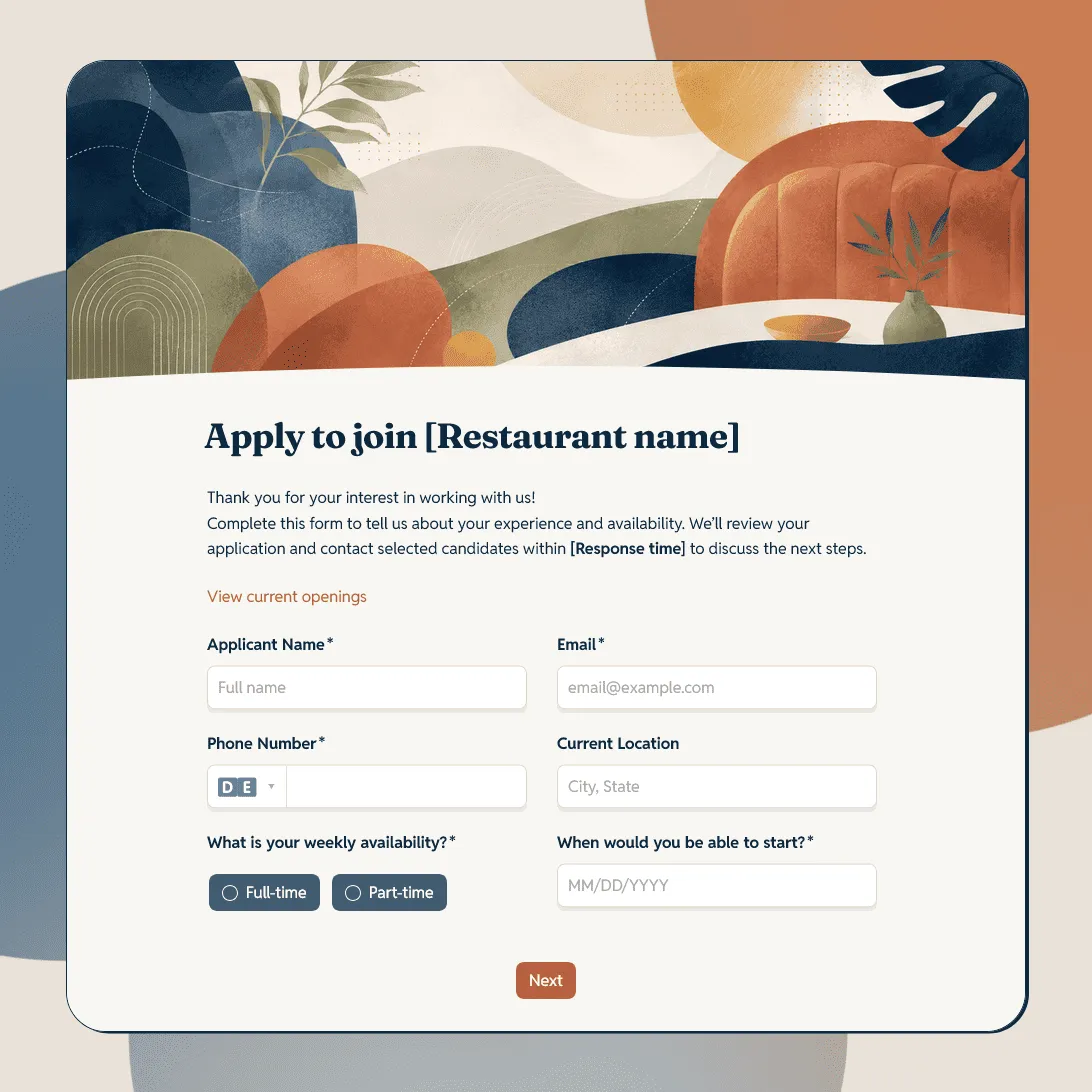
Restaurant Job Application Form Template
Free restaurant job application form template for hiring servers, bartenders, cooks, hosts, dishwashers, managers, and restaurant staff.
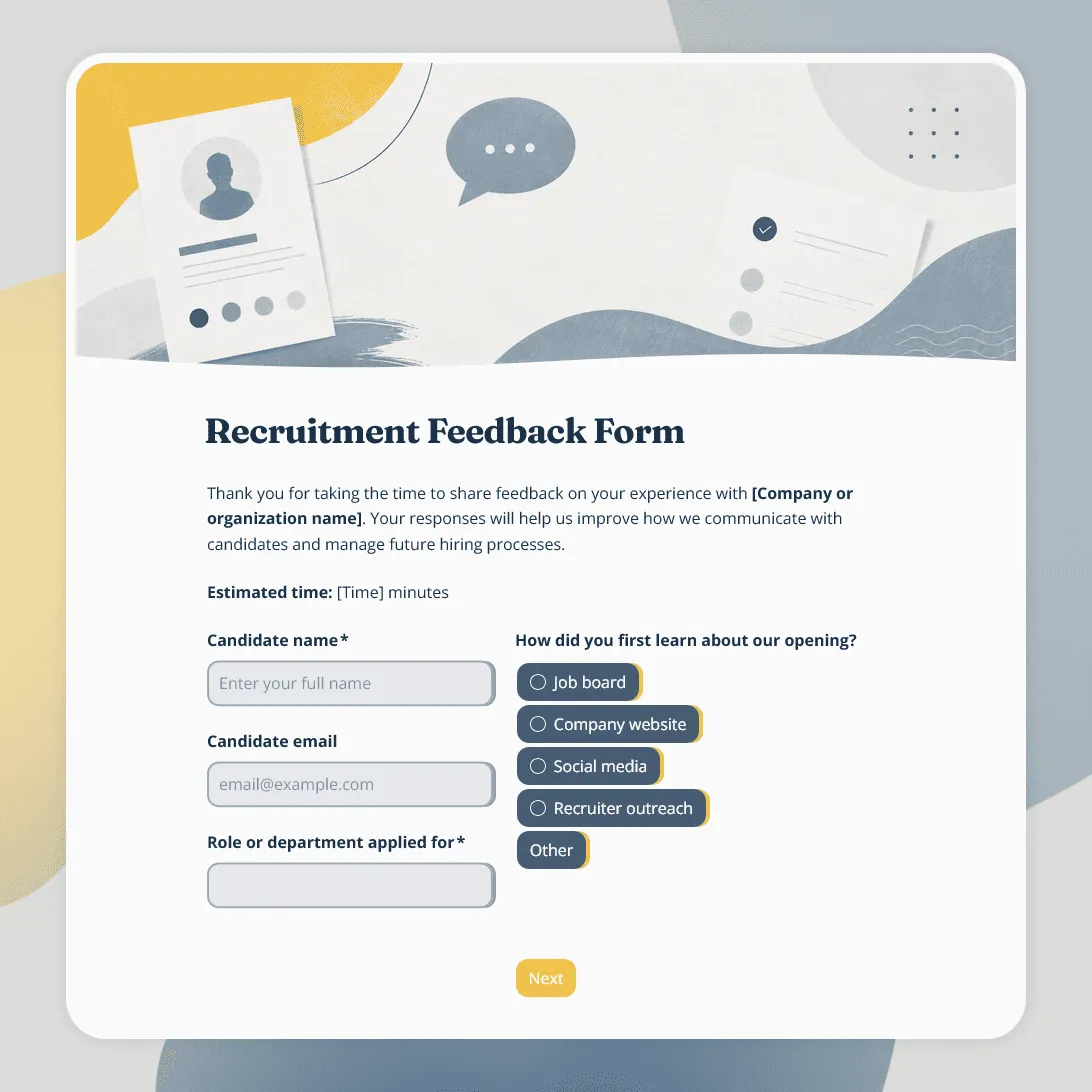
Recruitment Feedback Form Template
Free recruitment feedback form template for collecting candidate feedback after applications, interviews, and hiring events.
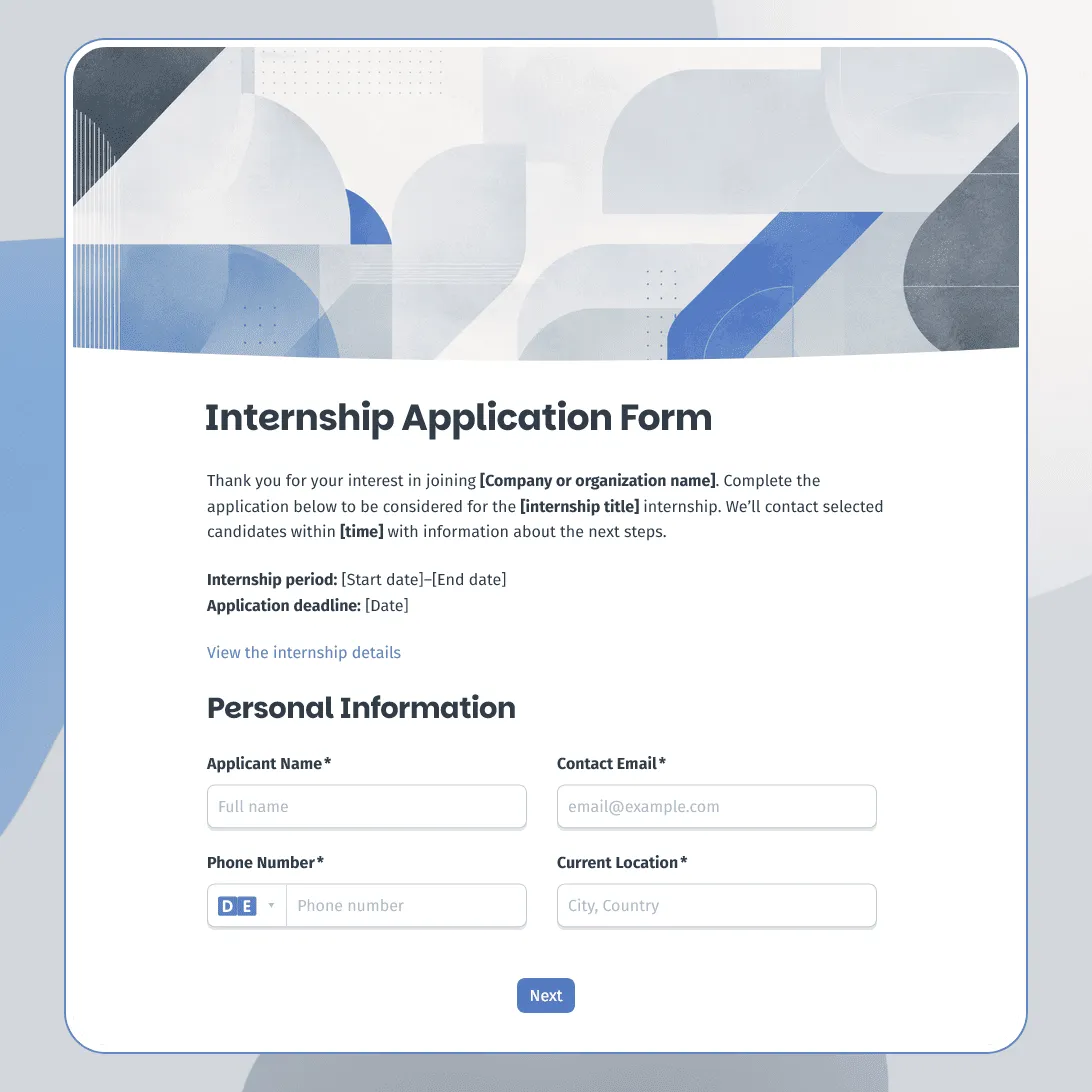
Internship Application Form Template
Free internship application form template for companies, nonprofits, schools, and startups. Fully customizable.