Internship Application Form Template
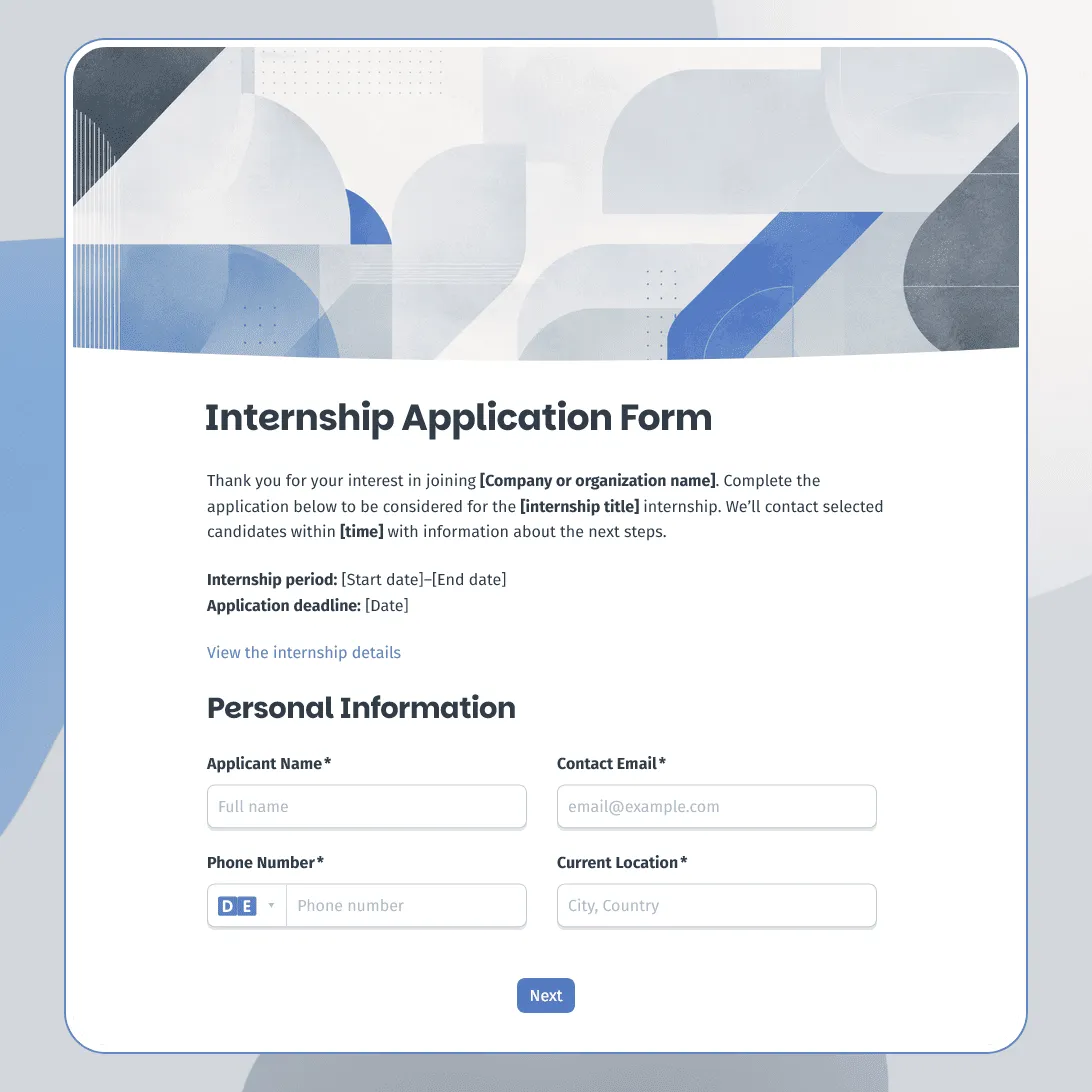
Free internship application form template for companies, nonprofits, schools, and startups. Fully customizable.
Need a custom internship application form?
Describe your internship program and FormGrid will generate a tailored application form for you.
About this internship application form template
Internship applications usually need a different structure than regular job applications. Many applicants may still be studying, have limited work experience, or want the internship for academic credit. A good form should make room for coursework, projects, availability, learning goals, and practical details without making the process feel too formal.
Our internship application form template helps teams collect the information they need before reviewing applicants for summer internships, semester internships, student placements, remote internships, startup internships, nonprofit programs, research roles, marketing internships, design internships, engineering internships, and other early-career opportunities.
Use this template when students, recent graduates, or early-career candidates need to apply online. It can stay short for a simple internship opening, or include extra sections for portfolio review, academic credit, eligibility requirements, multiple departments, or location preferences.
What this template includes
This internship application form helps you collect:
- Applicant name and contact details
- Current location
- School, university, or training program
- Field of study
- Expected graduation year
- Internship role, team, or department
- Preferred location or remote preference
- Availability dates
- Weekly availability
- Resume or CV upload
- Optional cover letter upload
- LinkedIn profile
- Portfolio, GitHub, website, or work sample link
- Relevant coursework, projects, or experience
- Skills, tools, or languages
- Previous work, volunteer, or extracurricular experience
- Academic credit requirements, if relevant
- Eligibility or work authorization details, if relevant
- Referral source
- Consent to process the application
The form also sends applicants an automatic confirmation email with next steps.
This template is fully customizable. You can rewrite the questions, change the design, add images, create conditional paths for different internship tracks, adjust the confirmation message, and edit the email applicants receive after submitting.
How to use this template
Click “Use this template” to open the internship application form in FormGrid.
- Add the internship details. Include the program name, role title, team, location, internship dates, deadline, expected hours, and hiring contact.
- Set up role or department choices. Replace the sample options with the internship areas you offer, such as marketing, design, engineering, research, operations, finance, HR, content, or customer support.
- Review the education fields. Keep school, field of study, graduation year, academic credit, or program details only where they matter for your selection process.
- Adjust the availability questions. Ask for start date, end date, weekly availability, time zone, remote preference, or in-office availability based on how the internship works.
- Add documents and links. Use a file upload field for resumes, cover letters, transcripts, recommendation letters, or other files. For creative and technical roles, add portfolio, GitHub, website, or project links.
- Use logic for different internship tracks. With conditional logic, design applicants can see portfolio questions, engineering applicants can see technical project questions, and academic-credit applicants can see school requirement fields.
- Update the consent text. Add your privacy note, equal opportunity statement, application consent, or data processing language.
- Send a confirmation email. Add a send email block so applicants receive a message after applying. Include the review timeline, contact details, and what they should expect next.
- Make the page fit your program. Add a cover image, adjust the layout, and choose colors, fonts, and button styles that feel right for your company, school, nonprofit, or internship campaign.
- Publish and share the form. After you publish the form, add the link to your careers page, internship listing, university job board, LinkedIn post, email campaign, or campus recruiting page. You can also embed it with an embed code.
Need a more general walkthrough for application forms? How to create an application form explains how to plan fields, collect files, test the form, and manage responses.
Responses appear in your response table, where you can review applicants, internship choices, availability, resumes, portfolios, school details, and consent answers. You can also export responses for screening, shortlisting, interview planning, or sharing applications with hiring managers.
Tips for internship application forms
Internship forms should help you spot potential, not only past experience.
-
Ask for projects, not only work history. Class projects, personal projects, volunteer work, student organizations, portfolios, and GitHub links can tell you more than a short resume.
-
Make availability clear. Internship dates, weekly hours, time zone, remote or on-site expectations, and academic schedules can decide whether the placement works.
-
Keep early-career applicants in mind. Avoid making every question sound like it was written for a full-time role. Not every intern will have years of experience, references, or a long employment history.
-
Separate required files from optional links. A resume may be required, while cover letters, portfolios, transcripts, or recommendation letters may depend on the role.
-
Explain the review timeline. Applicants often apply to several programs at once. A clear confirmation message helps them understand when to expect a reply.
Internship application form template FAQs
What should an internship application form include?
An internship application form usually includes applicant contact details, school or university, field of study, graduation year, internship role, availability, resume upload, relevant coursework or projects, skills, and consent to process the application.
Should internship applicants upload a resume?
Yes, if you want a structured overview of their background. You can also make the resume upload optional for very early-stage applicants and ask for coursework, projects, or skills directly in the form.
Can I use this template for multiple internship roles?
Yes. Add a role or department choice near the top of the form. With conditional logic, each internship track can show its own follow-up questions.
Can I send applicants an automatic confirmation email?
Yes. Add a send email block to confirm that the application was received and explain the next steps.
Can I embed this internship application form on a careers page?
Yes. After publishing, you can add the form to your careers page, internship page, university recruiting page, or program page with an embed code, or share the form link directly.
Is this internship application form template free?
Yes. This template is free to use, and you can collect unlimited internship applications on the free plan.
Related templates
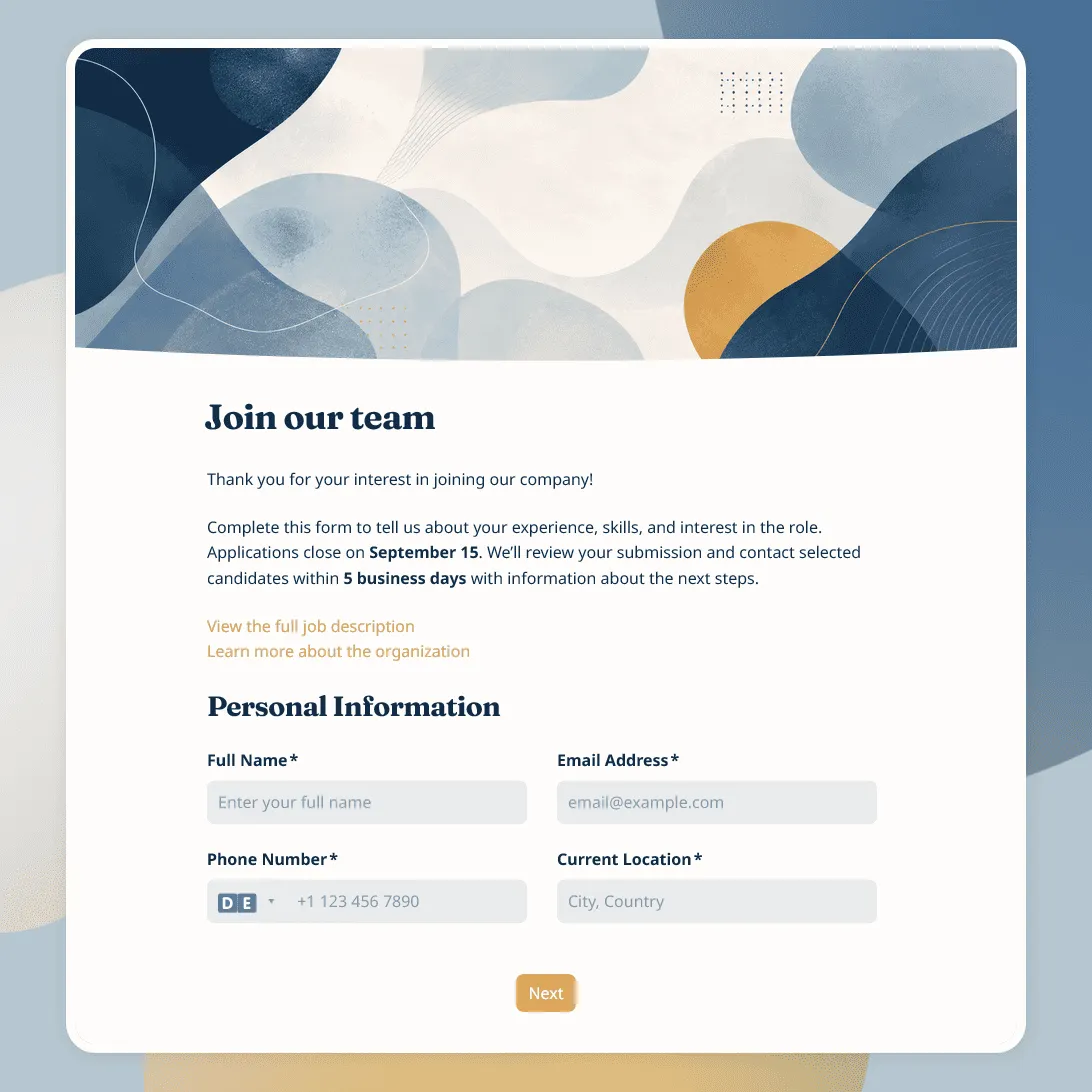
Job Application Form Template
Free job application form template for recruiters. Use it to collect candidate details, resumes, availability, salary expectations, and more.

Recruitment Feedback Form Template
Free recruitment feedback form template for collecting candidate feedback after applications, interviews, and hiring events.
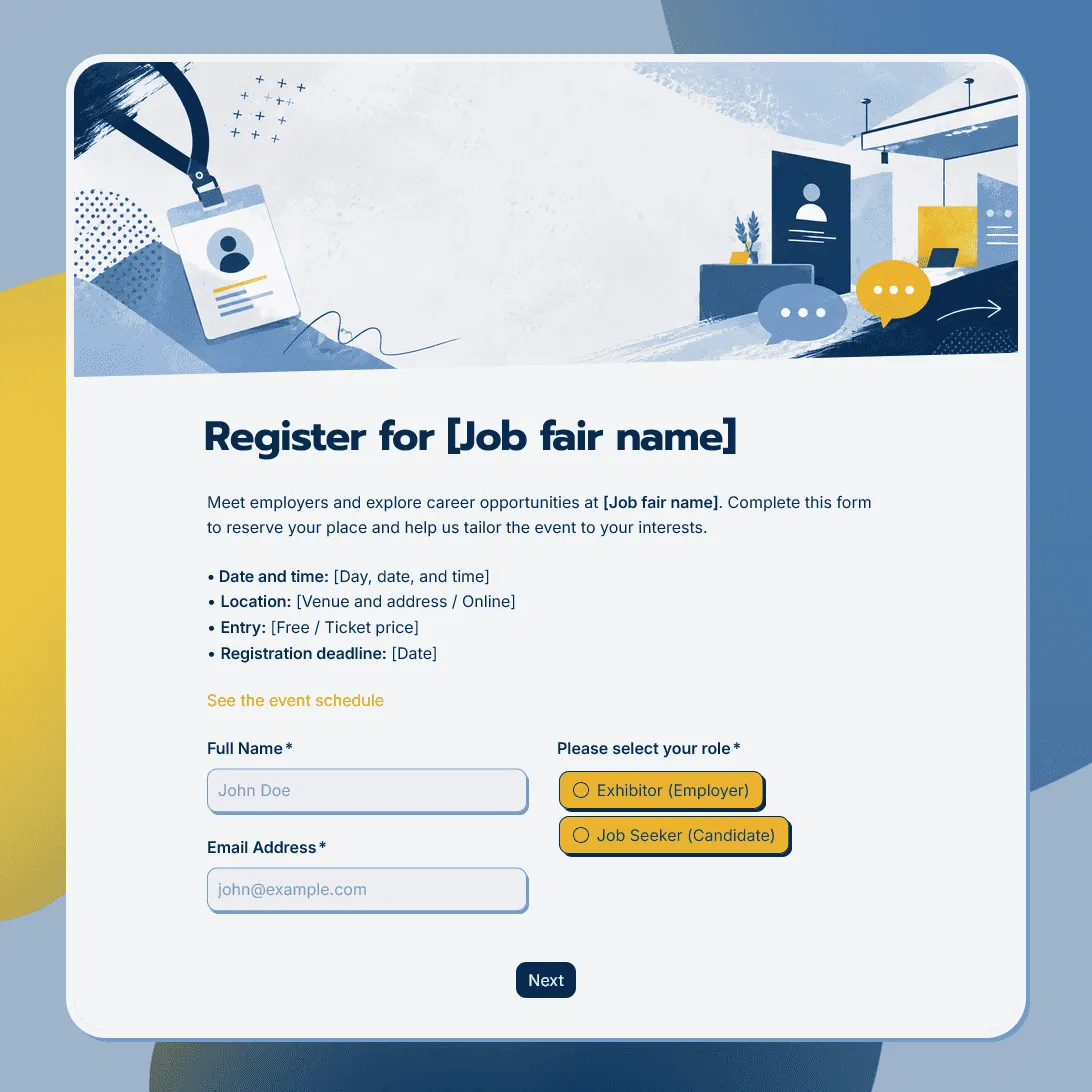
Job Fair Registration Form Template
Use this free job fair registration form template for career fairs and hiring events. Register employers, candidates, event attendees and more.