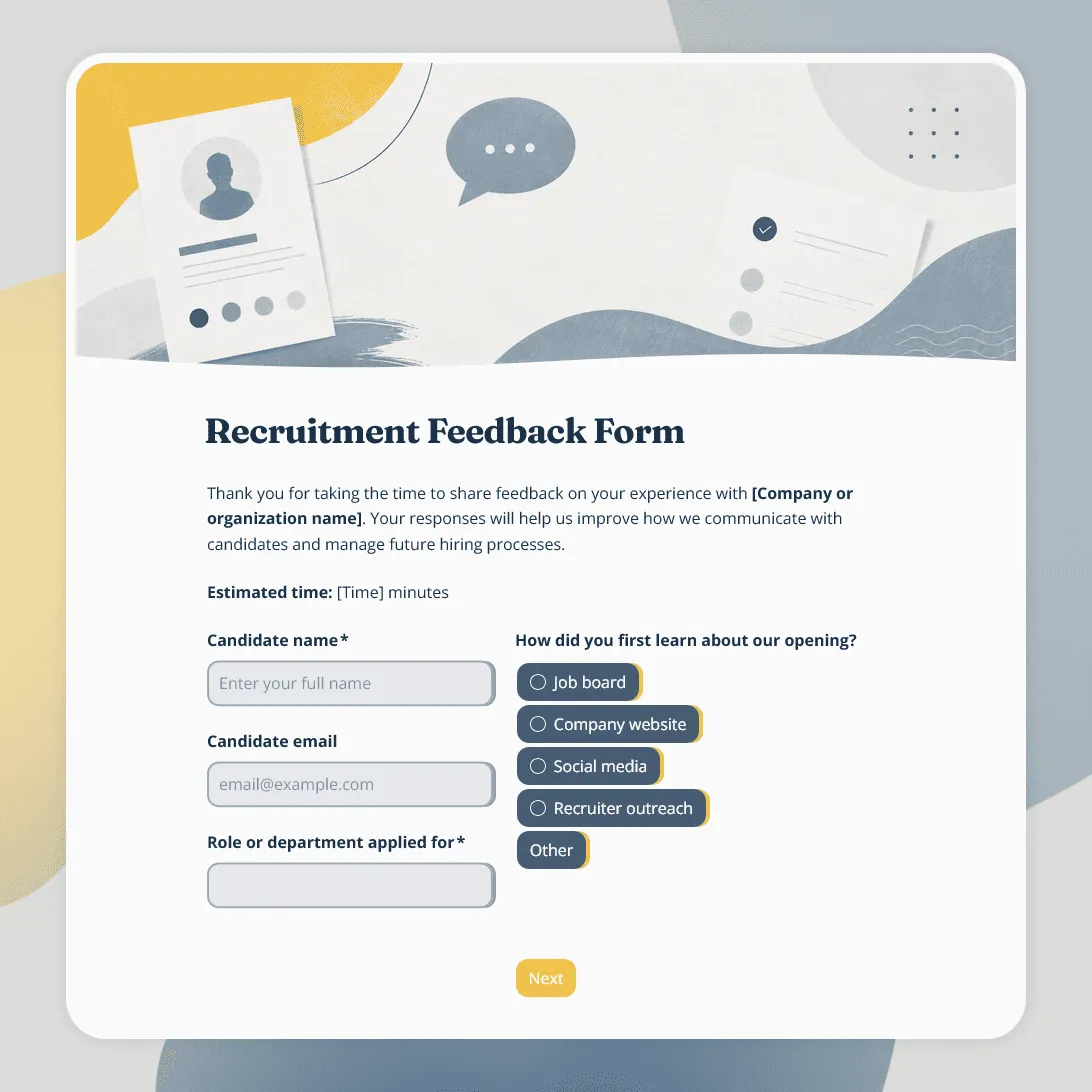
Recruitment Feedback Form Template
Free recruitment feedback form template for collecting candidate feedback after applications, interviews, and hiring events.
Need a custom recruitment feedback form?
Describe your hiring process and FormGrid will generate a tailored feedback form for your company.
About this recruitment feedback form template
Hiring teams often see the recruitment process from the inside: job posts, screening calls, interviews, notes, decisions, and follow-ups. Candidates experience it differently. They notice unclear timelines, slow replies, confusing interview steps, vague role descriptions, friendly recruiters, helpful interviewers, and moments where the process felt respectful or frustrating.
Our recruitment feedback form template helps you collect that candidate-side view after an application, interview, assessment, hiring event, or final decision.
Use this template to review the hiring experience across roles, departments, recruiters, interview stages, and candidate segments. It is especially useful when you want feedback on communication, interview quality, process clarity, fairness, accessibility, and the overall candidate experience.
What this template includes
Our template includes sections for:
- Candidate name and optional contact details
- Role or department applied for
- Recruitment stage
- Application experience
- Clarity of the job description
- Communication with the recruiter or hiring team
- Interview scheduling experience
- Interview quality and professionalism
- Assessment or task feedback
- Process timeline
- Fairness and transparency
- Accessibility or accommodation feedback
- Overall candidate experience rating
- Likelihood to recommend applying
- What worked well
- What could be improved
- Permission to follow up
- Automatic thank-you email
Every part can be edited: questions, descriptions, fields, rating scales, conditional logic, layout, theme, colors, fonts, button styles, confirmation message, and automatic email steps.
How to use this template
Click “Use this template” to open the recruitment feedback form in FormGrid.
- Add your hiring context. Update the intro text, company name, hiring team, roles covered, and when candidates should fill out the form.
- Review the candidate details. Decide whether name, email, role, department, recruiter, or recruitment stage should be required, optional, or removed.
- Adapt the process questions. Match the form to your hiring flow: application, screening call, interview, task, assessment, final round, offer, rejection, or hiring event.
- Keep feedback tied to specific moments. Ask separately about communication, scheduling, interview experience, timeline, job description clarity, and assessment tasks so the answers are easier to act on.
- Use conditional questions where the process differs. With conditional logic, interviewed candidates, rejected candidates, hired candidates, referrals, or hiring event attendees can see different follow-up questions.
- Add open comments carefully. Keep one or two open fields for context, but do not make candidates write an essay to explain every rating.
- Set up an automatic thank-you email. Add a send email block to thank candidates after they submit feedback or explain what happens next.
- Customize the design. Change the layout, theme, colors, fonts, button styles, and descriptions so the form feels aligned with your employer brand.
- Publish and share the form. After you publish the form, send the link by email, add it to candidate follow-up messages, or embed it on an internal recruiting page with an embed code.
Responses appear in your response table, where you can review ratings, comments, roles, recruiters, stages, and follow-up permissions. You can also export responses when you need a spreadsheet for recruiting reports, hiring team reviews, or candidate experience improvements.
Tips for collecting recruitment feedback
Candidate feedback is most useful when people feel safe giving it and your team can connect the answers to real parts of the process.
-
Send it at the right moment. Feedback after an interview will be more detailed than feedback weeks later. For rejected candidates, wait until the outcome has been communicated clearly.
-
Make the form feel neutral. Candidates may worry that honest feedback could affect future applications. Use calm wording and avoid questions that feel defensive.
-
Separate recruiter feedback from interview feedback. A candidate may have had clear communication from the recruiter but a poor interview experience, or the other way around.
-
Ask about clarity, not only satisfaction. Timelines, next steps, role expectations, assessment instructions, and decision criteria are common sources of confusion.
-
Include accessibility and fairness. Give candidates a place to share whether the process felt inclusive, accessible, and respectful.
-
Track patterns by role or stage. One bad comment may be a single issue. Repeated feedback about the same interview stage, team, or role is worth reviewing.
Need help planning the questions? See how to create a feedback form for advice on goals, rating scales, anonymity, and sharing.
Recruitment feedback form template FAQs
Who should fill out a recruitment feedback form?
Candidates can fill it out after applying, interviewing, completing an assessment, attending a hiring event, receiving an offer, or leaving the recruitment process. You can also adapt this template for internal hiring team feedback.
When should I send recruitment feedback forms?
Send the form shortly after the relevant recruitment step. For interview feedback, send it after the interview. For overall candidate experience feedback, send it after the process has ended or after the candidate receives a decision.
Can I use this template for rejected candidates?
Yes. Keep the wording respectful and make clear that the form is optional. You may want to avoid asking for too much detail if the candidate has just received a rejection.
Can I collect anonymous recruitment feedback?
Yes. Make name, email, role, or recruiter fields optional if you want candidates to respond anonymously. If your team needs to follow up, add an optional contact field and a follow-up permission question.
Can I ask different questions based on recruitment stage?
Yes. Use conditional logic to show different questions for applicants, phone screen candidates, interview candidates, assessment participants, offer-stage candidates, or hiring event attendees.
Can I send candidates an automatic thank-you email?
Yes. Add a send email block to send an automatic email after submission. You can thank candidates for their feedback, explain how feedback is reviewed, or share next steps.
Can my hiring team review responses together?
Yes. Invite team members to your FormGrid workspace so recruiters, hiring managers, HR leads, or people ops team members can review feedback and export responses.
Can I customize this recruitment feedback form?
Yes. You can change the questions, descriptions, fields, rating scales, conditional logic, layout, theme, colors, fonts, button styles, confirmation message, and automatic email steps.
Is this template free?
Yes. This template is free to use, and you can collect unlimited recruitment feedback responses on the free plan.
Related templates
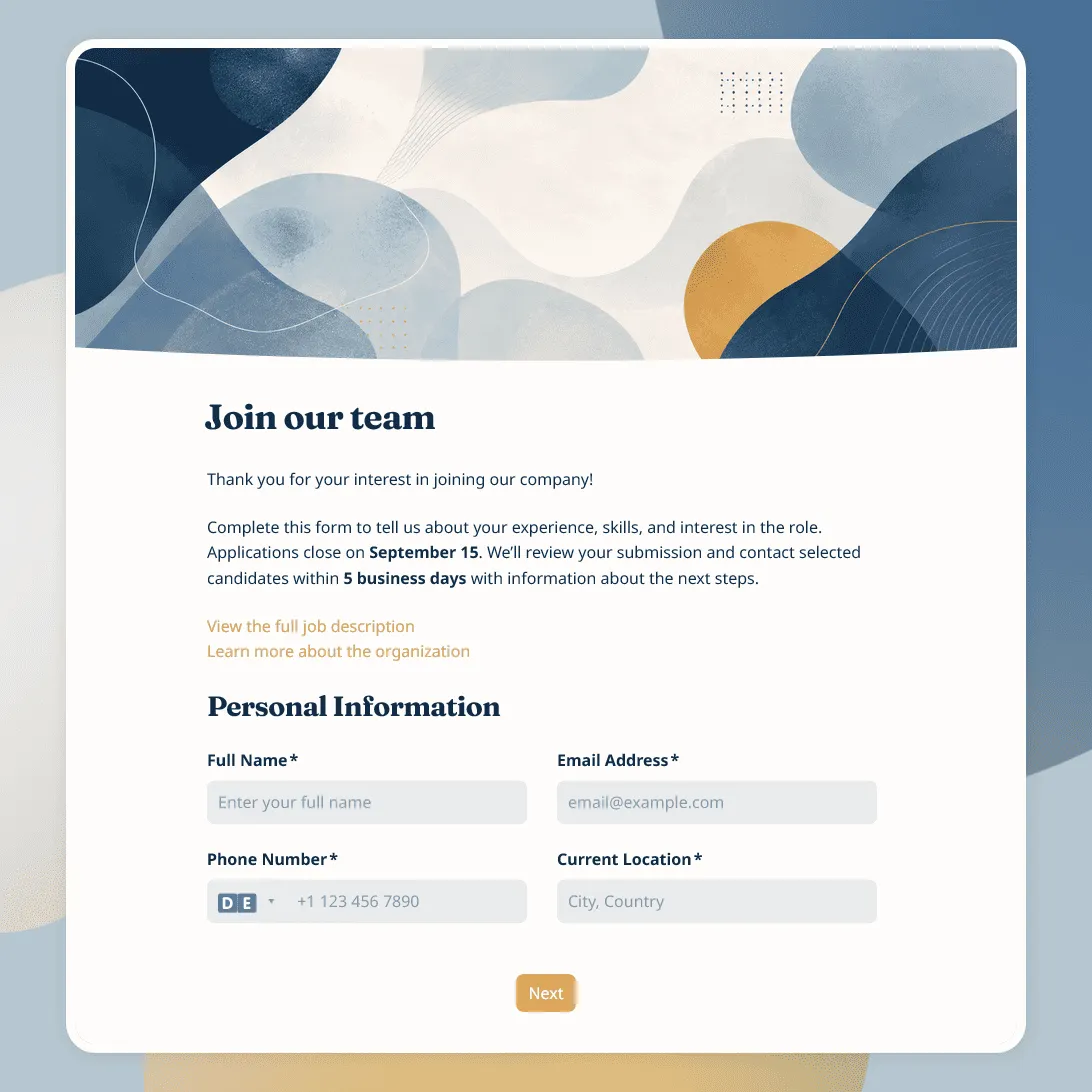
Job Application Form Template
Free job application form template for recruiters. Use it to collect candidate details, resumes, availability, salary expectations, and more.
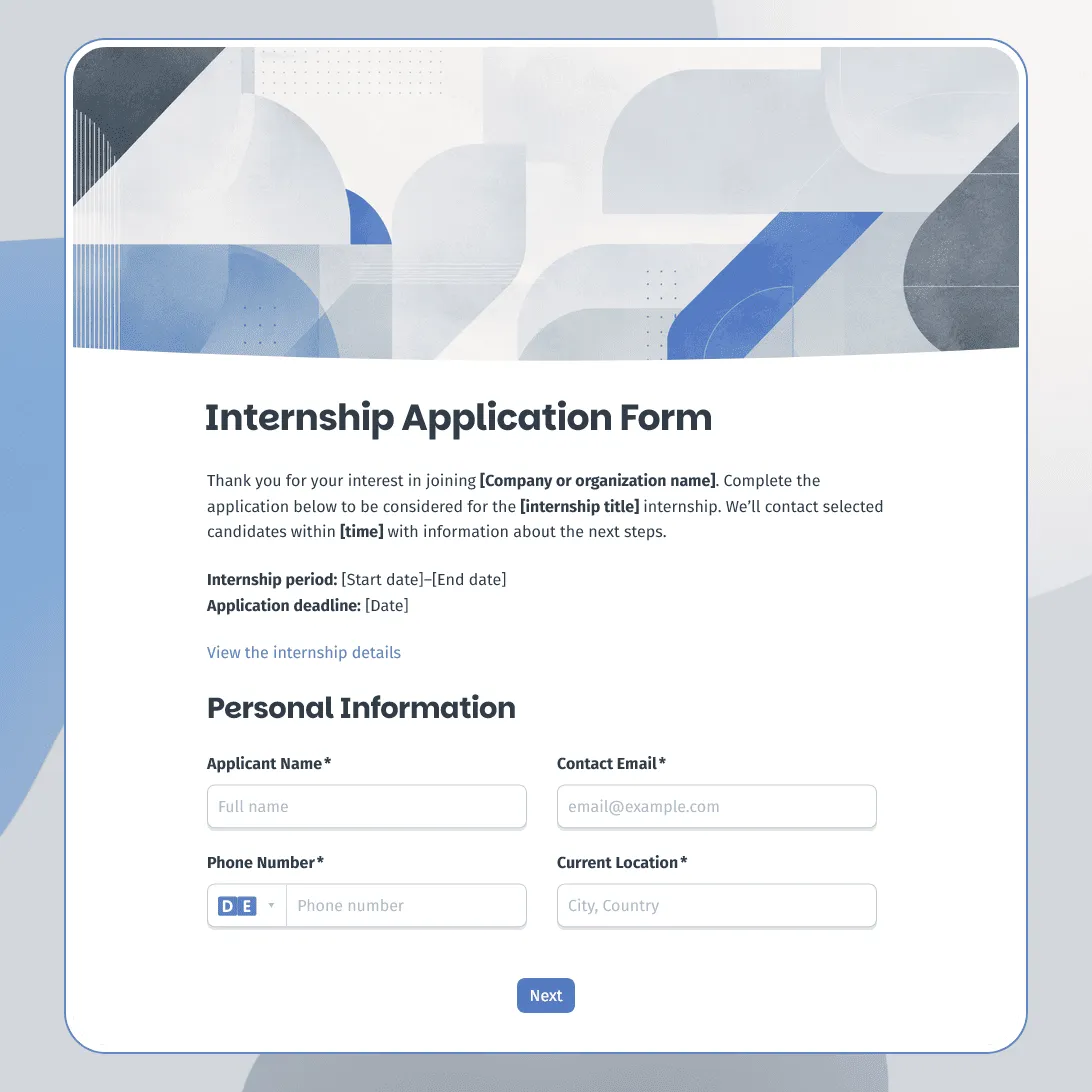
Internship Application Form Template
Free internship application form template for companies, nonprofits, schools, and startups. Fully customizable.
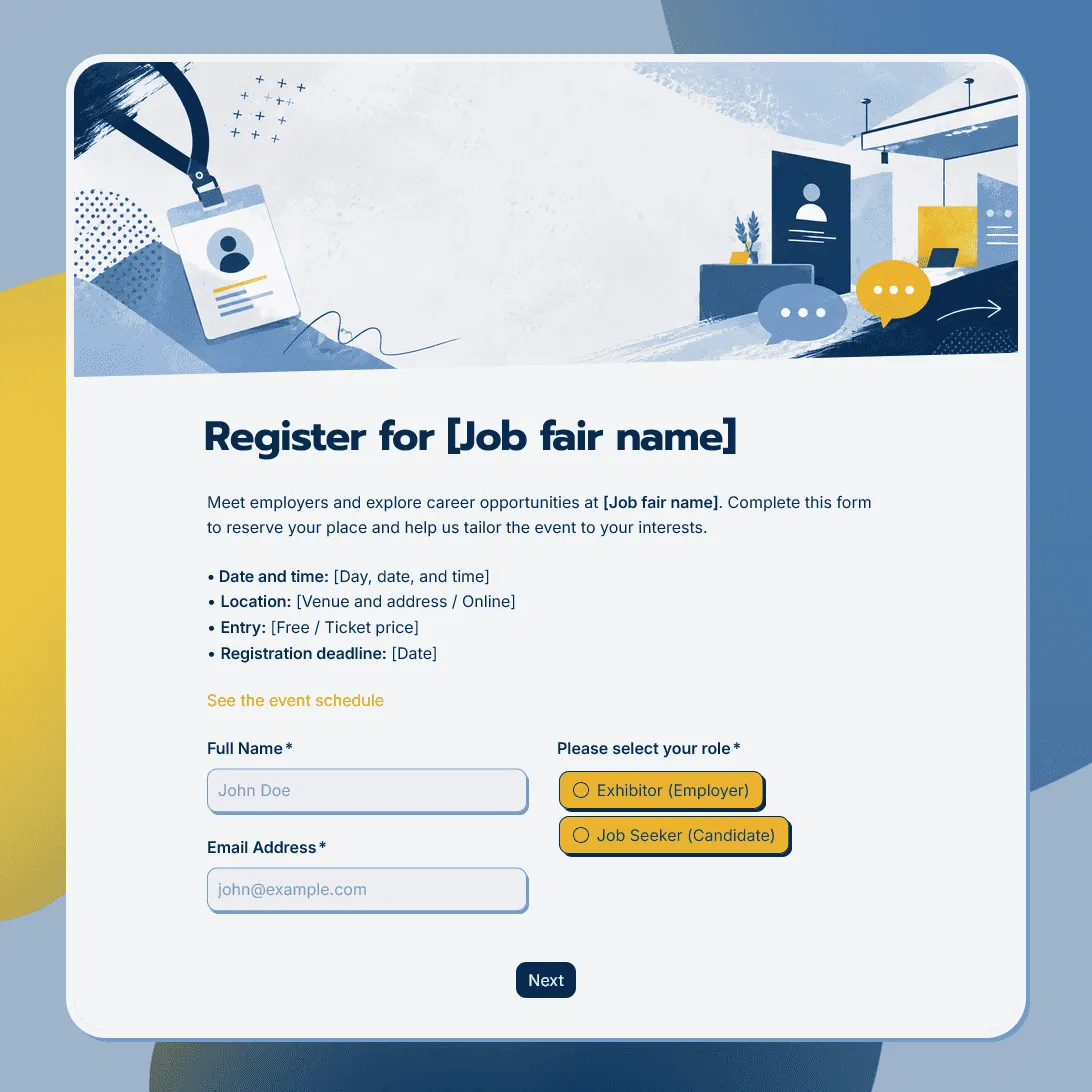
Job Fair Registration Form Template
Use this free job fair registration form template for career fairs and hiring events. Register employers, candidates, event attendees and more.