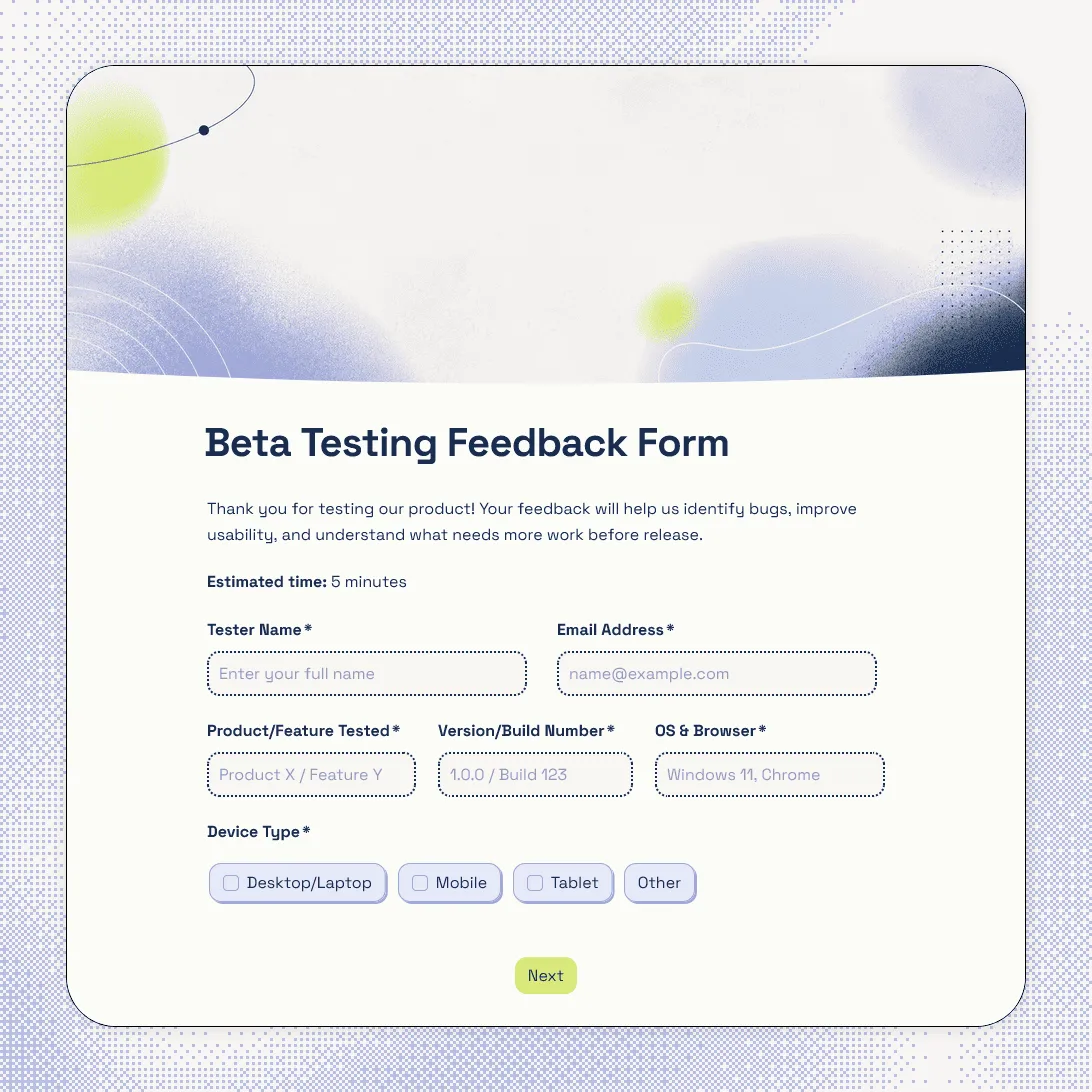
Beta Testing Feedback Form Template
Free beta testing feedback form template for collecting bug reports, usability feedback, screenshots, tester details, and device info.
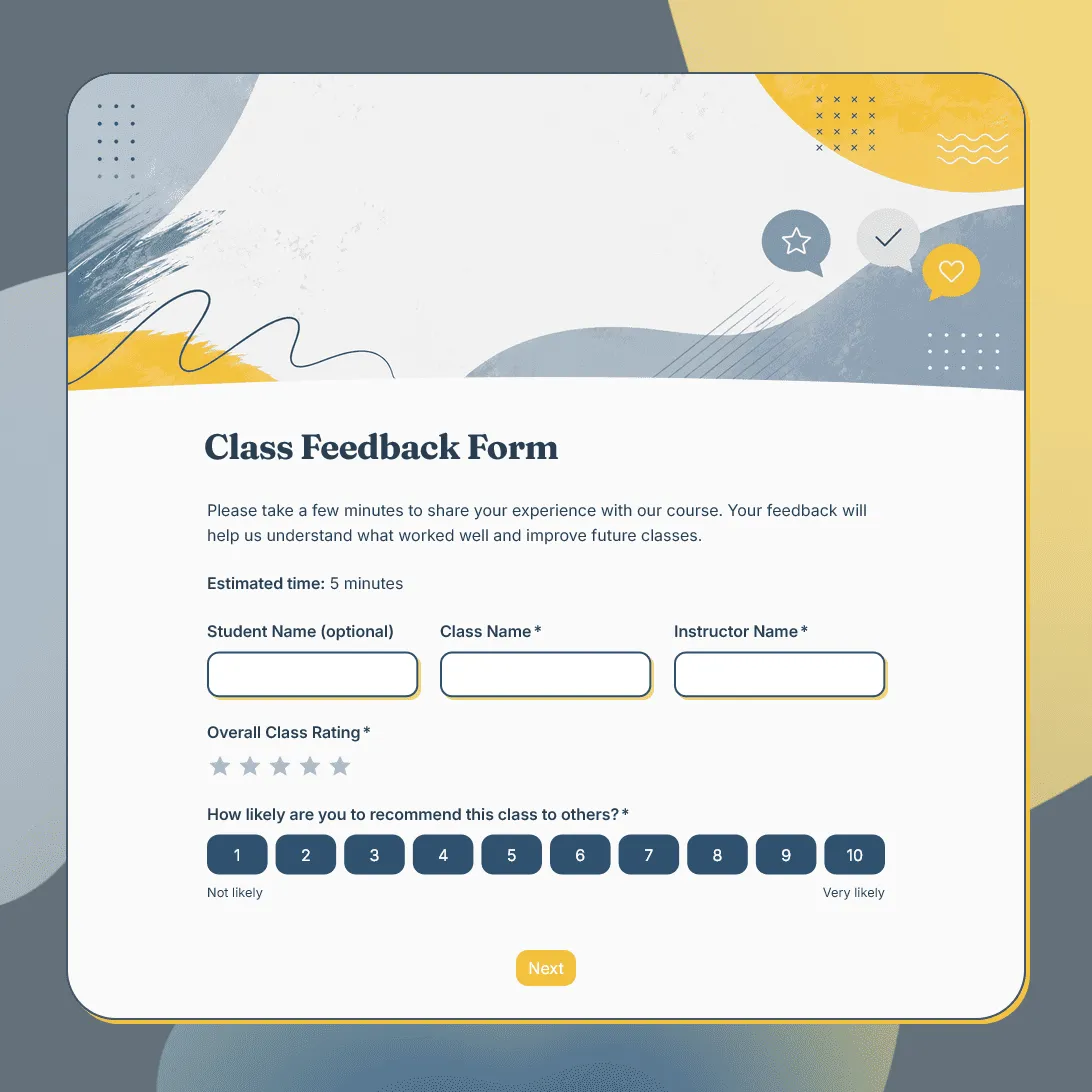
Class Feedback Form Template
Free class feedback form template for collecting student feedback after lessons, workshops, training sessions, and online or in-person classes.
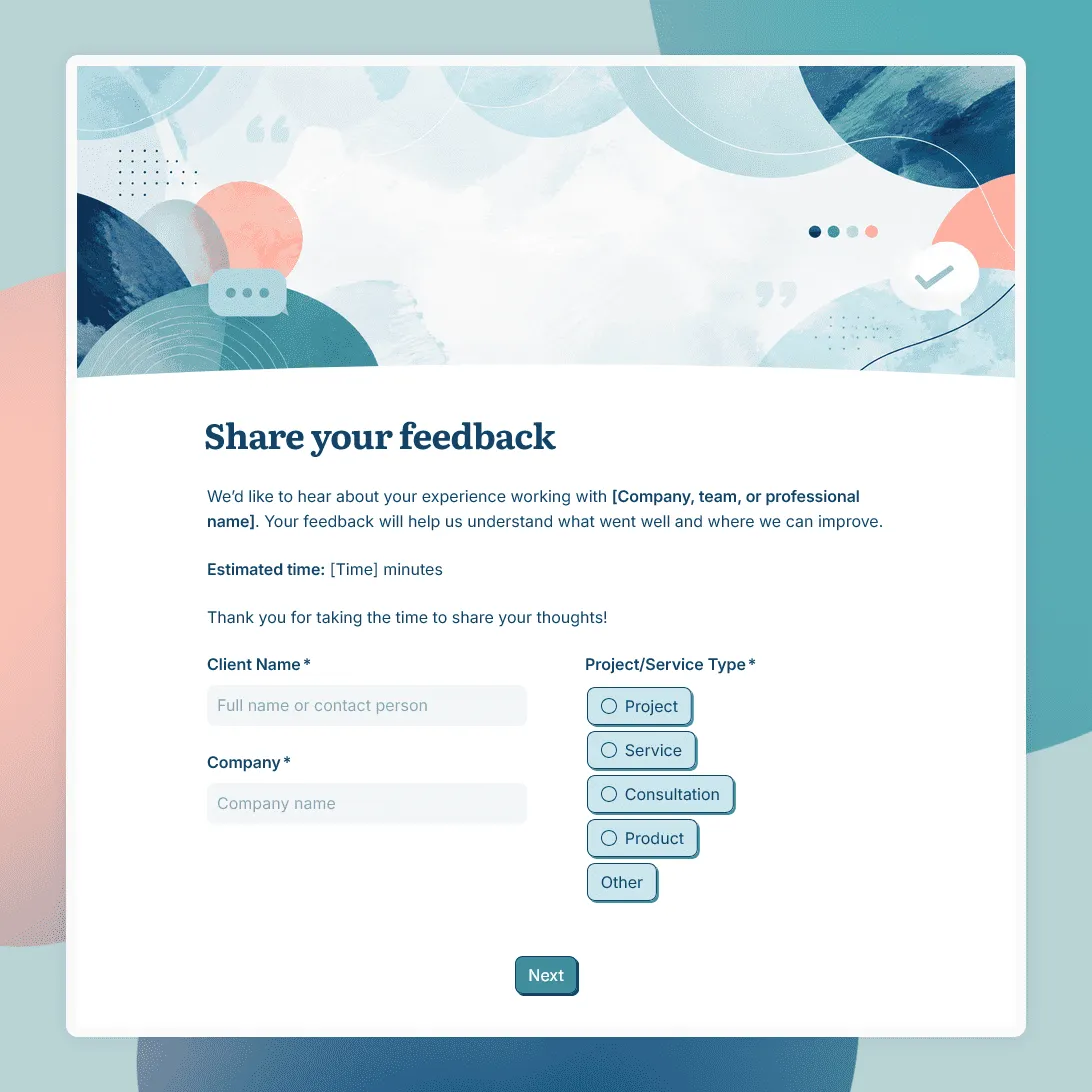
Client Feedback Form Template
Free client feedback form template for agencies, consultants, freelancers, and service businesses to collect post-project feedback, testimonials, and renewal signals.
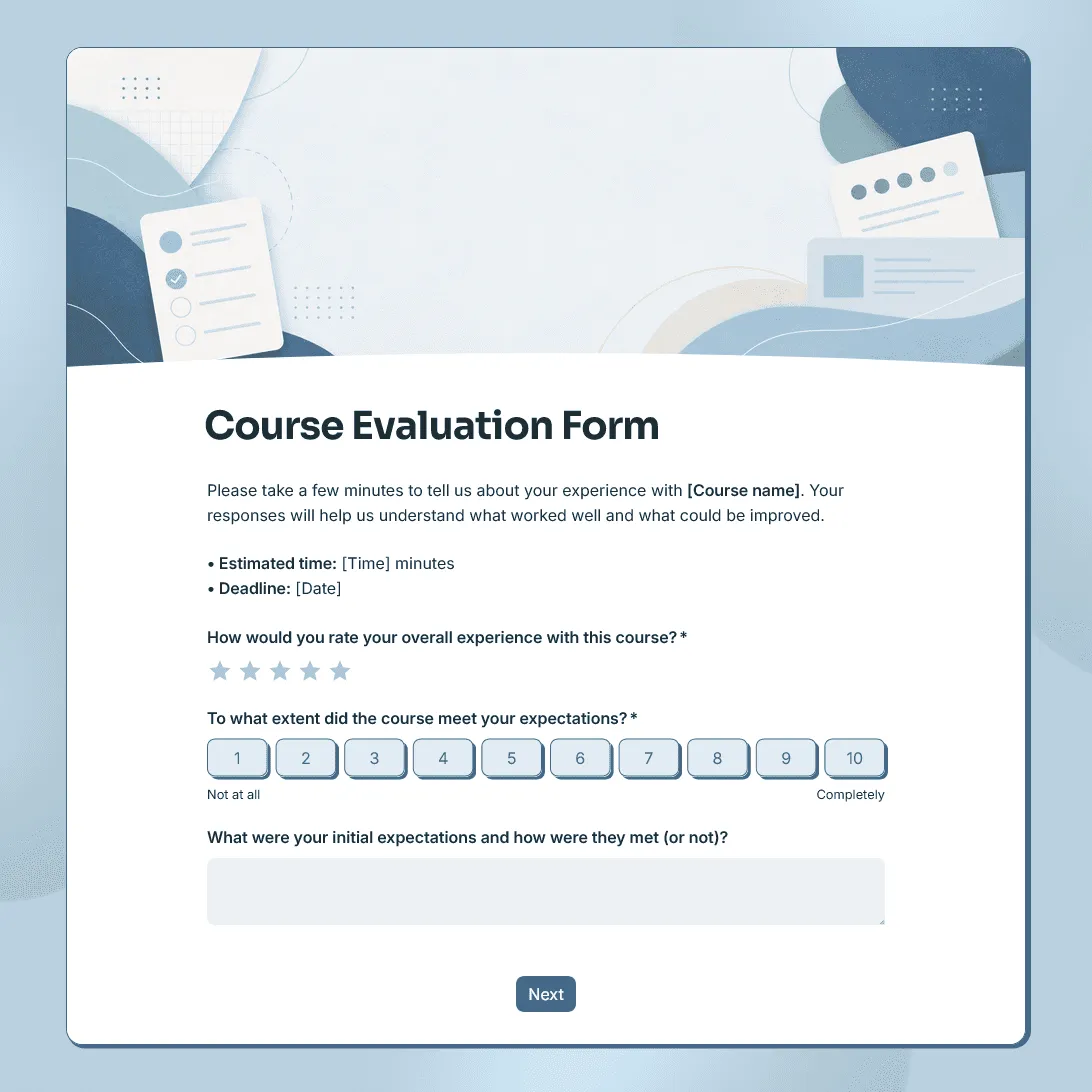
Course Evaluation Form Template
Free course evaluation form template for collecting student feedback after a class, course, workshop, or training program.
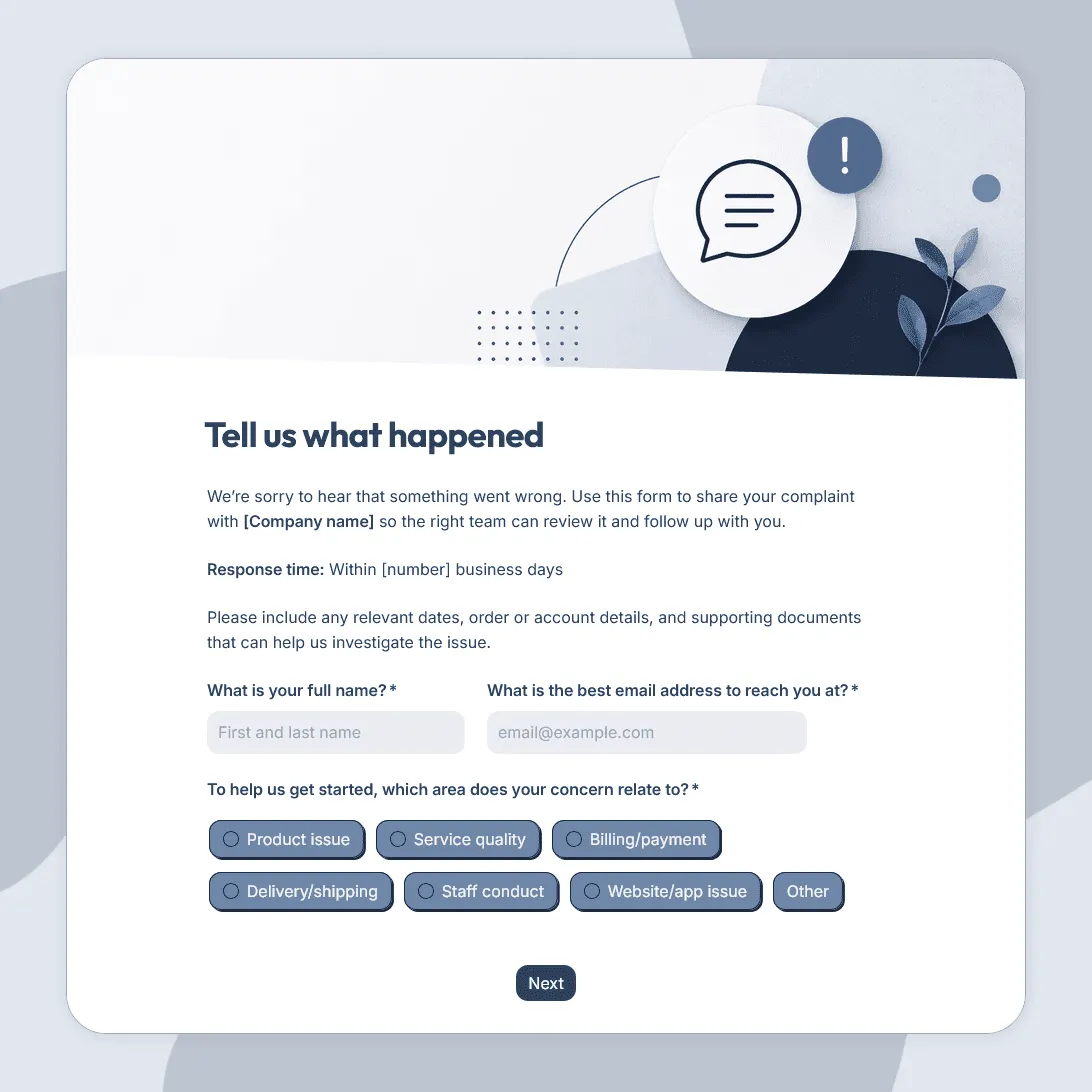
Customer Complaint Form Template
Free customer complaint form template for collecting complaints, understanding what went wrong, and following up with customers.
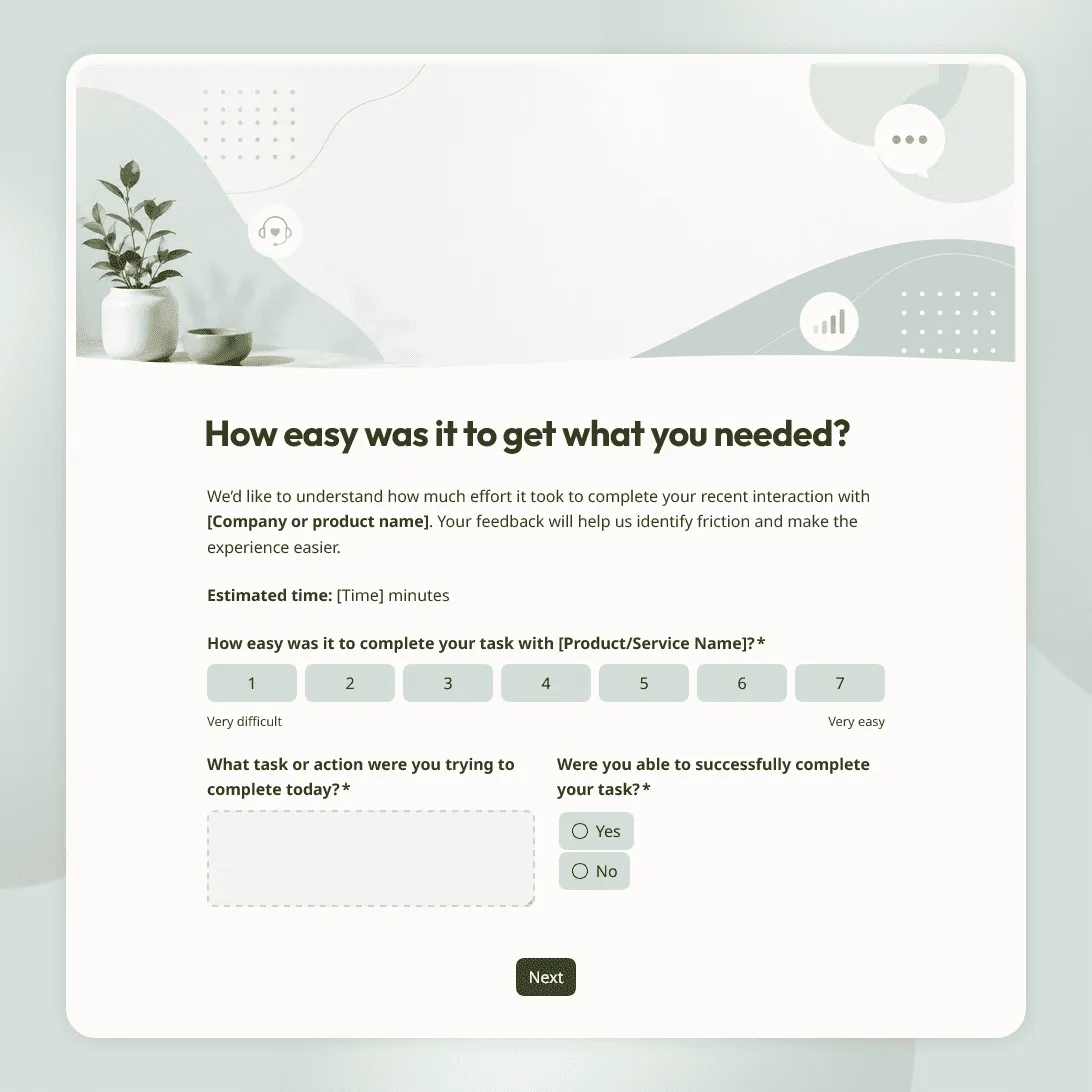
Customer Effort Score Survey Template
Free customer effort score survey template for measuring how easy it was for customers to get help, complete a task, or resolve an issue.
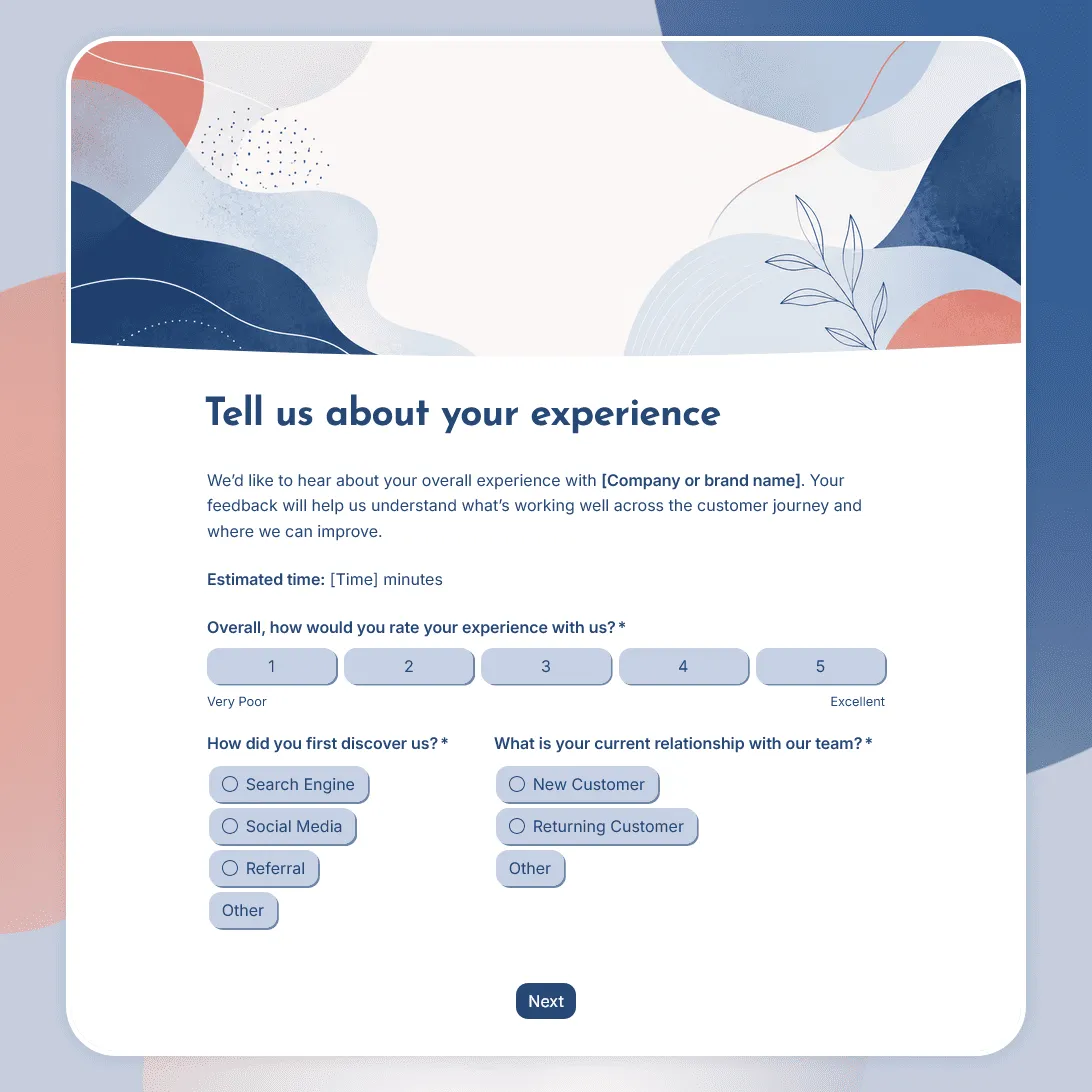
Customer Experience Survey Template
Free customer experience survey template for understanding the customer journey, including first impressions, onboarding, support, value, friction, and loyalty.
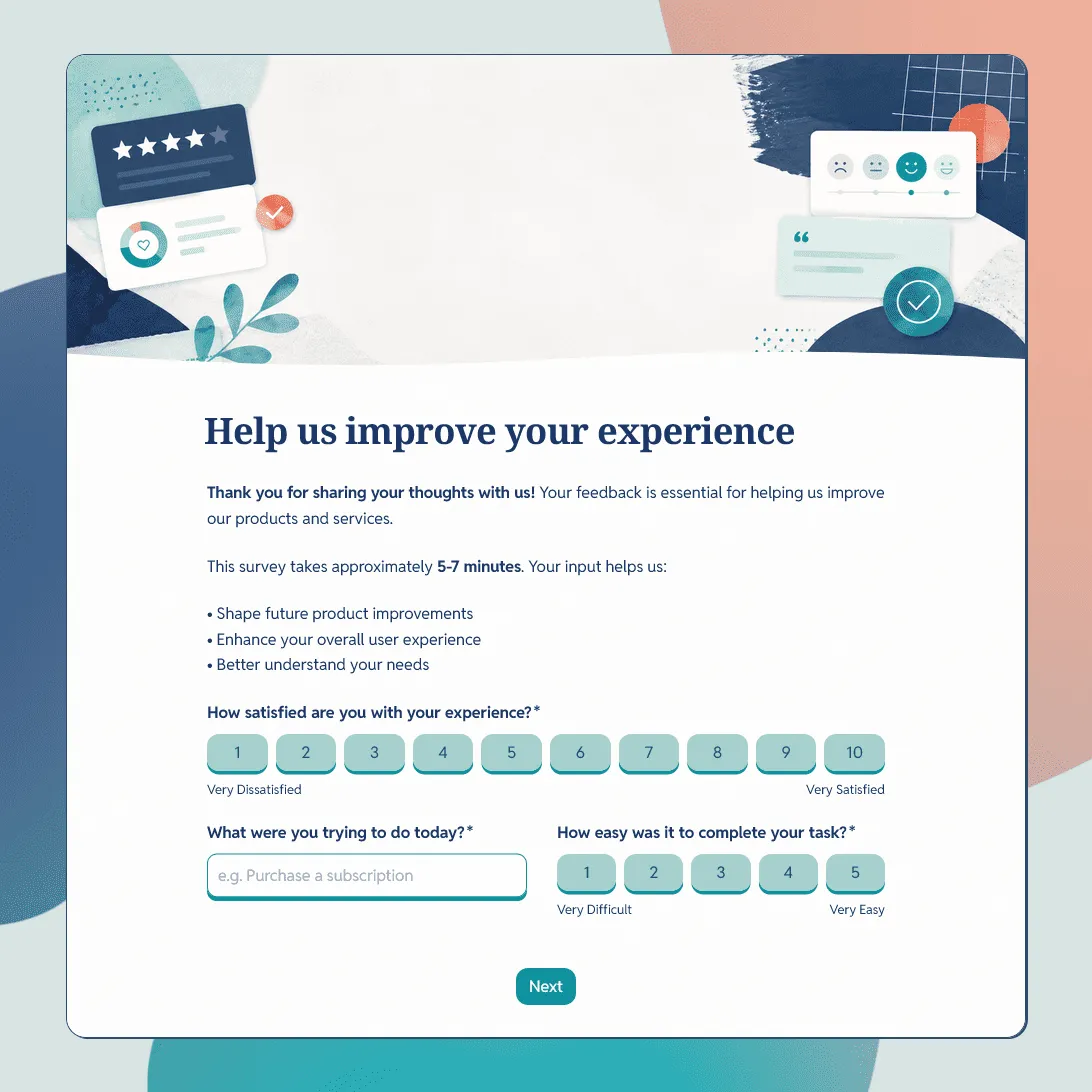
Customer Feedback Form Template
Use this free customer feedback form template to collect ratings, comments, suggestions, NPS, contact details, and follow-up consent.
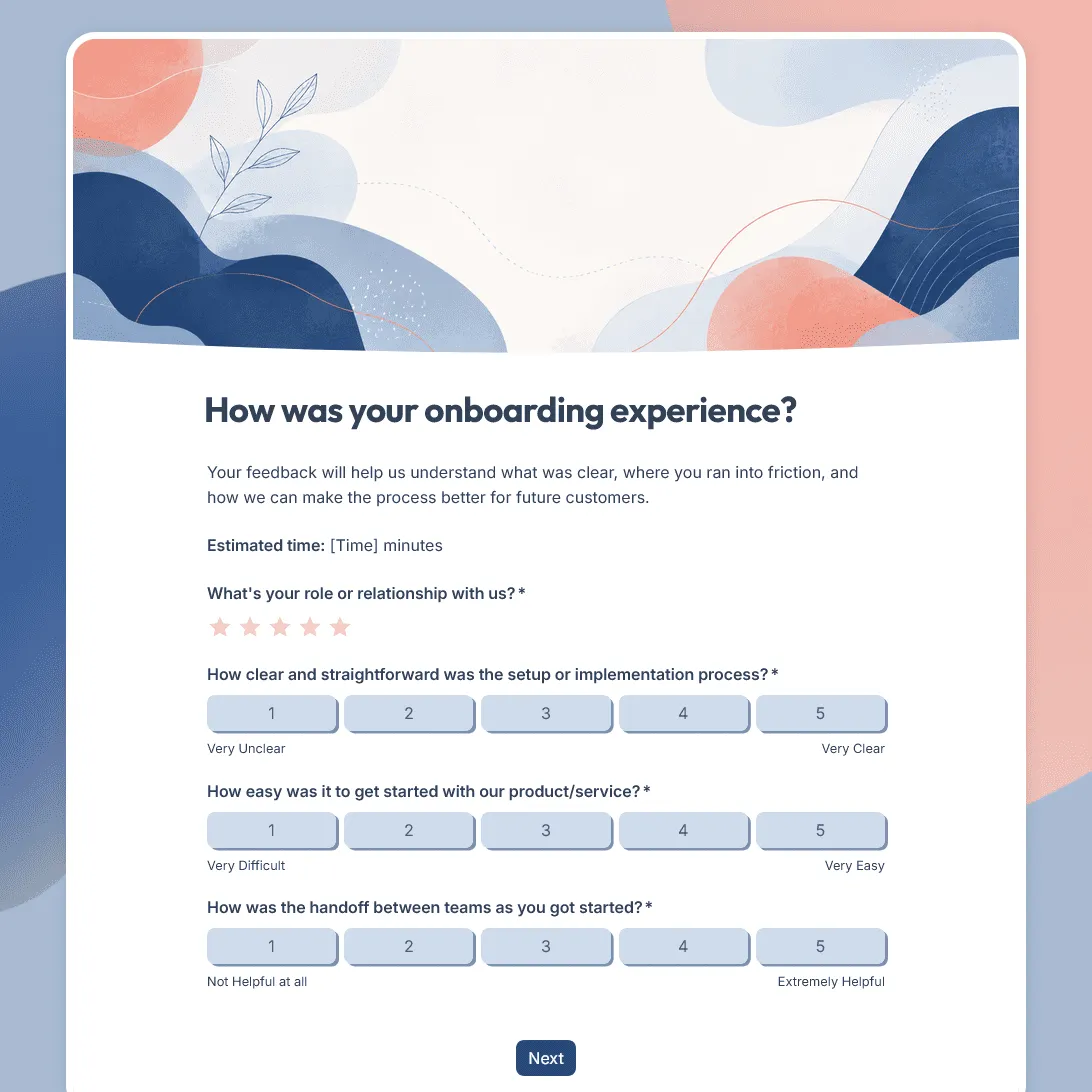
Customer Onboarding Feedback Survey Template
Use this free customer onboarding feedback survey template to uncover friction and improve the onboarding experience.
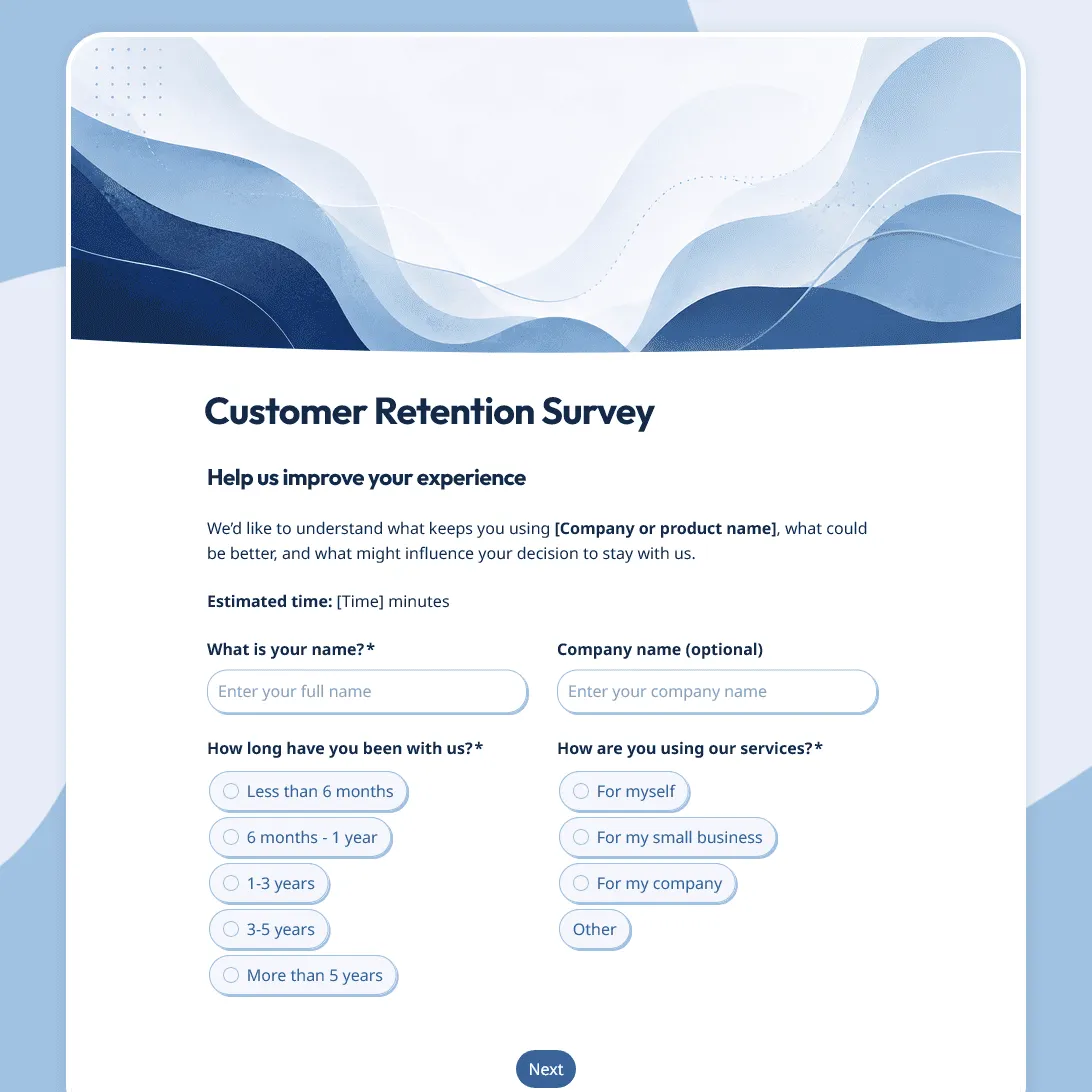
Customer Retention Survey Template
Free customer retention survey template for understanding why customers stay and what puts them at risk.
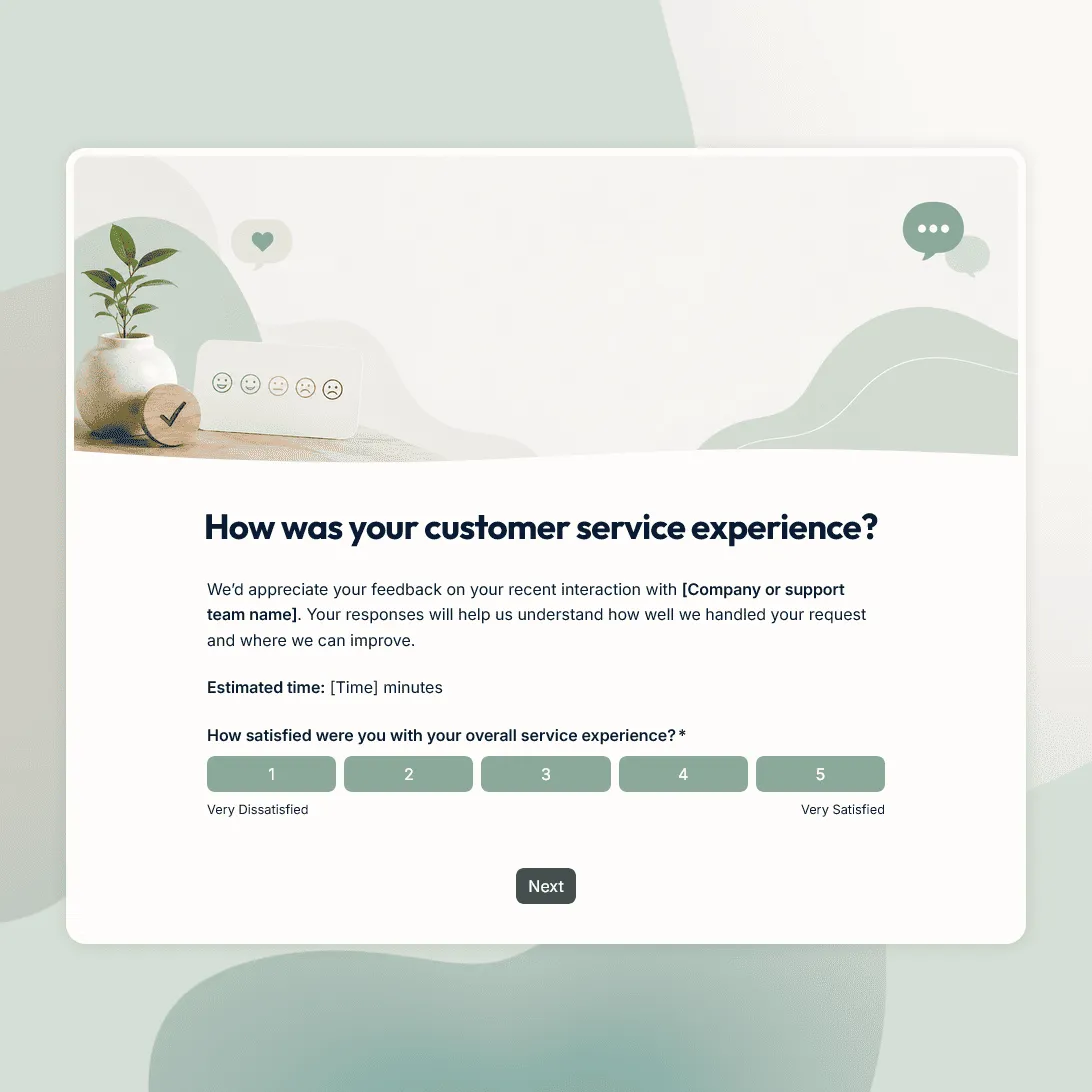
Customer Service Survey Template
Free customer service survey template for measuring support quality, response time, issue resolution, and customer satisfaction.
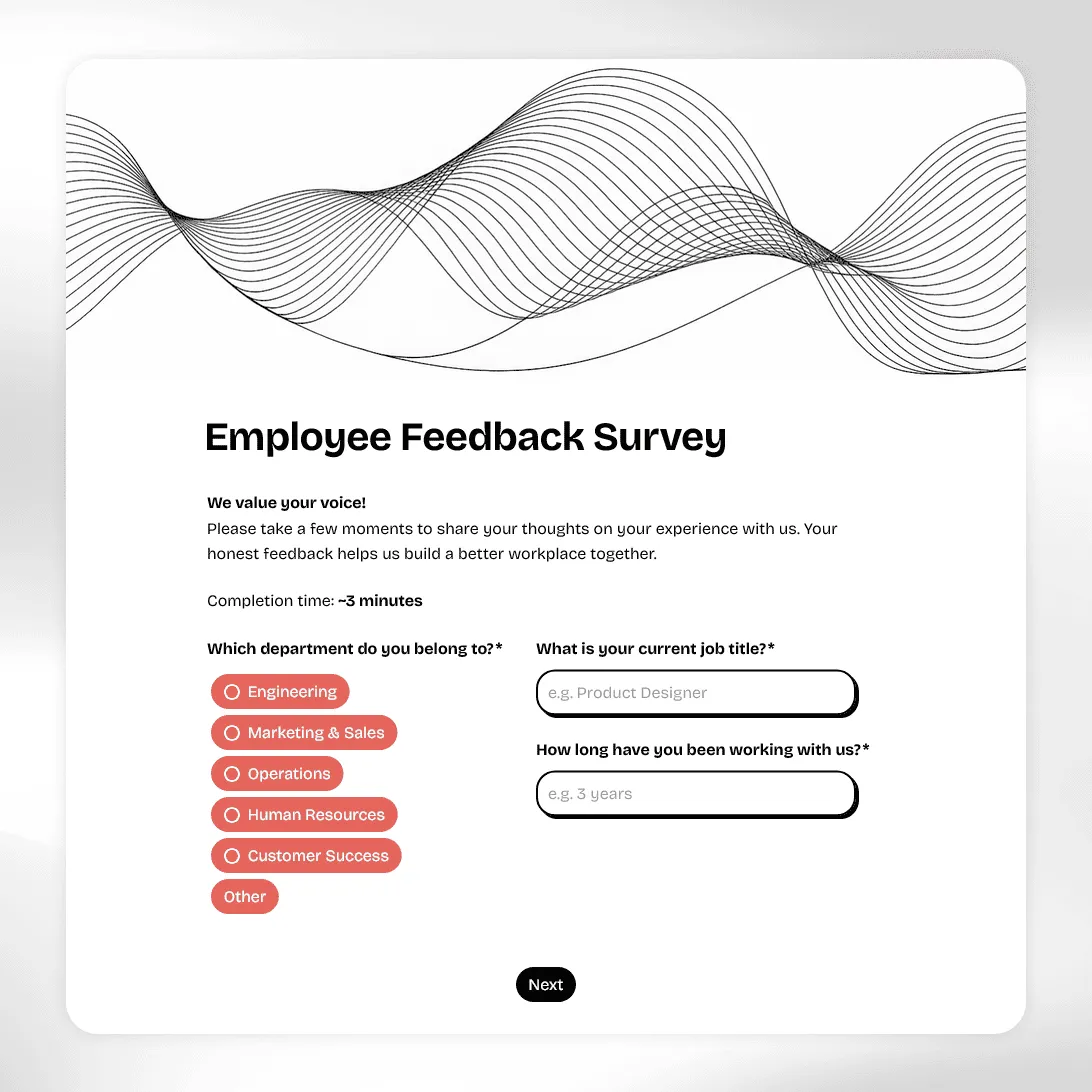
Employee Feedback Survey Template
Free employee feedback survey template for measuring engagement, culture, and team morale. Collect anonymous insights and act on what actually matters.
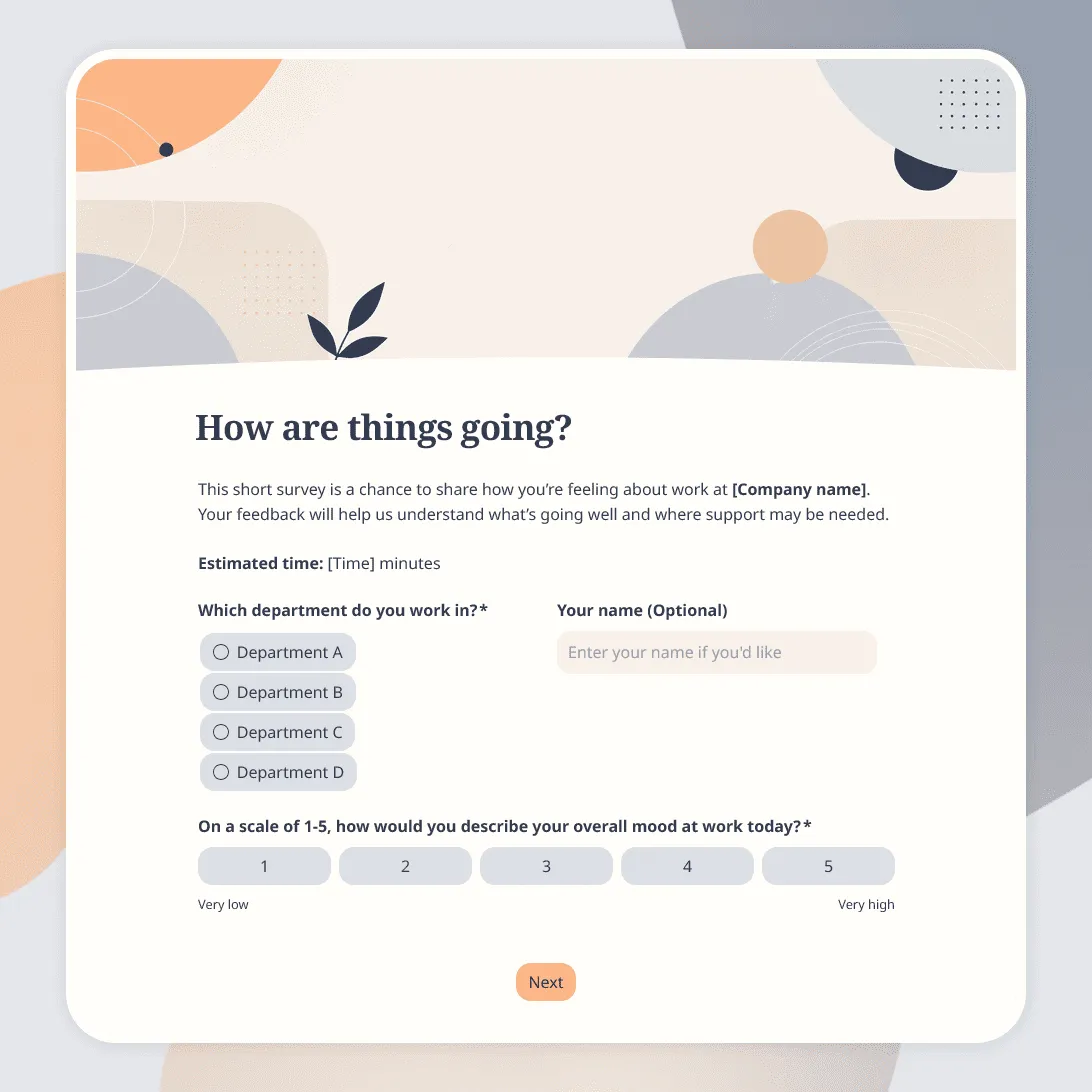
Employee Pulse Survey Template
Free employee pulse survey template for quick team check-ins on workload, morale, communication, manager support, and more.
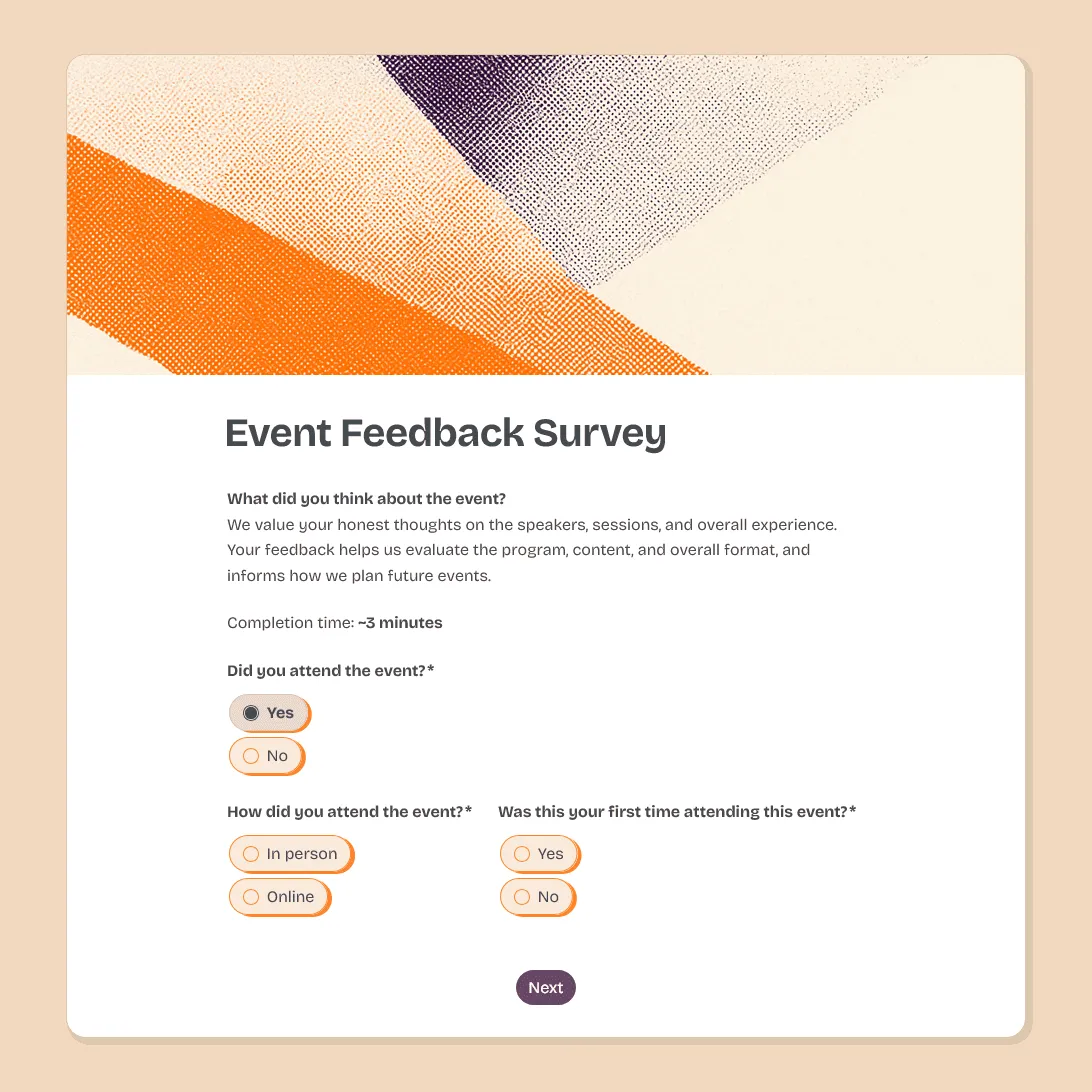
Event Feedback Survey Template
Free event feedback survey template for post-event feedback on satisfaction, sessions, speakers, logistics, venue, and future event ideas.
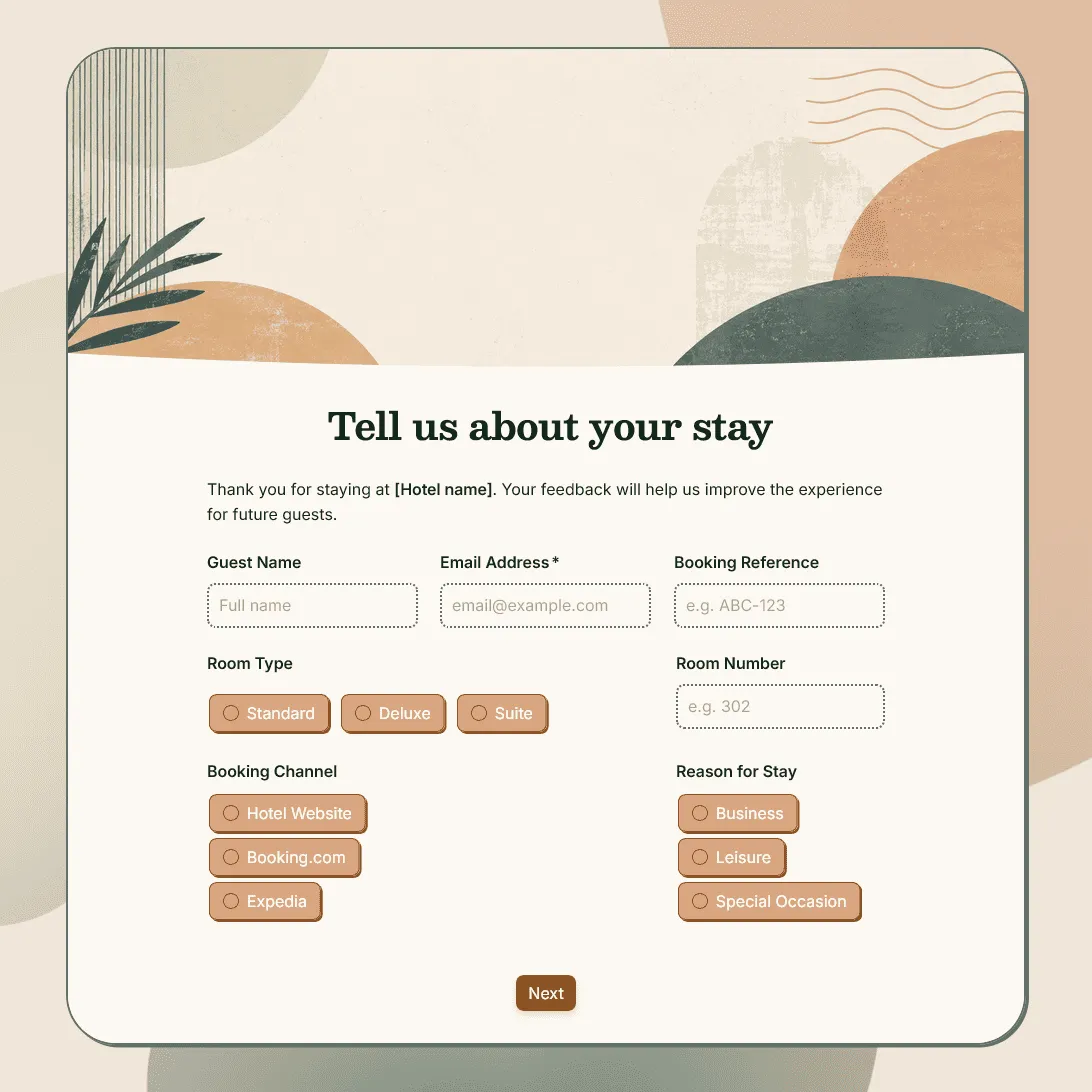
Hotel Feedback Form Template
Free hotel feedback form template for collecting guest feedback after stays, bookings, events, and hospitality experiences.
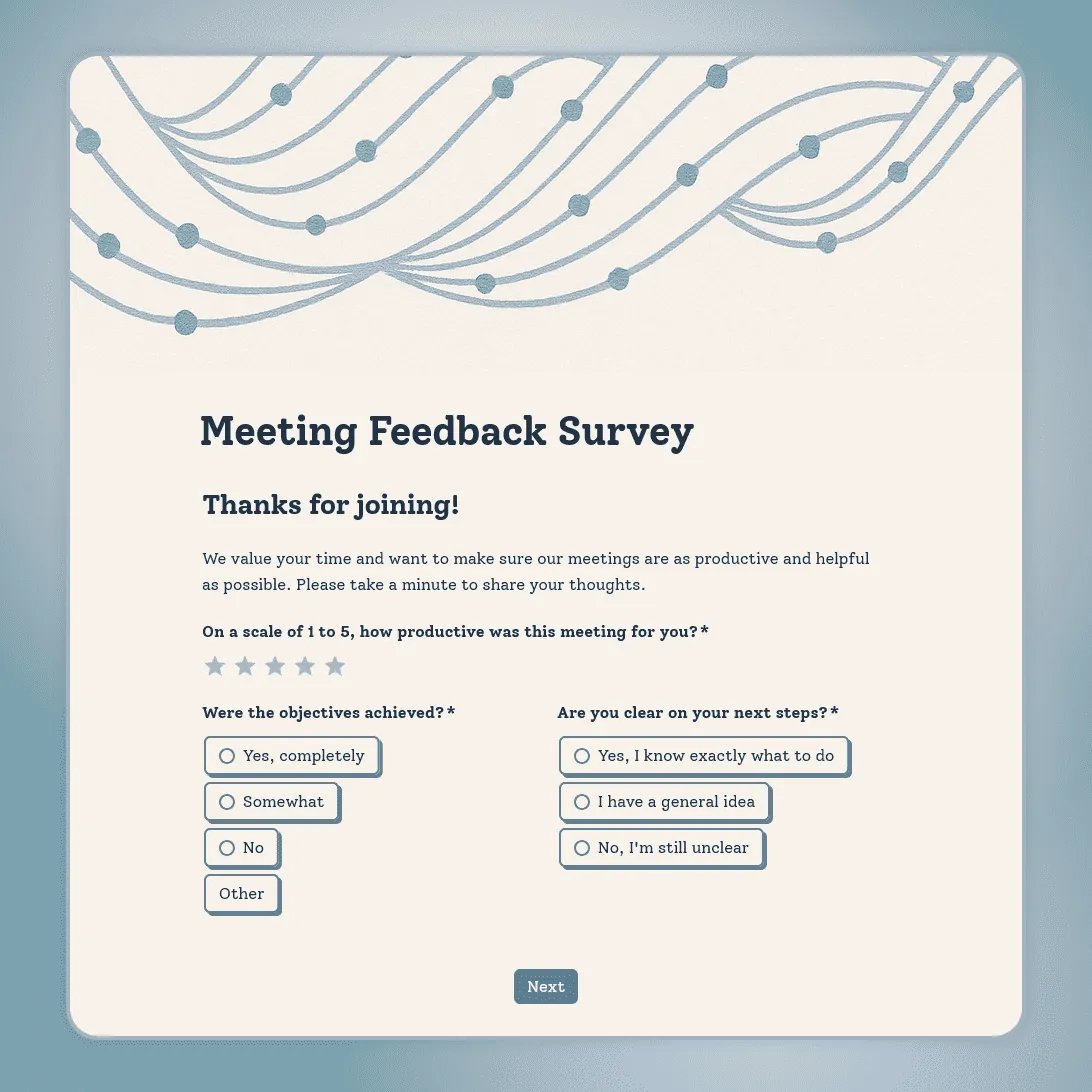
Meeting Feedback Survey Template
Free meeting feedback survey template for quick post-meeting feedback on clarity, focus, participation, next steps, and time well spent.
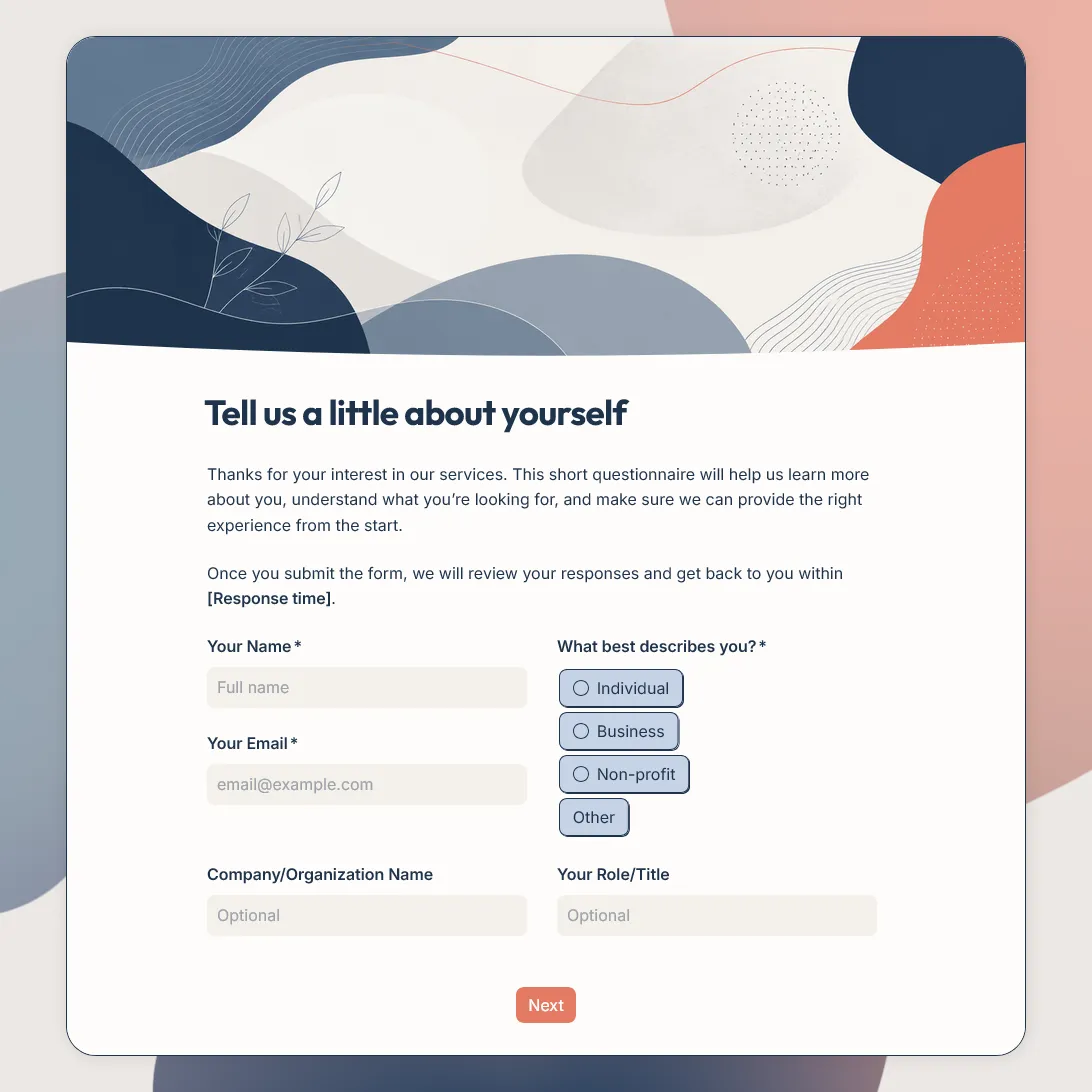
New Customer Questionnaire Template
Free new customer questionnaire template for collecting customer details, needs, goals, preferences, and other details.
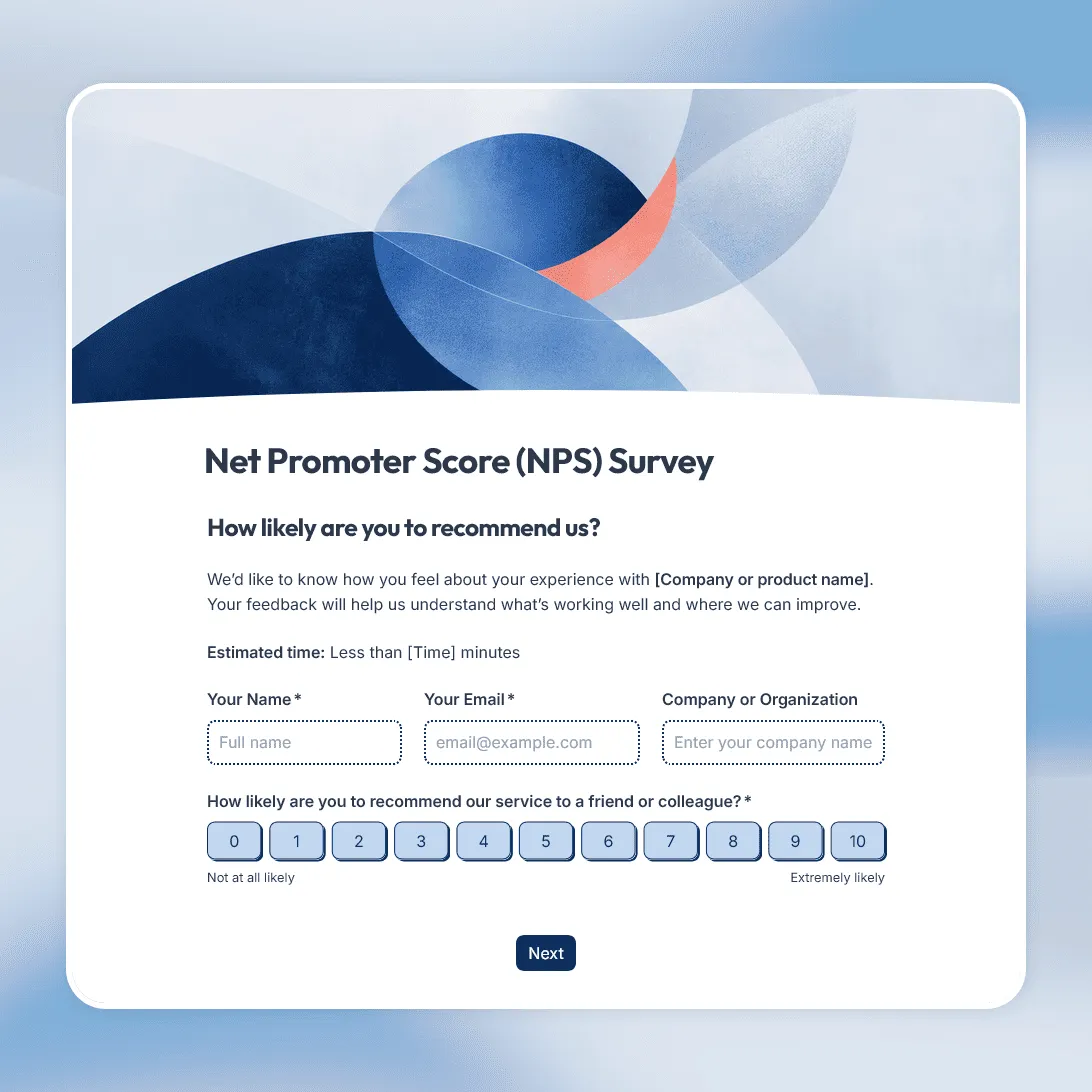
NPS Survey Template
Free NPS survey template for measuring customer loyalty and understanding what makes customers recommend.
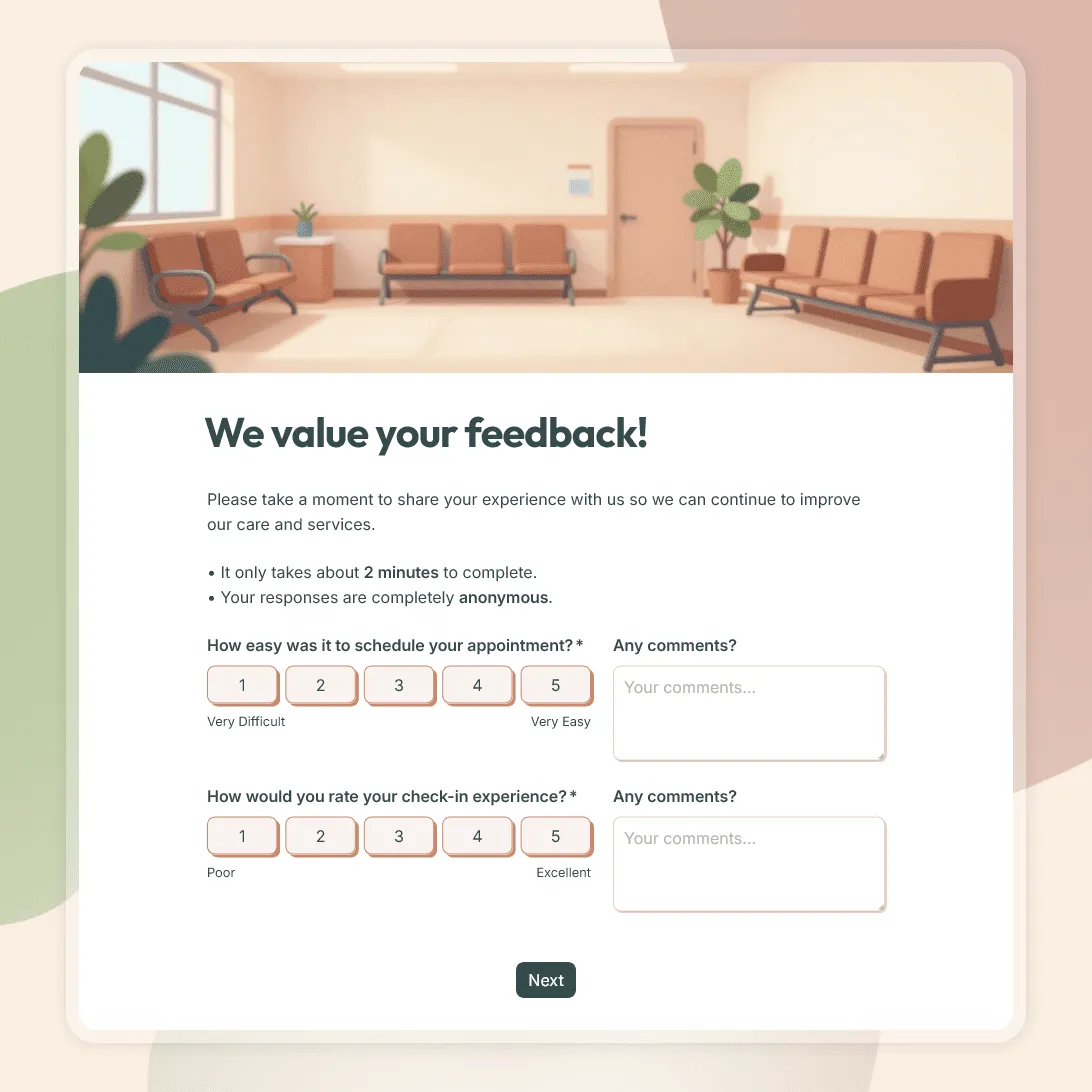
Patient Feedback Form Template
Use this free patient feedback form template to collect feedback on staff, communication, facilities, and overall patient experience.
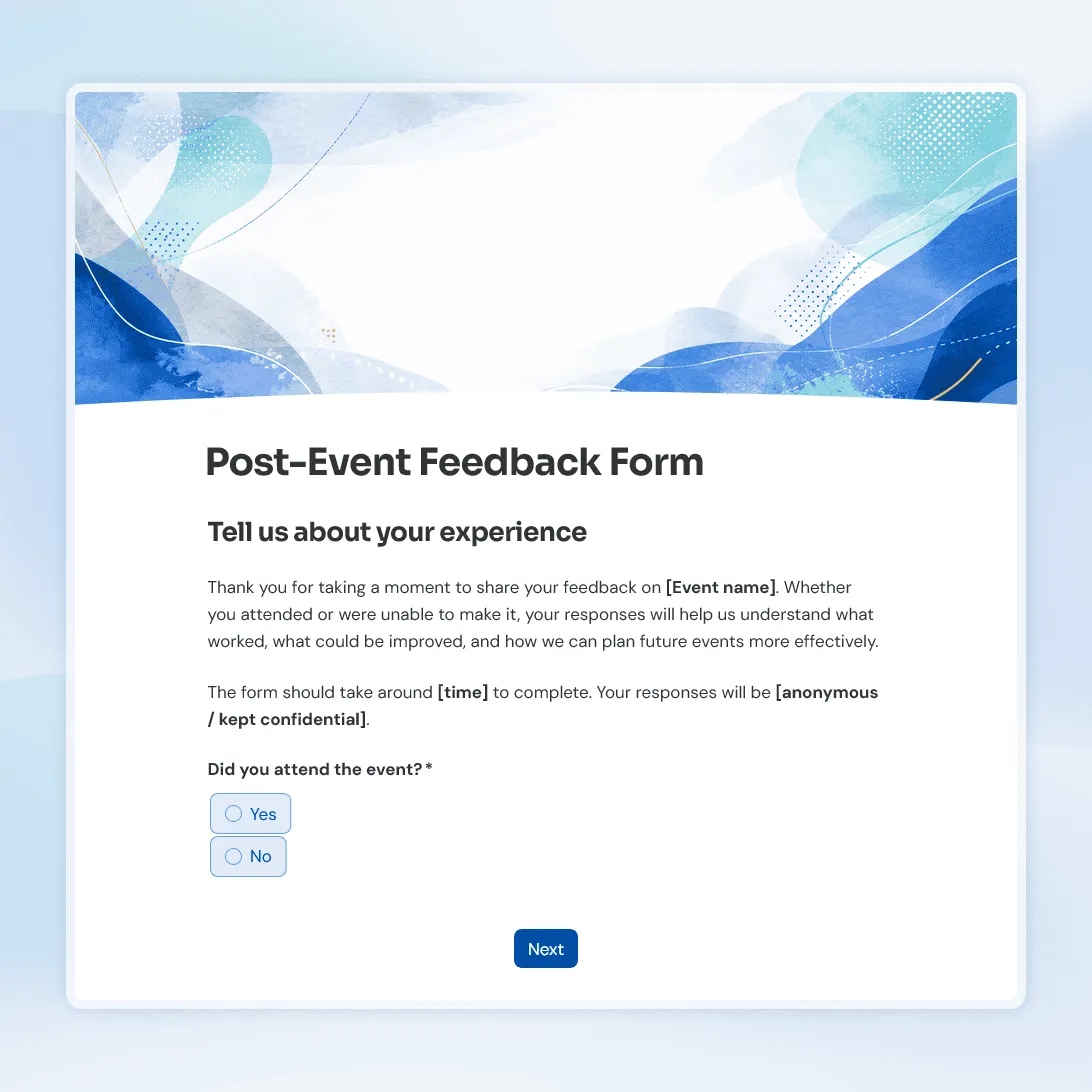
Post-Event Feedback Form Template
Free post-event feedback form template for collecting attendee feedback after workshops, conferences, fundraisers, meetups, and more.
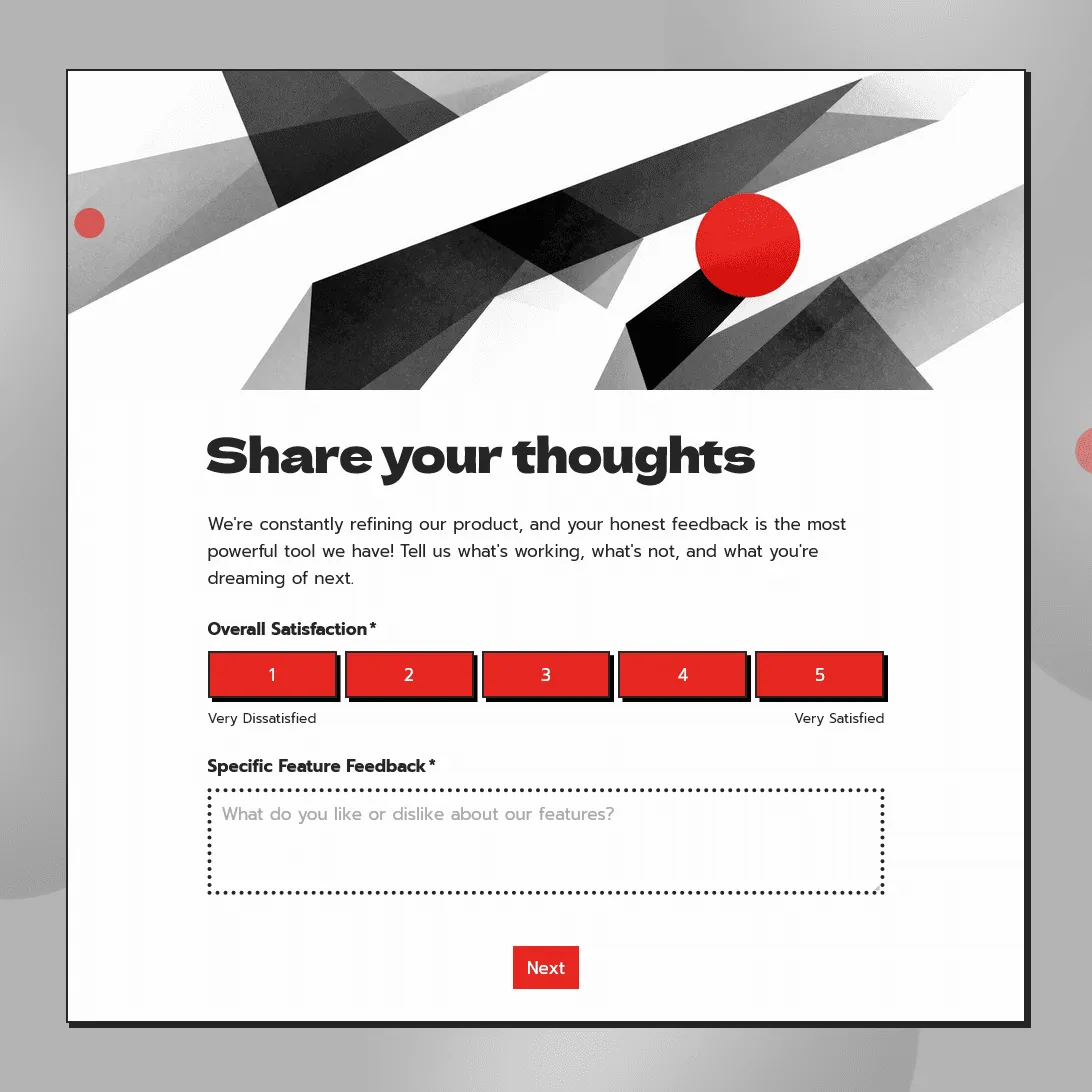
Product Feedback Form Template
Use this free product feedback form template to collect ratings, feature requests, bug reports, comments, screenshots, and follow-up details.
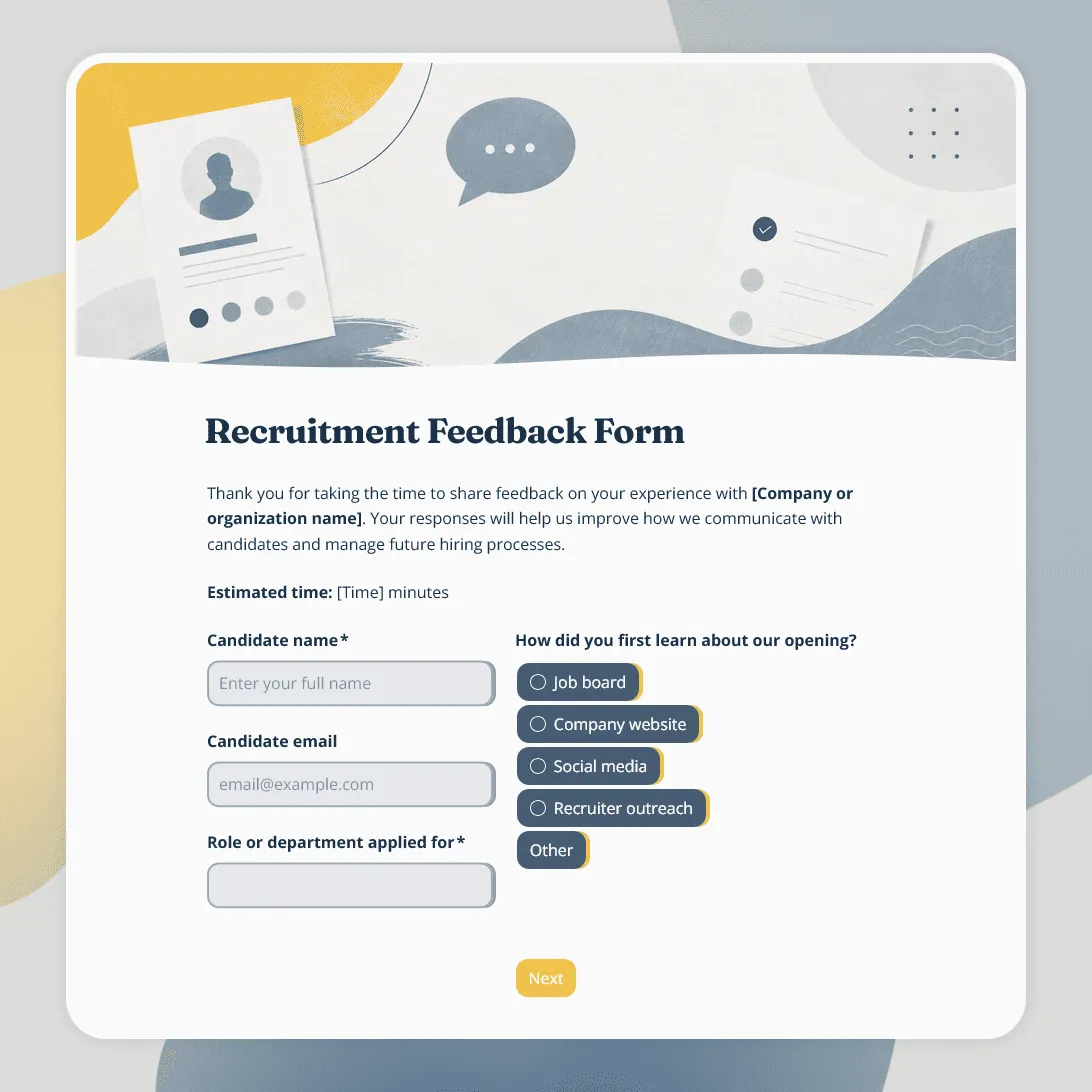
Recruitment Feedback Form Template
Free recruitment feedback form template for collecting candidate feedback after applications, interviews, and hiring events.
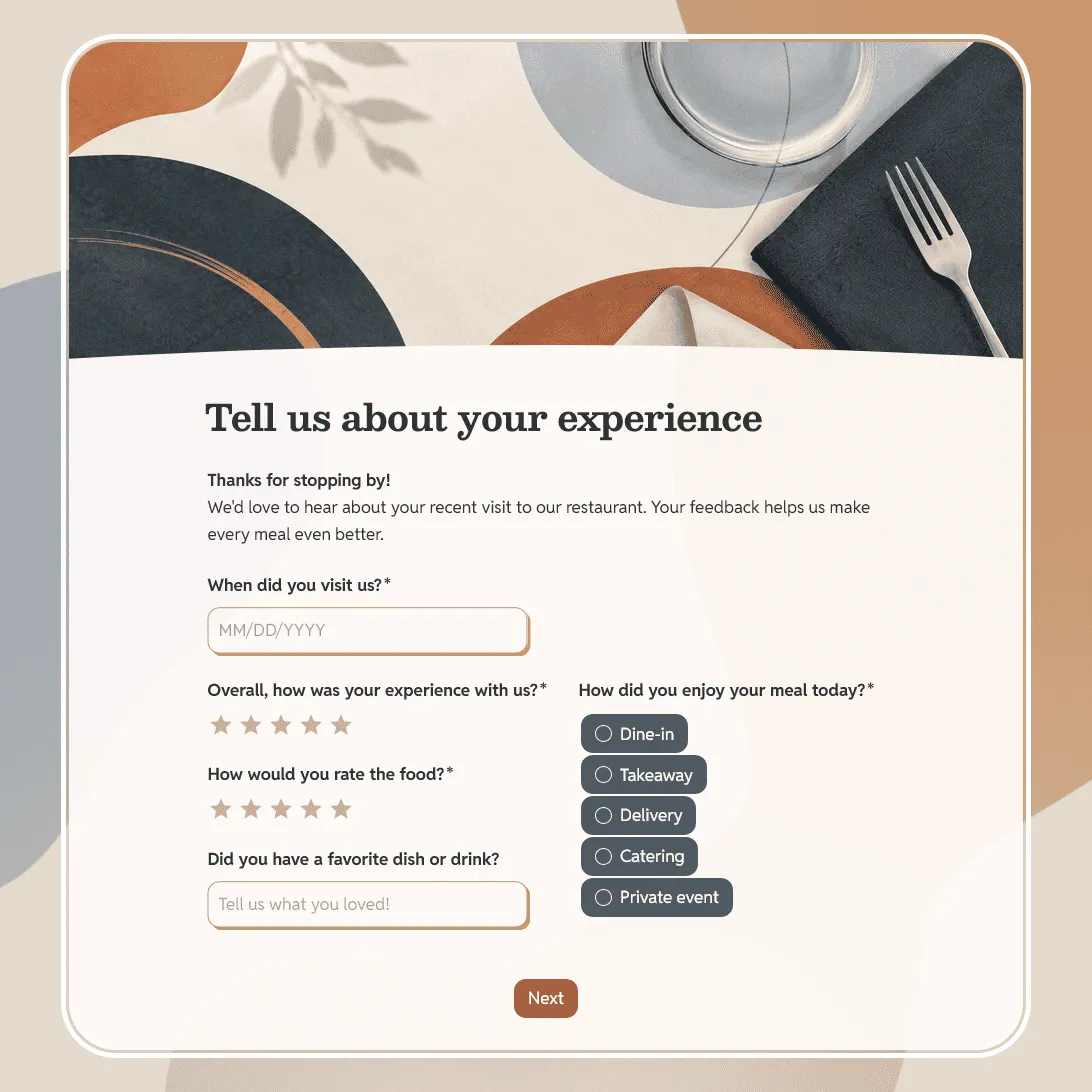
Restaurant Feedback Form Template
Free restaurant feedback form template for collecting guest feedback after dine-in meals, takeaway orders, catering, or private events.
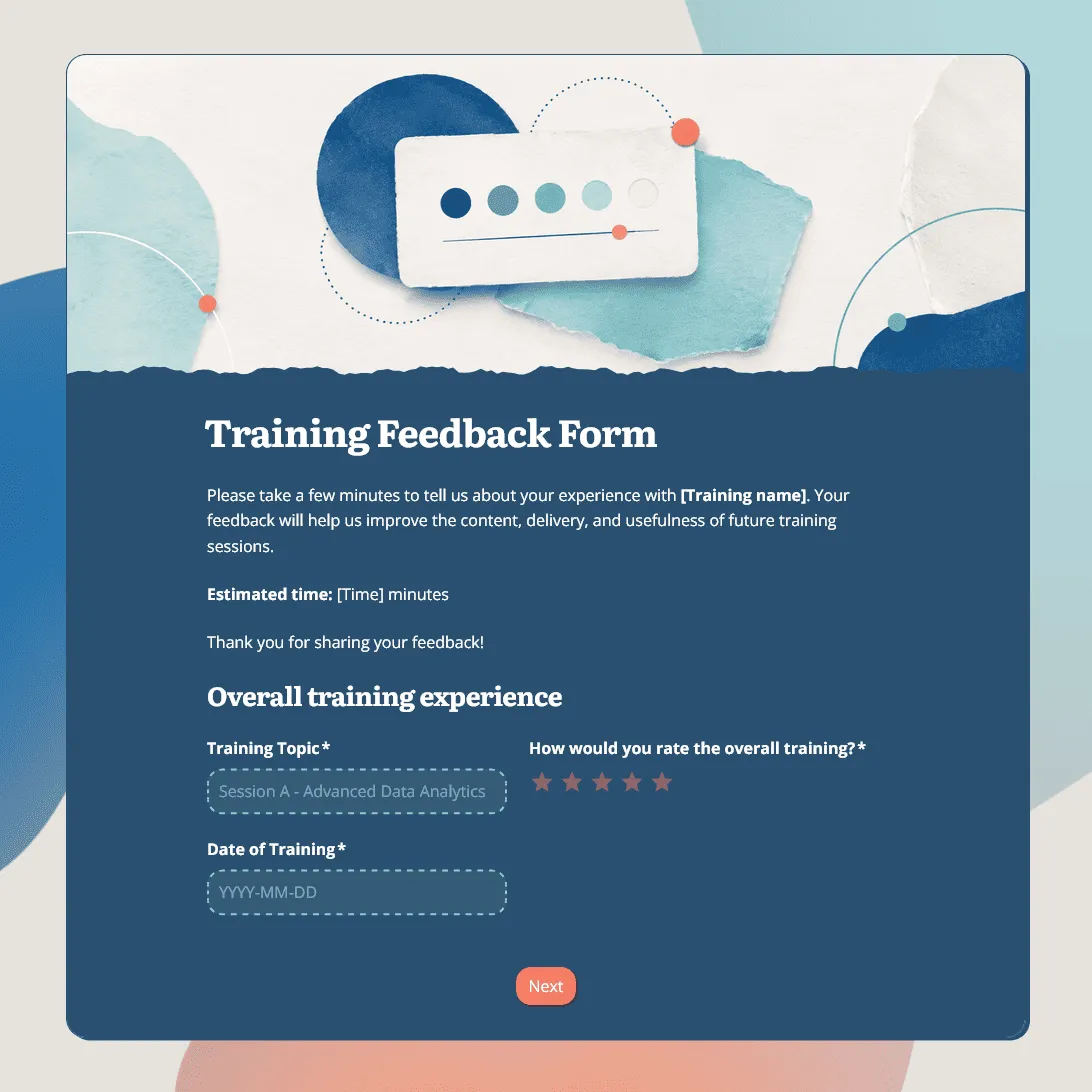
Training Feedback Form Template
Free training feedback form template for post-training evaluation, employee training feedback, trainer reviews, and learning follow-up.
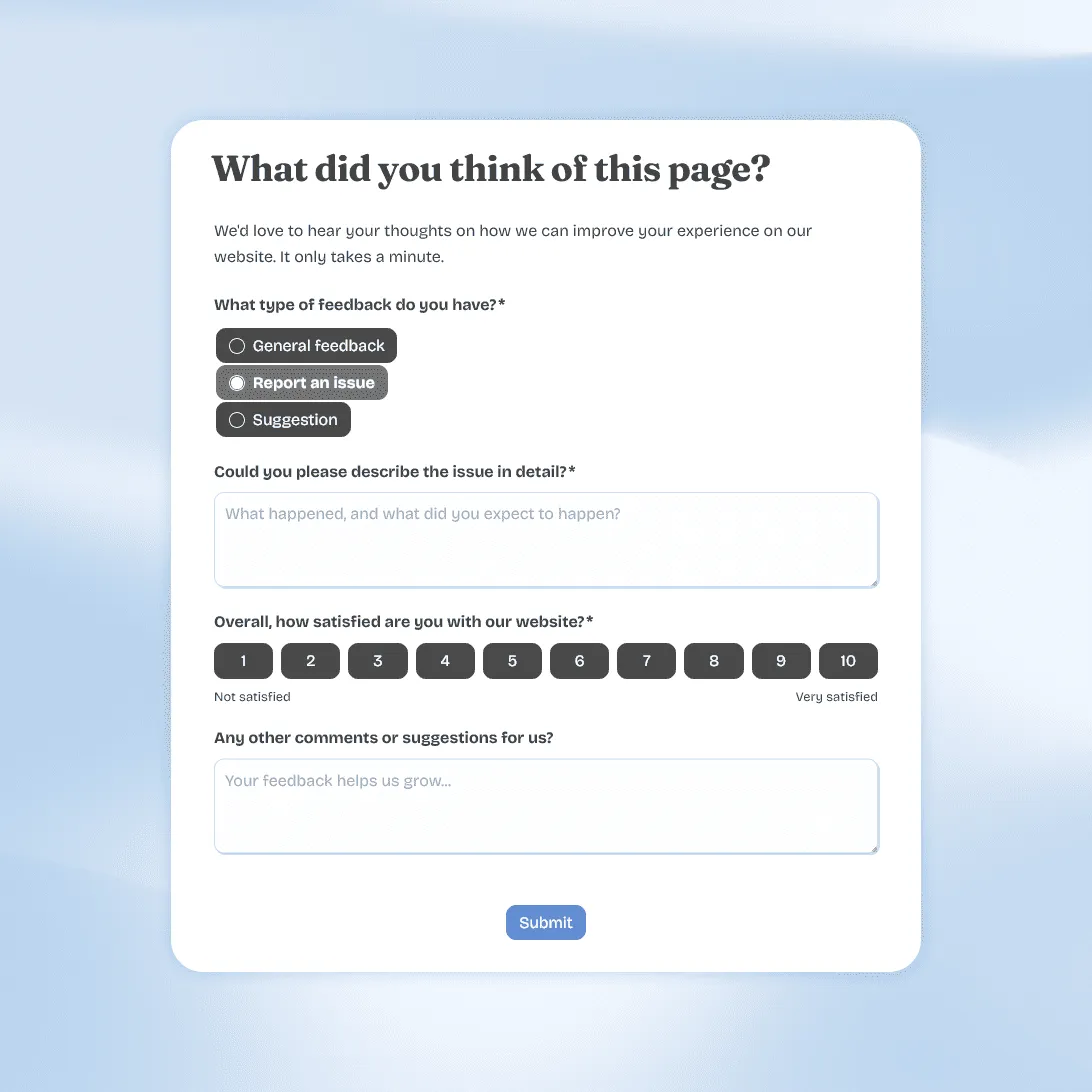
Website Feedback Form Template
Use this free website feedback form template to collect visitor feedback, UX issues, bug reports, and suggestions directly on your site.
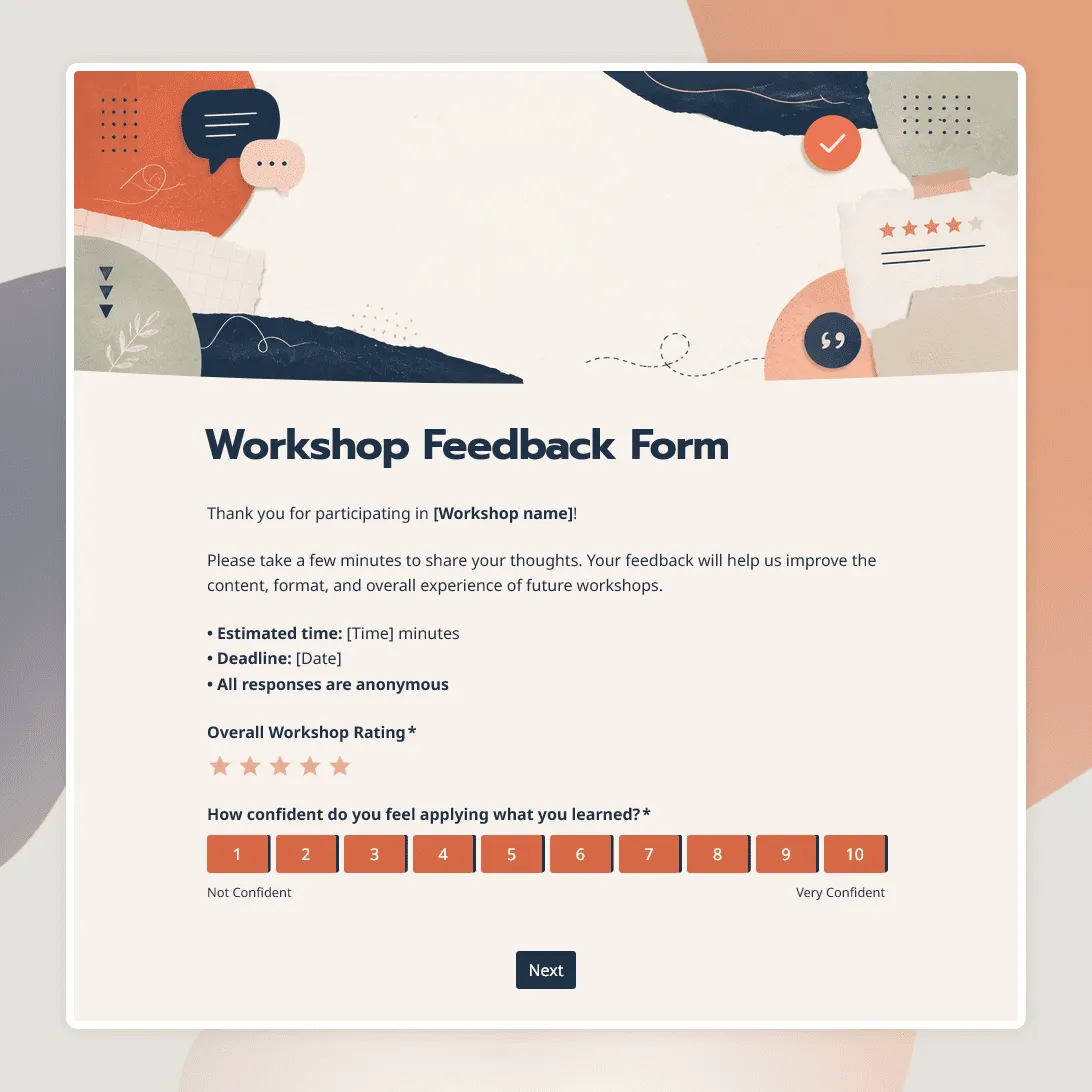
Workshop Feedback Form Template
Free workshop feedback form template for collecting participant feedback on content, activities, materials, and learning outcomes.
About feedback surveys
A feedback survey collects opinions and experiences from a specific group of people after a specific event or period of time. Unlike satisfaction surveys that focus on numeric scores, feedback surveys often blend rating questions with open-ended ones. The goal being to understand not just how people felt, but what they would change.
Feedback surveys are one of the most commonly used tools in organizations of all sizes, from scrappy startups running quarterly team check-ins to large companies conducting annual employee engagement programs.
When should you use a feedback survey?
Feedback surveys work best when you have a clear question you want answered. Some of the most common use cases include:
- After a meeting or workshop: Did people find this useful? Was the time well spent? Would they attend again?
- After a training session or course: Was the content relevant? Was the format clear? What would they change?
- After an event: What did attendees enjoy? What fell flat? What should be different next year?
- On a regular employee pulse cadence: How is morale right now? Do people feel heard? Is anything blocking them?
- At the end of a project: What worked in the team dynamic? Where did communication break down?
The most important factor is timing. Send the survey while the experience is still fresh, usually within 24 to 48 hours.
What makes a feedback survey question good?
Bad feedback survey questions get vague answers. Good ones get specific, useful insights. A few principles that actually help:
Ask about one thing at a time.
“How do you feel about the pace and content of the training?” is two questions rolled into one. Split it. Someone might love the content but hate how rushed it felt.
Avoid leading questions.
“Would you say our team events are a great use of time?” nudges the respondent toward yes. “How would you rate the value of our team events?” is neutral and more useful.
Follow up ratings with an open box.
If someone rates your meeting a 2 out of 5, you need to know why. Always pair a low-end rating question with a text field asking for more detail.
Mix up the formats.
Use rating scales for things you want to track over time (so you can compare), and open-ended questions for things where the range of possible answers is wide.
Keep it short.
A feedback survey with 6 focused questions will outperform one with 20 mediocre ones every time. People are more likely to complete it, and you will get cleaner data.
How to set up a feedback survey in FormGrid
All the templates in this section are free and ready to use right now.
- Choose a template. Click “Use this template” on the template that matches your situation. It will open in your FormGrid workspace.
- Edit the questions. Change the wording, add new questions, remove the ones that do not apply, or reorder the sections. No coding needed.
- Set questions to anonymous (if needed). For employee feedback and meeting evaluations, consider removing any name or email fields so respondents feel comfortable being honest.
- Add your branding. Upload a logo, change the colors to match your organization, and set a custom thank-you message for after the form is submitted.
- Share it. Copy the form link to share in an email or a Slack message, or grab the embed code to drop it into a page on your website.
If you want a survey tailored specifically to your situation, click “Generate your survey” from any template page and describe what you need in plain language.
Frequently asked questions
What is the difference between a feedback survey and a satisfaction survey?
Satisfaction surveys focus on measuring how happy or unhappy someone is, usually through numeric scales like CSAT or NPS. Feedback surveys go broader. They often ask what should change, what was valuable, and what fell short, answers that are more open-ended and qualitative. In practice, a well-designed survey usually includes both.
How do I get honest feedback from employees or attendees?
Two things matter most. First, make the survey anonymous so people do not feel at risk for giving an honest answer. Second, demonstrate that you actually do something with the results. When people see changes made in response to their feedback, they trust the process and participate more fully next time.
How many questions should a feedback survey have?
For a quick meeting check-in, 3 to 5 questions is ideal. For an event feedback survey, 6 to 10 works well. For a comprehensive employee engagement survey, up to 20 is acceptable if the survey is well-organized into clear sections. The most important thing is that every question has a clear purpose. If you cannot explain why you are asking it, cut it.
Can I track feedback results over time?
Yes. If you run the same survey repeatedly, you can export the results from FormGrid and compare them across time periods. This is especially useful for employee pulse surveys. Tracking changes in sentiment from one quarter to the next is how you spot whether things are improving or getting worse.
Should I share survey results with the people who filled it out?
For employee and meeting feedback, yes. Sharing a summary of the results and explaining what you plan to do about them is what turns a feedback survey from a one-off exercise into a culture-building tool. People stop participating if they feel like their answers disappeared into a void.
Can I use conditional logic to show different questions to different respondents?
Yes. For example, if someone rates a session a 1 or 2, you can route them to a follow-up question asking what went wrong. If they rate it a 5, you can ask what they would recommend keeping. This keeps the survey short while capturing more useful detail from the responses that matter most.
Is it possible to collect feedback via QR code?
Yes. Once you publish a FormGrid survey, you get a shareable link that can be turned into a QR code using any standard QR code generator. Print it on event programs, display it on screen at the end of a presentation, or stick it on a table at a workshop. Respondents scan it and fill out the form on their phone.
Are the feedback survey templates free?
Yes. All FormGrid templates are free. You can collect unlimited responses, create as many forms as you need, and export your results at any time at no cost.
Recommended reading
If you are looking for the right software to build and manage your surveys, check out the guide to the best customer feedback survey tools.