11 Best Customer Feedback Survey Tools in 2026
Sending a customer feedback survey is easy. Getting useful feedback from it is harder. That often comes down to the feedback tool.
Different tools solve very different problems. Some are built for quick NPS or CSAT surveys. Some are better at in-app prompts or on-site feedback. Others are really analysis platforms that happen to include surveys.
This guide compares the best customer feedback survey tools across a few different categories: survey builders, in-app feedback tools, and larger customer experience platforms. For each one, we look at where it works well, where it falls short, how pricing is structured, and what kind of team it makes sense for.
Best customer feedback survey tools compared
Here is a quick overview of the top platforms before we get into the details.
| Tool | Best for | Free plan | Starting price |
|---|---|---|---|
| FormGrid | Design-first surveys with high completion rates | Available | $29/month |
| SurveyMonkey | Survey analysis and industry benchmarking | Available | $25/month |
| Typeform | Conversational, interactive feedback surveys | Available | $29/month |
| Qualtrics XM | Enterprise experience management | Not available | Custom |
| Hotjar (by Contentsquare) | Website behavior and on-site feedback | Available | $39/month |
| Jotform | Flexible form building with many templates | Available | $39/month |
| Survicate | Multi-channel CX surveys for SaaS | Available | $99/month |
| AskNicely | Frontline NPS and service recovery | Not available | Custom |
| Refiner | In-app micro-surveys for B2B SaaS | Not available | $99/month |
| UserTesting | Video feedback and qualitative research | Not available | Custom |
| Chattermill | AI analysis of large feedback volumes | Not available | Custom |
What is a customer feedback survey tool?
A customer feedback survey tool is software that helps you design, distribute, and analyze surveys that capture insights directly from your customers.
Most platforms cover the full loop: you build the survey, send it via email, a link, or an embedded widget, and the tool aggregates the responses into a dashboard. Some tools go further by adding text analysis, CRM integrations, and automated follow-up workflows.
This category covers a wide range of products. At one end, you have simple tools like Google Forms. At the other, you have enterprise platforms built for large-scale feedback programs, advanced analysis, and cross-functional reporting. The right choice depends on how much feedback you collect, where it comes from, and what you need to do with it once it comes in.
Our criteria: How we evaluated these tools
Not every team needs the same thing from a customer feedback tool, so we did not judge these products by one standard alone.
For this comparison, we looked at a few practical questions:
- Is it easy to create and send a survey without a lot of setup?
- Does it support the channels people actually use, like email, links, embeds, in-app prompts, or website widgets?
- Can it handle common feedback formats like NPS, CSAT, CES, and open-ended follow-up questions?
- Are the results easy to work with once responses start coming in?
- Does pricing still make sense once volume grows?
- Is this a general survey builder, or is it built for a more specific kind of feedback workflow?
11 best customer feedback survey tools
1. FormGrid
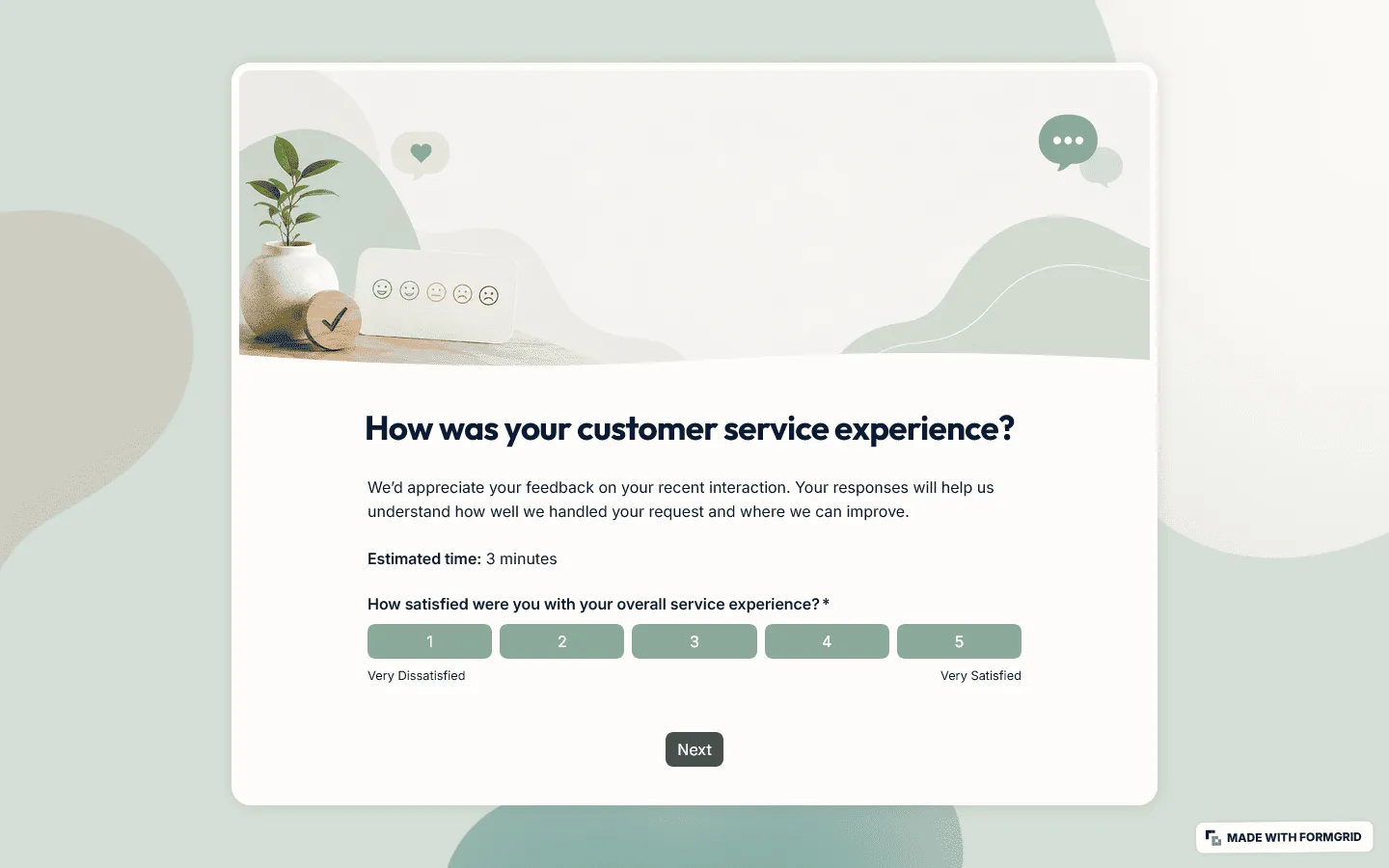
FormGrid is a good fit for teams that care about presentation and want more control over how their surveys look. Instead of forcing every survey into the same narrow layout, it gives you more freedom over structure, branding, and visual design.
That is useful for customer-facing surveys where the survey itself reflects on the company sending it. You can build NPS, CSAT, post-purchase, and general feedback surveys from scratch, start with a ready-to-use customer feedback form template, or let FormGrid generate a personalized survey for you.
FormGrid covers the standard customer feedback formats out of the box: NPS surveys, CSAT surveys, post-purchase surveys, and open-ended feedback forms. Conditional logic lets you route customers to different follow-up questions depending on their answers, so you can collect a lot of detail from unhappy customers without overwhelming the satisfied ones with unnecessary steps.
Pros
- Complete design freedom for creating surveys that reflect your brand
- AI-powered form generation to go from prompt to finished survey quickly
- No strict response limits on the free tier
- Fast, lightweight forms that load reliably on mobile
Cons
- Primarily a creation and collection tool; does not include advanced text analysis
- Not designed for on-premise or legacy enterprise deployments
FormGrid pricing
- Free: Unlimited forms and responses, all core features included
- Plus ($29/month): Team collaboration, remove FormGrid branding, version history
- Business ($79/month): User roles and permissions, advanced link and access settings
Why choose FormGrid?
FormGrid makes the most sense if survey design matters to you and you do not need enterprise-grade analytics built into the same product.
2. SurveyMonkey
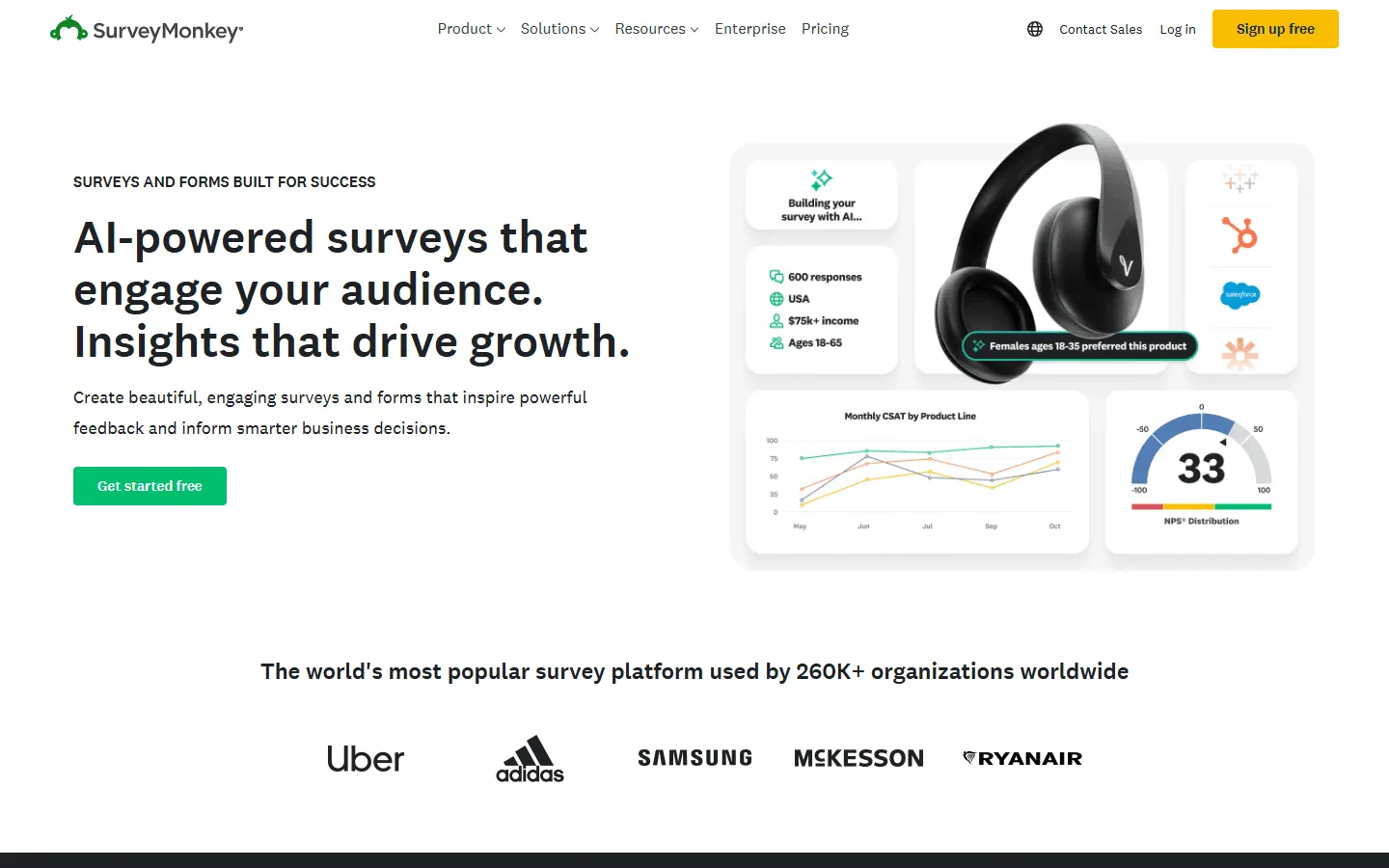
SurveyMonkey is still one of the strongest options when analysis matters more than presentation. The interface feels older than newer competitors, but the reporting is still strong and the platform is dependable.
The platform includes a large library of expert-certified question banks covering customer satisfaction, product feedback, and market research. Results can be filtered, cross-tabulated, and compared against industry benchmark data, which is useful when you want to understand how your NPS or CSAT scores compare to competitors in your sector.
If the cost or complexity feels like too much, there are several capable SurveyMonkey alternatives that offer more straightforward pricing.
Pros
- Industry-leading analytics and cross-tab reporting
- Expert-certified survey templates for customer research
- Ability to benchmark results against industry standards
- Wide integration ecosystem (Salesforce, Zendesk, HubSpot)
Cons
- Interface feels dated compared to newer tools
- Free plan is heavily restricted (10 questions, 25 responses per survey)
- Cost can escalate significantly as team size and response volume grow
SurveyMonkey pricing
- Free: 10 questions/survey, 25 responses/survey, basic features
- Standard Monthly ($39/month): 1,000 responses/month, more question types, custom themes
- Advantage Annual ($432/year): 15,000 responses/year, A/B testing, recurring surveys
- Premier Annual ($1,188/year): 40,000 responses/year, advanced logic, no SurveyMonkey branding
- Team plans: Starting at ~$25/user/month
- Enterprise: Custom limits, SSO, HIPAA compliance
Why choose SurveyMonkey?
Choose SurveyMonkey when your team needs statistically reliable data, industry benchmarking, and detailed cross-tabulation. It is particularly well-suited to market research teams and larger organizations with dedicated CX analysts.
3. Typeform

Typeform takes a different approach to survey design by presenting one question at a time in a conversational format. That format usually feels lighter to fill out than a traditional survey, which can help with completion rates.
For customer feedback, Typeform works well when the experience itself matters to your brand. An annual customer satisfaction survey or a post-purchase review request can benefit from the care and polish that Typeform brings. The embedded video capability is also useful for product teams conducting richer qualitative research.
The catch is pricing. Response limits mean bills can grow quickly for high-volume use cases. If that becomes an issue, our comparison of Typeform alternatives covers several tools with more flexible pricing.
Pros
- High-quality respondent experience that drives completion rates
- Visually clean and minimal design
- Strong logic branching and conditional paths
- Good integration with CRMs and marketing automation tools
Cons
- Response limits make it expensive at scale
- Analytics are relatively lightweight for complex data analysis
- The one-question format is not always suited for long, structured research surveys
Typeform pricing
- Free: 10 responses/month, basic features
- Basic ($29/month): 100 responses/month, basic integrations
- Plus ($59/month): 1,000 responses/month, branding options, more logic
- Business ($99/month): 10,000 responses/month, team features, priority support
- Enterprise: Custom limits, SSO, HIPAA compliance
Why choose Typeform?
Choose Typeform when your primary goal is to maximize response rates with a polished, engaging survey experience. It is a particularly strong fit for brand-conscious teams running customer satisfaction or onboarding feedback surveys.
4. Qualtrics XM
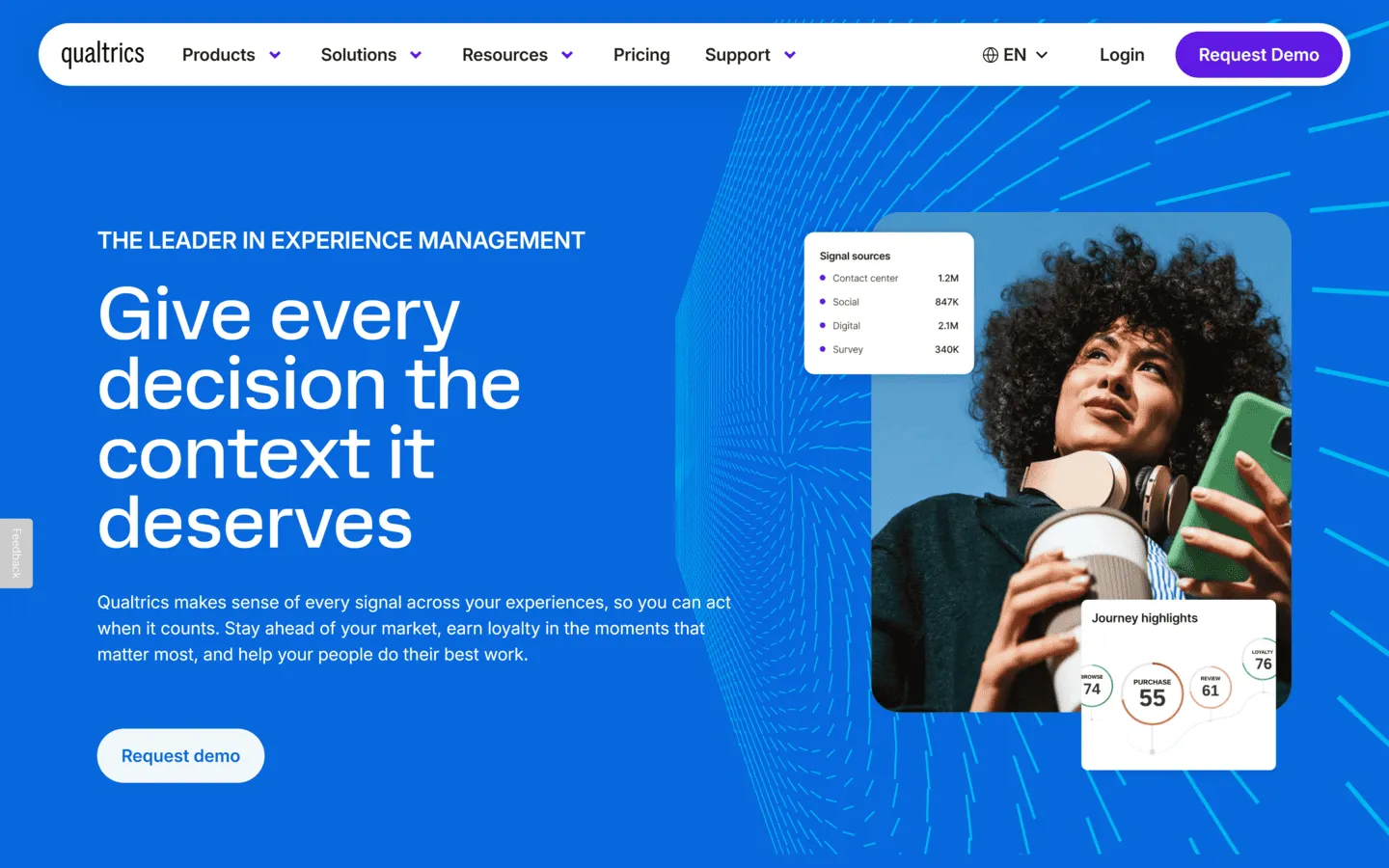
Qualtrics XM is a research-grade platform built for large organizations managing multiple feedback programs simultaneously. It goes well beyond survey creation, offering predictive analytics, text analysis, and the ability to connect customer feedback data with operational data like support tickets and sales records.
The platform’s toolset is broad: you can run NPS tracking, CSAT surveys, product research panels, website intercepts, and employee engagement studies all from a single system. For enterprises that need a unified view of the customer experience across every touchpoint, Qualtrics provides that level of integration.
The downside is obvious: it is expensive, heavy, and takes real time to set up properly. Setting up Qualtrics properly requires dedicated admin time and often external implementation support. For most small and mid-sized businesses, it is more platform than they need.
Pros
- Research-grade analytics with predictive modeling and statistical significance testing
- AI-powered text analysis across thousands of open-ended responses
- Multichannel distribution (web, email, SMS, mobile app, kiosk)
- Extensive enterprise security and compliance controls (HIPAA, GDPR)
Cons
- Very expensive, typically starts in the thousands of dollars annually
- Steep learning curve and significant implementation time
- Overkill for teams without a dedicated CX or research function
Qualtrics pricing
- Custom enterprise pricing (contact sales; no standard published tiers)
Why choose Qualtrics?
Choose Qualtrics if you are running a serious CX program across teams and already know you need enterprise-level depth.
5. Hotjar (by Contentsquare)
Hotjar, now fully integrated into the Contentsquare platform since 2024, approaches customer feedback differently by combining short on-site surveys with behavioral tools like heatmaps and session recordings. It is primarily used by teams that want to understand what is happening on their website and why.
The feedback side of Hotjar focuses on quick, targeted prompts. You can trigger a short slide-in survey when a visitor hits a specific page, after a certain time on site, or on exit intent. This approach captures feedback in context, right at the moment a user encounters friction, rather than days later in a follow-up email.
Hotjar is not a replacement for a traditional survey tool. It cannot run long-form questionnaires or send scheduled NPS campaigns. But paired with a tool like FormGrid for structured surveys, it covers the spontaneous, behavioral side of customer feedback well.
Pros
- Connects feedback to actual user behavior via heatmaps and session recordings
- Quick to install and configure
- Contextual in-page surveys that capture reactions in the moment
- Good for identifying UX-related problems that customers would not otherwise report
Cons
- Not suitable for long-form questionnaires or email-first surveys
- Feedback is limited to website and app visitors
- Survey design options are fairly basic
Hotjar pricing
- Free: 35 daily sessions recorded, basic survey tools, 20 surveys/month
- Plus ($39/month): 100 daily sessions, more events and recordings
- Business ($99/month): Unlimited heatmaps, advanced filters, integrations
Why choose Hotjar?
Choose Hotjar if you run a website or web app and want to understand where users get stuck. It works best when paired with a dedicated survey tool for more structured feedback collection.
6. Jotform

Jotform started as a general-purpose form builder and has expanded into a capable customer feedback tool with thousands of templates, advanced conditional logic, and a growing reporting suite.
Its flexibility is the main draw. You can build a simple contact form, a multi-page CSAT survey, or an event feedback questionnaire with the same tool. Jotform also supports payment collection, file uploads, and digital signatures. This makes it useful in situations where feedback is just one part of a broader workflow.
Jotform can absolutely be used for customer feedback, but that is not really its main identity. It is better thought of as a broad form builder that also happens to work for feedback collection.
For teams that find Jotform either too complex or too expensive, there are several Jotform alternatives worth exploring that focus more narrowly on customer surveys.
Pros
- Large library of templates covering CSAT, NPS, product feedback, and general inquiries
- Strong conditional logic and calculation capabilities
- Broad integration support with CRMs, payments, and business apps
- Available as a mobile app with offline response collection
Cons
- Primarily a form builder; dedicated customer feedback analytics are limited
- Response and form limits at lower paid tiers can be restrictive
- NPS and CSAT scoring requires manual setup
Jotform pricing
- Free: 5 forms, 100 monthly submissions, 100MB storage
- Bronze ($39/month): 25 forms, 1,000 submissions/month
- Silver ($49/month): 50 forms, 2,500 submissions/month
- Gold ($129/month): Unlimited forms, 10,000 submissions/month
Why choose Jotform?
Jotform works well when customer feedback is one of several data collection needs. If you also need to handle registrations, order forms, or approval workflows alongside surveys, it handles all of that in one place.
7. Survicate
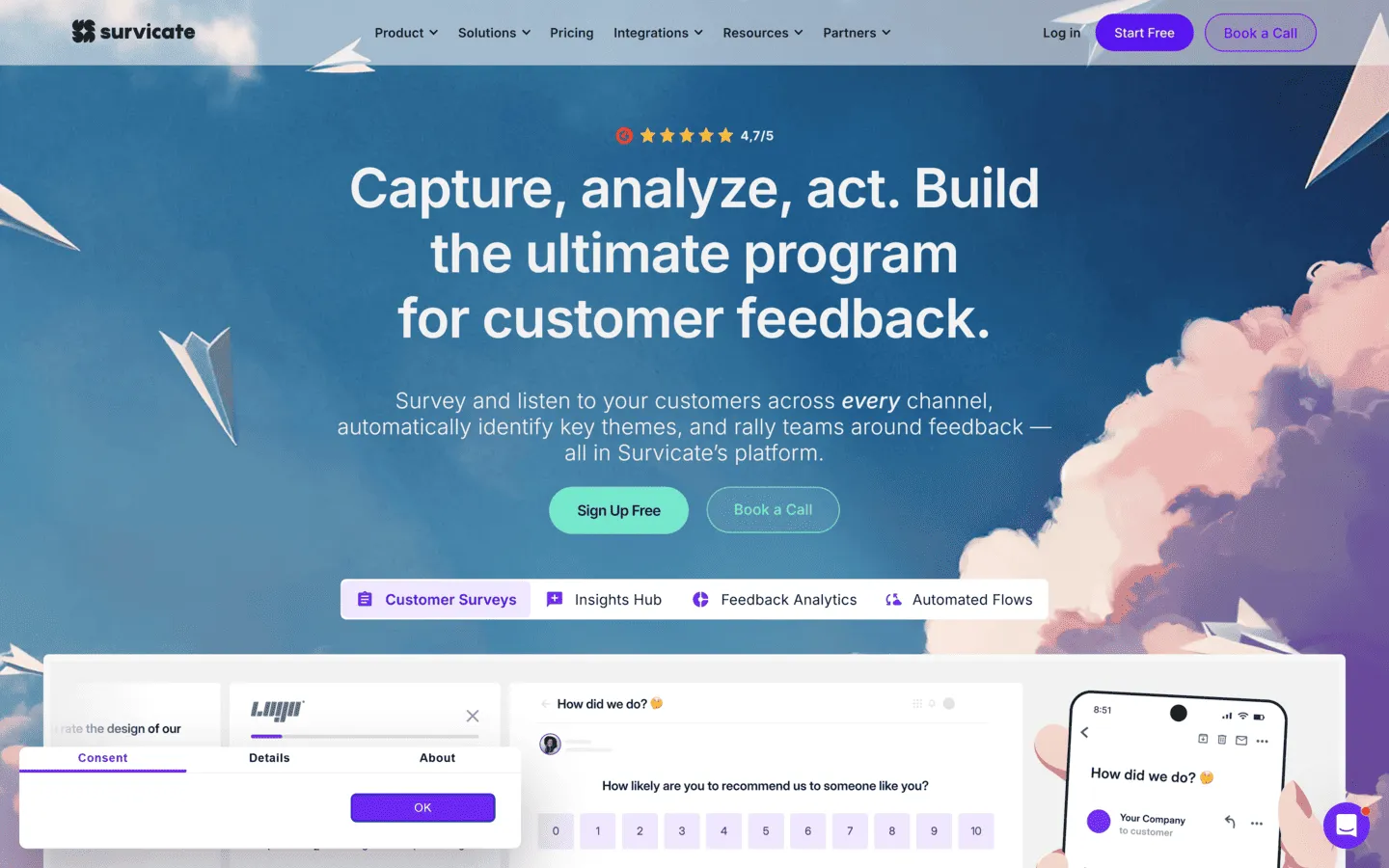
Survicate is designed around continuous customer feedback across multiple channels. It lets you run NPS, CSAT, and CES surveys via email, website widget, in-app prompts, and mobile apps, then pulls all the results into a single dashboard.
The targeting and trigger options are particularly useful for SaaS teams. You can show a survey to a specific user segment based on their plan level, the feature they just used, or how long they have been a customer. This kind of behavioral targeting produces more relevant responses than broad, untargeted surveys.
Pros
- Strong multi-channel delivery (email, in-app, link, web widget)
- Precise targeting based on user behavior and attributes
- Pre-built templates for NPS, CSAT, and CES with built-in scoring
- Integrates with product analytics tools like Mixpanel and Amplitude
Cons
- Pricing jumps significantly as monthly response volumes grow
- Text analysis is mostly manual tagging rather than automated
- Limited design customization compared to form-builder tools
Survicate pricing
- Free: 25 responses/month, basic features
- Good (~$99/month): 500 responses/month, multiple channels, integrations
- Better (~$249/month): Higher response limits, Intercom and Hubspot integrations, custom attributes
Why choose Survicate?
Choose Survicate if you want to trigger feedback at specific points in the product journey across multiple channels.
8. AskNicely
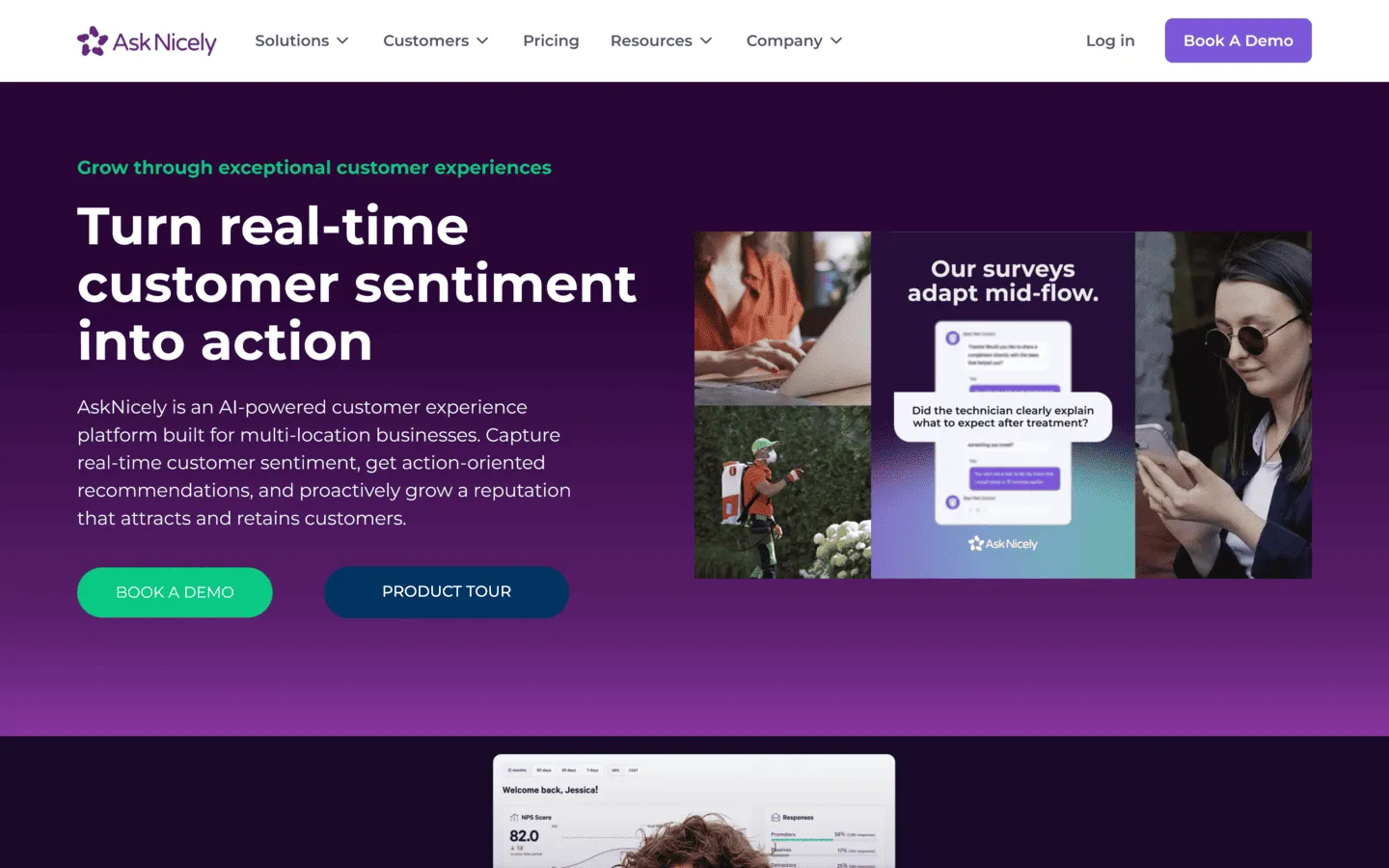
AskNicely is an NPS-focused platform built around the idea that customer feedback should drive frontline behavior, not just sit in a dashboard.
When a customer submits a score, AskNicely can automatically route it to the relevant team member or manager, prompt them to follow up with a detractor, or surface the data on a real-time leaderboard that shows how different teams and locations are performing. For service businesses where individual staff interactions drive the customer experience, this frontline integration is the key differentiator.
Pros
- Strong workflow automation for acting on NPS responses immediately
- Real-time leaderboards for frontline staff performance tracking
- Good mobile app for service teams on the move
- Deep integrations with Salesforce and HubSpot
Cons
- Primarily centered on NPS; less suited for broader research or custom surveys
- No publicly listed pricing
- Setting up routing and escalation rules takes meaningful configuration time
AskNicely pricing
- Custom pricing based on organization size and selected modules
Why choose AskNicely?
AskNicely fits best in service-based businesses (hospitality, healthcare, field services) where customer ratings are tied directly to individual team performance and follow-up speed matters.
9. Refiner
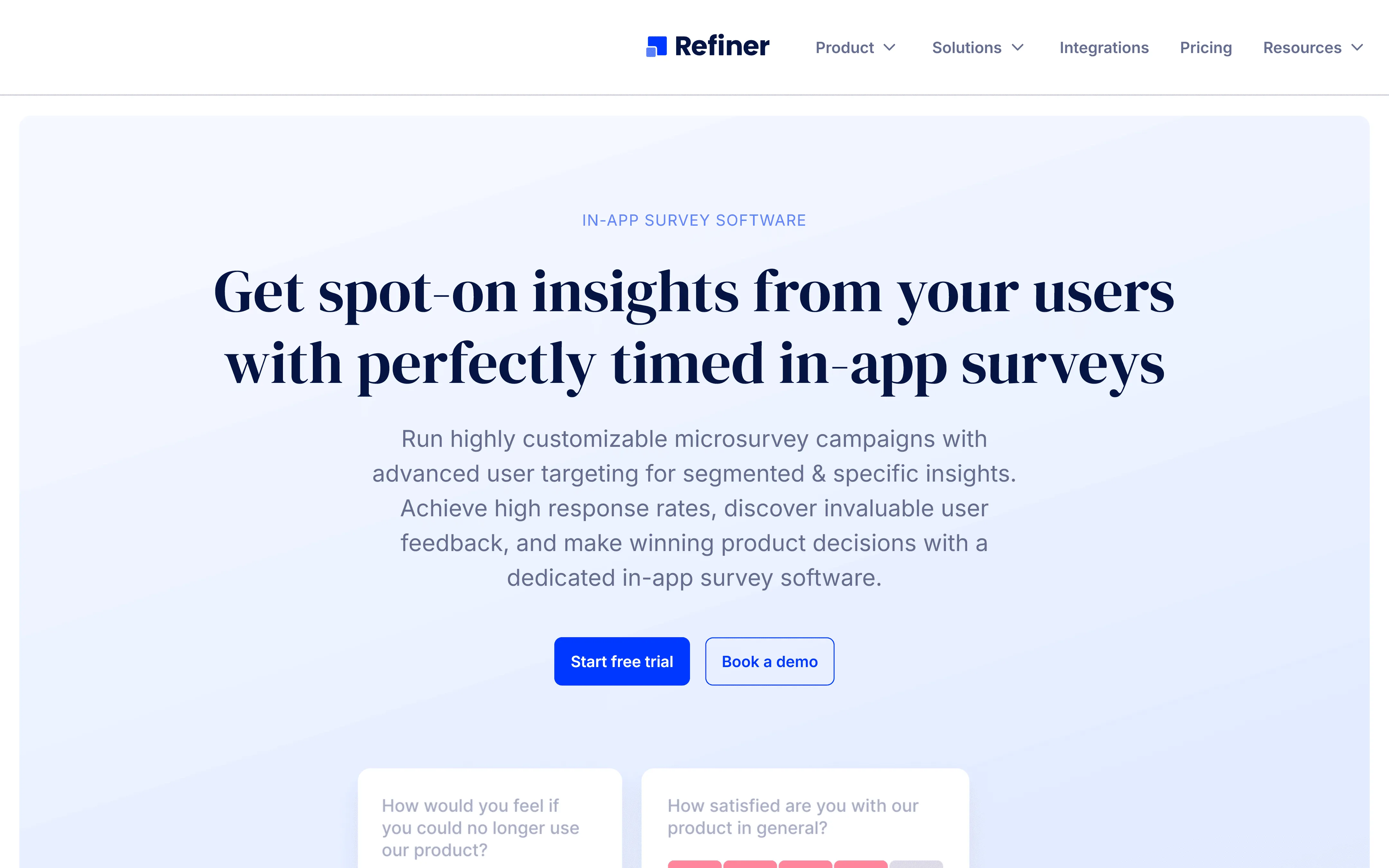
Refiner is a customer feedback tool specifically designed for B2B SaaS products. It focuses on high-conversion in-app surveys that match the visual design of the product they appear inside.
The widget is highly customizable. You can control the color, font, corner radius, and positioning to make the survey feel native to your app rather than like an external pop-up. Refiner also supports deep user segmentation via API and webhooks, so surveys can be triggered based on specific product events and responses can be sent directly to your data warehouse or CRM.
Pros
- Highly customizable widget that blends into your product UI
- Deep user segmentation and behavioral triggering
- Strong webhook and API support for data integration
- Specialized templates for SaaS use cases (NPS, PMF, feature satisfaction)
Cons
- Niche focus makes it unsuitable for e-commerce, offline, or email-first feedback programs
- No long-form survey capabilities
- Smaller customer base than established general tools
Refiner pricing
- Plans start at $99/month, scaling by monthly active users
Why choose Refiner?
Refiner is the right choice for B2B SaaS product managers who want in-app feedback that looks and behaves like part of their product. The integration depth it offers into data pipelines is hard to match at this price point.
10. UserTesting
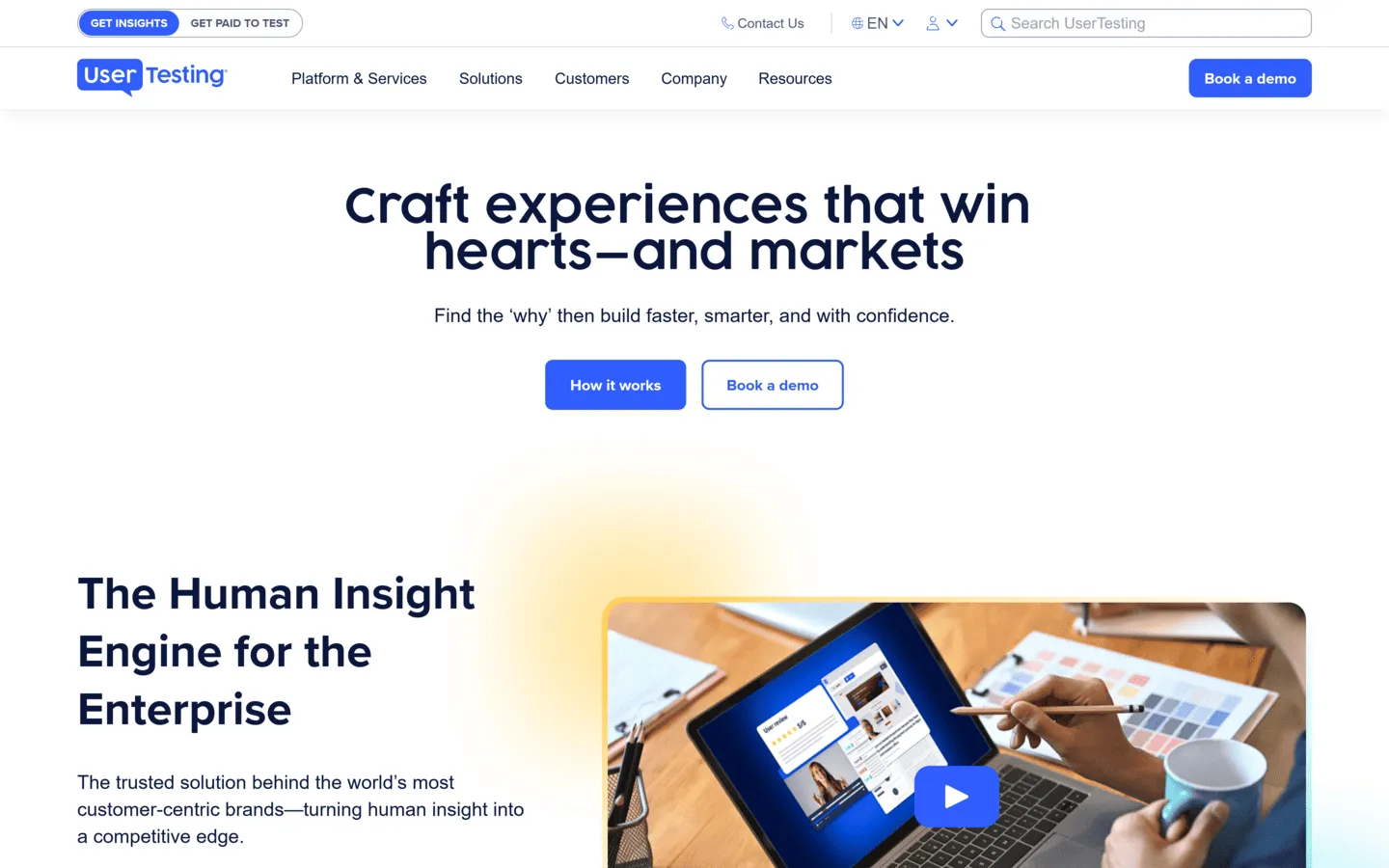
UserTesting is a qualitative research platform rather than a traditional survey tool. Instead of asking customers to fill out a questionnaire, UserTesting captures video and audio recordings of real people interacting with your product, prototype, or website while narrating their thoughts.
This produces a different kind of data: not scores, but observations. Watching a customer struggle to find a button or hearing them express confusion is harder to misinterpret than a 3-star rating. For validating design decisions before a major launch, this qualitative context is often more useful than statistical survey data.
Pros
- Deep qualitative insights that standard surveys cannot capture
- Access to a large panel of participants across many demographics
- Fast turnaround on test sessions
- Automated transcriptions and AI-generated highlight reels
Cons
- Expensive, enterprise pricing only
- Setup, running sessions, and analysis takes far more time than a survey
- Not appropriate for high-volume, metric-based tracking
UserTesting pricing
- Custom enterprise pricing only (contact sales for a quote)
Why choose UserTesting?
Choose UserTesting when you need to understand the reasoning behind customer behavior before a major product decision, feature launch, or significant design change. The investment is only worth it when qualitative depth matters more than statistical breadth.
11. Chattermill
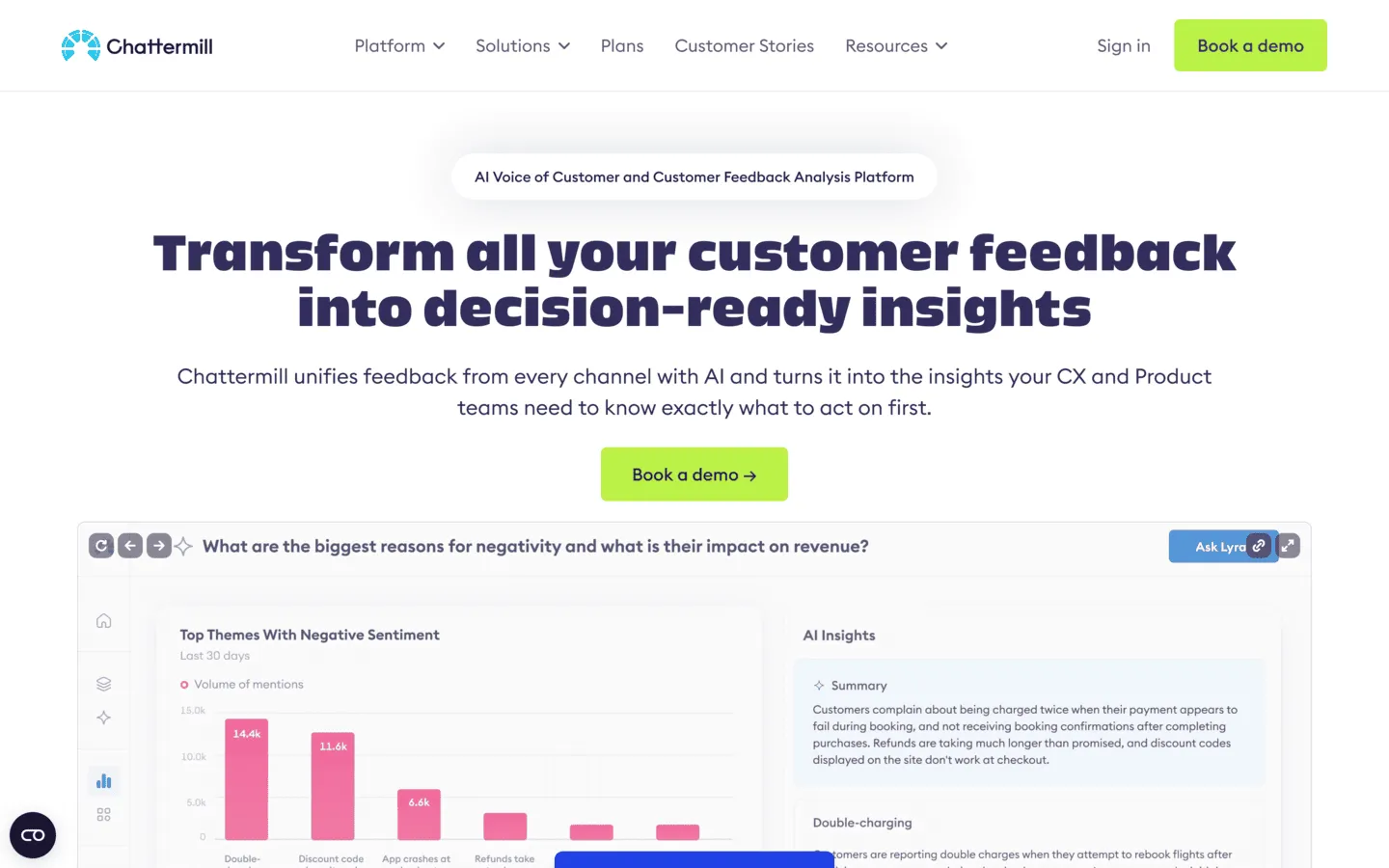
Chattermill focuses on the analysis side of customer feedback. Rather than replacing your survey collection tools, it connects to them (along with review platforms, support ticket systems, and chat logs) and uses AI to classify themes, detect sentiment, and quantify the impact of specific issues on overall satisfaction.
It is particularly useful for large CX teams that collect thousands of open-ended responses every month. Reading and tagging that volume of text manually is impractical. Chattermill automates the categorization and surfaces which themes are trending up or down relative to a given time period.
Chattermill is only worth it once feedback volume is high enough that manual review starts breaking down. If you are still dealing with a manageable amount of feedback, it is too much tool for the job.
Pros
- Automated text classification and sentiment analysis at scale
- Unified view of feedback from surveys, reviews, and support channels
- Theme-level impact scoring to prioritize what matters most
- Language support across multiple markets
Cons
- It is an analysis layer, not a survey creation tool
- Enterprise pricing makes it inaccessible for smaller teams
- Requires a meaningful volume of existing feedback to generate useful insights
Chattermill pricing
- Custom enterprise pricing (contact sales for a quote)
Why choose Chattermill?
Chattermill is the right choice for large CX or insights teams that already collect large volumes of feedback and need to make sense of the data faster than manual analysis allows.
Other customer feedback tools worth knowing
The eleven tools above cover most use cases, but depending on your situation, these additional platforms are also worth considering:
- Qualaroo (and Qualaroo alternatives): An in-product feedback tool known for its lightweight “nudge” surveys that trigger contextually inside your app or website without disrupting the user experience.
- GetFeedback: Originally a Momentive product known for its Salesforce integration, SurveyMonkey is now sunsetting the standalone “GetFeedback Direct” platform (effective December 31, 2026) and migrating users to SurveyMonkey Enterprise.
- SurveySparrow (and SurveySparrow alternatives): A conversational survey tool similar to Typeform with a chat-style interface that works well on mobile.
- QuestionPro (and QuestionPro alternatives): A full-featured survey platform with offline data collection and advanced reporting.
- Medallia: An enterprise CX platform similar to Qualtrics, focused on connecting feedback to operational outcomes across large organizations.
How to choose the right customer feedback survey tool
The best tool depends on what kind of feedback you are trying to collect and what you plan to do with it. These are the questions worth asking before you commit.
Your primary goal
Start with the actual job. Are you trying to track NPS over time, understand friction on your website, run large-scale CX research, or send surveys that people are more likely to finish? That decision narrows the field fast.
Where you need to collect feedback
Some tools are built primarily for email surveys. Others focus on in-app widgets, website intercepts, or SMS. Make sure the platform supports the channel your customers will actually respond to.
How much volume you expect
If you send 200 surveys a month, a response-based pricing model may work fine. If you are sending thousands, those costs can add up quickly. Look closely at how pricing scales before you commit.
Whether you need integrated analytics
Some teams need everything in one place: survey creation, response collection, and analysis. Others already have a data warehouse and just need the responses. Know which category you fall into.
Ease of use
A tool that requires constant developer support to update a question will slow your feedback loop down considerably. For most marketing and product teams, the platform should be fully operable without engineering involvement.
Customer feedback survey best practices
Choosing the right tool is only part of the equation. How you run your surveys matters just as much.
- Tie every survey to a specific decision. Only ask questions if you know what you will do with the answers. Surveys without a clear outcome tend to generate data that nobody acts on.
- Keep them short. Completion rates drop significantly as survey length increases. Aim for under five minutes for most customer-facing surveys. If you need more depth, consider a shorter screener first.
- Close the feedback loop. If a customer leaves a very negative score or comment, follow up with them directly. Acknowledging critical feedback is the fastest way to recover a relationship that might otherwise be lost quietly.
- Avoid leading questions. “How much did you enjoy our new checkout experience?” is not a neutral question. Keep phrasing balanced so that the data stays reliable.
- Test before you send. Always send a test version to a colleague. Check for typos, broken logic paths, and how the survey renders on mobile.
- Track trends, not just scores. A single NPS score tells you very little. The trend over several months tells you whether things are improving or declining relative to specific changes you made.
If you are still working through the basics, our guide on how to create a feedback form walks through the setup in more detail.
Conclusion: Which customer feedback tool should you choose?
There is no single best customer feedback survey tool. The right choice depends on whether you care most about design, analytics, in-product feedback, or speed.
Here is a quick summary:
- For high-converting, well-designed surveys: FormGrid gives you the design control to create feedback surveys that people actually complete, with a generous free plan and no per-user fees.
- For statistical rigor and benchmarking: SurveyMonkey provides the analytical depth that serious CX research requires.
- For polished, conversational surveys: Typeform is the strongest choice when the respondent experience is the priority.
- For website behavior and in-context feedback: Hotjar (by Contentsquare) connects feedback to what users are actually doing on your site.
- For focused NPS or CSAT tracking: Delighted used to be a popular tool in this category, however it was shut down on June 30, 2026. We recommend checking out Survicate or FormGrid as alternatives.
- For enterprise-scale research: Qualtrics XM offers the most comprehensive toolset available, at a corresponding price.
Start by identifying the gap you are trying to close: a missing metric, a product decision you cannot make without data, or a customer experience issue you cannot pinpoint. Then choose the tool that fits that specific need rather than the one with the longest feature list.
Customer feedback survey FAQs
Is Delighted no longer available?
Yes, Delighted was acquired by Qualtrics and then shut down on June 30, 2026. The platform is no longer accepting new signups or running surveys. For teams looking for lightweight CSAT or NPS tracking tools, we recommend alternatives like Survicate or FormGrid.
What is the difference between NPS, CSAT, and CES?
Net Promoter Score (NPS) measures how likely customers are to recommend you to others, typically on a 0-10 scale. Customer Satisfaction Score (CSAT) measures satisfaction with a specific interaction or product experience, usually right after it happens. Customer Effort Score (CES) measures how easy it was for a customer to get something done, which is a strong predictor of loyalty in support contexts. Many teams end up using all three, just at different points in the customer journey.
What questions should I include in a customer feedback survey?
Start with a core metric question (NPS, CSAT, or CES depending on the context), follow up with one or two multiple-choice questions about the specific area you want to understand, and close with a single open-ended question like “What is one thing we could do to improve your experience?” Three to five questions is usually enough. More than ten and completion rates begin to drop.
What is the best free customer feedback survey tool?
FormGrid is one of the best free tools with unlimited surveys and responses without giving up design control. Google Forms is also completely free, though it lacks the design flexibility and CX-specific features that a dedicated feedback tool provides.
How often should I survey my customers?
Avoid surveying the same customer too frequently, as it causes fatigue and makes responses less reliable. A common approach is to tie surveys to specific events: send an onboarding survey after someone has been using the product for two weeks, trigger a CSAT survey after each support interaction, and run an NPS campaign to your full customer base once per quarter.
Can I use customer feedback survey tools for B2B?
Yes. Most tools on this list support B2B use cases. For in-product B2B feedback specifically, Refiner is built around that exact context. For email-based feedback across a B2B customer base, FormGrid, SurveyMonkey, or Survicate all work well depending on your response volume and analytic requirements.