10 Best QuestionPro Alternatives in 2026 (Free & Paid)
QuestionPro sits in an awkward middle: it tries to serve enterprise research teams and everyday survey builders at the same time. The feature set is broad, but the experience can feel dated, and pricing often pushes practical features into higher tiers.
Many teams start with QuestionPro for a specific project but eventually look for something that is easier to use, better designed, or more affordable for their scale.
We reviewed the best QuestionPro alternatives to help you find a tool that matches your specific goals, whether you need enterprise-grade research or just a better-looking survey.
QuestionPro alternatives: Quick summary
If you want the short version, this table compares the top QuestionPro alternatives based on use cases, free plan availability, and starting price:
| QuestionPro alternative | Best replacement for | Free plan | Starting price |
|---|---|---|---|
| FormGrid | Visually unique forms | Available | $29/month |
| Qualtrics | Enterprise research | Available | Custom |
| SurveyMonkey | General surveys | Available | $39/month |
| Typeform | Conversational surveys | Available | $29/month |
| SurveySparrow | Mobile-first surveys | Available | $19/month |
| Alchemer | Flexible integration | Not available | $55/user/month |
| Jotform | Feature-rich forms | Available | $34/month |
| Sogolytics | Secure data reporting | Available | $25/month |
| Google Forms | Simple, free assessments | Available | Free |
| Zoho Survey | Zoho ecosystem users | Available | $25/month |
What is QuestionPro?
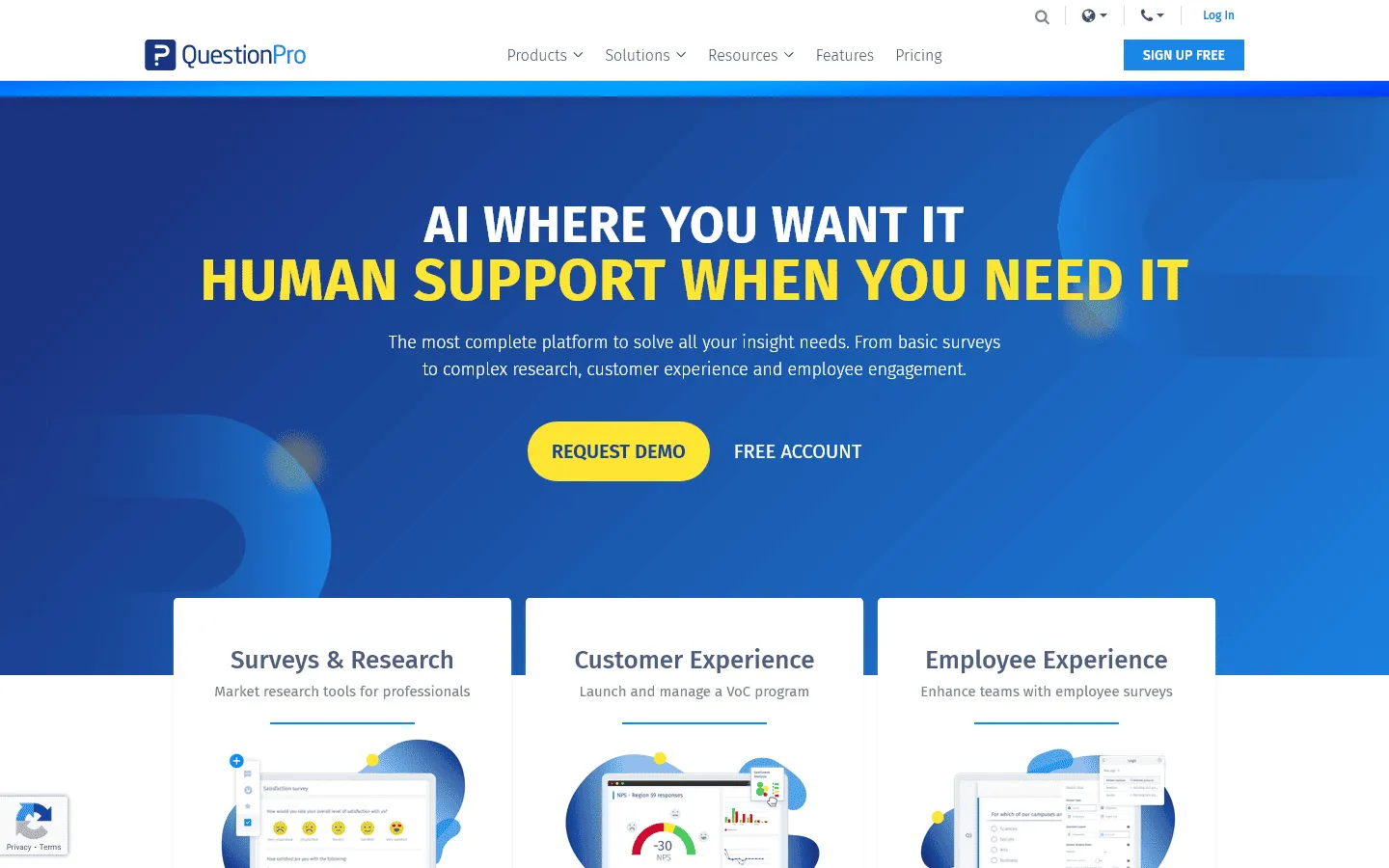 QuestionPro is a survey and research platform used by enterprises and universities. It supports advanced logic, offline collection, and multilingual surveys, with a focus on analytics and reporting.
The tool is powerful, but that power often comes with complexity. The interface is not as intuitive as modern form builders, and configuring simple logic can sometimes take more clicks than it should.
Why people look for QuestionPro alternatives
Users typically switch away from QuestionPro because of usability issues or pricing structure. While it checks many boxes on paper, the day-to-day experience can be frustrating for teams that want to move fast.
Dated user interface
The most common complaint is that the interface feels old. Building a survey in QuestionPro often feels like using software from a decade ago. It gets the job done, but it lacks the drag-and-drop fluency and modern design cues that make tools like Typeform or FormGrid pleasant to use.
Steep learning curve
Because it tries to do everything, the menus are dense. Finding a specific setting for a simple survey can require digging through multiple layers of options. For teams that just want to launch a quick feedback form, this complexity is a hurdle.
Pricing jumps
QuestionPro has a free version, but many practical features are locked behind expensive tiers. If you need specific integrations or advanced logic, the price can escalate quickly, making it hard to justify for small to mid-sized teams.
10 best QuestionPro alternatives and competitors
1. FormGrid
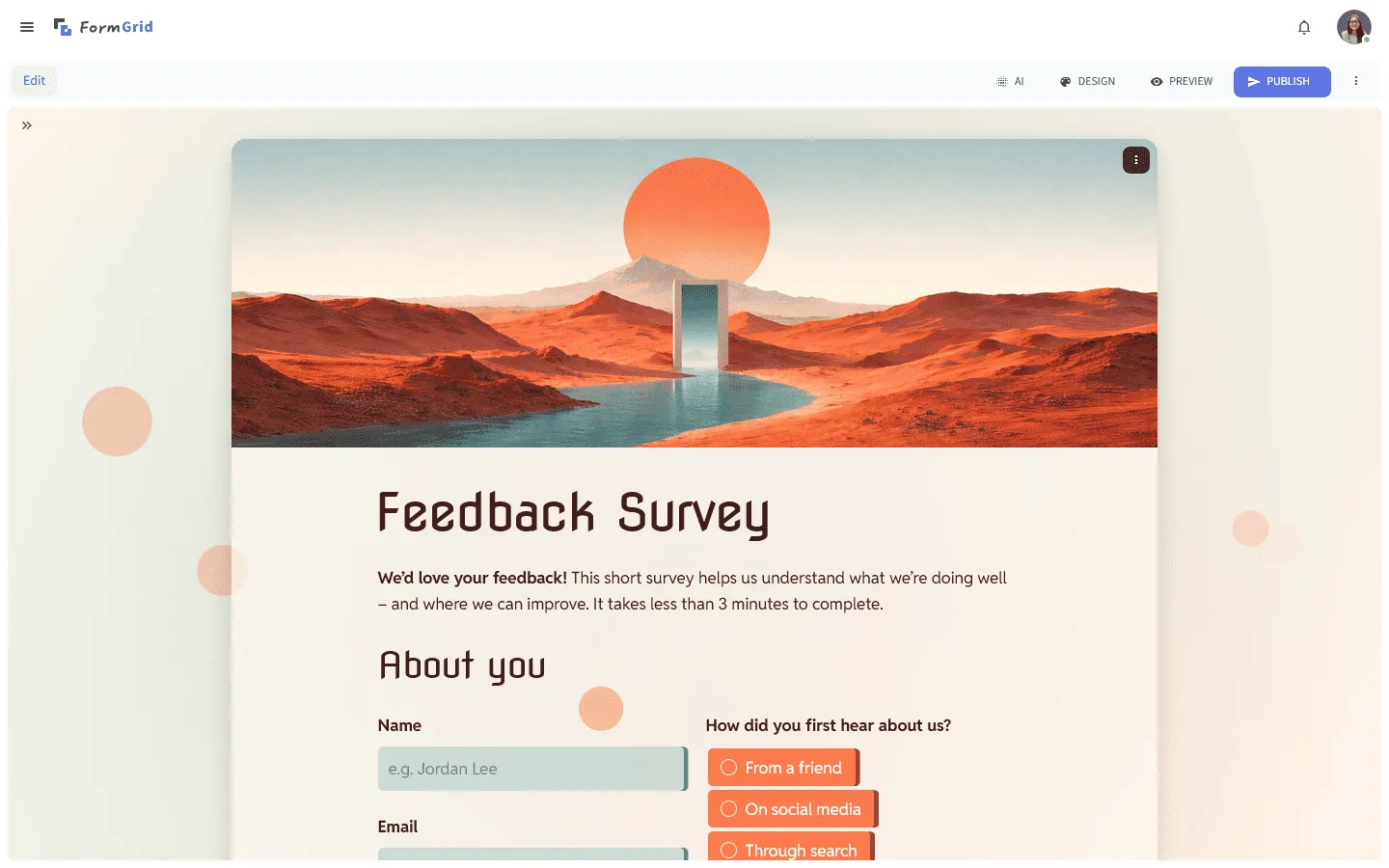 FormGrid is the best free QuestionPro alternative for users who value design and user experience. While QuestionPro is built around backend analytics, FormGrid focuses entirely on the respondent’s journey. It uses a document-style editor, so you build the form directly on the page and shape the structure as you go.
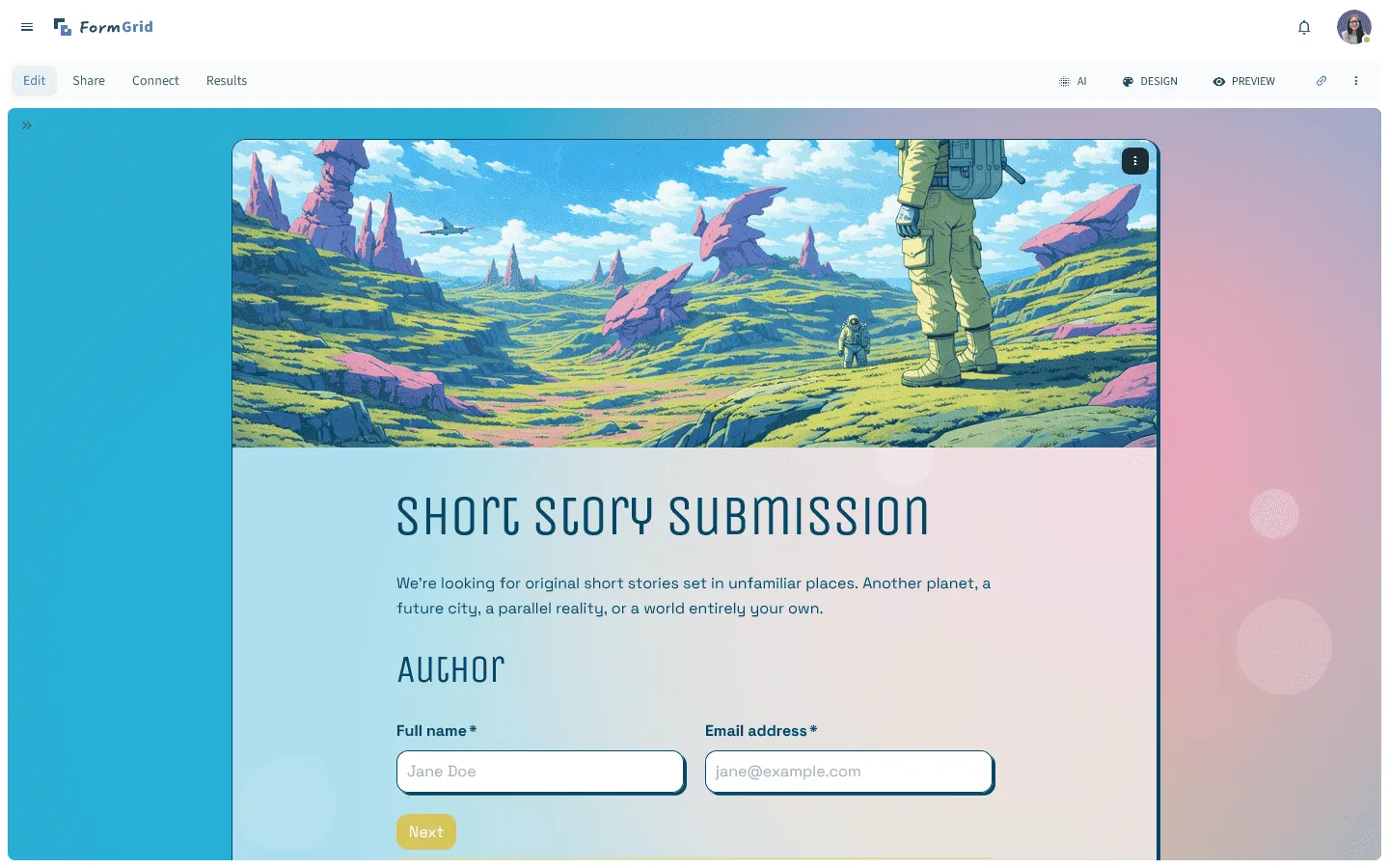
The primary advantage of FormGrid is its flexibility. Unlike QuestionPro’s rigid templates, FormGrid gives you complete control over your survey’s look and feel, so it aligns with your brand. A cleaner layout and better visual hierarchy can help people move through longer forms with fewer drop-offs.
You can start from scratch or generate a custom form for free from a short prompt, including the structure, content, logic, and design.
Additionally, FormGrid is significantly more accessible. The free plan includes unlimited forms and unlimited responses, so you can run real projects without worrying about response limits.
Key features
- Intuitive document-style editor
- Full control over colors, fonts, and spacing
- Responsive layouts that work well on mobile
- No limits on forms or responses on the free plan
- AI-assisted form generation
FormGrid pricing
- Free: Unlimited forms and responses, access to all core features
- Plus ($29/month): Collaboration, remove FormGrid branding, version history
- Business ($79/month): User roles and permissions, advanced link settings
Why choose FormGrid over QuestionPro?
Choose FormGrid if you want a faster builder and more control over layout and branding. It works well for forms where presentation matters.
2. Qualtrics
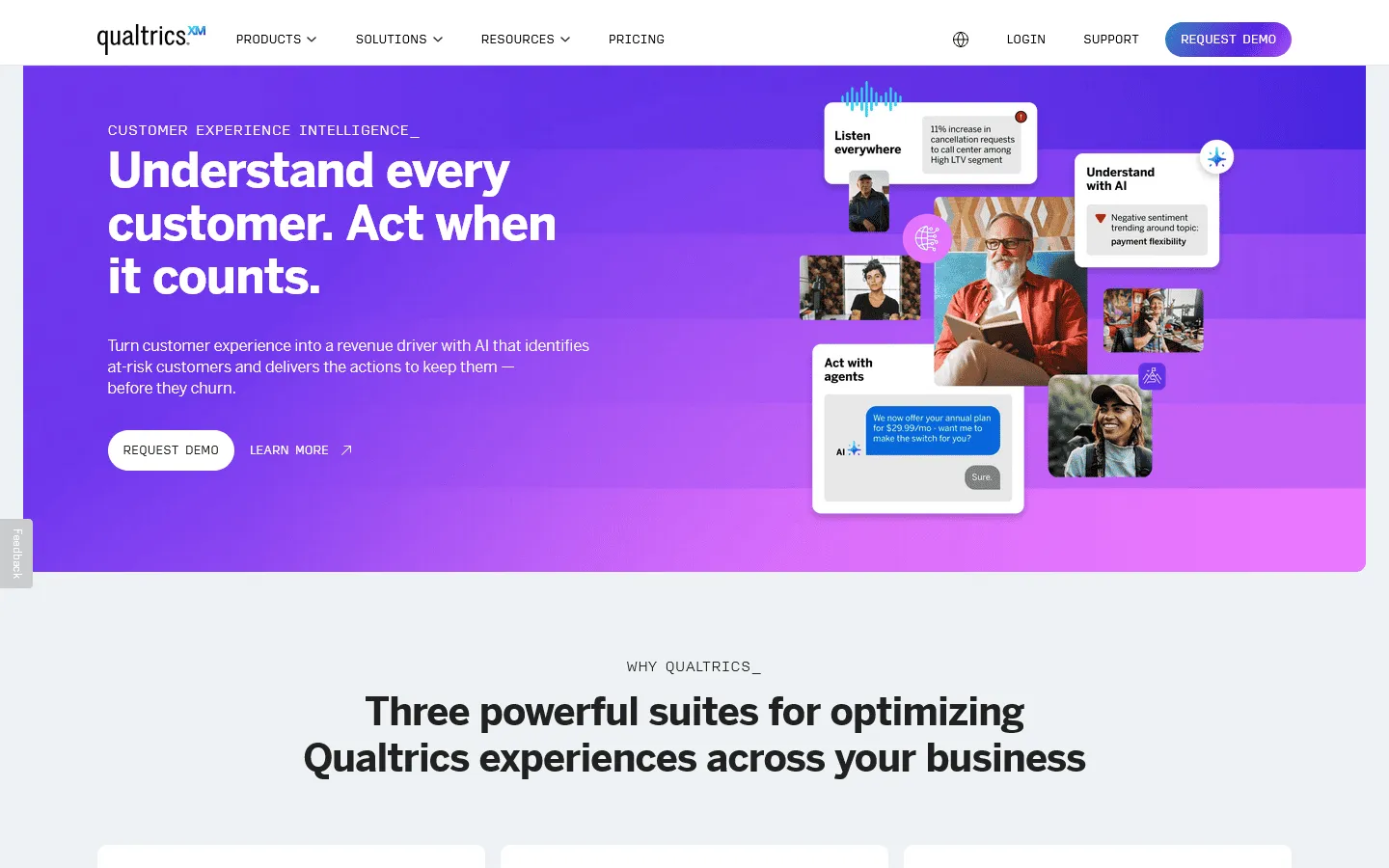 Qualtrics can be an upgrade for organizations that have outgrown QuestionPro. It is the industry standard for Experience Management (XM), used by the world’s largest enterprises to track customer sentiment, brand health, and employee engagement at scale. Where QuestionPro offers robust research tools, Qualtrics offers a complete intelligence platform.
The analysis tools in Qualtrics are quite advanced. Its “Stats iQ” feature lets you run complex statistical tests (like regression analysis and T-tests) without needing outside software like SPSS. It also has predictive intelligence that can analyze open-text responses to identify trends and sentiment automatically, saving hours of manual coding.
However, this power comes with a steep price tag and a steeper learning curve. Qualtrics is a complex, enterprise-grade tool designed for professional researchers and data scientists. It fits teams that need strict control over survey flow, permissions, and reporting. For simple feedback forms, it often adds more setup than you want.
Key features
- Enterprise-grade statistical analysis (Stats iQ)
- Predictive intelligence and text analysis
- Advanced survey flow logic
- Sophisticated role-based permissions
- Deep integrations with enterprise stacks
Qualtrics pricing
- Free: Limited to 500 responses, 8 question types
- Custom pricing: Based on features and scale, typically enterprise-level
Why choose Qualtrics over QuestionPro?
Choose Qualtrics if your surveys are part of a larger CX or research program and you need deeper analysis, permissions, and workflow automation.
3. SurveyMonkey
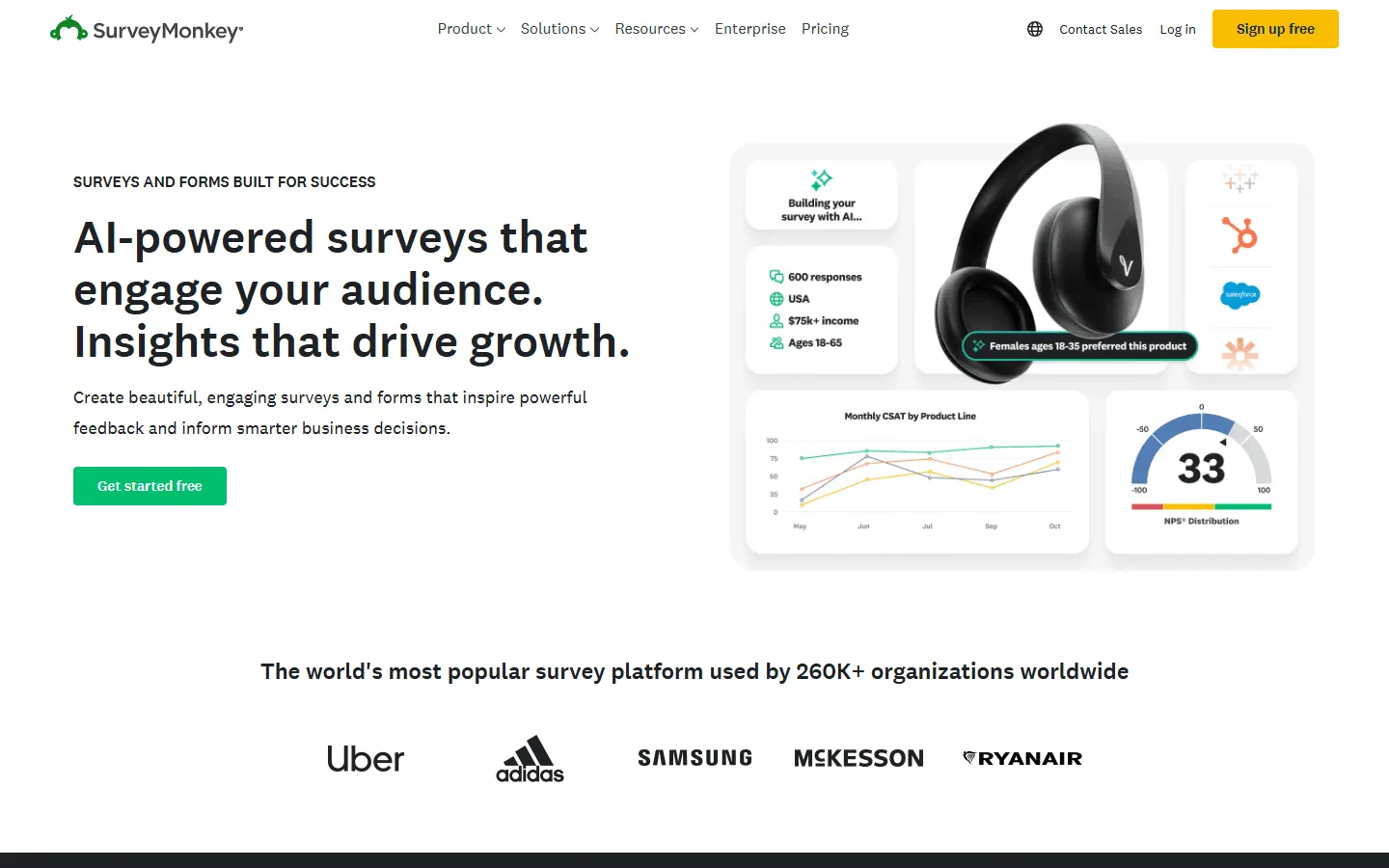 SurveyMonkey is the most direct competitor to QuestionPro, occupying the same “middle ground” between simple form builders and enterprise research platforms. Its biggest advantage over QuestionPro is its usability; SurveyMonkey has refined its interface over years to be intuitive for beginners while still offering powerful features for power users.
SurveyMonkey also includes guidance features that help you catch common issues in question wording. Since millions of surveys go through the platform, it can give advice on how to phrase your questions to avoid bias. It also lets you compare your results against industry benchmarks, giving you context for your NPS or satisfaction scores that QuestionPro often lacks.
If your team wants a familiar survey tool with solid reporting, SurveyMonkey is an easy option to roll out across a company. It integrates well with common business tools like Slack and Microsoft Teams, making it easy to share results and collaborate on survey drafts within your organization.
If you’re considering SurveyMonkey but want to see what else is available, we’ve put together a detailed comparison of the best SurveyMonkey alternatives.
Key features
- Industry benchmarks for comparing results
- AI-powered guidance for writing better questions
- Team collaboration tools
- Easy-to-use analysis dashboard with filters
- Integrations with Slack, Microsoft Teams, and more
SurveyMonkey pricing
- Free: 25 responses/survey, 10 questions/survey, basic features
- Standard Monthly ($39/month): 1,000 responses/month, more question types, custom themes
- Advantage Annual ($432/year): 15,000 responses/year, payments, A/B testing, recurring surveys
- Premier Annual ($1,188/year): 40,000 responses/year, no SurveyMonkey branding, advanced logic
- Team Advantage (~$30/user/month): 50,000 responses/year, collaboration features
- Team Premier (~$75/user/month): 100,000 responses/year
- Enterprise: Custom limits, advanced governance, SSO, HIPAA compliance
Why choose SurveyMonkey over QuestionPro?
Switch to SurveyMonkey if you want similar functionality to QuestionPro but with a more polished user experience and better benchmarking data. It is easier to pick up, making it a better choice for teams with varying levels of technical skill.
4. Typeform
 Typeform uses a one-question-at-a-time flow that keeps respondents focused. It works especially well for surveys where you care about completion and want the experience to feel guided.
If QuestionPro feels cold and corporate, Typeform feels more personal. It lets you add video, images, and smooth animations to guide the respondent through the survey. For example, you can use “VideoAsk” to record a personal video greeting that plays before the user starts answering, adding a human touch that standard survey tools cannot replicate.
Typeform is commonly used for marketing, lead capture, and feedback. For academic or enterprise research setups, teams often prefer tools that prioritize advanced sampling, quotas, and analysis workflows.
If you’re exploring Typeform but want to see how it compares to other options, check out our breakdown of the best Typeform alternatives.
Key features
- One-question-at-a-time interface
- VideoAsk integration for video responses
- Beautiful, modern templates
- Logic jumping to skip irrelevant questions
- Calculator and payment features
Typeform pricing
- Free: 10 responses/month, limited features
- Basic ($29/month): 100 responses/month, basic integrations
- Plus ($59/month): 1,000 responses/month, more logic, branding options, and integrations
- Business ($99/month): 10,000 responses/month, team features, advanced analytics, priority support
- Enterprise (custom pricing): Custom limits, SSO, custom domains, HIPAA compliance
Why choose Typeform over QuestionPro?
Choose Typeform if you want a guided experience that helps people finish longer surveys.
5. SurveySparrow
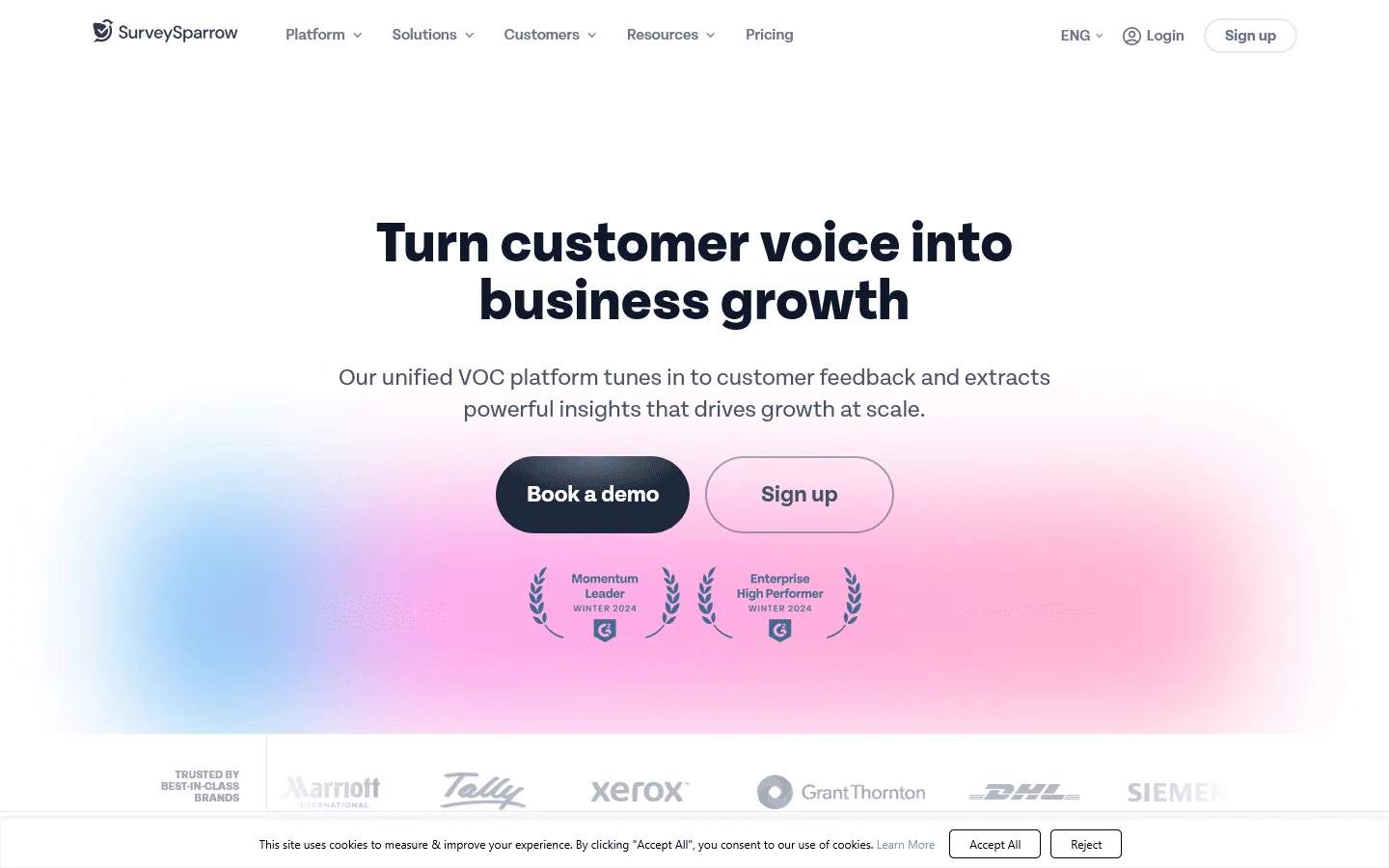 SurveySparrow takes the conversational concept even further by mimicking a messaging app. The interface mimics a messaging app, which fits mobile-first surveys well. It tends to work best for shorter surveys where speed matters.
Beyond the interface, SurveySparrow helps with automation and closing the feedback loop. It has strong features for recurring surveys, such as employee pulse checks or regular NPS tracking. You can schedule surveys to be sent automatically at specific intervals, so you have a steady stream of data without manual effort.
It also includes “case management” features that let you turn negative feedback into support tickets. If a respondent gives a low score, SurveySparrow can automatically flag it and assign it to a team member for follow-up, helping you address issues before they churn.
For a closer look at how SurveySparrow stacks up against similar tools, see our guide to the best SurveySparrow alternatives.
Key features
- Chat-like survey interface
- Offline survey app for field data
- Recurring survey automation
- 360-degree employee assessments
- Case management for closing the feedback loop
SurveySparrow pricing
- Free: 75 responses/quarter, 10 questions/survey, limited features
- Basic ($19/month): 2,500 responses/year, unlimited questions, payment, logic jumps
- Starter ($39/month): 15,000 responses/year, signatures, multi-lingual surveys
- Business ($79/month): 36,000 responses/year, custom branding, recurring surveys
- Enterprise (custom pricing): Custom limits, SSO, custom domains, HIPAA compliance
Why choose SurveySparrow over QuestionPro?
Select SurveySparrow if you want to automate recurring surveys (like employee pulse checks) or if you want a mobile-first, chat-style interface.
6. Alchemer
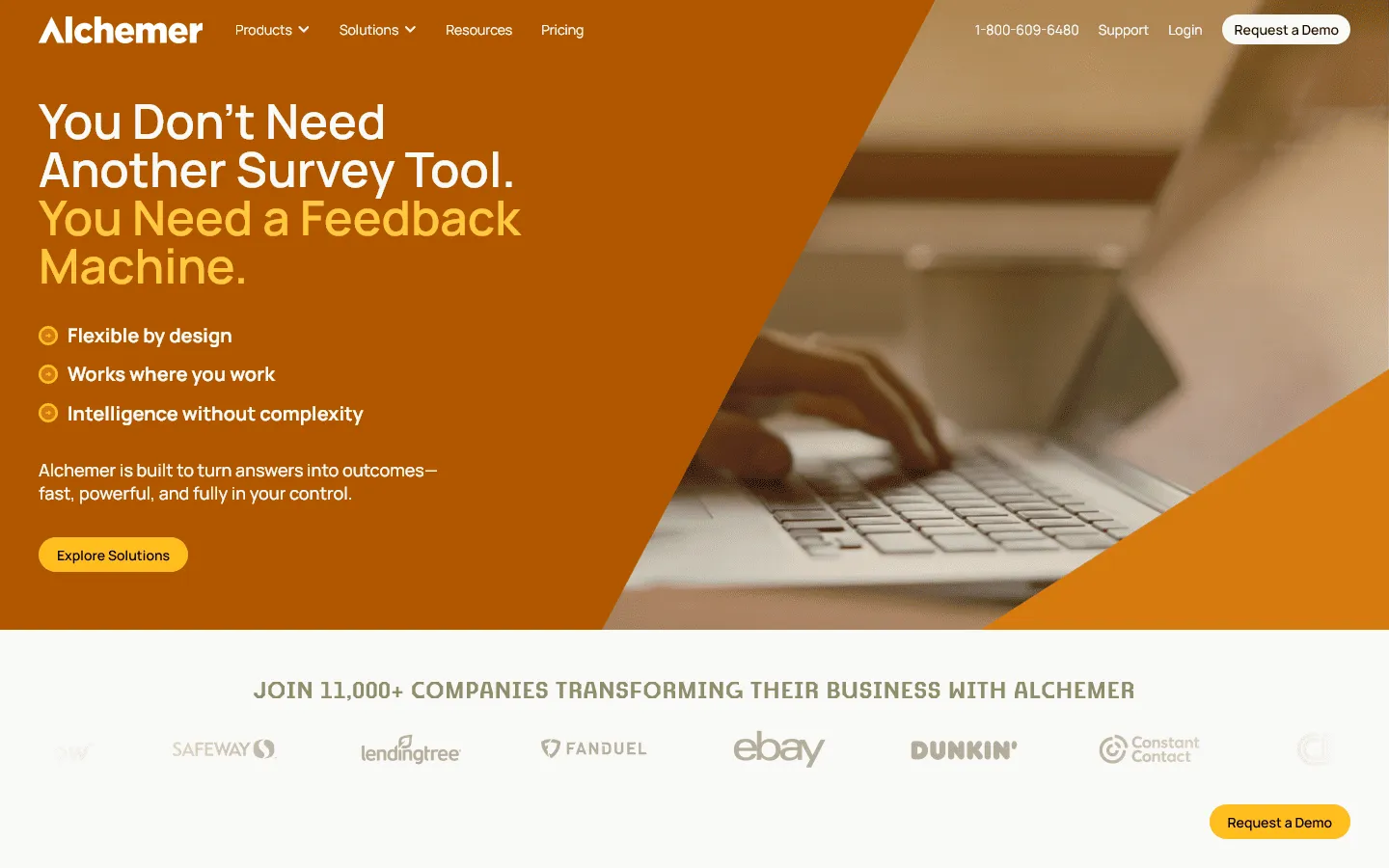 Alchemer (formerly SurveyGizmo) built for teams that need more control over logic and integration. It supports scripting and advanced workflows, which helps when standard builders hit a wall. You can build complex logic and workflows that most other tools, including QuestionPro, cannot handle.
For example, Alchemer lets you use URL parameters to pre-fill data, trigger complex email workflows based on specific answer combinations, and integrate with virtually any third-party system via webhooks. It is a favorite for operations and IT teams who need to route data precisely into their internal systems.
While it matches QuestionPro in research capabilities, Alchemer wins on integration and customization. It’s a practical option when you want advanced behavior without committing to a full enterprise suite.
Key features
- Action triggers to send emails or texts based on answers
- Custom scripting for advanced logic
- Open text analysis reports
- Flexible integration with almost any webhook
- High security standards
Alchemer pricing
- Collaborator ($55/month): 75,000 responses/year
- Professional ($165/month): 100,000 responses/year, custom branding, advanced logic
- Full Access ($275/month): 125,000 responses/year, advanced reporting
- Enterprise: Custom pricing
Why choose Alchemer over QuestionPro?
Go with Alchemer if you need to do something non-standard. Its scripting and workflow capabilities enable customization that standard survey tools can’t support.
7. Jotform
 Jotform is a general-purpose form builder that covers surveys plus operational workflows. While QuestionPro focuses on research, Jotform focuses on “actionable data.” It is a general-purpose form builder that can handle everything from collecting payments and signatures to generating PDF contracts and building no-code mobile apps.
If you use QuestionPro for things like registrations, orders, or applications, Jotform tends to fit that day-to-day work better. It has over 20,000 templates, meaning you rarely have to start from scratch. You can drag and drop payment widgets, e-signature fields, and file uploaders easily.
Jotform also includes “Jotform Apps,” which lets you bundle multiple forms into a downloadable mobile app for your team or customers. This makes it a better value for organizations that need one tool to handle many different types of data collection, not just surveys.
If you’re weighing Jotform against other form builders, we’ve covered the top Jotform alternatives and how they compare.
Key features
- Thousands of templates for every industry
- Built-in PDF editor and e-signatures
- Over 100 integrations with payment gateways
- Mobile app builder (Jotform Apps)
- Offline data collection features
Jotform pricing
- Free: 5 forms, 100 responses/month
- Bronze ($34/month): 25 forms, 1,000 responses/month, no branding
- Silver ($39/month): 50 forms, 2,500 responses/month, more storage and integrations
- Gold ($99/month): 100 forms, 10,000 responses/month, HIPAA compliance, priority support
- Enterprise (custom pricing): Unlimited usage, SSO, SLA
Why choose Jotform over QuestionPro?
Choose Jotform when the form is part of a workflow: payments, signatures, file collection, approvals, or PDFs. QuestionPro is a survey tool; Jotform is an all-in-one data collection platform.
8. Sogolytics
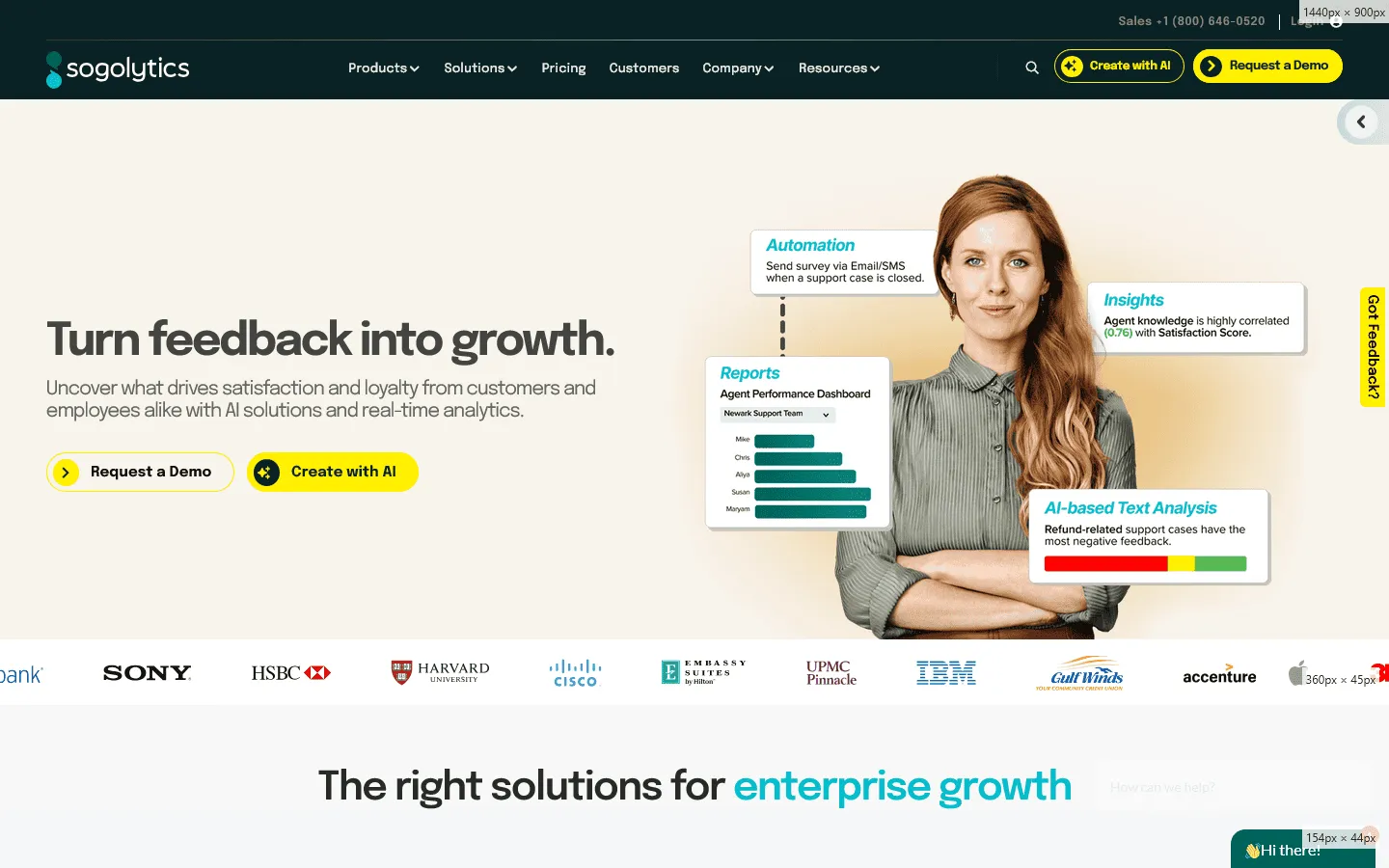 Sogolytics (formerly SoGoSurvey) focuses heavily on security, compliance, and support, with strong reporting features. For organizations that need strict compliance but don’t have a Qualtrics budget, Sogolytics is a strong contender.
Reporting is one of the main reasons teams pick it. Sogolytics lets you generate PowerPoint-ready reports essentially with one click. If you have ever spent hours copy-pasting charts from QuestionPro into a slide deck for a stakeholder meeting, this feature alone can save you hours of work every week.
It also offers specialized modules for employee engagement and customer experience, similar to QuestionPro, but generally at a more accessible price point. The interface is clean and functional, focusing on getting the job done securely and efficiently.
Key features
- Single-click report generation to PPT and PDF
- 24/7 customer support with high response ratings
- Secure data centers and compliance features
- Multi-channel distribution (email, SMS, social)
- Employee engagement modules
Sogolytics pricing
- Free: 15 forms/year, 100 responses/form, 200 responses/year
- Pro ($39/month): Unlimited forms, unlimited responses/form, 15,000 responses/year
- Pro Max ($49/month): Unlimited forms, unlimited responses/form, 40,000 responses/year
- Enterprise (custom pricing): Custom limits, SSO, custom domains, HIPAA compliance
Why choose Sogolytics over QuestionPro?
Choose Sogolytics if reporting and support are priorities, especially if you regularly need stakeholder-friendly exports.
9. Google Forms
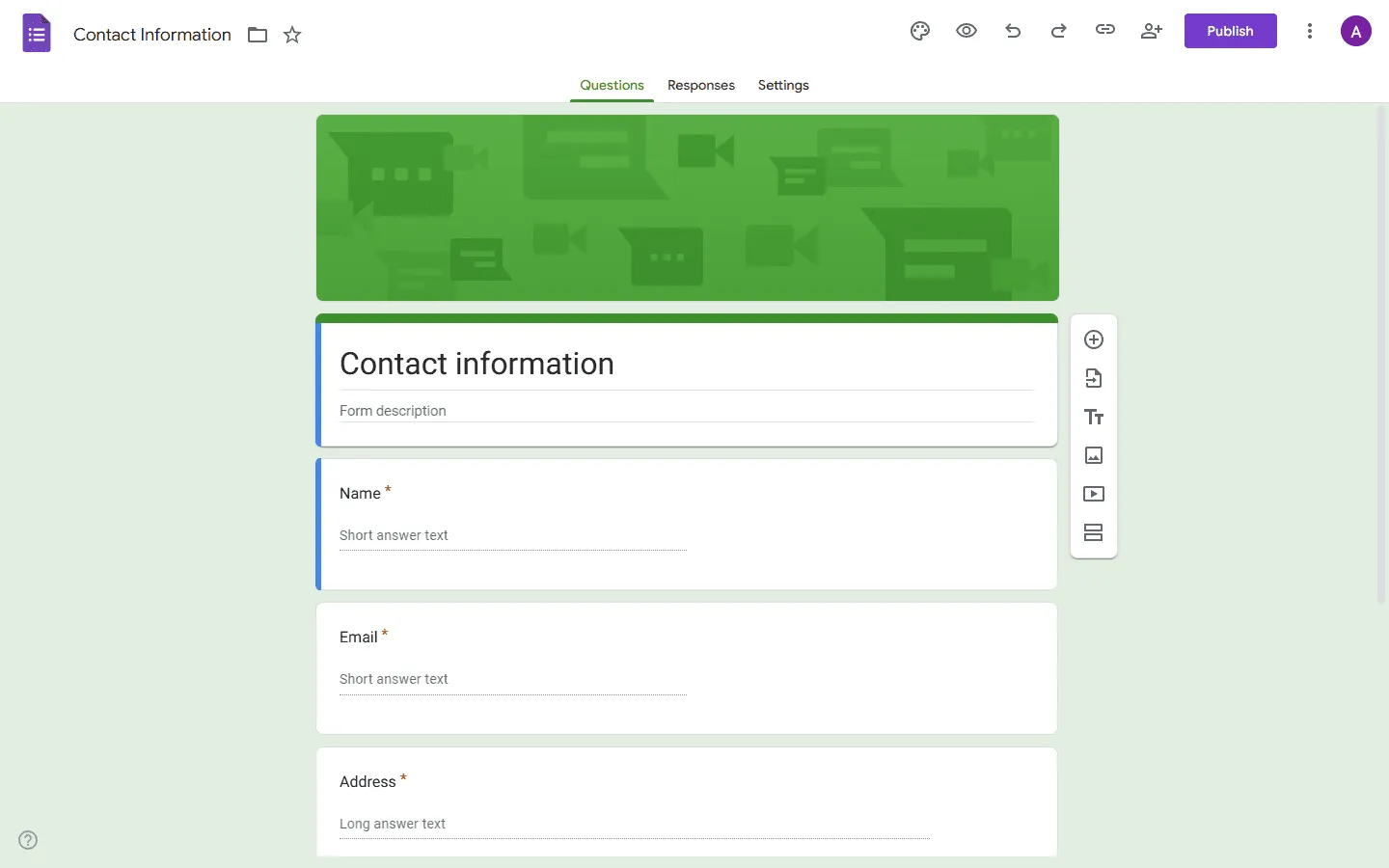 Google Forms is one of the simplest ways to publish a survey quickly. It is the absolute simplest, most accessible way to put a survey online. If your QuestionPro account feels like overkill for a quick office poll, event signup, or simple feedback form, Google Forms is the logical alternative.
It is entirely free for personal use and connects easily with the Google Workspace ecosystem. Responses are saved automatically to Google Sheets, making it easy to sort and visualize your data. You won’t find advanced branching logic, complex question types, or deep statistical analysis here, but for 80% of everyday use cases, it is simple and effective.
Setup is fast, and most teams already know how it works. There is no software to learn, no plan to upgrade, and no complex settings to configure. It just works, making it a practical backup tool for when you need to gather simple data fast.
Key features
- 100% free for personal use
- Native Google Sheets integration
- Very simple interface
- Easy sharing control via Google account
- Basic quiz features with auto-grading
Google Forms pricing
- Free: Personal use
- Business: Included in Google Workspace plans
Why choose Google Forms over QuestionPro?
If you just need a list of questions and don’t care about branding or advanced data analysis, use Google Forms. It is free and faster to set up.
10. Zoho Survey
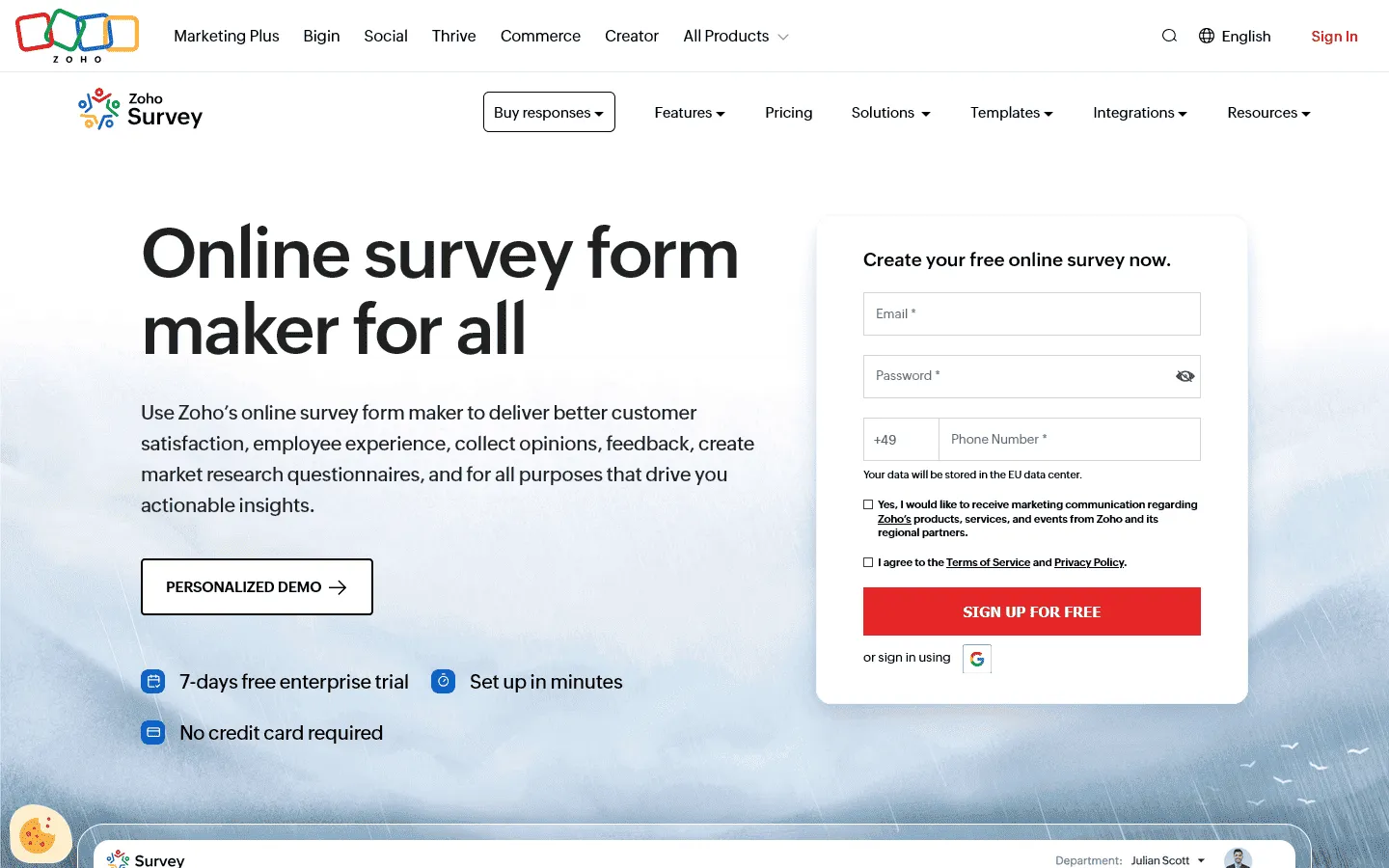 Zoho Survey is a capable survey tool that makes the most sense when you already use Zoho apps. If your company uses Zoho CRM, Zoho Projects, or Zoho Mail, using their survey tool is a strategic advantage. It lets you send survey responses directly into customer records, creating a unified view of your clients.
Even as a standalone tool, Zoho Survey is highly capable. It offers a generous free plan and paid plans that are often cheaper than comparable tiers in QuestionPro. It covers all the basics (offline surveys, multilingual support, and decent reporting) without the premium price tag.
The integration capabilities mean you can trigger surveys based on CRM actions (like closing a deal) and have the feedback loop back into the sales process. This makes it an excellent choice for sales-driven organizations that want to tightly couple feedback with revenue activities.
Key features
- Deep integration with Zoho CRM and other Zoho apps
- Offline survey capabilities
- Multilingual support with auto-translation
- Panel integration to buy responses
- White-labeling options on higher plans
Zoho Survey pricing
- Free: 3 surveys, 10 questions/survey, 100 responses/survey
- Basic ($7.42/month): 3 surveys, 1,000 responses/survey, custom themes, basic integrations
- Plus ($25/month): Unlimited surveys, 3,000 responses/survey, advanced integrations
- Pro ($35/month): Unlimited surveys, 5,000 responses/survey, custom branding
- Enterprise ($75/month): Unlimited surveys, 7,000 responses/survey, SSO, audit logs
Why choose Zoho Survey over QuestionPro?
If you are in the Zoho ecosystem, this is your best option. It connects your survey data to your sales and support data better than any external tool.
How we evaluated QuestionPro replacements
We focused on the common reasons teams leave QuestionPro: setup friction, dated UI, and pricing that pushes practical features into higher tiers. For each tool, we built a standard feedback survey (multiple choice + NPS + open text + one conditional follow-up). Then we checked:
- Build time: How quickly we could create the survey and add basic logic
- Logic usability: How many steps it took to set up a simple conditional path
- Distribution basics: Share link options and embed options
- Reporting workflow: Filters, exports, and how easy it was to find common metrics
- Design control: Branding options and layout flexibility (where relevant)
- Limits that affect real projects: Response caps, seat limits, and paywalls that show up early
What to look for in a QuestionPro alternative
Data vs. Design
QuestionPro leans heavily toward data. If you move to a tool like Typeform or FormGrid, you are trading some of that deep statistical power for a much better user experience. Decide which matters more: the complexity of the analysis or the number of people who actually finish the survey.
Integration depth
Most tools connect to Google Sheets. But if you need to update a CRM record or trigger a support ticket, look for tools with native integrations (like Zoho, Salesforce, or HubSpot). Zapier can bridge gaps, but native integration is always more reliable.
Support quality
When a survey goes wrong, you need help fast. Enterprise tools like Qualtrics and active challengers like Sogolytics typically offer better support than broad, general-purpose tools like Google Forms.
Conclusion: Which QuestionPro alternative should you choose?
The right QuestionPro alternative depends on what is frustrating you most about the platform.
- If you are leaving because the interface feels outdated, go with FormGrid or Typeform. Both prioritize modern design and user experience. FormGrid is completely free with unlimited responses, while Typeform offers visually polished one-question-at-a-time surveys that feel more like a conversation than a form.
- If QuestionPro is too expensive for your needs, consider FormGrid (free forever), Google Forms (free for basic use), or SurveySparrow (starts at $19/month with strong features). All three offer solid functionality without the steep pricing jumps.
- If you need more advanced research capabilities, Qualtrics is the clear upgrade. It is more expensive, but it offers enterprise-grade statistical analysis, predictive intelligence, and deeper integrations that QuestionPro cannot match.
- If you need better integrations, look at Zoho Survey (if you use Zoho), Alchemer (for custom workflows and webhooks), or Jotform (for payments, signatures, and operational forms).
- If you need better support and reporting, Sogolytics stands out with 24/7 customer support and one-click PowerPoint report generation.
The bottom line: QuestionPro covers a lot of ground, which can add complexity and cost. A more focused tool usually works better once you’re clear whether you need deeper research features, stronger reporting, better design control, or simpler workflows.
FAQs
How do I export data from QuestionPro?
QuestionPro lets you export data in CSV, Excel, and SPSS formats. This makes it relatively easy to migrate your historical data to another platform if needed. Most alternatives accept CSV imports, so switching is usually straightforward.
Which QuestionPro alternative is best for students?
Google Forms and FormGrid are the best options for students. Both are free and offer unlimited surveys, which is usually the biggest constraint for academic projects on a budget. Use FormGrid if you need the survey to look professional; use Google Forms if you just need quick data.
What is the best free QuestionPro alternative?
FormGrid is one of the best free QuestionPro alternatives. It offers unlimited forms, unlimited responses, and all core features at no cost. Google Forms is also completely free, though it lacks customization and advanced features.
Do any QuestionPro alternatives offer offline surveys?
SurveySparrow and Jotform both offer offline survey capabilities, allowing you to collect data in the field without an internet connection. The data syncs automatically once you are back online.