11 Best Jotform Alternatives in 2026 (Free & Paid)
Looking for the best Jotform alternative? You’re not alone.
Jotform is one of the most feature-heavy form builders on the market. It supports payments, uploads, approvals, signatures, and hundreds of integrations. For many teams, that range is exactly what they want.
Others start looking for alternatives because it feels heavy, takes time to set up, or becomes expensive once response limits and team features come into play. Some want simpler tools. Others want more design control. Some want better reporting. Others need tighter workflow integration.
This guide compares the best Jotform alternatives and competitors. We focus on what each tool actually does better than Jotform, where it falls short, and who it makes sense for.
Best Jotform alternatives: Quick summary
If you want the short version, this table shows what each Jotform alternative is best at.
| Jotform alternative | Best Jotform replacement for | Free plan | Starting price |
|---|---|---|---|
| FormGrid | Visually unique forms | Available | $29/month |
| Typeform | Guided, one-question flows | Available | $29/month |
| Tally | Modern doc-style forms | Available | $29/month |
| Google Forms | Simple, free forms | Available | Free |
| WPForms | WordPress sites | Not available | $99/year |
| Formstack | Enterprise workflows & compliance | Not available | $83/month |
| Zoho Forms | Zoho CRM workflows | Available | $10/month |
| Fillout | Logic-heavy flows | Available | $15/month |
| Paperform | Sales, bookings, checkout-style forms | Available | $24/month |
| SurveyMonkey | Surveys and reporting | Available | $39/month |
| FormAssembly | Salesforce-connected forms | Not available | $59/month |
What is Jotform?
 Jotform is a no-code form builder that focuses on breadth. It covers a lot of use cases in one product: registrations, payments, uploads, approvals, signatures, and basic workflows.
If you mainly want a tool that can do almost anything, it is a good option. If you want a cleaner workflow, more control over layout, or a narrower product with fewer screens and settings, alternatives often feel better.
Why people switch from Jotform
Most switches come down to one of these:
- Cost: Response limits, storage caps, and team features push people into higher tiers quickly.
- Setup time: Some teams want fewer knobs and faster builds.
- Design control: Others want more freedom over layout and structure.
- Workflow fit: Tools built specifically for WordPress, Zoho, Airtable, or Salesforce can feel more natural.
- Survey needs: For research and analysis, Jotform often feels secondary.
What to look for in a Jotform alternative
Before switching tools, it helps to be clear about what actually matters for your setup. Most differences only become obvious once a form grows, gets shared, or becomes part of a workflow.
- Builder speed: How long does it take to build a real form and change it later, not just a demo?
- Layout and branding: Some tools stop at colors and fonts. Others let you shape the page, spacing, and sections.
- Logic that stays readable: Adding branching is easy. Editing it later without breaking things is harder.
- Where responses go: Sheets, CRMs, databases, internal tools, or automation pipelines.
- Team setup: Permissions, ownership, and shared access matter earlier than most people expect.
Our review methodology
We tested more than 30 form tools by rebuilding the same form in each one: a lead intake flow with conditional branching, file upload, and a payment step, plus a basic export to a spreadsheet and one common integration. That gave us a good sense of build speed, logic editing, and what the finished forms feel like.
We focused on four things:
- Ease of use: We built the same standard lead capture form in every tool to measure setup time and learning curve.
- Feature depth: We verified advanced capabilities such as conditional logic, payment processing, and third-party integrations to ensure they meet professional standards.
- Design flexibility: We tested customization options to determine which tools allow for true branding versus simple color swapping.
- Value for money: We analyzed pricing structures to highlight tools that offer the best features-to-cost ratio, specifically looking for hidden limits in “free” plans.
We also checked recent user feedback on platforms like Capterra and G2 to catch recurring issues and changes in limits.
11 best Jotform alternatives and competitors
1. FormGrid
 FormGrid is a Jotform alternative for teams that care about how their forms look. Jotform gives you many templates, but most of them still feel like standard forms with light styling on top. FormGrid takes a different approach and focuses on visual freedom. You can shape how a form looks and feels instead of just picking a theme.
This difference becomes obvious on public-facing forms. With Jotform, many forms end up looking similar even after styling. With FormGrid, spacing, grouping, and layout are part of the design process, not an afterthought. That matters for waitlists, applications, onboarding flows, and anything where tone and brand perception affect how people respond.
You can build your form using the document-style editor or generate a custom form from a short description. FormGrid creates the questions, page structure, and visual theme. It’s free and doesn’t require an account to try.
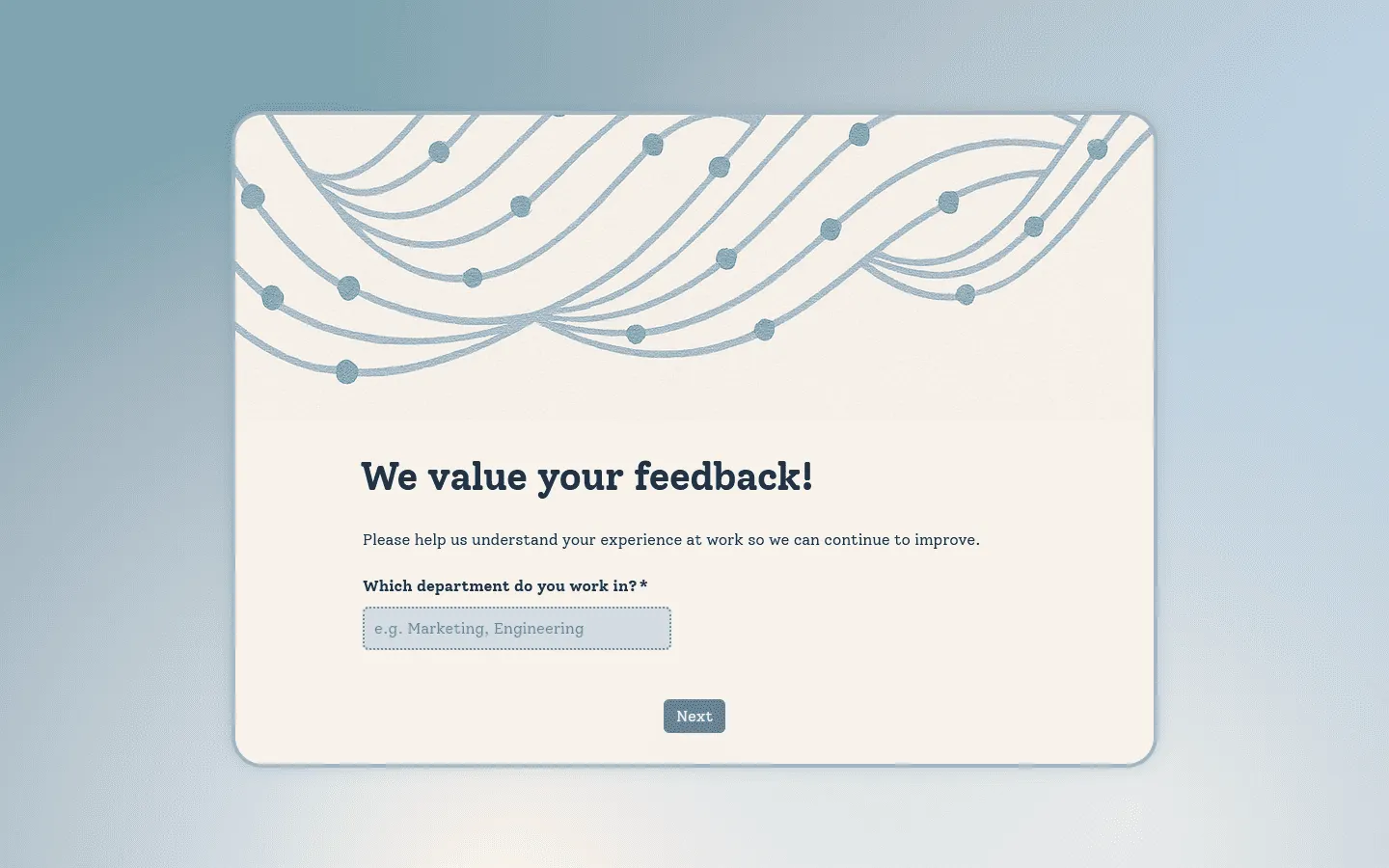
FormGrid does not try to compete with Jotform on enterprise workflows, approvals, or compliance tooling. The focus is on creating forms that look intentional instead of functional.
Verdict: FormGrid is a good alternative for users who find Jotform’s design options too generic and want a more unique, eye-catching look for their forms. You can also read our full FormGrid vs Jotform comparison for a more detailed look at features, pricing, and design options.
Key features
- AI-powered form generation
- High degree of visual customization
- Unlimited responses on the free plan
Pricing
- Free: Unlimited forms and responses, access to all core features
- Plus ($29/month): Collaboration, remove FormGrid branding, version history
- Business ($79/month): User roles and permissions, advanced link settings
Pros
- Much more visual control than Jotform
- Works well for branded, customer-facing forms
- Free plan usable for real projects
Cons
- Not built for complex enterprise workflows
- Fewer automation and compliance features than Jotform
2. Typeform
 Typeform treats a form like a conversation. Instead of showing everything on one page, it presents one question at a time. That pacing can make longer forms feel less overwhelming, which is why Typeform is popular for lead capture, onboarding, and feedback.
Compared to Jotform, you get more control over how people move through a form. You can decide what they see, when they see it, and how the flow adapts based on earlier answers. This makes the experience feel more guided, but it also means more setup.
Where it becomes a tradeoff is scale and cost. Response limits are strict, and prices rise quickly. The builder also hides a lot of configuration behind layers of settings, which can slow things down. If your forms are mostly practical tools rather than part of a branded experience, Typeform can feel like more than you need.
If you are deciding between Typeform and Jotform specifically, our Typeform vs Jotform comparison breaks down the differences in depth. And if Typeform’s conversational approach feels like a better fit than Jotform, but the pricing or limits are a concern, this list of Typeform alternatives is a good place to find similar tools.
Verdict: Typeform is a better choice than Jotform when the form experience itself affects conversions or brand perception.
Key features
- Conversational, slide-based layout
- Video and image capability for every question
- Logic jumps for personalized user paths
Typeform pricing
- Free: 10 responses/month, limited features
- Basic ($29/month): 100 responses/month, basic integrations
- Plus ($59/month): 1,000 responses/month, more logic, branding options, and integrations
- Business ($99/month): 10,000 responses/month, team features, advanced analytics, priority support
- Enterprise (custom pricing): Custom limits, SSO, custom domains, HIPAA compliance
Pros
- Polished experience
- Good for marketing and onboarding
- Many integrations
Cons
- Very limited free tier
- Gets expensive quickly
- Slower to build than simpler tools
3. Tally
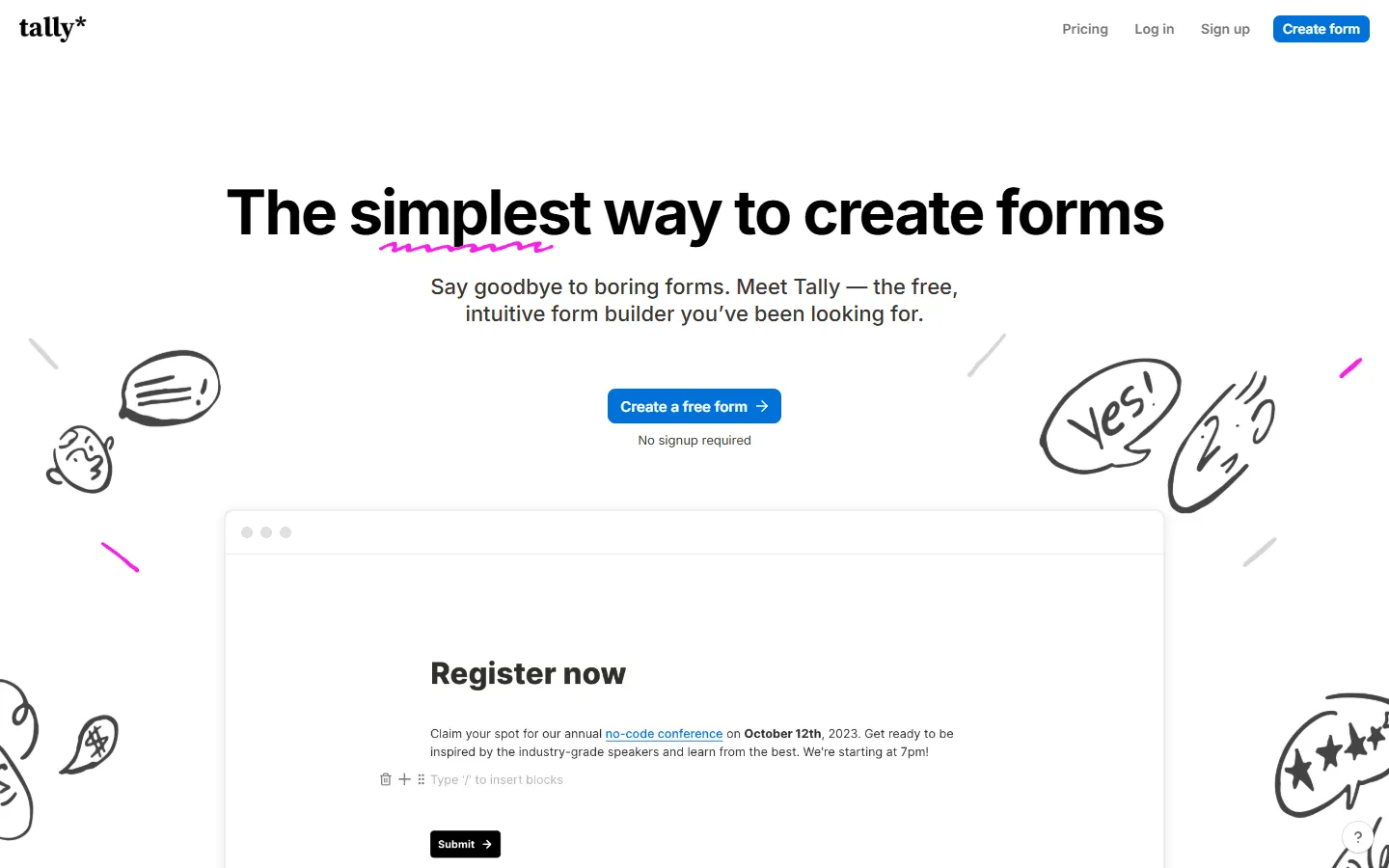 Tally strips form building down to its basics. You write questions like you would in a document, insert input blocks, and publish. There is almost nothing to configure, which makes it much faster than Jotform for simple forms.
One of the biggest reasons people switch is pricing. Tally offers unlimited forms and responses on its free plan, including logic, file uploads, and payments. With Jotform, many of these features push you into higher tiers. It’s one of the most cost-effective replacements for Jotform.
What you lose is visual control. Everything lives in a vertical flow, and layout options are limited. That keeps things clean, but it also means most Tally forms look similar. For internal tools, that is fine. For branded or design-heavy forms, it can be a problem.
If you are leaning toward Tally but still want to compare a few similar tools, this list of Tally alternatives might be useful.
Verdict: Tally is the best choice for budget-conscious users who need advanced functionality without the enterprise price tag.
Key features
- Unlimited forms and submissions on the free plan
- Simple, text-based editor
- No code payment integrations
Tally pricing
- Free: Unlimited forms and submissions, basic logic, payments, file uploads
- Pro ($29/month): Custom domains, remove Tally branding, advanced integrations
- Business ($89/month): Email verification, form version history
Pros
- Very fast to use
- Generous free tier
- Simple logic
Cons
- Limited layout freedom
- Not well-suited for highly branded flows
4. Google Forms
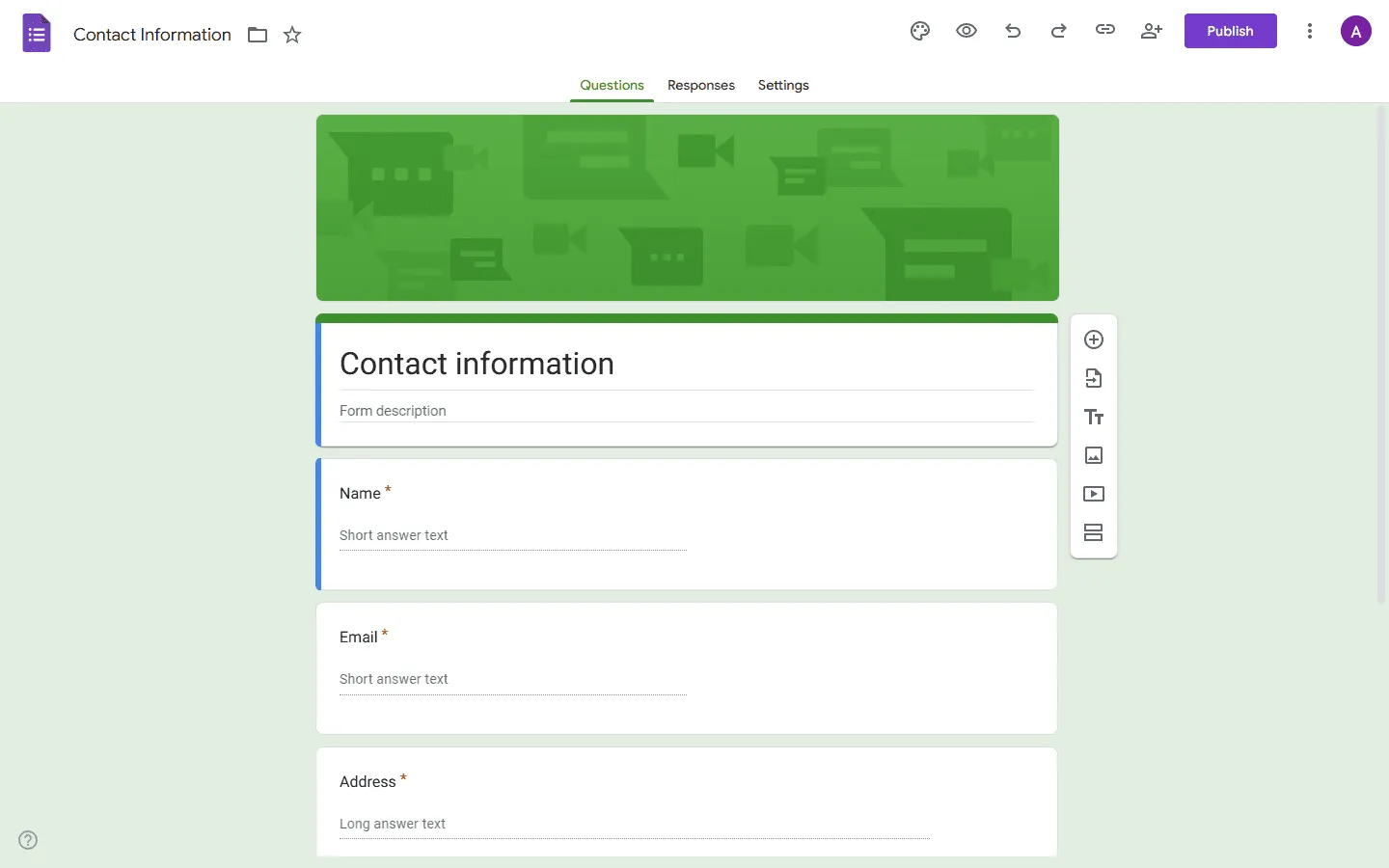 Google Forms is a free Jotform alternative and one of the simplest tools to build a form. You open it, add questions, share a link, and responses start flowing into a spreadsheet. There is no onboarding, no setup process, and almost nothing to configure.
As part of the Google Workspace ecosystem, it integrates directly with Google Sheets. Responses land there in real time, making it easy to sort, filter, and share them.
If your forms are internal, short-lived, or mainly used for collecting structured data, Google Forms can feel like a relief. You do not have to think about plans, limits, or permissions. Everything lives in Google Drive, and collaboration works the same way as Docs or Sheets.
What you give up is control. Layout options are minimal, branding is limited, and longer forms can feel messy. Logic is basic, and anything public-facing tends to look generic. If your form plays a role in sales, onboarding, or product experience, Google Forms will usually feel too bare.
Learn more about how Google Forms compares to Jotform in our detailed guide: Google Forms vs Jotform. And if you are considering Google Forms instead of Jotform but want to explore other similar tools before making the switch, our Google Forms alternatives guide is a good place to start.
Verdict: Google Forms is best suited for internal team surveys, quick polls, and situations where functionality outweighs aesthetics.
Key features
- 100% free with no limits
- Native integration with Google Sheets
- Easy collaboration and sharing
Google Forms pricing
- Free: Unlimited responses, basic features
- Business (included with Google Workspace): Admin controls, shared drives, company management
Pros
- Instant setup
- Easy collaboration
- Sheets integration
Cons
- Minimal design
- Basic logic
5. WPForms
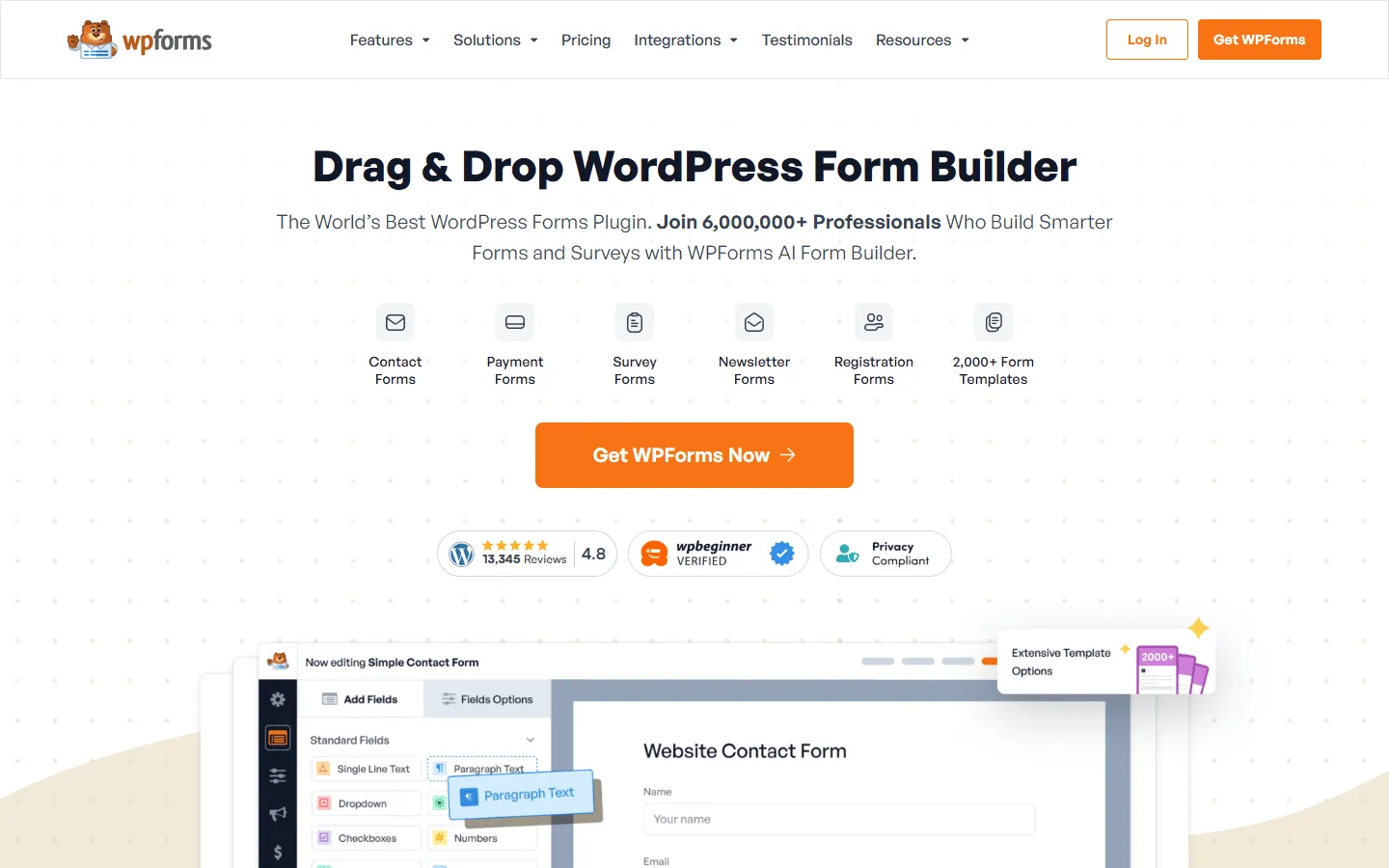 WPForms lives entirely inside WordPress. You install it like any other plugin, build your forms in the same dashboard as your pages and posts, and embed them without touching external code. That tight integration is the main reason people pick it over Jotform. There is no external tool to manage and no embeds to deal with.
The builder itself stays simple. You drag fields into place, tweak settings, and publish. Most common use cases are covered: contact forms, newsletter signups, file uploads, payments, and basic conditional logic. You also get built-in spam protection and email notifications, which saves some setup time.
Where WPForms can feel limited is anything beyond standard website forms. Multi-step flows, advanced branching, and more complex workflows can become awkward. Design options also stay close to whatever theme your site uses, which is convenient but restrictive.
Verdict: If your site is built on WordPress, WPForms provides a more streamlined and integrated experience than using an external tool like Jotform.
Key features
- Native WordPress plugin
- Drag-and-drop builder
- Spam protection built-in
WPForms pricing
- Lite: Free (limited features)
- Basic ($49.50/year, renews at $99/year): Unlimited forms, one site
- Plus ($99.50/year, renews at $199/year): Marketing integrations
- Pro ($199.50/year, renews at $399/year): Payments, conversational forms
- Elite ($299.50/year, renews at $599/year): Advanced integrations, client management
Pros
- WordPress-native
- Easy setup
Cons
- WordPress-only
- Advanced features need higher tiers
6. Formstack
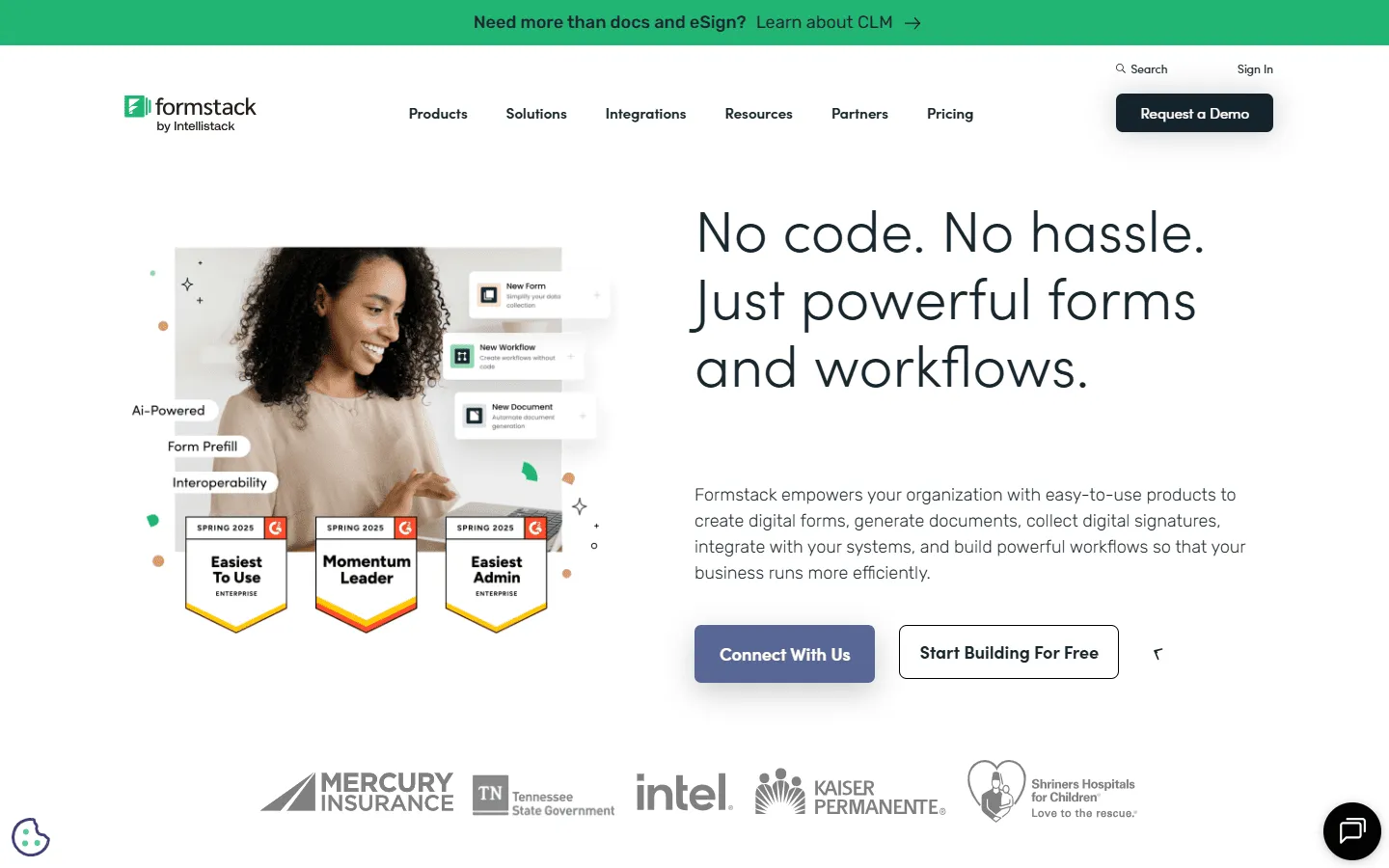 Formstack is a direct competitor to Jotform’s enterprise offerings. It specializes in data compliance (HIPAA, GDPR) and workflow automation. Beyond simple data collection, Formstack enables organizations to create complex approval workflows, generate documents from submissions, and integrate with Salesforce and other enterprise systems.
Formstack often comes up as an alternative to Jotform for teams that need advanced process automation and data security. If you are deciding between these types of tools, our Formstack alternatives guide compares it to other workflow-focused form builders.
Verdict: Formstack is the recommended choice for healthcare providers, financial institutions, and large enterprises requiring strict compliance and automation.
Key features
- HIPAA compliance features
- Document generation & e-signature
- Advanced workflow automation
Formstack pricing
- No free plan
- Forms ($83/month): 25 forms, 1,000 responses/form, core form builder, integrations, storage
- Suite ($250/month): 100 forms, 5,000 responses/form, automation, document generation, e-signatures
- Enterprise: Custom pricing, compliance features, advanced governance
Pros
- Strong workflow automation and approvals
- Built-in compliance and governance tools
- Document generation and e-signature support
- Deeper enterprise controls and audit features
Cons
- Higher cost than Jotform
- Steeper setup curve for basic forms
- Design and layout options feel limited
- Not as lightweight for simple data collection
7. Zoho Forms
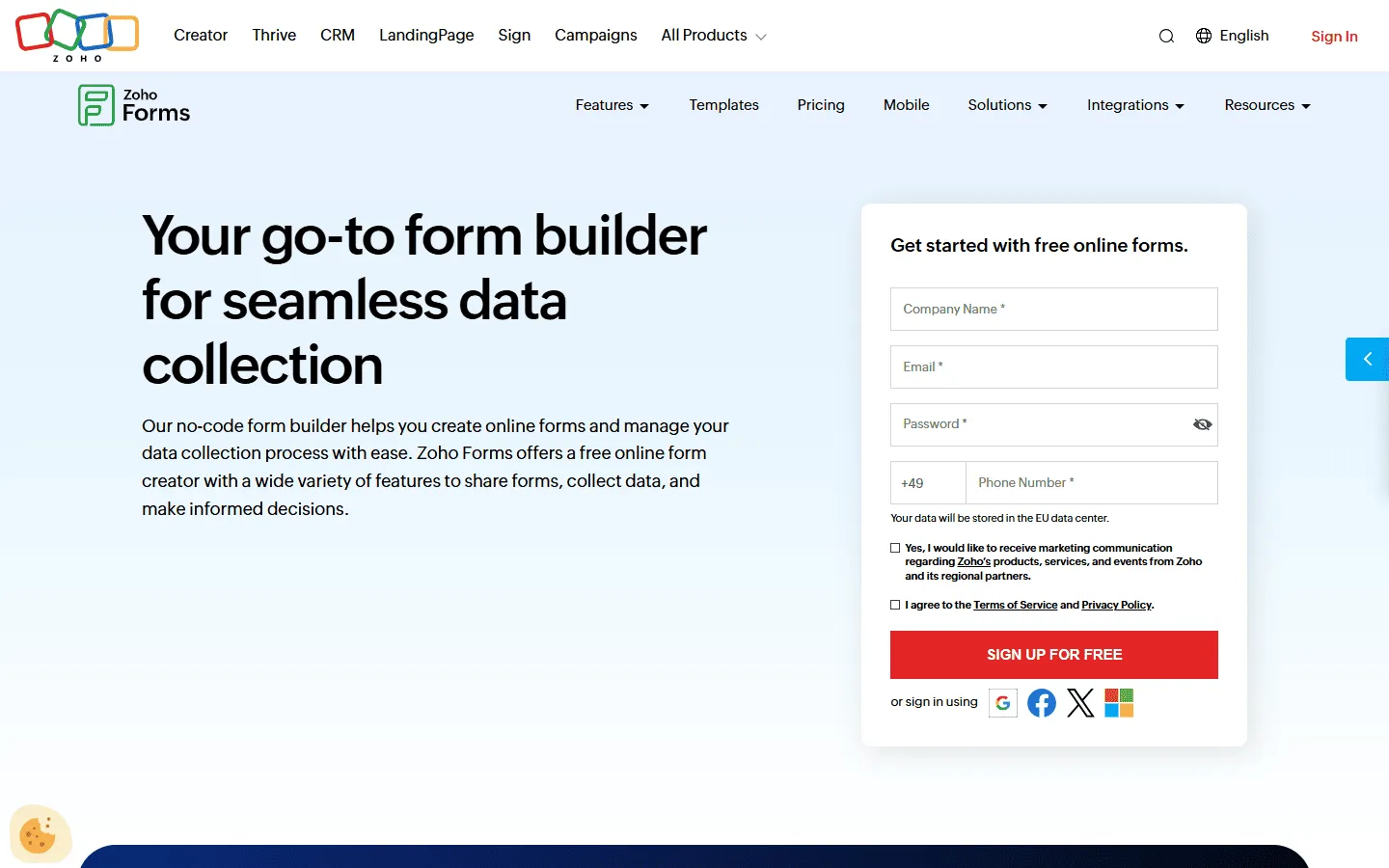 On its own, Zoho Forms looks like a fairly standard form builder. The difference shows up once you connect it to the rest of the Zoho suite. Submissions can create CRM records, trigger tasks, send follow-ups, or move through internal processes without extra tools.
The builder leans toward structure rather than flexibility. You work with sections, rules, and predefined flows instead of freeform layouts. That can feel restrictive compared to Jotform at first, but it becomes helpful as forms grow longer and more complicated. You spend less time untangling logic later.
Design options are basic, and public-facing forms often look plain unless you put in extra work. If visual control matters, other tools handle that better. Zoho Forms fits best when a form is just one piece of a bigger workflow and data needs to move somewhere immediately.
Verdict: If your business runs on Zoho, using Zoho Forms is a logical decision to ensure consistent data flow across your operations.
Key features
- Deep integration with Zoho apps
- Offline data collection
- Mobile app for field data entry
Zoho Forms pricing
- Free: 3 forms, 500 responses/month
- Basic ($10/month): 10,000 responses/month, custom branding and themes
- Standard ($25/month): 25,000 responses/month, approvals
- Professional ($50/month): 75,000 responses/month
- Premium ($90/month): 150,000 responses/month, HIPAA compliance, record audit
Pros
- Tight Zoho integration
- Good workflow features
Cons
- Less appealing outside Zoho
8. Fillout
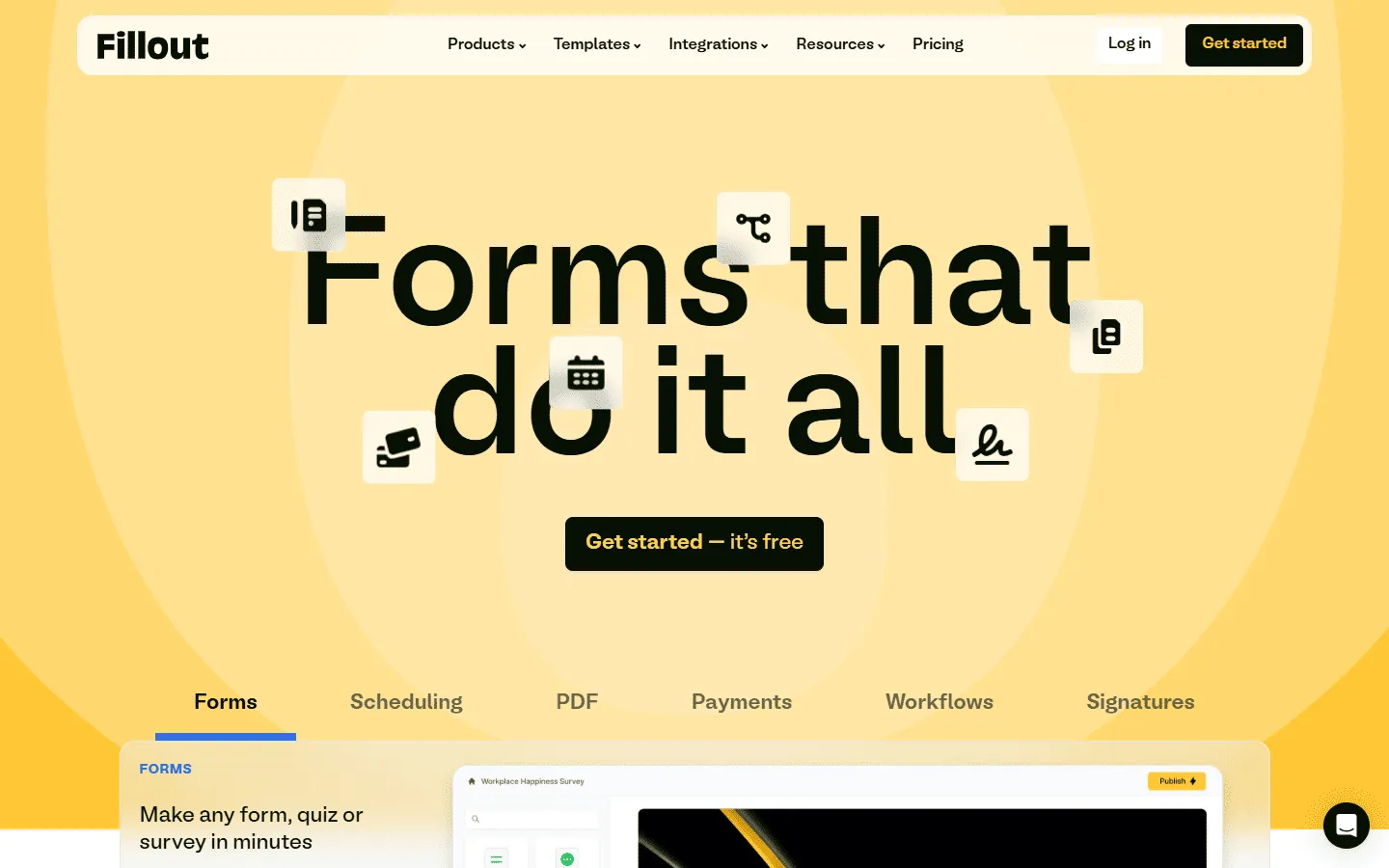 If you are switching from Jotform because your forms have turned into complicated logic trees, Fillout is worth a look. It keeps branching, conditions, and multi-step flows visible instead of hiding them behind layers of settings. That makes larger forms easier to understand and easier to change later.
One of the bigger differences shows up in how it handles data. Fillout connects deeply with Airtable and Notion. You can pull in existing records, update them, and keep everything in sync. Jotform usually treats a form as a one-way entry point. Fillout treats it more like a front end for a database.
The visual side stays restrained. You get clean, modern layouts, but not much freedom to shape the page or create a strong brand feel.
Verdict: Fillout is a good replacement for Jotform when structure, logic, and data handling matter more than appearance.
Key features
- Real-time Airtable read/write access
- Update existing records
- Advanced conditional logic
Fillout pricing
- Free: 1,000 responses/month
- Starter ($15/month): 2,000 responses/month, increased limits and logic
- Pro ($40/month): 5,000 responses/month, advanced logic and integration capacity
- Business ($75/month): Unlimited responses, team use
Pros
- Strong logic tools
- Good for database workflows
- Clean UI
Cons
- Branding features locked behind paid plans
9. Paperform
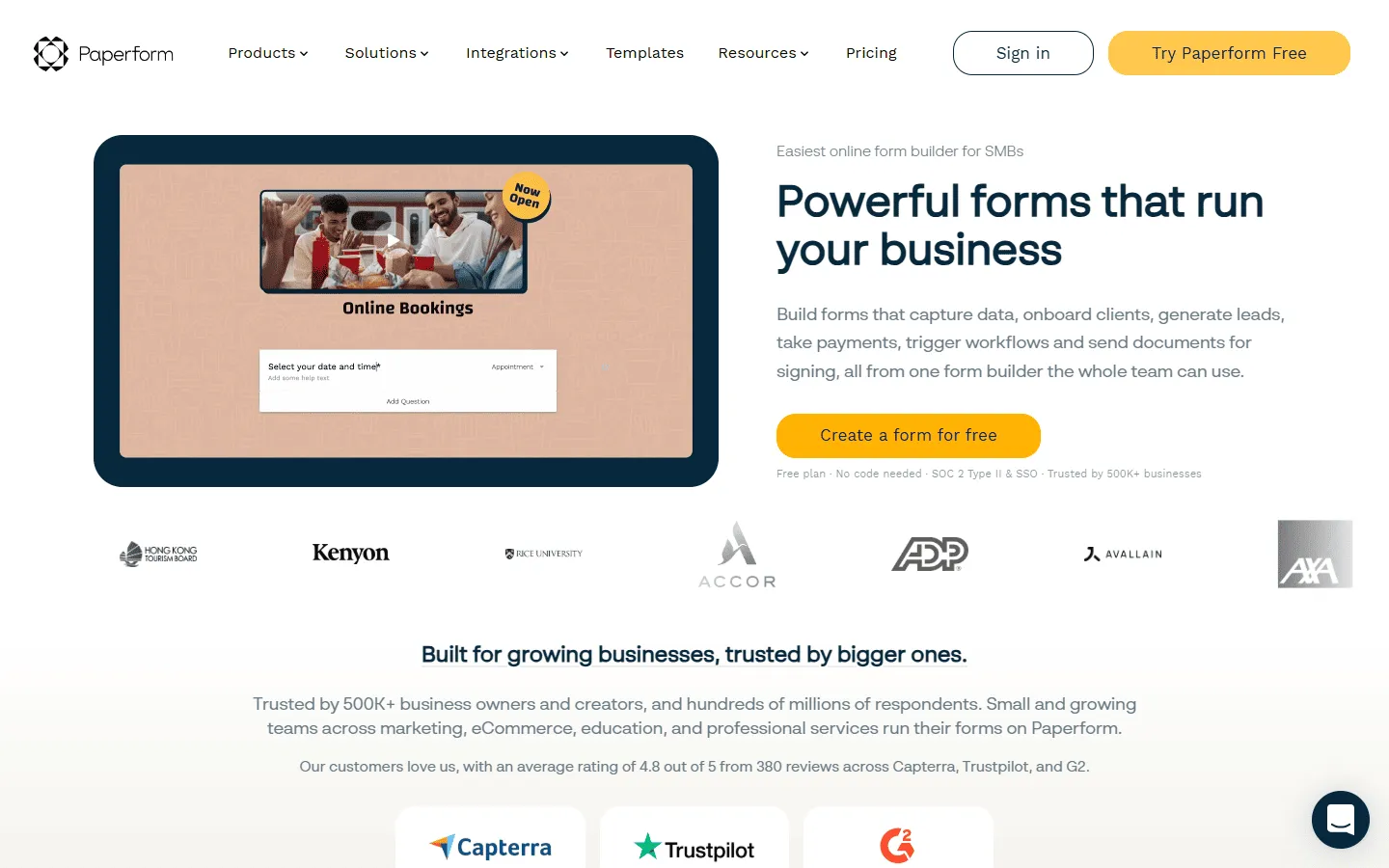 Paperform gives you much more control over how a form looks than Jotform. Instead of feeling like a stack of fields, it lets you build something closer to a page. You can mix text, images, sections, and media with inputs, which works well for things like bookings, applications, product orders, and long explanations.
It also handles pricing, calculations, and payments more naturally than Jotform in many cases. You can build forms that act like checkout flows or booking pages, not just questionnaires. That makes it popular with small businesses that sell services, run events, or take payments directly through a form. If you’re considering Paperform, our guide to alternatives to Paperform compares other content-first builders.
What you lose is some of Jotform’s breadth. Paperform is not built for internal workflows, complex branching systems, or large teams with heavy permission needs.
Verdict: Paperform is excellent for small business owners who need a form that can double as a sales page or booking engine.
Key features
- e-Commerce and inventory management
- Landing page style layout
- Support for subscriptions and donations
Paperform pricing
- Free: 30 responses/month
- Essentials ($24/month): 1,200 responses/year
- Pro ($49/month): 12,000 responses/year, custom CSS, custom form links
- Business ($99/month): unlimited forms, 120,000 responses/year, SSO
Pros
- Page-style layout
- Good for payments and bookings
Cons
- No long-term free plan
- Survey reporting is basic
10. SurveyMonkey
 While Jotform is a general-purpose form builder, SurveyMonkey is a dedicated survey platform. It provides specialized tools for gathering and analyzing feedback, such as sentiment analysis, A/B testing, and industry benchmarking.
You get built-in charts, filters, exports, and tools that help make sense of large sets of responses. That is why it shows up in research, HR, education, and customer feedback work. If your goal is to understand trends rather than just collect entries, SurveyMonkey usually does a better job.
The editor is more traditional and can feel slower than modern builders. Visual customization is limited, and longer surveys can take time to set up. Pricing also climbs quickly if you need advanced exports or team features.
If SurveyMonkey feels closer to what you need than Jotform, we break down its strengths and limitations in more detail in our SurveyMonkey alternatives guide.
Verdict: Choose SurveyMonkey if your primary goal is research and analysis rather than operational data collection.
Key features
- Advanced statistical analysis
- Library of expert-written questions
- Benchmarks for comparing results
SurveyMonkey pricing
- Free: 25 responses/survey, 10 questions/survey, basic features
- Standard Monthly ($39/month): 1,000 responses/month, more question types, custom themes
- Advantage Annual ($432/year): 15,000 responses/year, payments, A/B testing, recurring surveys
- Premier Annual ($1,188/year): 40,000 responses/year, no SurveyMonkey branding, advanced logic
- Team Advantage (~$30/user/month): 50,000 responses/year, collaboration features
- Team Premier (~$75/user/month): 100,000 responses/year
- Enterprise: Custom limits, advanced governance, SSO, HIPAA compliance
Pros
- Strong analytics
- Survey templates
- Filters and exports
Cons
- Limited layout freedom
11. FormAssembly
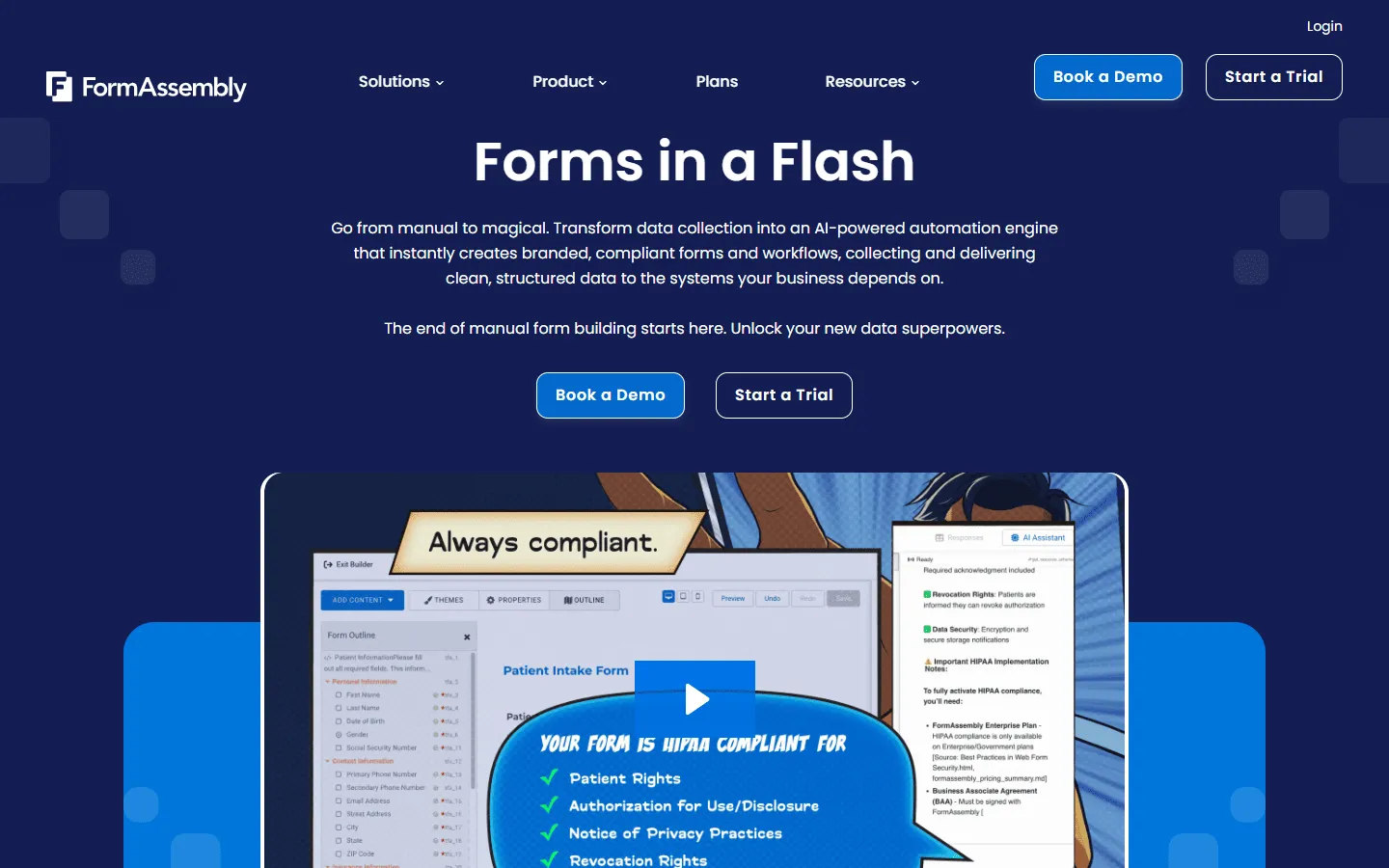 FormAssembly is a strong Jotform alternative if Salesforce sits at the center of your workflows and form data needs to land in the right place without cleanup. Jotform can integrate with Salesforce, but it often feels like you are stitching things together. FormAssembly puts Salesforce first, so field mapping, validations, and data rules feel more intentional.
It also fits teams that care about governance. You get more control over how data moves, who can access what, and how submissions get handled across a team. If your forms are tied to lead routing, account updates, or regulated data, that extra structure matters.
The tradeoff is that it is not trying to be a fun, flexible form builder. The design side is secondary, and it is not the tool you pick for marketing pages or playful branded forms. It is the tool you pick when clean data and predictable workflows matter more than aesthetics.
If you’re specifically evaluating FormAssembly and want to see how it compares to a wider set of tools, our guide to FormAssembly alternatives covers the most common switching scenarios.
Verdict: FormAssembly is a good replacement for Jotform in Salesforce-heavy setups where data quality and process control matter.
Key features
- Salesforce-first field mapping and validation
- Team controls and governance features
- Workflow-friendly exports and integrations
FormAssembly pricing
- No free plan
- Atlas Explorer (from $59/month): Core form builder, basic integrations, limited submissions
- Atlas Team (available on request): Advanced logic, Salesforce sync, higher limits
- Atlas Enterprise (available on request): Compliance features, SSO, audit logs, priority support
Pros
- Better Salesforce workflow fit than Jotform for many teams
- Strong data handling and governance
- Good option for regulated or process-heavy forms
Cons
- Not great for visual design and branding
- Higher cost and more setup than lightweight tools
Other Jotform alternatives
These tools did not make the top 11, but they are still worth knowing about. They tend to show up once you have a specific constraint, like WordPress-only forms, advanced calculations, or niche onboarding workflows.
-
Forms.app
: Good if you want a lighter Jotform replacement with lots of templates, quick setup, and an AI-assisted builder. If this sounds like a good fit, checking out other forms.app alternatives is a good way to see similar tools. - Wufoo: A long-running hosted form builder that covers the basics well, but feels dated compared to newer tools.
- Cognito Forms: Worth a look if you need calculations, repeating sections, and document-style workflows that can get clunky in Jotform. For a full comparison, check our guide to Cognito Forms alternatives.
- Gravity Forms: A WordPress-native option for complex forms and integrations, aimed at people who want more control than WPForms. If you need a WordPress plugin but Gravity Forms isn’t right, checking our Gravity Forms alternatives guide might help.
- Tripetto: A good alternative if you like conversational forms and want a visual way to build branching logic.
- Under.io: Built for financial services onboarding, with identity checks and document workflows that go beyond what most general builders offer.
Conclusion: Which Jotform alternative should you choose?
There is no single best replacement for Jotform. The right choice depends on what feels frustrating about your current setup and what you actually want your forms to do.
Here is a quick way to narrow it down:
- If design and visual customization matter: FormGrid and Paperform give you more control over layout, spacing, and visual style than Jotform, which helps if your forms double as landing pages or brand touchpoints.
- If you want higher completion rates through guided flows: Typeform and Tripetto focus on step-by-step experiences instead of long pages, which can feel less overwhelming for longer or more personal forms.
- If your logic is getting hard to maintain: Fillout and Cognito Forms make it easier to build and edit complex branching, calculations, and conditions without turning your form into a mess of hidden rules.
- If submissions need to trigger real workflows: Zoho Forms and Formstack work better than Jotform when forms are only the first step and data needs to move through approvals, automations, or other systems.
- If everything lives on WordPress: Gravity Forms and WPForms integrate more naturally with WordPress sites, which can be easier than embedding an external tool like Jotform.
- If you want something simple and free: Google Forms and Tally cover most basic needs without response limits or complicated setup.
- If analysis matters more than layout: SurveyMonkey makes more sense when the goal is to analyze trends, segment results, and generate reports rather than just collect entries.
If Jotform already works for you, there is no urgent reason to switch. But if it feels heavy, expensive, or harder to manage than it should be, the tools above show that there are plenty of good alternatives, each built around a different idea of what form building should look like.
Jotform alternatives FAQ
What is the best free Jotform alternative?
If you want to avoid strict submission limits on a free plan, FormGrid is a popular choice. It offers unlimited forms and unlimited responses for free, and all of its core features are usable without paying. Tally and Google Forms are also great options.
What is the best Jotform alternative for WordPress?
WordPress users usually get a smoother experience with native form plugins instead of embedded tools. WPForms works well for basic contact forms and simple site needs. Gravity Forms fits better when you need more complex logic, calculations, or deeper integrations. Both feel more native than Jotform in a WordPress setup.
What is the best Jotform alternative for surveys?
Jotform treats surveys like any other form. That is fine until results start piling up. SurveyMonkey is built around what happens after people respond. Filtering, grouping, exporting, sharing, and comparing results are first-class features there. The editor itself is nothing special, but the reporting tools save time.
What is the best Jotform alternative for logic-heavy forms?
Fillout handles conditional logic very well. It lets you build complex branches and user paths without the editor becoming cluttered or confusing to manage.
What is the best Jotform alternative for bookings or checkout-style forms?
Paperform is great if you want your form to act like a small landing page. It handles product images, pricing, and checkout flows in a way that feels more like a storefront than a simple data entry field.
What is the best Jotform alternative for Salesforce?
FormAssembly offers a powerful Salesforce integration. It maps data to Salesforce objects with high precision and handles validation rules more strictly than Jotform and most of its alternatives.