Jotform vs Google Forms: Which form builder is better? (2026)
If you are comparing Jotform vs Google Forms, you are likely deciding whether a free tool is enough or if you need more advanced features.
Google Forms is the default choice for millions of users because it is free, simple, and reliable.
Jotform is the power user’s choice. It handles payments, signatures, and complex logic that Google Forms just can’t touch.
This guide compares Jotform vs Google Forms across pricing, templates, ease of use, and data handling to help you decide if you should pay for power or stick with the free option.
Jotform vs Google Forms: Quick summary & feature comparison
If you want the short version, we summarized the main differences between Jotform and Google Forms in the table below:
| Feature | Jotform | Google Forms |
|---|---|---|
| Capterra rating | 4.7/5 (2,700+ reviews) | 4.7/5 (11,000+ reviews) |
| Best for | Applications, payments, complex workflows | Simple surveys, internal polls |
| Price | Expensive (Starts at $34/mo) | Free (completely) |
| Templates | 10,000+ industry-specific templates | ~17 basic templates |
| Design | Advanced (CSS, themes, layout control) | Very basic (color headers) |
| Data Handling | Internal database + 100+ native integrations | Native Google Sheets sync |
| Payments | Yes (Stripe, PayPal, Square, etc.) | No |
| Logic | Advanced (Show/Hide fields, calculations) | Basic “Go to section” |
The bottom line:
- Choose Jotform if you are running a business process. If you need to collect money, signatures, or specific file types, and you need the form to look professional, Jotform is the power tool you need.
- Choose Google Forms if you need a quick, no-frills way to collect data and you don’t care about branding. It is robust, free, and syncs well with Google Sheets.
If you like the idea of Jotform’s customization but hate the idea of Jotform’s monthly fee, you might also want to look at FormGrid. It offers advanced design and AI generation for free, sitting nicely in the middle.
What is Jotform?
 Jotform is a very powerful tool. It has been around for nearly two decades and has added almost every feature imaginable. It isn’t just a form builder; it’s a data collection platform. It includes PDF editors, app builders, and approval workflows.
Jotform advantages
- Versatility. You can build almost anything, from a simple contact form to a complex HIPAA-compliant medical intake process.
- Large template library. With over 20,000 templates, you rarely have to start from scratch.
- Powerful integrations. It connects with virtually everything, not just Google products.
Jotform disadvantages
- It gets expensive. The free plan is very limited (5 forms), and the first useful paid tier is ~$34/month.
- Feature clutter. Because it does so much, the interface can feel overwhelming compared to Google’s simplicity.
What is Google Forms?
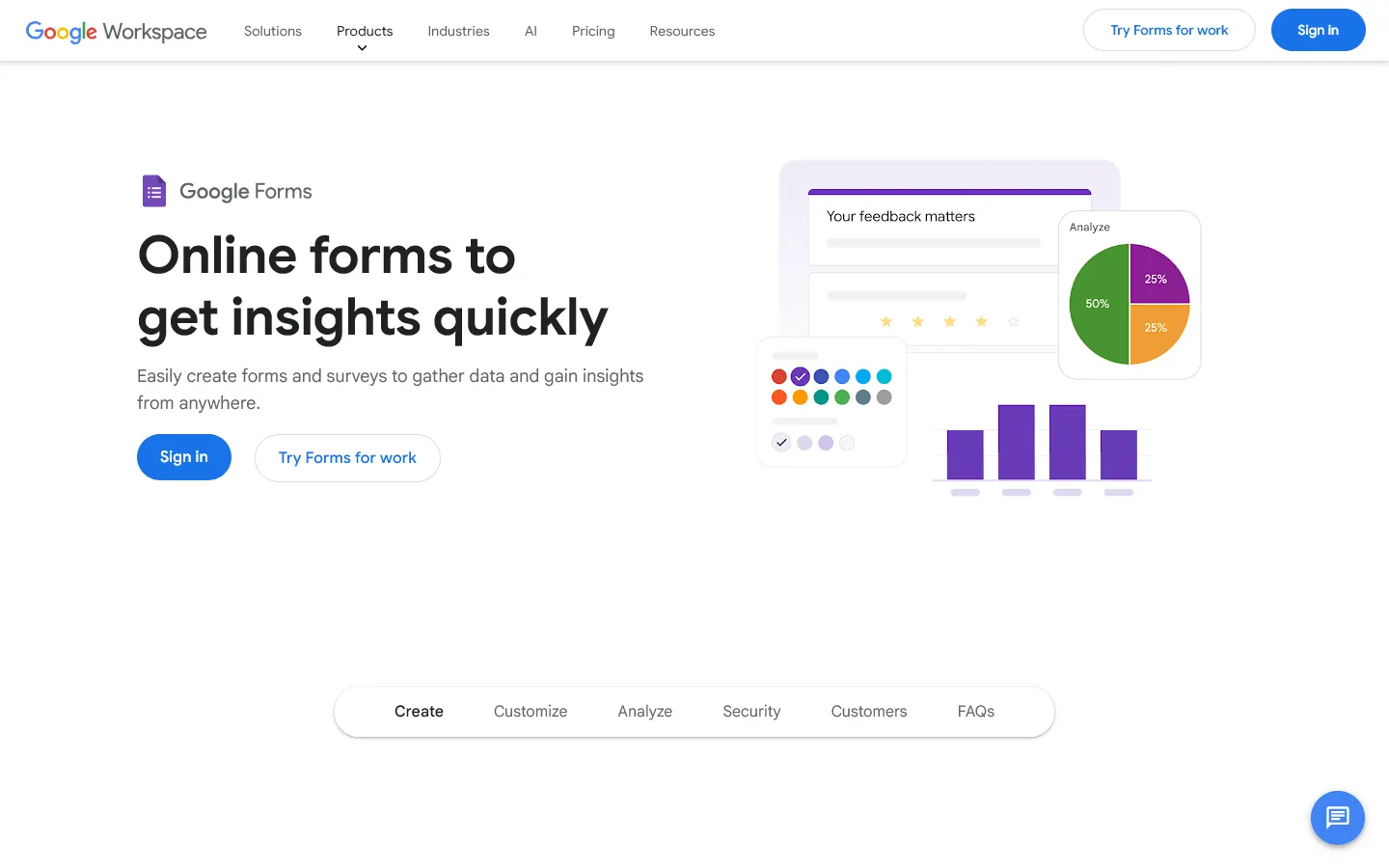 Google Forms is part of the Google Workspace suite. It is designed for utility. It prioritizes speed and simplicity over design and power. You can create a form in seconds, send it out, and watch the answers populate a spreadsheet in real-time.
Google Forms advantages
- It is completely free. There are no hidden “pro” features or submission limits.
- Zero learning curve. If you have used the internet, you can build a Google Form.
- Google ecosystem integration. The way it dumps data directly into Google Sheets is a feature that even expensive competitors struggle to beat.
Google Forms disadvantages
- It looks like a Google Form. You can’t strip the branding or make it feel like your own website.
- Limited logic. You can skip sections based on answers, but you can’t show/hide specific fields or do math.
- No payments or signatures. It is strictly for information collection.
Jotform vs Google Forms: Detailed comparison
Pricing and limits
The biggest difference between Google Forms and Jotform is how quickly costs appear once you move beyond basic use.
Jotform pricing
Jotform uses a tiered pricing model based on form count, monthly submissions, and storage.
- Free: 5 forms, 100 responses/month
- Bronze ($34/month): 25 forms, 1,000 responses/month, no branding
- Silver ($39/month): 50 forms, 2,500 responses/month, more storage and integrations
- Gold ($99/month): 100 forms, 10,000 responses/month, HIPAA, priority support
- Enterprise (custom pricing): Unlimited usage, SSO, SLA
File upload limits apply across all plans. If your form collects images, PDFs, or other large files, storage limits are often reached before submission limits.
Google Forms pricing
Google Forms is completely free. There are no limits on the number of forms or responses. Uploaded files count toward your free Google Drive storage quota, which is 15 GB for personal Google accounts.
Which pricing model works better?
- Jotform makes sense when forms are part of a paid or operational workflow and advanced features justify the monthly fee.
- Google Forms works best if you want zero cost, unlimited responses, and simple data collection.
For students, small teams, and casual projects, the difference between free and $34 per month is often the deciding factor.
Templates
If you need a specific form type (like a rental application or patient intake), this is where the difference becomes obvious.
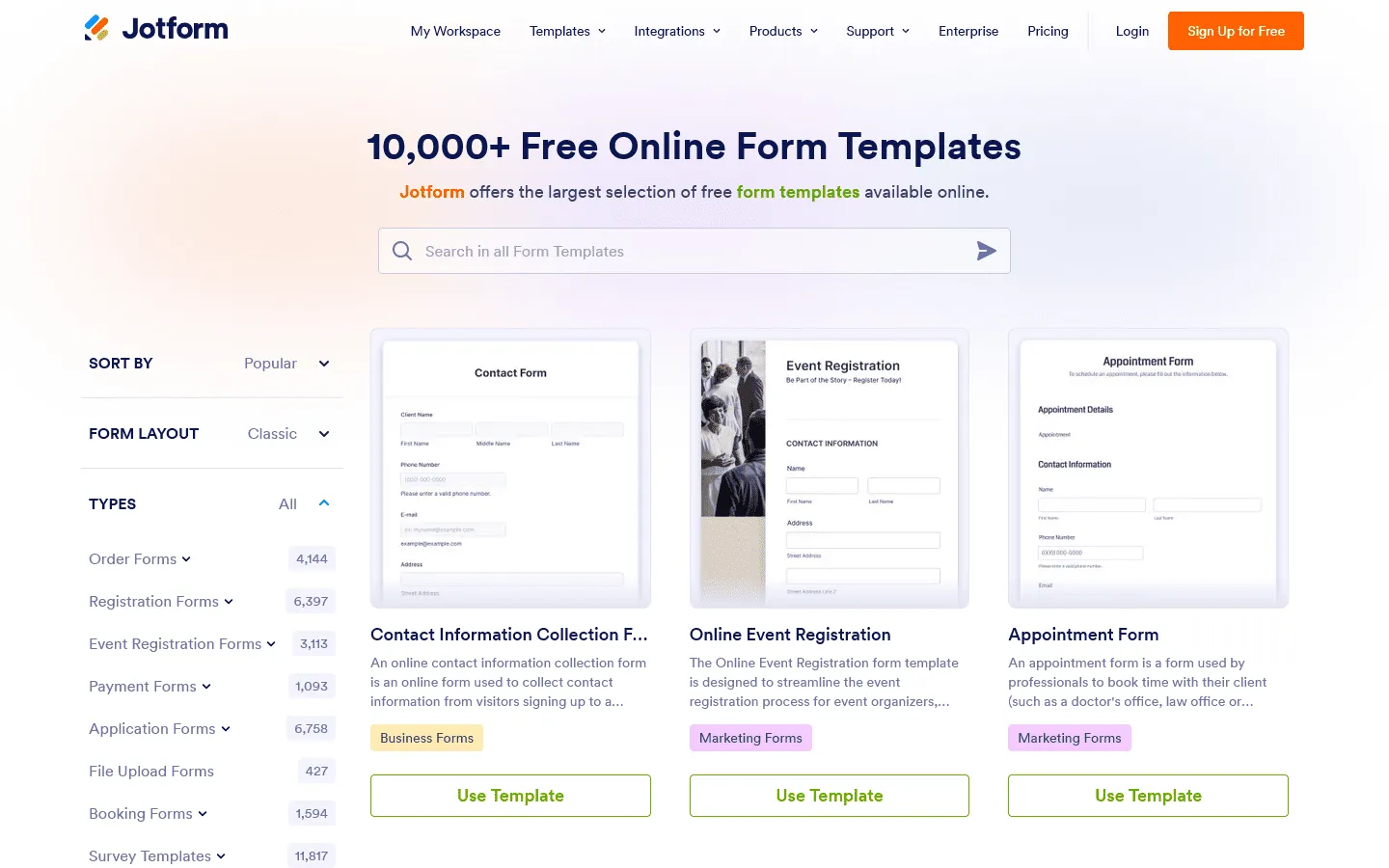
 Jotform boasts over 20,000 templates. If you need a “Summer Camp Registration Form” or a “Bakery Order Form,” Jotform probably has a template that is 90% ready to use. This saves a lot of time if you are building complex forms with specific legal wording or industry-standard questions.
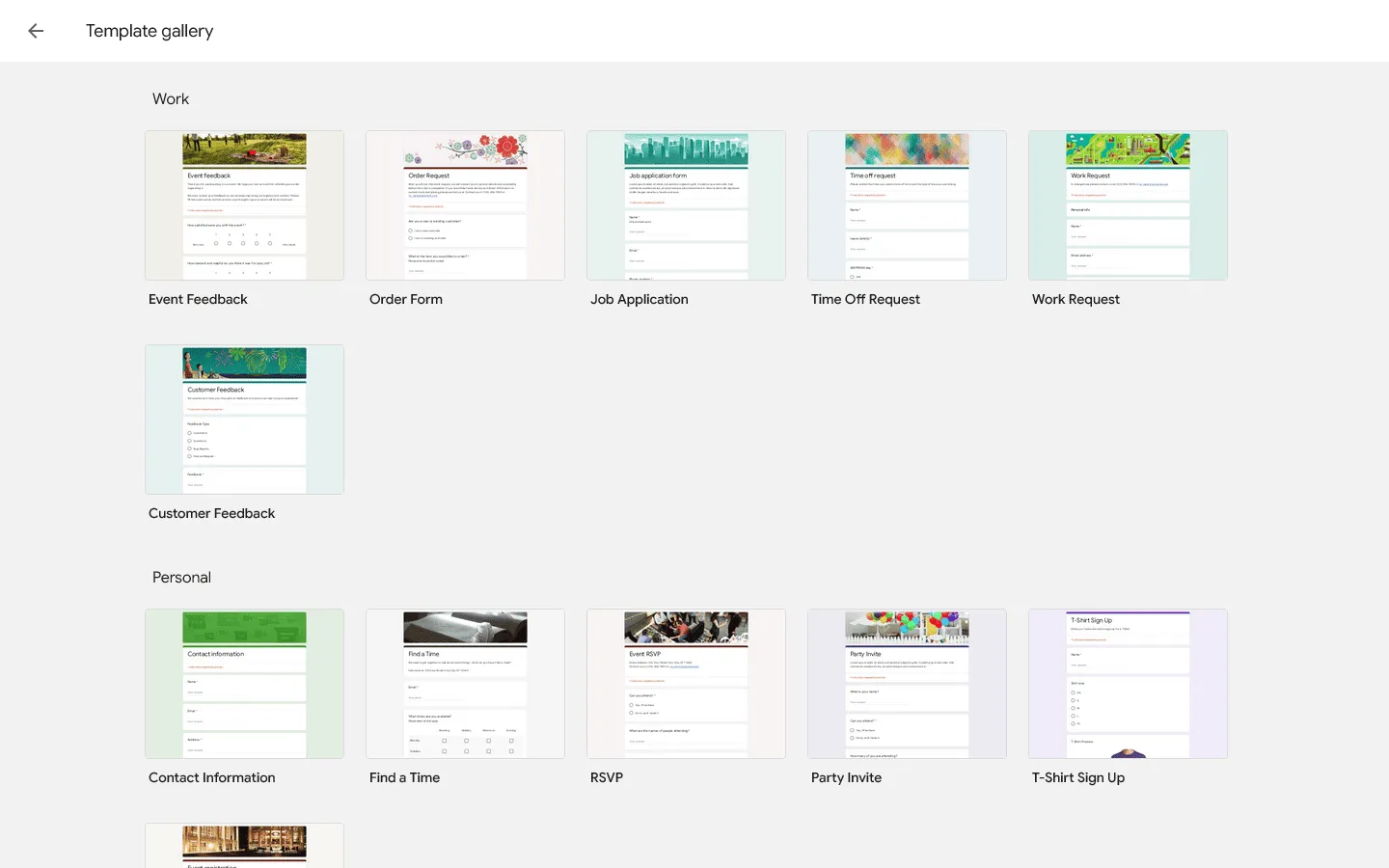
 Google Forms offers a small gallery of about 17 basic templates (RSVP, Contact Info, Party Invite). They are functional but generic. You virtually always start with a blank slate.
Verdict: Jotform is better if templates matter. Google Forms assumes you will build your own.
Builder experience
The form builders follow very different philosophies.
Jotform is a drag-and-drop canvas. You have a sidebar with hundreds of “Widgets.” You can add signature pads, image sliders, product lists, and appointment calendars. It gives you immense control, but it also takes more clicks and brainpower to configure everything correctly.
Google Forms is linear. You add questions one by one in a vertical list. There are only a handful of question types (text, multiple choice, checkbox). It is impossible to get “lost” in the interface because there aren’t many buttons to click.
Verdict: Google Forms is faster to learn. Jotform offers more control once you invest the time.
Design and branding
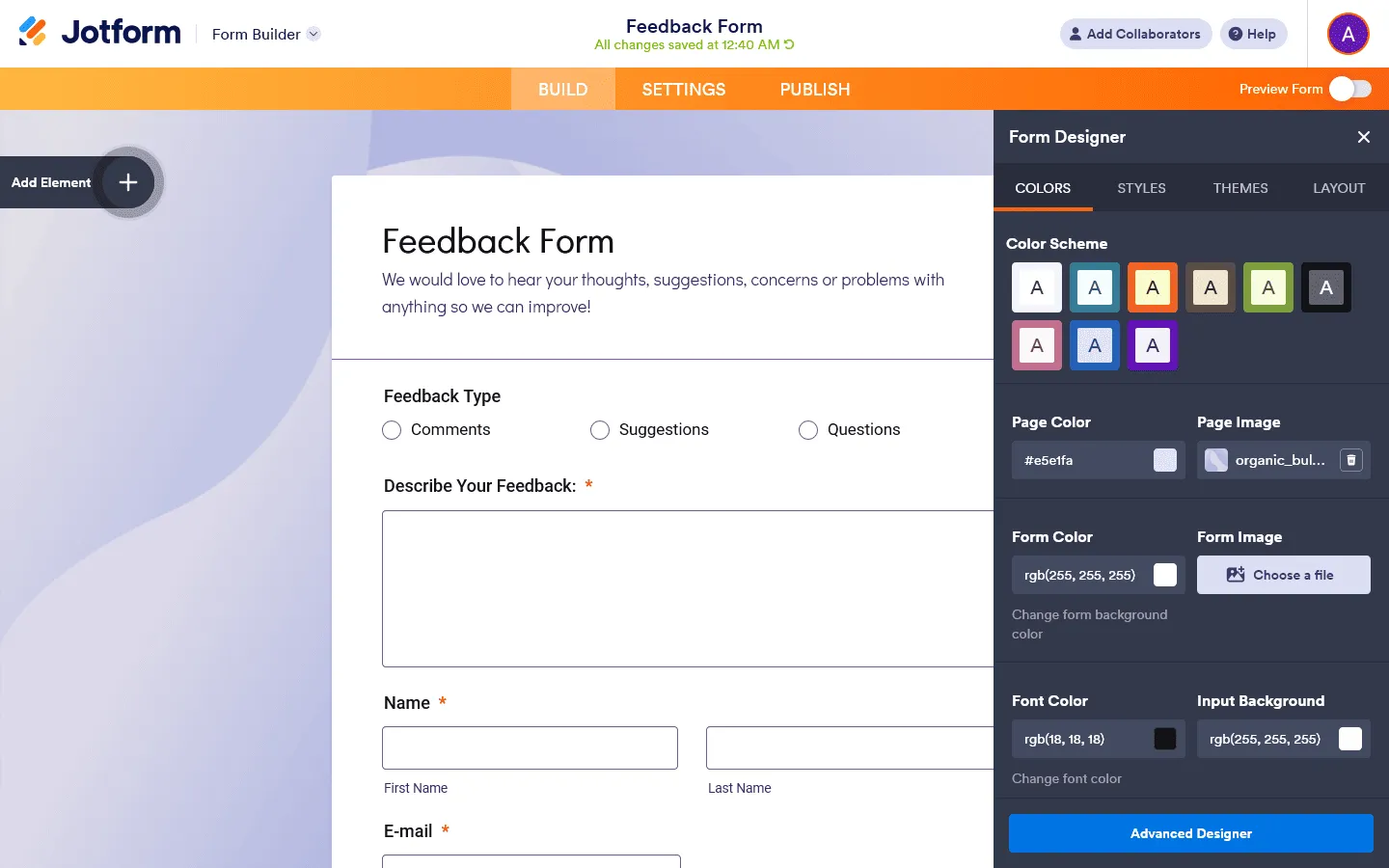 Jotform allows for deep customization. You can inject your own CSS, change background images, adjust spacing, and radically alter the layout. While their default themes can sometimes look a bit dated, the ability to customize them means you can eventually get the look you want (if you have the time or coding skills to tweak it).
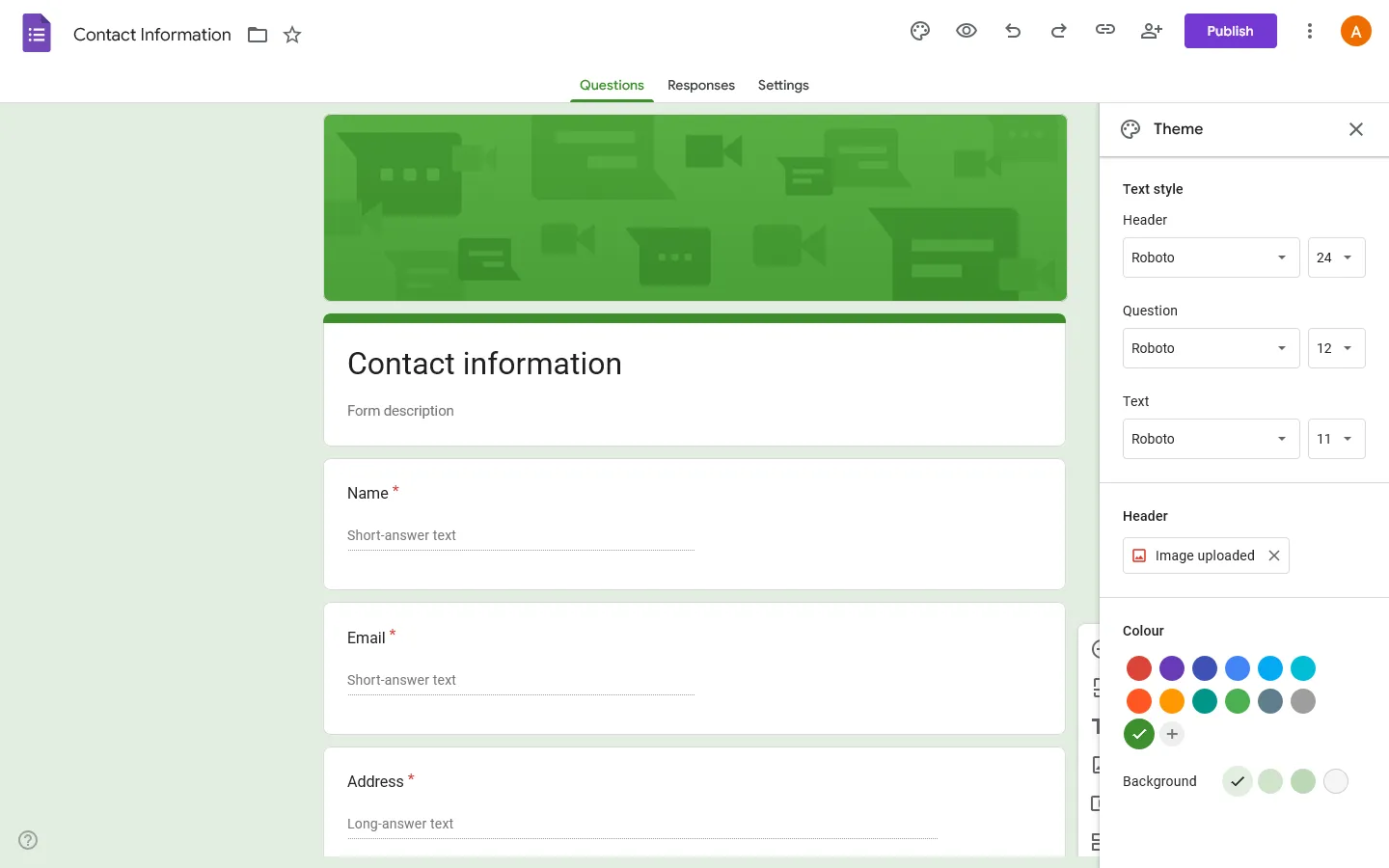 Google Forms effectively refuses to let you style it. You can change the header image and the primary color accent, and that’s it. It will always have the distinctive Google Material Design look.
Verdict: Jotform is better for branded or public-facing forms. Google Forms prioritizes consistency over customization.
Data handling & automation
Jotform manages data in its own internal dashboard called Jotform Tables. It looks and acts a bit like Airtable or a Google Sheets spreadsheet. You can view data as a calendar or a kanban board. More importantly, Jotform has native integrations with over 100 tools. You can send data directly to Salesforce, HubSpot, Slack, Dropbox, or Mailchimp without needing Zapier. This makes it much better for automated business workflows.
This is where Google Forms fights back. Because it is native to Google, the integration with Google Sheets is flawless. It’s instant and requires zero setup. For many workflows, this is the killer feature. However, connecting it to other tools (like Trello or Slack) usually requires using a third-party connector like Zapier.
Verdict: Jotform is better for automated business workflows. Google Forms is better for simple data collection in Google Sheets.
Security and compliance
If you handle sensitive data (medical records, loan applications, legal contracts), Google Forms is likely insufficient for your needs.
Jotform makes compliance a core selling point. It offers HIPAA compliance (on Gold/Enterprise plans), GDPR compliance, and encrypted forms. If you are collecting sensitive patient data or legal documents, Jotform is the safer legal choice.
Google Forms is secure (it uses Google’s standard enterprise-grade security), but it is not HIPAA compliant by default. It is generally fine for standard business data but not for sensitive medical or financial records.
Verdict: Jotform is the safer choice for regulated data. Google Forms is sufficient for everyday use.
Collaboration
Jotform treats collaboration more like an enterprise feature. You can have sub-users and assign forms to team members, but true multi-user access is often gated behind their expensive Enterprise plans. For small teams, sharing a Jotform login is a common (though not recommended) workaround.
Google Forms wins on real-time teamwork. Just like a Google Doc, multiple people can edit the same form at the same time. It is frictionless and free.
Verdict: Google Forms is better for simple team collaboration. Jotform focuses more on controlled, role-based access.
Common use cases: When to use which?
To make it easy, here are the specific scenarios where one wins over the other.
Use Jotform for:
- Order forms that accept payments
- Legal agreements with e-signatures
- Application forms with file uploads
- Complex registrations with conditional logic and approvals
Use Google Forms for:
- Quick internal team polls (“Where should we go for lunch?”)
- Simple event RSVPs (office events, meetups)
- Student quizzes using the built-in grading mode
- Collecting data directly into a spreadsheet
- Informal internal feedback surveys
Jotform vs Google Forms alternatives
If neither Google Forms nor Jotform feels like the right fit, the gap is usually the same: pricing versus flexibility.
Google Forms is free, but design and customization are quite limited. Jotform offers far more control, but the cost increases quickly once you move beyond basic usage. If you want to explore more options beyond these two, you may find our guides about the best Jotform alternatives and Google Forms alternatives helpful.
One example of a tool positioned between these two extremes is FormGrid.
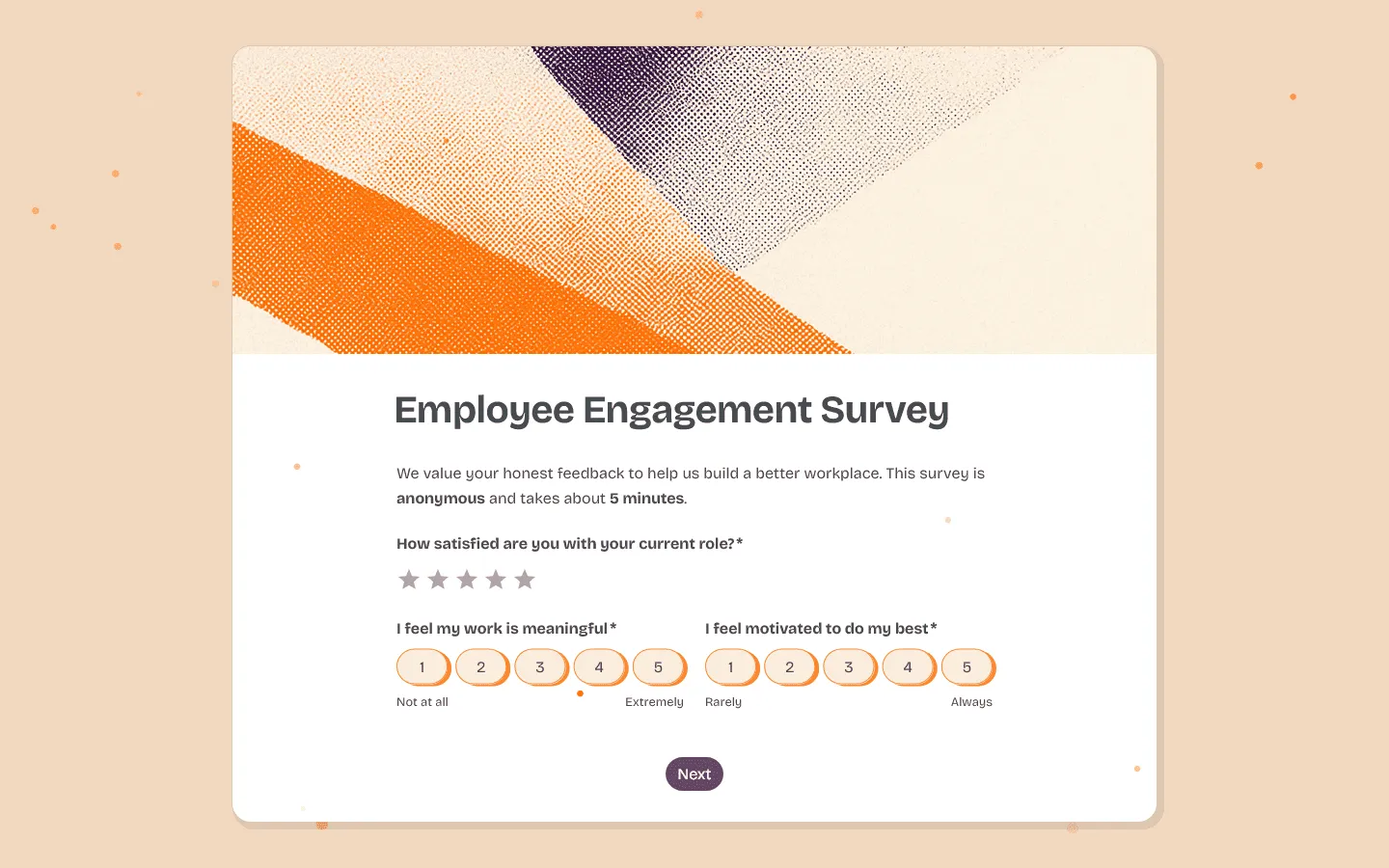 FormGrid focuses on creating visually distinct, branded forms without the complexity or pricing structure of enterprise tools. It is designed for cases where forms are public-facing and design matters, but advanced workflow features like HIPAA compliance are not required.
Instead of starting from templates, FormGrid can generate a form from a short description for free. You describe the form you want to build, and the structure and layout are created automatically. You can then adjust the content and design as needed.
For teams that want more control over how a form looks without committing to a high monthly fee, this can be a practical middle ground.
For a closer look at how FormGrid compares to both tools, read our full FormGrid vs Google Forms and FormGrid vs Jotform comparisons.
Conclusion: Should you choose Jotform or Google Forms?
The right choice depends on how important cost, design, and workflow complexity are for your use case.
Choose Google Forms if you need a free, reliable way to collect information and work directly in spreadsheets. It works best for internal use, education, and simple data collection.
Choose Jotform if your forms are part of a business process that involves payments, file uploads, approvals, or compliance requirements. The higher cost makes sense when those features are essential.
Consider FormGrid if you want a form that looks professional and branded, but do not need the overhead or pricing of a full enterprise platform.
Jotform vs Google Forms: common questions
Is Jotform better than Google Forms?
It depends on what you need. Jotform is better for payments, file uploads, and complex workflows. Google Forms is better for quick, free data collection tied to Google Sheets.
Is Jotform worth paying for?
If your form is part of a business process or generates revenue, yes. For casual or internal use, Google Forms is usually enough.
Can Google Forms replace Jotform?
Only for simple use cases. Once you need payments, signatures, or conditional logic at scale, Google Forms hits hard limits.