15 Best Google Forms Alternatives in 2026 (Free & Paid)
If you are looking for Google Forms alternatives, you likely already know why the tool is so popular. It is free, it is simple, and it works well with Google Sheets. For a quick internal poll or a basic signup sheet, it is often all you need.
But Google Forms starts to feel limited as soon as you need your forms to look professional, handle complex logic, or act as a part of a serious business workflow. The design is rigid, customization is limited to colors and headers, and features like payments, calculations, and approvals are missing compared to modern builders. We evaluated the best Google Forms alternatives and competitors to help you find the right tool for your specific goals.
Google Forms alternatives: Quick summary
If you want the short version, this table compares the most popular Google Forms alternatives based on use cases, pricing, and free plan limits:
| Google Forms alternative | Best Google Forms replacement for | Free plan | Starting price |
|---|---|---|---|
| FormGrid | Visually unique forms | Available | $29/month |
| Jotform | Feature-rich templates | Available | $34/month |
| Typeform | Conversational experience | Available | $29/month |
| Zoho Forms | Business workflows | Available | $10/month |
| Microsoft Forms | Microsoft 365 ecosystem users | Available | $9.99/month (Microsoft 365) |
| Cognito Forms | Advanced logic and payments | Available | $19/month |
| SurveyMonkey | Research and analytics | Available | $39/month |
| Paperform | Content-heavy pages | Available | $24/month |
| Fillout | Logic and database sync | Available | $15/month |
| Tally | Minimalist doc-style editor | Available | $29/month |
| Formstack | Enterprise automation | Not available | $83/month |
| Wufoo | Simple, reliable builders | Available | $16.25/month |
| 123FormBuilder | Flexible templates | Available | $18.50/month |
| Forms.app | Mobile-first design | Available | $19/month |
| Heyflow | Interactive sales funnels | Not available | $45/month |
What is Google Forms?
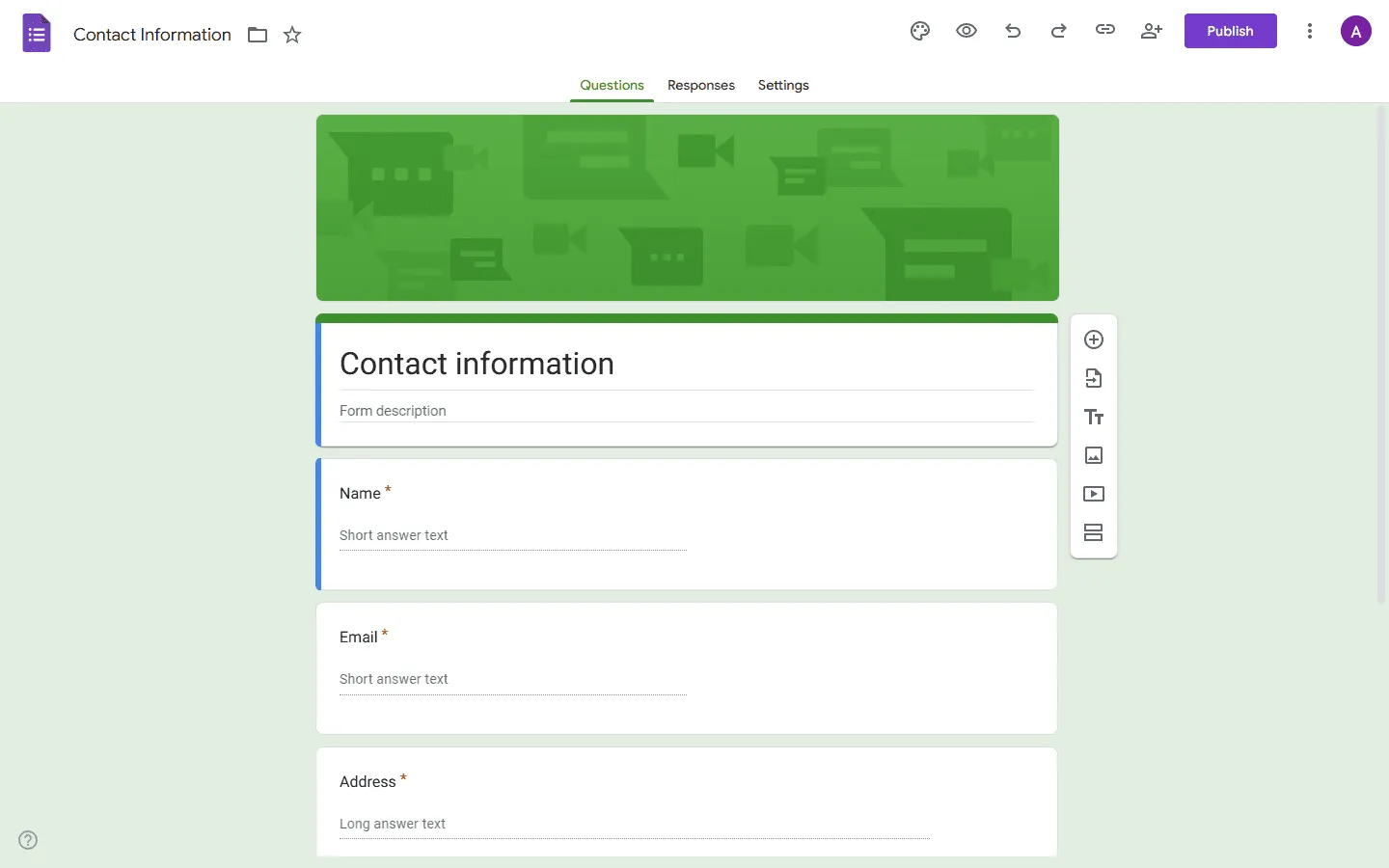 Google Forms is a free tool included with every Google account. It allows you to create surveys, quizzes, and forms using a simple drag-and-drop interface. Because it is part of the Google Workspace ecosystem, responses are automatically saved in Google Sheets, making it a go-to for many teams.
The tool is designed for accessibility rather than depth. It keeps things very basic so that anyone can build a form in under two minutes. While it has added a few features over the years, the core experience remains focused on getting a simple set of questions online as quickly as possible.
Why people look for Google Forms alternatives
The most common reason people look for Google Forms alternatives is that the tool stops scaling beyond simple use cases. It works well for quick internal feedback surveys, but its design, logic, and workflow limits become clear as soon as a form needs to look professional or support a real process.
Limited design and layout control
Google Forms is locked to a single-column layout with fixed fonts and input styles. You cannot create columns, control spacing, or design a form that feels like part of a real website. Every form looks recognizably “Google”. This is fine for internal surveys, but it often feels generic and unpolished in public-facing or branded use cases.
Logic that does not scale
Google Forms supports basic branching, but there is no clear overview of logic and no support for calculations or guided flows. As soon as a form needs multiple paths or conditions, it becomes hard to manage.
No native payments or workflows
Google Forms does not support payments, approvals, or document generation. Anything beyond collecting answers in a spreadsheet requires external tools or manual work.
Poor fit for lead capture and qualification
Google Forms treats every submission the same way. You cannot guide users through a step-by-step flow, ask different follow-up questions based on interest, or shape the experience around conversion goals. For signups, applications, or sales inquiries, this lack of flow makes the form feel basic and inflexible.
15 best Google Forms alternatives and competitors
1. FormGrid
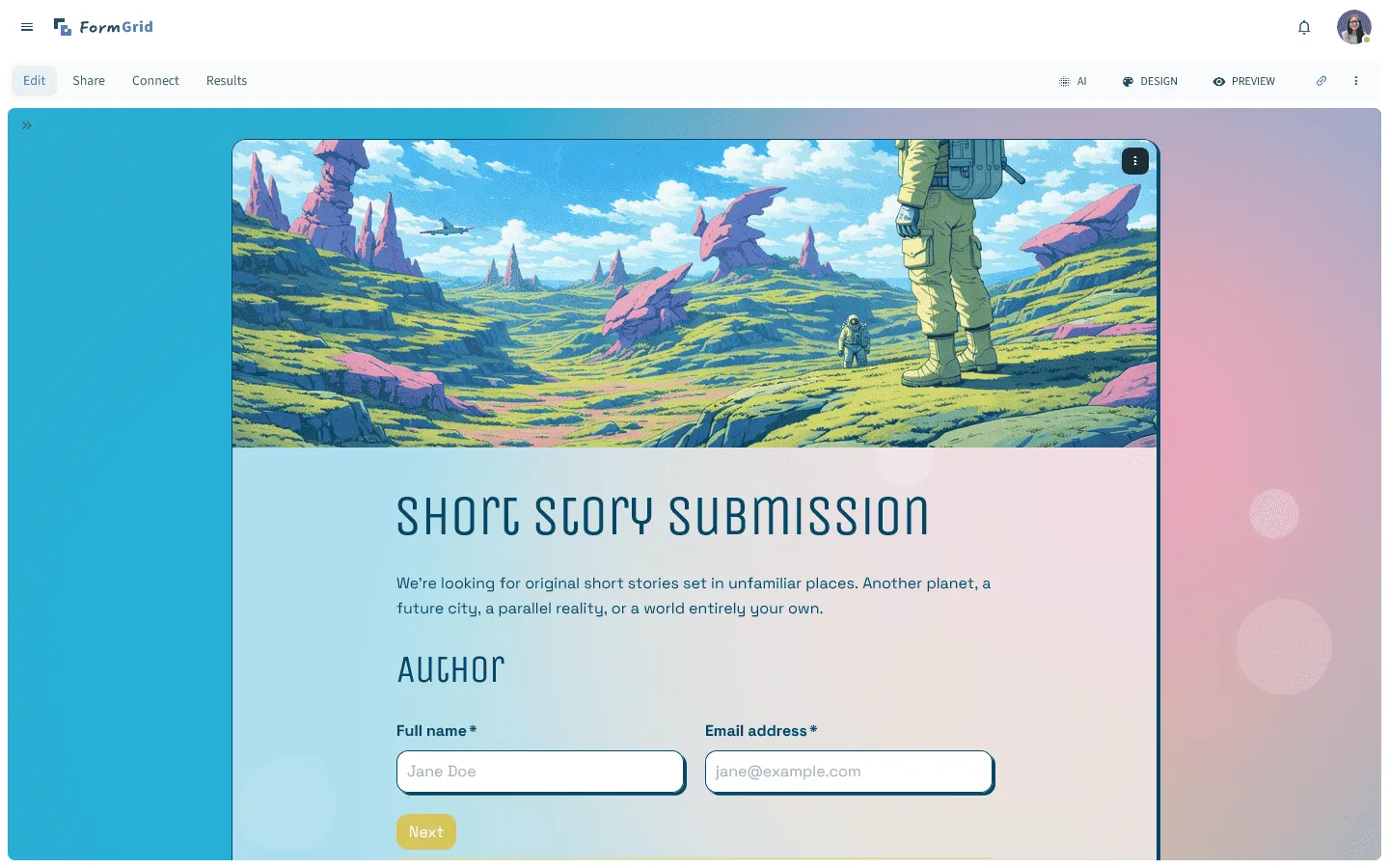
FormGrid is a free Google Forms alternative that gives you total control over how your forms look. It uses a document-style editor that feels natural to use, but adds powerful design tools that Google Forms completely lacks. You can create forms that feel like part of a modern website instead of a standalone spreadsheet tool.
The editor allows you to arrange elements in columns, adjust spacing, and style every part of the form to match your brand style. It is particularly great for waitlists, contact forms, and any public-facing page where you want to leave a strong impression.
You can also quickly generate a fully custom form with a unique design for free, no account required.
Key features
- Flexible document-style editor for layout control
- AI-aided form generation and styling
- Complete control over colors, fonts, and spacing
- Modern, responsive designs that look great on any device
- Unlimited forms and submissions for free
FormGrid pricing
- Free: Unlimited forms and responses, access to all core features
- Plus ($29/month): Collaboration, remove FormGrid branding, version history
- Business ($79/month): User roles and permissions, advanced link settings
Why choose FormGrid over Google Forms?
If Google Forms feels visually limiting, FormGrid gives you freedom. It works well for public-facing forms, waitlists, landing-style forms, and any case where presentation matters more than just data collection. You can also read our full FormGrid vs Google Forms comparison for a more detailed breakdown.
2. Jotform

Jotform is widely considered one of the most powerful Google Forms alternatives because it offers more built-in features than almost any other builder. It includes thousands of templates and specialized widgets for things like electronic signatures, PDF generation, and payment processing. If you have a complex data collection need, Jotform likely has a ready-made solution for it.
The builder is more complex than Google Forms, using a traditional sidebar with drag-and-drop elements. This gives you more power but also means there is a steeper learning curve. It is a solid choice for organizations that need HIPAA compliance, advanced security, or deep integrations with enterprise software like Salesforce or HubSpot.
Learn more about how Jotform compares to Google Forms in our detailed guide: Jotform vs Google Forms. And if Jotform feels like a step in the right direction but you want to compare similar tools, this list of the best Jotform alternatives and competitors might be helpful.
Key features
- Library of over 10,000 form templates
- Native electronic signature and PDF tools
- Integration with over 30 payment gateways
- HIPAA-compliant options for healthcare data
- Advanced mobile app for offline data collection
Jotform pricing
- Free: 5 forms, 100 responses/month
- Bronze ($34/month): 25 forms, 1,000 responses/month, no branding
- Silver ($39/month): 50 forms, 2,500 responses/month, more storage and integrations
- Gold ($99/month): 100 forms, 10,000 responses/month, HIPAA compliance, priority support
- Enterprise (custom pricing): Unlimited usage, SSO, SLA
Why choose Jotform over Google Forms?
Jotform makes sense when your form needs many built-in features. Google Forms lacks native payments, signatures, and document generation, all of which are built into Jotform without relying on external tools.
3. Typeform
 Typeform changed the way people think about forms by introducing a conversational experience. Compared to Google Forms’ static, single-page layout, Typeform guides users through questions step by step, showing one question at a time. This approach makes the experience feel more like a conversation, which can lead to higher completion rates.
While Google Forms is about utility, Typeform is about the experience. It is highly visual, allowing you to use large images, videos, and custom backgrounds to guide users through the process. It is a premium tool with higher pricing, but the results usually justify the cost for marketing teams and researchers who need high engagement.
Learn more about how Typeform compares to Google Forms in our detailed guide: Typeform vs Google Forms. If the conversational approach appeals to you, you may also want to explore other tools similar to Typeform.
Key features
- One-question-at-a-time conversational interface
- High-quality design with video and image support
- Logic branching that feels intuitive to build
- Built-in analytics and response summaries
- Extensive library of fonts and themes
Typeform pricing
- Free: 10 responses/month, limited features
- Basic ($29/month): 100 responses/month, basic integrations
- Plus ($59/month): 1,000 responses/month, more logic, branding options, and integrations
- Business ($99/month): 10,000 responses/month, team features, advanced analytics, priority support
- Enterprise (custom pricing): Custom limits, SSO, custom domains, HIPAA compliance
Why choose Typeform over Google Forms?
Typeform fits situations where a long page feels too dense. If you want tighter control over question order and want the form to feel like a premium part of your brand, Typeform is the better choice.
4. Zoho Forms
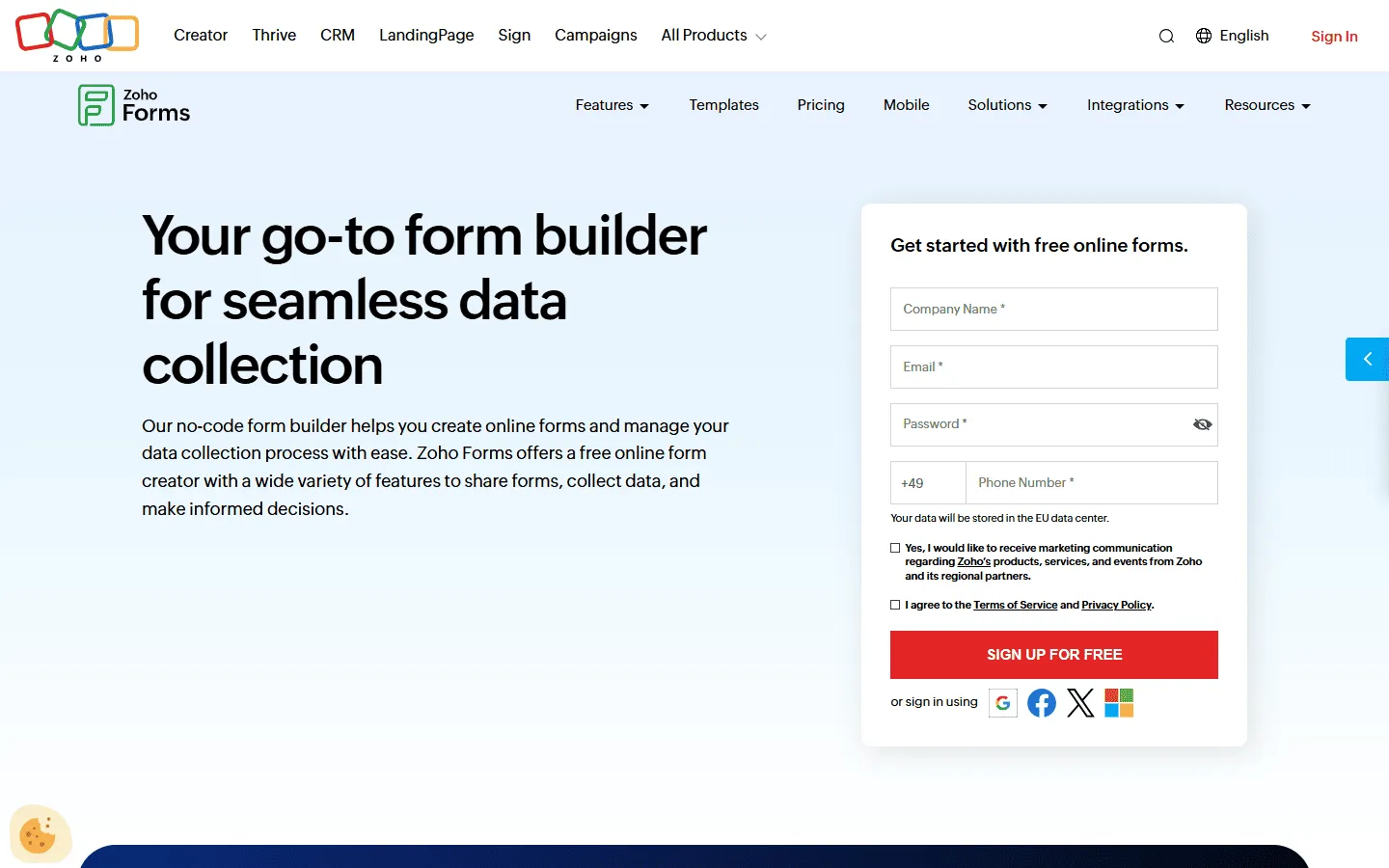 Zoho Forms is built specifically for businesses that need to move data through a system. It is part of the broad Zoho ecosystem, so it works directly with their CRM, help desk, and project management tools. This makes it a great choice for internal requests, lead routing, and customer support forms that need to trigger actions.
The builder is very structured and focuses on business logic. You can easily set up multi-step approvals where a form submission needs to be reviewed by a manager before it is processed. If you already use Zoho products, this is the most natural alternative to Google Forms, but it also stands alone as a strong, automation-focused builder.
Key features
- Tight integration with the Zoho Office suite
- Multi-step approval workflows and task assignments
- QR code generation for easy form sharing
- Email and SMS notifications for new submissions
- Offline data collection through a dedicated mobile app
Zoho Forms pricing
- Free: 3 forms, 500 responses/month
- Basic ($10/month): 10,000 responses/month, custom branding and themes
- Standard ($25/month): 25,000 responses/month, approvals
- Professional ($50/month): 75,000 responses/month
- Premium ($90/month): 150,000 responses/month, HIPAA compliance, record audit
Why choose Zoho Forms over Google Forms?
Zoho Forms fits better when a form is only one part of a larger workflow. If submissions need to create CRM records, assign tasks to team members, or move through an approval process, Zoho handles it cleanly.
5. Microsoft Forms
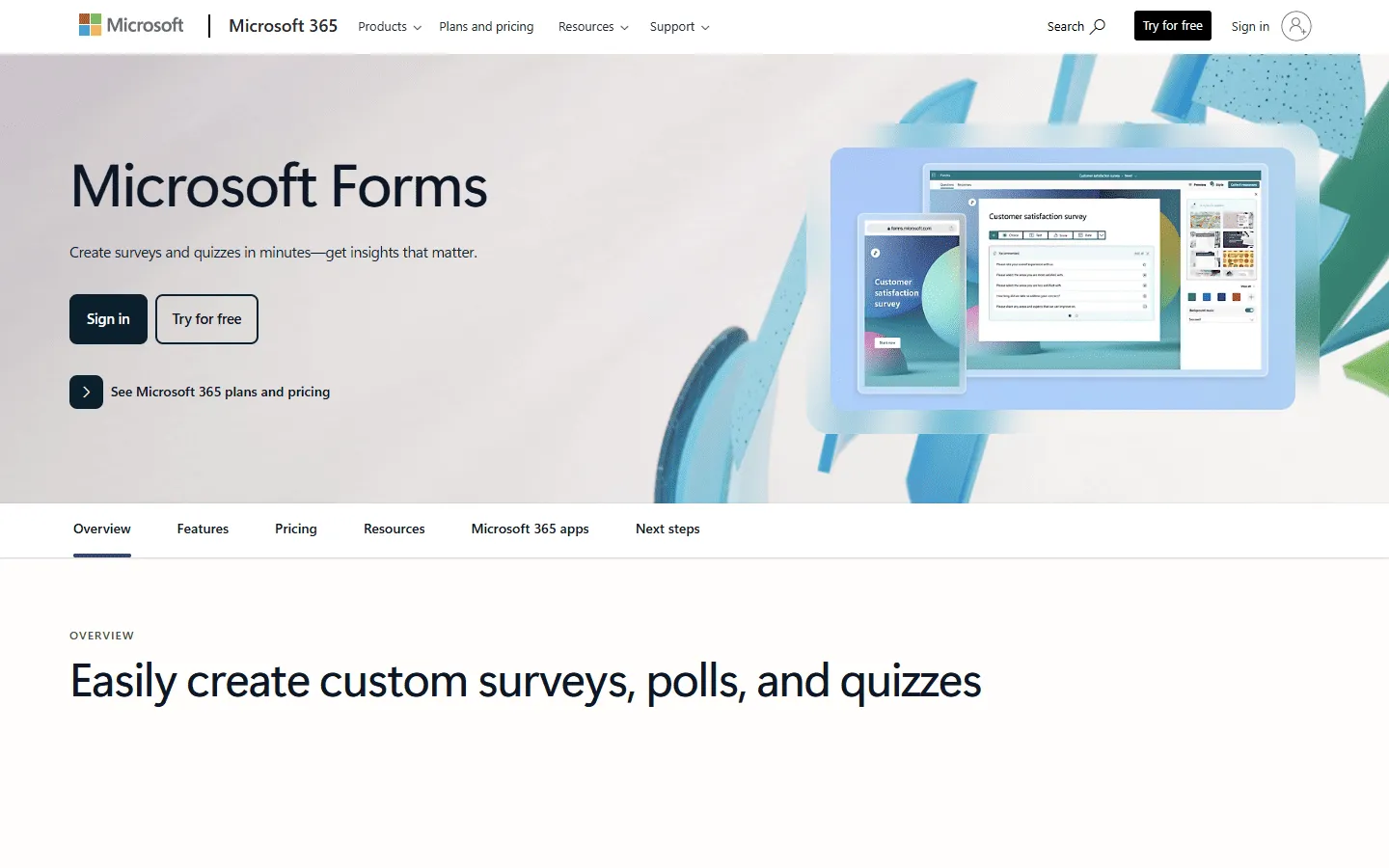 Microsoft Forms is the direct competitor to Google Forms for teams in the Microsoft 365 ecosystem. If your company uses Excel, Teams, and Outlook, this is the simplest and most secure alternative. It has a very clean interface that feels familiar to anyone who spends their day in Office applications.
The feature set is very similar to Google Forms, but with a few key advantages for corporate users. It includes better built-in analysis for quizzes and cleaner integration with PowerPoint and Teams. For simple internal surveys and polls within a large organization, it is often the best choice because of its security and compliance standards.
If you are choosing between the two, our Microsoft Forms vs Google Forms comparison breaks down the differences in pricing, design, and ecosystem fit in detail.
If Microsoft Forms feels close to what you need but you want to explore other similar tools first, check out our Microsoft Forms alternatives list.
Key features
- Native integration with Microsoft 365 and Excel
- Real-time data visualization and automatic charts
- Built-in AI for question suggestions and data analysis
- Secure sharing within specific organization groups
- Easy embedding in Microsoft Teams and SharePoint
Microsoft Forms pricing
- Free: Included with personal Microsoft accounts
- Business: Included with Microsoft 365 plans (starting ~$6/user/month)
- Unlimited responses for M365 users
Why choose Microsoft Forms over Google Forms?
Pick Microsoft Forms if your team already uses Microsoft tools. It feels more natural than adding another product, and the deep integration with Excel and Teams makes it more efficient for corporate workflows.
6. Cognito Forms
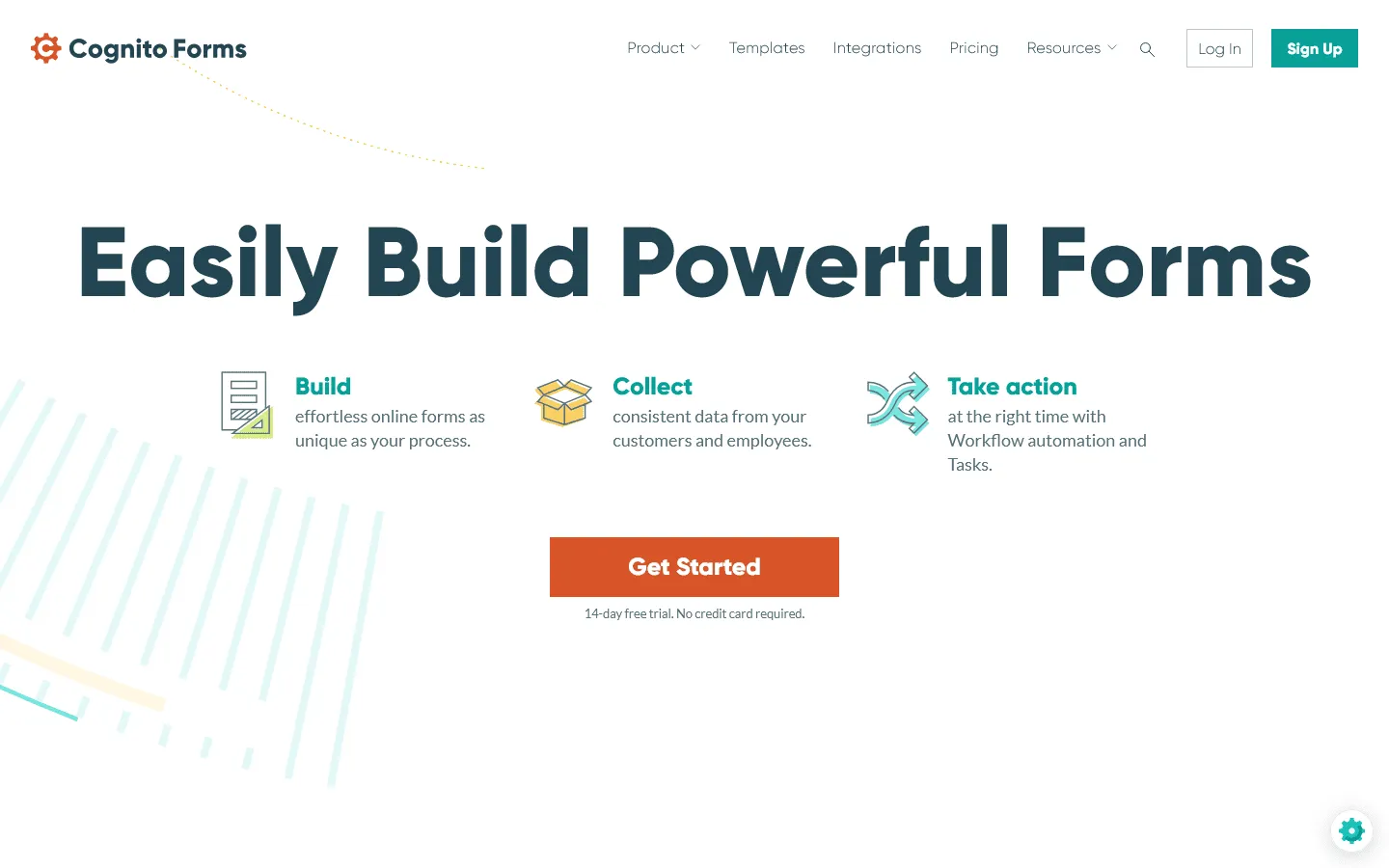 Cognito Forms is a powerful Google Forms alternative for those who need complex logic and calculations. Unlike many other builders that charge a premium for logic, Cognito Forms offers very sophisticated branching and calculation features even on its lower-tier plans. This makes it a favorite for developers and power users building intricate systems.
It also excels at handling payments and file uploads. You can create forms that calculate totals based on user selections, apply taxes, and process payments through Stripe or Square. If your form needs to behave like a mini-application rather than just a simple list of questions, Cognito Forms handles that complexity very well.
If you want to see other tools with similar power, take a look at our Cognito Forms alternatives guide.
Key features
- Advanced conditional logic and mathematical calculations
- Document merging and automated PDF generation
- Secure payment processing via Stripe, PayPal, and Square
- Repeating sections for complex data sets
- File encryption and high-level data security
Cognito Forms pricing
- Free: 100 responses/month
- Pro ($19/month): 2,000 responses, no branding
- Team ($39/month): 10,000 responses, shared ownership
- Enterprise ($129/month): Unlimited responses, advanced security, HIPAA compliance
Why choose Cognito Forms over Google Forms?
Cognito Forms is the better choice for forms that need to “think.” If you need to calculate prices, filter options based on earlier answers, or generate complex documents from data, it is far more capable than Google Forms.
7. SurveyMonkey
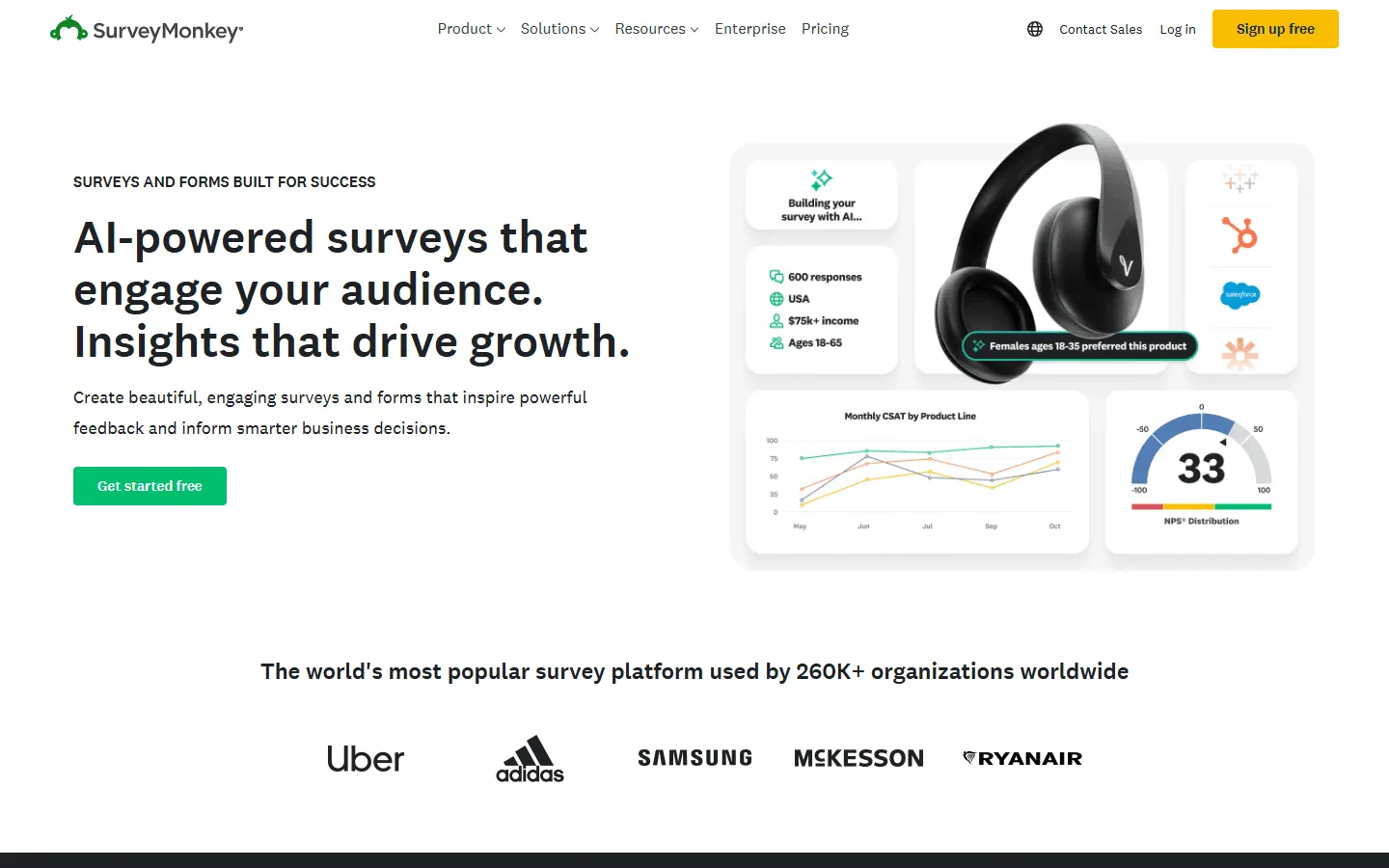 SurveyMonkey is the industry standard for researchers and data analysts. While Google Forms is great for basic polls, SurveyMonkey provides the tools you need for deep analysis, sentiment tracking, and benchmarking. It is designed to help you not just collect data, but understand the patterns and insights within it.
The platform includes a huge library of professionally written questions and templates that help you avoid bias in your surveys. Once responses come in, you can use their advanced reporting tools to filter data, create professional charts, and export results for presentations. It is the best choice for large-scale research projects and regular customer feedback loops.
If you are still deciding between the two, our SurveyMonkey vs Google Forms comparison breaks down pricing, analytics, and question types in detail. If you want to see how SurveyMonkey compares to other research tools, our SurveyMonkey alternatives guide covers that landscape too.
Key features
- Professional question bank and survey methodology tools
- Advanced data analysis and sentiment tracking
- Benchmarking against industry standards
- Team collaboration tools for shared survey management
- Extensive export options for reports and presentations
SurveyMonkey pricing
- Free: 25 responses/survey, 10 questions/survey, basic features
- Standard Monthly ($39/month): 1,000 responses/month, more question types, custom themes
- Advantage Annual ($432/year): 15,000 responses/year, payments, A/B testing, recurring surveys
- Premier Annual ($1,188/year): 40,000 responses/year, no SurveyMonkey branding, advanced logic
- Team Advantage (~$30/user/month): 50,000 responses/year, collaboration features
- Team Premier (~$75/user/month): 100,000 responses/year
- Enterprise: Custom limits, advanced governance, SSO, HIPAA compliance
Why choose SurveyMonkey over Google Forms?
SurveyMonkey is the better choice when the main job is understanding the data, not just collecting it. If you run regular surveys and need structured reports and charts for stakeholders, it fits better than Google Forms.
8. Paperform
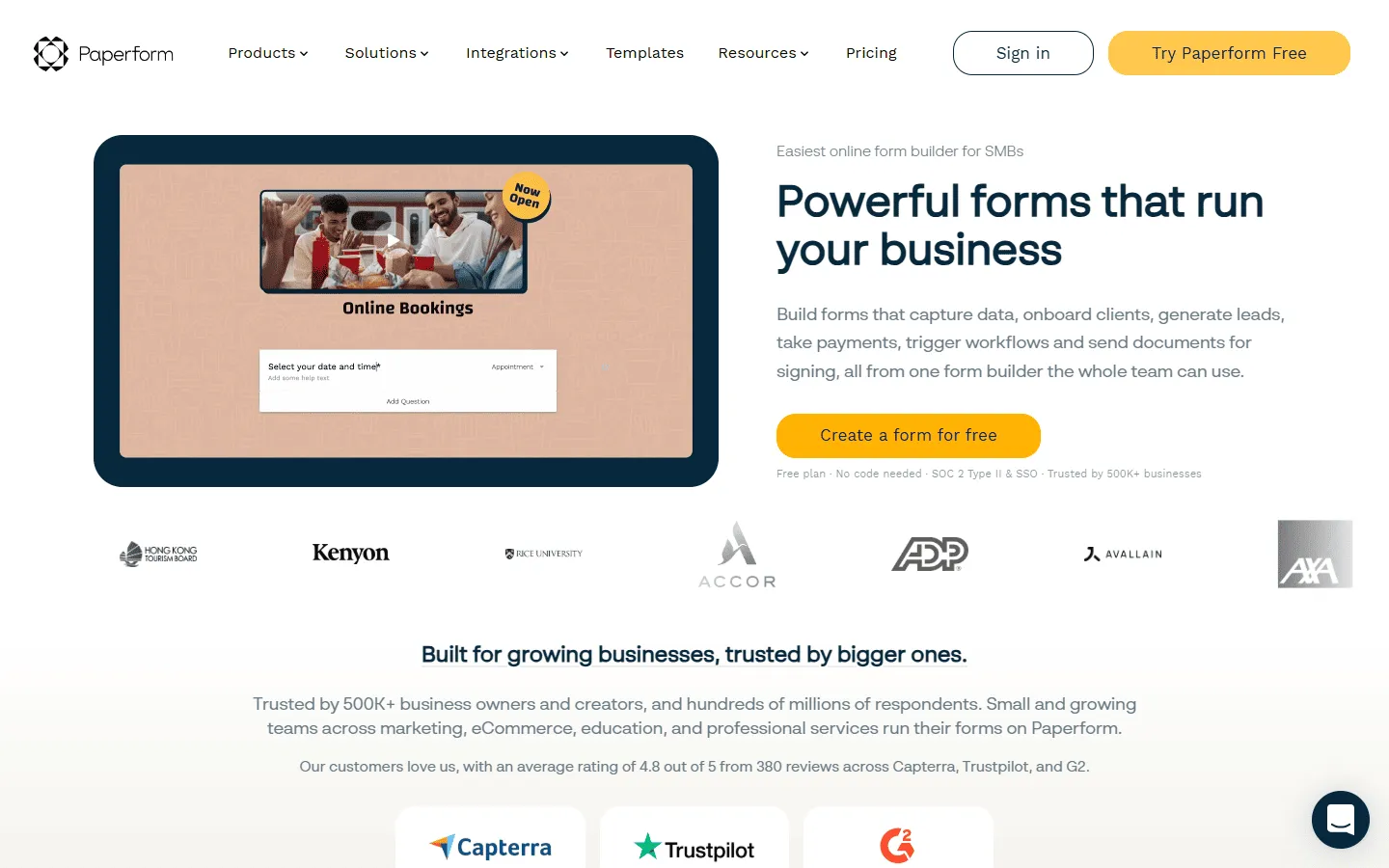 Paperform approaches form building more like a website builder. Instead of a standard form layout, you get a “blank canvas” where you can mix questions with long-form text, descriptive images, and videos. This makes it well-suited for product landing pages, event registrations, and questionnaires where you need to tell a story alongside the questions.
The editor is very intuitive and focuses on a beautiful end-state. You can customize the typography and layout to a high degree, ensuring the form looks more like a crafted page than a data-entry tool. It also handles bookings and appointments, making it a great one-stop shop for service-based businesses. If you’re evaluating Paperform, our guide to Paperform alternatives covers similar content-first form builders.
Key features
- Unique document-like editor for varied layouts
- Built-in appointment and booking management
- Advanced calculation fields for custom pricing
- Integration with over 3,000 apps via Zapier
- High-end typography and styling options
Paperform pricing
- Free: 30 responses/month
- Essentials ($24/month): 1,200 responses/year
- Pro ($49/month): 12,000 responses/year, custom CSS, custom form links
- Business ($99/month): unlimited forms, 120,000 responses/year, SSO
Why choose Paperform over Google Forms?
You should make the switch if you need your form to look like a high-end landing page. It is the better choice for businesses that want to blend customization with complex payment and calculation logic.
9. Fillout
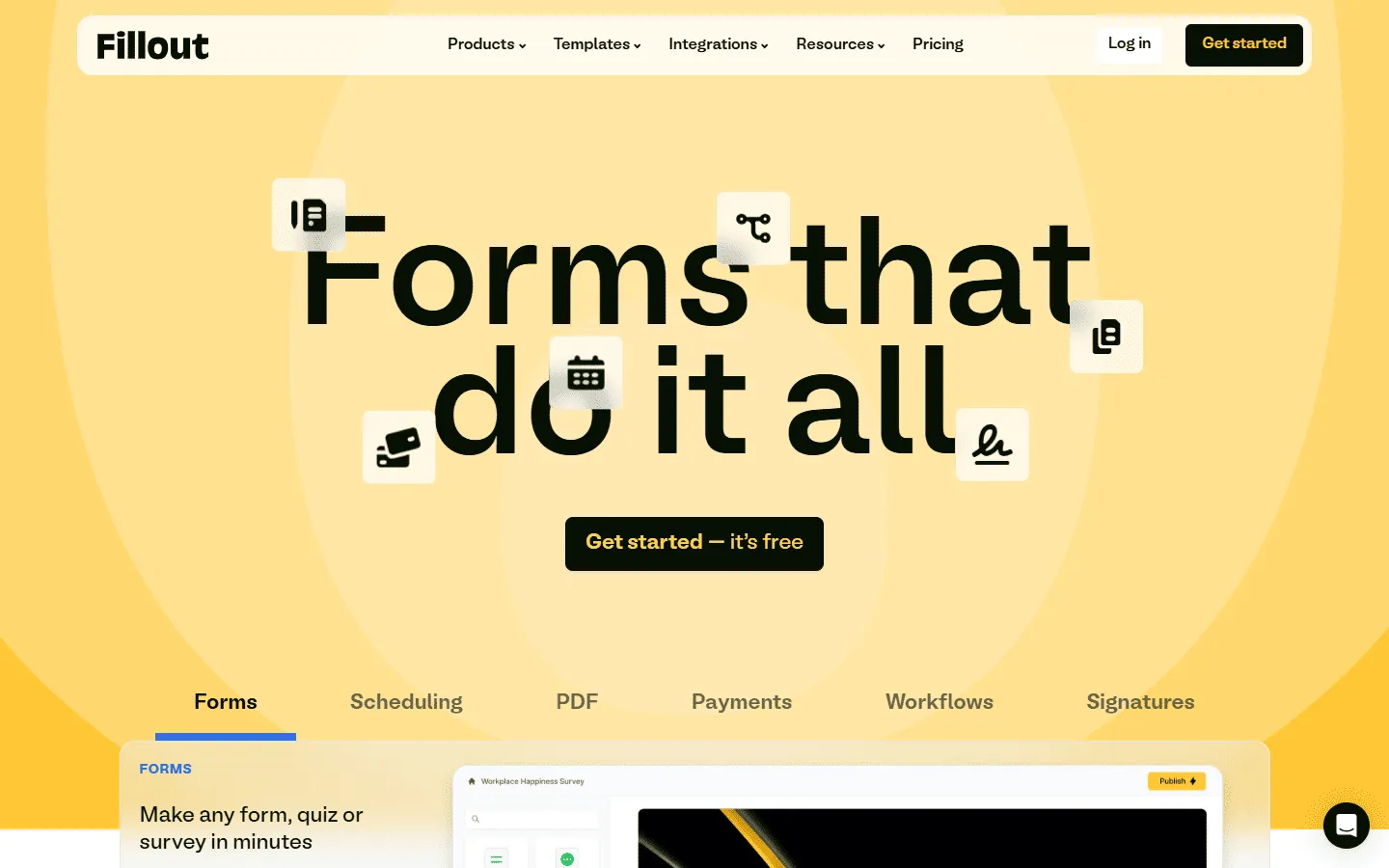 Fillout is a modern Google Forms alternative that prioritizes speed and logic. It feels much fresher than older builders and focuses on making complex forms easy to manage. One of its standout features is how well it integrates with databases like Airtable and Notion, allowing you to not just send data, but pull existing data into your forms.
The logic builder in Fillout is one of the most readable on the market. You can create multi-step flows and branching paths without getting lost in a mess of menus. It is a great choice for teams that need to build functional forms quickly that look modern and connect deeply to their existing tech stack.
Key features
- Native two-way sync with Airtable and Notion
- Highly readable multi-step logic builder
- Modern, clean design that loads quickly
- Support for over 40 different question types
- Direct integrations with CRM and email marketing tools
Fillout pricing
- Free: 1,000 responses/month
- Starter ($15/month): 2,000 responses/month, increased limits and logic
- Pro ($40/month): 5,000 responses/month, advanced logic and integration capacity
- Business ($75/month): Unlimited responses, team use
Why choose Fillout over Google Forms?
Fillout fits projects that need to connect to other tools. If you use Notion or Airtable to manage your work, the ability to sync data in both directions is a clear advantage over Google Forms.
10. Tally
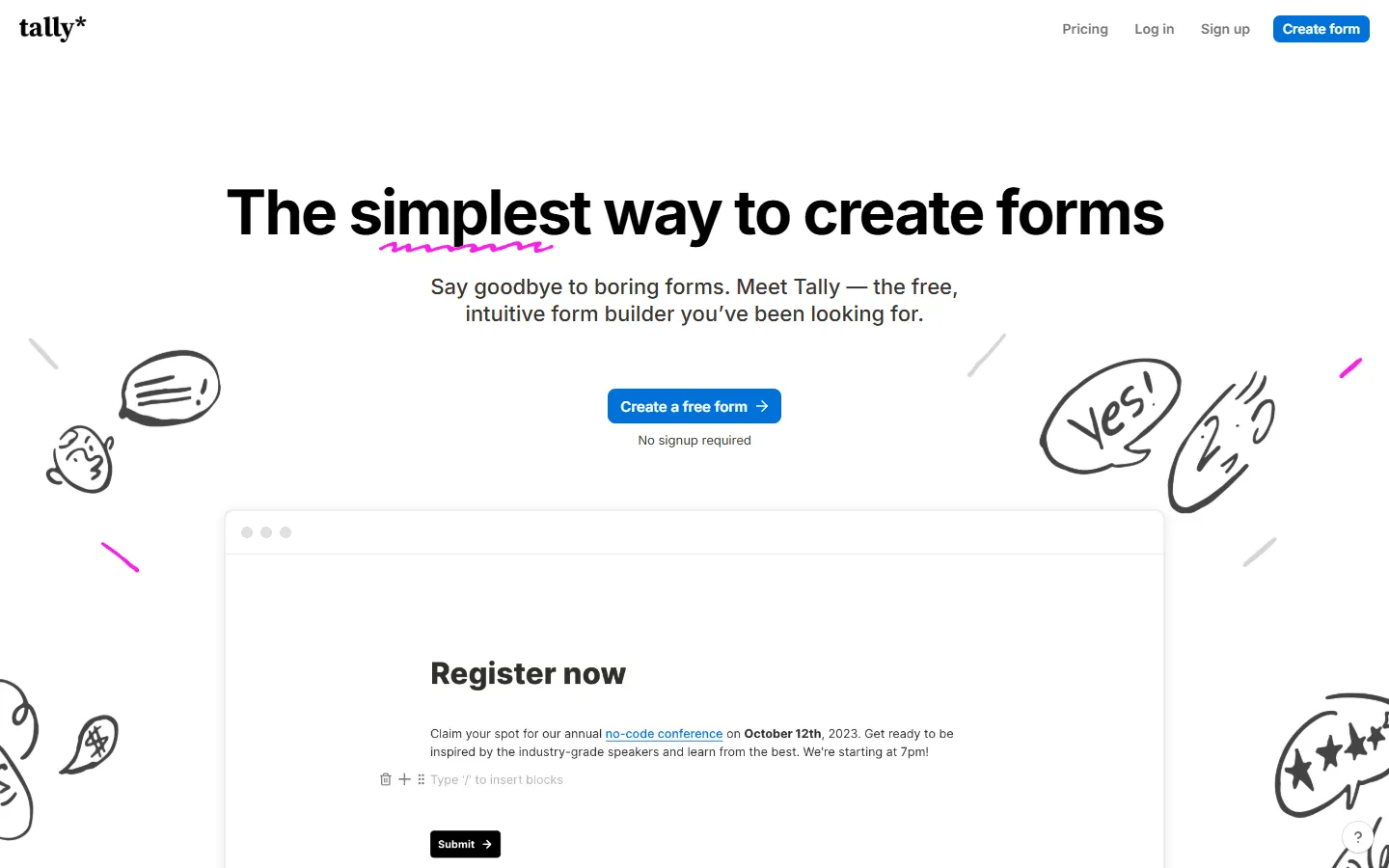 Tally is often described as “Notion for forms.” It uses a simple text-based editor where you type like you are writing a document. Using keyboard shortcuts, you can drop in questions, images, and logic blocks. It is probably the closest alternative to Google Forms in terms of simplicity, but with a much more modern feel.
The best part about Tally is its generous free plan. You get unlimited forms and submissions without paying a cent, which is rare for a tool this polished. It works well for startups, personal projects, and anyone who wants a clean, minimalist form without the “Google Forms” look.
If you are leaning toward Tally but still want to compare a few similar tools, this list of Tally alternatives might be useful. And if you want a detailed breakdown of how Tally and Google Forms compare directly, our Tally vs Google Forms guide covers pricing, logic, and design side by side.
Key features
- Familiar document-style editor with shortcuts
- Unlimited forms and submissions on the free plan
- Minimalist, clean design by default
- Easy conditional logic and payment blocks
- Direct integration with Notion databases
Tally pricing
- Free: Unlimited forms and submissions, basic logic, payments, file uploads
- Pro ($29/month): Custom domains, remove Tally branding, advanced integrations
- Business ($89/month): Email verification, form version history
Why choose Tally over Google Forms?
Choose Tally if you want the simplicity and price point of Google Forms but with a significantly better writing experience and a cleaner, more modern design.
11. Formstack
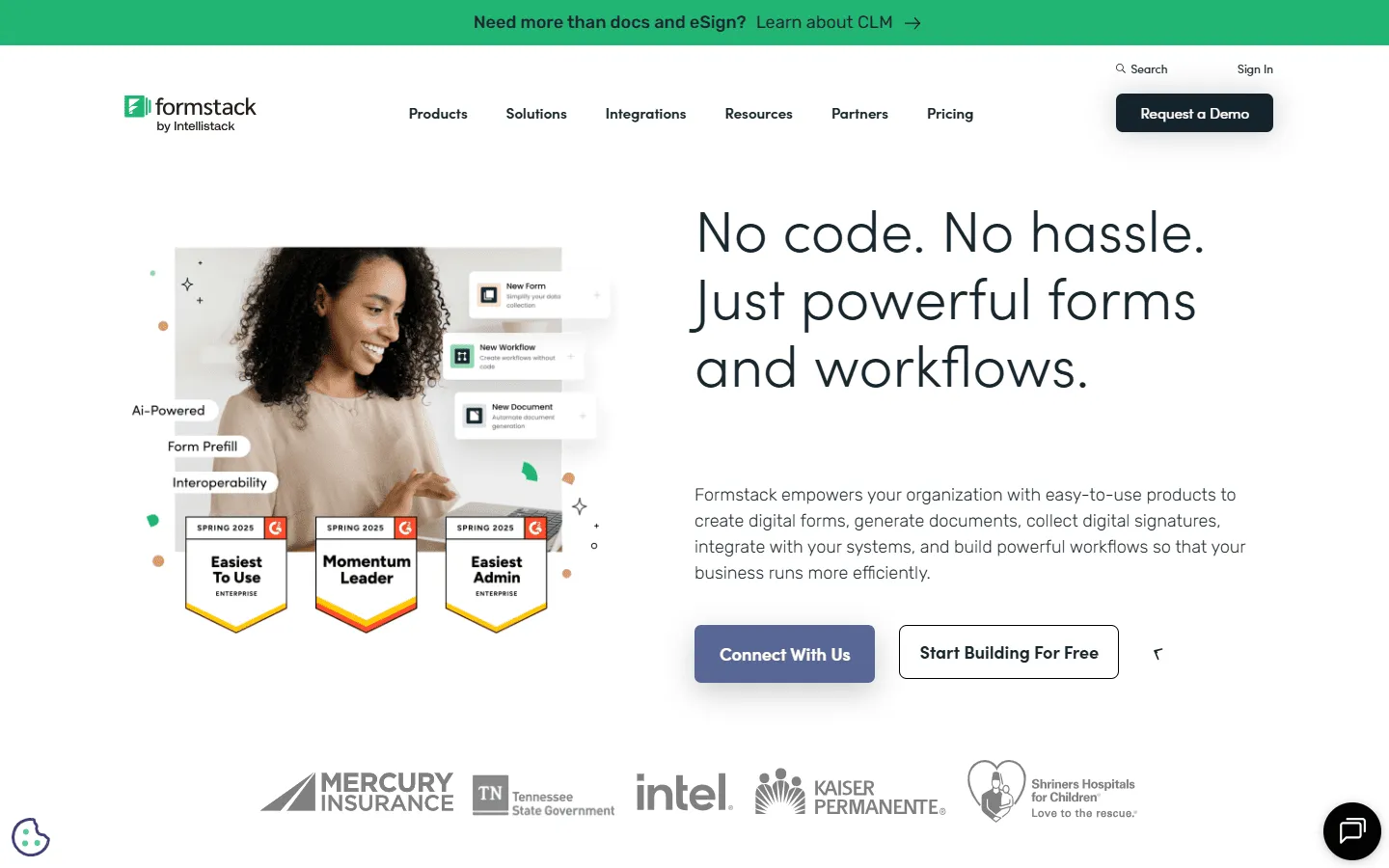 Formstack is an enterprise-grade Google Forms alternative that focuses on automation and compliance. It is built for large organizations that need to automate data-heavy processes, such as patient onboarding or mortgage applications. It offers higher levels of security and governance than most other tools on this list.
The platform is designed to handle “document workflows.” This means a form submission can automatically trigger the creation of a PDF, send it for electronic signature, and then store it in a secure location. If you are looking for a tool that can transform a business process from end to end, Formstack is the most robust option available.
For a deeper look at how they compare side-by-side, read our detailed Formstack vs Google Forms guide. And if you are considering Formstack but want to compare it against other tools in the same category, our Formstack alternatives guide is a great resource.
Key features
- End-to-end workflow and document automation
- High-level security and HIPAA compliance
- Native electronic signature tool (Formstack Sign)
- A/B testing for forms to improve conversion
- Advanced analytics for tracking form performance
Formstack pricing
- No free plan
- Forms ($83/month): 25 forms, 1,000 responses/form, core form builder, integrations, storage
- Suite ($250/month): 100 forms, 5,000 responses/form, automation, document generation, e-signatures
- Enterprise: Custom pricing, compliance features, advanced governance
Why choose Formstack over Google Forms?
Formstack fits situations where a form is just the first step. If submissions need approvals, document generation, or strict compliance, this setup gives you control that Google Forms cannot match.
12. Wufoo
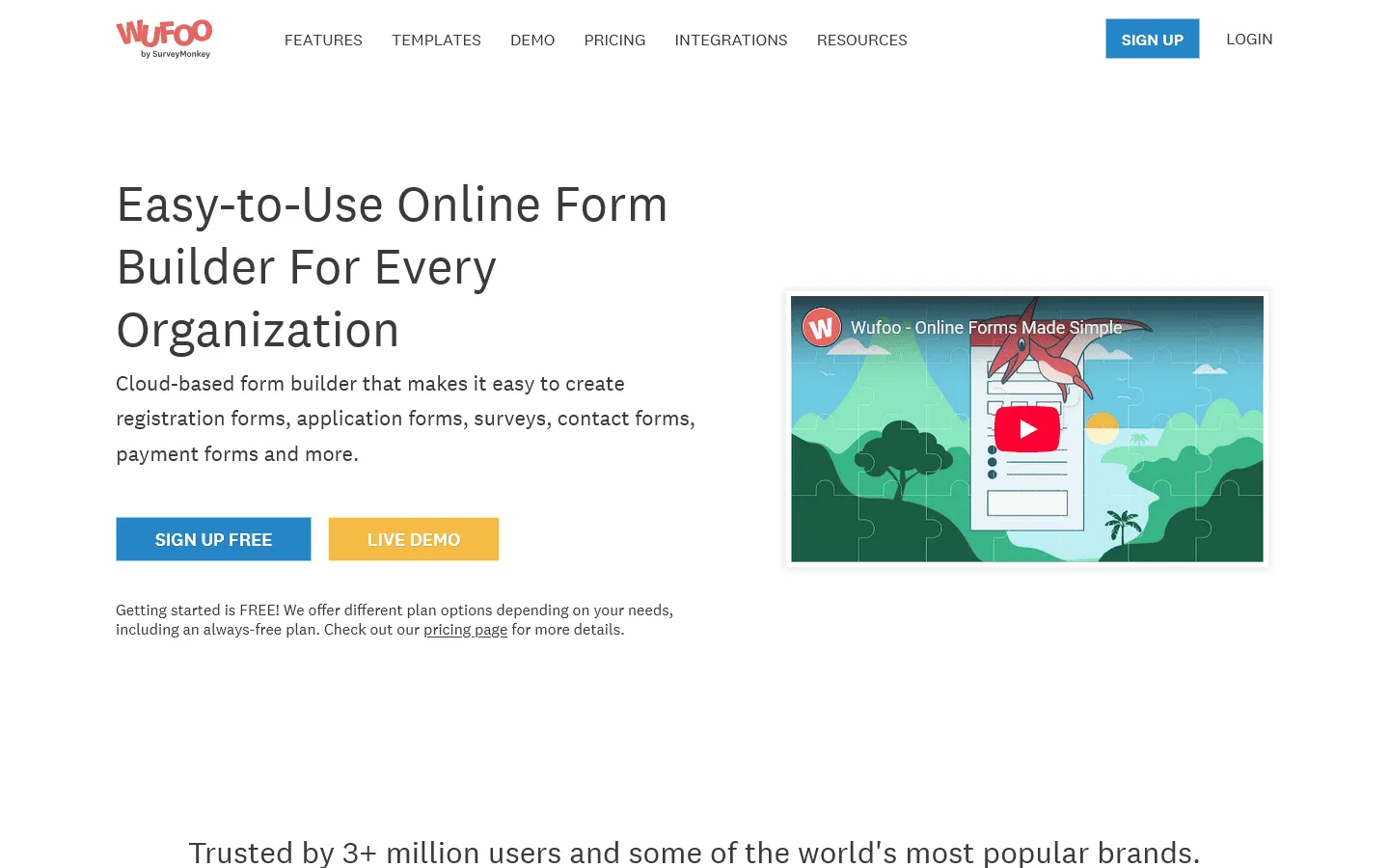 Wufoo is one of the oldest names in the form-building space, and for good reason. It focuses on being very reliable and easy to use. While it might not have the flashy animations of newer tools, it handles basic data collection and simple payments without any fuss.
The interface is simple and straightforward, making it a solid choice for people who aren’t particularly tech-savvy. It has been around long enough to have integrations with almost every major software tool, so you can easily connect your data to wherever it needs to go. It is a great “middle-ground” option that is more capable than Google Forms but easier than something like Jotform.
Key features
- Simple, reliable drag-and-drop builder
- Over 400 professionally designed templates
- Direct payment integration with major gateways
- Custom branding and theme creator
- Easy-to-read reports and data exports
Wufoo pricing
- Free: 5 forms, 100 entries/month, limited features
- Starter ($16.25/month): 10 forms, 1,000 entries/month, file uploads, custom logo, integrations
- Professional ($33.25/month): Unlimited forms, 5,000 entries/month, payments, encryption
- Advanced ($83.25/month): 25,000 entries/month, priority support, advanced features
- Ultimate ($210.25/month): 200,000 entries/month, more storage
Why choose Wufoo over Google Forms?
Pick Wufoo if you want a reliable, easy-to-use tool that offers a bit more power than Google Forms (like payments and better themes) without the complexity of an enterprise platform.
13. 123FormBuilder
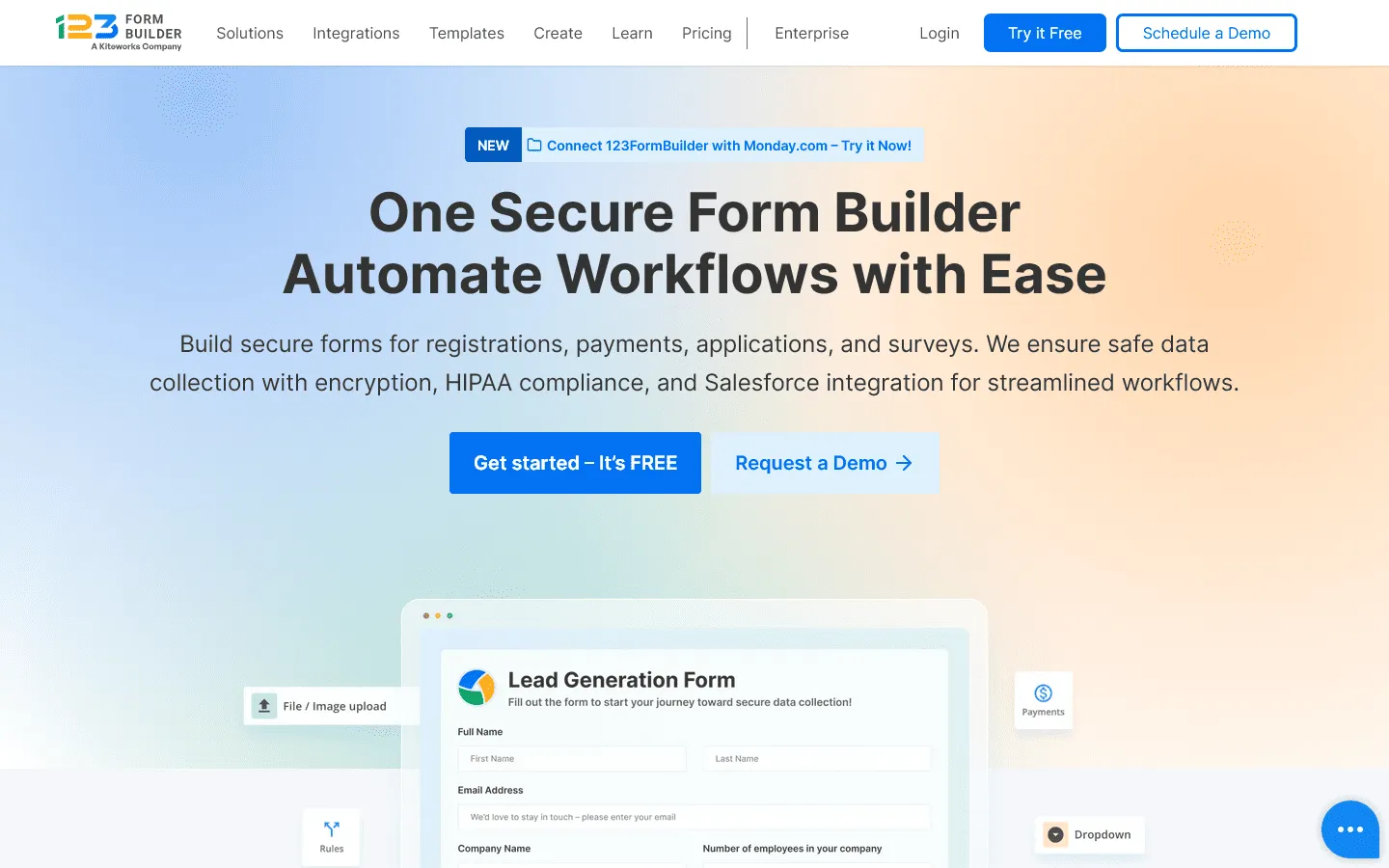 123FormBuilder is another feature-heavy Google Forms alternative that excels at variety. It offers a wide range of templates and question types, making it suitable for everything from simple contact forms to complex supply chain surveys. It is particularly strong in its ability to handle multiple languages and complex multi-page layouts.
The tool focuses on being a “complete solution.” You can manage your forms, your data, and your integrations all from a single dashboard. It is a good fit for medium-to-large businesses that need a standardized form tool across different departments with varying requirements.
For a deeper dive into tools like this, read our guide on the best 123FormBuilder alternatives.
Key features
- Vast library of templates for every industry
- Multi-page forms with clear progress bars
- Multi-language support for global surveys
- Strong security and GDPR compliance tools
- Over 80 native integrations with other software
123FormBuilder pricing
- Basic: 5 forms, 100 responses/month, limited features
- Gold ($18.50/month): 5,000 responses/month, no 123FormBuilder branding, data export
- Platinum ($24.50/month): 20,000 responses/month, custom domain, advanced analytics
- Diamond ($49.50/month): 100,000 responses/month, more integrations
- Enterprise (starting from $225/month): Unlimited responses, custom compliance and support
Why choose 123FormBuilder over Google Forms?
123FormBuilder is better for businesses that need structure. If you need multi-page forms, multilingual support, or a vast library of industry-specific templates, it covers those needs more effectively.
14. Forms.app
Forms.app
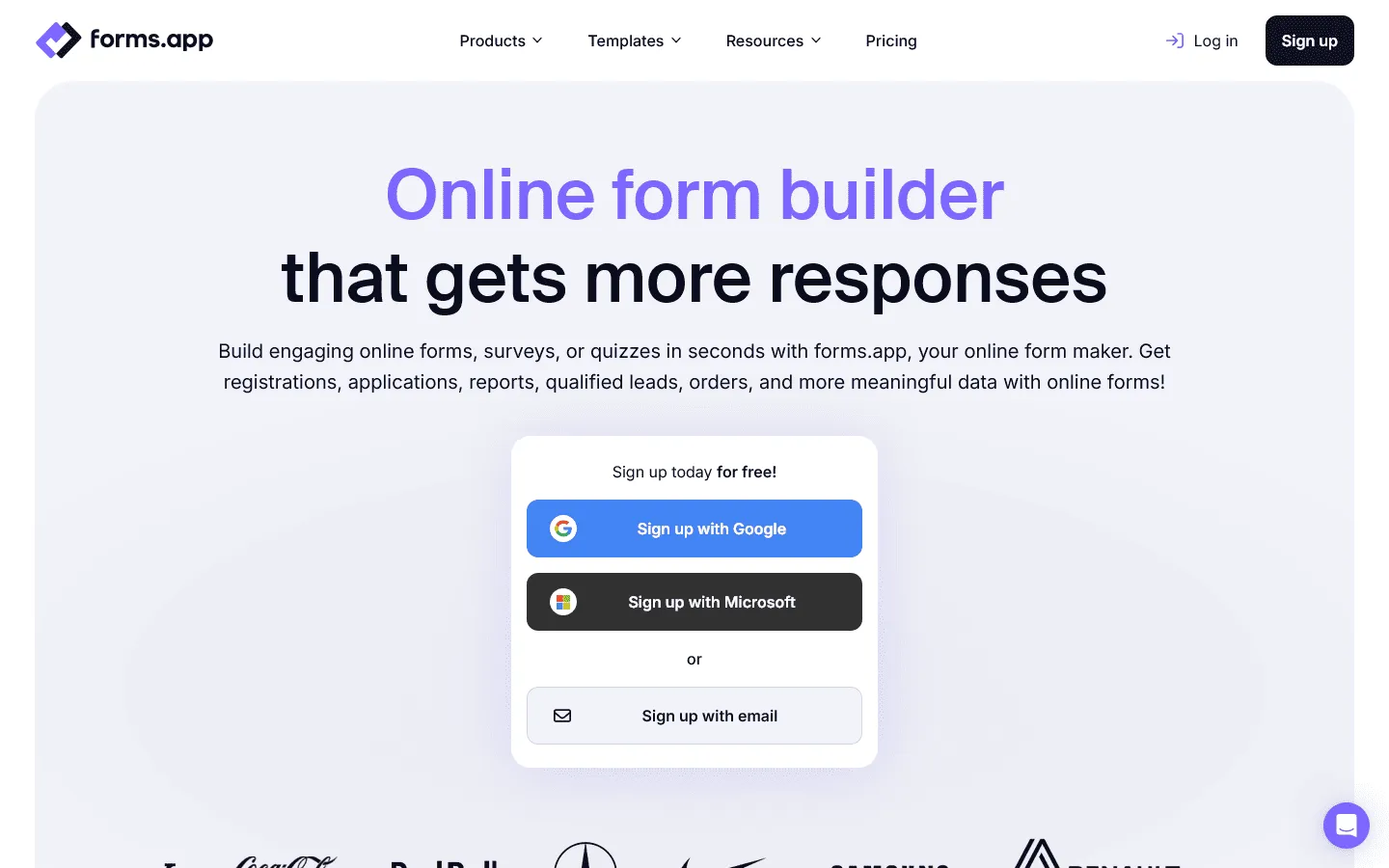
is a modern builder that stands out for its mobile-first approach. While most forms look okay on a phone, Forms.app is designed to be built and filled out on mobile devices flawlessly. It features a sleek, app-like interface that feels very current and is great for younger audiences or field-based data collection.
It also includes some unique features like a built-in step-view (similar to Typeform) and a traditional list-view, giving you the flexibility to choose the style that fits your specific form. The pricing is competitive, and the interface is one of the most intuitive to navigate for new users. If you are comparing mobile-first options, exploring tools similar to forms.app can be a helpful next step.
Key features
- Mobile-optimized building and filling experience
- Option to toggle between step-view and list-view
- Built-in calculator and conditional logic
- Custom themes with animated backgrounds
- Location-based question types and maps
Forms.app pricing
- Free: 5 forms, 100 responses/month, basic features
- Basic ($19/month): 25 forms, 1,000 responses/month, no branding
- Pro ($29/month): Unlimited forms, 10,000 responses/month, custom subdomains
- Premium ($59/month): Unlimited forms, 100,000 responses/month, custom domains
Why choose Forms.app over Google Forms?
Forms.app is the right choice if your audience is primarily on mobile. The app-like experience and the choice between list and step views makes it feel far more modern than a standard Google Form.
15. Heyflow
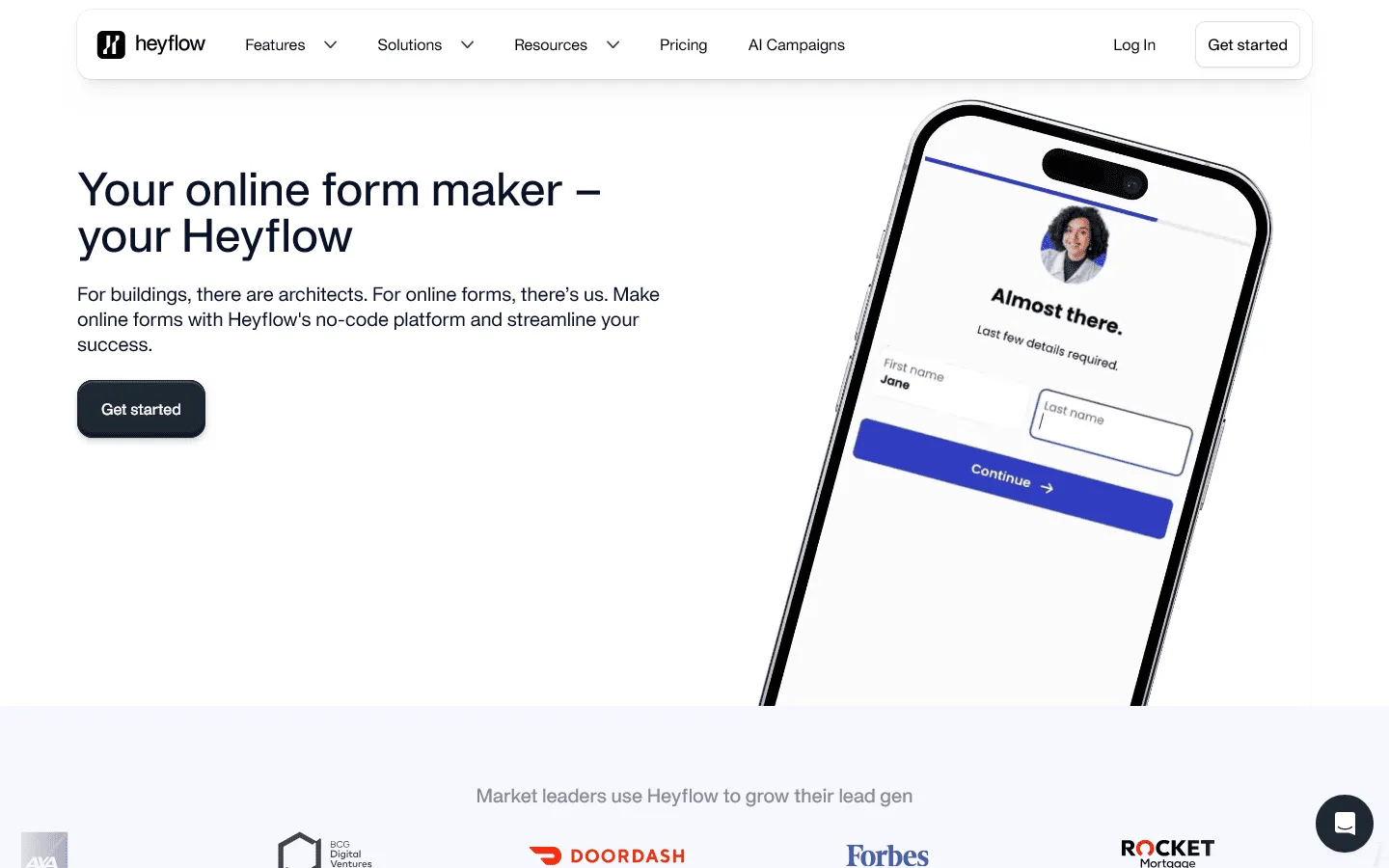 Heyflow is more than just a form builder; it is a platform for creating interactive sales funnels. It is designed for businesses that use forms as their primary way of getting new customers. Instead of a static set of questions, Heyflow lets you build rich, multi-step experiences that feel like a high-end application.
The focus here is on conversion. You can create branching paths that feel like a guide, helping users find the right product or service while you collect their data. It is a high-end tool for marketing teams who are willing to spend more to get a significant increase in their lead-to-customer conversion rate.
Key features
- Visual flow builder for complex sales funnels
- Built-in A/B testing and conversion tracking
- Rich interactive elements like sliders and buttons
- High-speed loading for better user experience
- Deep integration with marketing and sales CRMs
Heyflow pricing
- Starter ($45/month): 50 responses/month, basic funnel building
- Growth ($99/month): 250 responses/month, advanced logic and more responses
- Scale ($359/month): 1,000 responses/month, High-volume and team features
- Enterprise (custom): 5,000+ responses/month, Custom solutions and support
Why choose Heyflow over Google Forms?
Pick Heyflow if your forms are actually sales tools. If you use forms to qualify leads or sell products, the interactive elements and conversion-focused design will quickly pay for itself compared to a free Google Form.
Other notable Google Forms alternatives
Some Google Forms alternatives make sense only in specific setups. They are not direct replacements for everyone, but they solve clear problems that often come up once Google Forms stops being enough.
WordPress-based alternatives
If your forms live on a WordPress site, a plugin usually feels more natural than a standalone tool. Submissions stay inside WordPress, styling is easier to align with your theme, and you avoid juggling separate dashboards.
- WPForms: A good step up from Google Forms for small business sites. It keeps the builder simple, adds templates and payments, and works well for contact forms and lead capture.
- Fluent Forms: A faster, more modern plugin that handles larger forms without feeling sluggish. It is a good choice if performance matters or if Google Forms felt slow or clunky at scale.
- Gravity Forms: Often chosen when Google Forms breaks down under complex logic. It is widely used for applications, calculations, and multi-step internal workflows. (Read our guide to Gravity Forms alternatives.)
- Formidable Forms: Useful when a form is more than data collection. It lets you calculate values, build simple apps, and display submitted data back on the site.
- Ninja Forms: A lighter option that starts close to Google Forms in complexity and grows through add-ons as needs change.
Privacy-focused, EU-hosted, or self-hosted options
For some teams, the main reason to move away from Google Forms is data control. These tools are worth looking at when hosting location, ownership, or compliance checks come up early in the process.
- FormGrid: Run by an EU-based company and often chosen as a cleaner, simpler replacement for Google Forms with fewer privacy concerns.
- Formbricks: Open source with the option to self-host. It is commonly used for feedback and research forms where data ownership is non-negotiable.
- LimeSurvey: A long-standing survey tool that can be fully self-hosted. It is popular in academia and research-heavy environments where Google Forms is not acceptable. For more comparable options, we recommend checking out these LimeSurvey alternatives.
- WordPress plugins (self-hosted): Using plugins like Gravity Forms or Formidable on your own WordPress installation is often the most straightforward way to keep form data entirely under your control.
Open-source and developer-first alternatives
These tools make sense when forms are part of a product or internal system, not just something you share via a link.
- SurveyJS: An open-source form engine designed to be embedded into web apps. It works well when Google Forms feels too detached from your product or workflow.
- Form.io: A form platform built around APIs and data models. It fits teams replacing Google Forms in more technical, form-driven systems.
- OhMyForm: A self-hosted form builder. It is an option if you want something interactive without relying on a hosted service.
How we evaluated Google Forms replacements
We tested these Google Forms alternatives by rebuilding the same set of forms in each tool, including a basic survey, a branded lead form, and a form with conditional logic and follow-up actions.
For each tool, we focused on a few practical questions:
- How much control do you get over layout, structure, and visual design?
- How easy is it to build, understand, and change logic as a form grows?
- Does the tool support payments, approvals, or automated actions?
- How well do responses integrate with spreadsheets, CRMs, or other tools?
- How restrictive are free plans once the form is actually in use?
We also reviewed recent user feedback on platforms like G2 and Capterra. We regularly revisit this page when pricing, limits, or core features change.
What to look for in a Google Forms alternative
Before you switch tools, it is helpful to be clear about what you are missing. Not every tool is better than Google Forms at everything, so knowing your priority is key.
Layout and logic
Some builders lock you into a single vertical flow. Others allow sections, columns, and visual grouping. If your form is long, you should look for a tool that makes multi-step logic easy to read and maintain.
Brand control
Fonts, spacing, colors, and custom domains all affect how a form feels. If the form represents your business, this becomes important quickly. Look for tools that allow you to remove their branding and use your own.
Integrations and data
Look at where your submissions need to go. If you just need a spreadsheet, Google Forms is fine. But if you need to create a CRM record, trigger an email series, or generate a PDF, you need a tool with native integrations or strong Zapier support.
Final thoughts: Which alternative should you choose?
Google Forms is still one of the easiest ways to get a form online. It is hard to beat free and simple. Most teams only outgrow it when the “Google look” starts to clash with their brand or when the logic needs become too complex for a single page.
If you just want a quick answer on which tool to pick:
- Pick FormGrid if you want a modern, visually unique form that is free and easy to design.
- Pick Typeform if you want the highest possible engagement from your users.
- Pick Jotform or Cognito Forms if you need complex features like payments and signatures.
- Pick Fillout if you need your forms to sync with Airtable or Notion.
- Pick Microsoft Forms if your team is already fully invested in the Microsoft 365 world.
There is no “best” tool for everyone. The right choice depends on whether you value speed, design, power, or price. But once your needs go beyond a basic survey, any tool on this list will feel like a major upgrade.
Google Forms alternatives FAQs
Why do people look for Google Forms alternatives?
People usually look for Google Forms alternatives when they need better design control, clearer logic, or features like payments and integrations that Google Forms does not support.
What is the best free alternative to Google Forms?
Tally and FormGrid are two of the best free options. Tally offers unlimited submissions on the free plan and forms with a clean, document-like feel. FormGrid allows more visual customization and layout control while remaining free for unlimited use.
Is Google Forms still free?
Yes, Google Forms is free for anyone with a personal Google account. For businesses, it is included with Google Workspace plans at no extra cost beyond the workspace subscription.
Can I move my data from Google Forms to another tool?
Most builders do not offer a direct click-to-import tool for moving forms. However, since Google Forms responses are saved in Sheets, you can easily export your historical data as a CSV and import it into your new tool of choice.
Which alternative is best for accepting payments?
Jotform, Cognito Forms, and Paperform are all excellent for payments. They allow you to connect directly to Stripe, PayPal, and Square, giving you more control over checkout experiences than Google Forms permits.