Google Forms vs Typeform: Which form builder is better? (2026)
If you are looking for a form builder, you have undoubtedly crossed paths with Google Forms and Typeform. They are two of the biggest names in the industry, but they sit at opposite ends of the spectrum.
Google Forms is the utilitarian option. It is free, simple, and gets the job done without fanfare. Typeform is the polished presenter. It focuses on design, “conversational” interaction, and making a clear brand impression.
This guide provides a detailed comparison of Google Forms vs Typeform, looking at where each tool works well, where it starts to get frustrating, and what that means once your form is actually in use.
Google Forms vs Typeform: Quick summary & feature comparison
If you want the short version, here is the high-level breakdown of the main differences between Google Forms and Typeform:
| Feature | Google Forms | Typeform |
|---|---|---|
| Capterra rating | 4.7/5 (11,000+ reviews) | 4.7/5 (900+ reviews) |
| Best for | Simple informal surveys with $0 budget | Lead generation, customer feedback, premium brands |
| Free plan | Unlimited | Limited, 10 responses/month |
| Starting price | 100% free | $29/month |
| Design | Basic, standard layouts | High-end, “conversational” one-question-at-a-time |
| Ease of use | Very high | High |
| Logic | Basic (go to section based on answer) | Advanced (calculations, heavy branching, scoring) |
| Analytics | Basic summaries in Sheets | Detailed drop-off analysis and reports |
| Mobile experience | Functional | Polished and app-like |
Google Forms starts to feel limiting when you care about branding, want a layout that matches a landing page, or need logic that goes beyond simple section jumps. It is quick and dependable, but it stays generic.
Typeform starts to feel expensive when response volume matters, when you have multiple forms running at once, or when you want to iterate a lot. It is easier to make something polished, but you pay for that polish over time.
Most people end up choosing based on how public the form is and how many responses they expect.
The bottom line:
- Choose Google Forms if you need a reliable, free tool for simple data collection and functionality matters more than “wow factor.”
- Choose Typeform if you need to impress users, capture leads, or create a brand-aligned experience where design directly impacts conversion.
If Google Forms is too basic but Typeform is too expensive, you might want to look at FormGrid. It offers the design control of a premium builder with a generous free plan that doesn’t limit your growth.
How we compared Google Forms and Typeform
We compared Google Forms and Typeform by building and running a small set of common forms, including a simple contact form, a longer form with branching, and a form that needed changes after responses were already coming in.
We looked at:
- how easy it is to set up and maintain logic
- what editing feels like once a form is live
- how responses move into spreadsheets
- how limits and pricing behave as usage grows
We revisit and update this article regularly to reflect product changes, pricing updates, and new constraints that show up in everyday use.
What is Google Forms?
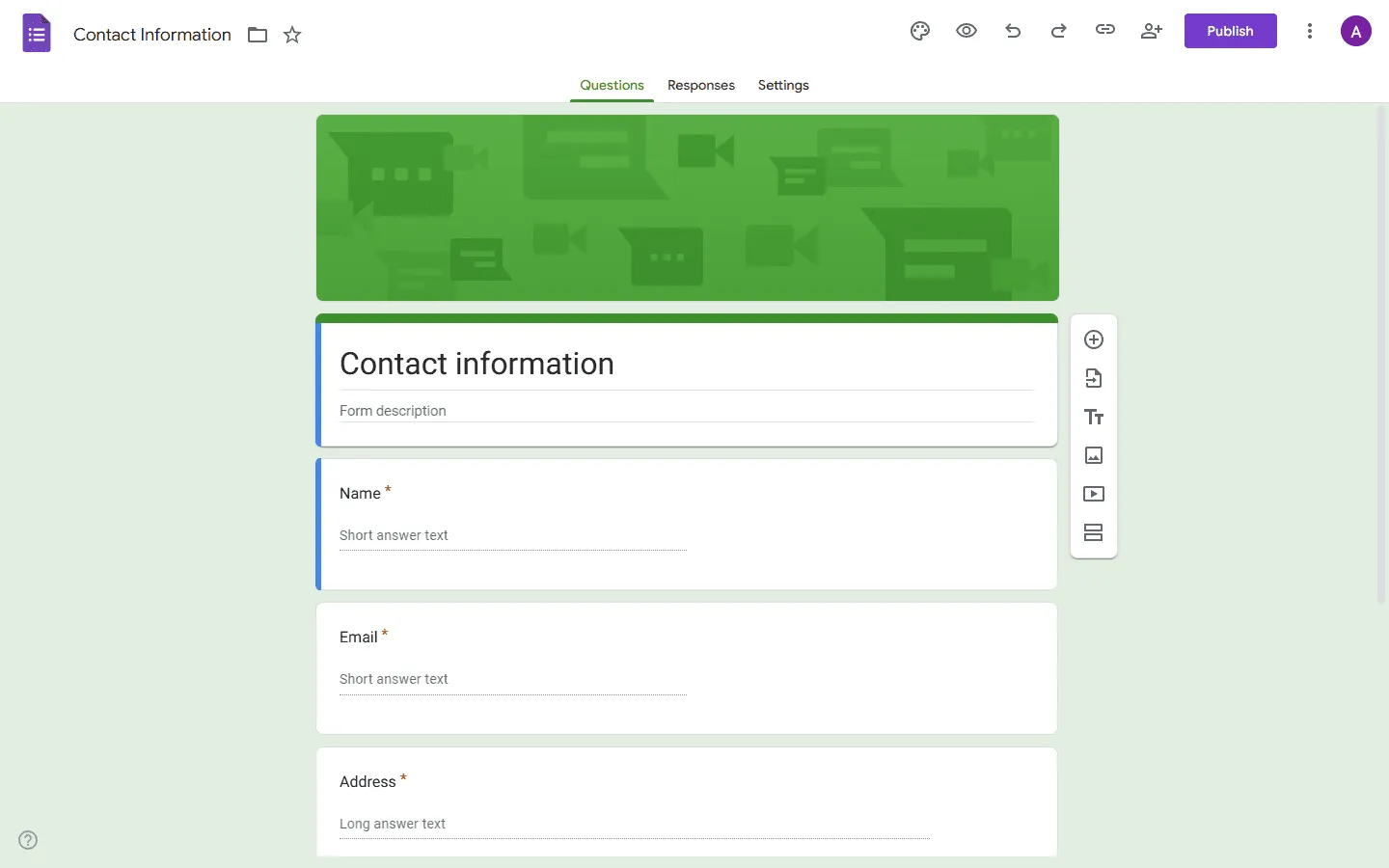 Google Forms is part of the Google Workspace ecosystem. It is designed to be the quickest way to ask questions and get answers. Because it is completely free and integrates directly with Google Sheets, it is the default choice for millions of users.
Google Forms advantages
- Completely free: No hidden tiers or limits on questions or responses.
- Easy to use: If you can send an email, you can build a Google Form.
- Direct integration: Data flows instantly into Google Sheets for analysis.
- Reliable: It works on every device and loads instantly.
Google Forms disadvantages
- Limited design: You can’t change much beyond the header image and basic colors.
- Basic logic: You can only skip sections, not hide/show individual questions based on complex rules.
- “Cheap” feel: Everyone recognizes a Google Form, which can feel unprofessional for high-end brands.
- Collaboration is shallow: You can edit forms together, but there is no real version history or rollback for form logic changes.
What is Typeform?
 Typeform completely changed the form industry with its “one question at a time” interface. Instead of a long scrolling list of questions, it presents a slide-like experience that feels more like a conversation.
Typeform advantages
- Polished user experience: The conversational flow keeps users engaged and often reduces drop-off rates.
- Deep customization: Use video backgrounds, advanced layouts, and remove branding (on high-tier plans).
- Advanced features: Logic jumps, calculations, and hidden fields allow for complex workflows.
- Strong integrations: Connects natives with top marketing and CRM tools like HubSpot and Salesforce.
Typeform disadvantages
- Expensive: The costs add up quickly, especially if you need many responses.
- Strict limits: Key features and response quotas are gated behind higher pricing tiers.
- Testing counts toward limits: Iterating on live forms can burn through response quotas faster than expected.
- Overkill for simple tasks: You don’t need a cinematic experience for a quick office poll.
Detailed comparison of Google Forms vs Typeform
Pricing
Pricing is usually the first stop when comparing Typeform and Google Forms.
Google Forms is free. Not “freemium,” but actually free. You get unlimited forms, unlimited questions, and virtually unlimited responses (up to standard Google Drive storage limits). For personal use, education, or bootstrapping startups, this is unbeatable.
Typeform is a premium SaaS product and its pricing matches that positioning.
- Free: Very limited (10 responses/month). Primarily for testing.
- Basic: ~$29/month for 100 responses.
- Plus: ~$59/month for 1,000 responses.
- Business: ~$99/month for 10,000 responses.
If you are just starting out, Typeform’s limits can be stressful. One viral post could max out your plan in an hour. With Google Forms, you never have to worry about hitting a paywall.
Design and customization
The level of design customization is arguably the biggest difference between Typeform and Google Forms.
Google Forms prioritizes function. You can upload a header image, and the tool will auto-select a matching color palette. That’s about it. You cannot change fonts, layouts, or button styles significantly. Your form will always look like a Google Form, even when embedded on a branded site.
Typeform prioritizes form. It offers extensive design options and allows you to:
- Use video or image backgrounds for every question.
- Choose from diverse layout options (split screen, centered, etc.).
- Customize fonts and button colors to match your brand.
- Create smooth transitions and animations.
If you are embedding a form on a luxury real estate website, a Google Form will stick out like a sore thumb. A Typeform will blend in and enhance the brand.
Features and logic
When comparing the feature sets of Typeform and Google Forms, Typeform wins on power.
Google Forms allows for basic “Go to section based on answer” logic. For example, if someone says “No” to an RSVP, you can skip the menu selection options. It’s useful but limited.
Typeform offers simplified programming power:
- Calculations: Add up scores (e.g., for a quiz or price quote) as people answer.
- Hidden fields: Pass data (like a user’s name or email) into the form URL so they don’t have to type it again.
- Recall information: Use a respondent’s name from Question 1 in the text of Question 5 (“Thanks, [Name], what next?”).
Use cases: When to use which?
Use Google Forms for:
- Internal team feedback or polls.
- Event registrations where branding doesn’t matter (e.g., office potluck).
- Academic research or student quizzes.
- Quick personal data collection.
- Very basic personality quizzes.
Use Typeform for:
- Lead generation forms (where conversion rate is money).
- Customer satisfaction surveys.
- Interactive quizzes or personality tests.
- Application forms where the user experience reflects on the company.
Google Forms and Typeform alternatives
If you find yourself stuck (Google Forms is too ugly, but Typeform is too expensive), you are a good candidate for a middle-ground tool.
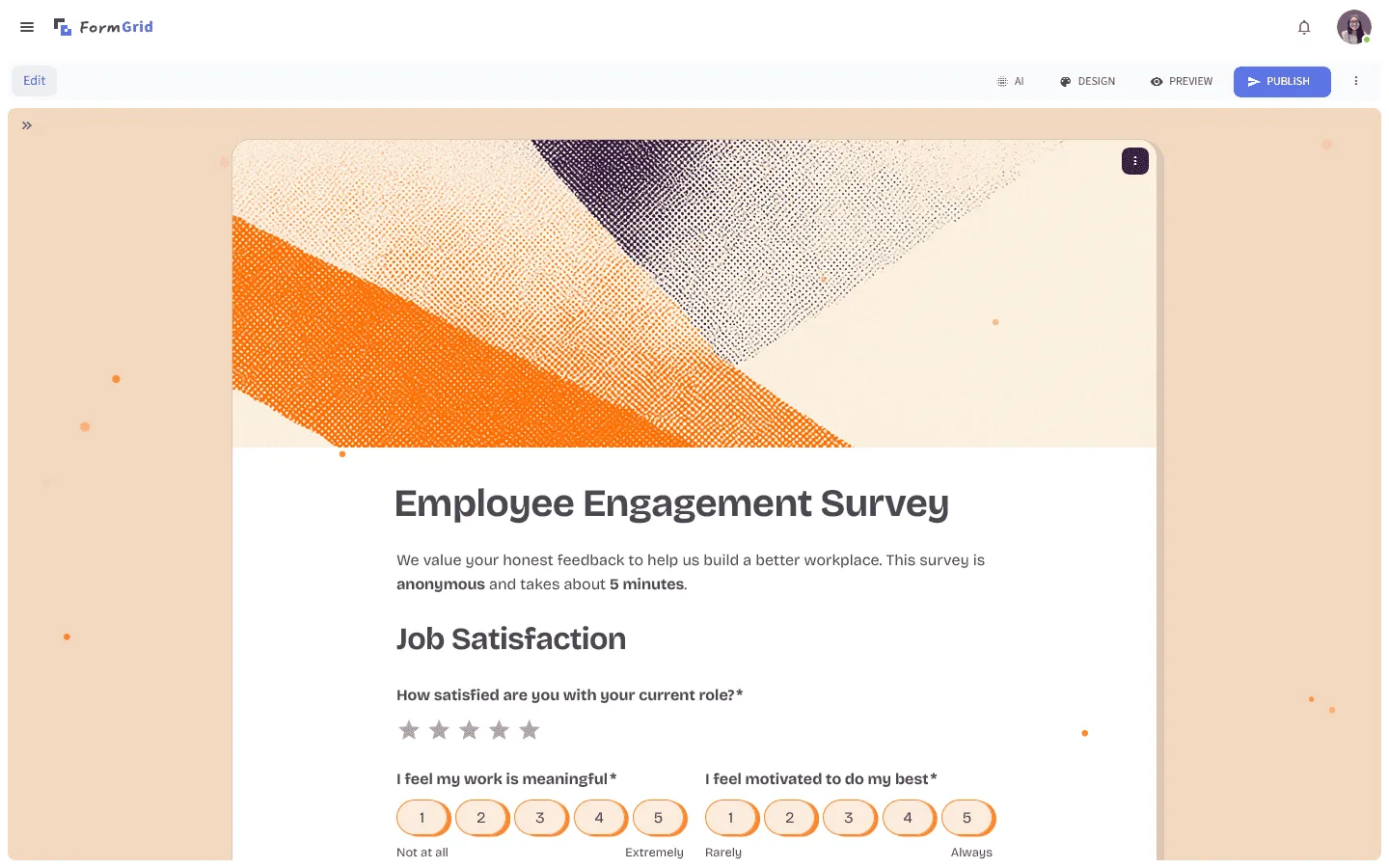
FormGrid is designed to bridge this gap.
- It is affordable: Generous free plan with unlimited forms and responses.
- It is beautiful: Offers modern layouts and customization that feels premium, not basic.
- It is powerful: Includes AI generation and easy document-style editor.
You can build your form from scratch using a document-style editor, or generate a fully custom form for free from a short prompt, no account required.
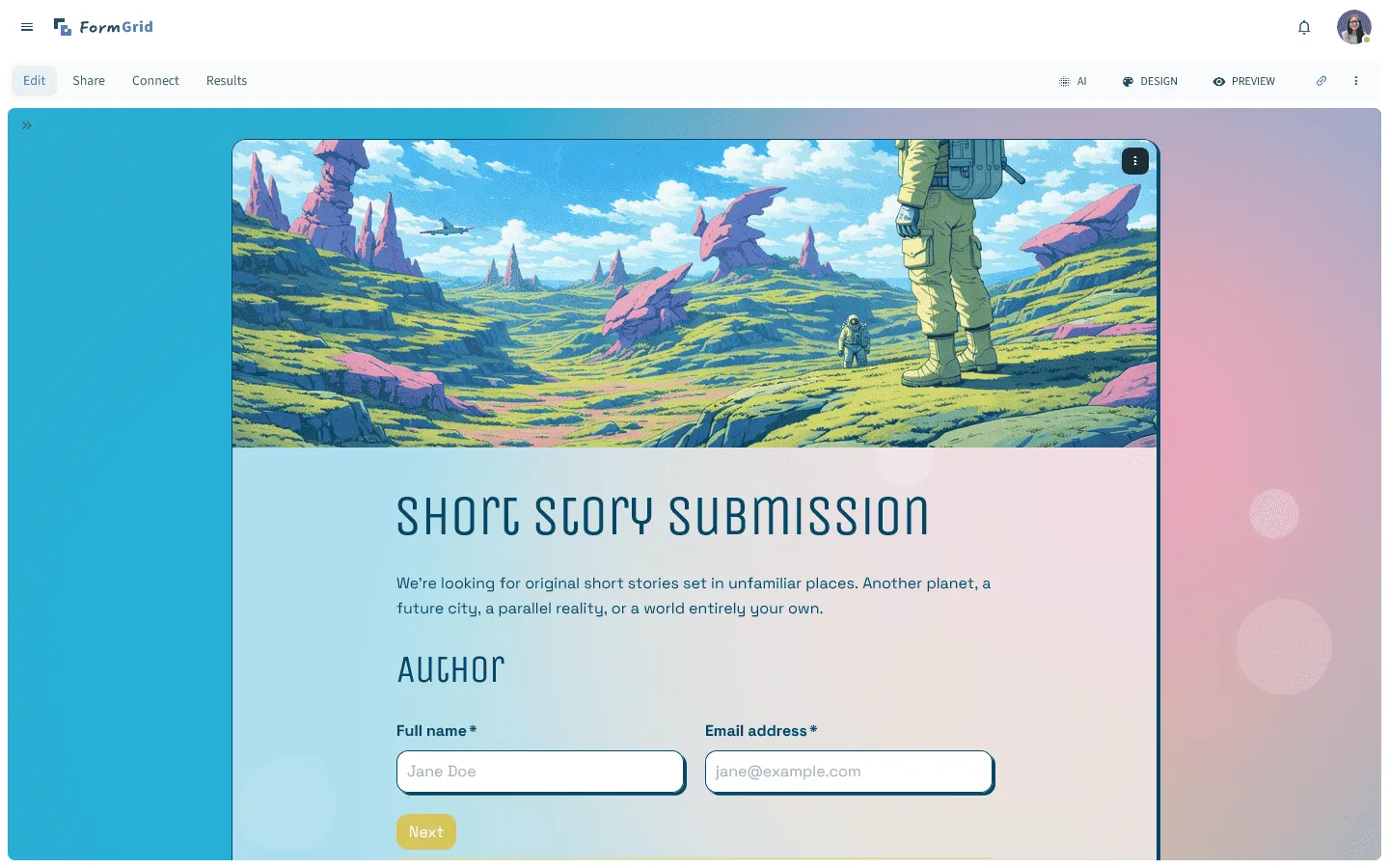
For a closer look at how FormGrid compares to both tools, read our full FormGrid vs Google Forms and FormGrid vs Typeform comparisons. We also have a full breakdown of Typeform alternatives and Google Forms alternatives if you want to explore other options.
Conclusion: Should you choose Google Forms or Typeform?
It all comes down to one question: How visible is the form, and how much does design matter?
If you just need data and your audience doesn’t care about the presentation, save your money and use Google Forms. It is the best free tool on the market.
If you need to win over a customer, capture a lead, or represent a brand, Typeform is an investment in your image. The cost is justified by the experience it delivers.
And if you want a balance of both – style without the steep price tag – give FormGrid a try.