13 Best Typeform Alternatives in 2026 (Free, Paid, and Open-Source)
Typeform changed how we think about online forms. Its one-question-at-a-time layout made filling out surveys feel less like work and more like a conversation. It looks great, works smoothly, and became the standard for anyone who wanted a form that didn’t feel boring.
But that premium experience comes with a premium price tag. The free plan is very limited, and once you start scaling, the costs go up fast. On top of that, not every form needs to be a conversation. Sometimes you just want to see all the questions at once.
That is usually when people start looking for Typeform alternatives.
We tested and researched the best Typeform replacements on the market to help you find the right one. This list covers the tools that creators and businesses are switching to right now.
Typeform alternatives: Quick summary
If you want the short version, here is how the top Typeform competitors stack up:
| Typeform alternative | Best Typeform replacement for | Free plan | Free plan response limit | Starting price |
|---|---|---|---|---|
| FormGrid | Visually unique, creative forms | Available | Unlimited | $29/month |
| Tally | Simple, doc-style forms | Available | Unlimited | $29/month |
| Jotform | Feature-heavy business forms | Available | 100/month | $34/month |
| Google Forms | 100% free, simple forms | Available | Unlimited | Free |
| Youform | Conversational forms on a budget | Available | Unlimited | $29/month |
| Zonka Feedback | Multi-channel surveys with AI-powered analytics | Not available | NA | On request |
| Formbricks | Open-source, self-hosted surveys | Available | Unlimited | Free |
| SurveyMonkey | Deep survey analysis | Available | 25/survey | $25/month |
| Fillout | Complex logic and flows | Available | 1,000/month | $15/month |
| Paperform | Landing page style forms | Available | 30/month | $24/month |
| Zoho Forms | Zoho ecosystem users | Available | 500/month | $10/month |
| Microsoft Forms | Microsoft 365 users | Available | Unlimited | $9.99/month (Microsoft 365) |
| Formstack | Automated workflows | Not available | NA | $83/month |
Why you might be looking for a Typeform alternative
Typeform is often the first upgrade people try after Google Forms. It looks polished, feels friendly to fill out, and works well for simple surveys. But once forms get real usage or start to matter to a workflow, some limits show up.
Costs rise quickly
The main reason people tend to look for Typeform alternatives is the pricing. The free plan only allows 10 responses per month. The first paid tier increases that to just 100 responses per month, which many teams hit quickly. Higher limits require more expensive plans, so costs increase fast when a form is public or used regularly.
Design freedom is limited by the format
Typeform is built around a strict one-question-at-a-time layout. You cannot create multi-column sections, place questions side by side, or mix content and inputs freely. Every form follows the same vertical, sequential flow.
Editing larger forms takes time
Typeform works best when forms stay short. As forms grow, editing becomes slower. Reordering questions, reviewing logic, or making small changes often means clicking through many screens. Teams that update forms often tend to prefer editors where the whole form is visible at once.
Logic is manageable only at small scale
Conditional logic works, but it is spread across individual questions. There is no clear overview of all conditions in one place. As soon as multiple paths interact, it becomes harder to understand and maintain the flow.
When Typeform still makes sense
Typeform is still a good choice for short, polished, one-off forms where presentation matters more than structure or scale.
If you are running a short marketing survey, a simple lead form, or a campaign with a fixed response cap, Typeform’s conversational flow can still work well. It becomes harder to justify once forms grow, stay public, or need frequent edits.
13 best Typeform alternatives and competitors
1. FormGrid
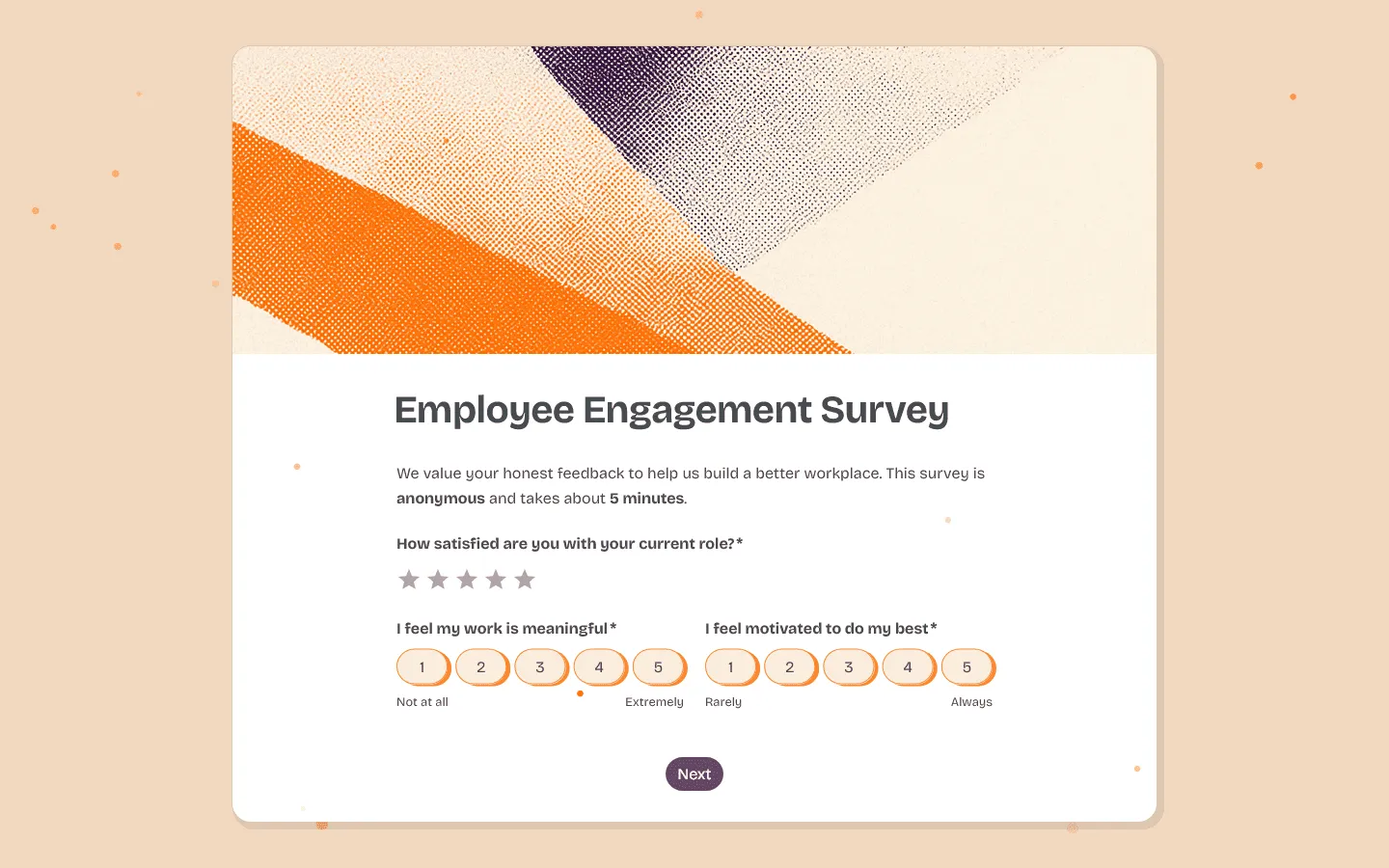 FormGrid is the best free alternative if you like Typeform’s focus on design but want more control over structure. Instead of a single vertical flow, you build your layout freely on a grid. You write content like a document and place questions, text, images, and sections exactly where they belong. Multi-column layouts, grouped fields, and visual hierarchy are part of the core experience.
You can create everything manually, or quickly generate a custom form with a unique design for free, no account needed. From a short prompt, FormGrid builds the structure, content, and visual theme for you. You can refine it, rearrange blocks on the grid, or publish it as is. This makes it possible to go from idea to finished form quickly without relying on rigid templates.
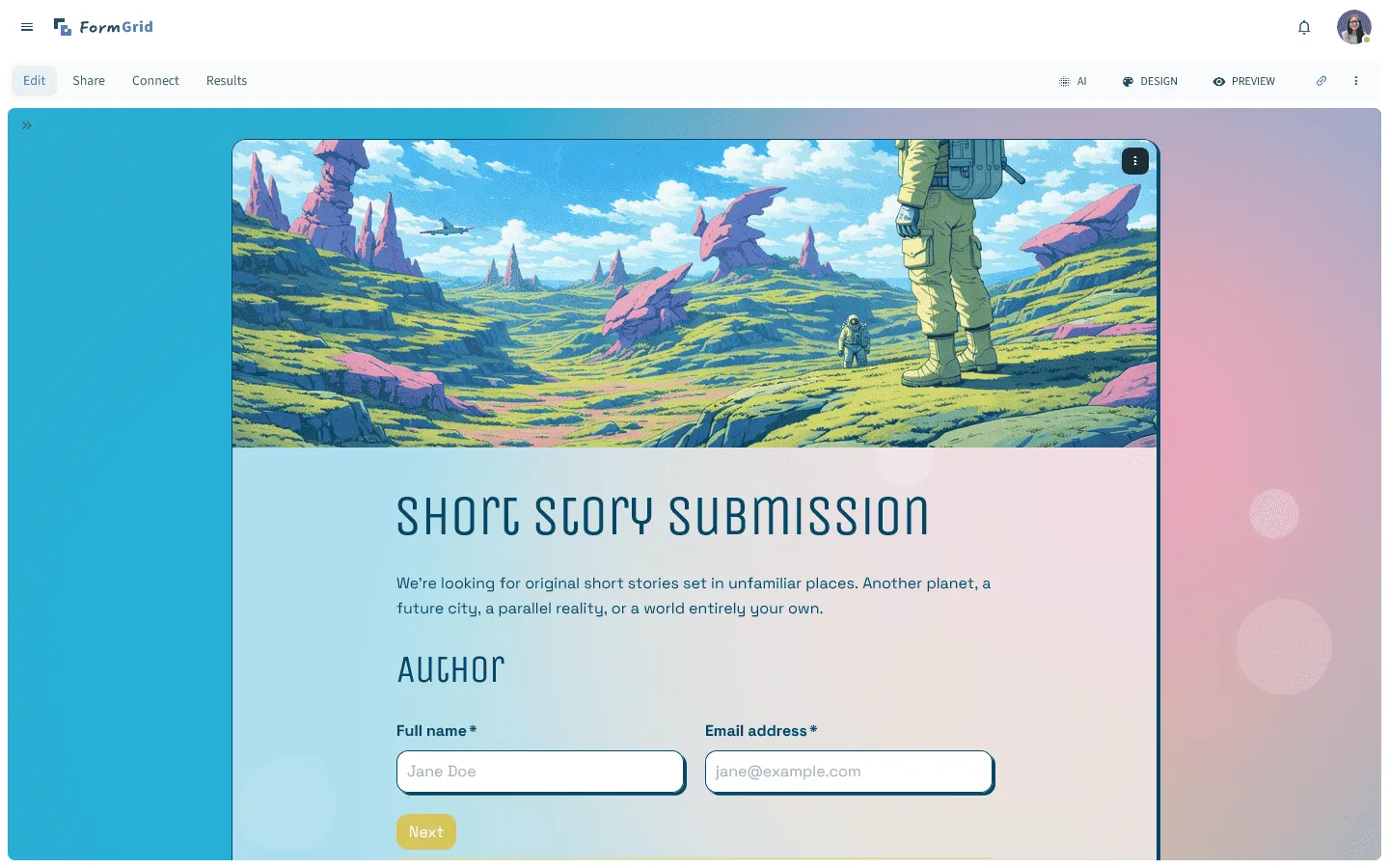 The result feels closer to a small website than a standard survey. You can add context next to questions, introduce sections properly, and shape the flow visually instead of step by step. That works especially well for applications, onboarding flows, design briefs, and other use cases where presentation matters.
Another reason people switch to FormGrid from Typeform is pricing. Unlimited forms and responses are available for free, which removes response limits from the equation entirely.
Pros
- Complete design freedom
- AI-generated forms and themes
- Zero cost for full features
Cons
- Fewer native integrations than long-established enterprise tools
- Smaller template library compared to older platforms
Pricing
- Free: Unlimited forms and responses, access to all core features
- Plus ($29/month): Collaboration, remove FormGrid branding, version history
- Business ($79/month): User roles and permissions, advanced link settings
Why choose FormGrid over Typeform?
Choose FormGrid if you want your forms to stand out visually. Typeform forms all look like Typeform, but FormGrid lets you build something that looks like you. Plus, it is free. You can also read our full FormGrid vs Typeform comparison for a more detailed breakdown.
2. Tally
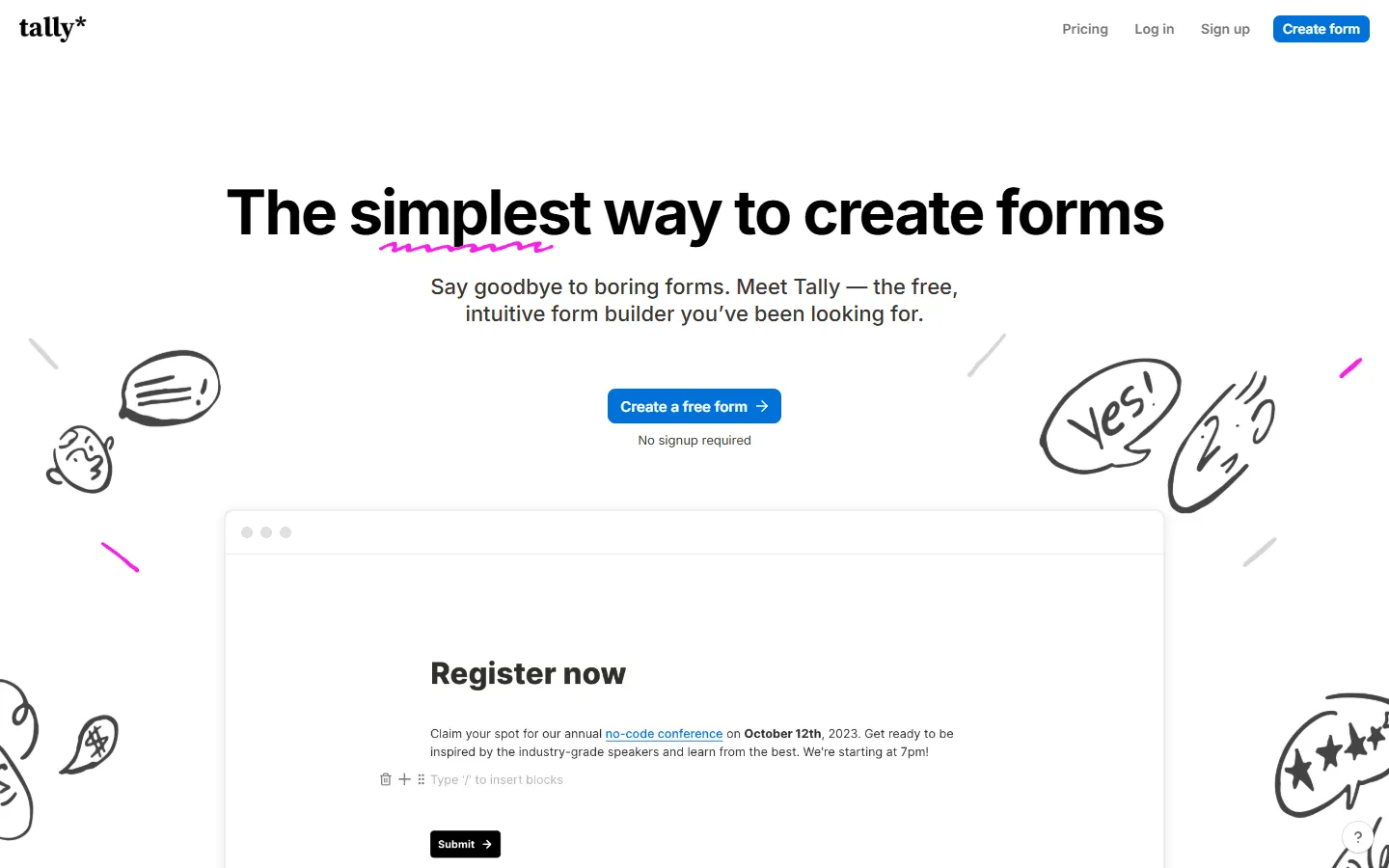 Tally removes a lot of friction from the editing process. Instead of clicking through screens, like in Typeform, you see the whole form at once and edit it like a document. That makes long forms easier to manage and quicker to update after responses start coming in.
The tradeoff is presentation. Tally does not try to recreate Typeform’s animated, conversational feel. At the same time, its clean, minimal aesthetic often appeals to the same design-conscious users who like Typeform.
It’s also one of the most generous free Typeform alternatives, alongside FormGrid. You get unlimited forms and responses without paying a cent.
If Tally is on your shortlist as a Typeform replacement, this in-depth Tally vs Typeform comparison can help you make a decision. If you want to explore other similar tools first, check out our Tally alternatives list.
Pros
- Very generous free plan
- Simple, distraction-free editor
- No limits on responses
Cons
- Limited design customization
- Harder to organize very long, complex forms
Pricing
- Free: Unlimited forms and responses
- Pro ($29/month): Custom domains, team features, and removal of branding
Why choose Tally over Typeform?
Switch to Tally if you want a clean experience without usage limits. If you are tired of hitting response caps on Typeform’s paid plans, Tally’s free tier is a breath of fresh air.
3. Jotform
 Jotform is a feature-heavy option. It has more features, widgets, and integrations than almost any other Typeform alternative on this list. If you need a form that can do specifically anything (like collecting signatures, processing complex payments, or managing approvals) Jotform probably has a widget for it.
While it doesn’t have the same polished, minimal feel as Typeform out of the box, it offers a “Card Form” value that mimics the one-question-at-a-time layout. This gives you the best of both worlds: the engaging experience of Typeform with the broad feature set of Jotform.
If you want a side-by-side breakdown before deciding, our Typeform vs Jotform comparison covers pricing, design, features, and use cases in detail. And if Jotform looks like the right direction but feels a bit like a lot to take in, a broader look at comparable tools can add some perspective. We cover those in our Jotform alternatives list.
Pros
- Large library of templates and widgets
- “Card Forms” replicate Typeform layout
- Powerful payment and approval features
Cons
- Interface can feel cluttered due to so many features
- Free plan has strict branding and limits
Pricing
- Free: 5 forms, 100 responses/month
- Bronze ($34/month): 25 forms, 1,000 responses/month
- Silver ($39/month): 50 forms, 2,500 responses/month
Why choose Jotform over Typeform?
Pick Jotform if you need functionality over style. If your form needs to facilitate a complex business process, payment flow, or legal agreement, Jotform’s feature set beats Typeform hands down.
4. Google Forms
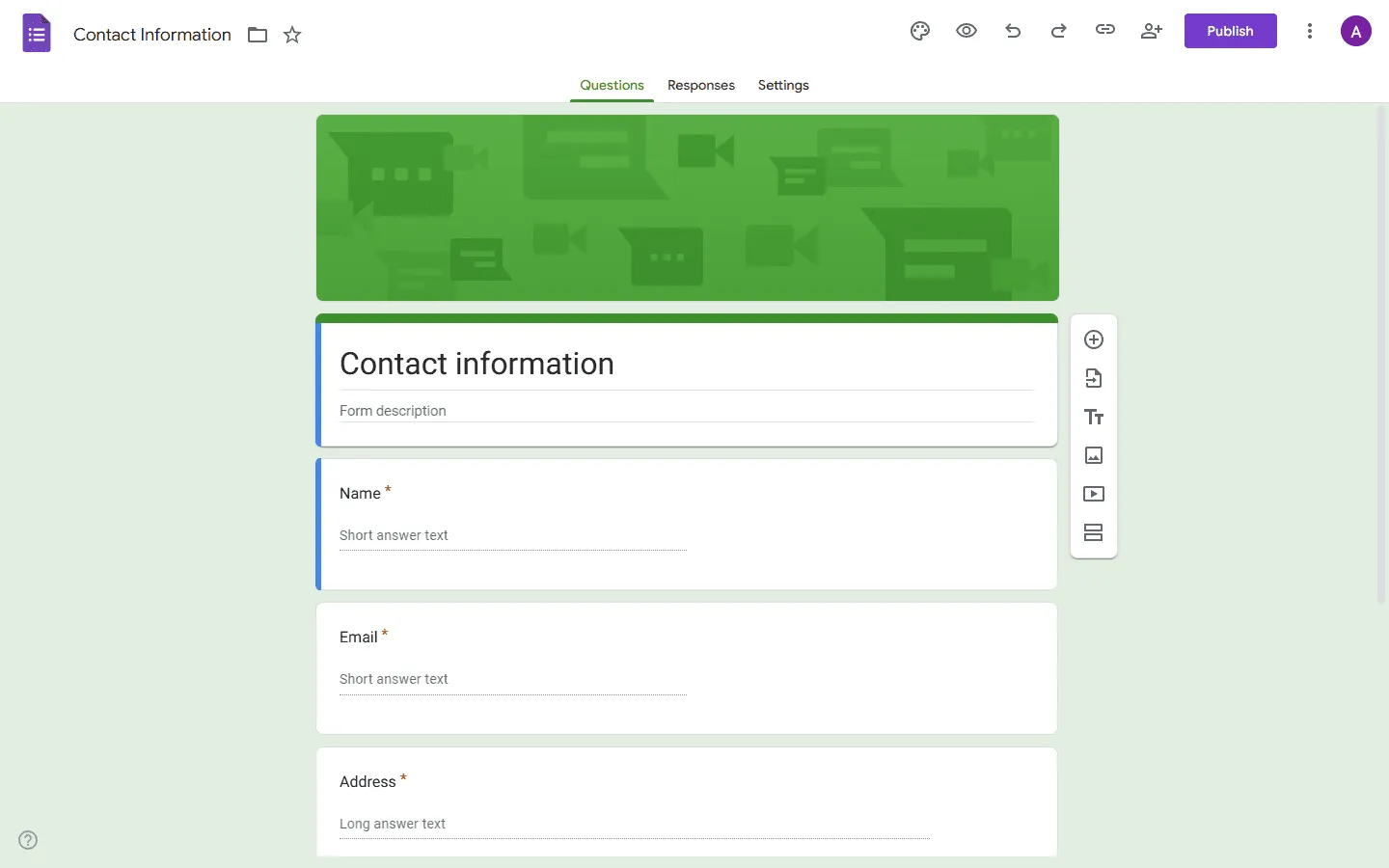 Google Forms usually replaces Typeform for one reason: cost. There are no response limits, no upgrades, and no surprises once a form goes live. For internal surveys, signups, or community forms, that reliability matters more than presentation.
The experience is a step down visually. You give up Typeform’s polish and interaction in exchange for speed and simplicity. If Typeform’s pricing feels hard to justify for basic data collection, Google Forms is often the fallback people settle on.
Learn more about how Google Forms compares to Typeform in our detailed guide: Google Forms vs Typeform. And if you like the idea of replacing Typeform with Google Forms but want to see how it stacks up against comparable tools, this list of Google Forms alternatives gives a clearer picture.
Pros
- Completely free with no limits
- Instant Google Sheets integration
- Familiar to almost every user
Cons
- Very basic, dated design
- No advanced logic or payment features
Pricing
- Free: Unlimited usage for everyone.
Why choose Google Forms over Typeform?
Use Google Forms when function matters more than form. For internal data collection or quick projects where budget is zero, it is the most reliable tool you can use.
5. Youform
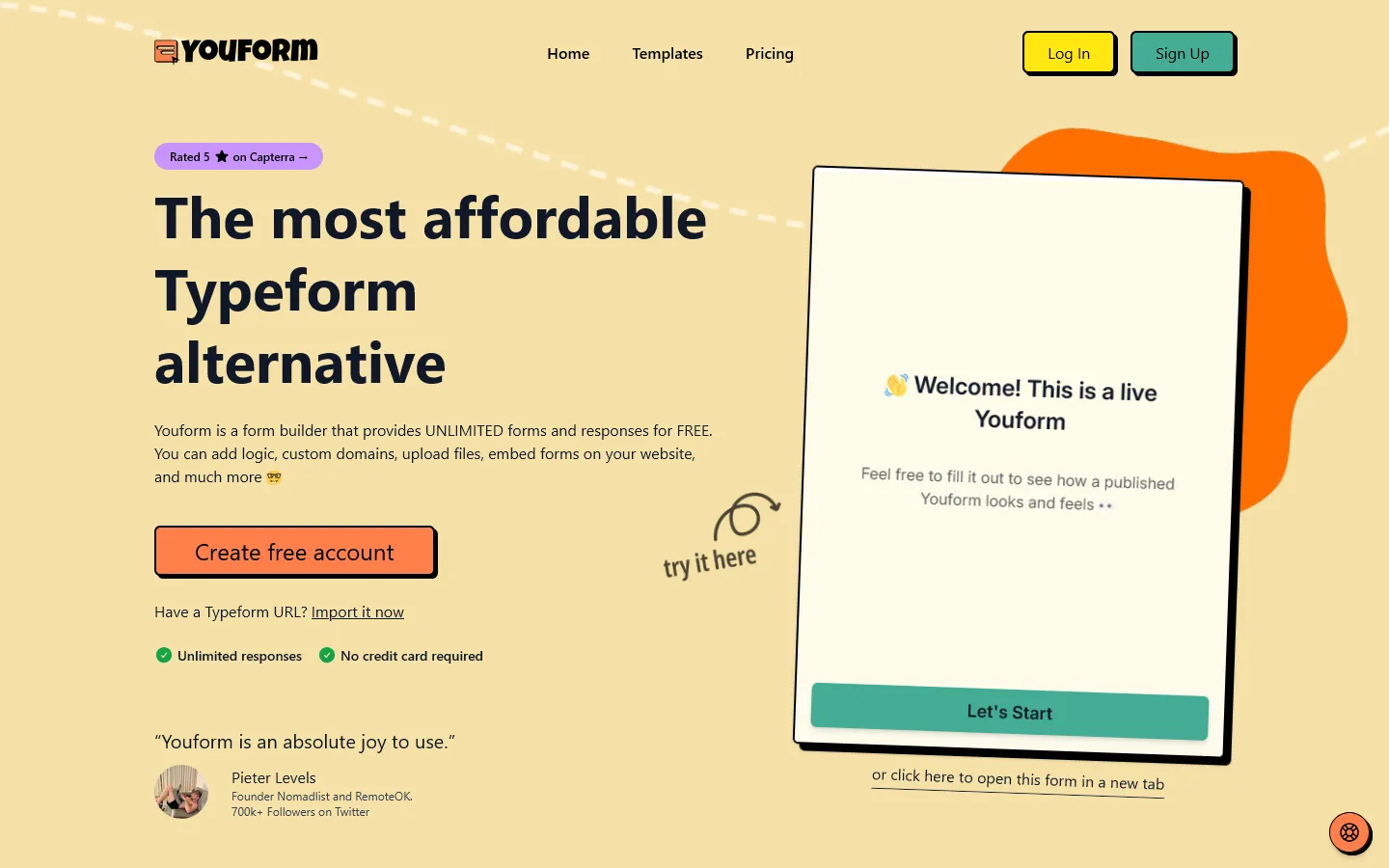 Youform is one of the closest substitutes for Typeform’s one-question-at-a-time style. It appeals to people who liked Typeform’s conversational feel but not its pricing.
It doesn’t aim to cover every enterprise edge case. Instead, it keeps the experience focused and lightweight, so you can build and edit forms quicker than in more feature-heavy tools.
Pros
- Conversational, Typeform-style experience
- Generous free plan
- Clean, modern interface
Cons
- Limited layout flexibility
- Smaller integration ecosystem
Pricing
- Free: Unlimited forms, unlimited responses
- Paid plans: Higher response limits and branding removal
Why choose Youform over Typeform?
If you like Typeform’s interaction style but want lower costs and fewer restrictions, Youform feels familiar without the same pressure to upgrade.
6. Zonka Feedback
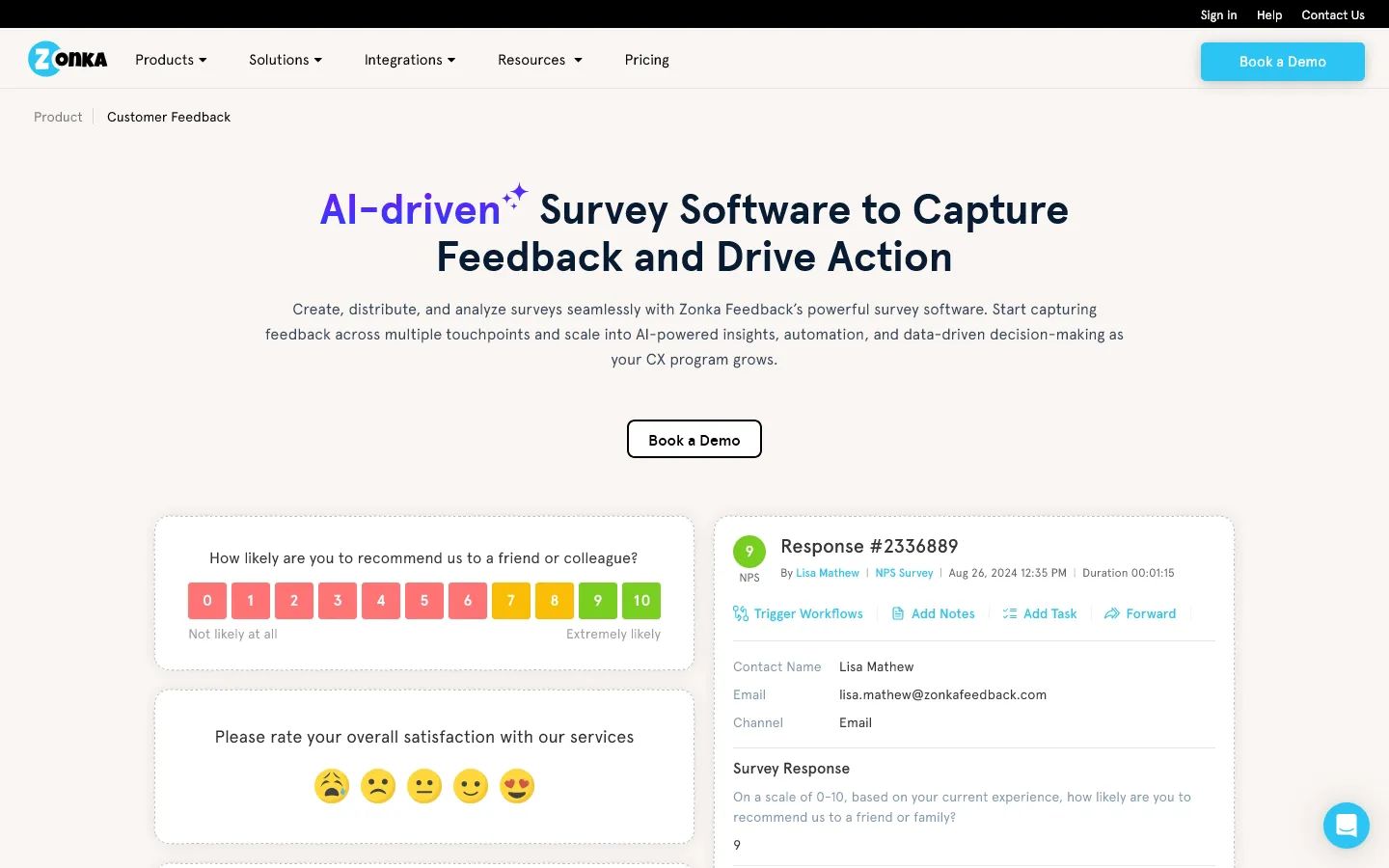 Zonka Feedback is a Typeform alternative built for teams running structured customer feedback programs rather than sharing simple standalone forms. It combines survey building with analytics, automation, and multi-channel distribution. It’s better suited for ongoing feedback collection than one-off marketing surveys.
Compared to Typeform’s design-first, conversational format, Zonka focuses more on feedback depth and operational workflows. You can create branded surveys with logic, branching, and more than 20 question types including NPS, CSAT, and CES. Surveys can be distributed via email, SMS, WhatsApp, web widgets, in-app SDKs, and offline kiosks.
Its AI Feedback Intelligence analyzes open-text responses for sentiment, themes, intent, and entities, which helps teams process large volumes of feedback without manual tagging.
Pros
- Multi-channel distribution including email, SMS, WhatsApp, web, in-app, and offline
- Advanced AI analytics with sentiment and theme detection
- Built-in response inbox and closed-loop workflows
Cons
- May feel complex for simple use cases
- Pricing is not fully transparent
Pricing
- Free trial: Available on request
- Paid plans: Pricing details available on request
Why choose Zonka Feedback over Typeform?
Choose Zonka Feedback if your main goal is running ongoing customer feedback programs rather than publishing standalone marketing forms. It is a better fit for teams that need automation, structured NPS tracking, and detailed reporting in addition to survey collection.
7. Formbricks
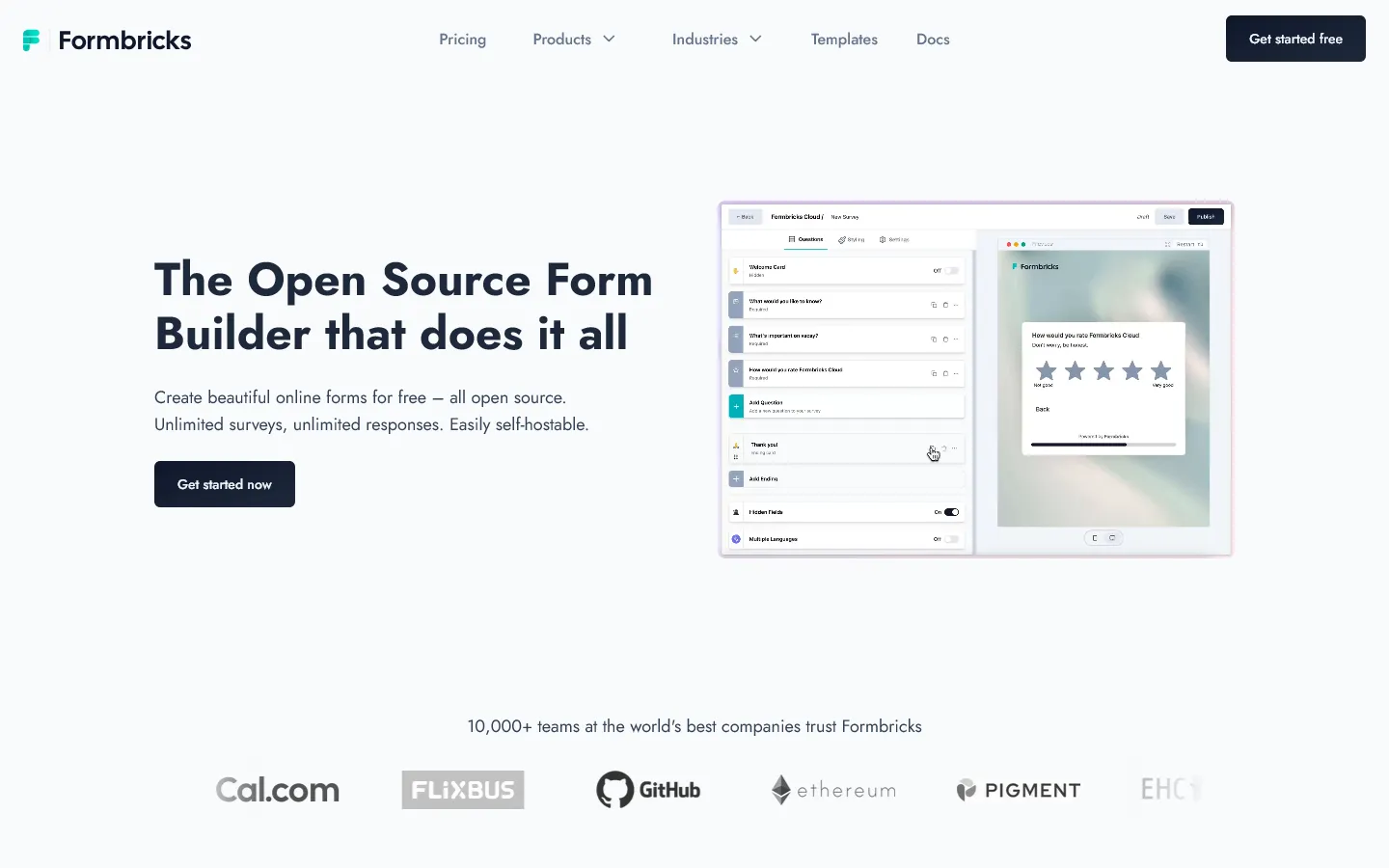 Formbricks is an open-source Typeform alternative built for teams that can’t or do not want to send user feedback through a hosted SaaS like Typeform.
Formbricks is designed for collecting feedback on your website or in your app, rather than for standalone forms. Surveys can appear after onboarding, after someone uses a feature, or when a user reaches a specific page. This makes it well suited for NPS, churn surveys, and product research where timing and context matter.
Design flexibility exists, but it is intentionally limited. Forms look clean and functional, not expressive or brand-heavy. People usually accept that tradeoff because Formbricks solves a different problem than Typeform. It gives you control, privacy, and tight integration with your product, at the cost of visual freedom.
Pros
- Open source and self-hosted
- Full data ownership
- Well suited for in-product and SaaS surveys
Cons
- Requires technical setup
- Not aimed at non-technical users
Pricing
- Open source: Free (self-hosted)
- Cloud plans: Paid, usage-based
Why choose Formbricks over Typeform?
Choose Formbricks if you want full control over your data and infrastructure. If you are building an SaaS product and need to collect feedback from your users, Formbricks provides the flexibility you need.
8. SurveyMonkey
 SurveyMonkey competes with Typeform on the analysis side, not the experience side. It trades interaction and design for reporting depth. You get tools for benchmarking, statistical breakdowns, and large-scale research that Typeform does not try to cover.
It helps you find respondents, use AI to write better questions, and benchmark your results against industry standards. The detailed analytics dashboard lets you slice and dice data to find insights, which is a big step up from Typeform’s basic summary view.
If you are considering switching from Typeform to a more traditional survey tool, you may also want to check out our list of SurveyMonkey alternatives and competitors.
Pros
- Industry-leading data analysis tools
- Question bank with expert-certified questions
- Great for complex market research
Cons
- Very restrictive free plan
- Interface feels corporate and dated
Pricing
- Free: Limited to 10 questions per survey
- Individual Advantage ($25/month): Annual billing only
- Team Advantage ($25/user/month): Collaboration features
Why choose SurveyMonkey over Typeform?
Choose SurveyMonkey for data, not design. If you need statistical significance, benchmarks, and deep reporting features, this is the professional choice.
9. Fillout
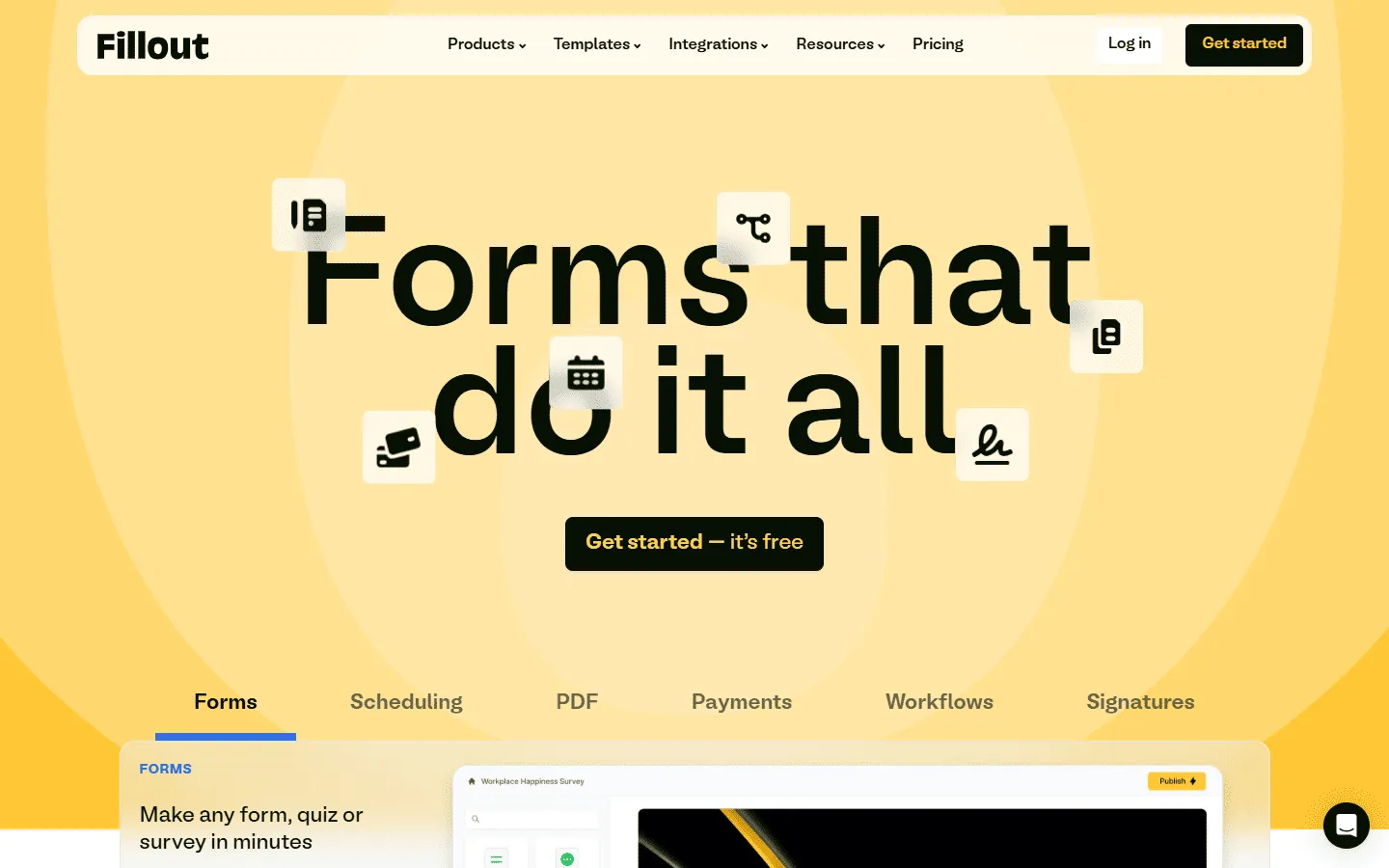 Fillout attracts people who hit the limits of Typeform’s logic system. It handles complex branching more clearly and gives a better overview once multiple conditions interact. That makes it easier to maintain forms that change based on many inputs.
It also tends to appeal to people who want tighter control over where the data goes. Airtable and Notion integrations are a big draw, especially for startups building internal workflows around forms.
Design-wise, it is clean and modern. It doesn’t force the conversational style of Typeform, but it allows for very smooth multi-page flows. If you are building a client portal, a job application, or anything that requires conditional logic, Fillout handles the complexity beautifully.
Pros
- Excellent conditional logic capabilities
- Native integration with Notion and Airtable
- Modern, clean interface
Cons
- Visual customization is somewhat limited
- Newer tool with fewer templates
Pricing
- Free: 1,000 responses/month
- Starter ($15/month): Logic features and branding removal
- Pro ($40/month): Advanced integrations
Why choose Fillout over Typeform?
Choose Fillout if your forms rely on complex branching and conditional logic. It is easier to maintain than Typeform once multiple paths interact.
10. Paperform
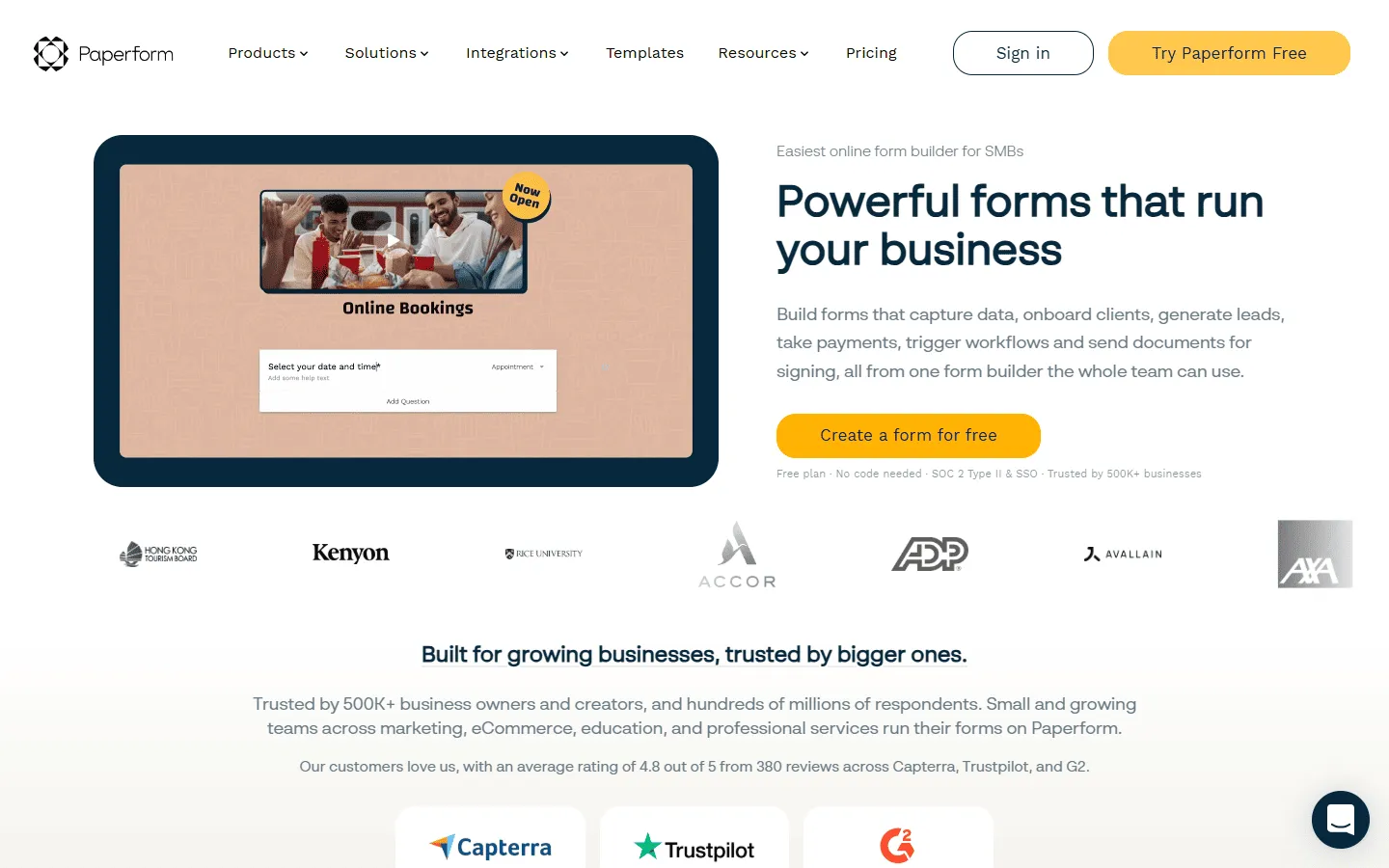 Paperform blurs the line between a form and a landing page. It replaces Typeform in situations where context matters as much as questions. You can explain an offer, show visuals, and guide people through a page before asking for input. That suits payments, bookings, and registrations better than a strict question flow.
It takes more time to set up than Typeform, but the result feels closer to a small website. If Typeform feels too rigid for selling or storytelling, Paperform opens things up. If you’re evaluating Paperform, this guide to other tools similar to Paperform compares content-first form builders.
Pros
- “Landing page” style editor
- Great for selling products and services
- Highly customizable design
Cons
- Editor can feel like a lot at first
- Very limited free plan
Pricing
- Free: 30 responses/month
- Essentials ($24/month): 1,200 responses/year
- Pro ($49/month): 12,000 responses/year, custom CSS, custom form links
- Business ($99/month): unlimited forms, 120,000 responses/year, SSO
Why choose Paperform over Typeform?
Select Paperform if you are selling something. The ability to mix content and questions makes it much better for explaining a product and closing a sale in one flow.
11. Zoho Forms
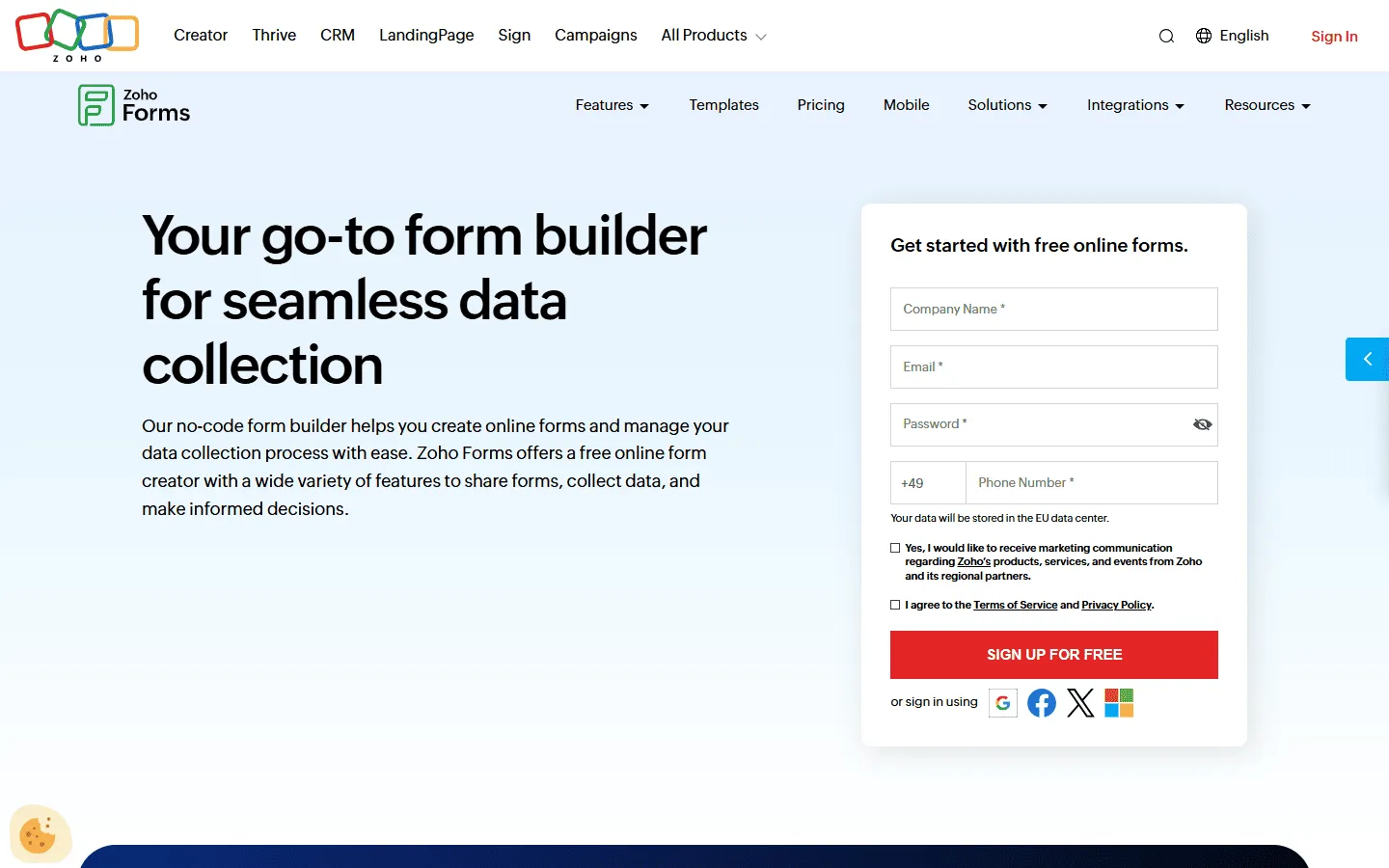 Zoho Forms is a practical option if you are already in the Zoho ecosystem. It is a no-nonsense business form builder. It handles offline data collection, ties into CRMs perfectly, and offers robust mobile apps for field teams collecting data on the go.
It is not the prettiest tool. The designs are functional and professional but lack the flair of Typeform or FormGrid. However, for business operations where reliability and integration matter most, it is a reliable option.
Pros
- Direct integration with Zoho CRM and apps
- Excellent mobile app for offline data collection
- Good value for business features
Cons
- Dated, utilitarian design
- Editor is not very intuitive
Pricing
- Free: 3 forms, 500 responses/month
- Basic ($10/month): 10,000 responses/month
- Standard ($25/month): 25,000 responses/month
Why choose Zoho Forms over Typeform?
Choose Zoho Forms for field work and operations. If you have teams collecting data on tablets without internet, or if you use Zoho CRM, this is the logical choice.
12. Microsoft Forms
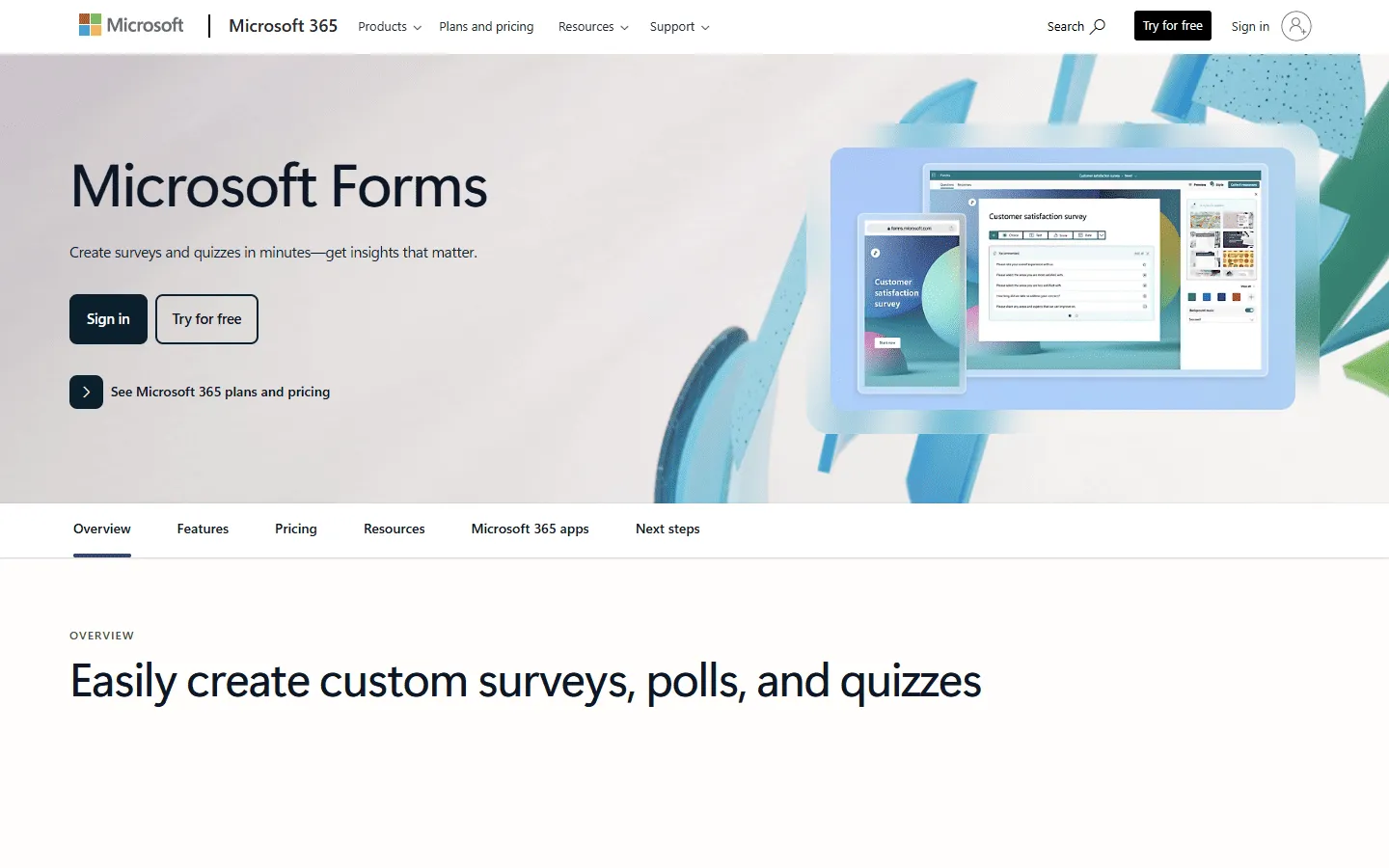 Microsoft Forms usually comes up when someone wants a free Typeform alternative for internal surveys. It works best inside Microsoft 365, where responses flow straight into Excel or Teams without extra setup. For quick employee feedback, quizzes, or basic sign-ups, it is hard to beat in terms of speed and convenience.
Compared to Typeform, Microsoft Forms feels more utilitarian. Design customization is minimal, and the forms look clearly standardized. That makes it a weaker choice for customer-facing forms where branding and presentation matter, but a reasonable alternative for internal feedback, training quizzes, or basic registrations where speed matters more than appearance.
If you are thinking about switching from Typeform to Microsoft Forms, it can help to look at other Microsoft Forms alternatives before making a decision.
Pros
- Included with Microsoft 365
- Enterprise-grade security
- Easy Excel and Teams integration
Cons
- Very limited design options
- Basic feature set only
Pricing
- Free: For personal accounts.
- Business: Included in Microsoft 365 Business subscriptions.
Why choose Microsoft Forms over Typeform?
Stick with Microsoft Forms if you work in a Microsoft shop. The ease of access and security compliance makes it the path of least resistance for corporate environments.
13. Formstack
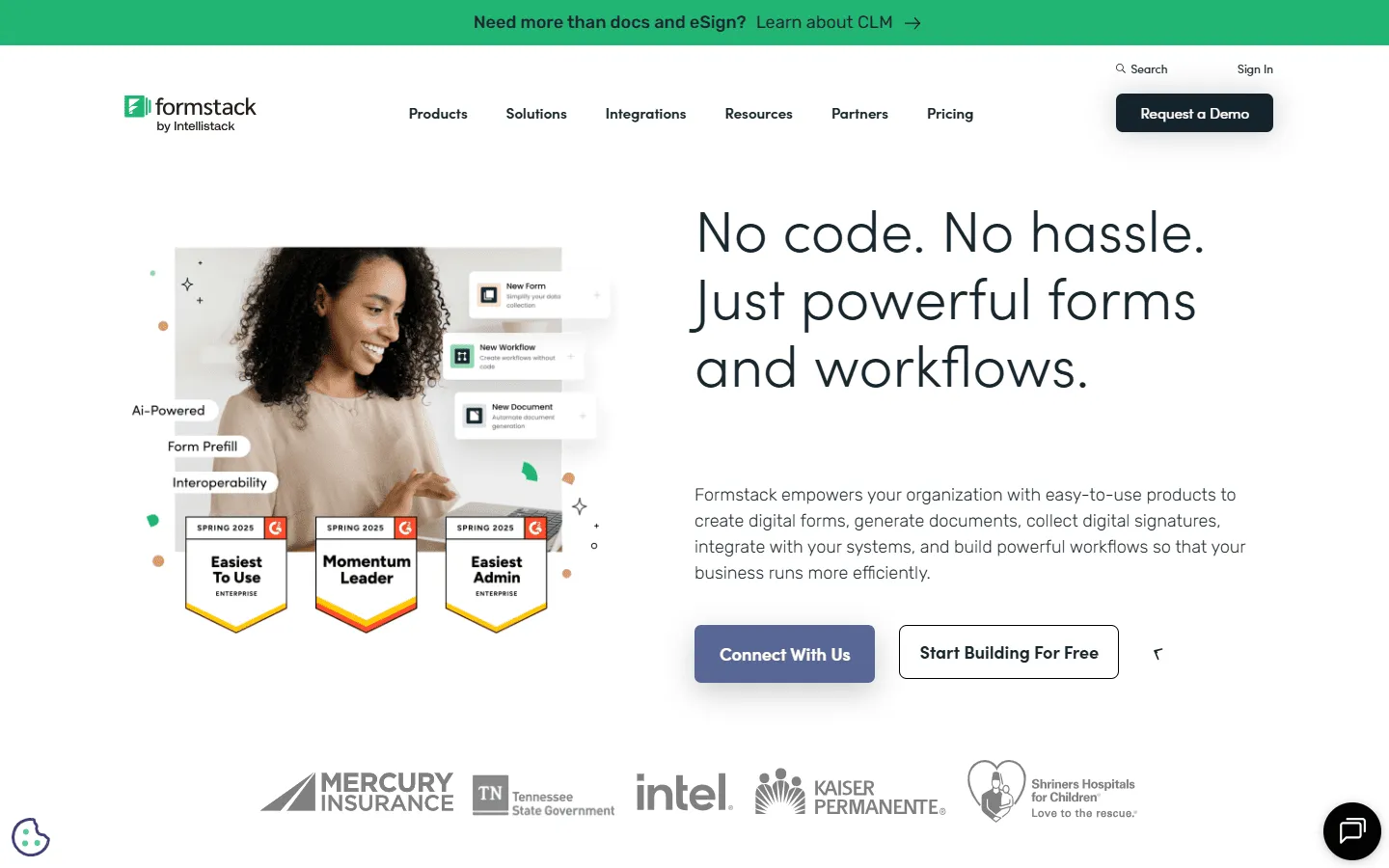 Formstack is built for bureaucratic workflows. It shines in regulated industries like healthcare and finance because of its compliance features (HIPAA, GDPR) and document generation capabilities.
It allows you to build workflows where a form submission triggers a document to be created, signed, and saved. It is expensive and complex, but for an enterprise that needs to automate paper trails, it can be a much better option than Typeform.
If you are considering Formstack as an alternative and want to see how it compares to other tools in that space, check out our Formstack alternatives guide.
Pros
- High-level security and compliance (HIPAA)
- Powerful document generation and e-sign
- Advanced workflow automation
Cons
- Expensive entry price
- Overkill for simple needs
Pricing
- No free plan
- Forms ($83/month): 25 forms, 1,000 responses/form, core form builder, integrations, storage
- Suite ($250/month): 100 forms, 5,000 responses/form, automation, document generation, e-signatures
- Enterprise: Custom pricing, compliance features, advanced governance
Why choose Formstack over Typeform?
Choose Formstack for compliance and paper trails. If you are in healthcare or finance and need to automate contracts or patient intake, Formstack provides the security layers you need.
How we evaluated Typeform alternatives
We evaluated Typeform alternatives by building and editing real forms in each tool, not by skimming feature lists. The goal was to understand how these tools behave once a form goes live and starts getting regular use.
In practice, we looked at:
- How easy it is to build, edit, and restructure a form after it already has responses
- How clearly logic and branching are represented once flows become more complex
- How much control you get over layout, structure, and visual presentation
- How restrictive response limits and pricing become in real usage
- How well each tool supports use cases beyond surveys, such as lead capture, intake forms, and payments
Tools that only work well for short, static surveys scored lower than tools that stay usable as forms grow, change, and scale.
Why you can trust this comparison
We work with form builders every day and regularly run into their limits in real projects. That makes it easy to tell which tools stay usable as forms grow and which ones become frustrating to maintain.
Each tool was tested by building and editing real forms. We checked how logic, layout, and pricing hold up once a form is in active use.
We regularly update this page as pricing, limits, and features change.
What to look for in a Typeform alternative
When you’re ready to switch, keep these four factors in mind:
- Response limits: Typeform’s biggest pain point is the low response limit on paid plans. Look for tools like Tally or FormGrid that offer unlimited or very high limits so you aren’t punished for success.
- Design capabilities: If you picked Typeform for the looks, don’t settle for a boring form builder. Ensure your alternative allows you to inject your brand’s personality, via custom CSS, layout options, or white-labeling.
- Logic depth: conversational forms rely on logic to skip irrelevant questions. Make sure your chosen tool handles conditional logic intuitively (Fillout and Jotform are leaders here).
- Integration ecosystem: Your data needs to go somewhere. Check if the tool connects natively to your CRM, Notion, or Slack, so you don’t have to rely on paid Zapier tasks to move your own data.
Conclusion: Which Typeform alternative should you choose?
There is no single best replacement for Typeform. The right choice depends on what started to feel limiting and what you want your forms to do instead.
Here is a quick way to narrow it down:
- If you want more layout and visual freedom: FormGrid and Paperform give you far more control over structure, spacing, and presentation than Typeform’s one-question flow, which helps when forms need to look intentional or branded.
- If response limits and pricing are the main issue: FormGrid, Tally, and Youform offer unlimited responses on their free plans.
- If editing long forms feels slow: The document-style editor of tools like FormGrid and Tally keeps the entire form visible.
- If conditional logic is getting hard to manage: Fillout handles complex paths and conditions more clearly than Typeform, especially in forms with many dependencies.
- If you need powerful features and automations: Jotform, Zoho Forms, and Formstack work better when submissions need to trigger approvals, automations, payments, or documents.
- If forms need to be self-hosted: Formbricks fits teams that care about privacy, self-hosting, and in-product surveys more than presentation.
- If you just need something simple and free: Google Forms and Microsoft Forms cover basic use cases without cost, though design and flexibility are limited.
Typeform still works well for short, polished, conversational forms. But once pricing, layout, or maintenance become pain points, these alternatives show that there are many different ways to build forms, each optimized for a different kind of work.
Typeform alternatives FAQs
Are there cheaper options? What is the best free Typeform alternative?
Yes. Cost is one of the most common reasons people start looking elsewhere. Typeform pricing scales with responses, which becomes a problem for public or long-running forms.
Several tools remove that pressure. Google Forms and Microsoft Forms are free but basic. FormGrid offers unlimited forms and unlimited responses for free, making it practical for ongoing use. Fillout and similar tools usually stay cheaper at lower volumes while still supporting logic and integrations.
What is a good open-source Typeform alternative?
Formbricks is one of the few form tools that actually ships as open-source software. The core code is available on GitHub, and it supports self-hosting. Keep in mind that open-source tools tend to prioritize control and privacy over polish, and Formbricks follows that pattern.
Which Typeform alternatives support branching and conditional logic?
Branching is common across most serious form builders. Fillout, Zoho Forms, and Formstack all support conditional logic that changes questions based on previous answers. The difference shows up as forms grow. Some tools keep logic readable as conditions stack up, while others become hard to reason about. Testing a long form with real branching early saves time later.
Which Typeform alternatives work well with WordPress or Squarespace?
Most modern form builders embed cleanly into WordPress and Squarespace through iframe or script embeds. The difference shows up in how well the form blends into the surrounding page.
Paperform and FormGrid often work well here because layouts, fonts, and spacing can be aligned with the site design. Tools with fixed layouts tend to feel more like embedded widgets. Embedding itself is rarely the problem, visual integration sometimes might be.
What is a good Typeform alternative for quizzes?
Quizzes rely on logic and structure more than appearance alone. Branching, scoring, and explanations between questions are usually required.
Fillout handles structured quizzes with clear logic paths. Basic tools like Google Forms and Microsoft Forms can handle quizzes, but the experience often feels limited once logic grows beyond simple scoring.
Which Typeform alternative is best for surveys?
SurveyMonkey is the industry standard for professional surveys due to its advanced analytics and benchmarking tools. For simpler surveys where experience matters more than data crunching, Typeform or Tally are often preferred.
Can I import my Typeform forms to other tools?
Some tools, like Jotform and Paperform, offer import tools that can pull in questions from Typeform. However, complex logic often breaks during import, so be prepared to rebuild and re-test your form flows in the new tool.