12 Best Formstack Alternatives in 2026 (Free & Paid)
Thinking about moving away from Formstack? You are not alone.
Formstack is built for large organizations. It covers things like HIPAA compliance, document generation, and deep Salesforce integrations. For hospitals, financial institutions, and regulated environments, that setup makes sense.
For many other teams, it is simply too much. You might be paying for enterprise-grade security to run a simple contact form, or you may find the builder interface a bit sluggish compared to faster tools now on the market. In those cases, switching to a Formstack alternative can save both time and money.
Today we are looking at the best Formstack alternatives and competitors. We explain what each tool does well, where it falls short, and which type of team it fits best.
Best Formstack alternatives: Quick summary
If you are in a hurry, here is how the top contenders stack up.
| Formstack alternative | Best Formstack replacement for | Free plan | Starting price |
|---|---|---|---|
| FormGrid | Visual design and layout | Available | $29/month |
| Jotform | Feature parity and workflows | Available | $34/month |
| forms.app | A better form filling experience | Available | $29/month |
| Typeform | High-conversion lead capture | Available | $29/month |
| Tally | Simple, clean builds | Available | $29/month |
| Cognito Forms | Complex logic and math | Available | $19/month |
| Fillout | Database-driven field lookup | Available | $15/month |
| Paperform | Sales and booking pages | Available | $24/month |
| SurveyMonkey | Statistical research | Available | $39/month |
| FormAssembly | Deep Salesforce Prefill | Not available | $83/month |
| Zoho Forms | Zoho ecosystem mapping | Available | $10/month |
| Google Forms | Quick, free internal tasks | Available | Free |
What is Formstack?
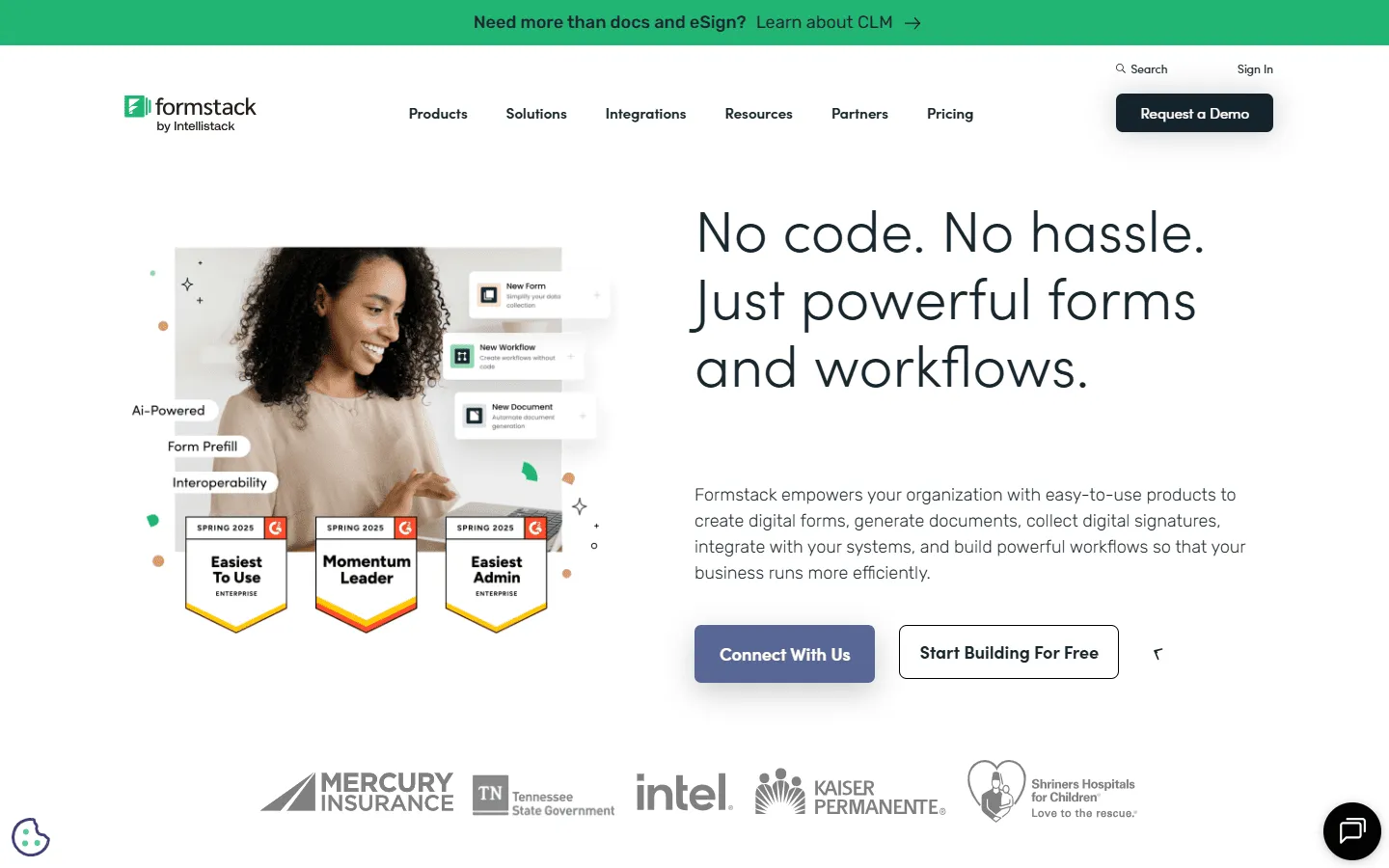 Formstack is a comprehensive no-code platform for building forms, automating workflows, and generating documents. It is commonly used in healthcare, finance, education, and government, where data handling and approvals matter more than speed or visual design.
Formstack is split into three main parts: Forms for data collection, Documents for turning submissions into PDFs, and Sign for electronic signatures.
You can build anything from a basic intake form to a multi-step workflow with approvals, payments, and document generation. If your process requires strict controls and auditability, Formstack does the job reliably.
Key Formstack features
- Drag-and-drop form builder with conditional logic and multi-page layouts
- Workflow automation for approvals, task assignments, and notifications
- Document generation that creates PDFs from form submissions
- Electronic signature capabilities for contracts and agreements
- 250+ integrations with CRMs, payment processors, and business tools
- Security and compliance options including HIPAA, GDPR, and SOC 2 (on higher plans)
- Mobile-responsive forms with offline collection on enterprise plans
- Analytics and reporting to track form performance
Formstack Pricing
Formstack pricing starts at $83 per month for the Forms product when billed annually. The complete Suite (Forms, Documents, and Sign) starts at $250 per month. Enterprise pricing is available on request and includes HIPAA compliance, advanced security features, and priority support.
Why look for a Formstack alternative?
Formstack covers a lot of ground, but it is not a great fit for every team. Based on user reviews on G2 and Capterra, here are the most common reasons teams switch from Formstack:
Pricing scales quickly
You see “$83/month” and think that’s manageable. Then you realize you need HIPAA compliance, or you want to use Documents, or you need more than basic support. Suddenly you’re looking at $200+ per month. For smaller teams, that is a lot to spend on forms.
Limited design flexibility
You can change colors, add your logo, and pick from templates. But if you want your forms to really match your brand or create a unique layout, you’ll need to know CSS. The visual customization options are limited compared to newer platforms.
Learning curve
While capable, the builder can feel slower than modern editors. You might find yourself searching through menus for basic layout settings. Setting up complex workflows, custom styling, or advanced conditional logic can be even more tricky.
No self-hosting option
Formstack is cloud-only with no self-hosting capabilities. This doesn’t work for organizations with strict data residency requirements or teams that need complete control over where their data lives and how it’s stored.
Our review methodology
We evaluated more than 30 different form builders by creating a standard lead intake form in each one. We evaluated them based on:
- Usability: How quickly can you get a form live?
- Capability: Does it handle the use case well?
- Design: Can we make it look professional and branded?
- Overall value: Is the feature set worth the subscription cost?
We regularly update this page as pricing, limits, and features change.
12 best Formstack alternatives and competitors
1. FormGrid
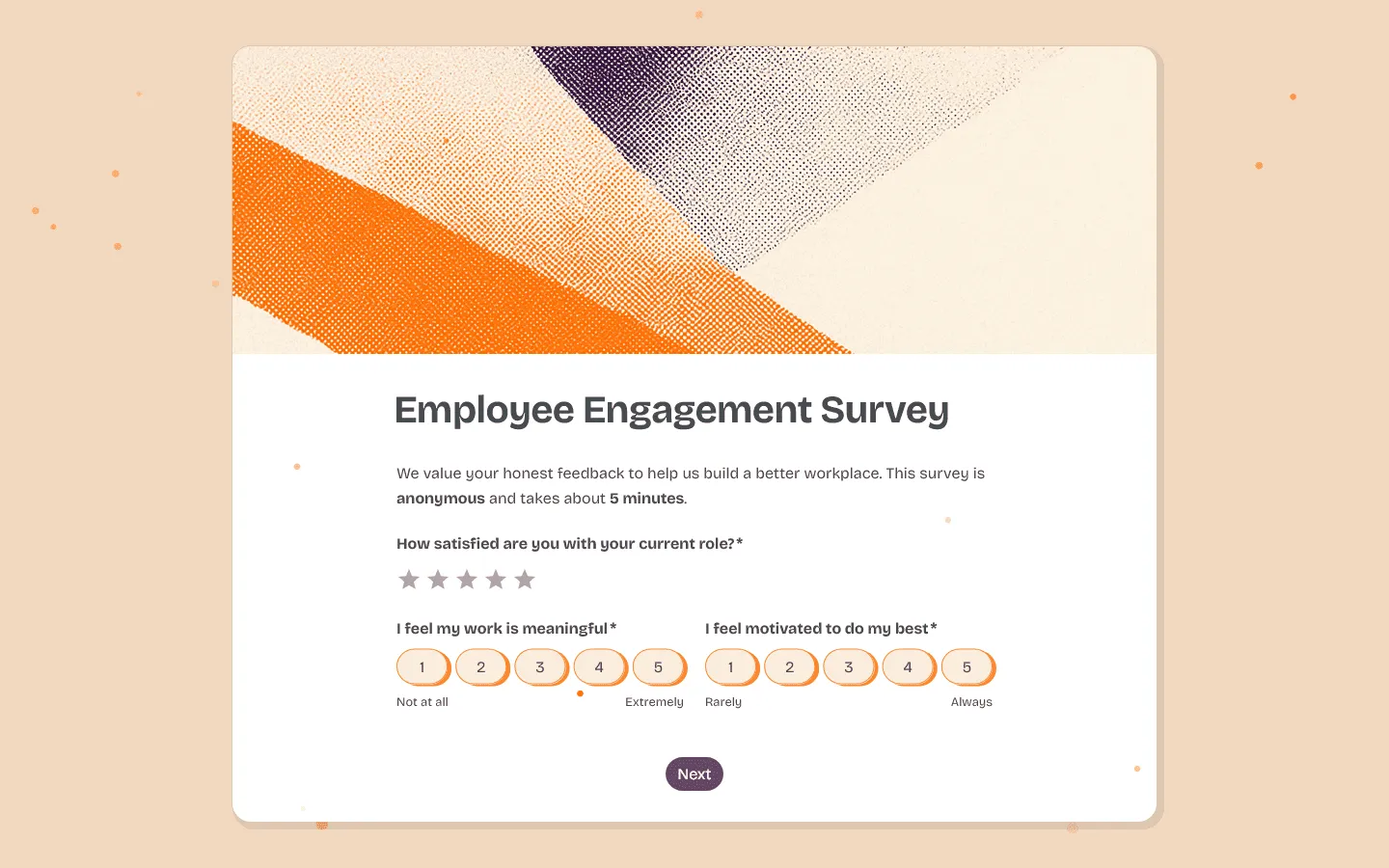 FormGrid is the best Formstack alternative for teams that want their forms to stand out visually. Where Formstack uses a rigid, traditional form-like layout that can be difficult to customize without CSS knowledge, FormGrid provides a flexible visual editor with advanced controls for colors, fonts, padding, spacing, and field arrangement.
You can generate a fully custom form for free from a short prompt, no signup required. It’s particularly good for creative teams, agencies, and businesses where brand presentation matters as much as functionality.
Unlike Formstack’s $99/month entry point, FormGrid offers unlimited responses on its free tier, making it cost-effective for teams testing new campaigns or running high-volume forms.
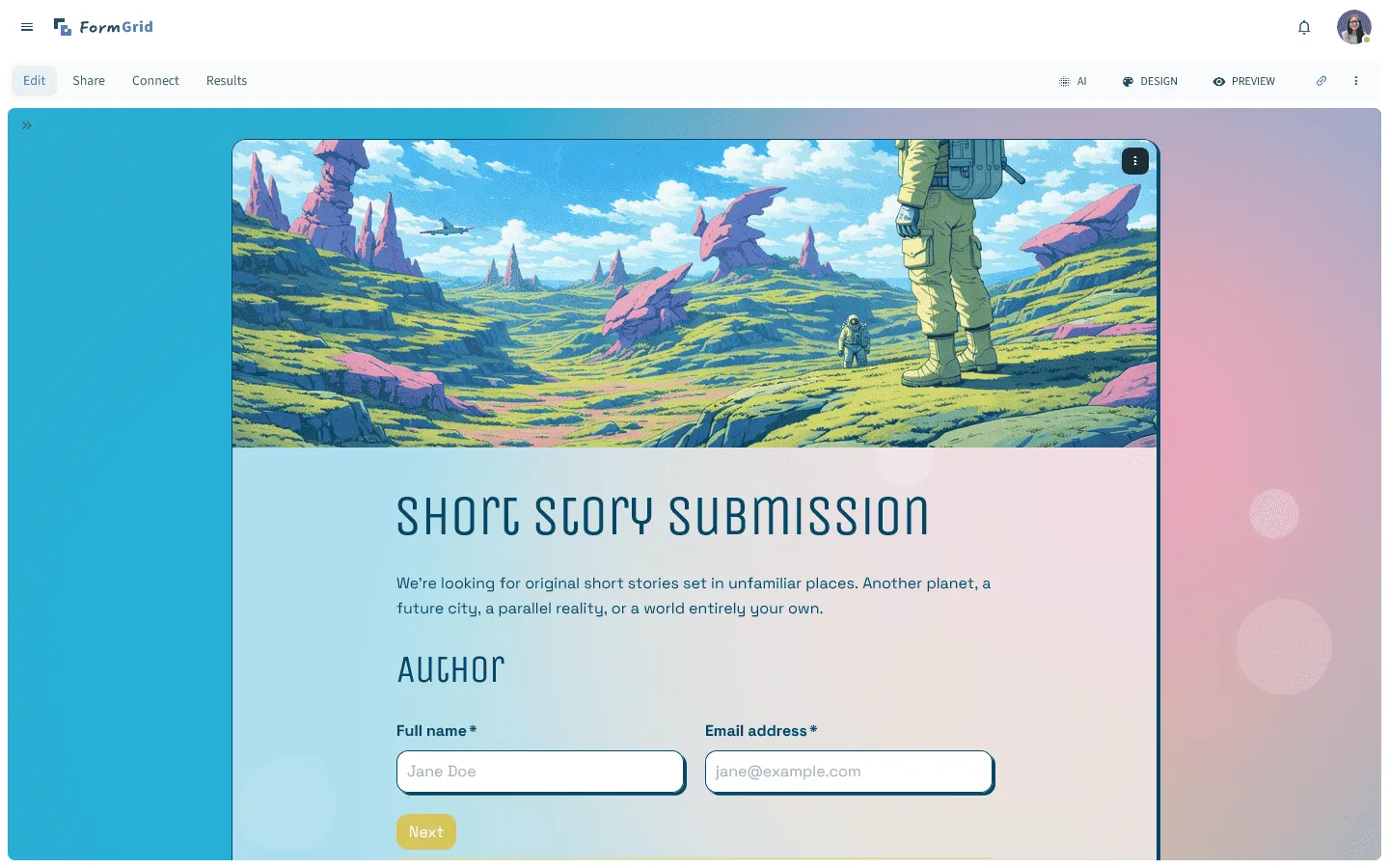
Verdict: FormGrid is a strong choice if you want beautiful, unique forms that look well-designed on any page without paying for enterprise features you do not need.
Key features
- Advanced design customization options
- Grid-based layout system that lets you place elements anywhere
- Document-style editor
- AI form generation from text descriptions
- Responsive designs that work on all devices
Pricing
- Free: Unlimited forms and responses, access to all core features
- Plus ($29/month): Collaboration, remove FormGrid branding, version history
- Business ($79/month): User roles and permissions, advanced link settings
Pros
- Much more design flexibility than Formstack
- AI speeds up initial form creation
- Forms don’t look generic or template-based
- Free to use for any number of responses
- Clean, modern interface that’s easy to navigate
- No coding required for complex layouts
Cons
- Does not offer HIPAA or some other enterprise certifications
- Fewer integrations than established competitors
- No built-in PDF document generation
- Not built for complex enterprise approval workflows
2. Jotform
 Jotform is one of the closest replacements for Formstack in terms of features. It offers a similar feature set including PDF document generation, e-signatures, approval workflows, and HIPAA compliance, but starts at a much lower price.
Where Formstack starts at $99/month with no free tier, Jotform offers a free plan for up to 100 submissions monthly and paid plans starting at $34/month. For teams switching from Formstack who still need enterprise features like document automation and compliance but want better pricing, Jotform provides a comparable alternative.
Jotform also offers over 10,000 templates compared to Formstack’s more limited library, making it faster to get started. The interface feels more modern, though the extensive feature set can still feel overwhelming if you only need basic forms.
If Jotform feels like the closest match to how you currently use Formstack, it may be worth comparing it with similar tools in the same category. Our Jotform alternatives guide looks at how Jotform stacks up against other feature-heavy form builders.
Verdict: Pick Jotform if you need Formstack’s workflow power but prefer a lower starting cost and more templates.
Key features
- PDF Editor for mapping form data to formal documents
- Jotform Approvals for multi-stage automation
- Extensive collection of widgets and integrations
Jotform pricing
- Free: 5 forms, 100 responses/month
- Bronze ($34/month): 25 forms, 1,000 responses/month, no branding
- Silver ($39/month): 50 forms, 2,500 responses/month, more storage and integrations
- Gold ($99/month): 100 forms, 10,000 responses/month, HIPAA, priority support
- Enterprise (custom pricing): Unlimited usage, SSO, SLA
Pros
- Similar feature set to Formstack at a lower price
- Strong PDF mapping tools
- Thousands of available templates
Cons
- The interface can feel busy because of the number of features
- Some advanced logic requires navigating several menus
3. forms.app
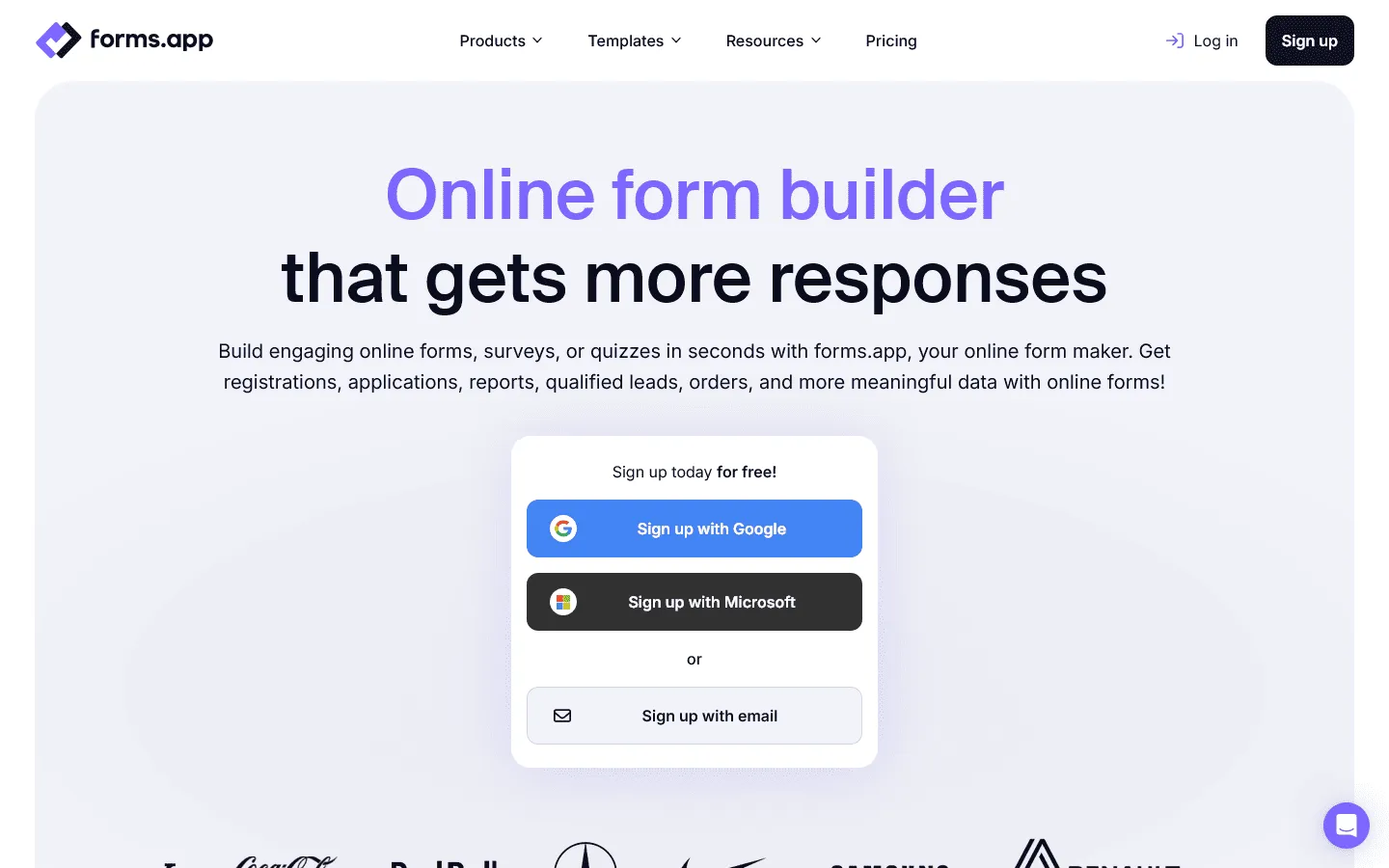
forms.app
is an all-around form builder and a Formstack alternative that balances ease of use with a genuinely powerful feature set. Where Formstack leans into enterprise workflows and compliance, forms.app focuses on making form creation fast and the form-filling experience smooth, without sacrificing advanced capabilities.
You get an AI form generator that builds complete forms from a text prompt, a drag-and-drop editor, and a library of 5,000+ templates to get started quickly. forms.app supports both a conversational step-by-step layout and a traditional list view, so you can match the format to the use case. Conditional logic, e-signatures, scoring, payment collection, and automated PDF generation from responses, drop-off analysis, and partial responses are all built in.
For teams switching from Formstack who don’t need HIPAA compliance or deep approval chains, forms.app covers most of the same ground at a significantly lower cost. If you are considering it, exploring other tools similar to forms.app can give you a better sense of what’s available in that price range.
Verdict: Pick forms.app if you want Formstack’s range of features: AI generation, PDF output, payments, and integrations, with a better form-filling experience and more accessible pricing.
Key features
- AI form generator that creates complete forms from a text description
- Step view and list view layout options for different form experiences
- Automated PDF generation mapped to form responses
- Conditional logic, e-signatures, scoring, and payment collection
- Native integrations with Google Sheets, Slack, HubSpot, Mailchimp, and more
forms.app pricing
- Free: 5 forms, 100 responses/month
- Basic ($29/month): 25 forms, 1,000 responses/month, remove branding
- Pro ($39/month): Unlimited forms, 10,000 responses/month, custom subdomain
- Premium ($79/month): 100,000 responses/month, custom domain, priority support
Pros
- Fast to get started with AI generation and a large template library
- Smooth form-filling experience for respondents
- Strong feature set at a much lower price than Formstack
- Generous free plan with access to all core features
Cons
- No HIPAA compliance for regulated industries
- Not suited for complex multi-stage approval workflows
4. Typeform
 Typeform takes a completely different approach than Formstack. Where Formstack displays traditional multi-field forms that can feel clinical and overwhelming, Typeform shows one question at a time with smooth, conversational transitions.
This makes Typeform a better Formstack alternative for lead generation, customer surveys, and any scenario where completion rates matter more than data density. If you are using Formstack for marketing forms and seeing high abandonment rates, Typeform’s engaging interface often solves this problem.
Typeform also offers a visual Logic Map for building conditional flows, which many users find more intuitive than Formstack’s text-based logic builder. However, Typeform is less suitable for long technical forms where users need to see multiple fields at once.
Typeform is one of the best-known tools for conversational, one-question-at-a-time forms, but it is not the only option. If this style appeals to you and you want to explore comparable tools with different pricing or feature trade-offs, see our Typeform alternatives guide.
Verdict: Use Typeform for marketing and surveys where keeping the user engaged is the priority.
Key features
- Step-by-step flow designed for high completion rates
- Visual Logic Map for building branching paths
- Integrations with VideoAsk and Brand Kits
Typeform pricing
- Free: 10 responses/month, limited features
- Basic ($29/month): 100 responses/month, basic integrations
- Plus ($59/month): 1,000 responses/month, more logic, branding options, and integrations
- Business ($99/month): 10,000 responses/month, team features, advanced analytics, priority support
- Enterprise (custom pricing): Custom limits, SSO, custom domains, HIPAA compliance
Pros
- High user engagement and completion rates
- Excellent experience for mobile users
- Easy to visualize complex branching
Cons
- Pricing increases quickly with response volume
- Not suited for long technical forms with many fields
5. Tally
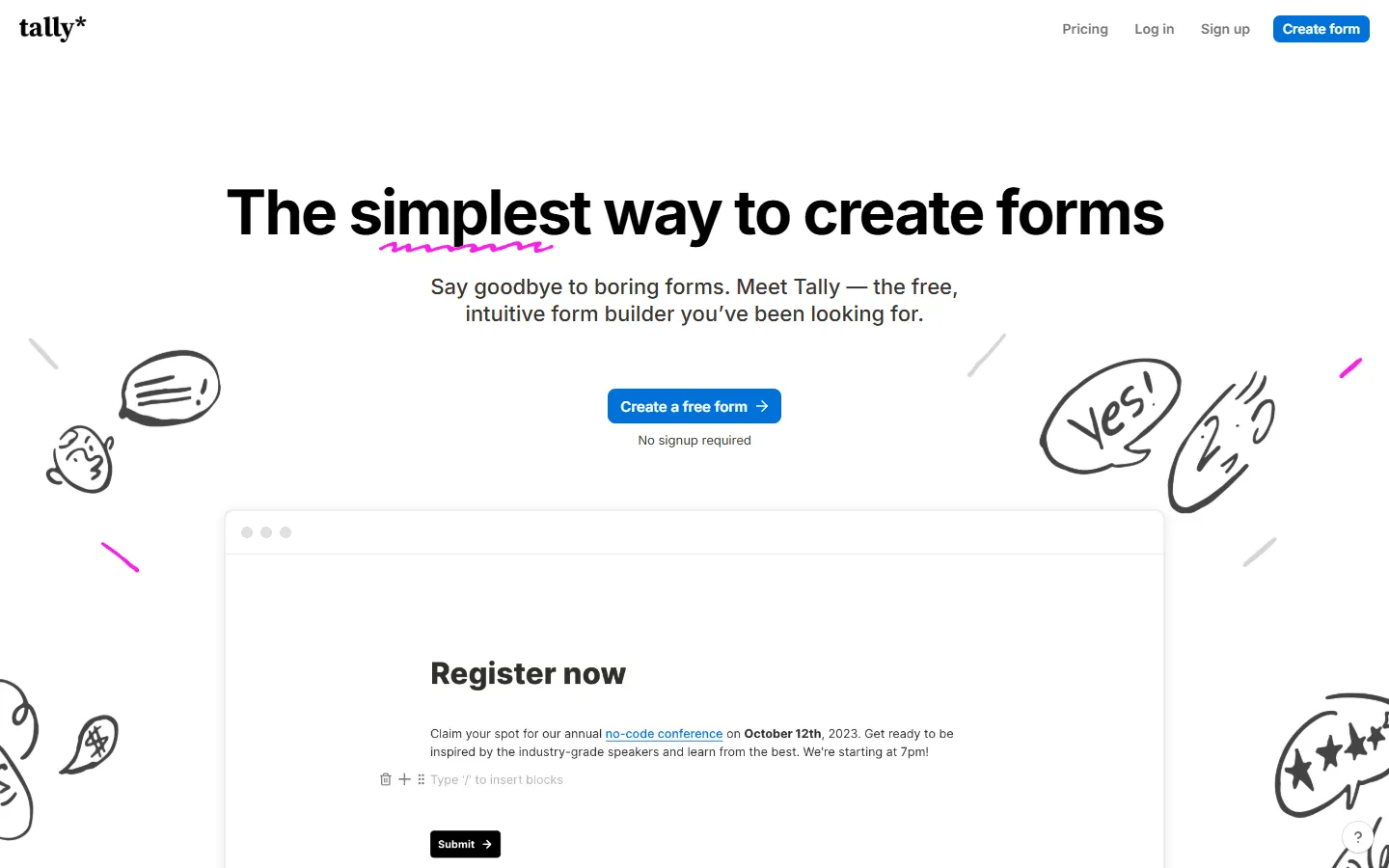 Tally offers a refreshingly simple alternative to Formstack’s menu-heavy interface. Instead of dragging and dropping elements, you build forms using a document-style editor with slash commands. This approach is significantly faster once you learn the shortcuts.
For teams frustrated by Formstack’s $99/month starting price, Tally provides a compelling free alternative. The free tier includes unlimited forms, unlimited responses, conditional logic, file uploads, and even payment processing through Stripe. Features that require paid plans in Formstack are completely free in Tally.
The tradeoff is design flexibility. Tally forms follow a clean, vertical layout that cannot be customized as extensively as Formstack. If you need document generation or HIPAA compliance, Tally is not the right fit. But for standard data collection with advanced logic, it is hard to beat the value.
If Tally’s document-style editor clicks with you but you want to see similar lightweight tools, our Tally alternatives guide maps out the best options.
Verdict: Tally is a great option for teams who want advanced features and logic without a high subscription cost.
Key features
- Document-style editor using slash commands
- Unlimited free logic, hidden fields, and file uploads
- Built-in Stripe integration for payments
Tally pricing
- Free: Unlimited forms and submissions, basic logic, payments, file uploads
- Pro ($29/month): Custom domains, remove Tally branding, advanced integrations
- Business ($89/month): Email verification, form version history
Pros
- Very fast to build and publish
- Most advanced features are free
- Clean and minimalist design
Cons
- Limited layout flexibility (vertical only)
- All forms share a similar aesthetic
6. Cognito Forms
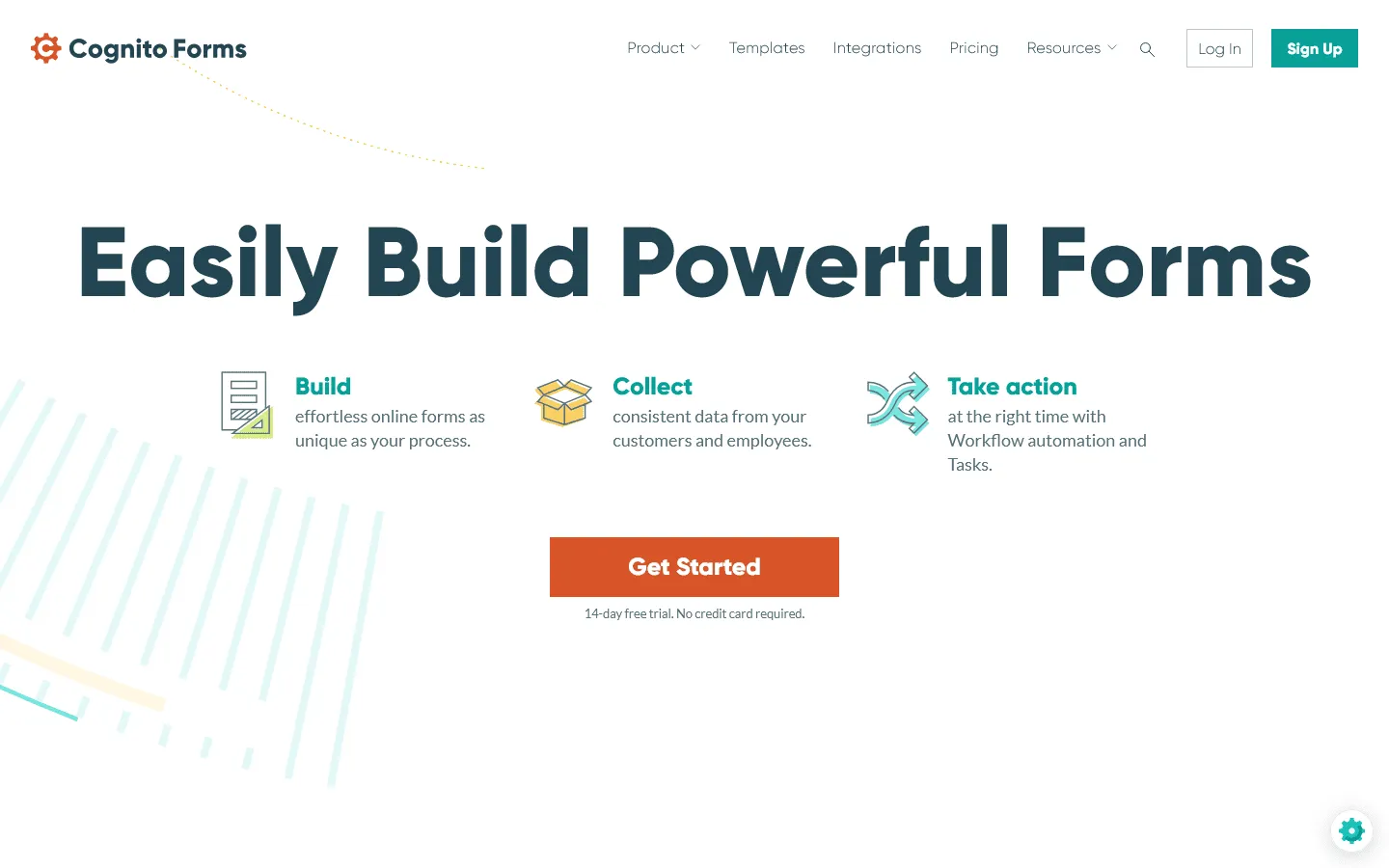 Cognito Forms is designed for forms that rely heavily on calculations, structured data, and repeating sections. If you use Formstack for order forms, quote builders, or application scoring, Cognito offers similar capabilities at a much lower price (starting at just $15/month).
Its formula builder allows you to create complex calculations that update in real time. Repeating sections make it easy to handle line items, multiple entries, or dynamic lists.
The interface feels more utilitarian than modern builders, and design customization is limited. Cognito prioritizes correctness and structure over visual polish. HIPAA compliance is available on the Enterprise plan, which matches Formstack’s compliance level at a comparable price.
We’ve also compiled a list of Cognito Forms competitors if you want to explore other options in this price range.
Verdict: Use Cognito Forms for technical applications that require heavy math or repeating fields.
Key features
- Formula builder for technical and dynamic calculations
- Repeating sections for lists and line items
- HIPAA compliance available on the Enterprise tier
Cognito Forms pricing
- Free: 100 responses/month
- Pro ($19/month): 2,000 responses, no branding
- Team ($39/month): 10,000 responses, shared ownership
- Enterprise ($129/month): Unlimited responses, advanced security, HIPAA compliance
Pros
- Excellent logic and calculation engine
- Great for detailed order forms and invoices
- Reliable tools for managing submitted data
Cons
- The management interface feels a bit dated
- Design options are functional but not very flexible
7. Fillout
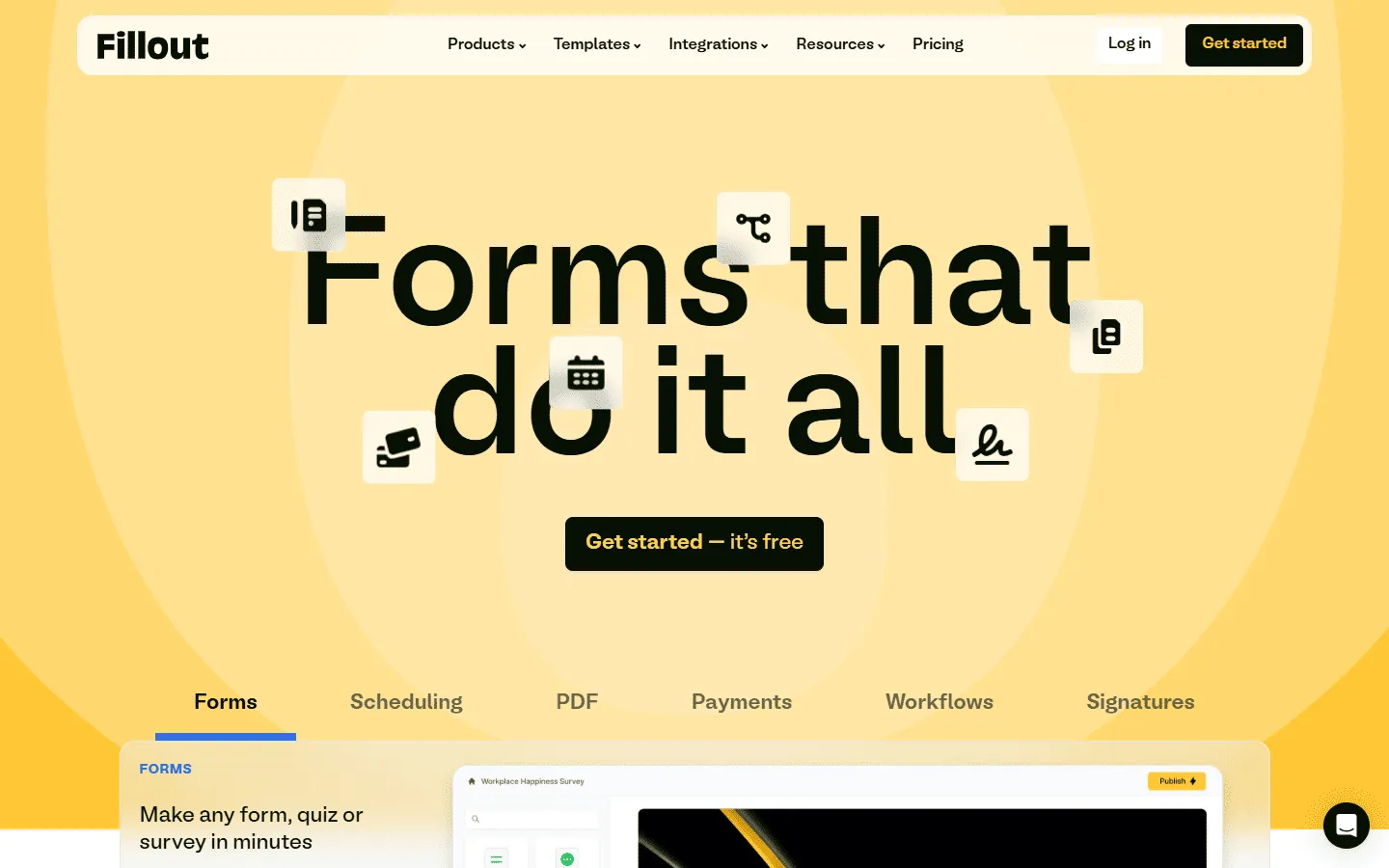 Fillout is a modern Formstack competitor that specializes in database integration. While Formstack can connect to databases through Zapier or custom integrations, Fillout offers native, two-way sync with Airtable, Notion, and HubSpot.
This means your forms can look up existing records, pre-fill data, and update records rather than just creating new submissions. For teams using Airtable or Notion as their primary database, Fillout often provides a smoother workflow than Formstack’s more generic approach.
Fillout also offers a generous free tier (1,000 responses/month) and starts at $15/month for paid plans, making it significantly more affordable than Formstack. The interface is fast and modern, though the most powerful features are optimized for Airtable and Notion users.
Verdict: Select Fillout if you need your forms to interact with your databases in real time.
Key features
- Two-way sync with Airtable, Notion, and HubSpot
- Live-data lookup to pre-fill or validate fields
- Multi-page logic with a modern interface
Fillout pricing
- Free: 1,000 responses/month
- Starter ($15/month): 2,000 responses/month, increased limits and logic
- Pro ($40/month): 5,000 responses/month, advanced logic and integration capacity
- Business ($75/month): Unlimited responses, team use
Pros
- Native integration with modern database tools
- Higher completion rates through data lookups
- Very fast and easy to navigate
Cons
- Most powerful features are focused on Airtable and Notion
- Custom branding requires a paid plan
8. Paperform
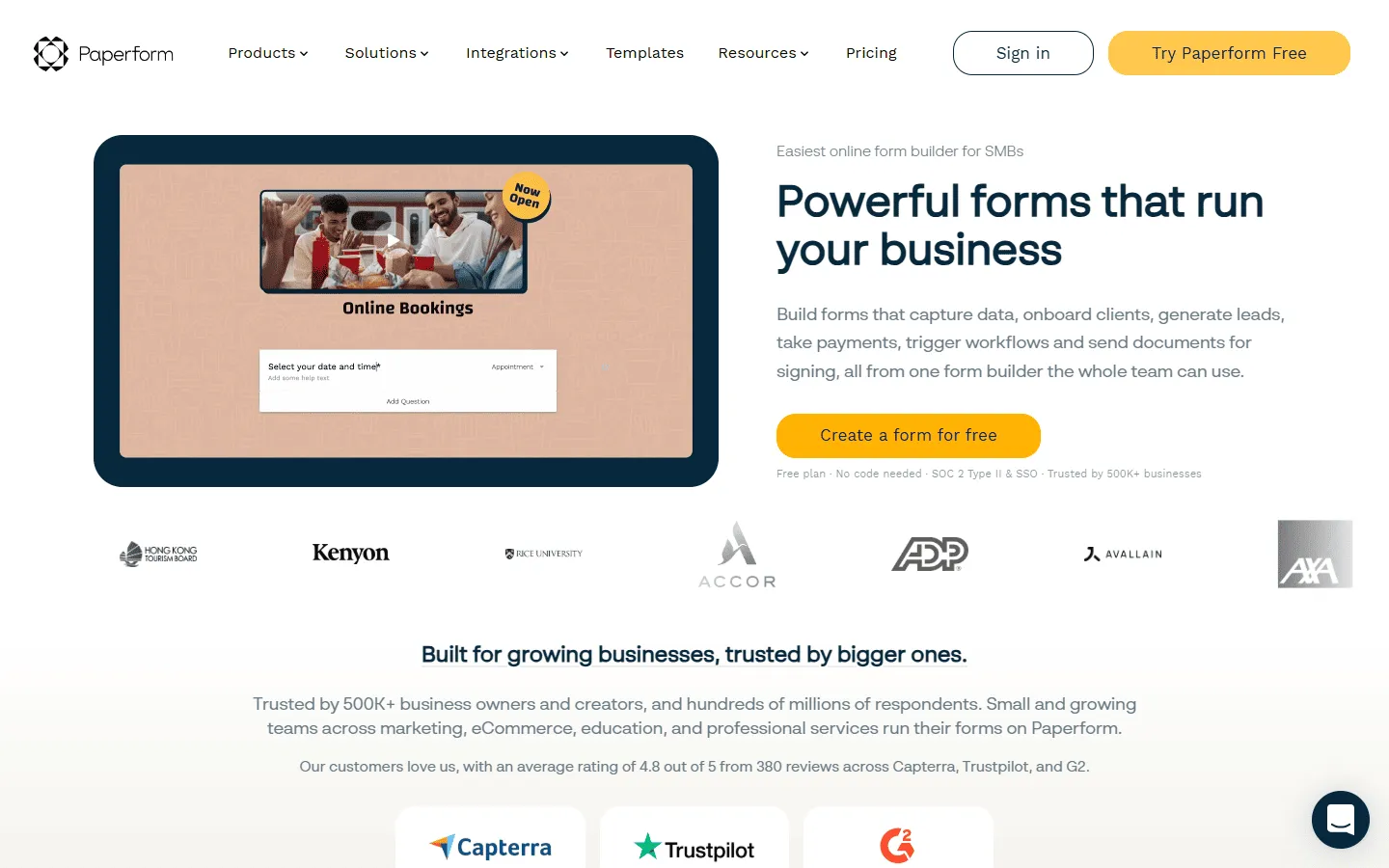 Paperform is a Formstack alternative that blurs the line between forms and landing pages. It focuses less on automation and more on presentation. It includes built-in e-commerce features like inventory tracking and scheduling, which feel more integrated than Formstack’s add-ons.
You can embed text, images, videos, and product descriptions anywhere on the page, creating rich, content-driven experiences. This makes Paperform well-suited for product sales, event registrations, and service bookings where you need to explain your offering before asking for information.
Paperform also includes native e-commerce features like inventory tracking and appointment scheduling that feel more integrated than Formstack’s payment add-ons. For internal workflows, it may be overkill. For customer-facing pages where design and explanation matter, it offers flexibility that Formstack does not. If you’re evaluating Paperform, our guide to the best Paperform alternatives covers similar content-first form builders.
Verdict: Choose Paperform if you want to sell products or services through a well-designed, content-rich page.
Key features
- Content-first editor for adding text and media anywhere
- Built-in e-commerce and inventory management
- Native scheduling and appointment fields
Paperform pricing
- Free: 30 responses/month
- Essentials ($24/month): 1,200 responses/year
- Pro ($49/month): 12,000 responses/year, custom CSS, custom form links
- Business ($99/month): unlimited forms, 120,000 responses/year, SSO
Pros
- Extensive control over design and content
- Integrated tools for commerce and bookings
- Polished and professional appearance
Cons
- No free version available
- Response limits are lower for the price compared to others
9. SurveyMonkey
 SurveyMonkey is focused on analysis rather than workflows. While Formstack routes data through approvals and documents, SurveyMonkey is built to extract insights from responses.
SurveyMonkey offers statistical weighting, NPS benchmarking, cross-tabulation, and A/B testing for questions. If you are running employee engagement surveys, market research, or customer satisfaction studies, these analytical tools save hours of manual spreadsheet work.
The builder itself is functional but plain compared to other, more modern Formstack alternatives, and design customization is limited. But for teams that need robust reporting more than visual polish, SurveyMonkey delivers professional-grade analytics that Formstack cannot match.
If SurveyMonkey feels like a step up from Formstack for research and reporting, it may still be worth seeing how it compares to other survey-first tools. Our SurveyMonkey alternatives guide covers the best options in that category.
Verdict: Use SurveyMonkey for research projects where the quality of the reporting is the most important factor.
Key features
- Statistical reporting and data weighting tools
- Industry-standard NPS benchmarking
- Access to global panels for gathering responses
SurveyMonkey pricing
- Free: 25 responses/survey, 10 questions/survey, basic features
- Standard Monthly ($39/month): 1,000 responses/month, more question types, custom themes
- Advantage Annual ($432/year): 15,000 responses/year, payments, A/B testing, recurring surveys
- Premier Annual ($1,188/year): 40,000 responses/year, no SurveyMonkey branding, advanced logic
- Team Advantage (~$30/user/month): 50,000 responses/year, collaboration features
- Team Premier (~$75/user/month): 100,000 responses/year
- Enterprise: Custom limits, advanced governance, SSO, HIPAA compliance
Pros
- Professional-grade analytics and data filtering
- Handles very high response volumes reliably
- Industry standard for research and benchmarks
Cons
- The building interface feels more technical and dated
- Limited options for styling and website embedding
10. FormAssembly
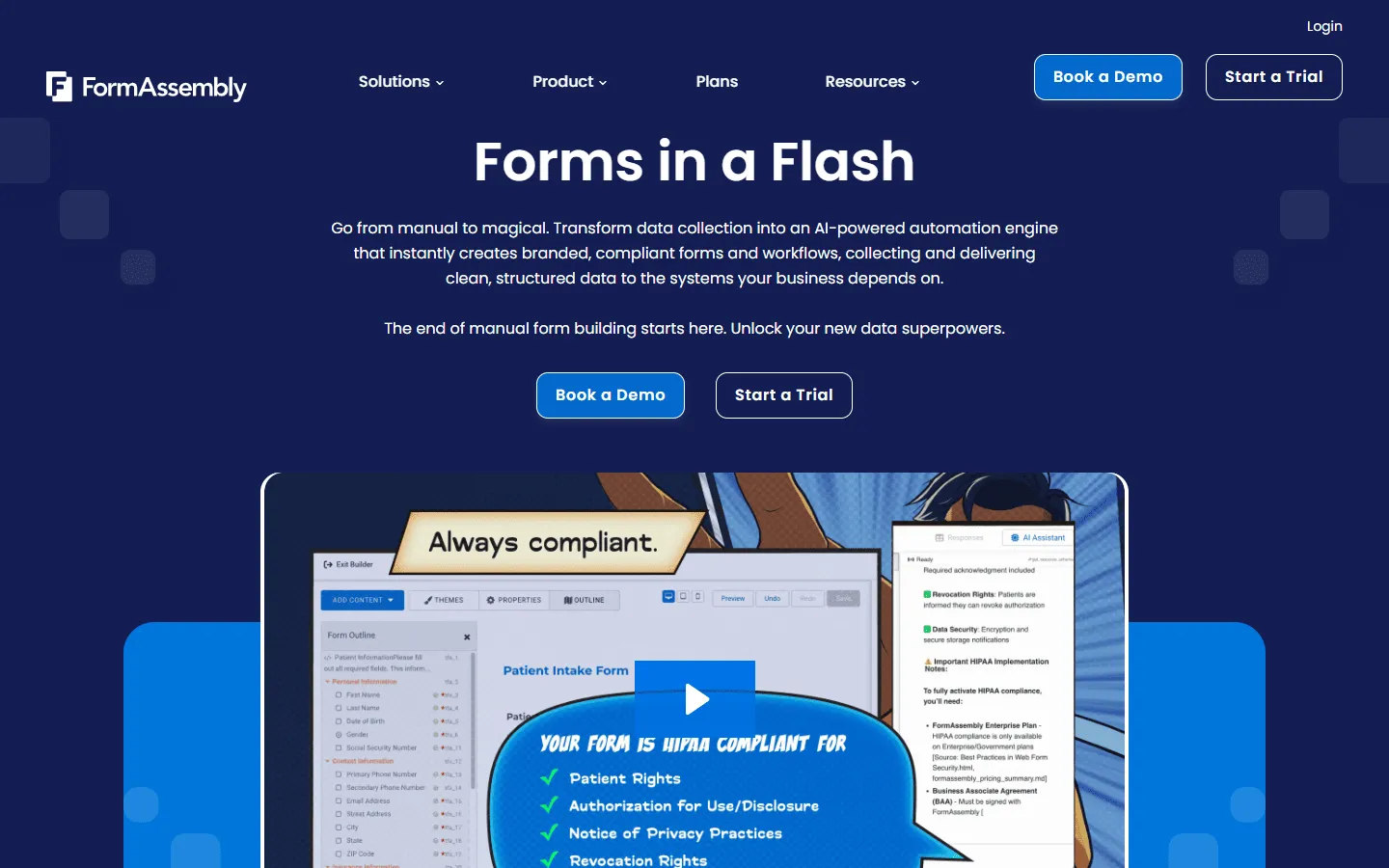 FormAssembly is a specialized Formstack competitor for organizations deeply invested in Salesforce. While both tools offer Salesforce integration, FormAssembly provides more precise control over data mapping and prefill capabilities.
Forms can pull data from Salesforce, display it to users, and update the same records on submission. This reduces errors in environments where data accuracy is critical.
Pricing is similar to Formstack (starting around $199/month with no free tier), and both offer enterprise-grade security certifications (HIPAA, PCI, SOC 2). The choice often comes down to whether you need FormAssembly’s more precise Salesforce integration or Formstack’s broader document generation capabilities. If you are specifically evaluating FormAssembly, our FormAssembly alternatives guide covers the full range of options worth considering.
Verdict: A strong choice for enterprise teams that require precise, two-way Salesforce mapping.
Key features
- Bi-directional Salesforce mapping and Prefill
- High-level security (HIPAA, PCI, SOC 2)
- Advanced data governance for large teams
FormAssembly pricing
- No free plan
- Atlas Explorer (from $59/month): Core form builder, basic integrations, limited submissions
- Atlas Team (available on request): Advanced logic, Salesforce sync, higher limits
- Atlas Enterprise (available on request): Compliance features, SSO, audit logs, priority support
Pros
- Precise control over how data moves to and from Salesforce
- Secure enough for highly regulated industries
- Tools for complex team and data management
Cons
- High entry price
- The configuration and setup have a steeper learning curve
11. Zoho Forms
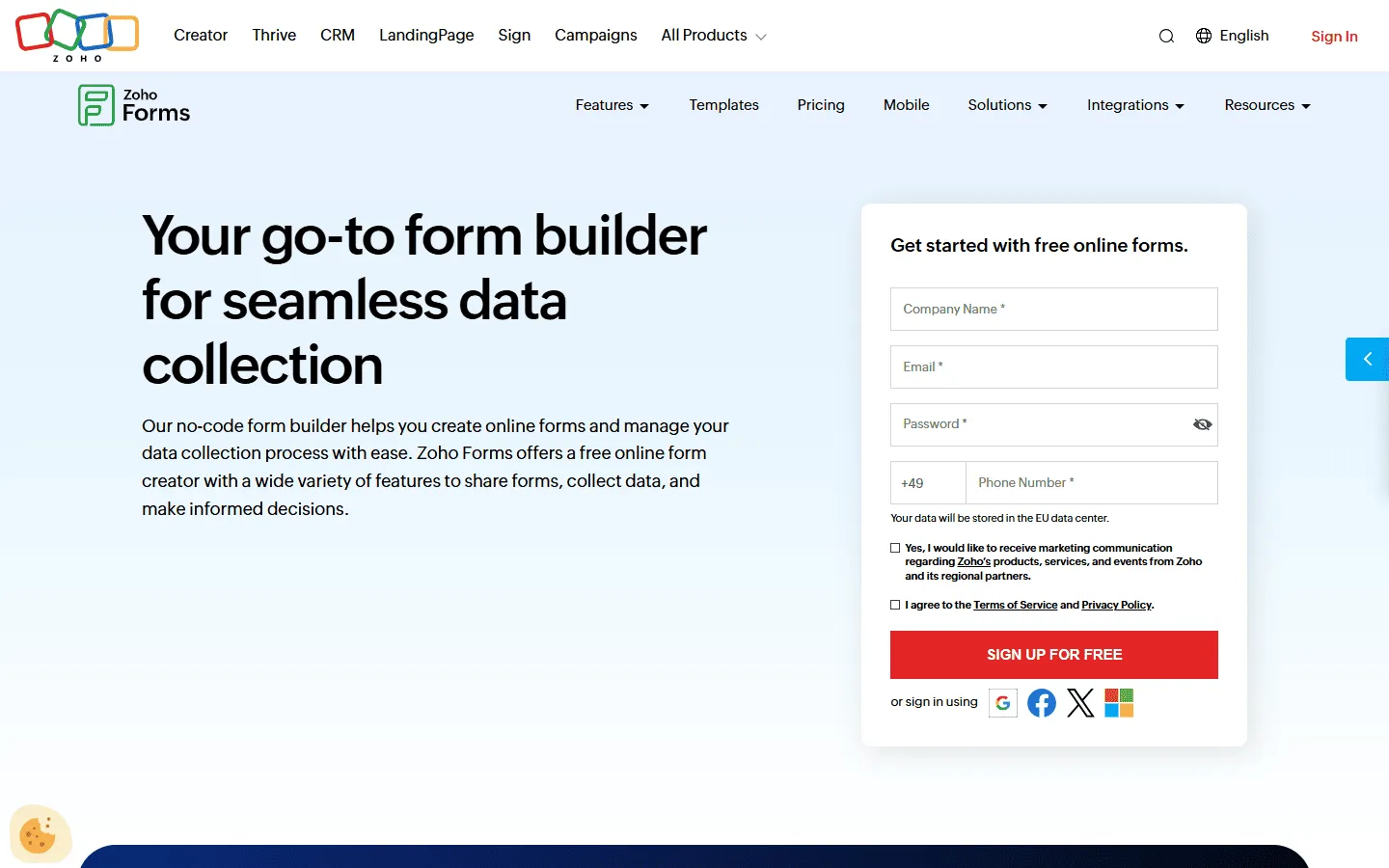 If your team already uses Zoho CRM or Zoho Desk, Zoho Forms offers a more cost-effective alternative to Formstack. Where Formstack requires third-party integrations or Zapier to connect with most business tools, Zoho Forms maps directly to Zoho objects with native integration.
Form submissions can automatically create CRM leads, update support tickets, or trigger tasks without additional automation tools. Zoho Forms also includes approval routing and workflow features similar to Formstack, but at a fraction of the cost. The Basic plan starts at $10/month compared to Formstack’s $99/month.
The design capabilities are more limited than modern form builders, making Zoho Forms better suited for internal business processes than customer-facing marketing forms. But for Zoho ecosystem users, the direct integration and lower price make it a practical Formstack replacement.
Verdict: Best for organizations already using the Zoho suite that want to keep integrations simple and affordable.
Key features
- Native mapping to the Zoho business suite
- Offline data collection via mobile app
- Built-in task assignment and approval routing
Zoho Forms pricing
- Free: 3 forms, 500 responses/month
- Basic ($10/month): 10,000 responses/month, custom branding and themes
- Standard ($25/month): 25,000 responses/month, approvals
- Professional ($50/month): 75,000 responses/month
- Premium ($90/month): 150,000 responses/month, HIPAA compliance, record audit
Pros
- Very affordable for the features offered
- Excellent for internal business processes
- Reliable and direct integrations
Cons
- Visual design is relatively basic
- Less flexible for creative marketing campaigns
12. Google Forms
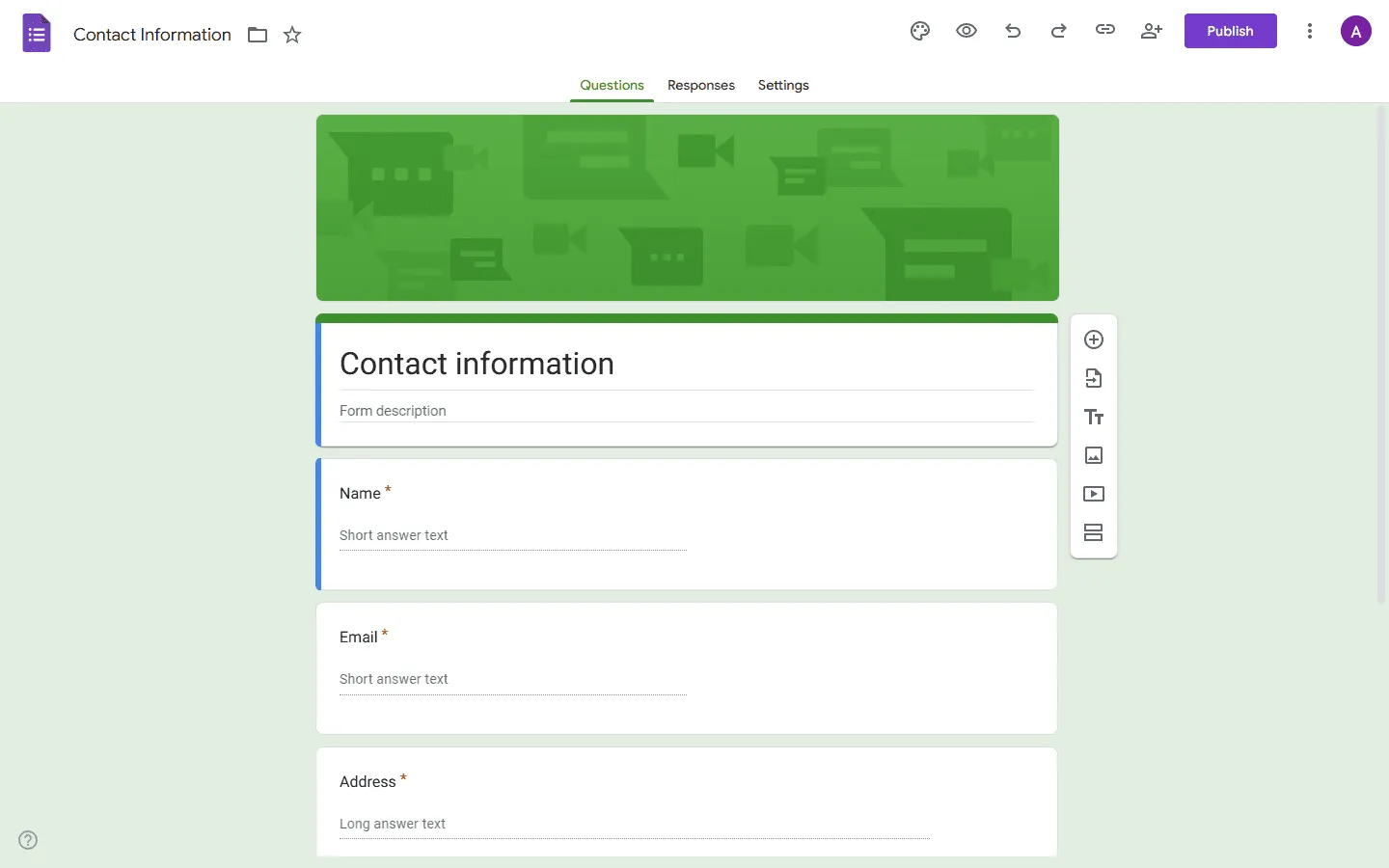 For simple tasks, paying for an enterprise tool like Formstack may be unnecessary. Google Forms is a completely free Formstack alternative when you do not need advanced features like conditional logic, payment processing, or document generation.
Google Forms connects directly to Google Sheets for real-time collaboration and can be extended with Apps Script for custom notifications or automation. This makes it practical for internal surveys, event RSVPs, or basic contact forms where design and compliance are not priorities.
The limitations are significant: minimal styling options, no payment support, basic conditional logic, and no HIPAA compliance. But for teams spending $99/month on Formstack to collect simple feedback or run internal polls, Google Forms eliminates that cost entirely.
To understand the tradeoffs in more detail, read our Formstack vs Google Forms comparison. And if you want to compare it with other free or low-cost options, check out our Google Forms alternatives guide.
Verdict: Use it for quick, internal, or simple forms where design and compliance are not a priority.
Key features
- Free with no limits on responses
- Automatic sync with Google Sheets
- Extensible through Google Apps Script
Google Forms pricing
- Free: No subscription or response limits
Pros
- No cost for any volume
- Fast to set up
- Familiar to almost everyone
Cons
- Very few styling or branding options
- No support for payments or complex logic
How to choose the best Formstack alternative
If you are replacing Formstack, you are usually trying to simplify something. That might be cost, setup, or day-to-day friction. The goal is not to find the most powerful form builder, but to figure out which parts of Formstack you can leave behind without causing problems later.
Formstack is built around compliance, approvals, and document workflows. If those are central to your work, many alternatives will fall short. If they are not, switching tools often removes more complexity than it adds.
Start with how you actually use Formstack
Before looking at alternatives, be honest about how you use Formstack today. Many teams only rely on a small part of the platform: basic data collection, some conditional logic, occasional integrations.
If you are not regularly using document generation, approval chains, or e-signatures, you are likely paying for capabilities you do not need. That immediately opens the door to simpler and cheaper tools.
Test day-to-day editing experience
Formstack can handle complex setups, but it is not especially fast to work in. When comparing alternatives, pay attention to how the editor feels during everyday tasks. Can you change a layout, add logic, or adjust spacing without digging through settings?
If you build or tweak forms regularly, a faster editor will save you more time than advanced features you rarely touch.
Decide how much design control you need
Formstack works best when forms follow a standard structure. That is fine for internal processes, but it can be limiting for customer-facing forms.
If your forms live on marketing pages or campaigns, visual control becomes more important. Some alternatives focus on layout and presentation, while others stick to clean but rigid structures. Neither approach is wrong, but the difference matters more than most pricing details.
Evaluate your compliance requirements
This is often the biggest decision point. If you handle healthcare data or regulated financial information, HIPAA or similar compliance may be mandatory. In that case, your options narrow quickly.
If compliance is only “nice to have” rather than required, dropping it can reduce your costs significantly. Many Formstack alternatives skip enterprise certifications but are still well-suited for standard business and marketing use cases.
Estimate what you’ll actually be paying
Formstack’s pricing increases as soon as you need more features, users, or compliance options. When comparing alternatives, look at what you will pay once the tool is fully usable for your team. Things like response limits, branding removal, team access, and automation features often matter more than the headline price.
Where your form data needs to end up
Formstack supports many integrations, but that does not mean you need all of them. Think about where submissions actually go today. For many teams, it is a CRM, a spreadsheet, or a database like Airtable or Notion. Some alternatives are built specifically around these workflows and feel much more natural than enterprise-style connectors.
Conclusion: Which Formstack alternative is right for you?
Your choice depends on your primary goal for switching from Formstack:
- If you want more design flexibility: Try FormGrid or Paperform.
- If you need workflow power at a lower cost: Look at Jotform.
- If you are focusing on user engagement and conversion: Use Typeform.
- If you need advanced features on a budget: Tally is a strong choice.
- If you are building technical forms with calculations: Pick Cognito Forms.
- If you need precise Salesforce data mapping: FormAssembly is the technical choice.
- If you use Airtable or Notion as your database: Fillout offers the best integration.
- If you are already in the Zoho ecosystem: Zoho Forms provides direct native integration.
- If you need research and analytics: SurveyMonkey has more capable reporting tools.
- If you want a smooth form filling experience at an accessible price: forms.app is the strongest option.
- If you just need something simple and free: Google Forms works well for basic needs.
Formstack remains a capable tool for specific enterprise requirements. However, if you do not use its document automation or HIPAA features daily, there is likely a Formstack competitor on this list that is more intuitive and cost-effective for your specific needs.
The best way to find the right Formstack replacement is to test a few options. Most tools offer free trials or generous free tiers. Build the same form in two or three alternatives and see which one feels most natural for your workflow.
Formstack alternatives FAQ
What is the most similar tool to Formstack?
Jotform is the closest direct competitor. It offers enterprise features like approvals, signatures, and compliance, but often with more modern templates and a more accessible interface.
Is there a free version of Formstack?
No, Formstack does not have a free plan beyond a trial period. If you need a free alternative, FormGrid, Tally, and Google Forms are reliable options that do not limit response volume on their free tiers.
What is the cheapest Formstack alternative?
Google Forms is completely free with no limits. For paid options with more features, Zoho Forms starts at $10/month and Cognito Forms starts at $15/month, both significantly cheaper than Formstack’s $99/month starting price.
Which Formstack alternative is easiest to use?
Tally and Google Forms have the shortest learning curves. Tally uses a simple document-style editor with slash commands, while Google Forms offers a familiar interface most people already know. FormGrid is also very intuitive with its visual grid-based editor.
Which alternative is best for healthcare (HIPAA)?
If you need HIPAA compliance, Jotform (Gold/Enterprise), Cognito Forms (Enterprise), and FormAssembly are the primary choices. They have the security infrastructure needed for protected health information.
Can I migrate my forms from Formstack?
Most alternatives do not offer direct Formstack import, so you will need to rebuild your forms. However, tools like Jotform, Cognito Forms, and forms.app have similar feature sets, making the transition easier. Export your Formstack data first, then recreate the form logic in your new tool.