11 Best SurveyMonkey Alternatives in 2026 (Free & Paid)
If you’re looking for the best SurveyMonkey alternatives, this guide compares the most popular replacements and explains why teams switch away from SurveyMonkey.
SurveyMonkey has been a household name in online surveys since 1999. It covers a wide range of use cases, from basic polls to more structured research projects, and it has been around long enough that many teams start there by default.
But being the “standard” doesn’t mean it’s the right fit for your specific workflow in 2026 and problems usually show up once your needs evolve. Response limits start to matter. Exports feel restricted. Design options stay narrow. Team access quickly turns into an extra cost. The interface can feel outdated compared to newer tools, and some teams just want something simpler or more affordable.
We tested and compared the best SurveyMonkey alternatives and competitors, both free and paid. We focused on what each tool actually does better than SurveyMonkey, where it falls short, and who it makes sense for.
Best SurveyMonkey alternatives: Quick summary
If you want the short version, this table compares the most popular SurveyMonkey alternatives based on use cases, pricing, and free plan limits:
| SurveyMonkey alternative | Best SurveyMonkey replacement for | Free plan | Starting price |
|---|---|---|---|
| FormGrid | Visually unique surveys | Available | $29/month |
| Typeform | Guided, conversational surveys | Available | $29/month |
| Google Forms | Simple, free surveys | Available | Free |
| Qualtrics | Enterprise research and analytics | Available | Custom |
| Tally | Unlimited free surveys | Available | $29/month |
| Jotform | Feature-rich form building | Available | $34/month |
| Zoho Survey | Zoho ecosystem integration | Available | $7.42/month |
| Alchemer | Advanced survey logic | Not available | $55/month |
| SurveySparrow | Conversational surveys at scale | Available | $19/month |
| QuestionPro | Multilingual surveys | Available | $99/month |
| LimeSurvey | Open-source survey platform | Available | Free |
What is SurveyMonkey?
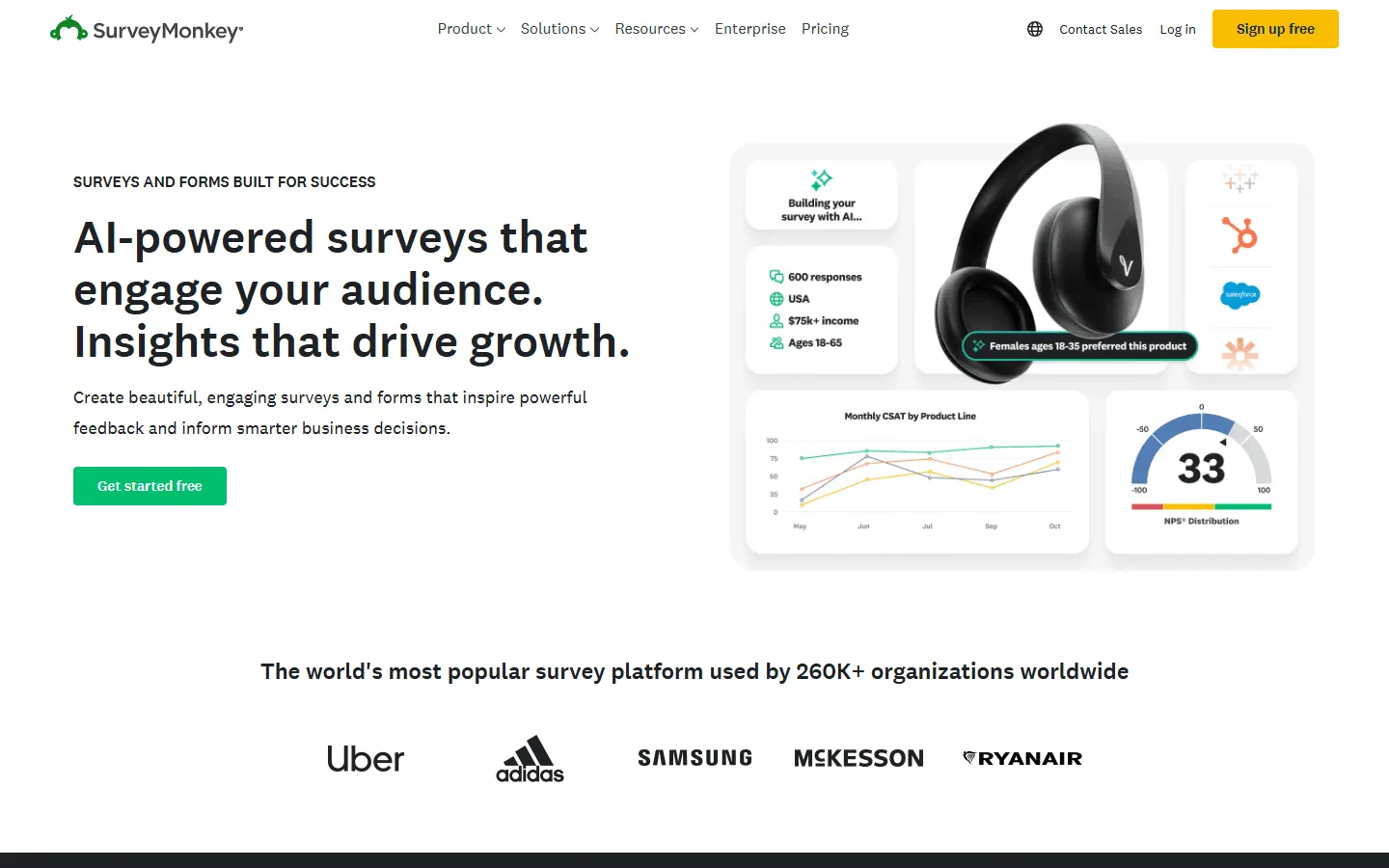 SurveyMonkey is one of the oldest online survey platforms around. It launched in 1999 and has been helping people create surveys, polls, and quizzes ever since.
SurveyMonkey offers templates, diverse question types, and distribution tools. You can share surveys via email, embed them on websites, or post them on social media. Responses get collected automatically, and you can view basic charts and summaries right in the dashboard.
Why people switch from SurveyMonkey
For basic surveys and polls, SurveyMonkey does the job. But once your needs grow beyond simple data collection, the limitations start to show.
There are a few common reasons why people start looking for alternatives.
Free plan is very restrictive
SurveyMonkey’s free plan is quite restrictive. You’re limited to 10 questions per survey and can only view the first 25 responses. Many of SurveyMonkey competitors offer more generous free tiers with unlimited questions and higher response limits.
Costs add up fast
SurveyMonkey team plans start at $30 per user per month, and you need a minimum of three users. Additionally, many advanced features are locked behind higher-tier plans. For organizations with larger teams or extensive survey requirements, these costs can become prohibitive.
The interface feels cluttered
Many users find SurveyMonkey’s dashboard confusing, especially when filtering responses or setting up reports. There are a lot of menus, options, and screens to navigate.
Design options are limited
You can change colors and add a logo, but you don’t get much control over layout, spacing, or overall visual style. Most SurveyMonkey surveys end up looking pretty similar, even after customization.
Logic features are basic
SurveyMonkey primarily offers skip logic for creating conditional paths in surveys. For more complex branching scenarios or sophisticated survey flows, the platform can feel limited.
Reporting could be better
While you get basic charts and summaries, advanced analytics, custom reports, and deeper data visualization options are often missing or require higher-tier plans.
What to look for in a SurveyMonkey alternative
Before switching tools, it helps to know what actually matters for your use case. Not every feature matters for every team.
- Response limits: Check if the tool caps responses per survey or per month, and what happens when you hit that limit.
- Question types: Make sure the tool supports the survey formats you need, from multiple choice to matrix questions.
- Logic and branching: If your surveys adapt based on answers, you need clean conditional logic that stays manageable.
- Analytics and reporting: Some tools just collect data. Others help you understand it with charts, filters, and exports.
- Design flexibility: Decide if you need basic branding or full control over layout and styling.
- Integrations: Check if responses can flow into your CRM, spreadsheet, or automation tools without extra work.
Our review methodology
We tested more than 30 survey tools by creating the same multi-step customer feedback survey in each one. We then exported the data and tested integrations with common tools like Google Sheets.
We focused on four things:
- Ease of use: We built the same survey in every tool to measure setup time and learning curve.
- Feature depth: We verified that advanced features like skip logic, custom branding, and data exports actually work as advertised.
- Analytics quality: We tested reporting features to see which tools help you understand responses versus just collecting them.
- Value for money: We analyzed pricing to find tools that offer the best features without hidden limits or sudden price jumps.
We also checked recent user reviews on G2 and Capterra to catch common complaints and feature gaps.
11 best SurveyMonkey alternatives and competitors
1. FormGrid
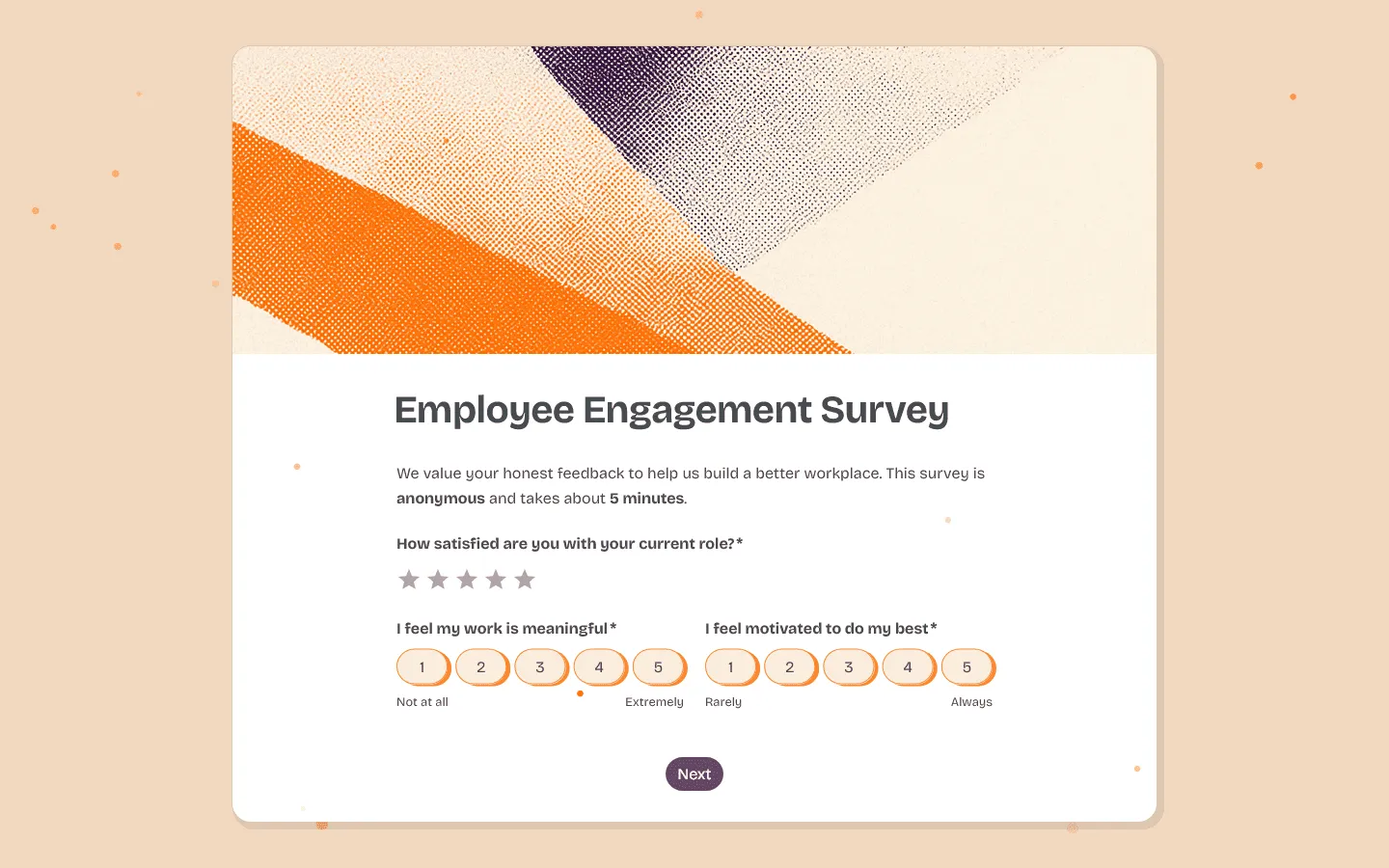 FormGrid is a free SurveyMonkey alternative for people who want their surveys to look distinctive and on-brand. SurveyMonkey gives you templates and basic styling, but most surveys still end up looking pretty generic. FormGrid takes a different approach.
You get real control over how your survey looks and feels. You can adjust spacing, create visual groupings, style individual elements, and design surveys that actually reflect your brand personality. This matters for customer-facing surveys, waitlists, lead capture, or anything where first impressions count.
FormGrid also makes survey creation faster with AI. You can describe what you need in plain language, and let FormGrid generate a completely custom survey that you can use as a starting point and refine. Unlike SurveyMonkey where you’re clicking through menus and configuration screens, FormGrid keeps the process more direct.
And perhaps the biggest difference: FormGrid offers unlimited responses on its free plan. No response caps, no feature restrictions, no forced upgrades as you grow. Compare that to SurveyMonkey’s 25-response limit on the free tier, and you see why teams switch.

Verdict: If SurveyMonkey’s design feels too cookie-cutter and the response limits are holding you back, FormGrid is an alternative that gives you more visual freedom at zero cost.
Key features
- AI-powered survey generation
- Advanced visual customization
- Unlimited responses on the free plan
Pricing
- Free: Unlimited forms and responses, access to all core features
- Plus ($29/month): Collaboration, remove FormGrid branding, version history
- Business ($79/month): User roles and permissions, advanced link settings
Pros
- Much more design control than SurveyMonkey
- Works well for branded surveys
- Free plan usable for real projects
Cons
- Not built for enterprise research features
- Fewer statistical analysis tools than SurveyMonkey
2. Typeform
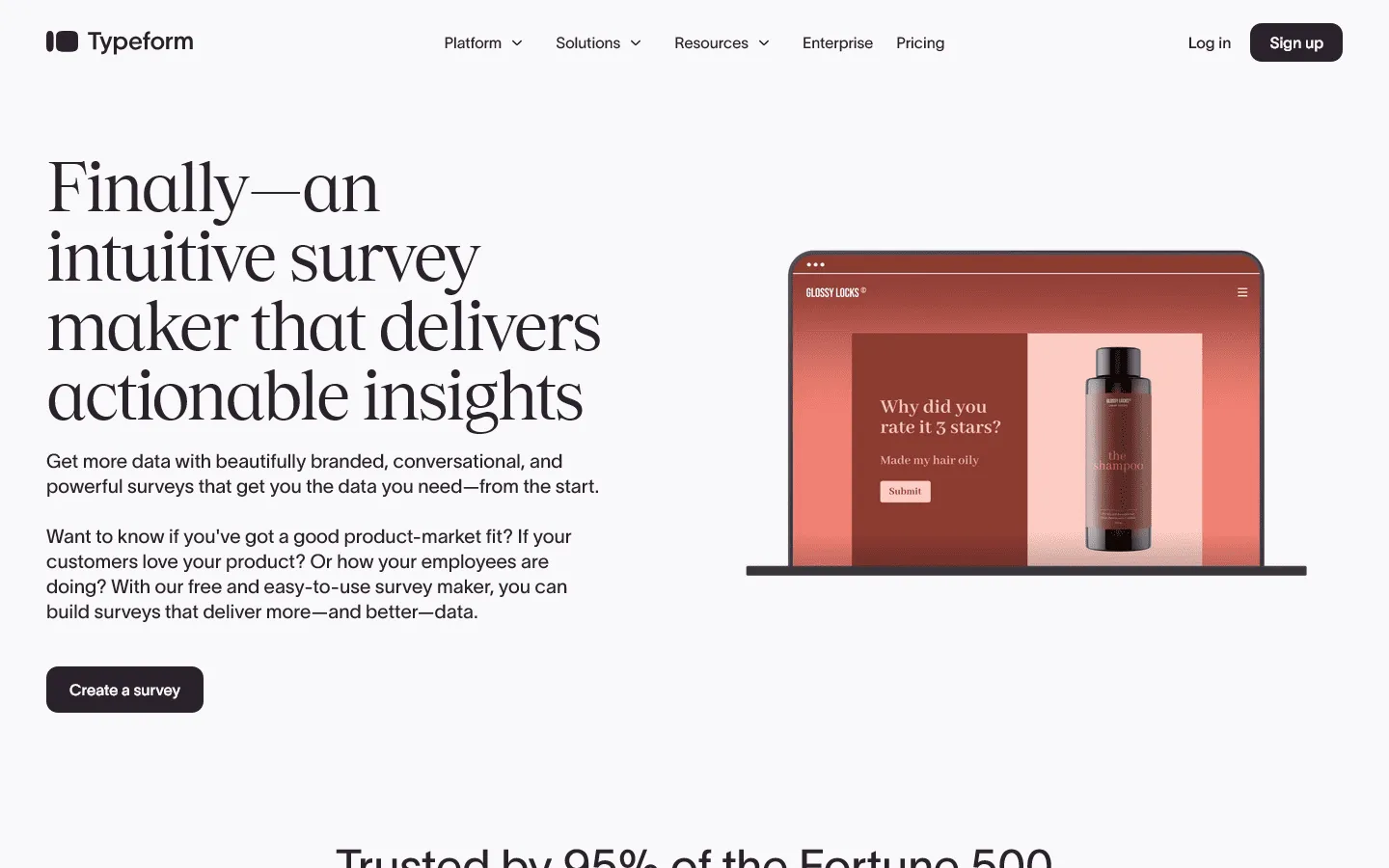 Typeform turns surveys into conversations. Instead of showing all questions on one page like SurveyMonkey, it presents one question at a time. This pacing makes longer surveys feel less overwhelming and often leads to higher completion rates.
The visual experience is more polished than SurveyMonkey. You can add images, videos, and GIFs to every question, and the transitions feel smooth. This makes Typeform popular for customer feedback, lead generation, and onboarding flows where the survey itself is part of the brand experience.
Where it becomes a tradeoff is pricing and limits. The free plan caps you at 10 responses per month, which is even more restrictive than SurveyMonkey. Paid plans start at $29/month but you will need the $59/month plan for features like custom branding and advanced logic.
If this one-question-at-a-time style feels like an improvement over SurveyMonkey but Typeform’s pricing doesn’t fit your needs, see our list of Typeform alternatives for other tools that take a similar approach.
Verdict: Typeform is a better choice than SurveyMonkey when survey experience and completion rates matter more than cost.
Key features
- One-question-at-a-time conversational flow
- Rich media support for every question
- Logic jumps for personalized paths
Typeform pricing
- Free: 10 responses/month, limited features
- Basic ($29/month): 100 responses/month, basic integrations
- Plus ($59/month): 1,000 responses/month, more logic, branding options, and integrations
- Business ($99/month): 10,000 responses/month, team features, advanced analytics, priority support
- Enterprise (custom pricing): Custom limits, SSO, custom domains, HIPAA compliance
Pros
- Beautiful, engaging survey experience
- High completion rates
- Strong branding options
Cons
- Very limited free tier
- Expensive for high-volume surveys
- Slower to build than simpler tools
3. Google Forms
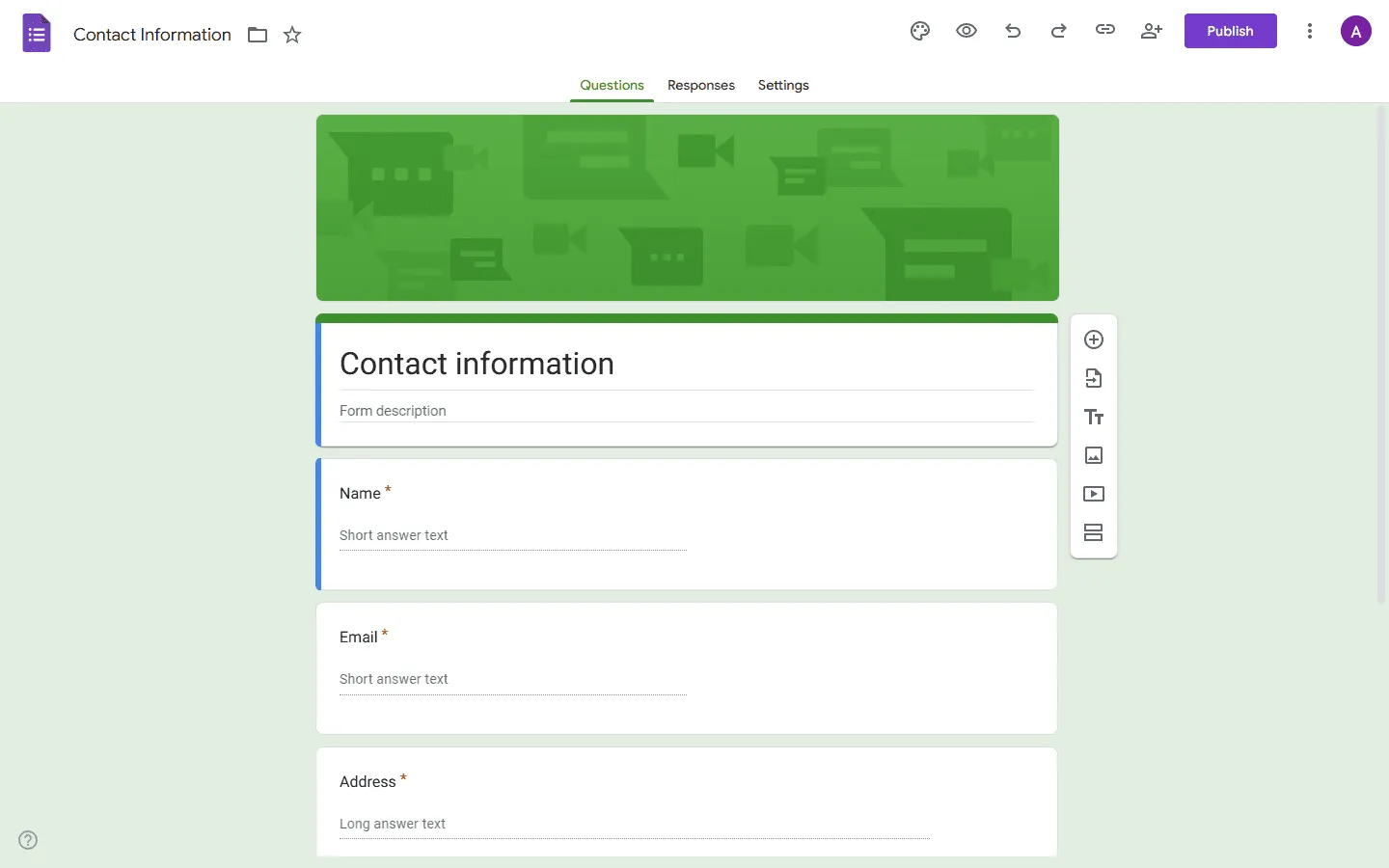 Google Forms is the simplest free SurveyMonkey alternative. You open it, add questions, share a link, and responses flow into Google Sheets in real time. There is no setup, no pricing tiers, and no response limits.
As part of Google Workspace, it integrates directly with Sheets, Docs, and Drive. Responses land in a spreadsheet automatically, which makes it easy to sort, filter, and share responses. Collaboration works the same way as other Google tools, so multiple people can edit a survey at once.
Design options are minimal, so surveys look basic. Logic is limited to simple branching. Analytics are just pie charts and bar graphs. If your survey is customer-facing or needs to feel professional, Google Forms will likely feel too bare. But for internal surveys, quick polls, event registration, or simple feedback collection, Google Forms often feels faster and easier than SurveyMonkey.
If you want a detailed look at how these two tools actually compare on features and pricing, our SurveyMonkey vs Google Forms guide covers it in full. If Google Forms feels closer to what you need but is still not quite right, our Google Forms alternatives guide covers other options in the same space.
Verdict: Google Forms is best for internal surveys, quick feedback, and situations where simplicity and cost matter more than design.
Key features
- 100% free with unlimited responses
- Real-time Google Sheets integration
- Easy collaboration and sharing
Google Forms pricing
- Free: Unlimited responses, basic features
- Business (included with Google Workspace): Admin controls, shared drives
Pros
- Completely free
- Instant setup
- Sheets integration
Cons
- Very basic design
- Limited question types
- Minimal analytics
4. Qualtrics
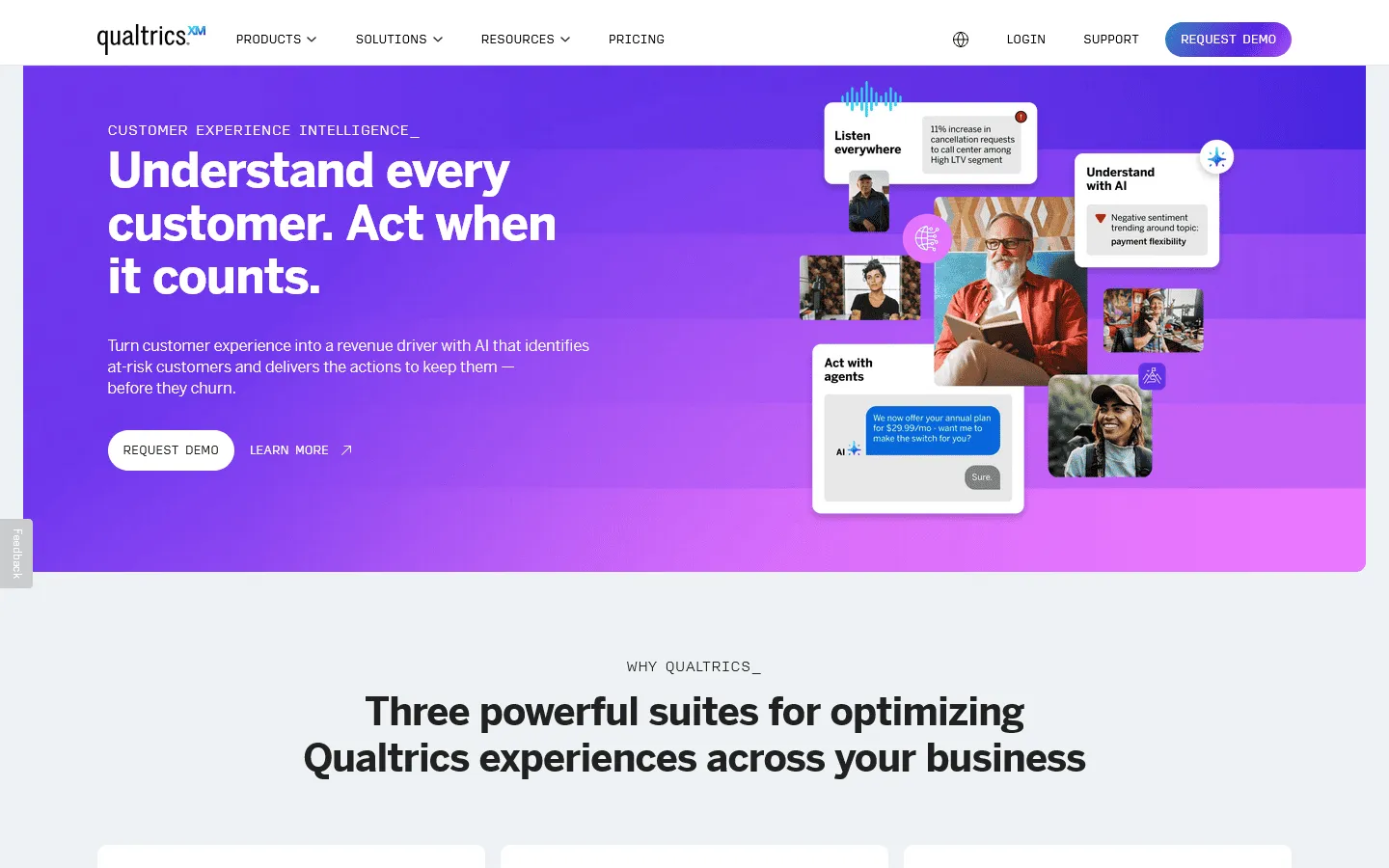 Qualtrics is an enterprise-level SurveyMonkey alternative. While SurveyMonkey focuses on general surveys, Qualtrics is built for serious research: customer experience programs, market research, academic studies, and brand tracking.
Where SurveyMonkey gives you basic charts and summaries, Qualtrics provides statistical analysis, predictive intelligence, text analytics, and custom dashboards. It supports over 100 question types and includes features like MaxDiff analysis and conjoint testing that researchers actually need.
Pricing is not listed publicly (you have to contact sales), which tells you this is aimed at enterprises with serious budgets.
Verdict: Qualtrics is the right choice for enterprise teams and researchers who need advanced analytics and are willing to invest in a more complex platform.
Key features
- Advanced statistical analysis and reporting
- AI-powered text and sentiment analysis
- Enterprise-grade security and compliance
Qualtrics pricing
- Free: Limited to 500 responses, 8 question types
- Custom pricing: Based on features and scale, typically enterprise-level
Pros
- Powerful analytics and reporting
- Built for large-scale research
- Strong compliance features
Cons
- Expensive and complex
- Steep learning curve
- Overkill for simple surveys
5. Tally
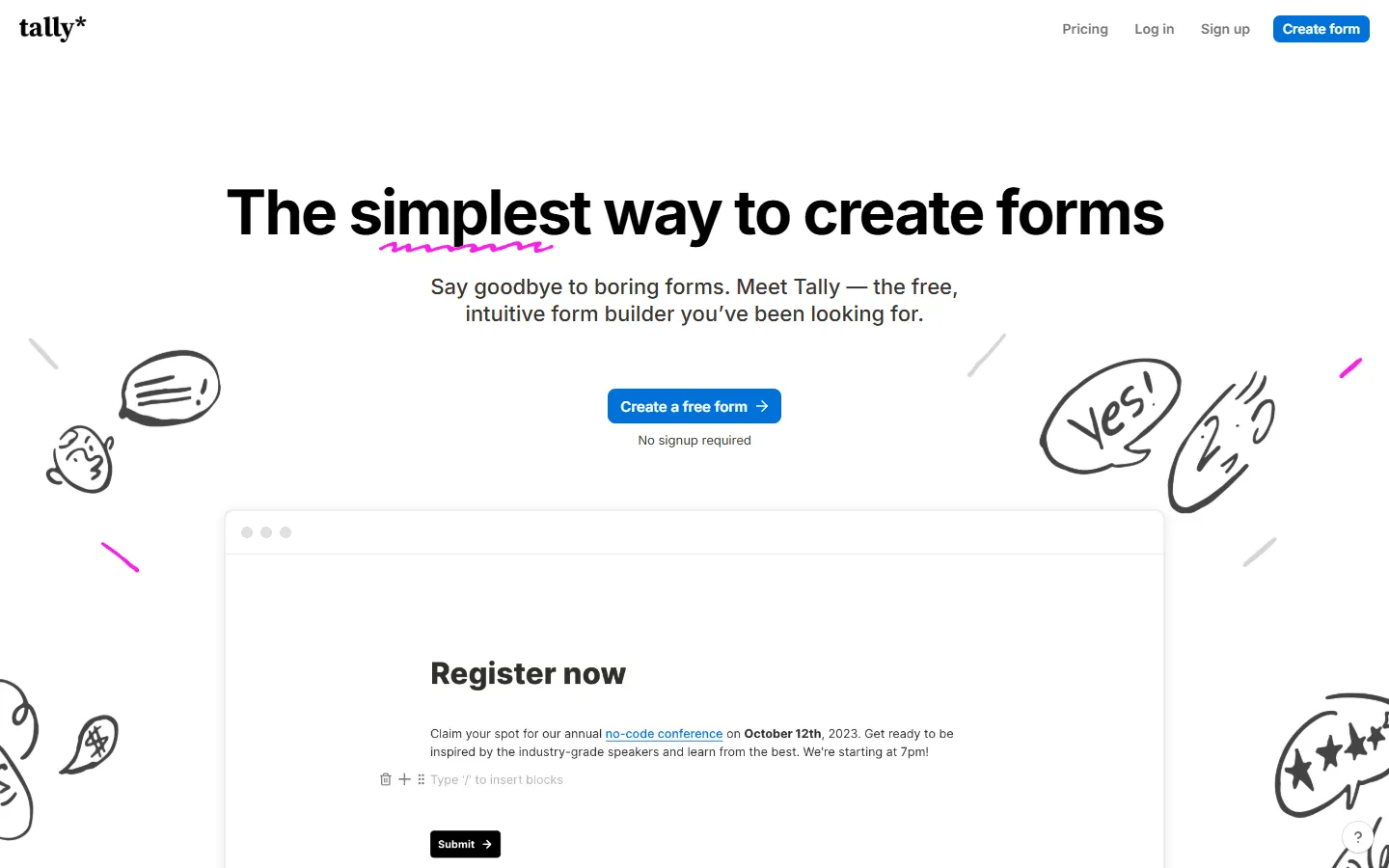 Tally is one of the best free SurveyMonkey replacements. The free tier is very generous: unlimited forms, unlimited responses, and access to features like conditional logic, file uploads, and payments. Compare that to SurveyMonkey’s 10-question, 25-response limit, and you see why people switch.
Tally feels like the opposite of SurveyMonkey in almost every way. Where SurveyMonkey has menus, settings panels, and configuration screens, Tally gives you a clean page where you type questions and insert input blocks. It’s more like writing in Notion than building a traditional survey.
Design stays minimal and clean. You can customize colors and fonts, but you won’t get any deep visual control. Most Tally forms end up looking similar, which is fine for internal use but can be limiting for branded, customer-facing surveys.
Tally also integrates directly with Notion, so responses can flow straight into your Notion databases. For teams that live in Notion, this alone can make it worth switching from SurveyMonkey.
For more on Tally and similar tools, see our Tally alternatives guide.
Verdict: Tally is the best choice for budget-conscious teams who need advanced features without paying for them.
Key features
- Unlimited forms and responses on free plan
- Simple document-style editor
- Payment and file upload support
Tally pricing
- Free: Unlimited forms and submissions, basic logic, payments, file uploads
- Pro ($29/month): Custom domains, remove Tally branding, advanced integrations
- Business ($89/month): Email verification, form version history
Pros
- Very generous free plan
- Very fast to use
- No response limits
Cons
- Limited design flexibility
- Basic analytics
- Not ideal for branded surveys
6. Jotform
 Jotform is a feature-heavy SurveyMonkey competitor that goes beyond surveys. Where SurveyMonkey focuses on surveys and feedback, Jotform tries to cover everything: contact forms, registration forms, order forms, payment forms, file upload forms, and yes, surveys too. With over 20,000 templates, you can probably find a starting point for almost any use case.
Compared to SurveyMonkey, Jotform offers more flexibility in form design and structure. You can build multi-page forms, add conditional logic, collect payments, and integrate with hundreds of apps. Its template library is large, covering almost every use case.
Where it can feel overwhelming is the sheer number of options. The interface has a lot of menus, settings, and features, which can slow things down if you just want a simple survey. Pricing is also similar to SurveyMonkey, with free plan limits that push you toward paid tiers quickly.
For a detailed comparison of Jotform and other form builders, see our Jotform alternatives guide.
Verdict: Jotform is a good SurveyMonkey alternative when you need a tool that handles surveys plus other form types and workflows.
Key features
- Large template library
- Payment processing and e-signatures
- Conditional logic and multi-page forms
Jotform pricing
- Free: 5 forms, 100 responses/month
- Bronze ($34/month): 25 forms, 1,000 responses/month, no branding
- Silver ($39/month): 50 forms, 2,500 responses/month, more storage and integrations
- Gold ($99/month): 100 forms, 10,000 responses/month, HIPAA, priority support
- Enterprise (custom pricing): Unlimited usage, SSO, SLA, 1TB storage
Pros
- Very feature-rich
- Handles more than just surveys
- Strong integration options
Cons
- Can feel cluttered
- Free plan is restrictive
- Fees add up quickly
7. Zoho Survey
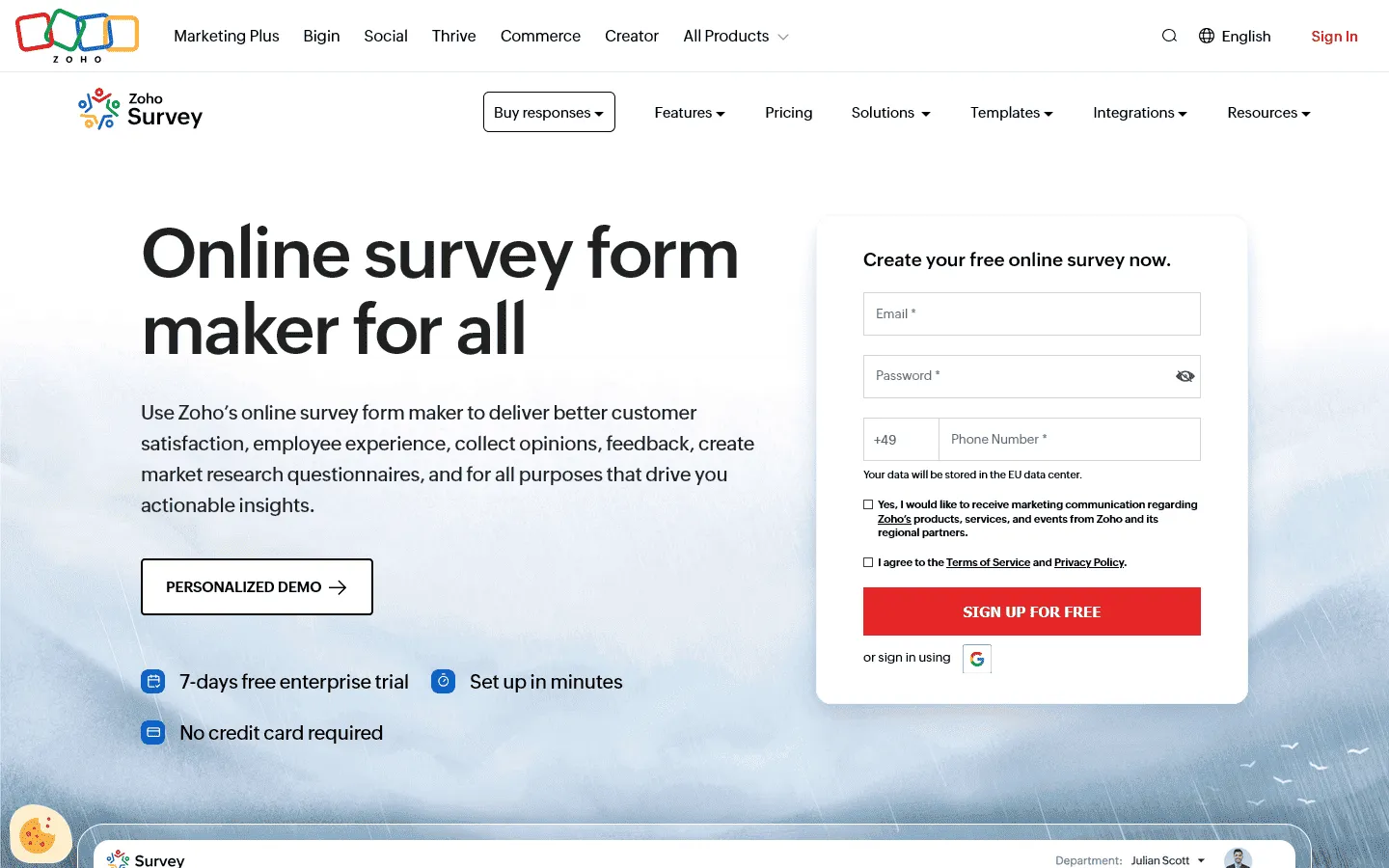 Zoho Survey makes the most sense if you already use other Zoho products like Zoho CRM, Zoho Desk, or Zoho Analytics. While SurveyMonkey treats surveys as standalone tools, Zoho Survey is designed to sit inside a larger business system.
Survey responses can automatically create CRM records, trigger email sequences, assign support tickets, or update customer profiles. This kind of tight integration means less manual data transfer and fewer things falling through the cracks.
The builder itself is more structured than SurveyMonkey. You work with fields, sections, and rules rather than a freeform page. This makes it easier to manage longer surveys with complex logic and multiple branching paths.
Pricing is competitive, starting at just $10/month for the basic plan. The free tier allows 3 forms and 500 responses per month, which is more generous than SurveyMonkey but still limited for serious use.
Verdict: Zoho Survey is the right choice if your business runs on Zoho and you want direct data flow across your tools.
Key features
- Deep integration with Zoho ecosystem
- Offline survey capabilities
- Mobile app for field data collection
Zoho Survey pricing
- Free: 3 surveys, 10 questions/survey, 100 responses/survey
- Basic ($7.42/month): 3 surveys, 1,000 responses/survey, custom themes, basic integrations
- Plus ($25/month): Unlimited surveys, 3,000 responses/survey, advanced integrations
- Pro ($35/month): Unlimited surveys, 5,000 responses/survey, custom branding
- Enterprise ($75/month): Unlimited surveys, 7,000 responses/survey, SSO, audit logs
Pros
- Excellent Zoho integration
- Offline survey support
- Clean interface
Cons
- Less appealing outside Zoho ecosystem
- Basic design options
8. Alchemer
 Alchemer (formerly SurveyGizmo) can be a good SurveyMonkey substitute for teams that need advanced survey logic and customization. It offers more control over question flow, data validation, and survey structure than SurveyMonkey.
The platform supports complex branching, piping, quotas, and custom scripting. You can build sophisticated surveys that adapt based on previous answers, pull in external data, and enforce strict validation rules. Reporting is also more flexible, with custom dashboards and advanced filtering.
Alchemer is more technical and takes longer to learn. If you just need basic surveys, it feels like overkill. Pricing is also higher than SurveyMonkey, starting at $55/month with no free plan.
Verdict: If you need advanced logic and are willing to invest time in learning a more powerful tool, Alchemer can be a good alternative to SurveyMonkey.
Key features
- Advanced skip logic and branching
- Custom scripting and API access
- Quota management and data validation
Alchemer pricing
- Collaborator ($55/month): 75,000 responses/year
- Professional ($165/month): 100,000 responses/year, custom branding, advanced logic
- Full Access ($275/month): 125,000 responses/year, advanced reporting
- Enterprise: Custom pricing
Pros
- Very powerful logic capabilities
- Flexible reporting
- Good for complex research
Cons
- No free plan
- Steeper learning curve
- More expensive than SurveyMonkey
9. SurveySparrow
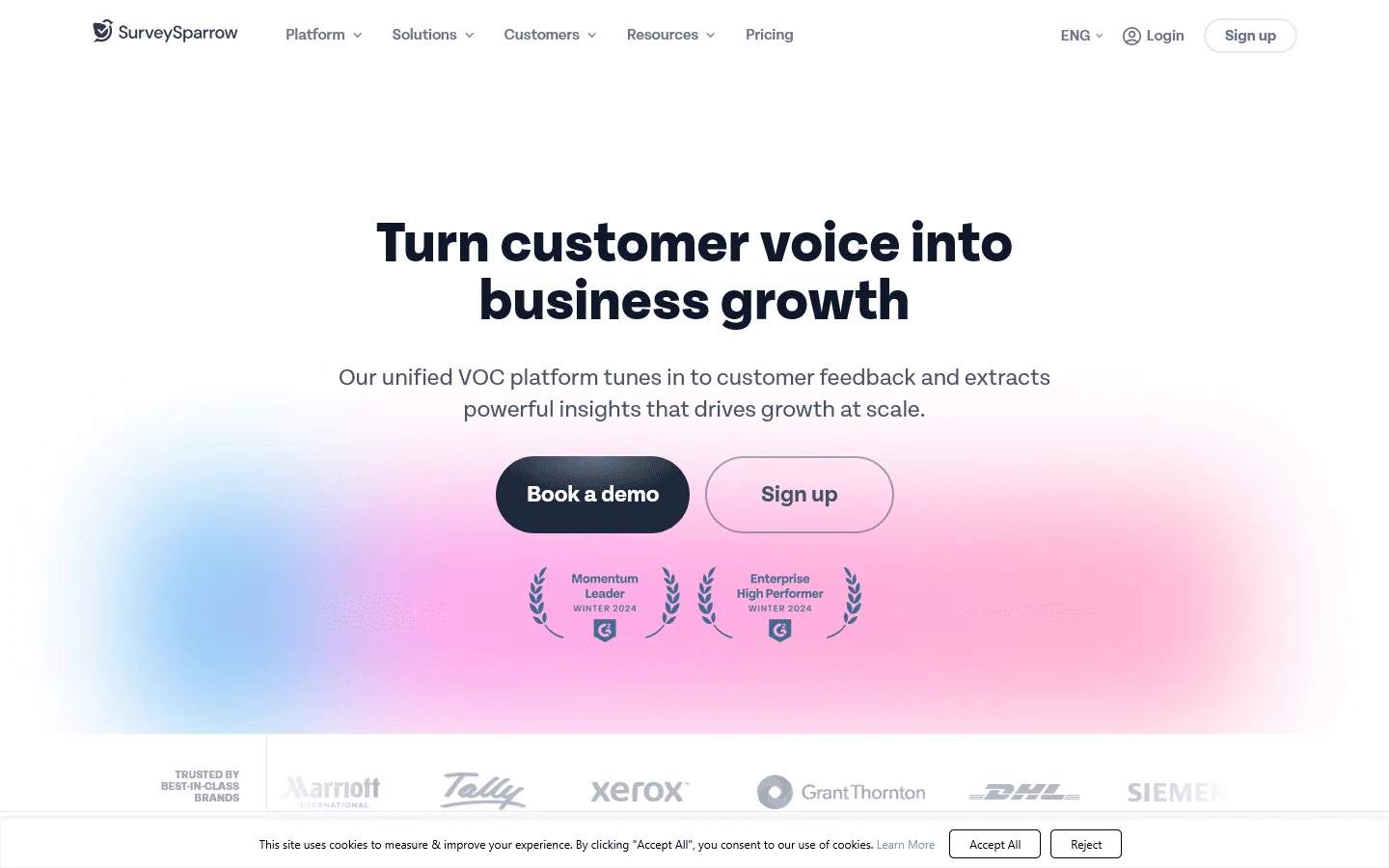 SurveySparrow focuses on conversational surveys and customer experience. While SurveyMonkey shows you a traditional form, SurveySparrow uses a chat-like interface that presents one question at a time.
It offers features for recurring surveys and feedback automation. You can set up NPS surveys, employee pulse checks, and customer feedback loops that run automatically. The AI-powered CogniVue tool automatically analyzes open-ended responses, categorizes sentiment, and surfaces key themes without manual coding.
One downside: pricing isn’t transparent. You need to contact sales for quotes on all tiers, which can be frustrating if you just want to see if it fits your budget. If transparent pricing is a dealbreaker for you, our SurveySparrow alternatives guide highlights several competitors with clear, upfront costs.
Verdict: If your team is focused on recurring customer satisfaction and feedback programs, SurveySparrow can be a good SurveyMonkey alternative.
Key features
- Conversational survey interface
- Recurring surveys and automation
- White-label and custom domain support
SurveySparrow pricing
- Free: 75 responses/quarter, 10 questions/survey, limited features
- Basic ($19/month): 2,500 responses/year, unlimited questions, payment, logic jumps
- Starter ($39/month): 15,000 responses/year, signatures, multi-lingual surveys
- Business ($79/month): 36,000 responses/year, custom branding, recurring surveys
- Enterprise (custom pricing): Custom limits, SSO, custom domains, HIPAA compliance
Pros
- Engaging conversational format
- Good for recurring surveys
- Modern interface
Cons
- Limited free plan
- Can get expensive
- Less suitable for traditional surveys
10. QuestionPro
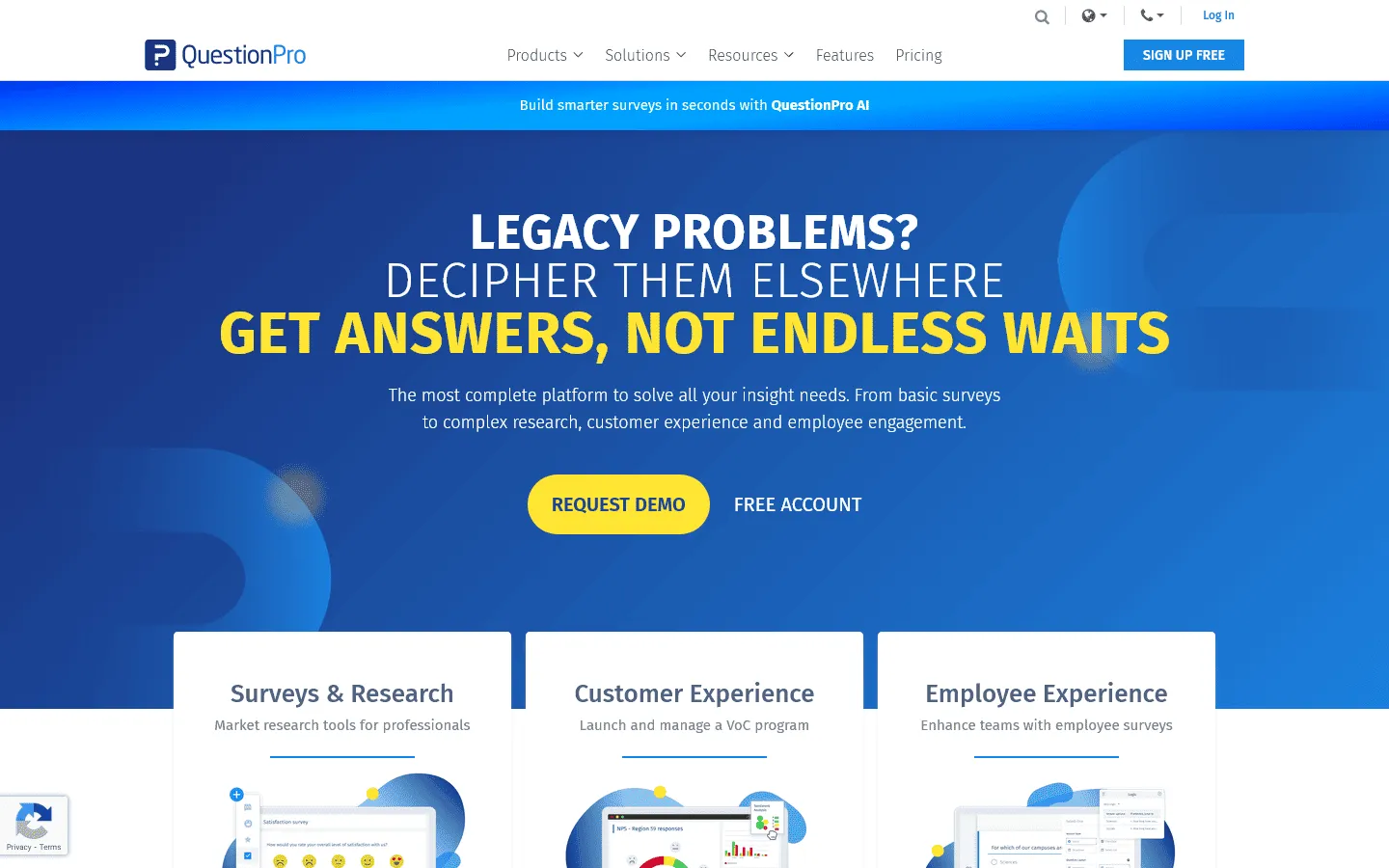 QuestionPro stands out for one big reason: it supports over 100 languages. If you’re running global research or collecting feedback from international audiences, this matters a lot. SurveyMonkey offers multilingual surveys, but QuestionPro makes it easier to manage translations and analyze results across languages.
Beyond language support, QuestionPro offers extensive customization options, advanced question types, and sophisticated logic. You can build complex surveys with piping, skip logic, display logic, and quota management. It also offers panel management and sample services if you need to recruit survey respondents.
The interface is functional but feels dated compared to newer tools. Setup can be complex, and the learning curve is steeper than SurveyMonkey. Pricing starts higher at $99/month, but you get more advanced features included.
If you’re considering QuestionPro but want to explore other options first, we’ve put together a comprehensive guide to QuestionPro alternatives that covers similar tools.
Verdict: QuestionPro is a good SurveyMonkey alternative for researchers and teams that need advanced analytics and unlimited responses.
Key features
- Unlimited surveys and responses
- Advanced analytics (conjoint, MaxDiff, sentiment)
- Panel management and sample services
QuestionPro pricing
- Free: Limited features, 200 responses/survey
- Advanced ($99/month): 25,000 responses/year, custom branding, advanced logic, exports
- Team Edition ($83/user/month): 100,000 responses/year, team collaboration, custom branding
- Research Suite: Custom pricing
Pros
- Unlimited responses on paid plans
- Advanced research features
- Panel and sample services
Cons
- Dated interface
- Higher starting price
- Complex for simple surveys
11. LimeSurvey
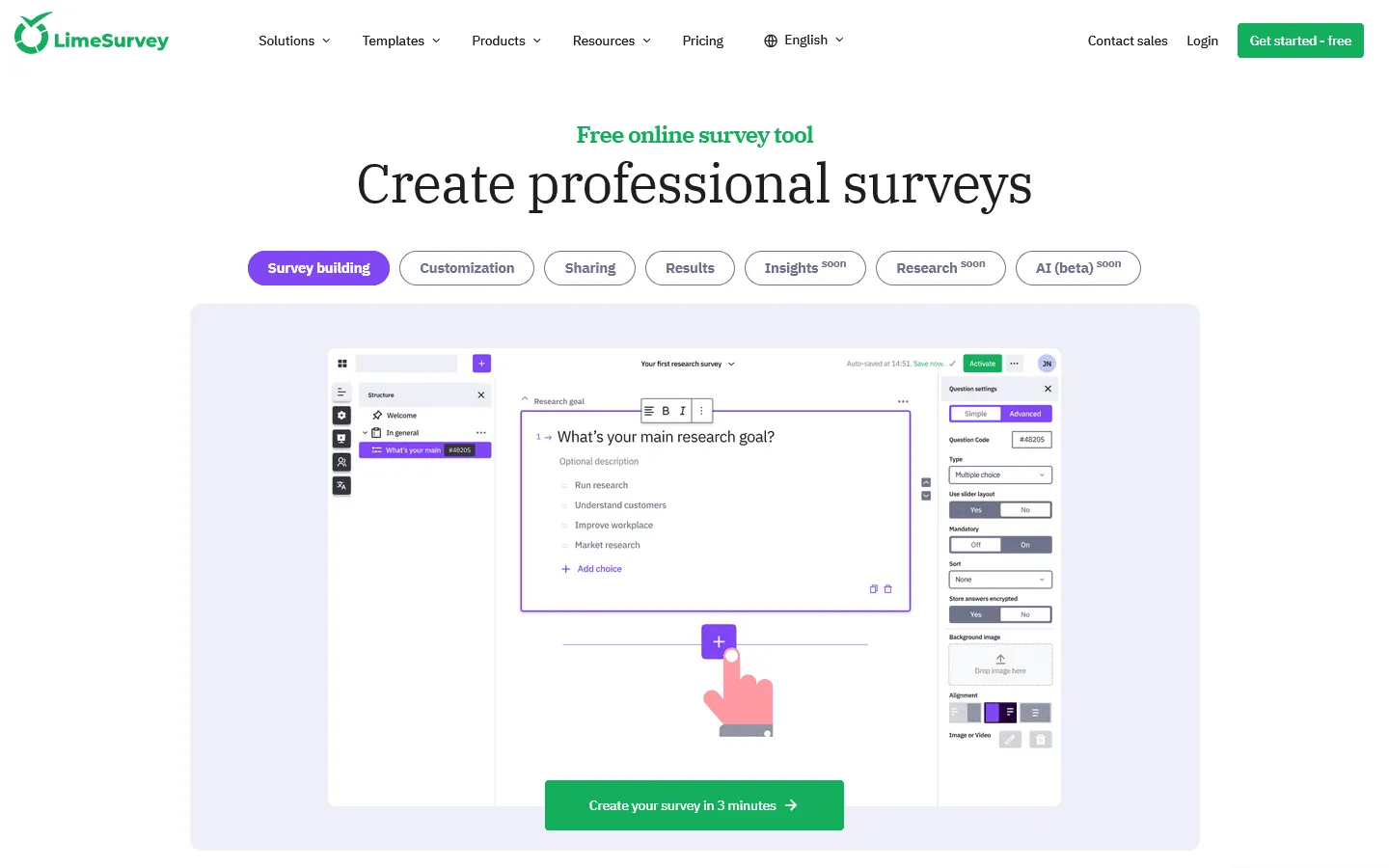 LimeSurvey is an open-source SurveyMonkey alternative that you can self-host or use via their cloud service. You have complete control over your data, can customize the platform, and avoid vendor lock-in.
Being open source also means it’s free if you self-host. You pay for server costs and maintenance, but there are no per-response fees or subscription charges. For universities, research institutions, and nonprofits with technical resources, this can save thousands of dollars.
LimeSurvey supports 80+ languages and offers extensive customization through templates and plugins. The survey editor has advanced features like quotas, question randomization, and complex logic. Export options include CSV, Excel, SPSS, R, and Stata.
Like with any self-hosted tool, setting up and maintaining LimeSurvey requires technical expertise. If you don’t have IT resources, LimeSurvey also offers cloud hosting starting at $39/month.
Verdict: LimeSurvey can be a good tool to replace SurveyMonkey for organizations that need complete data control and are comfortable with open-source software. If you’re exploring self-hosted and cloud options that offer a better user experience, checking out some top LimeSurvey alternatives can give you ideas for more modern setups.
Key features
- Open-source and self-hostable
- 28+ question types
- Multi-language support and quota management
LimeSurvey pricing
- Free: Self-hosted, unlimited everything
- Cloud Basic ($39/month): 1,000 responses/month, hosted by LimeSurvey
- Cloud Expert ($36/month, billed annually): 10,000 responses/year, no LimeSurvey branding, hosted by LimeSurvey
- Cloud Business (71/month, billed annually): 50,000 responses/year, custom domain, hosted by LimeSurvey
- Cloud Corporate (custom): SSO, advanced features
Pros
- Complete data control
- Free if self-hosted
- Highly customizable
Cons
- Requires technical knowledge to self-host
- Less polished interface
- Steeper learning curve
Conclusion: Which SurveyMonkey alternative should you choose?
There is no single best replacement for SurveyMonkey. The right choice depends on what you find limiting about SurveyMonkey and what you actually need from a survey tool.
Here is a quick way to narrow it down:
- If you want better design and visual control: FormGrid and Typeform give you more freedom over how surveys look and feel, which helps when presentation matters.
- If you need a free tool with no response limits: FormGrid, Google Forms, Tally, and LimeSurvey (self-hosted) let you collect unlimited responses without paying.
- If you need enterprise-grade analytics: Qualtrics and QuestionPro offer advanced research features and statistical analysis that go beyond SurveyMonkey.
- If you want conversational surveys with high completion rates: Typeform and SurveySparrow use one-question-at-a-time flows that feel more engaging.
- If you need open-source and data control: LimeSurvey lets you self-host and customize everything, which matters for privacy and compliance.
- If you use Zoho or want ecosystem integration: Zoho Survey makes sense when survey data needs to flow into your CRM or other business tools.
- If you need more than just surveys: Jotform handles forms, payments, approvals, and workflows in one platform.
SurveyMonkey alternatives FAQ
Is there a cheaper alternative to SurveyMonkey?
Yes, several. FormGrid is completely free with unlimited responses. Zoho Survey starts at $10/month. Google Forms is free. These options save significant money compared to SurveyMonkey’s $30+ per user monthly cost.
What is the best free SurveyMonkey alternative?
If you want unlimited responses on a free plan, Google Forms and Tally are the strongest options. Google Forms is completely free with no limits and integrates directly with Google Sheets. Tally offers unlimited surveys and responses plus advanced features like conditional logic and payments. LimeSurvey is also free if you self-host it, though that requires technical knowledge. FormGrid is another excellent free option with unlimited responses and good design capabilities.
What is the best SurveyMonkey alternative for enterprise?
Qualtrics is the leading enterprise SurveyMonkey alternative, offering advanced analytics, AI-powered insights, and enterprise-grade security. It is built for large-scale research programs and experience management. Alchemer is another strong choice for organizations that need advanced logic, custom scripting, and flexible reporting. Both offer better governance and compliance features than SurveyMonkey.
What is the best open-source SurveyMonkey alternative?
LimeSurvey is the most comprehensive open-source survey platform. You can self-host it for free, giving you complete control over your data and the ability to customize the platform. It offers 28+ question types, conditional logic, and multi-language support. The tradeoff is that self-hosting requires technical knowledge to set up and maintain.
What are the alternatives to SurveyMonkey Apply?
SurveyMonkey Apply is a grant and application management platform. Good alternatives include Submittable (popular for grants, awards, and submissions), FluidReview (focused on academic and research applications), WizeHive (for grant management and scholarships), and Blackbaud Grantmaking (for nonprofit grant programs). These platforms offer more specialized features for application workflows than general survey tools.
What are the alternatives to SurveyMonkey Audience?
SurveyMonkey Audience is a panel service for recruiting survey respondents. Alternatives include Cint (large global panel network), Lucid (marketplace for survey respondents), Dynata (formerly Research Now SSI), Prolific (popular for academic research), and QuestionPro Audience (integrated with QuestionPro surveys). Most professional survey platforms like Qualtrics and QuestionPro also offer panel services.
Can I import my SurveyMonkey surveys into another tool?
Most survey tools don’t offer direct imports from SurveyMonkey. You’ll usually need to rebuild surveys manually. This can be a good opportunity to rethink question order, logic, and design rather than just copying everything exactly.