11 Best Tally Forms Alternatives in 2026 (Free & Paid)
If you are looking for Tally alternatives, this guide covers the tools that people most often switch to, and why.
Tally became popular because it feels familiar. You type like you would in a document, drop in a few blocks, and publish. For quick signups, feedback forms, and simple surveys, that is often enough.
But once a form becomes part of your workflow, your product, or your brand, those same strengths start to show limits. People usually start looking for Tally alternatives when they need more control over layout, clearer logic, better styling, or a more reliable way to move responses through their systems.
We evaluated and compared the best Tally alternatives and competitors, both free and paid. We focused on what each tool actually does better than Tally, where it falls short, and who it makes sense for.
Tally alternatives: Quick summary
If you want the short version, this table compares the most popular Tally alternatives based on use cases, pricing, and free plan limits:
| Tally alternative | Best Tally replacement for | Free plan | Starting price |
|---|---|---|---|
| FormGrid | Visually unique forms | Available | $29/month |
| Typeform | Guided, conversational forms | Available | $29/month |
| Google Forms | Simple internal forms | Available | Free, no paid plans |
| Jotform | Feature-rich form templates | Available | $34/month |
| SurveyMonkey | Surveys and reporting | Available | $39/month |
| Zoho Forms | Business workflows | Available | $10/month |
| Fillout | Logic-heavy, multi-step forms | Available | $15/month |
| Microsoft Forms | Microsoft 365 workflows | Available | $9.99/month (Microsoft 365) |
| Paperform | Content-heavy, page-like forms | Available | $24/month |
| Formester | Structured logic-driven forms | Available | $13/month |
| Formstack | Automated business processes | Not available | $83/month |
What is Tally?
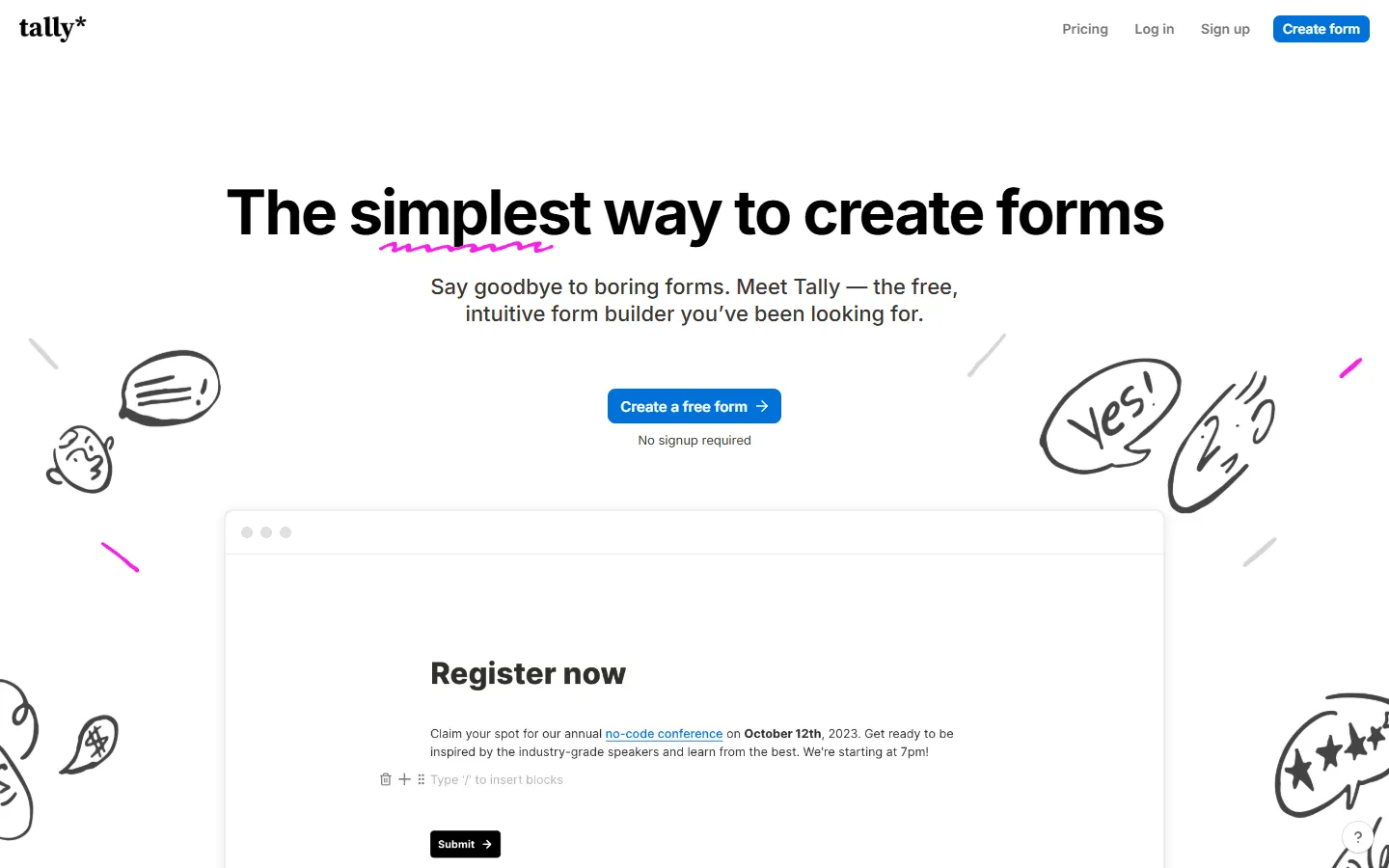 Tally is an online form builder with a text-first editor that feels similar to Notion. You type questions into a page, insert input blocks with shortcuts, and publish. The free tier includes unlimited forms and submissions.
Tally supports conditional logic, file uploads, payments, e-signatures, multi-page layouts, and embedding. It also integrates directly with Notion so responses can land in a Notion database.
Why people switch from Tally
Tally works best when a form is a simple page with a few questions and a submit button. It starts to feel restrictive once forms turn into products, workflows, or systems.
Design is a common reason. Tally keeps things minimal, which also means many forms end up looking similar. That can be a problem if the form represents your product, brand, or company.
Structure is another trigger. Once a form grows beyond 20 or 30 questions, includes multiple paths, or mixes very different sections, the single-page layout becomes harder to work with.
Teams also tend to outgrow Tally. Permissions, ownership, review flows, and response handling start to matter more, and that is where more structured tools feel easier to live with.
You will likely want to replace Tally if your forms need to:
- Look distinctly branded rather than minimal
- Handle complex logic that stays readable over time
- Feed directly into business workflows
- Support team collaboration and ownership
- Act as front ends for databases or CRMs
How we evaluated these Tally alternatives
We tested more than 30 form builders across real scenarios, including lead capture, onboarding, internal requests, surveys, and payments.
For each tool, we focused on a few practical questions:
- How hard is it to build and change logic later?
- How much control do you get over layout and structure?
- How easy is it to work with responses?
- How well does it connect to other tools?
- How does it handle team access and ownership?
We also looked at recent user feedback on sites like G2 and Capterra and followed discussions in communities that use form tools heavily. We update this page when pricing, limits, or core features change.
11 best Tally alternatives and competitors
1. FormGrid
 FormGrid is a free Tally alternative for people who like the simplicity of Tally but want their forms to feel more visually interesting and unique. You start with a simple doc-style editor, similar to Tally, but you get much more freedom over how everything looks. Forms can feel playful, dramatic, subtle, bold, or calm, depending on what you are trying to create.
Instead of locking you into a single vertical layout, FormGrid lets you design forms more like pages. You can arrange sections, create visual groupings, adjust spacing, and style elements so the form feels intentional rather than templated.
You can start from scratch or generate a fully custom form from a short prompt, including the structure, content, and visual theme.

FormGrid pricing
- Free: Unlimited forms and responses, access to all core features
- Plus ($29/month): Collaboration, remove FormGrid branding, version history
- Business ($79/month): User roles and permissions, advanced link settings
Why choose FormGrid over Tally?
If Tally feels visually limiting, FormGrid gives you more freedom. It works well for public-facing forms, waitlists, landing-style forms, and any case where presentation matters. You can also read our full FormGrid vs Tally comparison for a more in-depth look at features, pricing, and design options.
2. Typeform
 Compared to Tally’s single-page, document-style layout, Typeform treats forms as a sequence. People see one question at a time, move forward, and never feel the full length upfront. This changes how long forms feel and how willing people are to finish them.
While Tally shows everything on one scrolling page, Typeform gives you more control over pacing and order. It is easier to guide someone through a process, hide complexity, and shape the experience.
Setup takes longer than in Tally. You spend more time defining flows, logic, and design. That extra work pays off when the form is part of a sales funnel, onboarding flow, or campaign.
Learn more about how Typeform compares to Tally in our detailed guide: Typeform vs Tally. For a broader comparison beyond Tally, see our Typeform alternatives guide.
Typeform pricing
- Free: 10 responses/month, limited features
- Basic ($29/month): 100 responses/month, basic integrations
- Plus ($59/month): 1,000 responses/month, more logic, branding options, and integrations
- Business ($99/month): 10,000 responses/month, team features, advanced analytics, priority support
- Enterprise (custom pricing): Custom limits, SSO, custom domains, HIPAA compliance
Why choose Typeform over Tally?
Typeform fits situations where a single long page feels too dense. If you want tighter control over question order, pacing, and branching, this Tally alternative handles that better.
3. Jotform
 While Tally focuses on simplicity and speed, Jotform focuses on coverage. It tries to support as many use cases as possible out of the box, from simple contact forms to payment flows, approvals, and document uploads.
Instead of typing everything into a page, you build forms on a visual canvas with panels and settings. This makes Jotform feel heavier than Tally, but also more capable for complex setups.
It comes with a large template library. Many people start with a template and adapt it rather than building from scratch. It takes some time to learn, but it gives you more control over complex setups.
If Jotform feels like a step in the right direction but you want to compare similar tools, this list of the best Jotform alternatives and competitors might be helpful.
Jotform pricing
- Free: 5 forms, 100 responses/month
- Bronze ($34/month): 25 forms, 1,000 responses/month, no branding
- Silver ($39/month): 50 forms, 2,500 responses/month, more storage and integrations
- Gold ($99/month): 100 forms, 10,000 responses/month, HIPAA, priority support
- Enterprise (custom pricing): Unlimited usage, SSO, SLA
Why choose Jotform over Tally?
Jotform makes sense when your form needs many built-in features. If you collect payments, require uploads, need approvals, or want ready-made templates, Jotform usually covers more ground than Tally.
4. Google Forms
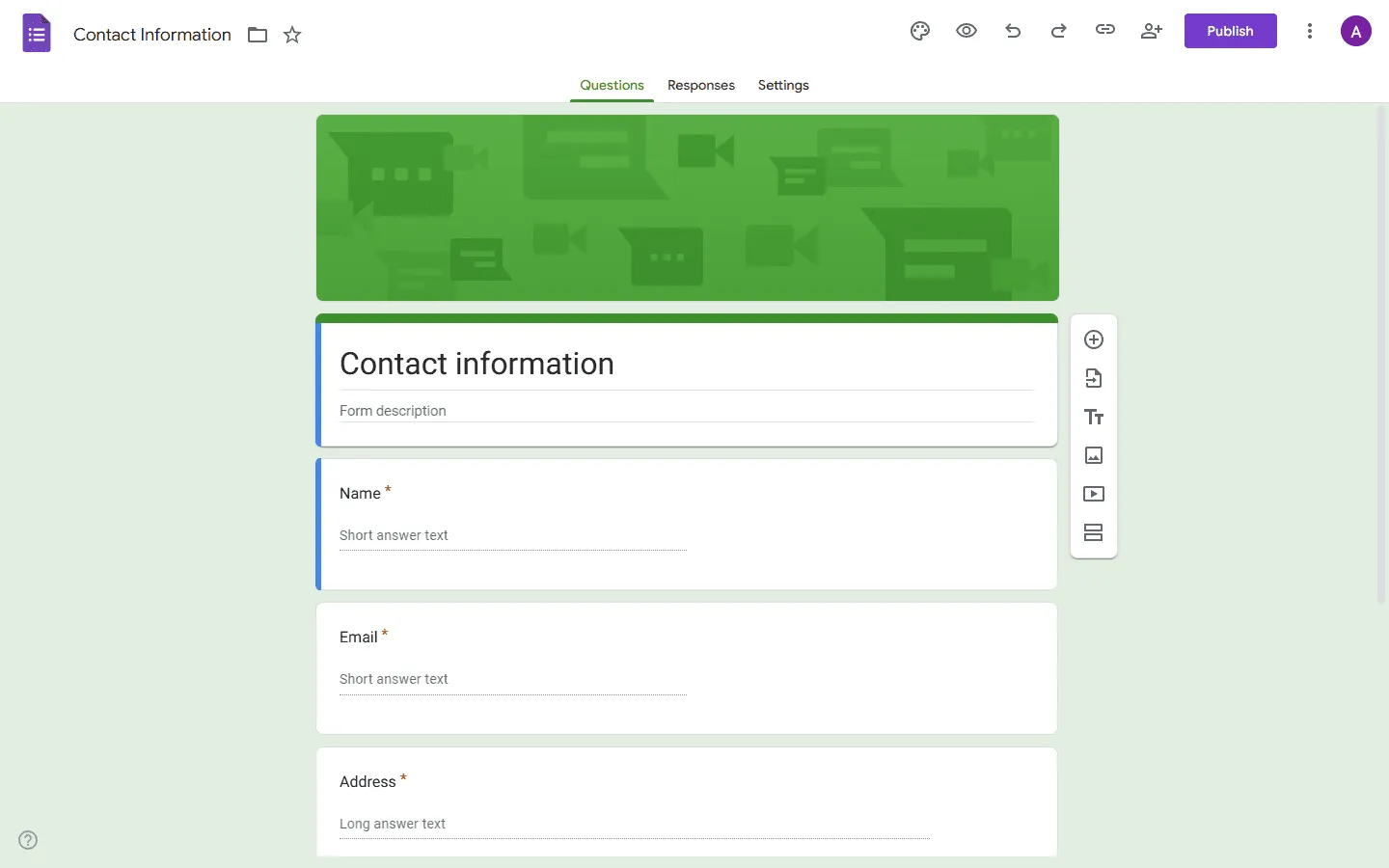 Google Forms is the simplest option on this list. You can create a form in minutes, share a link, and start collecting responses right away.
Everything connects directly to Google Sheets. This makes it easy to sort, filter, and share responses with others.
Design stays basic. You get a few themes, limited layout control, and not much else. But if you just need a form online in a few minutes and want responses to land in a spreadsheet automatically, Google Forms often feels easier than Tally.
If you want a deeper look at how these two tools compare head-to-head, our Tally vs Google Forms guide breaks down the differences in logic, design, and integrations. Or if Google Forms feels like the right direction but you want to compare a few similar tools, our Google Forms alternatives guide goes deeper.
Google Forms pricing
- Free: Unlimited responses, basic features
- Business (included with Google Workspace): Admin controls, shared drives, company management
Why choose Google Forms over Tally?
Pick Google Forms if speed and simplicity matter more than design. For internal requests, quick polls, and lightweight data collection, it often feels faster than Tally.
5. SurveyMonkey
 SurveyMonkey is one of the best Tally alternatives for surveys that need deeper analysis. Many teams use it for customer feedback, employee surveys, and research projects where they need clear summaries and ways to share insights.
You can group answers, filter results, create charts, and export data in different formats. Compared to Tally, the editor follows a more traditional form-builder layout, and setting up a survey takes a bit longer, but the reporting tools make it easier to work with the data once responses start coming in.
If you are considering switching from Tally to a more survey-focused tool, this overview of other tools similar to SurveyMonkey can help.
SurveyMonkey pricing
- Free: 25 responses/survey, 10 questions/survey, basic features
- Standard Monthly ($39/month): 1,000 responses/month, more question types, custom themes
- Advantage Annual ($432/year): 15,000 responses/year, payments, A/B testing, recurring surveys
- Premier Annual ($1,188/year): 40,000 responses/year, no SurveyMonkey branding, advanced logic
- Team Advantage (~$30/user/month): 50,000 responses/year, collaboration features
- Team Premier (~$75/user/month): 100,000 responses/year
- Enterprise: Custom limits, advanced governance, SSO, HIPAA compliance
Why choose SurveyMonkey over Tally?
SurveyMonkey is the better choice when the main job is understanding the data, not designing the form. If you run surveys regularly and need structured reports, it fits better than Tally.
6. Zoho Forms
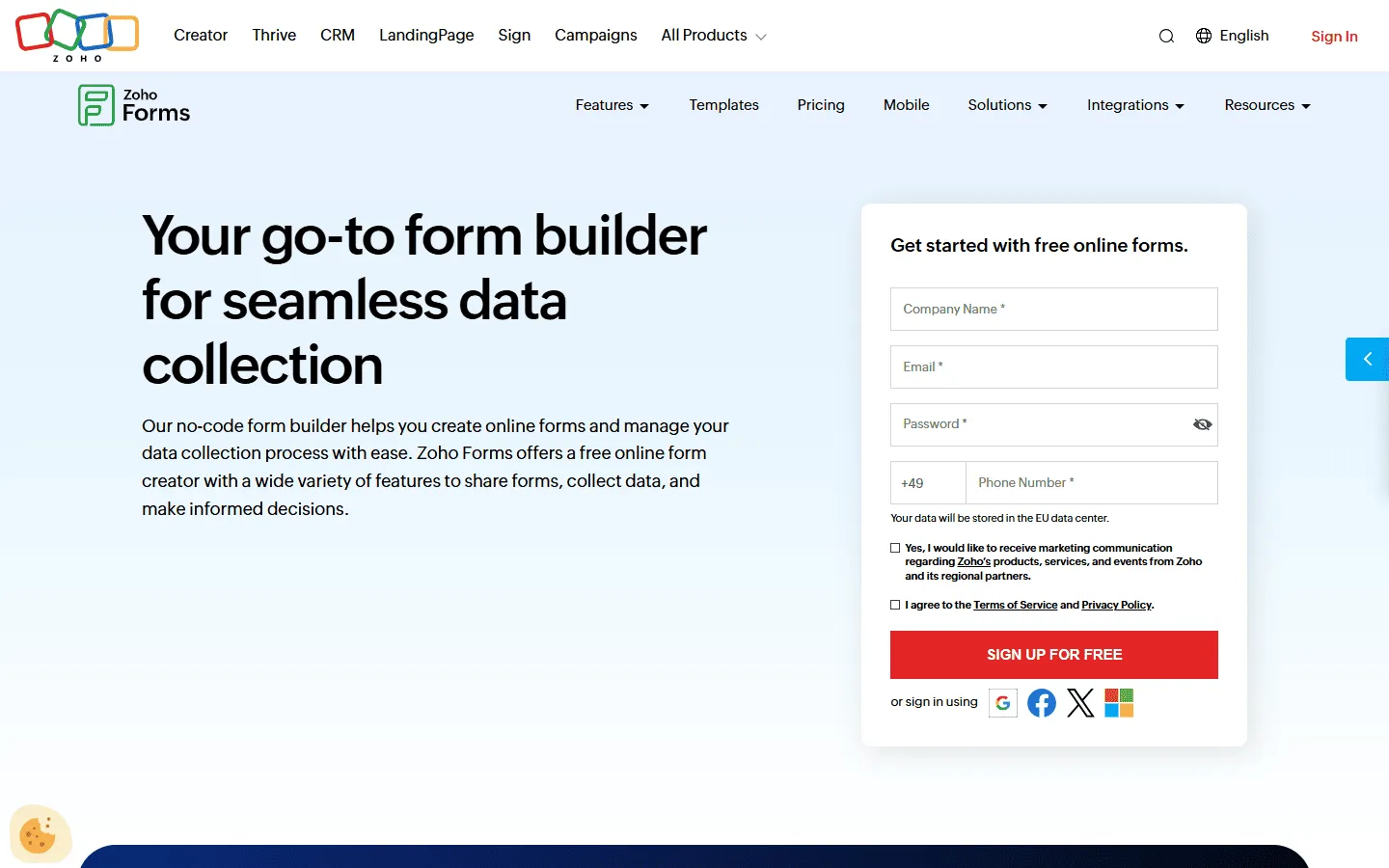 Unlike Tally, which treats forms as standalone pages, Zoho Forms is designed to sit inside a larger business system. It connects tightly with Zoho CRM, Zoho Desk, and other Zoho products. This makes it useful for internal requests, lead routing, and onboarding workflows.
The builder itself feels more structured than Tally’s doc-style editor. You work with fields, sections, and rules rather than typing everything into a page. That makes it easier to manage longer forms with logic, follow-up actions, and assigned owners. You can route submissions, trigger emails, and push data into other Zoho apps without much setup.
Zoho Forms pricing
- Free: 3 forms, 500 responses/month
- Basic ($10/month): 10,000 responses/month, custom branding and themes
- Standard ($25/month): 25,000 responses/month, approvals
- Professional ($50/month): 75,000 responses/month
- Premium ($90/month): 150,000 responses/month, HIPAA compliance, record audit
Why choose Zoho Forms over Tally?
Zoho Forms fits better when a form is only one part of a larger workflow. If submissions need to create records, assign tasks, or move through a process, Zoho Forms handles that more cleanly than Tally.
7. Fillout
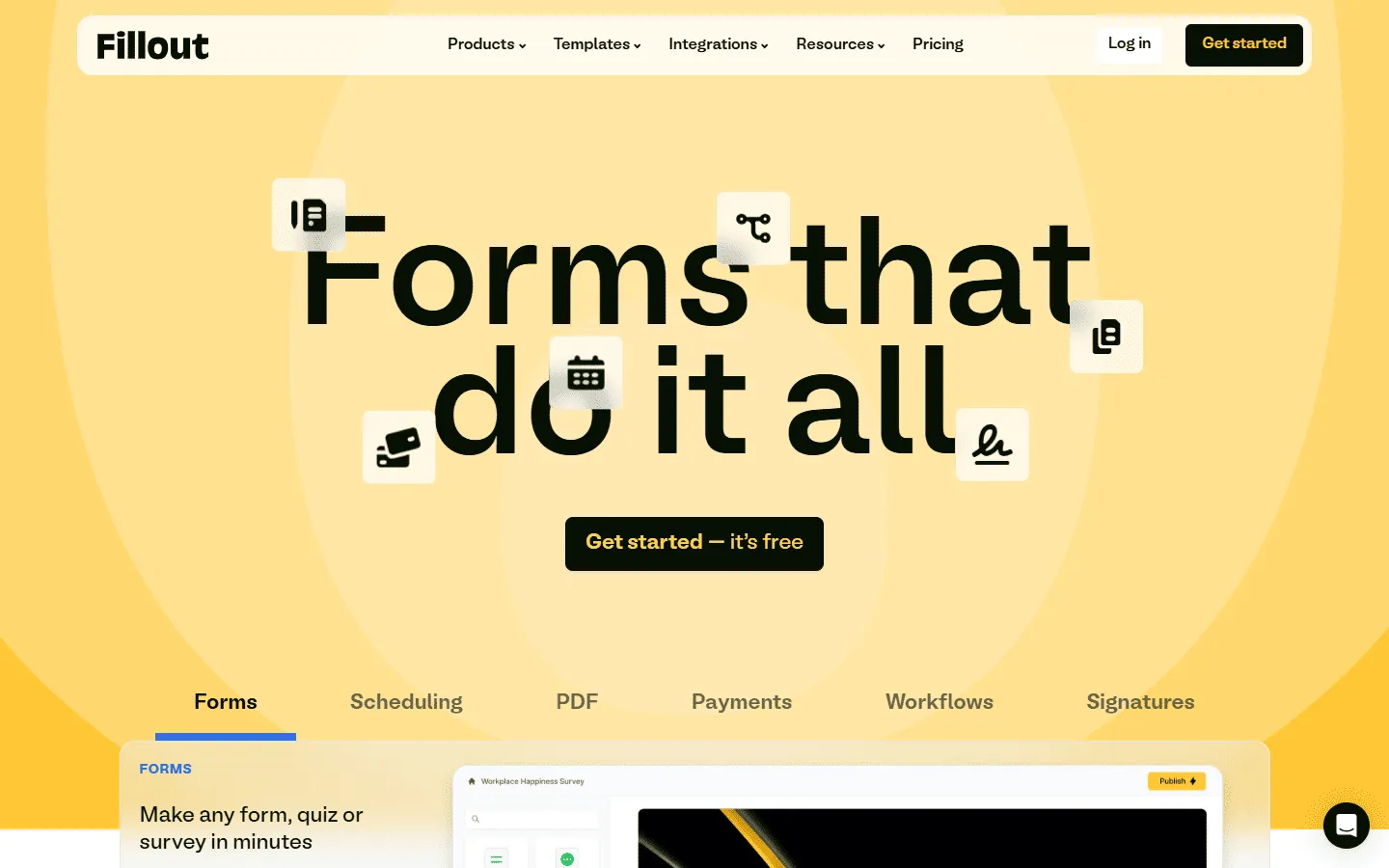 Fillout sits somewhere between lightweight builders like Tally and heavier tools like Jotform. The editor feels modern and focused, with a lot of attention on logic, multi-step flows, and clean presentation. Forms can run on a single page or break into steps, and it stays readable even as the structure becomes more complex.
One thing Fillout does well is handling logic without turning the form into a mess. You can branch users into different paths, hide or show sections, calculate values, and control what happens after submission. Embeds also look clean and load quickly, which helps when forms live inside product pages or marketing sites.
The styling options cover most needs, but not particularly expressive or unique. You get clean, modern forms without much visual personality.
Fillout pricing
- Free: 1,000 responses/month
- Starter ($15/month): 2,000 responses/month, increased limits and logic
- Pro ($40/month): 5,000 responses/month, advanced logic and integration capacity
- Business ($75/month): Unlimited responses, team use
Why choose Fillout over Tally?
Fillout fits projects that outgrow Tally’s simple page model. Complex logic, multi-step flows, and conditional paths stay easier to manage here. It also offers more control over how a form behaves without pushing you into a heavy enterprise tool.
8. Microsoft Forms
 Microsoft Forms often comes up as a Tally alternative in workplaces that already use Microsoft 365. Forms, responses, and collaboration all stay inside the same environment as Excel, Teams, and SharePoint.
Compared to Tally’s document-style editor, Microsoft Forms feels more structured and familiar. You add questions, set up basic branching, and publish. Design options stay minimal, but collaboration is simple because the form lives alongside other Microsoft files. Responses flow straight into Excel.
If Microsoft Forms is close to what you’re looking for in a Tally alternative, but you want to explore other options first, check out our Microsoft Forms alternatives list.
Microsoft Forms pricing
- Free: Unlimited responses included with Microsoft 365
- Business (Microsoft 365): Unlimited responses with corporate controls
Why choose Microsoft Forms over Tally?
If your team already uses Microsoft tools, Microsoft Forms often feels more natural than adding another form product. For internal workflows, it can be simpler than Tally.
9. Paperform
 Paperform treats forms like pages. You can mix questions with long-form text, images, and media. This makes it feel closer to a website builder than a classic form tool.
This works well for landing pages, bookings, and content-heavy forms. It also supports more complex calculations and payment setups than Tally. If you’re considering Paperform, check out our guide to Paperform competitors to see how it compares to similar tools.
The tradeoff is cost. Paperform does not offer the kind of unlimited free usage that Tally does.
Paperform pricing
- Free: 30 responses/month
- Essentials ($24/month): 1,200 responses/year
- Pro ($49/month): 12,000 responses/year, custom CSS, custom form links
- Business ($99/month): unlimited forms, 120,000 responses/year, SSO
Why choose Paperform over Tally?
You should make the switch if you need your form to look like a high-end landing page or if you are selling products that require inventory management. It is the better choice for businesses that need to blend deep customization with complex payment and calculation logic that goes beyond a standard survey.
10. Formester
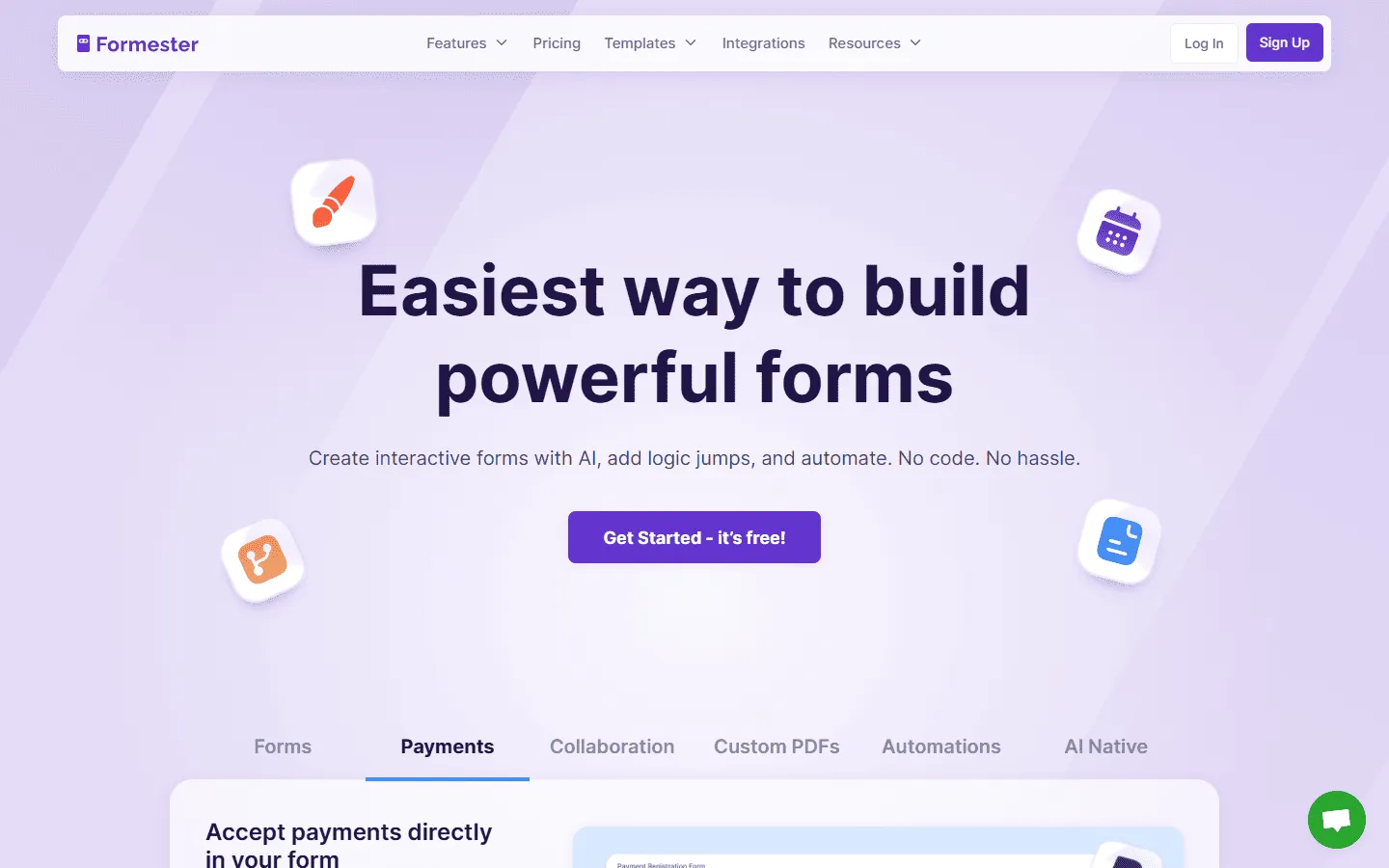 Formester approaches form building in a more technical, rule-based way than Tally. Instead of writing everything into a flowing page, you define how the form should behave. Questions live inside sections. Rules control what appears and what stays hidden. The result feels more like configuring a system than writing a document.
This becomes noticeable as soon as a form grows beyond a few screens. You can build paths that react to earlier answers, run calculations, and decide what happens after submission. These parts stay visible and editable, which helps when you come back later and need to change something. Visual customization exists, but it stays secondary to structure and logic.
Formester pricing
- Free: Up to 100 responses/month
- Personal ($13/month): Higher submission allowances
- Business ($49/month): More responses and integrations
- Enterprise: Custom limits and controls
Why choose Formester over Tally?
Formester works better once forms start behaving like processes. If your form needs branching paths, calculations, and clearly defined rules, this setup stays easier to maintain than a freeform page.
11. Formstack
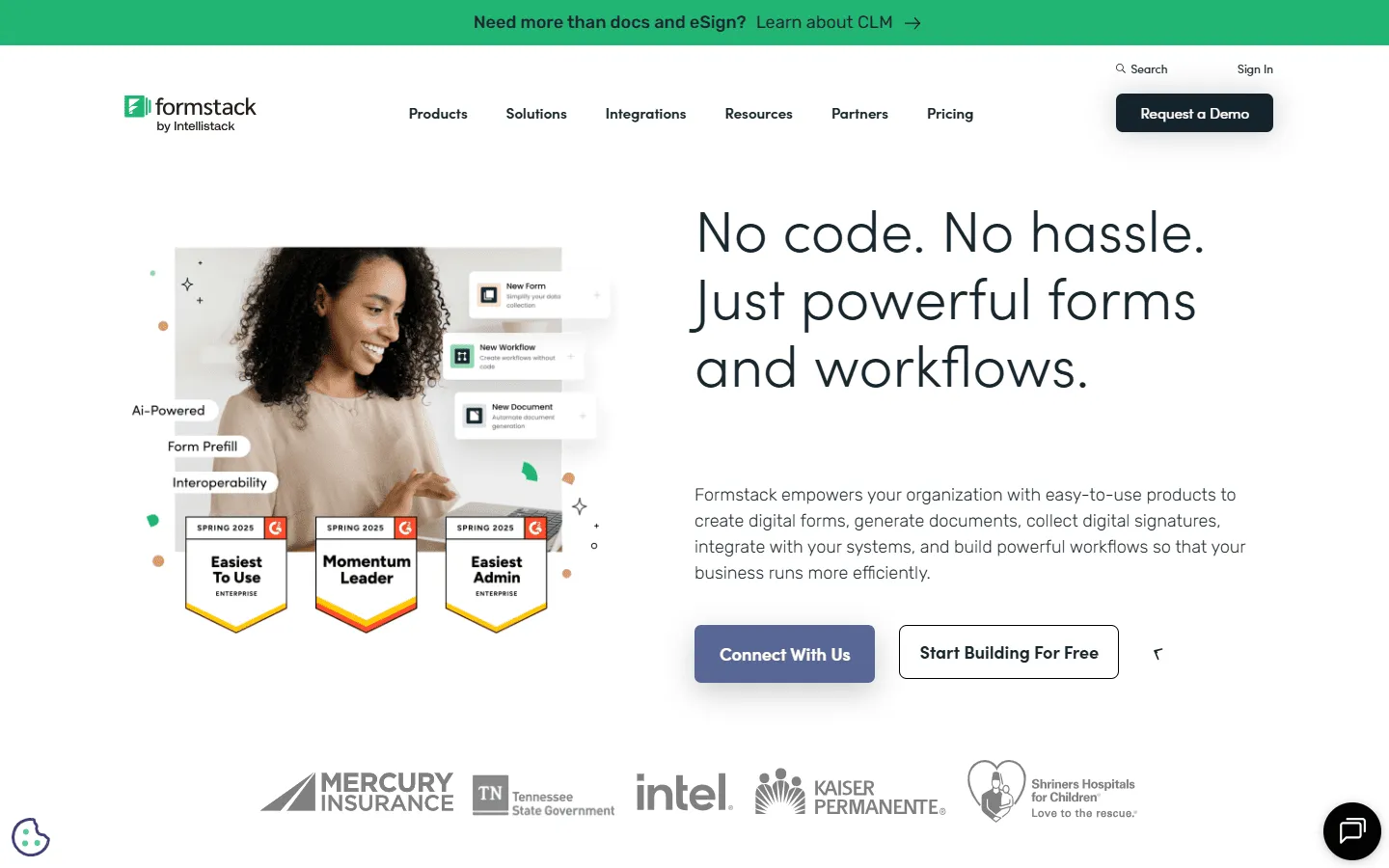 Formstack treats forms as part of a larger system. Instead of thinking about a form as a page that collects answers, it treats each submission as the start of a process. Data can move through approval steps, trigger actions, generate documents, or flow into other tools without manual work.
This approach becomes clear as soon as you build anything beyond a simple form. You can route submissions to different people, require sign-offs, generate PDFs, and connect everything to CRMs or internal systems. The editor itself feels more structured and process-driven than Tally’s freeform writing style.
This is not a tool for quick one-off forms. It is for teams that need repeatable, controlled workflows.
Compared to tools like Tally, Formstack sits firmly on the enterprise end of the spectrum, with a focus on compliance, approvals, and document automation rather than speed or simplicity. If you are deciding whether Formstack is worth that added complexity, our Formstack alternatives guide helps put it into context.
Formstack pricing
- No free plan
- Forms ($83/month): 25 forms, 1,000 responses/form, core form builder, integrations, storage
- Suite ($250/month): 100 forms, 5,000 responses/form, automation, document generation, e-signatures
- Enterprise: Custom pricing, compliance features, advanced governance
Why choose Formstack over Tally?
Formstack fits situations where a form is only the first step. If submissions need approvals, handoffs, or automation behind the scenes, this kind of setup gives you more control. Tally works well for simple collection. Formstack handles processes.
What to look for in a Tally alternative
Before switching tools, it helps to be clear about what you are missing.
Layout and structure
Some builders lock you into a single vertical flow. Others allow sections, columns, and visual grouping. That difference matters more than it sounds.
Brand control
Fonts, spacing, colors, media, and custom domains all affect how a form feels. If the form represents your product or business, this becomes important fast.
Logic that stays readable
Conditional flows work in most tools. The question is how easy they are to understand and maintain once a form grows.
Integrations
Look at where submissions need to go. Sheets, CRMs, email tools, internal systems, or webhooks each change what tool fits best.
Collaboration and governance
Teams often need roles, shared ownership, versioning, or audit trails. Some tools handle this well, others barely touch it.
Final thoughts: Which Tally alternative should you choose?
Tally is still one of the easiest ways to publish a form. That is why so many people start there. Most teams outgrow it when forms become part of real workflows. If you just want a quick answer, start here.
- Pick FormGrid if you want more control over layout and visual structure than Tally offers.
- Pick Google Forms or Microsoft Forms if you only need simple internal forms and want everything to live inside an existing ecosystem.
- Pick Typeform if the form itself is part of your brand or marketing experience.
- Pick SurveyMonkey if your main goal is collecting and analyzing survey data.
- Pick Jotform if you need many built-in features like payments, uploads, and approvals.
- Pick Fillout if your forms have complex logic and multi-step flows.
- Pick Paperform if your form should feel like a landing page.
- Pick Zoho Forms if submissions need to feed into business workflows.
- Pick Formstack if a form is just the first step in a longer automated process.
There is no universal best option. But once your needs go beyond basic forms, there is almost always a better fit than staying with Tally.
Tally alternatives FAQs
Why do people look for Tally alternatives?
Most people start comparing Tally alternatives once their forms stop being simple. That usually happens when forms become public-facing, start representing a brand, or turn into part of a workflow. At that point, design, structure, and logic matter more than speed alone.
What is the best free alternative to Tally?
It depends on what you care about most. Google Forms and Microsoft Forms both work well for simple internal forms and surveys. They are easy to set up, cost nothing, and fit neatly into their own ecosystems. Google Forms connects directly to Sheets, while Microsoft Forms ties into Excel and Teams. Design options stay basic, but they cover everyday needs.
FormGrid is a another option if you want a free alternative that does not look generic. It lets you build visually unique forms with custom styling, animated backgrounds, and layouts that feel more like a designed page. You can start without an account and describe what you want in plain language to get a styled form right away. This works well for public-facing forms where presentation matters.
Can I move my existing Tally forms to another tool?
Most builders do not offer direct imports from Tally. You usually need to recreate the form manually. This can be a good moment to rethink structure, logic, and design rather than copying everything exactly.
Is there a Tally alternative that syncs with Notion?
Yes. Fillout offers the deepest native Notion integration, allowing you to not only send data to Notion but also “lookup” existing Notion data to populate your form fields.
Which alternative is best for HIPAA compliance?
Formstack and Jotform both offer HIPAA-compliant plans and support signing a Business Associate Agreement. These tools focus more on security controls, access management, and data handling. HIPAA compliance usually requires a specific plan and configuration, so it is important to confirm requirements directly with the provider.
Which Tally alternative works best for surveys and reporting?
SurveyMonkey is usually the better choice once surveys become more than simple questionnaires. It offers tools for organizing results, creating charts, and sharing reports. This helps when feedback needs to be reviewed, compared, or presented to others.