8 Best Paperform Alternatives in 2026 (Free & Paid)
Looking for the best Paperform alternative? You’re not alone.
Paperform is popular for a reason. Its editor feels more like writing a web page than building a form. You can mix long-form content with questions, embed images, and design pages that look closer to landing pages than standard surveys.
The friction usually shows up once you scale. The free plan is limited to 30 responses per month. Custom CSS requires the $59/month Pro plan. And more advanced workflows often depend on Zapier or webhooks.
We tested the best Paperform alternatives to help you find a tool that matches your workflow, budget, and design needs.
Best Paperform alternatives: Quick summary
If you want the short version, this table compares the most popular Paperform alternatives based on use cases, pricing, and free plan limits:
| Paperform alternative | Best Paperform replacement for | Free plan | Starting price |
|---|---|---|---|
| FormGrid | Visually unique, customizable forms | Available | $29/month |
| Tally | Same editing style | Available | $29/month |
| Fillout | Database sync and logic | Available | $15/month |
| Cognito Forms | Advanced calculations | Available | $19/month |
| Jotform | Feature depth over design | Available | $34/month |
| Typeform | Conversational flow | Available | $29/month |
| Heyflow | Marketing funnels | Not available | $45/month |
| Formstack | Enterprise workflows | Not available | $83/month |
What is Paperform?
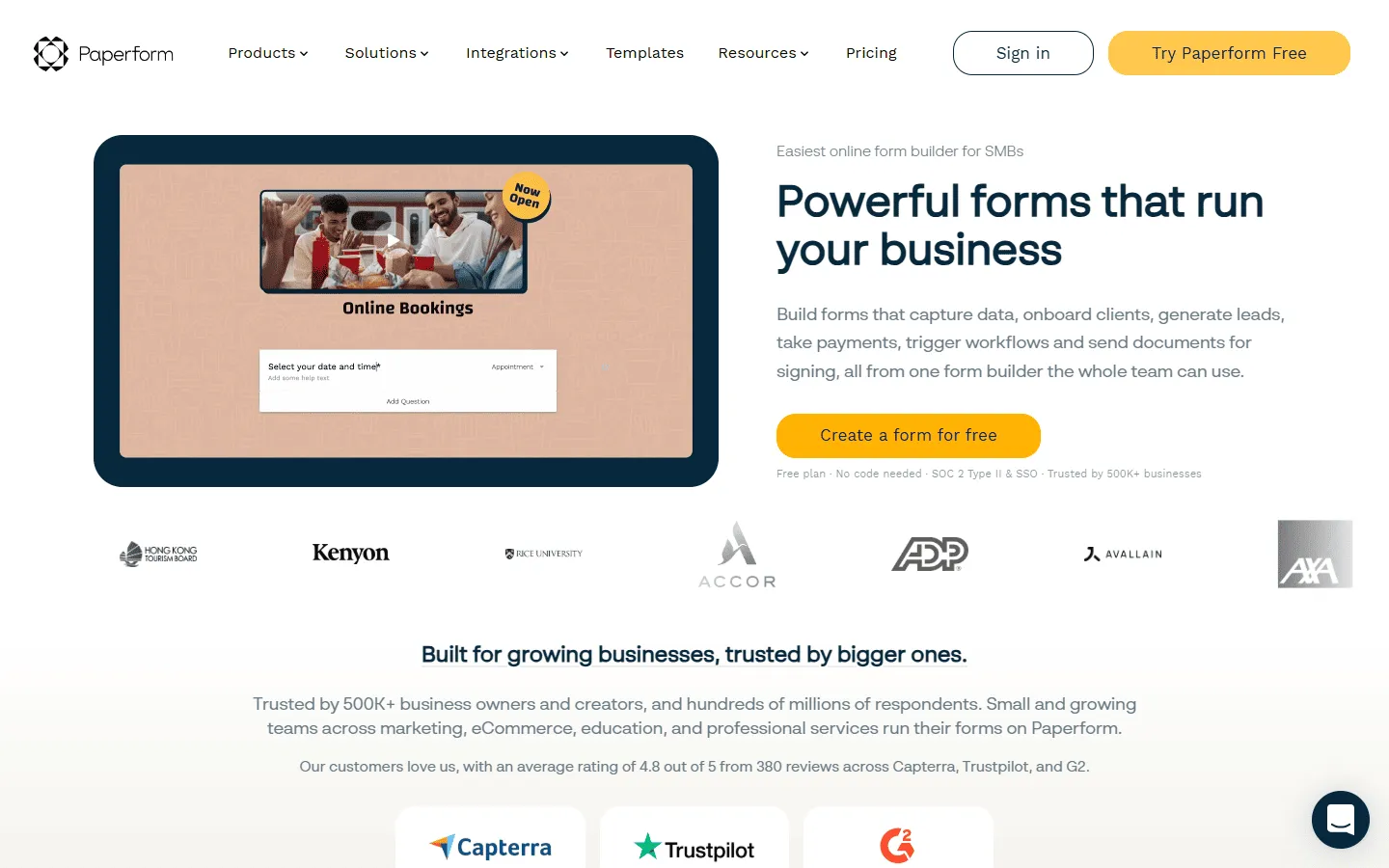 Paperform is a form builder designed around a content-first philosophy. Instead of starting with form fields, you start with a blank page where you can type, format, and design freely. You add questions by typing shortcuts (like ”==” for a text field or ”##” for a dropdown), which makes it feel more like you’re writing a document than assembling a form.
This approach works particularly well for businesses that need forms to do more than just collect data. You can build product order forms with dynamic pricing, event registration pages with rich descriptions, or booking forms that explain your services in detail. Paperform also handles payments through Stripe and PayPal, and includes features like appointment scheduling and file uploads.
Why people look for Paperform alternatives
The most common reason people look for Paperform alternatives is pricing and limits.
Paperform offers a free plan, but it is capped at 30 submissions per month and includes other restrictions (for example: Paperform branding, no webhooks/API, and no analytics). Paid plans increase limits, but the jump to features like custom HTML/CSS and more advanced workflows can be a lot for small teams.
Limited free plan and response caps
Paperform’s free plan allows only 30 responses per month, which is restrictive compared to alternatives like Tally or FormGrid that offer unlimited responses. Even the Essentials plan at $29/month caps you at 100 responses, which can feel tight for growing businesses or active campaigns.
Customization locked behind higher tiers
Advanced styling options like custom CSS and font controls are only available on the Pro plan ($59/month) and above. If you need full design control to match your brand precisely, you have to commit to a higher-tier plan, which can be a barrier for budget-conscious teams.
Integration and workflow dependencies
While Paperform integrates with popular tools, many workflows require webhooks or third-party services like Zapier. This adds complexity and often extra costs. Teams that need direct, native integrations with their CRM or database may find this setup cumbersome.
Editor learning curve
The document-style editor is powerful but can feel unfamiliar to users who are used to traditional drag-and-drop form builders. Some users report contrast issues between the editor background and their form designs, making it harder to preview the final result accurately.
8 best Paperform alternatives and competitors
1. FormGrid
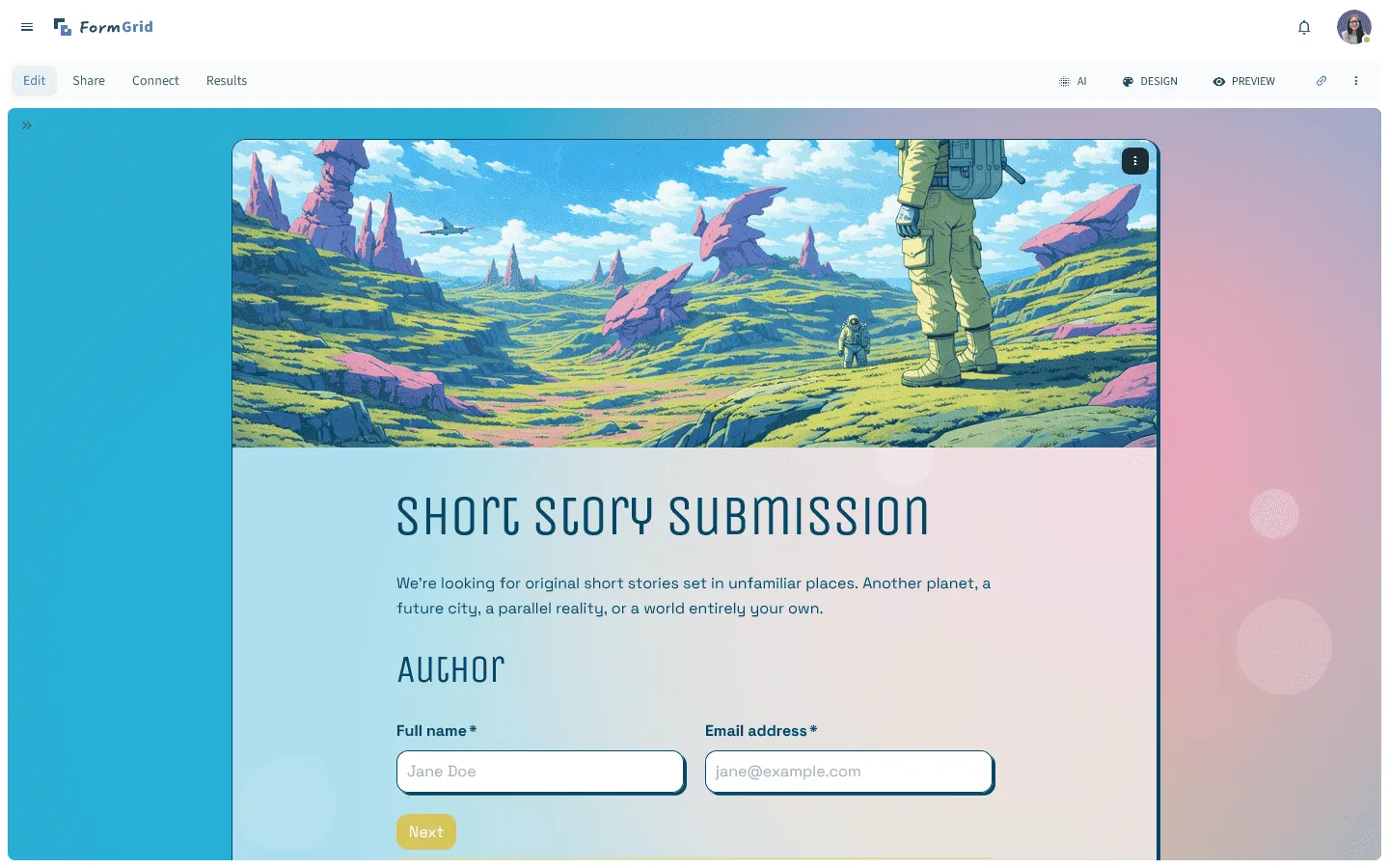
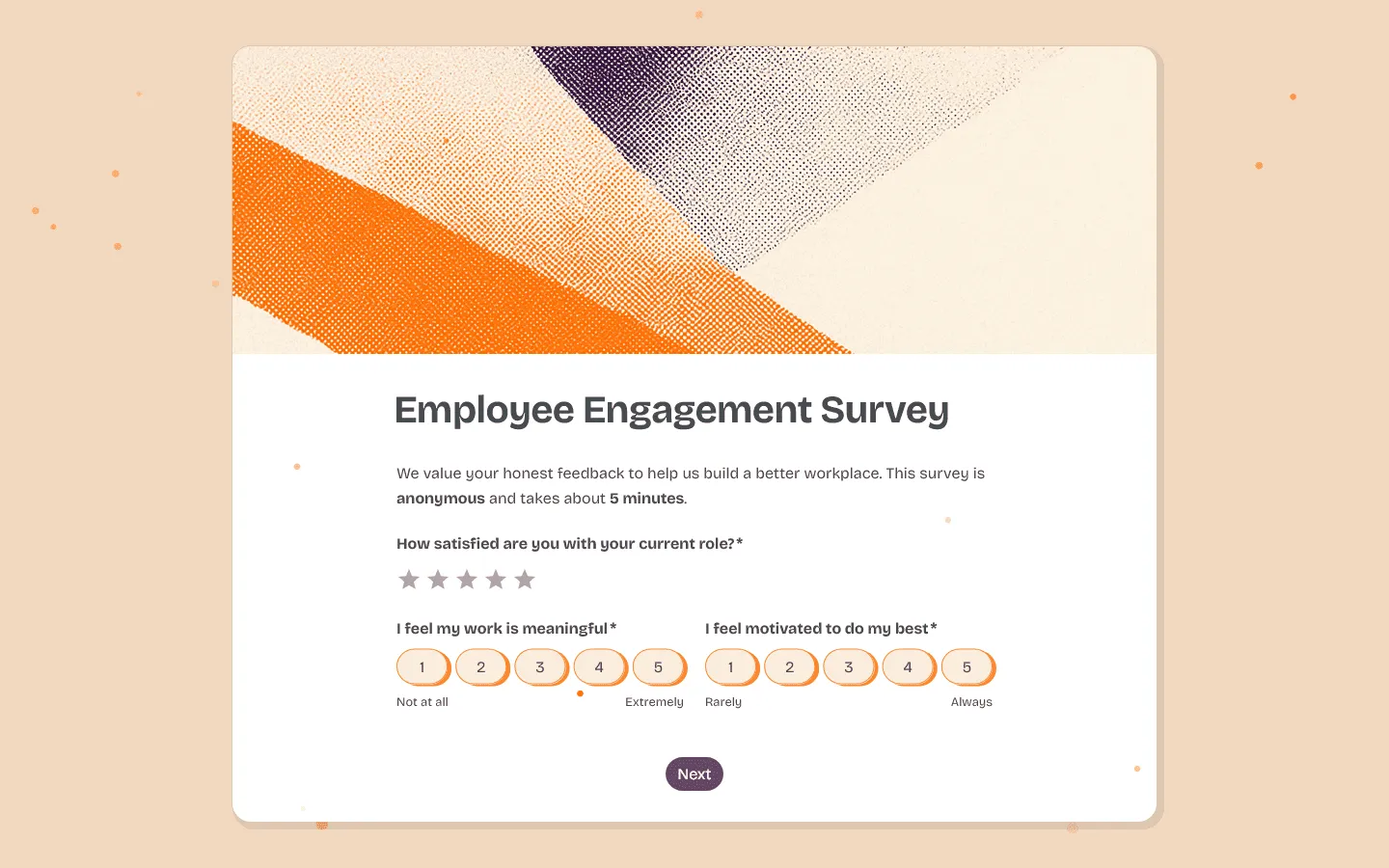 FormGrid is the best free Paperform alternative that gives you the same document-style editing experience without any response limits or paywalls. Like Paperform, you can arrange content freely, mix text with form fields, and create layouts that feel more like landing pages than traditional forms.
The main difference is pricing and flexibility. FormGrid is completely free with unlimited responses and full access to all core features. You get the same level of visual control that Paperform locks behind its Pro plan, including custom fonts, colors, backgrounds, button styles, and more.
You can build your form from scratch using the document-style editor or generate a custom form with a unique design from a short description. FormGrid creates the questions, page structure, and visual theme. It’s free and doesn’t require an account to try.
Key features
- Flexible document-style editor for layout control
- AI-aided form generation and styling
- Complete control over colors, fonts, and spacing
- Modern, responsive designs that look great on any device
- Unlimited forms and submissions for free
Pros
- Full design control without paying for Pro tier (vs. Paperform’s $59/month)
- Unlimited responses forever (vs. Paperform’s 30/month free limit)
- AI generation speeds up initial form creation
- No feature restrictions or paywalls
Cons
- Newer tool with smaller template library than Paperform
- No built-in appointment booking (Paperform has this)
- Fewer integrations than Paperform’s ecosystem
FormGrid pricing
- Free: Unlimited forms and responses, access to all core features
- Plus ($29/month): Collaboration, remove FormGrid branding, version history
- Business ($79/month): User roles and permissions, advanced link settings
Why choose FormGrid over Paperform?
If you like Paperform’s content-first approach but the response limits or pricing feel restrictive, FormGrid gives you the same editing freedom without any caps.
2. Tally
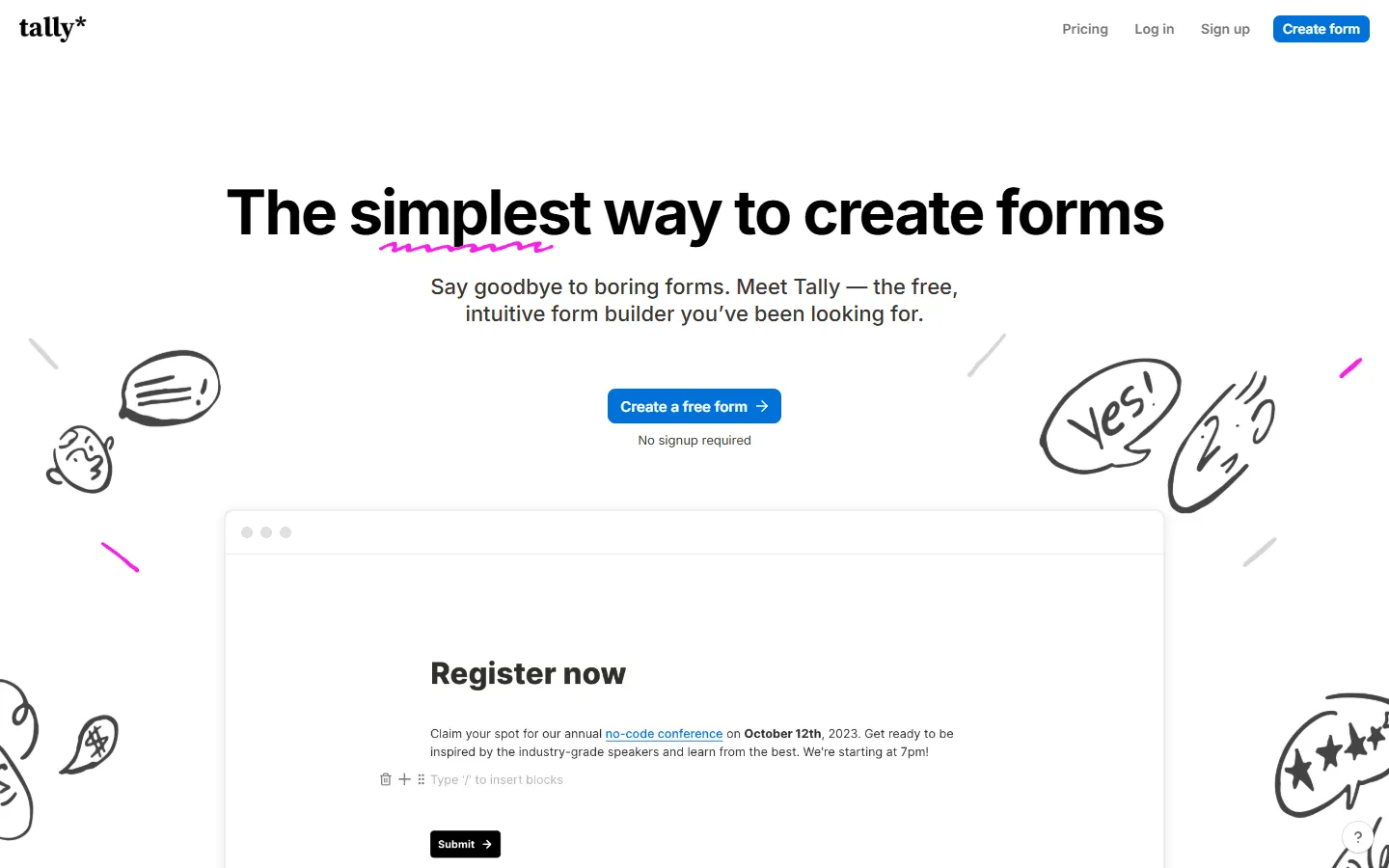 Tally is another alternative that is similar to Paperform in terms of editing experience. Like Paperform, you build forms by typing in a document-style editor and using shortcuts to add form fields. The difference is that Tally is more minimalist in design and completely free with unlimited responses.
If you like Paperform’s keyboard-driven workflow but do not need the advanced customization options or the ability to create highly branded landing pages, Tally is an excellent choice. It handles the core use cases well: forms with conditional logic, payment collection, and file uploads.
The free plan is very generous, making it well-suited for startups or side projects where budget is a concern.
If you are leaning toward Tally but still want to compare a few similar tools, this list of Tally alternatives might be useful.
Key features
- Familiar document-style editor with shortcuts
- Unlimited forms and submissions on the free plan
- Minimalist, clean design by default
- Easy conditional logic and payment blocks
- Direct integration with Notion databases
Pros
- Same document-style editing experience as Paperform
- Completely free with unlimited responses (vs. Paperform’s 30/month)
- No learning curve if you are coming from Paperform
- Supports payments and file uploads on free plan
Cons
- Less design customization than Paperform (no custom CSS)
- More minimalist aesthetic, harder to create highly branded pages
- Fewer advanced features like appointment booking
Tally pricing
- Free: Unlimited forms and submissions, basic logic, payments, file uploads
- Pro ($29/month): Custom domains, remove Tally branding, advanced integrations
- Business ($89/month): Email verification, form version history
Why choose Tally over Paperform?
Choose Tally over Paperform if you want the same document-style editing experience with unlimited responses and zero cost.
3. Fillout
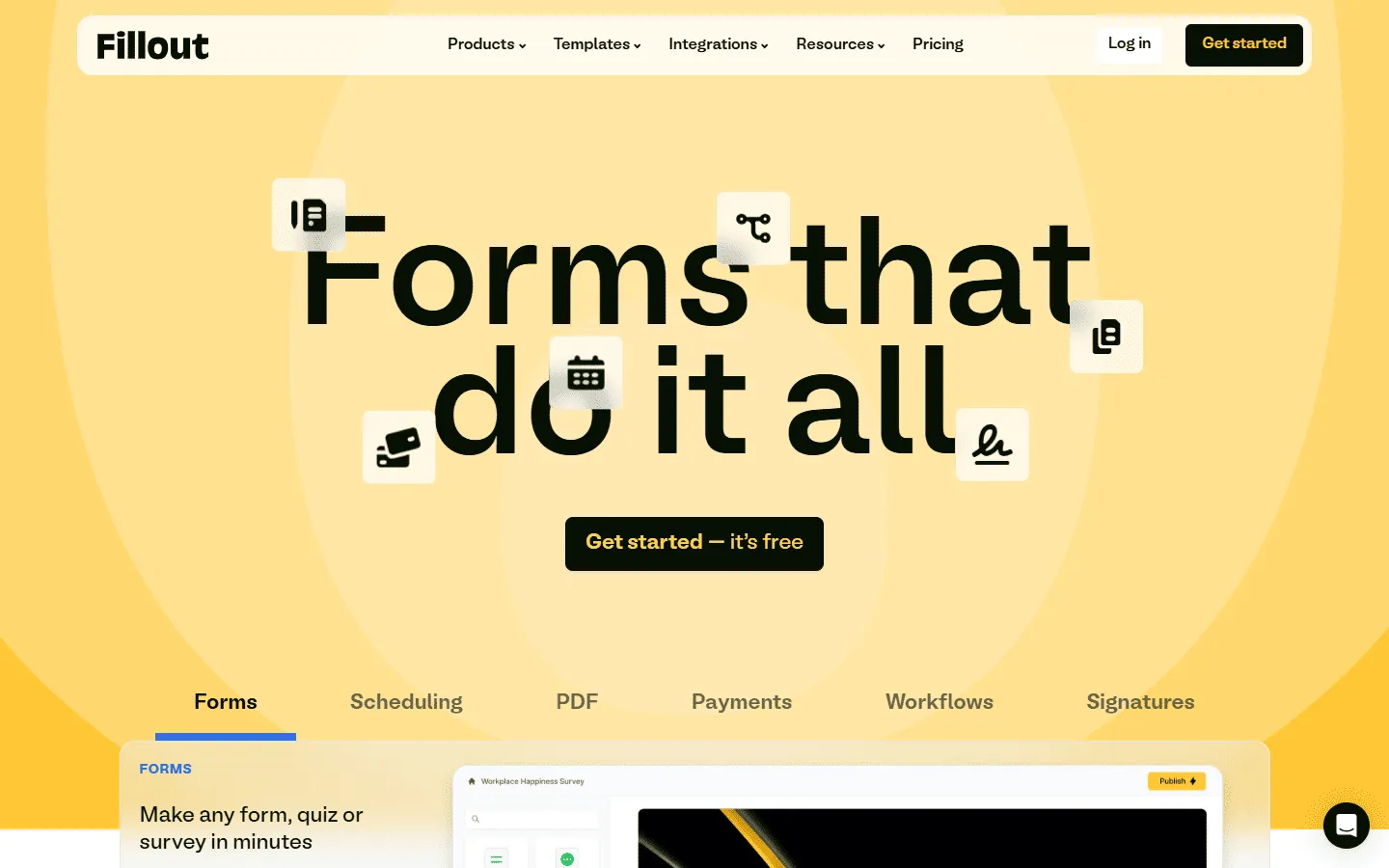 Fillout is a Paperform alternative built for teams that need their forms to connect deeply with their existing tools. While Paperform can send data to other apps through Zapier or webhooks, Fillout offers native two-way sync with Airtable and Notion. This means you can pull existing data into your forms, not just send responses out.
The builder is cleaner and more modern than Paperform, with a focus on speed and logic. The conditional logic interface is well-designed, making it easy to create complex multi-step flows without getting confused.
If your workflow lives in Airtable or Notion and you need forms that feel like a natural extension of those tools, Fillout can be a great Paperform alternative.
Key features
- Native two-way sync with Airtable and Notion
- Highly readable multi-step logic builder
- Modern, clean design that loads quickly
- Support for over 40 different question types
- Direct integrations with CRM and email marketing tools
Pros
- Native Airtable/Notion sync (vs. Paperform’s webhook approach)
- Clearer conditional logic builder than Paperform
- More generous free plan (1,000 responses vs. Paperform’s 30)
- Faster page load times
Cons
- Less design flexibility than Paperform’s content-first editor
- Cannot create content-heavy landing pages like Paperform
- Steeper learning curve for the logic builder
Fillout pricing
- Free: 1,000 responses/month
- Starter ($15/month): 2,000 responses/month, increased limits and logic
- Pro ($40/month): 5,000 responses/month, advanced logic and integration capacity
- Business ($75/month): Unlimited responses, team use
Why choose Fillout over Paperform?
Choose Fillout over Paperform if your workflow centers around Airtable or Notion. The native two-way sync is far more powerful than Paperform’s webhook-based integrations, and the logic builder is easier to work with for complex conditional flows.
4. Cognito Forms
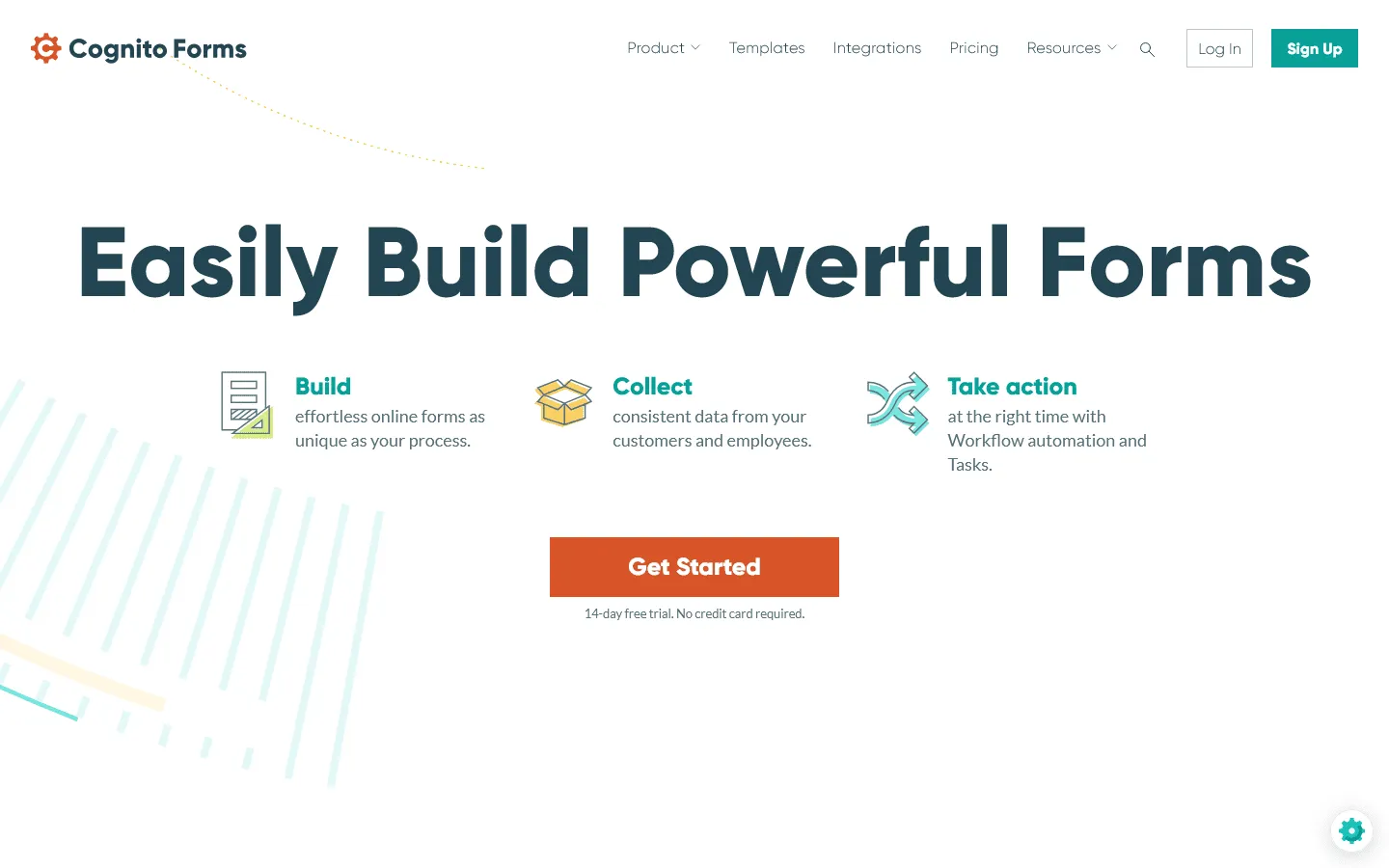 Cognito Forms is a Paperform alternative for teams that need forms to calculate, process, and transform data. While Paperform offers basic calculation fields, Cognito Forms takes this much further with advanced mathematical operations, repeating sections, and complex conditional logic that works across multiple form pages.
The tool is particularly strong for order forms, registration forms with variable pricing, or any scenario where the form needs to calculate totals, apply discounts, or generate documents based on user input. You can build forms that feel more like applications than simple data collection tools.
The free plan is also more generous than Paperform, offering 500 responses per month compared to Paperform’s 30.
If you like the power but not the interface, check out our roundup of Cognito Forms competitors.
Key features
- Advanced conditional logic and mathematical calculations
- Document merging and automated PDF generation
- Secure payment processing via Stripe, PayPal, and Square
- Repeating sections for complex data sets
- File encryption and high-level data security
Pros
- Much more powerful calculations than Paperform
- Better free plan (500 responses vs. Paperform’s 30)
- Advanced PDF generation and document merging
- Lower starting price ($15 vs. Paperform’s $29)
Cons
- Less design flexibility than Paperform
- Cannot create content-rich landing pages
- More technical, steeper learning curve
Cognito Forms pricing
- Free: 100 responses/month
- Pro ($19/month): 2,000 responses, no branding
- Team ($39/month): 10,000 responses, shared ownership
- Enterprise ($129/month): Unlimited responses, advanced security, HIPAA compliance
Why choose Cognito Forms over Paperform?
Choose Cognito Forms over Paperform when your forms need to do math or generate documents. If you are building order forms with dynamic pricing, registration forms with complex calculations, or applications that need to produce PDFs, Cognito Forms handles these scenarios better than Paperform.
5. Jotform
 Jotform is a Paperform alternative that trades design flexibility for feature depth. While Paperform focuses on creating beautiful, content-rich pages, Jotform focuses on giving you every possible widget and integration you might need. It offers over 10,000 templates and specialized tools for things like electronic signatures, PDF generation, and HIPAA-compliant forms.
The builder uses a traditional drag-and-drop interface with a sidebar, which feels more structured than Paperform’s freeform editor. You lose some of the creative freedom, but you gain access to features that Paperform does not offer natively. If you need offline data collection, advanced approval workflows, or deep integrations with enterprise software like Salesforce, Jotform handles these scenarios better.
If you want to compare similar tools, this list of the best Jotform alternatives and competitors might be helpful.
Key features
- Library of over 10,000 form templates
- Native electronic signature and PDF tools
- Integration with over 30 payment gateways
- HIPAA-compliant options for healthcare data
- Advanced mobile app for offline data collection
Pros
- Electronic signatures built-in (Paperform requires third-party)
- HIPAA compliance options (not available in Paperform)
- Offline data collection via mobile app
- Large template library (10,000+ vs. Paperform’s smaller set)
Cons
- Less design freedom than Paperform’s content-first approach
- Cannot create landing page-style forms
- More complex interface, steeper learning curve
- Similar pricing to Paperform but more restrictive free plan
Jotform pricing
- Free: 5 forms, 100 responses/month
- Bronze ($34/month): 25 forms, 1,000 responses/month, no branding
- Silver ($39/month): 50 forms, 2,500 responses/month, more storage and integrations
- Gold ($99/month): 100 forms, 10,000 responses/month, HIPAA, priority support
- Enterprise (custom pricing): Unlimited usage, SSO, SLA
Why choose Jotform over Paperform?
Choose Jotform over Paperform when you need features that Paperform does not offer natively, like electronic signatures, HIPAA compliance, or offline data collection.
6. Typeform
 Typeform takes a slightly different approach from Paperform. Instead of building a long, scrollable page with text and questions mixed together, Typeform shows one question at a time. Users move forward step by step, almost like they are in a short chat or guided interview.
This structure changes how people experience the form. In Paperform, users can scroll, read everything, and understand the full context before answering. In Typeform, they only see what is in front of them. That usually reduces overwhelm on longer surveys, but it also removes layout control. You cannot design a content-heavy page with sections, images between blocks, or a custom narrative flow in the same way you can in Paperform.
If you are considering Typeform, you may also want to explore other tools similar to Typeform.
Key features
- One-question-at-a-time conversational interface
- High-quality design with video and image support
- Logic branching that feels intuitive to build
- Built-in analytics and response summaries
- Extensive library of fonts and themes
Pros
- Higher completion rates than Paperform’s single-page approach
- Better for long surveys (less overwhelming)
- Strong built-in analytics
- Polished, professional aesthetic
Cons
- Completely different editing approach (not document-style)
- Cannot create content-rich landing pages like Paperform
- More expensive than Paperform for similar features
- Very restrictive free plan (10 responses vs. Paperform’s 30)
Typeform pricing
- Free: 10 responses/month, limited features
- Basic ($29/month): 100 responses/month, basic integrations
- Plus ($59/month): 1,000 responses/month, more logic, branding options, and integrations
- Business ($99/month): 10,000 responses/month, team features, advanced analytics, priority support
- Enterprise (custom pricing): Custom limits, SSO, custom domains, HIPAA compliance
Why choose Typeform over Paperform?
Typeform makes sense if your main goal is completion rate on multi-step surveys, quizzes, or lead qualification flows where each answer determines the next question.
7. Heyflow
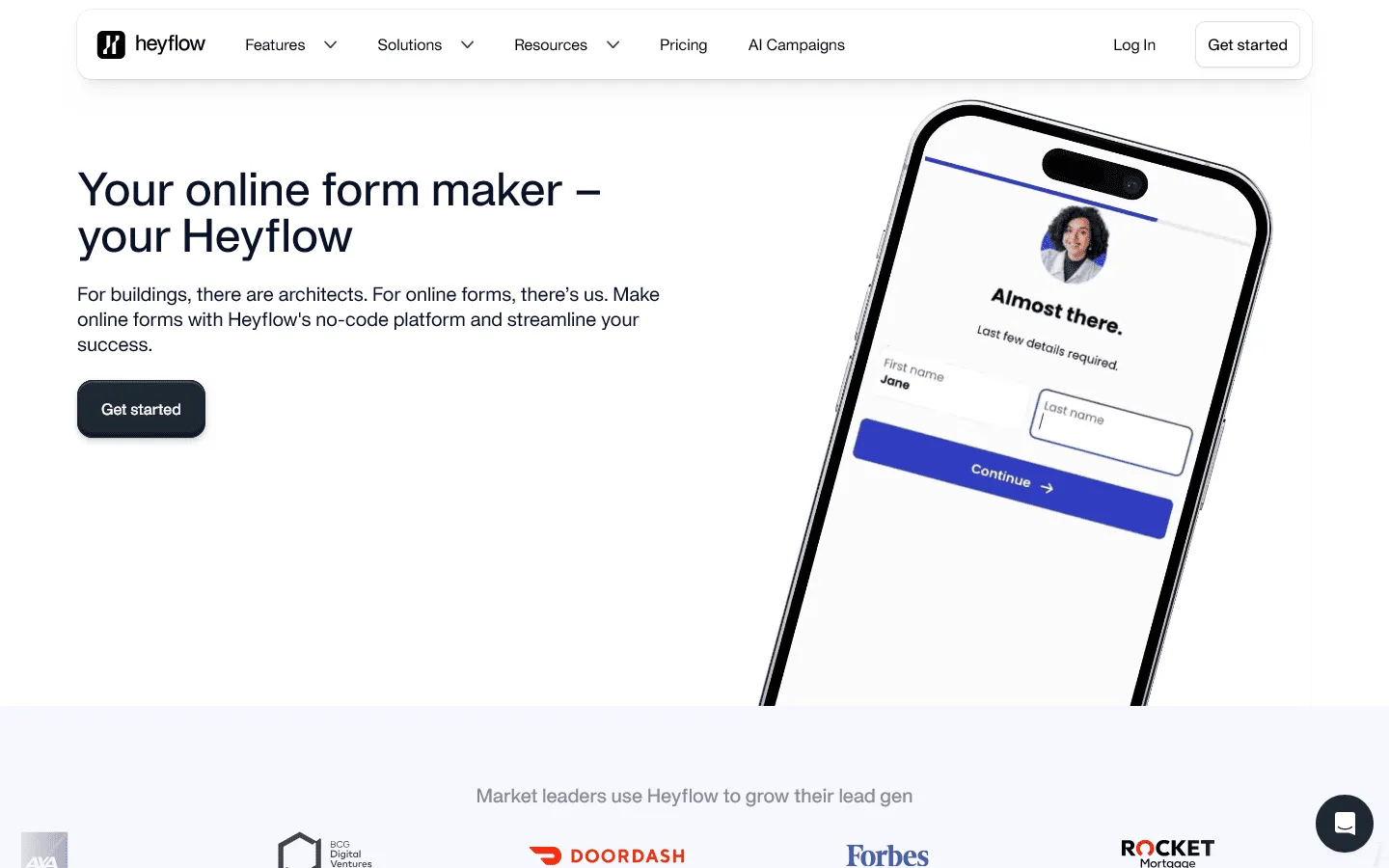 Heyflow is a Paperform alternative built specifically for marketing teams running paid campaigns. While Paperform focuses on creating beautiful content pages with embedded forms, Heyflow focuses on conversion optimization and lead qualification through interactive funnels.
The platform includes features that Paperform lacks, like built-in A/B testing, lead validation to reduce fraud, and deep pixel integration for tracking conversions back to ad platforms. If you are running Facebook or Google ads and need to optimize your cost per lead, Heyflow gives you the analytics and testing tools to do that.
The pricing is higher than Paperform, but the focus is on ROI rather than general-purpose form building.
Key features
- Visual flow builder for complex sales funnels
- Built-in A/B testing and conversion tracking
- Rich interactive elements like sliders and buttons
- High-speed loading for better user experience
- Deep integration with marketing and sales CRMs
Pros
- Built-in A/B testing (not available in Paperform)
- Lead validation to reduce fraud
- Better conversion tracking and analytics
- Optimized for paid ad campaigns
Cons
- Much more expensive than Paperform ($45 vs. $29 starting)
- No free plan (Paperform has one)
- Focused on marketing funnels, not general forms
- Steeper learning curve
Heyflow pricing
- Starter ($45/month): 50 responses/month, basic funnel building
- Growth ($99/month): 250 responses/month, advanced logic and more responses
- Scale ($359/month): 1,000 responses/month, High-volume and team features
- Enterprise (custom): 5,000+ responses/month, Custom solutions and support
Why choose Heyflow over Paperform?
Choose Heyflow over Paperform if your forms are part of a paid acquisition strategy. The built-in analytics, A/B testing, and lead validation features are designed for marketing teams who need to optimize conversion rates and track ROI, which Paperform does not focus on.
8. Formstack
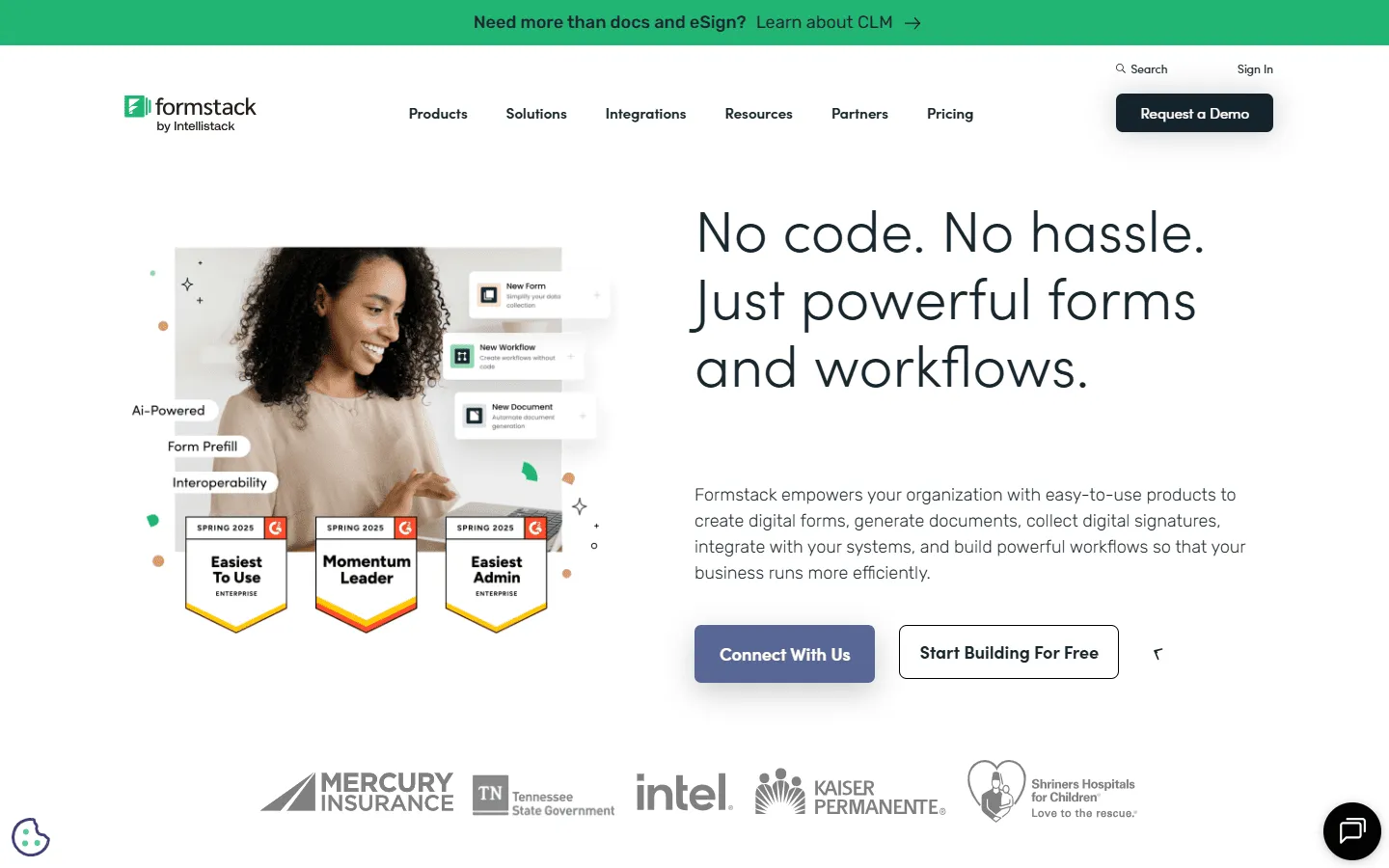 Formstack is an enterprise-grade Paperform alternative that focuses on automation and compliance. It is built for large organizations that need to automate data-heavy processes, such as patient onboarding or mortgage applications. It offers higher levels of security and governance than most other tools on this list.
The platform is designed to handle document workflows. This means a form submission can automatically trigger the creation of a PDF, send it for electronic signature, and then store it in a secure location. If you are looking for a tool that can transform a business process from end to end, Formstack is the most robust option available.
If you are considering Formstack but want to compare it against other tools in the same category, our Formstack alternatives guide is a great resource.
Key features
- End-to-end workflow and document automation
- High-level security and HIPAA compliance
- Native electronic signature tool (Formstack Sign)
- A/B testing for forms to improve conversion
- Advanced analytics for tracking form performance
Pros
- Enterprise-grade security and compliance
- Advanced workflow automation beyond Paperform
- Built-in electronic signatures
- A/B testing capabilities
Cons
- Much more expensive than Paperform ($99 vs. $29 starting)
- No free plan (Paperform has one)
- Overkill for small teams or simple use cases
- Steeper learning curve
Formstack pricing
- No free plan
- Forms ($83/month): 25 forms, 1,000 responses/form, core form builder, integrations, storage
- Suite ($250/month): 100 forms, 5,000 responses/form, automation, document generation, e-signatures
- Enterprise: Custom pricing, compliance features, advanced governance
Why choose Formstack over Paperform?
Formstack fits situations where a form is just the first step. If submissions need approvals, document generation, or strict compliance, this setup gives you control that Paperform cannot match.
Other Paperform alternatives
These tools did not make the top 8, but they are still worth knowing about. They tend to show up once you have a specific constraint, like WordPress-only forms, advanced calculations, or niche onboarding workflows.
If you are building forms inside a WordPress site, these are often the first tools people compare to Paperform:
- Gravity Forms: strong ecosystem of add-ons and developer flexibility. (See our guide to Gravity Forms alternatives for similar tools.)
- Formidable Forms: good for advanced data display and app-like use cases.
- WPForms: simpler setup, popular for marketing sites.
If you want something basic and already included in a stack you use:
- Zoho Forms: best fit if you are already in Zoho.
- Microsoft Forms / Google Forms: best for internal surveys and quick data collection.
How we evaluated Paperform replacements
We tested these Paperform alternatives by rebuilding the same set of forms in each tool, including a branded lead generation form and an event registration form.
For each tool, we focused on a few practical questions:
- How much control do you get over layout, structure, and visual design?
- How easy is it to build, understand, and change logic as a form grows?
- Does the tool support payments, bookings, or automated actions?
- How well do responses integrate with spreadsheets, CRMs, or other tools?
- How restrictive are free plans once the form is actually in use?
We also reviewed recent user feedback on platforms like G2 and Capterra. We regularly update this page when pricing, limits, or core features change.
What to look for in a Paperform alternative
Before you switch tools, it is helpful to be clear about what you are missing. Not every tool is better than Paperform at everything, so knowing your priority is key.
Pricing and response limits
Look at how the pricing scales with your usage. Some tools charge based on responses, others on features or users. If you expect high response volumes, make sure the free or starter plan can handle your needs without forcing an immediate upgrade.
Design flexibility
If you chose Paperform for its design flexibility, make sure your alternative offers similar or better control. Look for tools that allow custom CSS, flexible layouts, and the ability to remove branding on affordable plans.
Integrations and automation
Consider where your submissions need to go. If you need to create CRM records, trigger email sequences, or sync with databases, look for tools with native integrations rather than relying on Zapier or webhooks.
Editor experience
The editing experience matters, especially if you build forms regularly. Some tools use drag-and-drop, others use document-style editors. Pick the one that feels most natural to you and your team.
Conclusion: Which Paperform alternative should you choose?
Paperform is good at creating forms that feel like content pages. If you need to tell a story alongside your questions, or if you want forms that blend into a landing page, Paperform does this better than most tools. The challenge is that the pricing can feel steep for small teams, and the response limits on lower tiers can become a bottleneck quickly.
If you just want a quick answer on which tool to pick:
- Pick FormGrid if you want full layout control and more visual flexibility.
- Pick Tally if you want the same document-style editor with unlimited responses and no cost.
- Pick Fillout if Airtable or Notion is central to your workflow.
- Pick Cognito Forms if your forms need serious calculations or document generation.
- Pick Jotform if you need things like HIPAA compliance or built-in e-signatures.
- Pick Typeform if you prefer a guided, one-question-at-a-time flow.
- Pick Heyflow if your forms are part of paid campaigns and you care about conversion tracking.
None of these tools are perfect replacements in every scenario. The right choice depends on whether response limits, integrations, or layout control matter most in your case. But if Paperform’s pricing or caps are slowing you down, there are plenty of alternatives that remove those constraints.
Paperform alternatives FAQs
What is the best free alternative to Paperform?
Tally and FormGrid are two of the best free options. Both are free form builders with unlimited submissions. Tally offers forms with a clean, document-like feel similar to Paperform, while FormGrid allows more visual customization and layout control.
Can I move my data from Paperform to another tool?
Most builders do not offer a direct click-to-import tool for moving forms. However, you can export your Paperform responses as a CSV and import them into your new tool of choice. You will need to rebuild your forms manually in the new platform.
Which alternative is best for accepting payments?
Jotform, Cognito Forms, and Typeform are all excellent for payments. They allow you to connect directly to Stripe, PayPal, and Square, giving you more control over checkout experiences than Paperform’s payment setup.