7 Best Free Form Builders With Unlimited Submissions in 2026
Form builders that offer a free plan are easy to find. But free form builders with unlimited submissions are fairly rare.
Many tools let you build a form for free, then limit how many responses you can collect each month. That may be enough for a quick test. It becomes a problem when you share the form publicly, embed it on your website, or use it for applications, registrations, surveys, feedback, or lead collection.
This guide compares free form builders that let you collect unlimited submissions or responses. We looked at response limits, form limits, design control, logic, embeds, file uploads, branding, exports, and the type of form each tool is best suited for.
Compare the best form builders (free and unlimited)
The best free form builders with unlimited responses are FormGrid, Google Forms, Tally, Youform, Formaloo, OpnForm, and Formbricks Community Edition.
Here is a quick overview:
| Form builder | Free submissions | Free forms | Best for |
|---|---|---|---|
| FormGrid | Unlimited | Unlimited | Public-facing forms with custom design |
| Google Forms | Unlimited | Unlimited | Simple internal forms and surveys |
| Tally | Unlimited | Unlimited | Modern, clean, minimal forms |
| Youform | Unlimited | Unlimited | Multi-step conversational forms |
| Formaloo | Unlimited | Unlimited | Forms tied to workflows |
| Formbricks Community Edition | Unlimited (if self-hosted) | Unlimited | Self-hosted product surveys |
| OpnForm | Unlimited | Unlimited | Open-source-friendly hosted forms |
Some of these tools are best for quick internal forms. Others are a better fit for public forms, guided flows, workflow-heavy setups, or self-hosted surveys.
The biggest difference between them is the kind of form experience they are built for. Google Forms and Tally are fast and simple. FormGrid gives you more control over the page around the questions. Youform is built around a guided one-question-at-a-time flow. Formaloo, OpnForm, and Formbricks make more sense when workflow features, open source, or self-hosting matter.
What does unlimited submissions mean?
In form builders, “submissions” and “responses” usually refer to the same thing: completed form entries. Response limits are common on free plans. A tool may let you build forms for free, but limit submissions to 10, 50, 100, or 1,000 responses per month. Once you hit the limit, you may need to upgrade or close the form.
A free form builder with unlimited submissions lets you keep collecting entries without a standard monthly response cap. This matters most for forms that stay live for a while, especially public forms where traffic can be hard to predict.
For this guide, we focused on tools that can handle ongoing response collection on a free plan.
7 best free form builders with unlimited submissions
1. FormGrid

FormGrid is a free form builder for creating visually unique forms without a response cap.
The free plan includes unlimited forms and unlimited submissions. You can use it for applications, feedback forms, registrations, intake forms, surveys, quizzes, waitlists, and lead forms.
FormGrid gives you more control over the structure of the form page than simpler builders. It lets you add text, images, and custom layouts around the questions. You can adjust the visual style so the form fits the context more closely. It’s useful for public forms such as applications, event registrations, onboarding forms, and campaign forms.
FormGrid can also generate a complete form from a short prompt, including the questions, logic, theme, and layout. You can start with that draft (or one of the free templates), edit the details, and publish the form when it is ready.
Pros
- Unlimited forms and unlimited submissions on the free plan
- More control over layout and visual style
- AI can generate a full first draft
- Good for public-facing forms
- Core features are available for free
Cons
- Advanced survey analytics are limited
- More design control adds more editing choices
FormGrid pricing
- Free: Unlimited forms and submissions, all core features
- Plus ($29/month): Collaboration, remove branding, version history
- Business ($79/month): User roles and permissions, advanced link settings
Why choose FormGrid?
FormGrid is most useful for public forms where the page around the questions matters, such as applications, registrations, onboarding forms, creative briefs, and customer feedback forms.
2. Google Forms
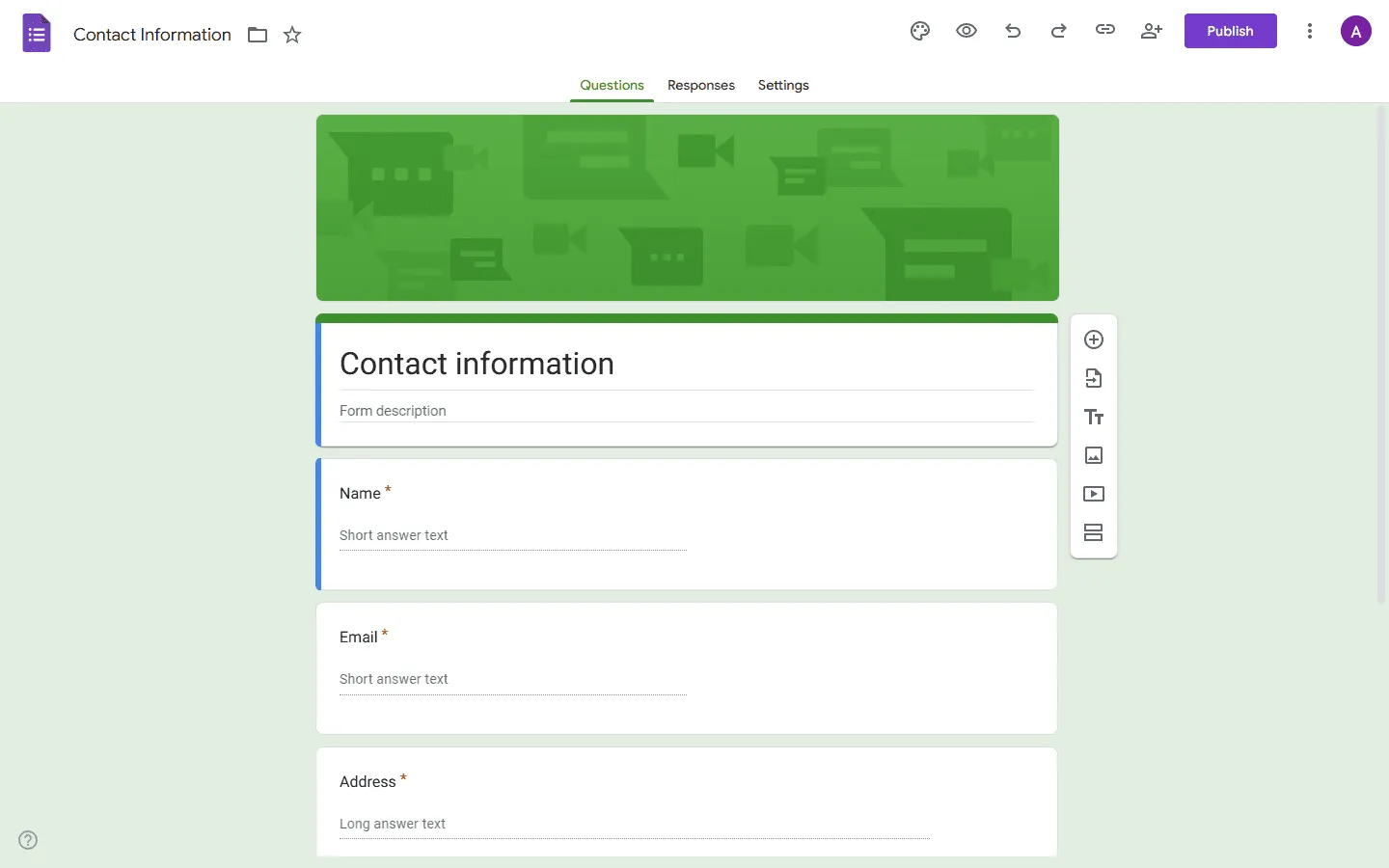
Google Forms is still one of the easiest free ways to collect responses.
It is free with a Google account, familiar to many people, and quick to set up. Responses can be viewed inside Google Forms or sent to Google Sheets, which can be useful for surveys, signups, school forms, internal requests, and basic feedback collection.
Google Forms does not work like many freemium form builders. During regular use, you are unlikely to run into a small monthly response cap. That makes it useful for simple forms that may collect a lot of entries over time.
The design options are limited. You can adjust the header, theme color, and a few basic settings, but most Google Forms still look like Google Forms. That is fine for internal use, school use, and quick surveys. It is less suitable for branded forms, application pages, event pages, or public campaigns.
Pros
- Free with a Google account
- Very easy to use
- Works well with Google Sheets
- Good for internal forms, school forms, and simple surveys
- Familiar to many respondents
Cons
- Limited design control
- Limited layout options
- Less suited to branded public forms
- Fewer advanced form-building features than dedicated tools
Google Forms pricing
- Free: Included with a Google account
Why choose Google Forms?
Google Forms is a good fit for internal forms and quick surveys. For other similar tools, see our list of the best Google Forms alternatives. You may also find these guides helpful:
- How to create a feedback form in Google Forms
- How to make an escape room in Google Forms
- How to make a poll in Google Forms
- How to make a personality quiz in Google Forms
3. Tally
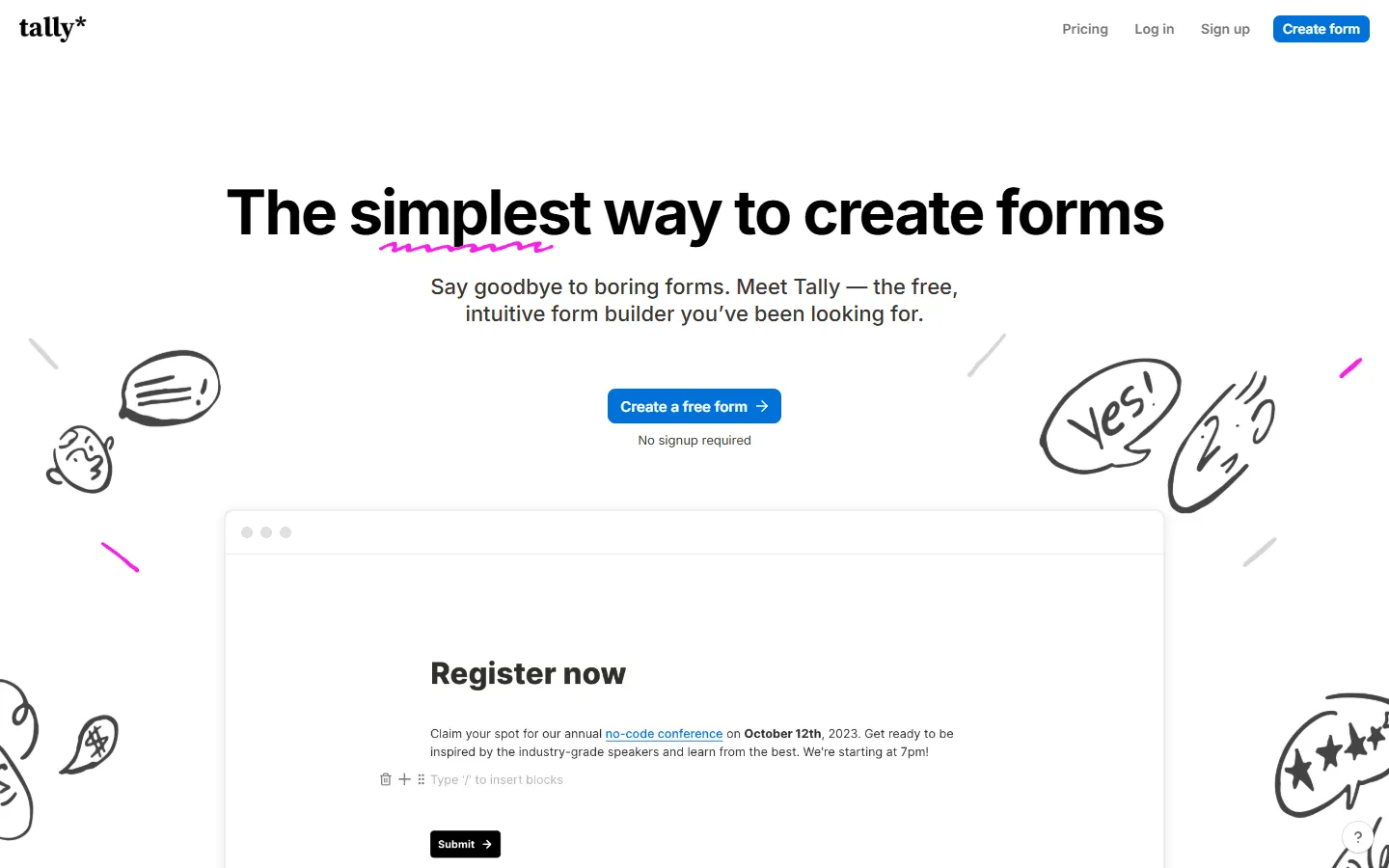
Tally also includes unlimited forms and unlimited submissions on its free plan. The editor feels close to writing in a document. You type your questions, add fields, and publish the form.
That makes Tally easy to pick up. It works well for internal forms, simple lead forms, waitlists, signups, surveys, and lightweight business workflows.
Tally includes features that many free tools restrict, such as conditional logic, calculations, hidden fields, file uploads, and embeds. For many simple forms, the free plan covers a lot.
The main limitation is design. Tally forms are clean, but the format stays fairly standard. For a more custom form page with richer visual structure, a more design-focused builder may be a better fit.
Pros
- Unlimited forms and unlimited submissions for free
- Fast doc-style editor
- Easy to learn
- Conditional logic, calculations, file uploads, hidden fields, and embeds are available
- Good for simple business forms and internal workflows
Cons
- Limited layout control
- Less suited to highly custom public pages
Tally pricing
- Free: Unlimited forms and submissions, most core features
- Pro ($29/month): Custom domains, remove branding, advanced integrations
- Business ($89/month): More advanced business features
Why choose Tally?
Choose Tally if you want one of the most generous free plans available and a builder that stays simple. It is a good option for internal requests, lightweight lead forms, signups, and simple surveys. If you want to compare it with similar tools, see our guide to Tally alternatives.
4. Youform
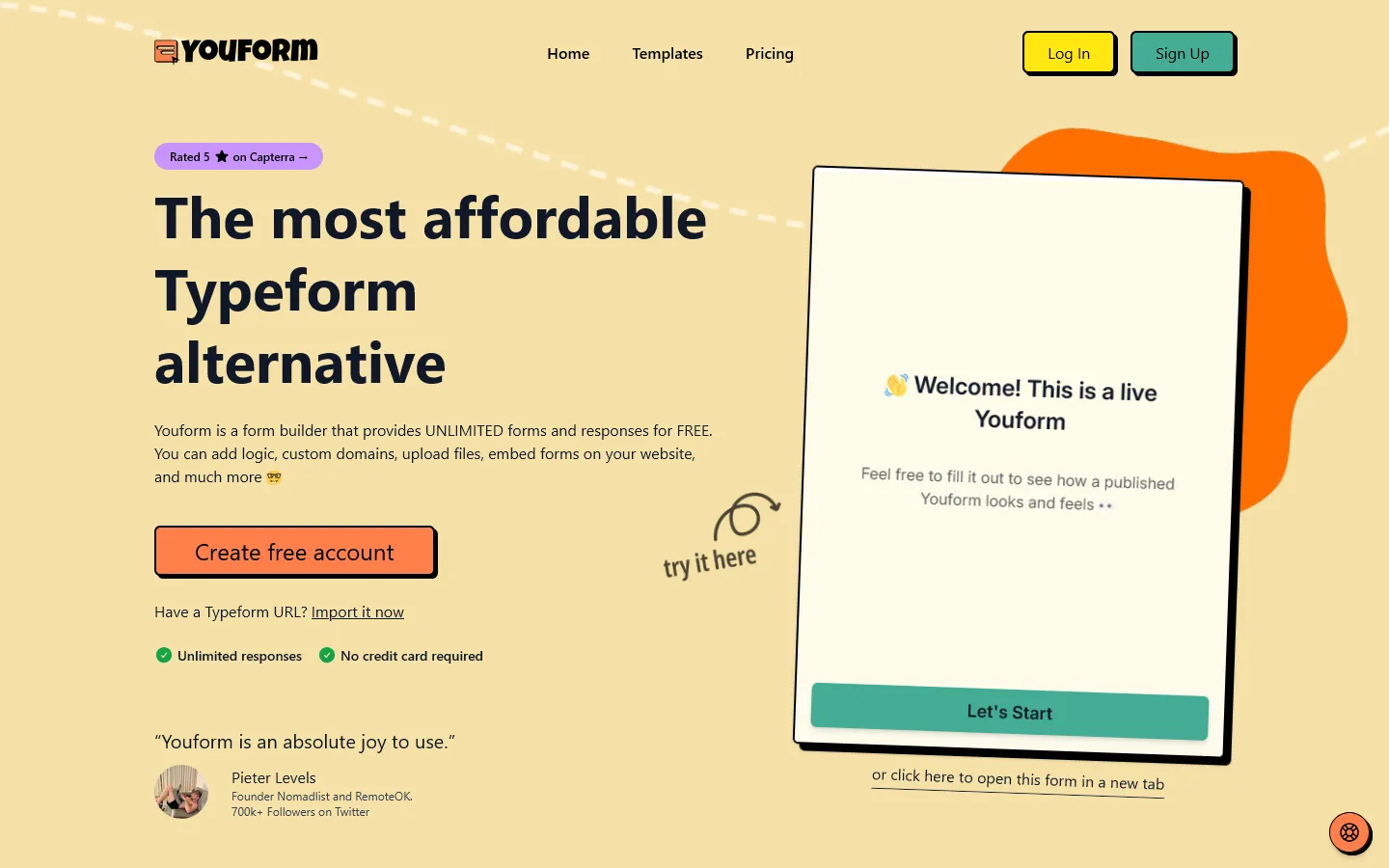
Youform offers unlimited forms and unlimited responses on its free plan. It is often positioned as a free unlimited Typeform alternative.
The product focuses on clean, multi-step forms. This format fits lead capture, quizzes, onboarding flows, applications, signups, and customer-facing forms where one question at a time feels natural.
Youform can work well if you like the general Typeform experience but want a free plan with fewer response limits. The forms feel polished, and the setup is simple enough for most users.
The structured format is also the main limitation. Youform is best for guided flows. It gives you less freedom to build a richer page with custom sections, images, and more flexible layout choices.
Pros
- Unlimited forms and unlimited responses on the free plan
- Clean multi-step form experience
- Good for quizzes, lead forms, applications, and onboarding
- Logic, templates, embeds, and integrations are available
- Simple setup
Cons
- Limited layout flexibility
- Best suited to step-by-step forms
Youform pricing
- Free: Unlimited forms and submissions, core features
- Pro ($29/month): Custom domains, remove branding, payments, custom fonts
- Business ($89/month): Advanced features and support
Why choose Youform?
Youform is useful for forms that should feel like a guided sequence. It fits lead forms, quizzes, applications, and onboarding forms where each answer leads naturally to the next question.
5. Formaloo
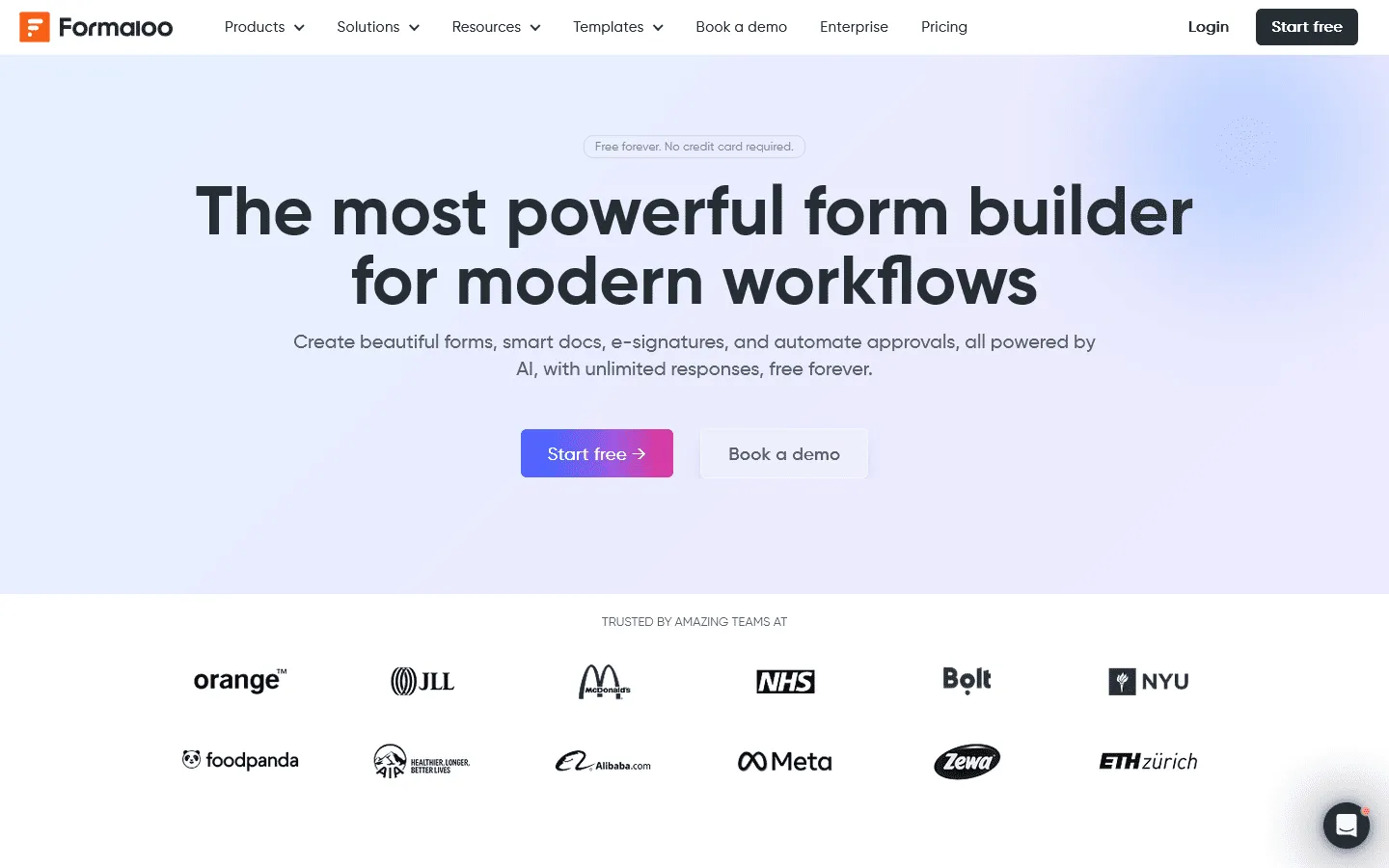
Formaloo is broader than a standard form builder. It includes forms, apps, smart docs, e-signatures, approvals, databases, and workflow features.
This makes it useful when the form is part of a larger process. You might use Formaloo for approvals, internal requests, customer intake, lead management, or workflows where collected data needs to be reviewed and organized.
The free plan includes unlimited forms and submissions, along with more workflow options than simpler builders.
It’s worth noting that all this extra functionality makes Formaloo feel heavier to use. For a quick form, Google Forms, Tally, or Youform may feel easier. Formaloo makes more sense when you want to manage the data after it comes in.
Pros
- Free plan with unlimited forms and submissions
- Useful for forms, apps, databases, and approvals
- Good for workflow-heavy use cases
- Includes business-oriented features
- Helpful when collected data needs follow-up
Cons
- More complex than simpler form builders
- Less focused on visual form design
- May be more than you need for a basic form
Formaloo pricing
- Free: Unlimited forms and submissions
- Pro ($199 one-time payment): Workflows, partial submissions, payments
- Business ($48/month): Remove Formaloo branding, custom CSS, collaboration
Why choose Formaloo?
Formaloo can work well when the form is tied to a process. It is useful for approvals, customer intake, lead management, and internal workflows where responses need to be reviewed, organized, or followed up on.
6. Formbricks Community Edition
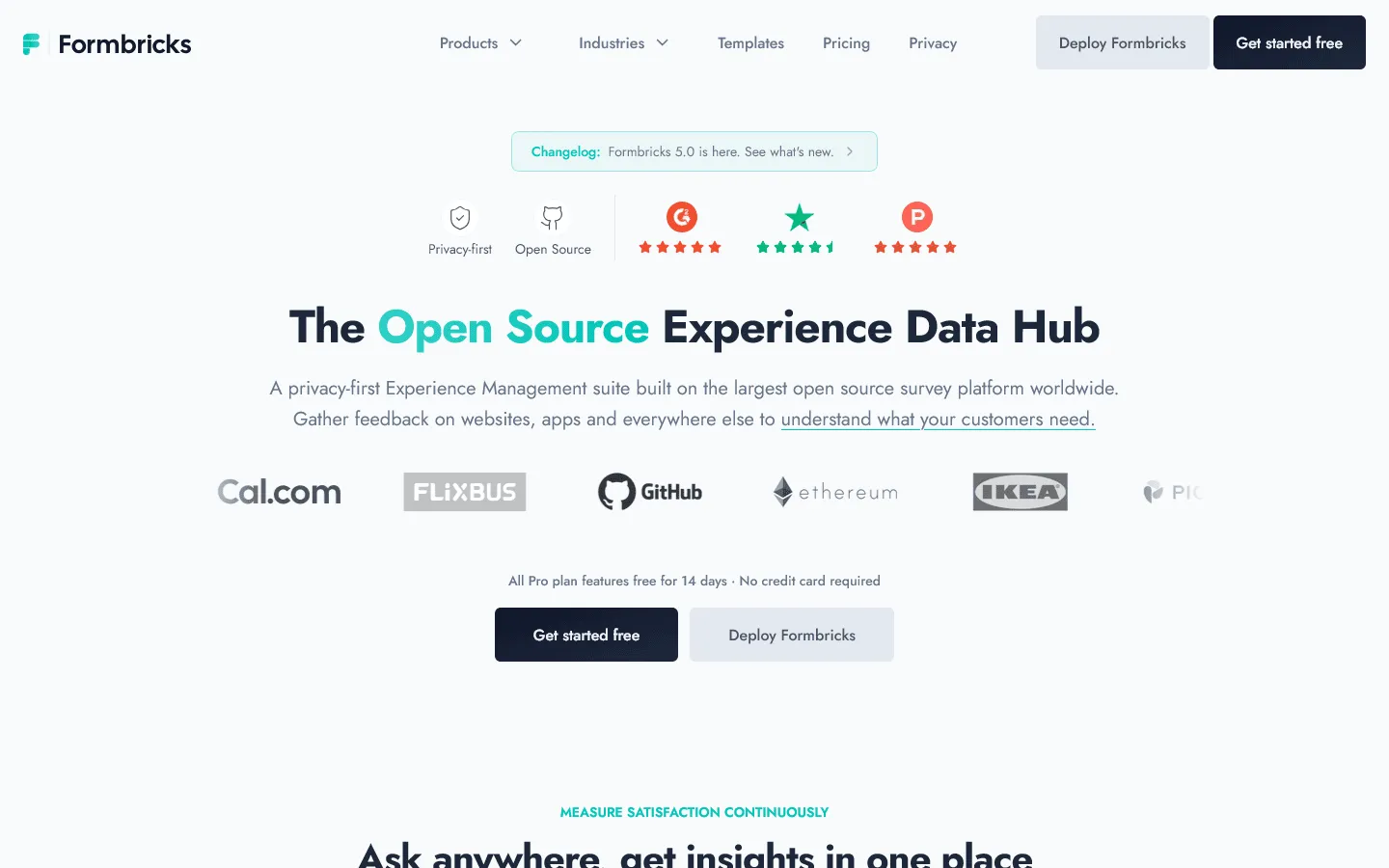
Formbricks is different from the hosted builders above. The most relevant free option is the open-source Community Edition.
Formbricks is built for surveys and feedback collection. It can be used for website surveys, in-app surveys, link surveys, and email surveys. That makes it especially relevant for product teams that want to collect feedback across several channels.
The Community Edition is free and self-hosted. This gives you more control over the setup, but it also adds technical work. You need to run the software, manage hosting, handle updates, and keep the setup secure.
For non-technical users, a hosted form builder will be easier. For technical teams, self-hosting may be part of the appeal.
Pros
- Free open-source Community Edition
- Self-hosted setup
- Good for product feedback and survey workflows
- Useful for teams that want more control over data and infrastructure
Cons
- Requires technical setup
- Hosting and maintenance are your responsibility
- Less convenient than hosted form builders
Formbricks pricing
- Community Edition: Free and self-hosted
- Cloud and paid plans: Available for hosted and more advanced use
Why choose Formbricks Community Edition?
Formbricks mainly makes sense for teams that want control over their survey setup and have the technical resources to maintain it.
7. OpnForm
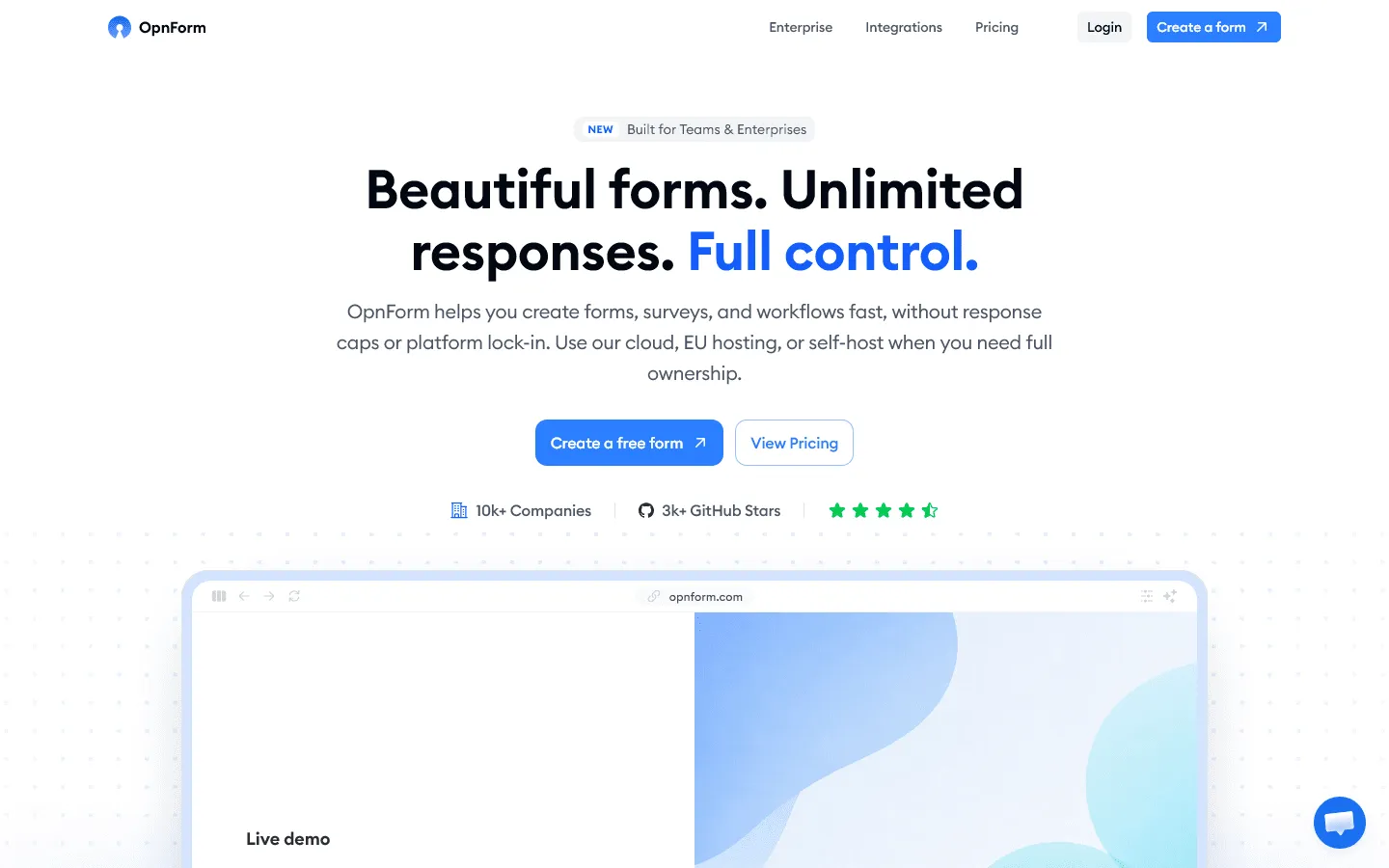
OpnForm is an open-source form builder with a hosted free plan and self-hosting options.
Its free plan includes unlimited submissions. It also includes form logic, file uploads, validation, computed fields, URL parameters, webhooks, API access, and basic integrations.
OpnForm will appeal more to technical users, startups, and teams that need API access, webhooks, or self-hosting. You can use the hosted version for convenience or look at self-hosting for more ownership over the setup.
It has a more technical feel than the simplest form builders on this list. For a personal survey or one-off signup form, it may be more than you need. For forms connected to workflows, internal tools, or technical projects, the extra control can be useful.
Pros
- Unlimited submissions on the free plan
- Open-source option
- Hosted and self-hosted setup
- Logic, computed fields, file uploads, webhooks, and API access
- Good for technical teams
Cons
- Branding removal requires a paid plan
- More technical than basic form builders
- Less familiar to casual users
OpnForm pricing
- Free: Unlimited forms and submissions, core features
- Pro ($29/month): Custom domains, remove branding, AI form generation
- Business ($79/month): Custom CSS, custom fonts, partial submissions
Why choose OpnForm?
OpnForm is mainly for technical teams that want unlimited submissions, API access, webhooks, open-source options, or self-hosting.
How we evaluated these free form builders
We started by checking the free plan for each tool, including response limits, form limits, and other restrictions.
Then we built the same sample form in each tool: a short application form with text fields, multiple-choice questions, a file upload field, conditional logic, and a confirmation message. We used that to compare the editor, layout and styling options, embed options, response export, and the published form itself.
We review this guide regularly and update it when free plans, pricing, or key features change.
What else to check besides response limits
Unlimited responses are useful, but they are not enough on their own.
- Form limits: Some tools let you collect unlimited responses but limit how many forms you can publish.
- Logic: Branching matters quickly once the form gets longer.
- Embeds: If the form will live on your site, the embed experience matters.
- Branding: A free plan may still leave the form looking too generic for public use.
- File uploads: Important for applications, onboarding, and intake forms.
- Exports: Make sure you can actually work with the responses after they come in.
Conclusion: Which free form builder with unlimited submissions should you choose?
The right choice depends on the kind of form you need to publish.
- For quick internal forms, Google Forms and Tally are usually the easiest places to start. Google Forms is familiar and works well with Google Sheets. Tally gives you a faster doc-style editor and a broad free plan.
- For public forms, FormGrid gives you more control over the page around the questions. That matters for applications, registrations, onboarding forms, creative briefs, and other forms where the introduction, layout, visuals, and structure affect how the form feels to respondents.
- For guided flows, Youform is better suited to one-question-at-a-time forms such as quizzes, lead forms, and onboarding flows. For workflow-heavy forms, Formaloo gives you more around approvals, data management, and follow-up.
- For open-source use, OpnForm is the more approachable hosted option. Formbricks Community Edition is mainly for teams that want to self-host product surveys.
If response limits are the main reason you are comparing tools, check the full free plan before you commit. Some builders offer unlimited submissions, but still limit file uploads, branding control, custom domains, storage, integrations, or team features.
FAQs
What is the best free form builder with unlimited submissions?
For most people, the best choices are FormGrid, Tally, Youform, and Google Forms. Use FormGrid for custom public forms, Tally for fast simple forms, Youform for multi-step forms, and Google Forms for basic internal forms and surveys.
Is there a free form builder with unlimited forms and unlimited submissions?
Yes. FormGrid, Tally, Youform, Formaloo, and OpnForm offer free plans with unlimited forms and unlimited submissions or responses. Formbricks Community Edition also supports unlimited forms and responses when self-hosted.
What is the best open-source form builder with unlimited submissions?
OpnForm and Formbricks are both good options. OpnForm offers a hosted free plan and open-source options. Formbricks Community Edition is a self-hosted option for product feedback and survey workflows.
What is the downside of using a free form builder?
Free plans often limit branding control, file uploads, custom domains, integrations, analytics, collaboration, or permissions. Response collection may be unlimited, but the rest of the plan still needs to fit your use case.