9 Best Gravity Forms Alternatives in 2026 (WordPress Plugins + Hosted Tools)
Looking for a Gravity Forms alternative? Gravity Forms is powerful, but it is built around the traditional WordPress admin workflow. That works well for complex setups. It is less suited if you want faster publishing, easier styling, or fewer plugin dependencies.
In this guide, we compare the best Gravity Forms alternatives across two groups:
- WordPress plugins that feel more modern inside wp-admin
- Hosted form builders that handle performance, security, and deliverability for you
If you want the closest replacement inside WordPress, start with Fluent Forms or WPForms. If you want more design control and less maintenance, look at FormGrid, Tally, or Jotform.
Best Gravity Forms alternatives: Quick summary
Here is a quick overview of the top alternatives to Gravity Forms, categorized by the specific problem they solve better:
| Gravity Forms alternative | Type | Best for | Free plan | Starting price |
|---|---|---|---|---|
| FormGrid | Hosted (embed anywhere) | Visually unique forms | Available | $29/month |
| WPForms | WordPress plugin | Easiest WordPress builder | Available | $49.50/year |
| Tally | Hosted (embed anywhere) | Fast, document-style forms | Available | Free |
| Fluent Forms | WordPress plugin | Best value WordPress plugin | Available | $59/year |
| Formidable Forms | WordPress plugin | Complex data applications | Available | $39.50/year |
| Ninja Forms | WordPress plugin | Modular features | Available | $49/year |
| Jotform | Hosted (embed anywhere) | Feature-rich hosted platform | Available | $34/month |
| Typeform | Hosted (embed anywhere) | Conversational surveys | Available | $29/month |
| Formstack | Hosted (embed anywhere) | Enterprise compliance | Not available | $83/month |
What is Gravity Forms?
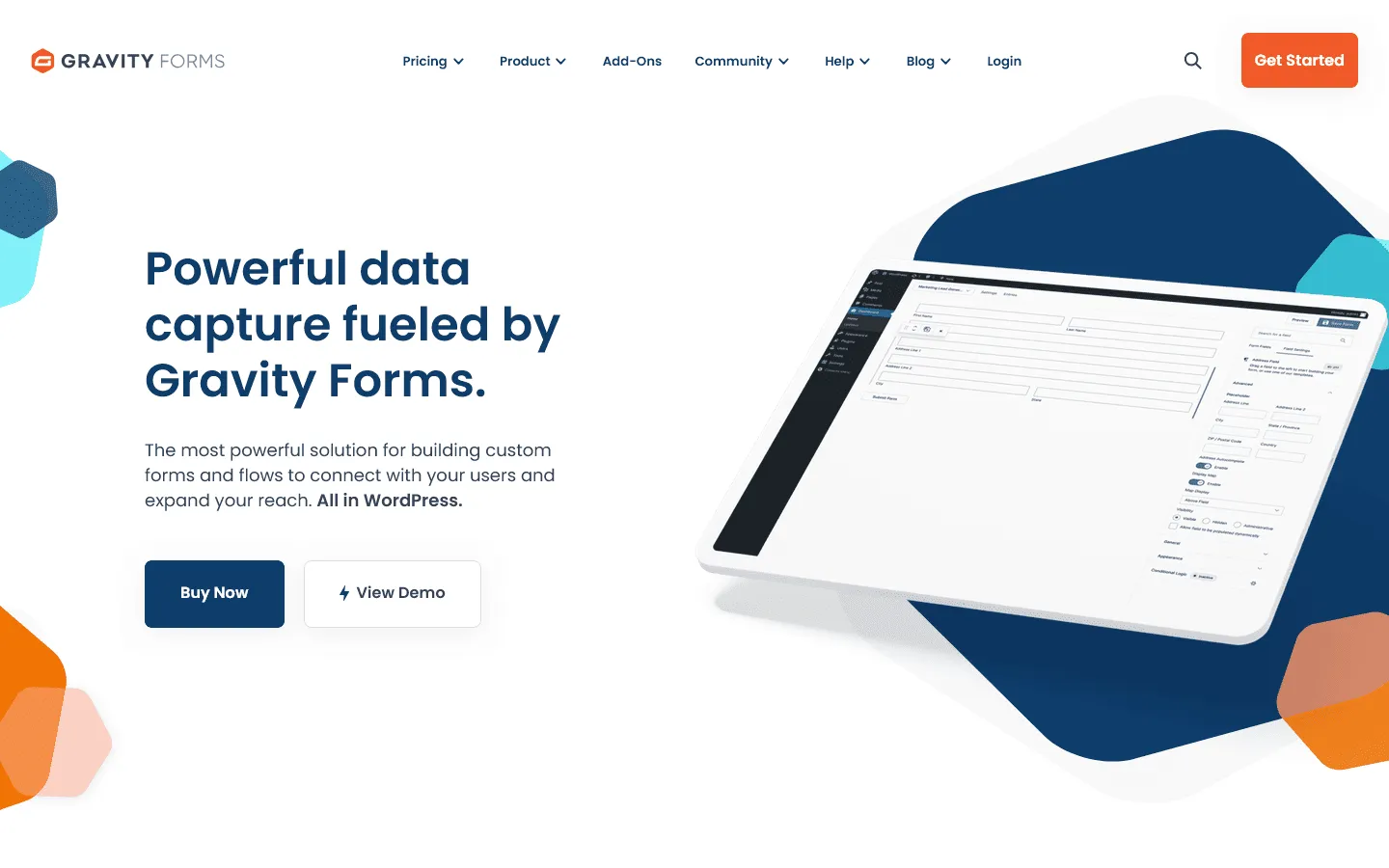 Gravity Forms is one of the oldest and most established form plugins for WordPress. It launched in 2009 and built a reputation as the go-to tool for developers who needed to build complex, data-heavy forms. It is known for its reliability, extensive add-on ecosystem, and ability to handle advanced tasks like user registration, partial entries, and multi-page workflows.
However, the web has changed significantly since 2009, and Gravity Forms has kept a very traditional “WordPress admin” feel. While powerful, it often feels clunky compared to modern SaaS tools or newer plugins.
Gravity Forms pricing
- No free plan
- Basic ($59/year): 1 site, standard add-ons
- Pro ($159/year): 3 sites, payment add-ons
- Elite ($259/year): Unlimited sites, advanced integrations
Common reasons to switch from Gravity Forms
Most people look for a Gravity Forms alternative for one of these reasons:
- It is too complex for simple needs: If you just want a contact form or a simple survey, Gravity Forms feels like overkill. The settings are dense, and the interface assumes you know your way around WordPress deeply.
- The design is outdated: Out of the box, Gravity Forms look plain. To make them look modern or unique, you often have to write custom CSS or install additional styling plugins.
- Cost of add-ons: The core license is pricey, but the real cost comes from the Elite license required for many essential integrations like Stripe, PayPal, or Zapier.
- Performance impact: As a heavy plugin, it can slow down your WordPress admin and frontend if not managed correctly.
WordPress plugin vs hosted form builder: which one replaces Gravity Forms best?
If you are replacing Gravity Forms, decide this first:
- Pick a WordPress plugin if you need tight control over your site, user roles, and WordPress-native workflows. This is usually the best fit for client sites, WooCommerce sites, and setups that rely on other WordPress plugins.
- Pick a hosted form builder if your main goal is speed, design, and fewer moving parts. Hosted tools handle uptime, deliverability, and security updates. You embed the form anywhere and keep WordPress lighter.
9 Best Gravity Forms alternatives and competitors
1. FormGrid – Best for design flexibility and visual control
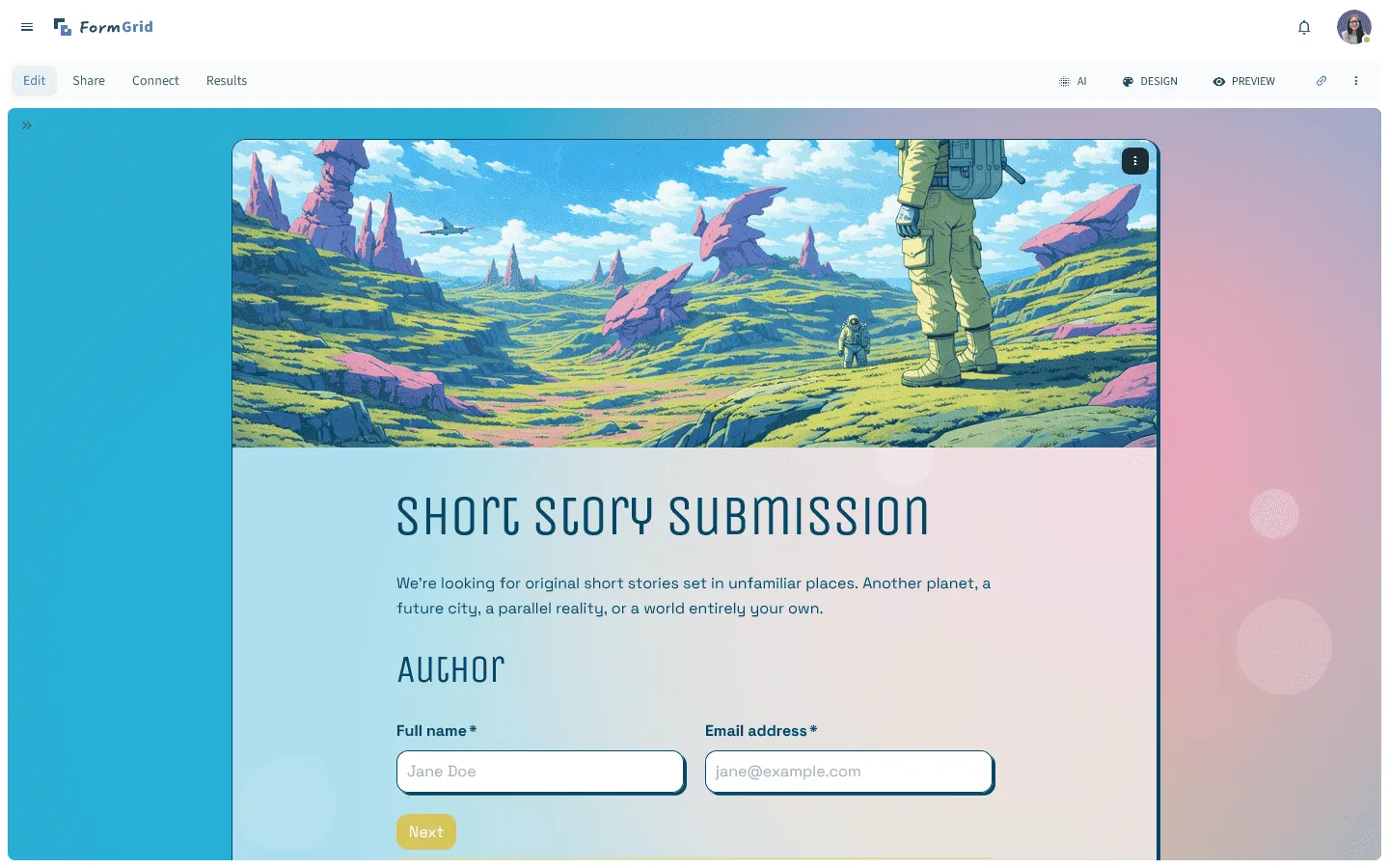
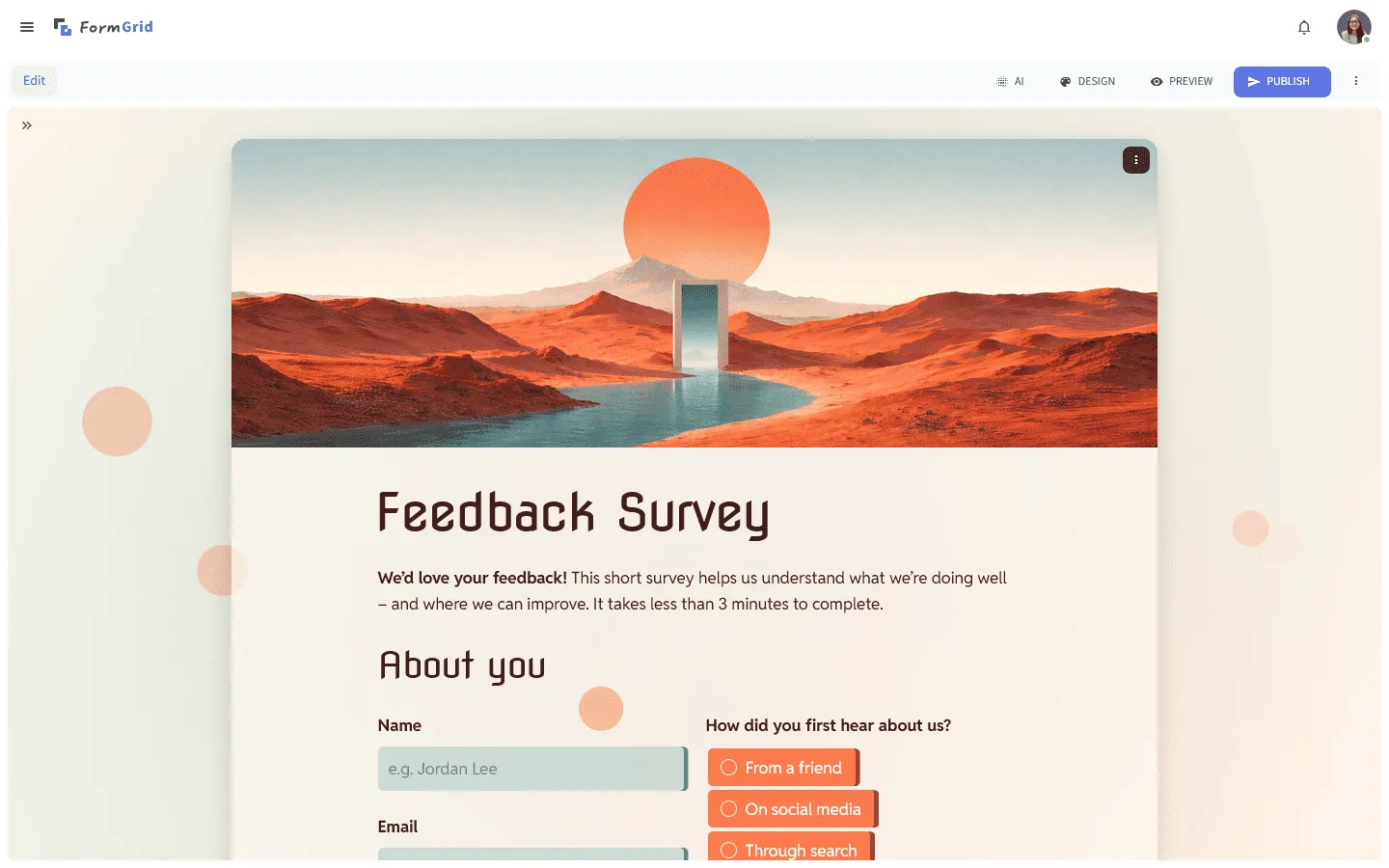 FormGrid is a hosted Gravity Forms alternative built around layout and visual control. Instead of working inside the WordPress admin and inheriting your theme’s styling, you design the form directly in a visual canvas and embed it on any site. Typography, spacing, and structure are handled inside the builder, without touching CSS.
The main difference is in the building process. In Gravity Forms, fields are added to a vertical list and styled through your theme or custom code. FormGrid lets you place content and fields on a flexible grid, giving you control over hierarchy and layout as you build.
It is also faster to get started. Gravity Forms requires building fields manually. FormGrid can create a custom form for you for free in seconds. Describe the form you need, and it generates the questions, content, layout, and theme.
Key features
- AI-powered form generation
- Design-first editor with flexible layouts
- Unlimited forms and responses on the free plan
- Works on any website, not just WordPress
FormGrid pricing
- Free: Unlimited forms and responses, access to all core features
- Plus ($29/month): Collaboration, remove FormGrid branding, version history
- Business ($79/month): User roles and permissions, advanced link settings
Why choose FormGrid over Gravity Forms?
Choose FormGrid if you want forms that look professional without fighting with CSS. It separates the form builder from your WordPress installation, giving you a cleaner, faster design workflow.
2. WPForms – Easiest builder inside WordPress
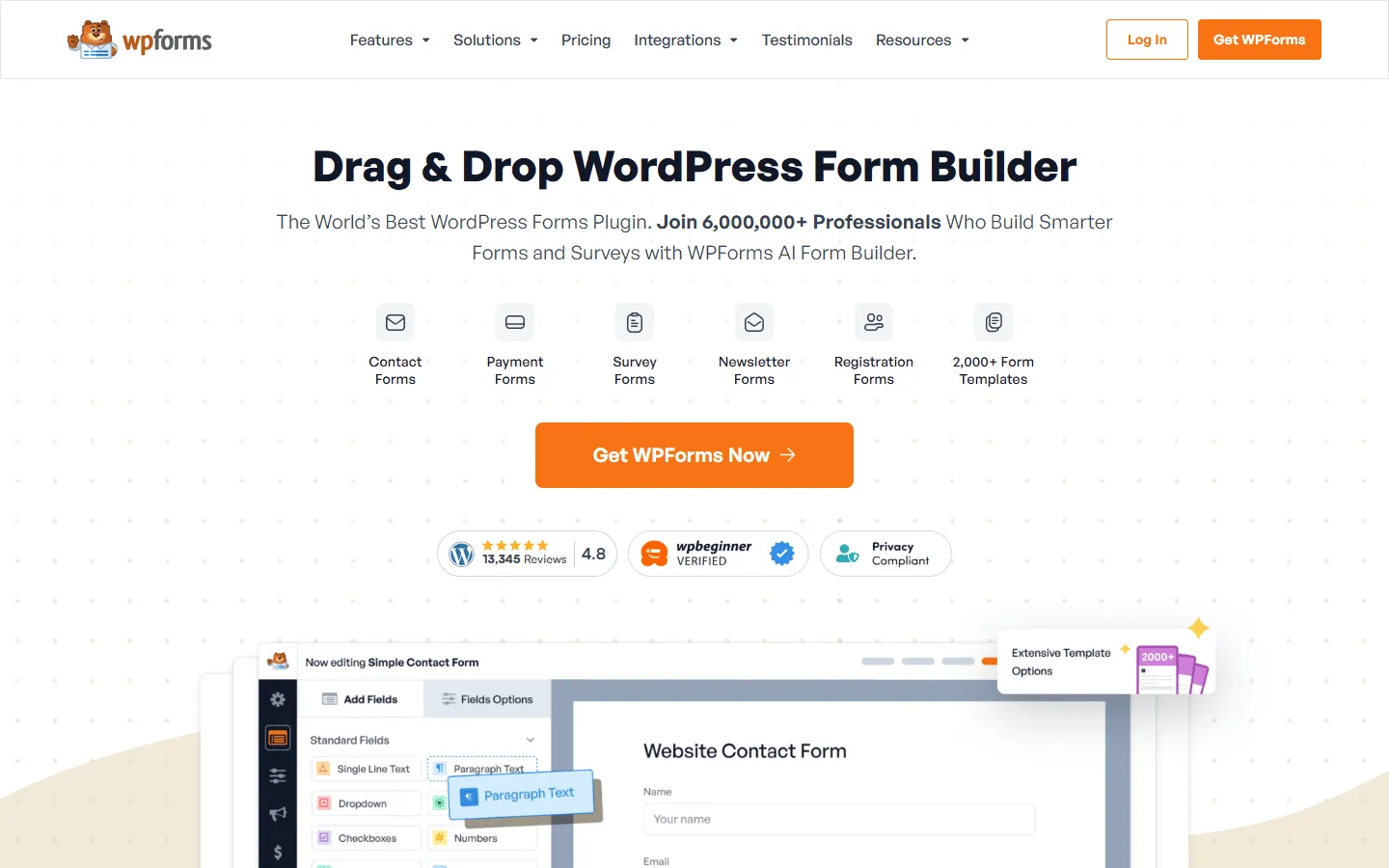 WPForms is the most beginner-friendly Gravity Forms alternative that stays inside WordPress. Gravity Forms was built with developers in mind, offering granular control but a learning curve. WPForms is designed for non-technical users who need to create forms quickly.
The interface is the main difference. Gravity Forms uses standard WordPress menus and settings pages. WPForms offers a full-screen drag-and-drop builder. It keeps settings accessible without navigating through multiple sub-menus. For clients or teams without technical ease, WPForms is often easier to use.
However, this simplicity comes at a cost. WPForms is less flexible for complex custom development. If you need to write custom hooks or build complex data applications, Gravity Forms is more capable. But for contact forms, payment forms, and newsletter signups, WPForms offers a better user experience for beginners.
Key features
- Beginner-friendly drag-and-drop builder
- 1,500+ pre-built templates
- Smart conditional logic
- Instant notifications and entry management
WPForms pricing
- Lite: Free (limited features)
- Basic ($49.50/year, renews at $99/year): Unlimited forms, one site
- Plus ($99.50/year, renews at $199/year): Marketing integrations
- Pro ($199.50/year, renews at $399/year): Payments, conversational forms
- Elite ($299.50/year, renews at $599/year): Advanced integrations, client management
Why choose WPForms over Gravity Forms?
Switch to WPForms if Gravity Forms feels too complicated. It strips away the technical clutter and gives you a builder that just works.
3. Tally – Best for fast, document-style forms
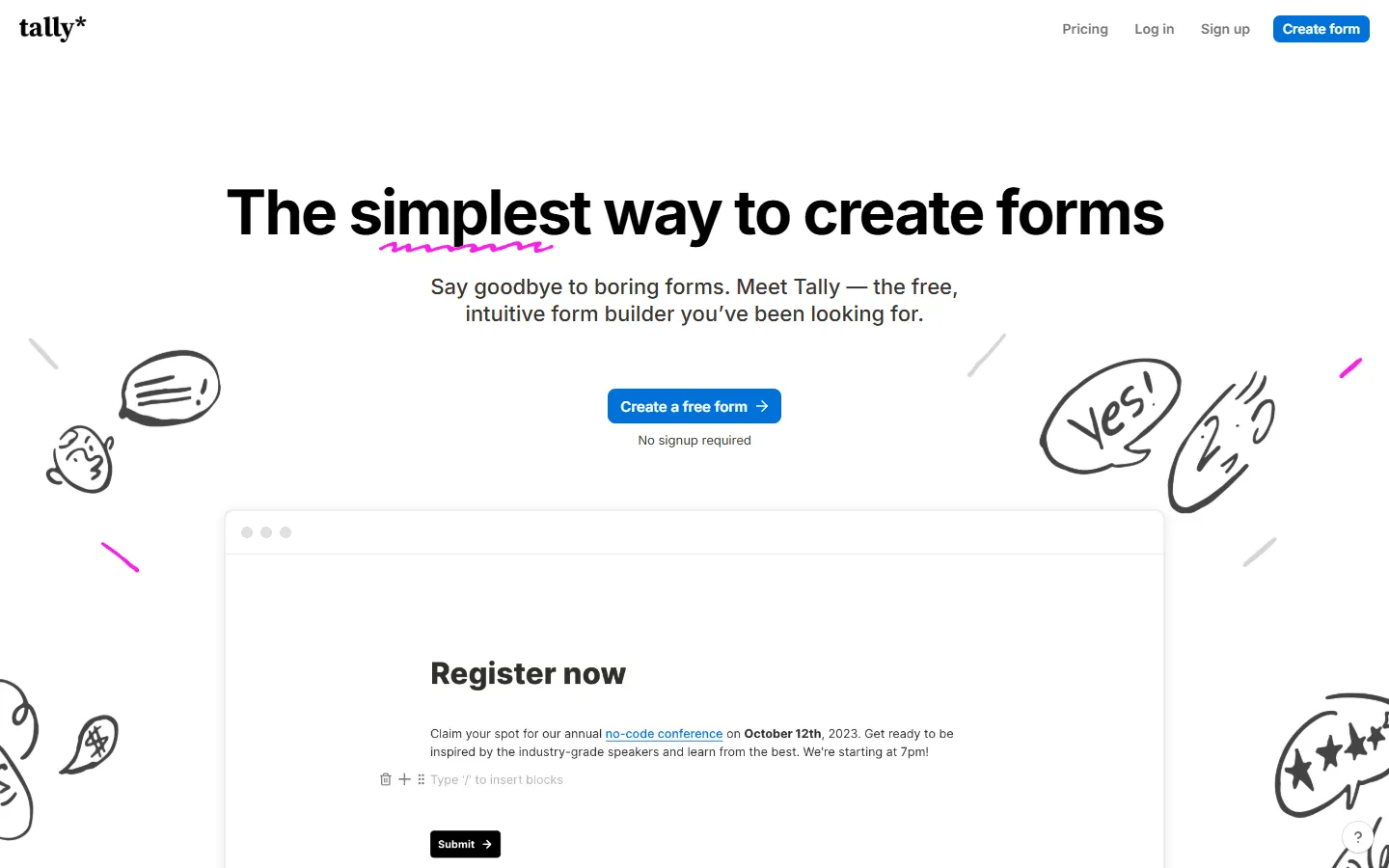 Tally is a lightweight, hosted alternative built around a document-style editor. While Gravity Forms uses standard menus and drag-and-drop fields, Tally allows you to type questions directly on the page.
You navigate Tally with keyboard shortcuts, adding questions as easily as typing a paragraph in Notion. It is a very fluid experience compared to the “click-save-refresh” cycle of checking your work in Gravity Forms.
Pricing is another major differentiator. Gravity Forms is strictly paid. Tally offers a very generous free plan that includes unlimited forms and submissions, features that would cost you over $200/year to replicate with Gravity Forms. For writers, creators, and modern startups, Tally fits the workflow far better than a legacy plugin.
If Tally’s document style interests you, see our Tally alternatives article.
Key features
- Document-style editor (like Notion)
- 99% of features are free
- Simple, minimalist design
- Payment collection on free plan (5% commission)
Tally pricing
- Free: Unlimited forms and submissions, basic logic, payments, file uploads
- Pro ($29/month): Custom domains, remove Tally branding, advanced integrations
- Business ($89/month): Email verification, form version history
Why choose Tally over Gravity Forms?
Choose Tally for a modern writing experience. It is faster to use than Gravity Forms and offers a much better free tier.
4. Fluent Forms – Best value WordPress plugin
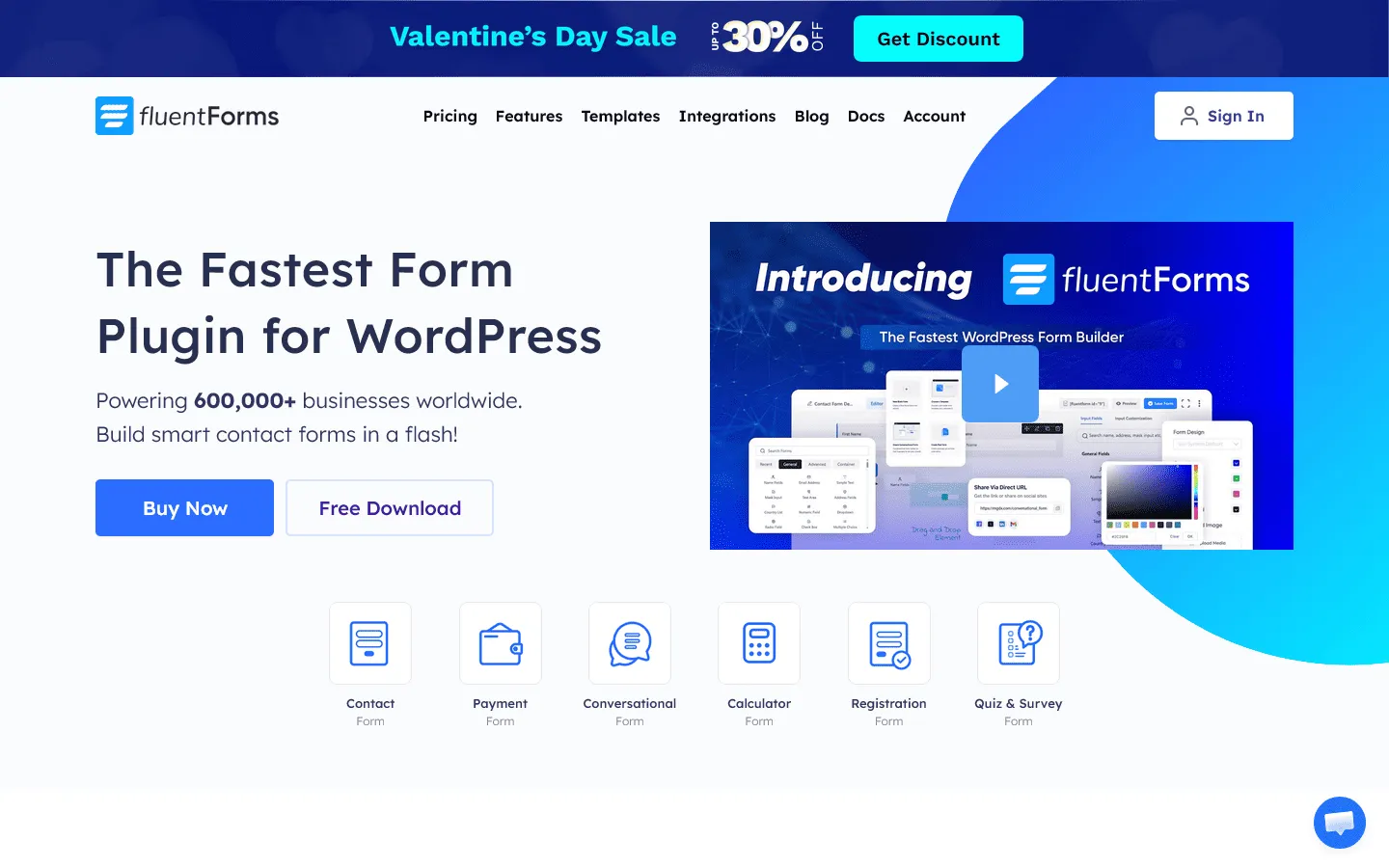 Fluent Forms is a modern alternative to Gravity Forms. It offers a similar feature set (complex logic, calculations, and integrations) but with a newer codebase.
The main reason to switch from Gravity Forms to Fluent Forms is value. Gravity Forms requires the “Elite” license for many standard features like payment gateways or Zapier integration. Fluent Forms includes most of these features in its single-site license for a lower cost.
Functionally, Fluent Forms feels snappier. Gravity Forms can sometimes feel sluggish in the backend due to legacy code bloat. Fluent Forms is built with Vue.js, making the admin panel responsive and quick. It manages to be just as powerful as Gravity Forms without feeling as heavy.
Key features
- Fast, lightweight builder
- Visual data reporting
- Conversational forms included
- Built-in CSS styler for minor tweaks
Fluent Forms pricing
- Free: Basic features
- Single Site ($55/year, renews at $79/year): All integrations and features
- 5 Sites ($111/year, renews at $159/year): For agencies
- Unlimited Sites ($209/year, renews at $299/year): For large networks
Why choose Fluent Forms over Gravity Forms?
Choose Fluent Forms for value and speed. If you want the power of Gravity Forms but are tired of the slow backend and high renewal costs, Fluent Forms is a modern upgrade.
5. Formidable Forms – Best for data-driven applications
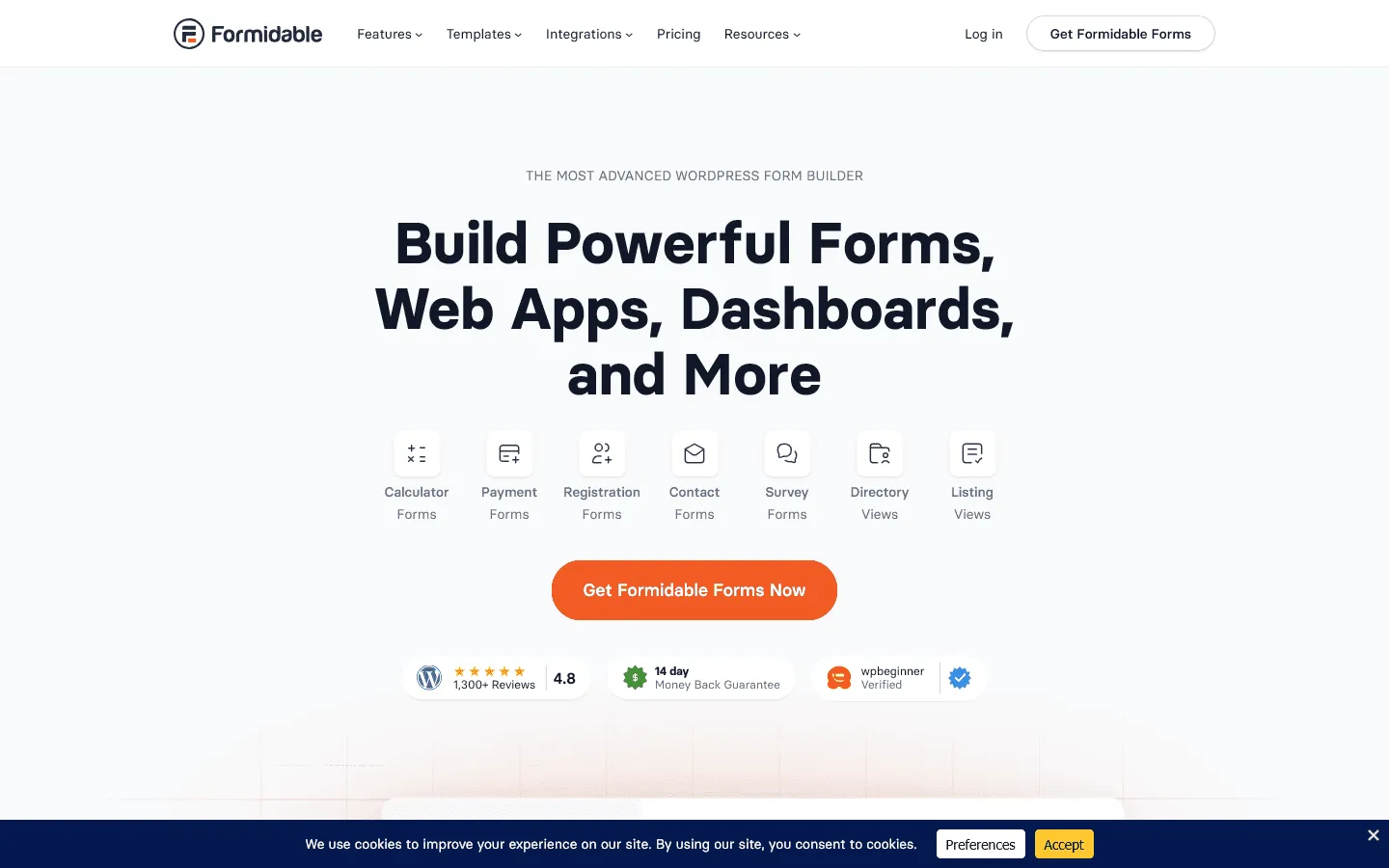 Formidable Forms competes with Gravity Forms in terms of complexity. While Gravity Forms is efficient for collecting data, it often requires third-party add-ons like GravityView to display that data on the frontend.
Formidable Forms has built-in features to turn submissions into listings, directories, and profiles. You can build a job board or real estate listing site using just Formidable Forms. In Gravity Forms, achieving the same result usually involves multiple plugins.
If you are a developer looking for better options to display data on the frontend, Formidable is a strong alternative. It functions less like a standard form builder and more like a low-code application builder.
Key features
- “Views” to display data on the frontend
- Advanced calculator forms
- Cascading lookup fields
- Repeater fields
Formidable Forms pricing
- Basic ($39.50/year, renews at $79/year): Unlimited forms, one site
- Plus ($99.50/year, renews at $199/year): Views, directories, and listings
- Business ($199.50/year, renews at $399/year): User registration, payments, calculator
- Elite ($299.50/year, renews at $599/year): WooCommerce, HubSpot, Stripe
Why choose Formidable Forms over Gravity Forms?
Pick Formidable if you are building a web application, not just a contact form. It handles data display and complex relationships far better than Gravity Forms.
6. Ninja Forms – Most modular WordPress alternative
 Ninja Forms takes a modular approach different from the bundled tiers of Gravity Forms. Gravity Forms often requires purchasing a higher-tier license to access specific integrations like PayPal or Mailchimp.
Ninja Forms allows you to purchase add-ons individually. If you only need a contact form that connects to Salesforce, you can buy the core plugin (free) and the Salesforce add-on. This makes it a cost-effective option for specific projects.
The interface is also more minimalist. Gravity Forms presents a comprehensive settings menu. Ninja Forms keeps the UI clean, revealing options only when necessary. It feels less complex for users who do not need advanced configuration.
Key features
- Modular add-on system
- Clean, modern UI
- Developer-friendly hooks and filters
- Export and import forms easily
Ninja Forms pricing
- Core (Free): Basic features
- Plus ($59.40/year, renews at $99/year): 3 sites, payments, conditional logic
- Pro ($119.40/year, renews at $199/year): 20 sites, more integrations
- Elite ($299.40/year, renews at $499/year): Unlimited sites, all add-ons
- Individual add-ons: $29-$129/year each
Why choose Ninja Forms over Gravity Forms?
Choose Ninja Forms if you want a modular system. If you only need one or two advanced features, it is often cheaper and cleaner than buying a full Gravity Forms license.
7. Jotform – Best hosted platform with extensive templates
 Jotform is a fully hosted platform that removes plugin maintenance from your WordPress stack.
Jotform handles all of that hosting, security, and maintenance. You don’t need to worry about SMTP settings or database conflicts. You just build the form and embed it. This is a real advantage for high-traffic sites where a heavy plugin like Gravity Forms might cause performance issues.
Design-wise, Jotform offers more options out of the box. It has thousands of pre-made templates compared to Gravity Forms’ basic starting point. If you want a specific look without writing CSS, Jotform provides more immediate visual choices.
For a deeper look, check out our Jotform alternatives guide.
Key features
- Hosted platform (no server load)
- Huge template library
- Native mobile app
- Built-in PDF editor
Jotform pricing
- Free: 5 forms, 100 responses/month
- Bronze ($34/month): 25 forms, 1,000 responses/month, no branding
- Silver ($39/month): 50 forms, 2,500 responses/month, more storage and integrations
- Gold ($99/month): 100 forms, 10,000 responses/month, HIPAA compliance, priority support
- Enterprise (custom pricing): Unlimited usage, SSO, SLA
Why choose Jotform over Gravity Forms?
Move to Jotform if you want to stop managing plugins. It offers similar power to Gravity Forms but handles all the technical maintenance for you.
8. Typeform – Best for conversational surveys
 Typeform creates a conversational experience, whereas Gravity Forms presents a standard list of fields. Gravity Forms is efficient for data entry, while Typeform shows one question at a time to focus user attention.
This difference is critical for conversion rates. If you are building an administrative form or a complex application, Gravity Forms is better. But for marketing lead capture, feedback surveys, or onboarding flows, Typeform’s conversational interface almost always yields higher completion rates.
The trade-off is that Typeform lives completely outside your WordPress dashboard. You embed it or link to it. But for the better user experience on mobile devices and the polished “app-like” feel, it is often worth the separation.
If the conversational style appeals to you, compare more options in our Typeform alternatives post.
Key features
- One-question-at-a-time layout
- Logic jumps for conversational flows
- Video and image support
- Built-in analytics
Typeform pricing
- Free: 10 responses/month, limited features
- Basic ($29/month): 100 responses/month, basic integrations
- Plus ($59/month): 1,000 responses/month, more logic, branding options, and integrations
- Business ($99/month): 10,000 responses/month, team features, advanced analytics, priority support
- Enterprise (custom pricing): Custom limits, SSO, custom domains, HIPAA compliance
Why choose Typeform over Gravity Forms?
Choose Typeform for engagement. If you are building a survey or feedback form, the conversational experience will likely get you more responses than a standard Gravity Form.
9. Formstack – Best for enterprise workflows and compliance
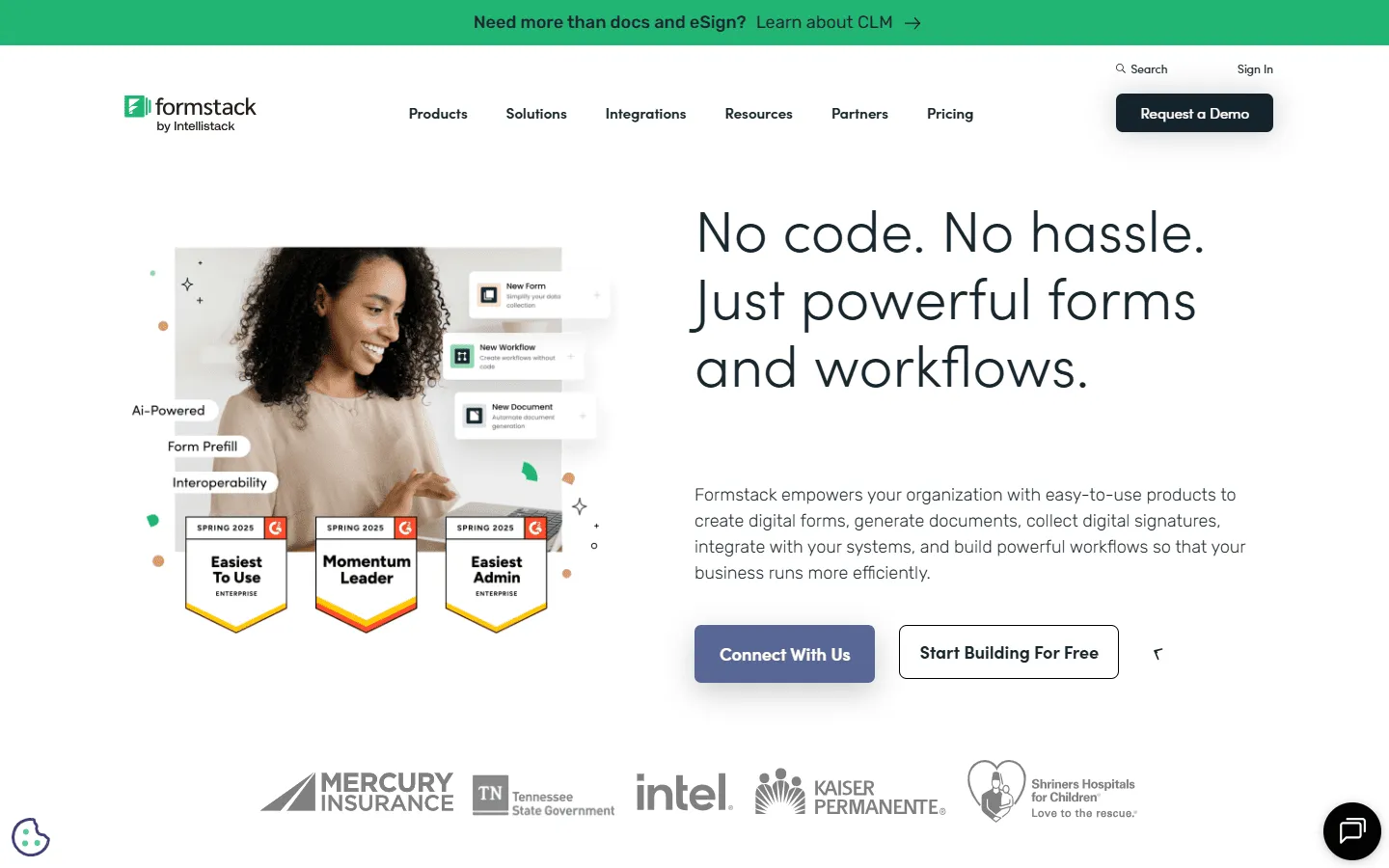 Formstack is a suitable alternative when you need features beyond what Gravity Forms offers. Gravity Forms is a plugin for WordPress sites, whereas Formstack is a standalone platform built for regulated industries.
The key difference is workflow automation. Gravity Forms collects data. Formstack collects data and then automatically routes it, generates PDF contracts, collects digital signatures, and integrates with Salesforce in ways that Gravity Forms can’t handle without a fragile web of third-party extensions.
If you are in healthcare, finance, or government, relying on plugins can introduce compliance risks. Formstack provides the specific security certifications and workflows these industries require.
Compare more enterprise tools in our Formstack alternatives post.
Key features
- HIPAA/GDPR compliance
- Document generation and e-signatures
- Workflow automation
- Offline mobile forms
Formstack pricing
- No free plan
- Forms ($83/month): 25 forms, 1,000 responses/form, core form builder, integrations, storage
- Suite ($250/month): 100 forms, 5,000 responses/form, automation, document generation, e-signatures
- Enterprise: Custom pricing, compliance features, advanced governance
Why choose Formstack over Gravity Forms?
Go with Formstack for compliance. If you are handling sensitive patient or financial data, the platform’s focus on security and governance is worth the higher price.
How we evaluated these Gravity Forms alternatives
Each tool was tested in the same WordPress setup. We built a contact form, a multi-step lead form with conditional logic, and a payment form, then embedded them on a standard WordPress page to see how they behave in practice.
We evaluated each Gravity Forms alternative by comparing:
- Time to publish a clean, usable form
- Design control without custom CSS
- Which features are included on the pricing tier most people would buy
- Payment support and integration depth
- Entry management and day-to-day workflow inside WordPress
- Embed performance and styling friction
For WordPress plugins, we looked closely at builder usability inside wp-admin and whether core features are locked behind higher plans. For hosted tools, we focused on embed performance, styling flexibility, and how easy the workflow is to hand off to non-technical teammates.
Conclusion: Which Gravity Forms alternative is right for you?
Gravity Forms is a great tool, but it’s not the only way to build a form.
- For better design: FormGrid gives you visual control that a WordPress plugin can’t match.
- For easier WordPress forms: WPForms or Fluent Forms offer a smoother, more modern dashboard experience.
- For web apps: Formidable Forms is the best choice for directories and complex data displays.
- For zero maintenance: Jotform or Tally take the hosting load off your shoulders.
Look at your team. If you have developers, Gravity Forms is fine. If you have marketing and sales people building forms, moving to a more visual, user-friendly tool will save everyone time.
FAQ about Gravity Forms alternatives
Is there a free version of Gravity Forms?
No, Gravity Forms does not have a free plan. You have to purchase a license to use it. Alternatives like WPForms, Fluent Forms, and FormGrid offer capable free versions.
Can I migrate my Gravity Forms to another plugin?
Some plugins, like Ninja Forms and Fluent Forms, offer importer tools that can help you move your forms over. However, complex logic and styles usually need to be rebuilt manually.
Which Gravity Forms alternative is closest inside WordPress?
If you want the closest replacement inside WordPress, start with Fluent Forms, WPForms, and Formidable Forms. They cover most of the same day-to-day needs (conditional logic, multi-step forms, integrations) while offering a more modern builder experience.
Which alternative is best for developers?
Fluent Forms and Formidable Forms are developer-friendly, offering hooks, API access, and advanced logic similar to Gravity Forms, often with a more modern codebase.
Which Gravity Forms alternative is best for performance?
In general, lighter WordPress plugins tend to feel faster in wp-admin than older, add-on-heavy setups. If performance is a priority, test Fluent Forms and a couple of lighter plugins on a staging site and measure page load and admin responsiveness with your own theme and plugin stack.