8 Best Microsoft Forms Alternatives in 2026 (Free & Paid)
Looking for a Microsoft Forms alternative?
Microsoft Forms is a convenient default inside Microsoft 365. It works for simple surveys and quick polls, but it starts to feel limited once you need branding, clearer logic, or workflows after submission. Many teams quickly outgrow it.
In this guide, we compared the best Microsoft Forms alternatives and competitors. We focused on what each tool actually does better than Microsoft Forms, where it falls short, and who it makes sense for.
Microsoft Forms alternatives: Quick summary
If you want the short version, this table compares the most common Microsoft Forms replacements based on what they do best and what they cost.
| Microsoft Forms alternative | Best for (vs Microsoft Forms) | Free plan | Starting price |
|---|---|---|---|
| FormGrid | Visually unique, custom forms | Available (unlimited responses) | $29/month |
| Google Forms | Simple internal forms + spreadsheet workflows | Available (unlimited responses) | Free |
| Jotform | Templates + built-in features (payments, PDFs) | Available (100 responses/month) | $34/month |
| Typeform | One-question-at-a-time flows | Available (10 responses/month) | $29/month |
| Tally | Minimal, doc-style forms | Available (unlimited responses) | $29/month |
| Fillout | Logic + Airtable/Notion-style workflows | Available (1,000 responses/month) | $15/month |
| Zoho Forms | Business workflows inside Zoho | Available (500 responses/month) | $10/month |
| Formbricks | Open-source, self-hosted | Available (unlimited responses) | Free |
What is Microsoft Forms?
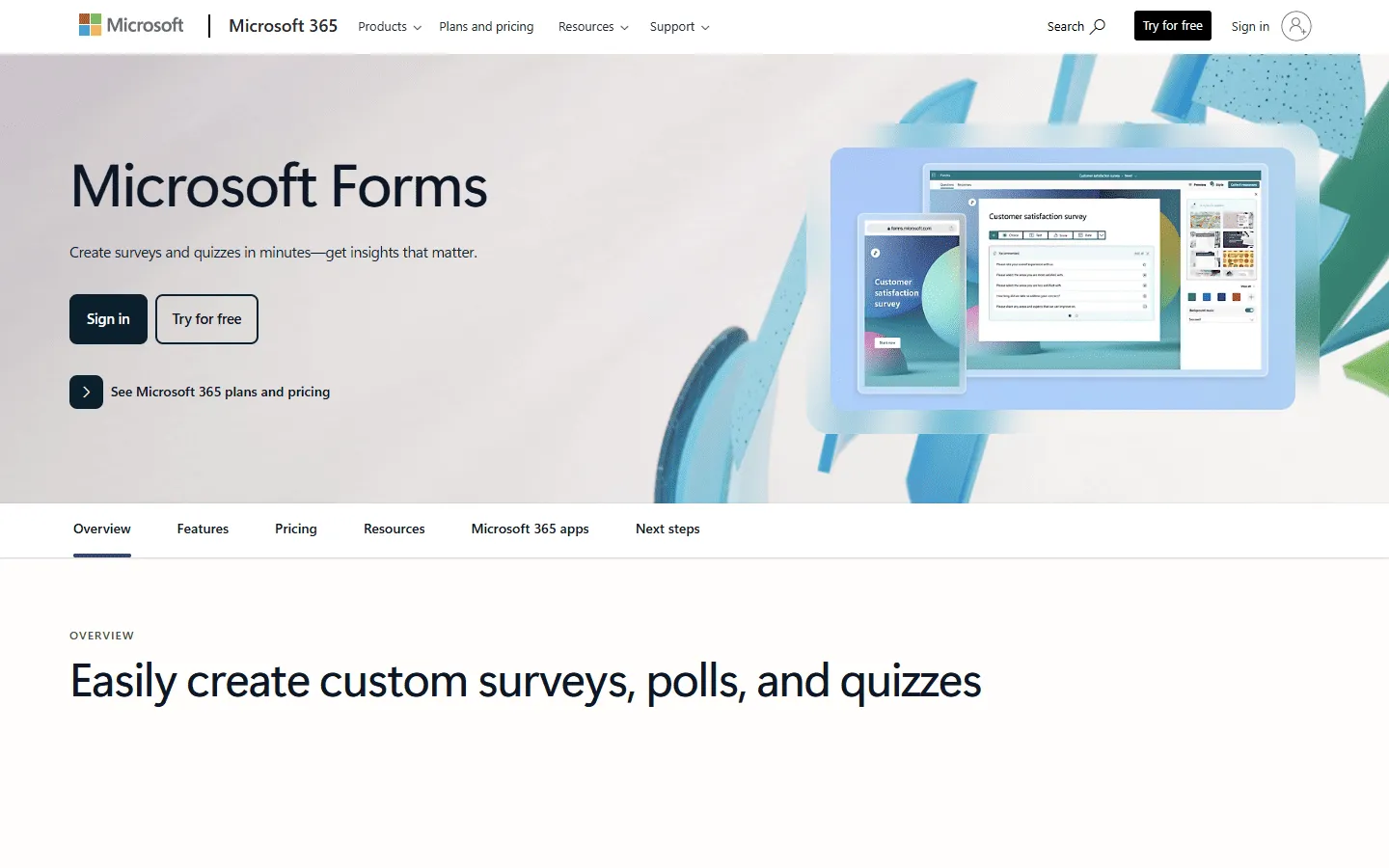 Microsoft Forms is a lightweight survey and quiz creator included with Microsoft 365. It’s widely used in schools and larger organizations because it works with existing Microsoft admin and sharing controls.
It is simple, which is the point. You can build a form quickly, share it to your org, and view results without setting up anything complicated. The trade-off is that it does not try to be a design tool or a workflow platform. Once your form needs more than the basics, you either stitch things together with other tools or you switch.
Why people look for Microsoft Forms alternatives
Design is limited
Microsoft Forms allows you to change a few colors and add a logo. That is it. If you want to change the button style, use a specific brand font, or create a layout with multiple columns, you simply cannot do it.
Logic hits a ceiling
Branching exists, but it is easy to outgrow once you have many paths, conditional follow-ups, or multi-step experiences. If your form is part of lead qualification, applications, or onboarding, you will usually want clearer logic tools and more control over the flow.
Workflows usually require more tools
Many teams want the submission to trigger something: route a request, create a record, run an approval, generate a document, or take payment. Microsoft Forms tends to rely on extra tools to get there, and the setup is often heavier than teams expect.
External use cases feel awkward
Microsoft Forms works best inside an org. If you need polished lead capture, applications, registrations, or client intake, you usually want better branding controls, custom domains, and a smoother experience for people outside your tenant.
Integrations aren’t straightforward
Microsoft Forms is great if you use Excel. If you use any other tool, like a modern CRM or a database like Airtable, the integration is often clunky. You usually have to use a tool like Power Automate to bridge the gap. Modern alternatives have these connections built in.
Data privacy and external access
Microsoft Forms stores data inside Microsoft 365 and often ties access to Microsoft accounts. For public-facing forms, this can be a problem. If your team is based in the EU you may want to look for alternatives that offer clearer GDPR positioning, EU-based hosting, or more control over where form data lives.
8 best Microsoft Forms alternatives
1. FormGrid
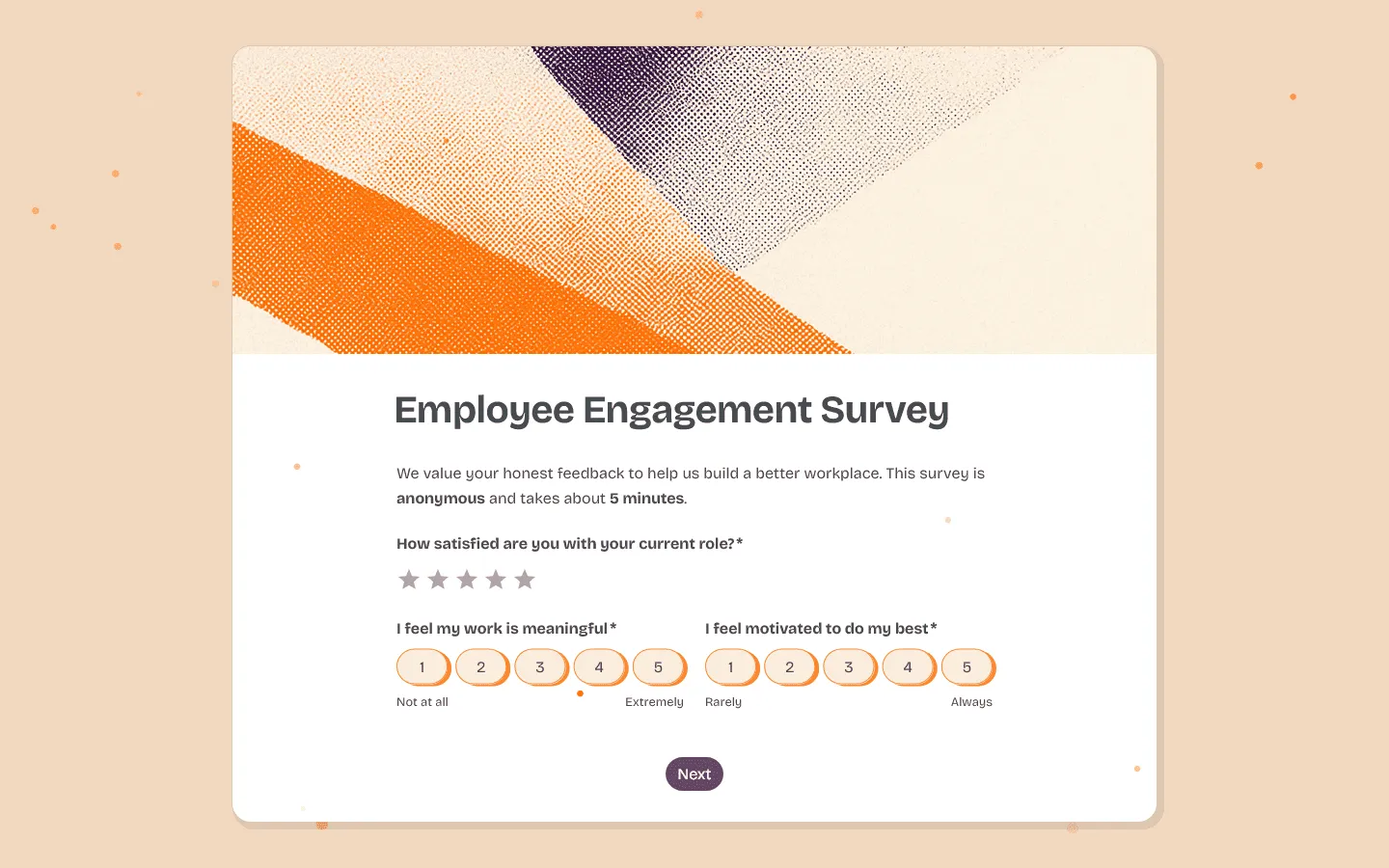 FormGrid is a free Microsoft Forms alternative that gives you total control over the way your form looks.
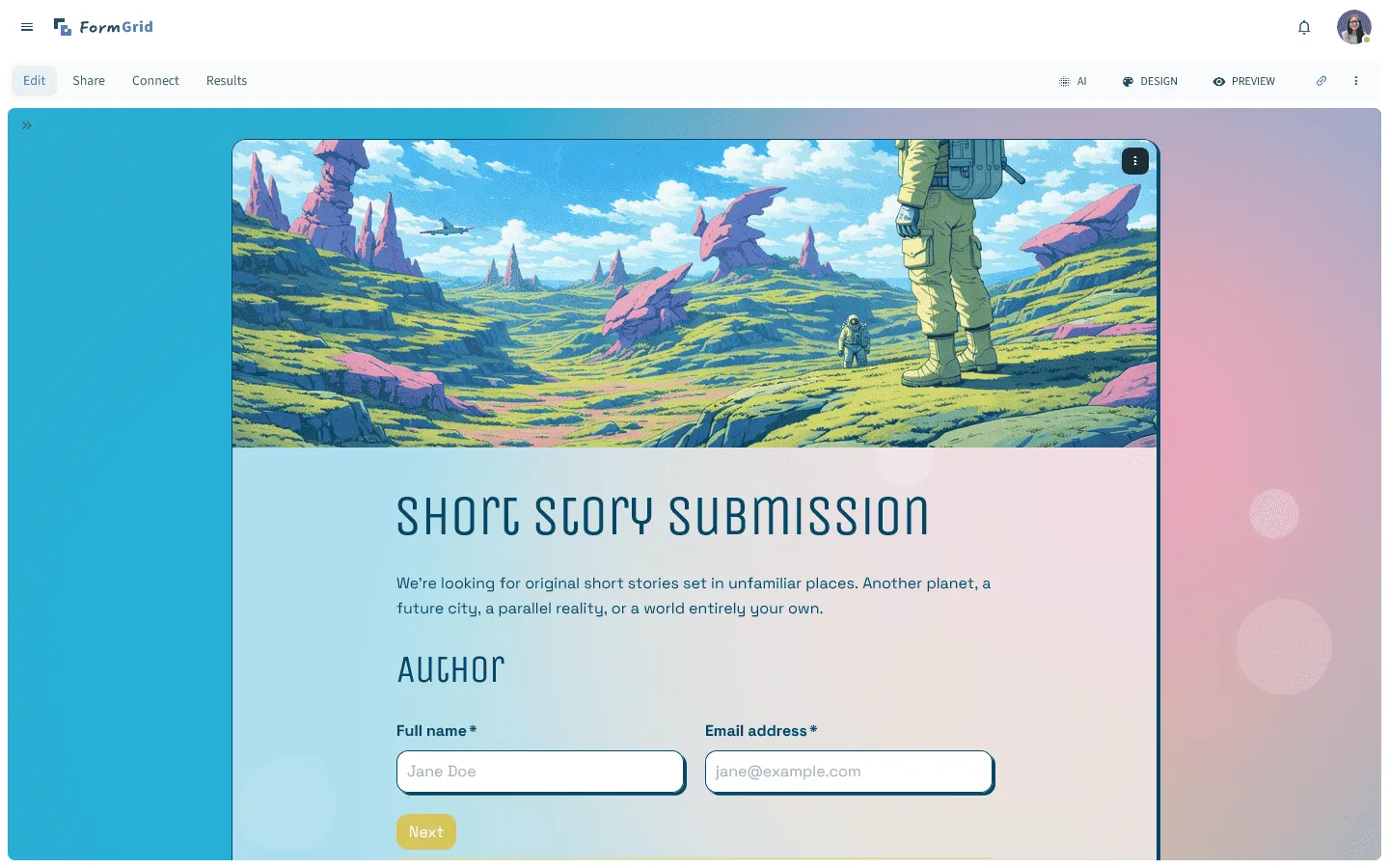
While Microsoft Forms forces every question into a fixed box, FormGrid gives you a blank canvas. You can customize every visual detail. This includes styling your buttons, choosing custom background gradients, and adding animated elements that make the form feel modern.
You can create your form from scratch using the document-style editor or generate a fully custom form for you. You just describe the design you want, and FormGrid creates the layout, color scheme, and typography.
FormGrid also offers an unlimited free plan, which does not cap the number of forms you create or the responses you collect.
Key features
- Grid-based layout with true columns and spacing control
- Theme generation and styling controls for branded forms
- Forms that feel like a mini-website, not a survey template
- Flexible sections for context, media, and richer structure
- Unlimited forms and unlimited responses on the free plan
FormGrid pricing
- Free: Unlimited forms and responses, access to all core features
- Plus ($29/month): Collaboration, remove FormGrid branding, version history
- Business ($79/month): User roles and permissions, advanced link settings
When FormGrid is a better fit than Microsoft Forms
FormGrid removes the visual restrictions of Microsoft. If you want your form to look like a high-end website instead of a spreadsheet, this is the right tool. It gives you design power that Microsoft simply does not have.
2. Google Forms
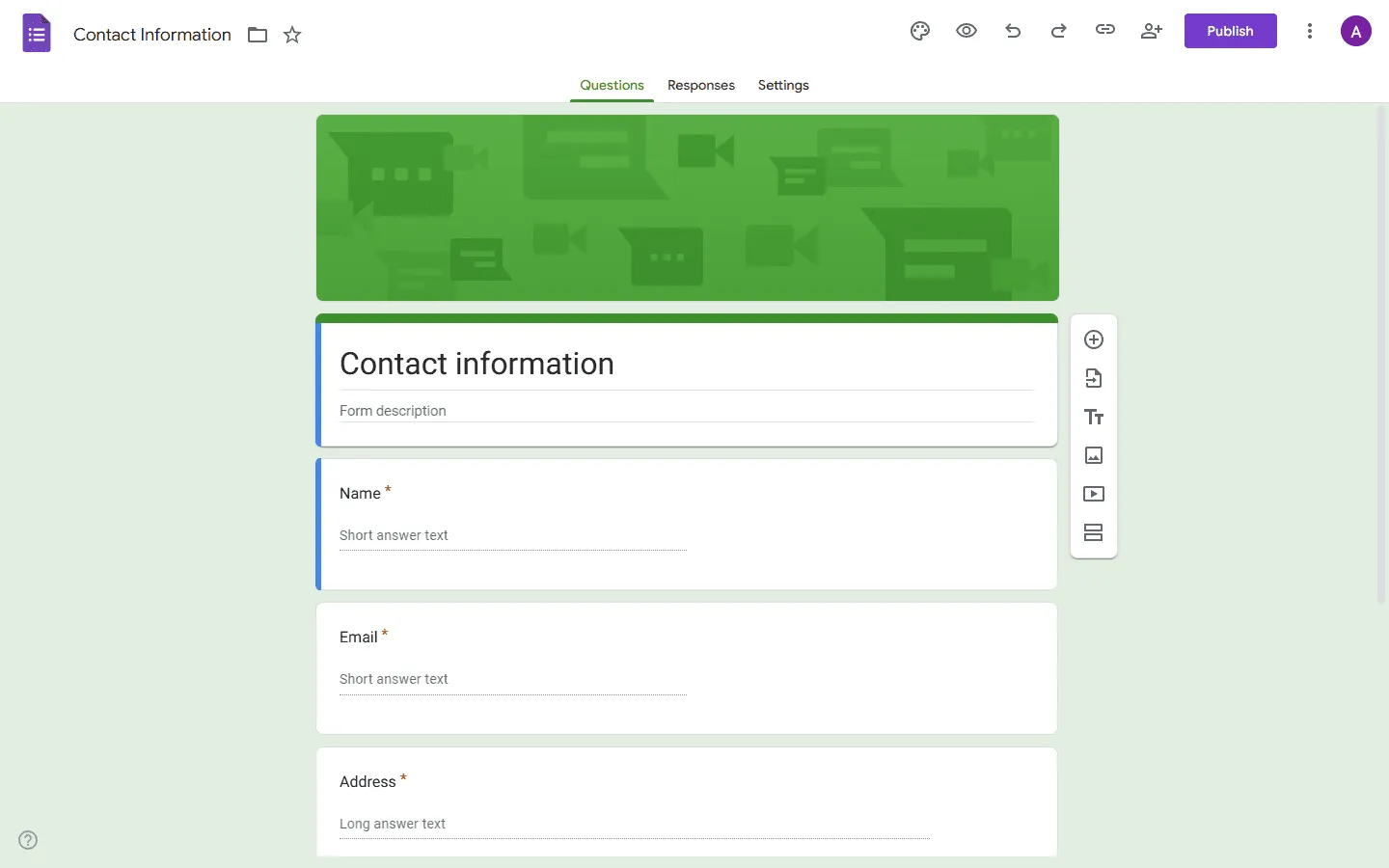 Google Forms is the closest “same category” replacement for Microsoft Forms. It is just as simple to use as Microsoft Forms, but it feels a bit more open. Since it lives in the Google Workspace, you can collaborate with others in real time just like you would on a Google Doc.
It works well if your process ends in a spreadsheet. If your team is less tied to Microsoft 365 and you mainly need lightweight surveys, Google Forms can be enough.
Where it starts to fall short is the same place Microsoft Forms does: design stays basic, logic stays limited, and anything beyond collecting answers usually requires extra tools.
If you want a detailed breakdown of how they compare, our Microsoft Forms vs Google Forms guide covers the key differences in features, pricing, and ecosystem fit side by side.
If you are considering Google Forms instead of Microsoft Forms but want to explore other similar tools before making the switch, our Google Forms alternatives guide is a good place to start.
Key features
- Simple builder that most people understand quickly
- Easy sharing and collaboration
- Responses flow naturally into spreadsheets
- Good for internal surveys, quick polls, and simple signups
- Free for personal use, included in Google Workspace for teams
Google Forms pricing
- Free: Unlimited responses, basic features
- Business (included with Google Workspace): Admin controls, shared drives, company management
When Google Forms is a better fit than Microsoft Forms
Pick Google Forms if you want a tool that is as simple as Microsoft Forms but exists outside the Office ecosystem and offers better real-time collaboration for teams.
3. Jotform
 Among Microsoft Forms alternatives, Jotform is the feature-heavy option. If Microsoft Forms feels too basic, Jotform will likely cover most features you were missing. It includes a library of over 20,000 templates, so you can find a professional layout for almost any industry. You can use it to collect electronic signatures, generate PDF documents, or even build a small mobile app for your team.
The builder uses a sidebar with drag-and-drop elements. It takes a bit more time to learn than Microsoft’s tool, but it can do much more. It is a good choice if you need to meet high security standards like HIPAA or if you want to connect your form to enterprise software like Salesforce.
If Jotform feels like a step in the right direction but you want to compare similar tools before making a decision, this list of Jotform competitors might be helpful. For a head-to-head breakdown of how Jotform stacks up specifically against Microsoft Forms, our Jotform vs Microsoft Forms guide covers the differences in features, pricing, and use cases side by side.
Key features
- Large template library for common business scenarios
- Payments, signatures, PDFs, and file uploads built in
- Automation and integrations across common business tools
- Team features and permissions for shared ownership
- Advanced options for compliance-heavy use cases
Jotform pricing
- Free: 5 forms, 100 responses/month
- Bronze ($34/month): 25 forms, 1,000 responses/month, no branding
- Silver ($39/month): 50 forms, 2,500 responses/month, more storage and integrations
- Gold ($99/month): 100 forms, 10,000 responses/month, HIPAA, priority support
- Enterprise (custom pricing): Unlimited usage, SSO, SLA
When Jotform is a better fit than Microsoft Forms
Pick Jotform when you need built-in capabilities that Microsoft Forms does not cover. Payments, documents, signatures, and lots of templates are the usual reasons.
4. Typeform
 Typeform changed how forms work by showing only one question at a time. This makes the form feel more like a conversation. While Microsoft Forms can feel like a chore to fill out, Typeform is usually more engaging. This often leads to more people actually finishing the form.
The design is very clean and uses large images and videos to guide the user. It is a premium tool, so it costs more than some other options, but the experience is hard to beat if you are focused on marketing or lead generation.
If you are considering a switch from Microsoft Forms because you want a more guided, step-by-step experience, Typeform isn’t the only tool that offers it. This list of Typeform alternatives looks at other similar tools.
Key features
- One-question-at-a-time flow with strong presentation
- Logic and paths that work well for guided experiences
- Design-focused templates and themes
- Built-in analysis and reporting
- Good embedding options for marketing pages
Typeform pricing
- Free: 10 responses/month, limited features
- Basic ($29/month): 100 responses/month, basic integrations
- Plus ($59/month): 1,000 responses/month, more logic, branding options, and integrations
- Business ($99/month): 10,000 responses/month, team features, advanced analytics, priority support
- Enterprise (custom pricing): Custom limits, SSO, custom domains, HIPAA compliance
When Typeform is a better fit than Microsoft Forms
Choose Typeform when form completion is the goal and the experience matters. It is a better fit for guided flows than Microsoft Forms.
5. Tally
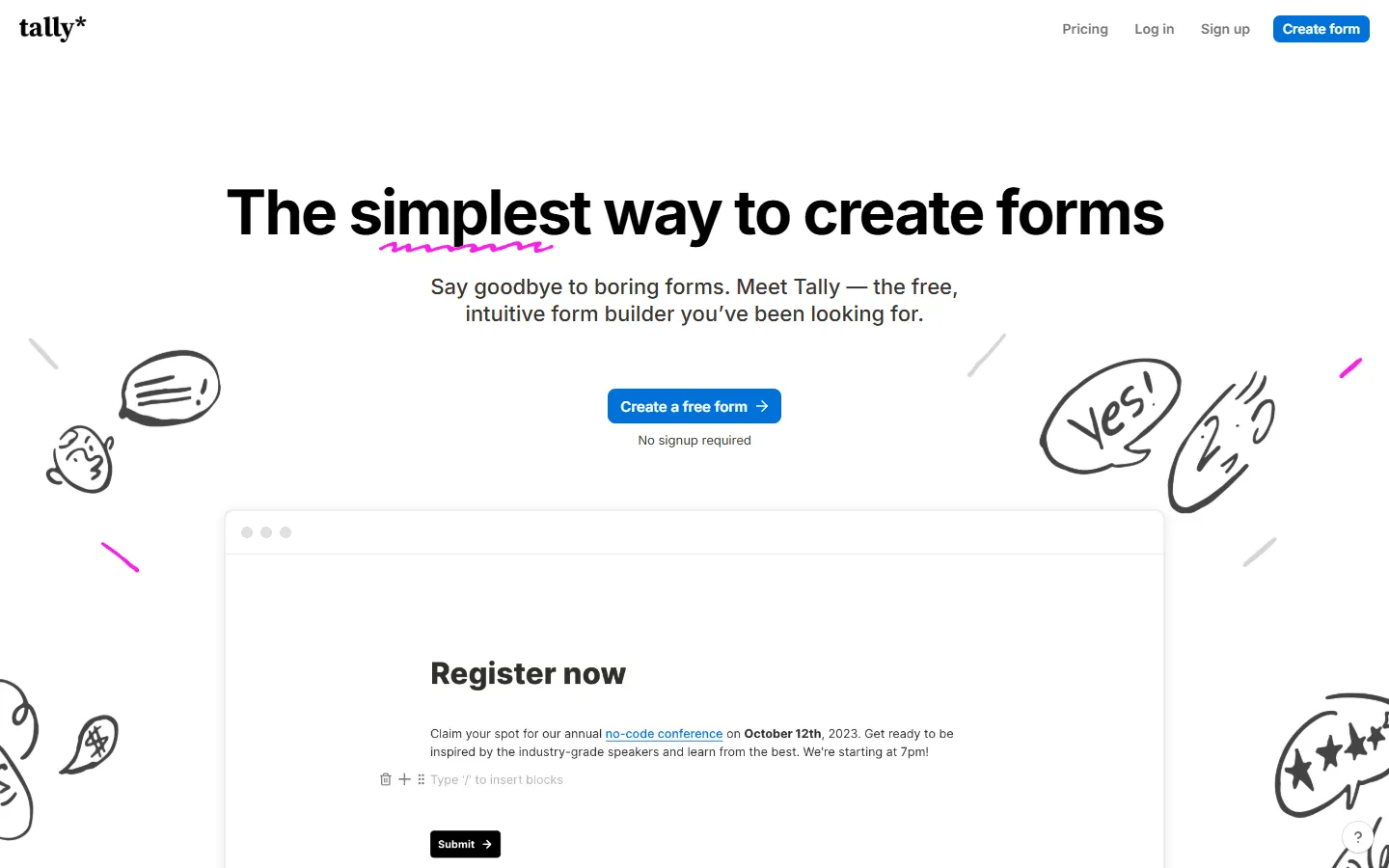 Tally is a great free alternative to Microsoft Forms if you like simplicity. People often call it the “Notion of forms” because it looks and feels like a simple document. You just click and start typing to add questions or images. It is very fast and has a modern, clean look by default.
One of the best things about Tally is its free plan. You can collect as many responses as you want without paying. They only charge you if you want to remove their branding or use a custom domain.
If you want to explore other similar tools first, check out our Tally alternatives list.
Key features
- Doc-style editor that is quick to learn
- Unlimited forms and submissions on the free plan (fair usage)
- Logic, calculations, payments, and file uploads available
- Clean default design with minimal setup
- Good option for simple websites and small teams
Tally pricing
- Free: Unlimited forms and submissions, basic logic, payments, file uploads
- Pro ($29/month): Custom domains, remove Tally branding, advanced integrations
- Business ($89/month): Email verification, form version history
When Tally is a better fit than Microsoft Forms
Tally provides a much faster, more modern building experience than Microsoft Forms and unlocks advanced features like payment blocks for free.
6. Fillout
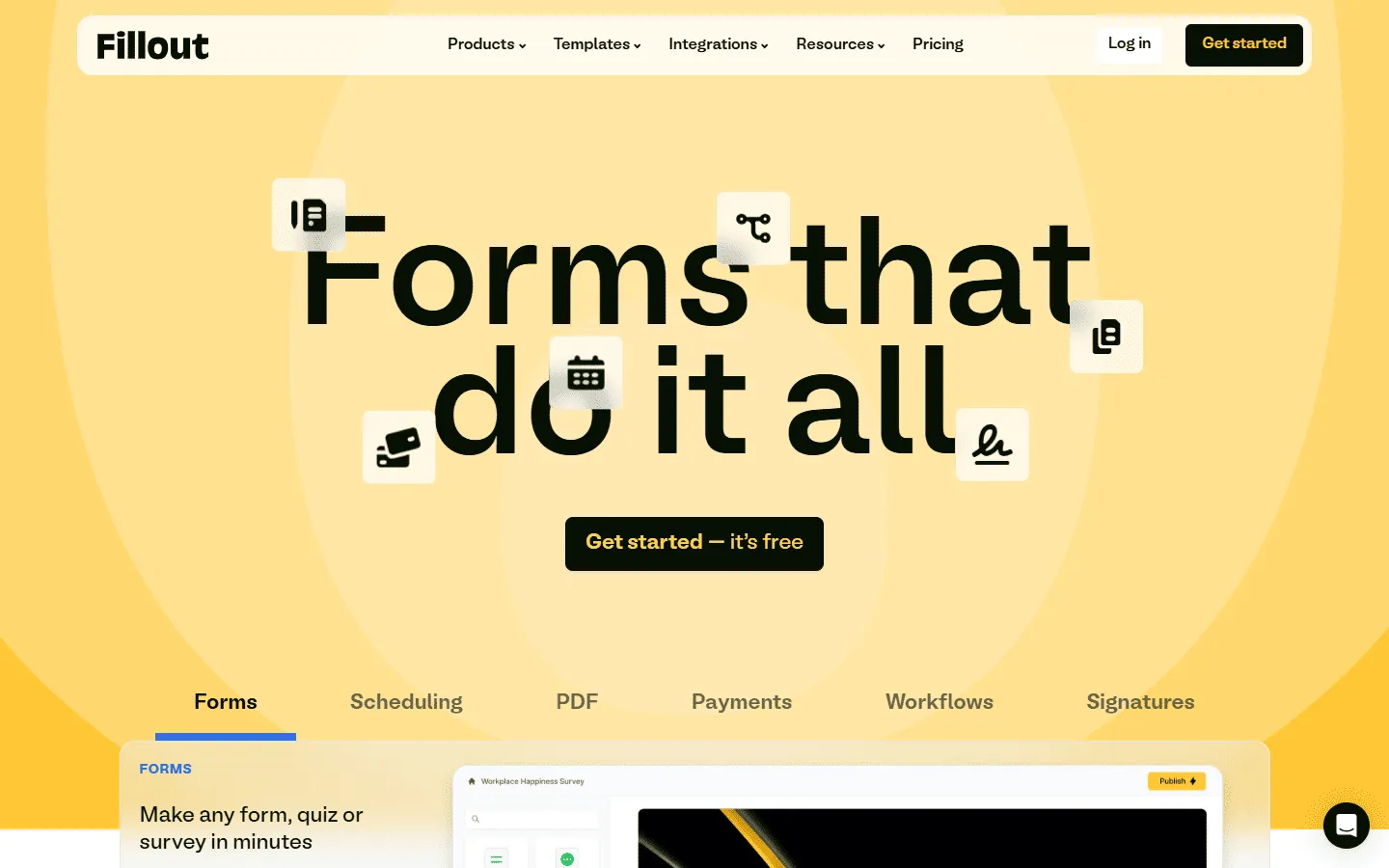 Fillout is a Microsoft Forms substitute for people who need their forms to work closely with their existing databases. While Microsoft Forms just dumps data into a static spreadsheet, Fillout can actually talk to tools like Airtable, Notion, and Salesforce. It has a two-way sync feature, meaning it can pull information from your database to pre-fill fields for your users or even update existing records when someone submits the form.
The logic builder in Fillout is also much more advanced than what you will find in Microsoft Forms. You can create multi-step forms that change dynamically based on the user’s input, making it feel like a custom-built app. It is a great choice for anyone building internal tools, client portals, or complex applications that require a deeper connection to their data than a simple Excel export can provide.
Key features
- Generous free plan for real traffic
- Multi-page flows and branching logic
- Payments, calculations, validation, and pre-fill options
- Good integration story for data-driven teams
- Fast builder that stays manageable as forms grow
Fillout pricing
- Free: 1,000 responses/month
- Starter ($15/month): 2,000 responses/month, increased limits and logic
- Pro ($40/month): 5,000 responses/month, advanced logic and integration capacity
- Business ($75/month): Unlimited responses, team use
When Fillout is a better fit than Microsoft Forms
If you use a CRM or a database to manage your work, Fillout is the better tool. Microsoft Forms is mostly stuck inside Excel, but Fillout can talk to the other tools you already use.
7. Zoho Forms
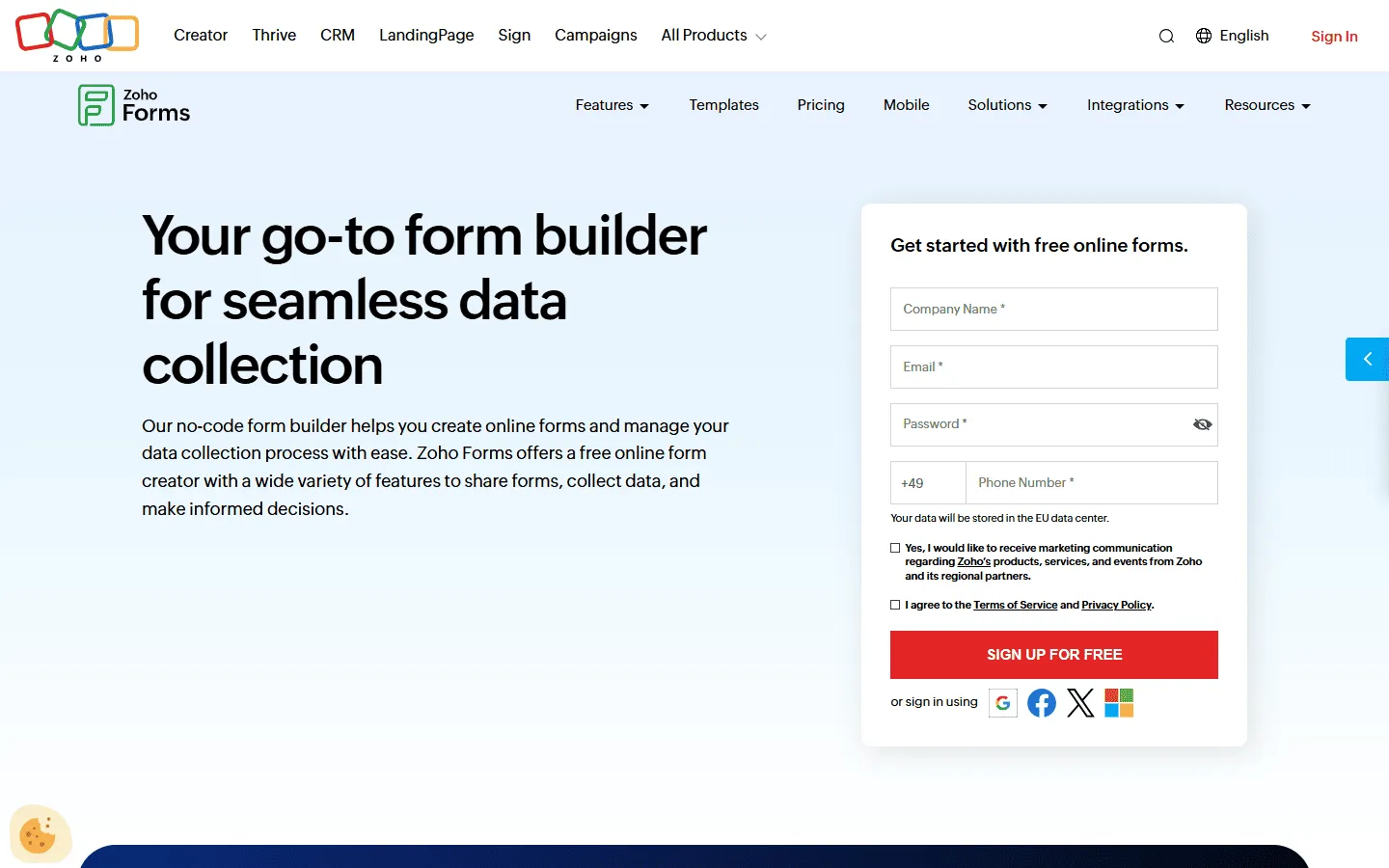 Zoho Forms is a business-focused tool that works best if you are already using other Zoho products.
It is much more capable than Microsoft Forms when it comes to managing how data moves through a company. You can set up approval workflows, which means a form submission can be sent to a manager to sign off on before the data is officially processed. This is very useful for things like expense reports or leave requests.
Key features
- Strong fit inside the Zoho ecosystem
- Approvals and workflow-style handling of submissions
- Notifications and routing for internal processes
- Good set of integrations for business ops teams
- Works well for internal requests and operational forms
Zoho Forms pricing
- Free: 3 forms, 500 responses/month
- Basic ($10/month): 10,000 responses/month, custom branding and themes
- Standard ($25/month): 25,000 responses/month, approvals
- Professional ($50/month): 75,000 responses/month
- Premium ($90/month): 150,000 responses/month, HIPAA compliance, record audit
When Zoho Forms is a better fit than Microsoft Forms
Pick Zoho Forms when you want submissions to trigger a real internal process, especially if you already use Zoho.
8. Formbricks
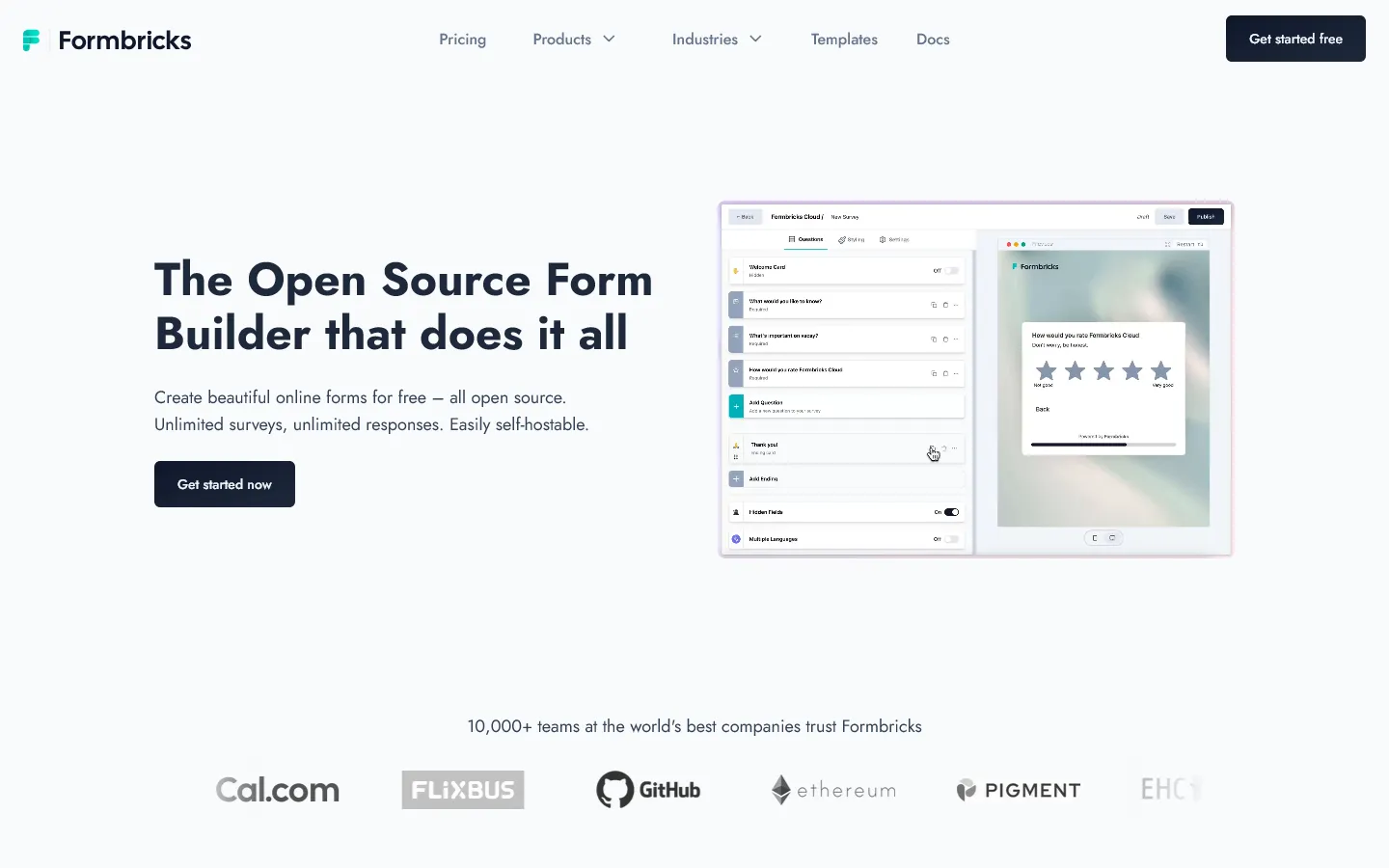 Formbricks is an open-source alternative to Microsoft Forms for teams that want full control over where form data lives and how submissions are handled.
Microsoft Forms tightly couples your forms to Microsoft accounts, Excel, and Power Automate. With Formbricks, you decide where the data goes, how long it stays, and who can access it. There is no vendor lock-in and no dependency on a specific office suite.
Formbricks also feels more product-oriented than Microsoft Forms. It is commonly used for in-app surveys, feedback collection, and internal tools rather than one-off polls. If your forms are part of a product or workflow and not just a standalone questionnaire, this difference becomes obvious quickly.
The trade-off is setup. Microsoft Forms works instantly because everything is already there. Formbricks requires hosting, configuration, and some technical comfort. It is not harder than other self-hosted tools, but it is not plug-and-play either.
Key features
- Fully open-source and self-hosted
- Full control over where responses are stored
- Designed for product feedback and internal use cases
- Logic and targeting options beyond simple branching
- Can be extended or customized if needed
Formbricks pricing
- Free: Self-hosted, open-source
When Formbricks is a better fit than Microsoft Forms
Choose Formbricks if Microsoft Forms feels too locked into the Microsoft ecosystem and you want complete control over data, deployment, and integrations, or if you prefer an open-source solution that can be adapted to custom workflows.
How we evaluated Microsoft Forms replacements
We develop form and survey software so we understand what makes a good form builder. To keep this comparison practical, we rebuilt the same three forms in every tool: a short internal request form, a branded public lead form, and a longer multi-step form with branching logic.
For each tool, we looked at:
- How much control you get over layout and brand
- How easy it is to build and change logic later
- What happens after submission (workflows, routing, exports, integrations)
- How restrictive the free plan is once you actually deploy the form
We also reviewed recent user feedback on platforms like G2 and Capterra to understand where these tools tend to work well in practice and where teams run into friction over time.
We keep this page up to date as pricing, free plan limits, and core features change.
What to check before switching from Microsoft Forms
Sharing and access
If you rely on org-only links in Microsoft 365, check how each tool handles team permissions, respondent access, and link controls.
Excel exports and handoff
If Excel is the destination, confirm CSV/Excel exports and whether you can map fields cleanly.
External forms
If the form goes to customers, check custom domains, branding removal, and how the form looks on mobile.
Workflow depth
If the submission should trigger approvals, routing, or record creation, check whether that lives inside the form tool or depends on automations.
Conclusion: Which Microsoft Forms alternative should you choose?
Microsoft Forms is still a good fit for quick internal surveys, especially if your workflow already lives in Microsoft 365 and the end result is an Excel sheet.
But if you are switching because something feels limiting, here is a simple way to pick:
- Best free Microsoft Forms alternative for branded, public forms: FormGrid
- Closest replacement for simple internal forms: Google Forms
- Best for templates and built-in features (payments, PDFs, signatures): Jotform
- Best for one-question-at-a-time flows: Typeform
- Best free option for simple, lightweight forms: Tally
- Best for logic-heavy forms that connect to Airtable/Notion workflows: Fillout
- Best for approvals and operational workflows: Zoho Forms
- Best open-source alternative for full control over data: Formbricks
Microsoft Forms alternatives FAQs
What is the best free alternative to Microsoft Forms?
If you care about design and layout, FormGrid is the strongest free option because it supports unlimited responses and gives you real control over how the form looks.
If you want something simple and minimalist, Tally is also worth looking at since it offers unlimited forms and submissions on the free plan (fair usage).
Which alternative is best for branded, public-facing forms?
FormGrid is built for this. It is the closest to building a mini-website instead of a generic form page.
Which alternative is best for payments?
Jotform, Fillout, and Tally all support payments. The right pick depends on whether you want templates (Jotform), workflow logic (Fillout), or a lightweight doc-style builder (Tally).
Is there an open-source alternative to Microsoft Forms?
Yes. Formbricks is an open-source form builder you can host yourself, giving you full data control and no subscription costs beyond your hosting fees.