11 Best FormAssembly Alternatives in 2026 (Free & Paid)
FormAssembly is built for enterprise-grade data collection, especially for teams that run on Salesforce. It shows up most often in healthcare, higher education, nonprofits, and financial services where compliance, permissions, and data accuracy matter.
For teams with those specific requirements, it delivers. But FormAssembly is not for everyone. The price is high, the interface takes time to learn, and the design side is limited by design. It prioritizes data integrity over visual flexibility.
This guide looks at the best FormAssembly alternatives across a range of needs: simpler workflows, lower costs, better design, and stronger analysis tools. We explain what each tool does well, where it falls short, and who it makes sense for.
Best FormAssembly alternatives: Quick summary
Here is a look at how the top alternatives compare.
| FormAssembly alternative | Best FormAssembly replacement for | Free plan | Starting price |
|---|---|---|---|
| FormGrid | Visually unique, branded forms | Available | $29/month |
| Jotform | Feature parity at a lower cost | Available | $34/month |
| Typeform | Conversational, high-completion forms | Available | $29/month |
| Formstack | Document automation and e-signatures | Not available | $83/month |
| Tally | Simple forms with advanced logic free | Available | $29/month |
| Cognito Forms | Calculations and repeating sections | Available | $19/month |
| Fillout | Airtable and Notion database workflows | Available | $15/month |
| SurveyMonkey | Research, surveys, and reporting | Available | $39/month |
| Zoho Forms | Zoho CRM and workflow integration | Available | $10/month |
| Google Forms | Simple, free data collection | Available | Free |
| Microsoft Forms | Microsoft 365 and Teams environments | Available | Free |
What is FormAssembly?
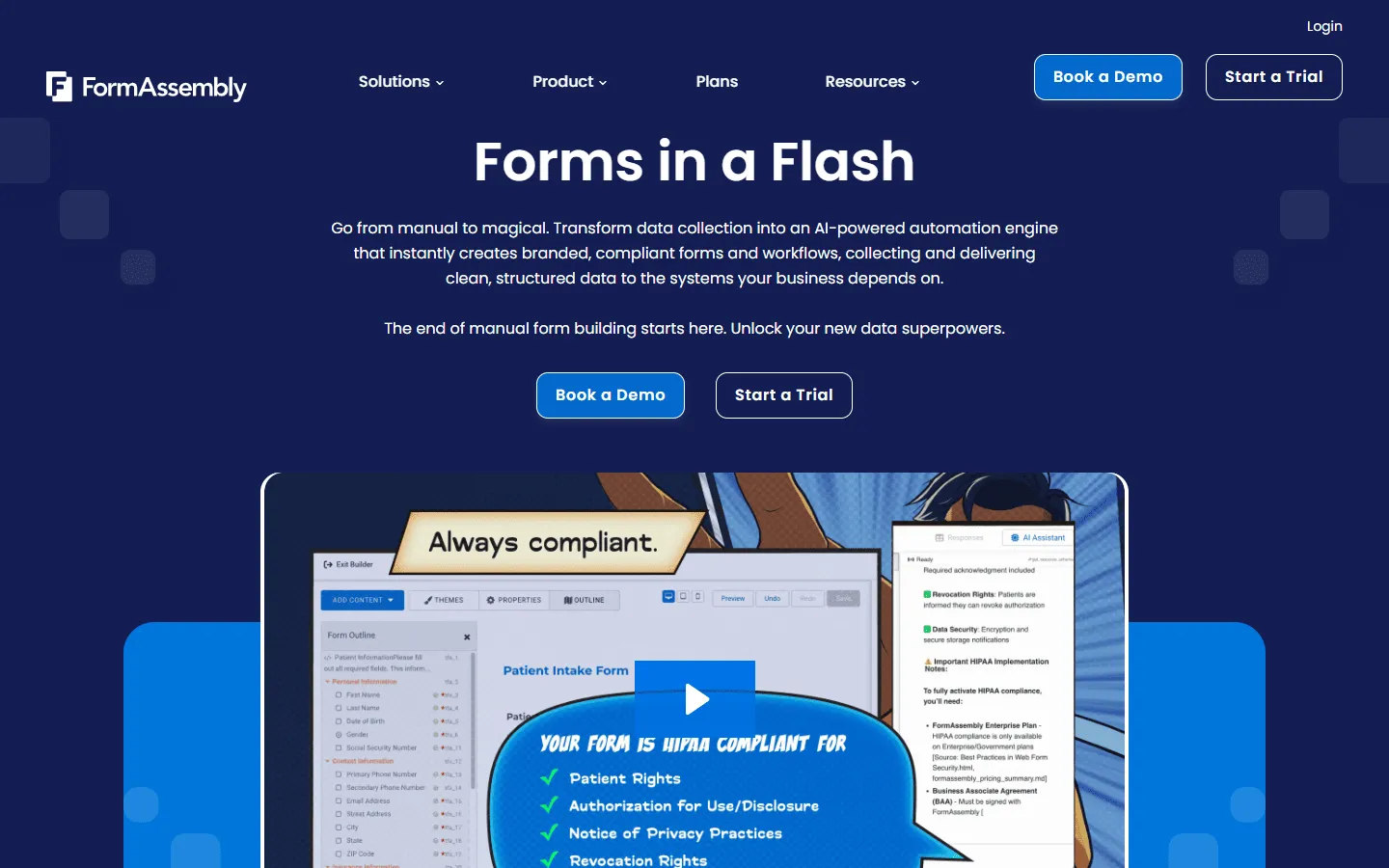 FormAssembly is a data collection platform built for organizations that handle sensitive information at scale. It is best known for its Salesforce integration, which goes deeper than most form builders: you can prefill forms from Salesforce records, map submission data to any Salesforce object, and avoid duplicate records through validation rules.
Beyond Salesforce, FormAssembly covers security and compliance well. It holds certifications for HIPAA, PCI-DSS Level 1, SOC 2, GDPR, and FERPA, which is why it shows up in healthcare, financial services, government, and higher education environments.
It is not a general-purpose form builder. The design side is limited. Building and configuring forms takes longer than most modern tools. The pricing reflects the fact that it is built for enterprise teams, not individuals or small businesses.
Key FormAssembly features
- Deep Salesforce integration with prefill, deduplication, and object mapping
- Compliance certifications including HIPAA, PCI-DSS, SOC 2, GDPR, and FERPA
- Conditional logic, multi-page forms, and workflow routing
- Team permissions, audit logs, and data governance tools
- Gov Cloud plan for federal and state government agencies
FormAssembly pricing
FormAssembly does not publish full pricing on its website, but the Atlas Explorer plan starts at $59/month when billed annually. The Atlas Team and Atlas Enterprise plans are available on request. There is no free plan. Gov Cloud pricing is custom.
Why look for a FormAssembly alternative?
FormAssembly is designed around Salesforce and compliance-heavy workflows. If that is not your situation, it is common to start comparing FormAssembly alternatives. Based on recurring themes in G2 and Capterra reviews, these are the main reasons teams switch.
Cost
The entry plan is expensive compared to most form builders. If you do not need Salesforce prefill or compliance certifications, you can end up paying for capabilities you will not use.
Limited design flexibility
FormAssembly forms look functional, but they are not built for branded or visually driven experiences. Styling is limited, and making a form look polished takes more effort than it should.
Steep learning curve
Connector setup, validation rules, and Salesforce mapping take time to configure and maintain. Teams without someone technical often spend longer than planned getting to a stable setup.
Not built for marketing or general use
If your forms are for lead capture, event registration, onboarding, or feedback, FormAssembly can feel heavy and overbuilt. Most competitors handle these cases faster and with better results visually.
11 best FormAssembly alternatives and competitors
1. FormGrid
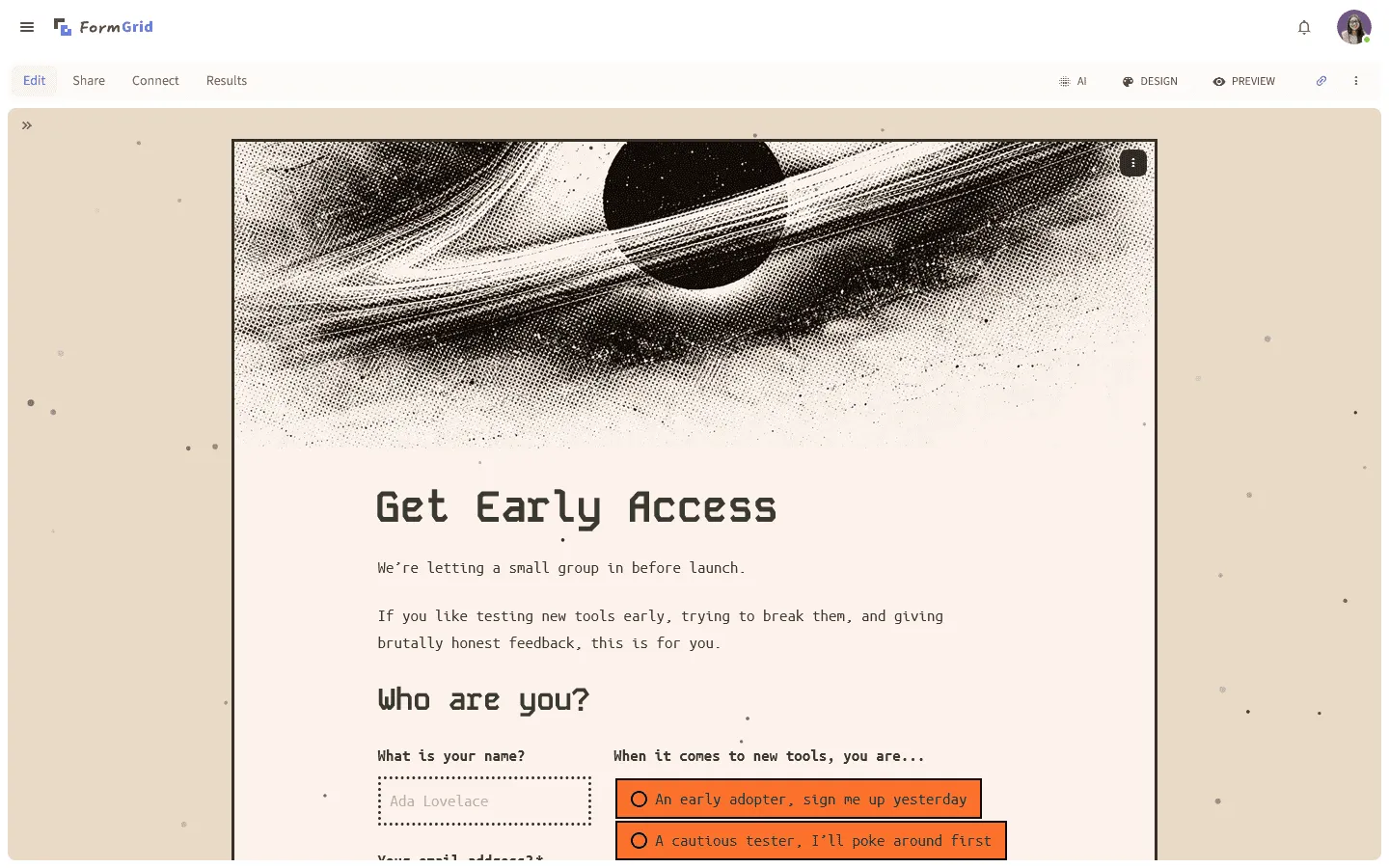 FormGrid is a FormAssembly alternative built around visual freedom. FormAssembly forms are functional and data-focused, but design is not their strength. Instead of a fixed vertical layout, FormGrid offers flexible layout control, custom typography and spacing, and a canvas-style editor where you decide how the form looks and feels.
This matters most for public-facing forms. With FormAssembly, form output often looks the same regardless of styling effort. With FormGrid, you control structure and hierarchy. That makes a real difference for applications, onboarding flows, and anything where tone and presentation affect how people respond.
You can let FormGrid create a fully custom form for you for free from a short prompt, so you can quickly get a starting point and refine it if needed.
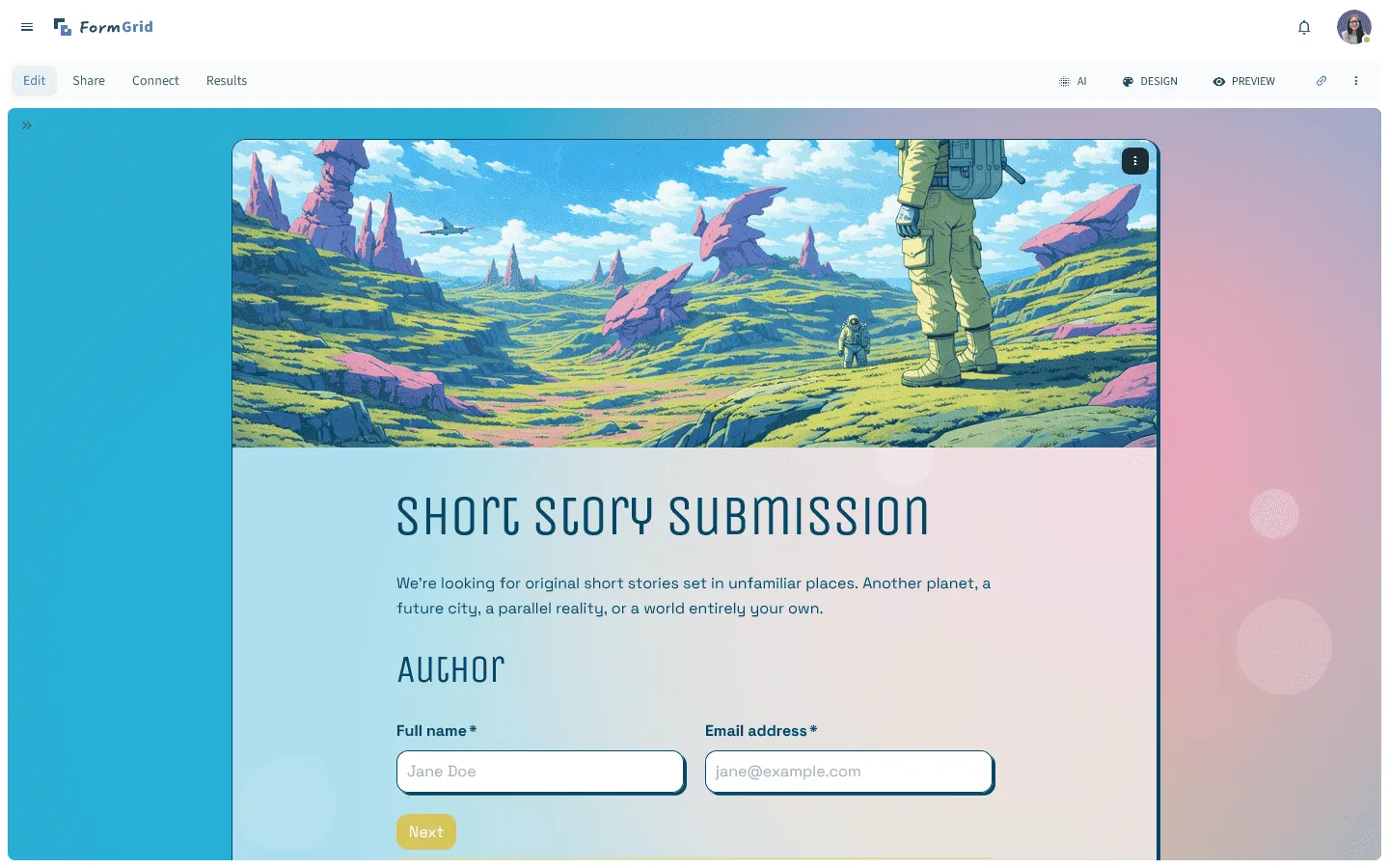
FormGrid focuses on design and easy editing experience. It is not trying to compete with FormAssembly on Salesforce depth or compliance certifications.
Verdict: FormGrid is a good choice for teams that need forms to feel designed, not just functional.
Key features
- Flexible grid-based layout system
- AI-powered form generation from a text description
- Custom fonts, spacing, colors, and field arrangement
- Unlimited responses on the free plan
Pricing
- Free: Unlimited forms and responses, access to all core features
- Plus ($29/month): Collaboration, remove FormGrid branding, version history
- Business ($79/month): User roles and permissions, advanced link settings
Pros
- Much more visual control than FormAssembly
- Fast to get started with AI generation
- Free to use for any volume of responses
Cons
- Not built for Salesforce-native workflows
- No enterprise compliance certifications
2. Jotform
 Jotform is probably the closest general-purpose replacement for FormAssembly in terms of feature coverage. It handles conditional logic, file uploads, payments, approvals, e-signatures, and HIPAA compliance, all at a significantly lower price point. Where FormAssembly starts at $59/month with no free tier, Jotform has a free plan and paid plans starting at $34/month.
Jotform does integrate with Salesforce, but it is not as deep as FormAssembly. FormAssembly is built around Salesforce data workflows. Jotform treats Salesforce as one integration among many. If Salesforce is the backbone of your process, that difference matters. If you just need submissions to land in Salesforce, Jotform can be enough.
The builder itself is feature-heavy. You get thousands of templates, a drag-and-drop editor, and widgets for almost any field type. The downside is that the interface can feel cluttered if you only need simple forms.
If you want to explore Jotform in more depth before committing, our guide to the best Jotform alternatives covers how it compares to other feature-rich form builders.
Verdict: Jotform is a strong FormAssembly replacement for teams that need enterprise features but not enterprise pricing.
Key features
- PDF Editor for mapping form data to formal documents
- Jotform Approvals for multi-stage workflows
- HIPAA compliance on higher plans
- 10,000+ templates and hundreds of integrations
Jotform pricing
- Free: 5 forms, 100 responses/month
- Bronze ($34/month): 25 forms, 1,000 responses/month, no branding
- Silver ($39/month): 50 forms, 2,500 responses/month, more storage
- Gold ($99/month): 100 forms, 10,000 responses/month, HIPAA compliance
- Enterprise (custom pricing): Unlimited usage, SSO, SLA
Pros
- Feature-rich at a lower price than FormAssembly
- Strong HIPAA compliance path
- Thousands of templates for fast starts
Cons
- Salesforce integration is shallower than FormAssembly
- The interface can feel busy with so many options
3. Typeform
 Typeform is a FormAssembly alternative for teams who care about completion rates. FormAssembly is about structured data collection and backend accuracy. Typeform is about the experience of filling out a form. It shows one question at a time, uses a guided flow, and feels closer to a conversation than a traditional form.
This format often works well for lead capture, onboarding questionnaires, feedback, and applications where you want respondents to stay focused. It can also improve the quality of answers when you ask open-ended questions.
Typeform is less suited for complex data workflows. Response limits are strict, pricing climbs quickly, and it is not built for the kind of multi-object Salesforce syncing that FormAssembly handles natively.
If you are evaluating Typeform but want to compare more options in the same style, our Typeform alternatives guide is a good starting point.
Verdict: Typeform is the better FormAssembly alternative when the experience of filling out a form affects your results.
Key features
- One-question-at-a-time conversational layout
- Video capabilities for questions and answers
- Logic jumps for personalized paths
- Built-in analytics and insights
Typeform pricing
- Free: 10 responses/month, limited features
- Basic ($29/month): 100 responses/month, basic integrations
- Plus ($59/month): 1,000 responses/month, branding options and more logic
- Business ($99/month): 10,000 responses/month, team features, priority support
- Enterprise (custom pricing): Custom limits, SSO, HIPAA compliance
Pros
- More engaging for respondents than traditional form builders
- Good for lead capture and feedback
- Clean visual output
Cons
- Response limits on every paid tier
- Not suited for complex Salesforce or data workflows
4. Formstack
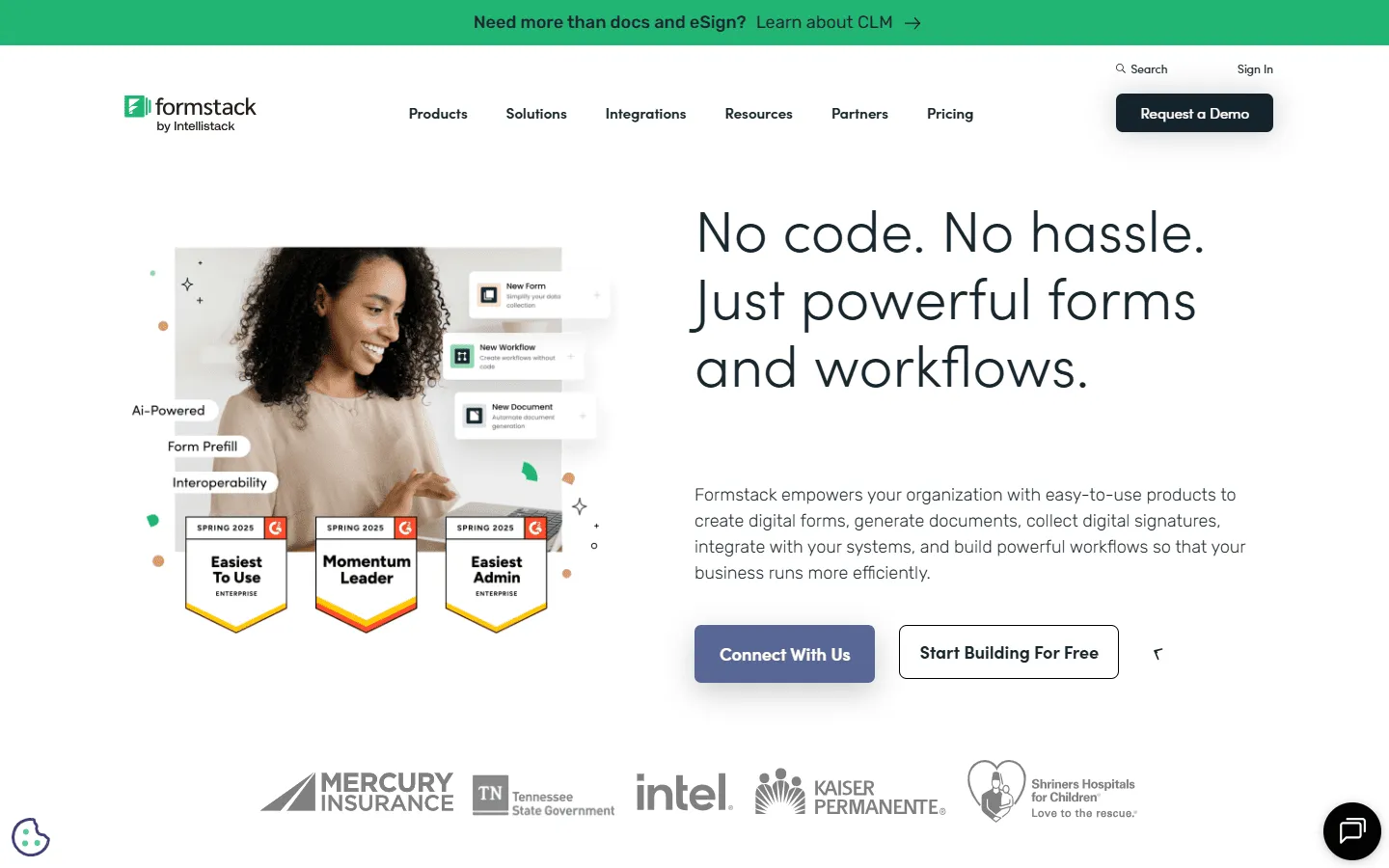 Formstack is the closest enterprise-grade alternative to FormAssembly. It covers similar ground: compliance certifications (HIPAA, SOC 2, PCI), workflow automation, and integrations with Salesforce and other business tools.
A key reason teams choose Formstack is the platform approach. It combines Forms, Documents (turn submissions into PDFs), and Sign (e-signatures). If your process includes generating documents, sending them for signature, and routing approvals, Formstack can cover more of that workflow in one place.
If Salesforce data quality is the core requirement, many teams still prefer FormAssembly. Formstack’s Salesforce connection works, but its multi-object mapping and prefill capabilities are less refined. Pricing is also high, starting at $59/month for the Forms product alone.
Our Formstack alternatives guide covers more options in the same tier.
Verdict: Formstack is a good FormAssembly alternative when you need document generation and e-signatures alongside form data collection.
Key features
- Document generation turning submissions into PDFs
- Electronic signature capabilities
- Workflow automation with approvals and routing
- HIPAA, SOC 2, and PCI compliance
Formstack pricing
- No free plan
- Forms ($83/month): 25 forms, 1,000 responses/form
- Suite ($250/month): 100 forms, automation, documents, e-signatures
- Enterprise (custom pricing): Compliance features, advanced governance
Pros
- Strong document generation and e-signature workflow
- Broad compliance certifications
- Many integrations
Cons
- High starting price
- Salesforce integration less precise than FormAssembly
5. Tally
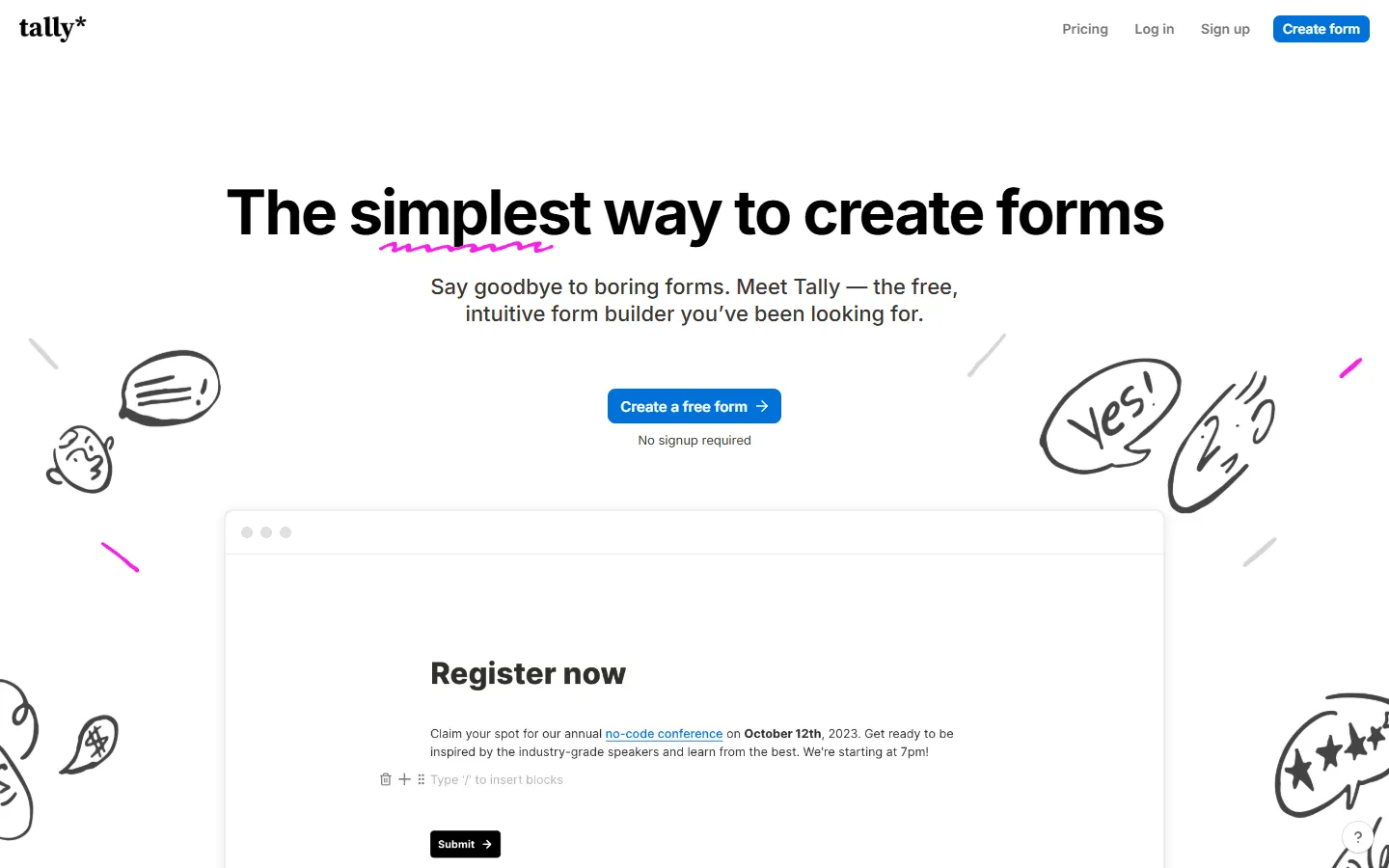 Tally is a lightweight FormAssembly alternative focused on speed. You write questions like you would in a document, and Tally turns them into a form. Logic, file uploads, and payments are available on the free plan, and the free tier includes unlimited forms and unlimited responses.
If your forms are straightforward and you do not need Salesforce or compliance programs, Tally is an easy way to get a lot done quickly.
Tally is not built for enterprise workflows. It does not support Salesforce integration, enterprise compliance, or complex approval workflows. The design is also fixed in a clean vertical layout, which limits branding. If your use case does not require FormAssembly’s heavy backend machinery, Tally replaces it cleanly for a fraction of the cost.
If Tally’s approach interests you, our Tally alternatives guide compares similar lightweight tools.
Verdict: Tally is the right FormAssembly replacement for teams that need fast, functional forms without enterprise overhead.
Key features
- Free unlimited forms and responses
- Document-style editor with keyboard shortcuts
- Logic, file uploads, and payments on the free plan
Tally pricing
- Free: Unlimited forms and responses, logic, payments, file uploads
- Pro ($29/month): Custom domains, remove Tally branding, advanced integrations
- Business ($89/month): Email verification, form version history
Pros
- Very generous free plan
- Very fast to build and publish
- Simple logic that stays readable
Cons
- No Salesforce integration
- Fixed vertical layout limits visual branding
- Not suitable for regulated data collection
6. Cognito Forms
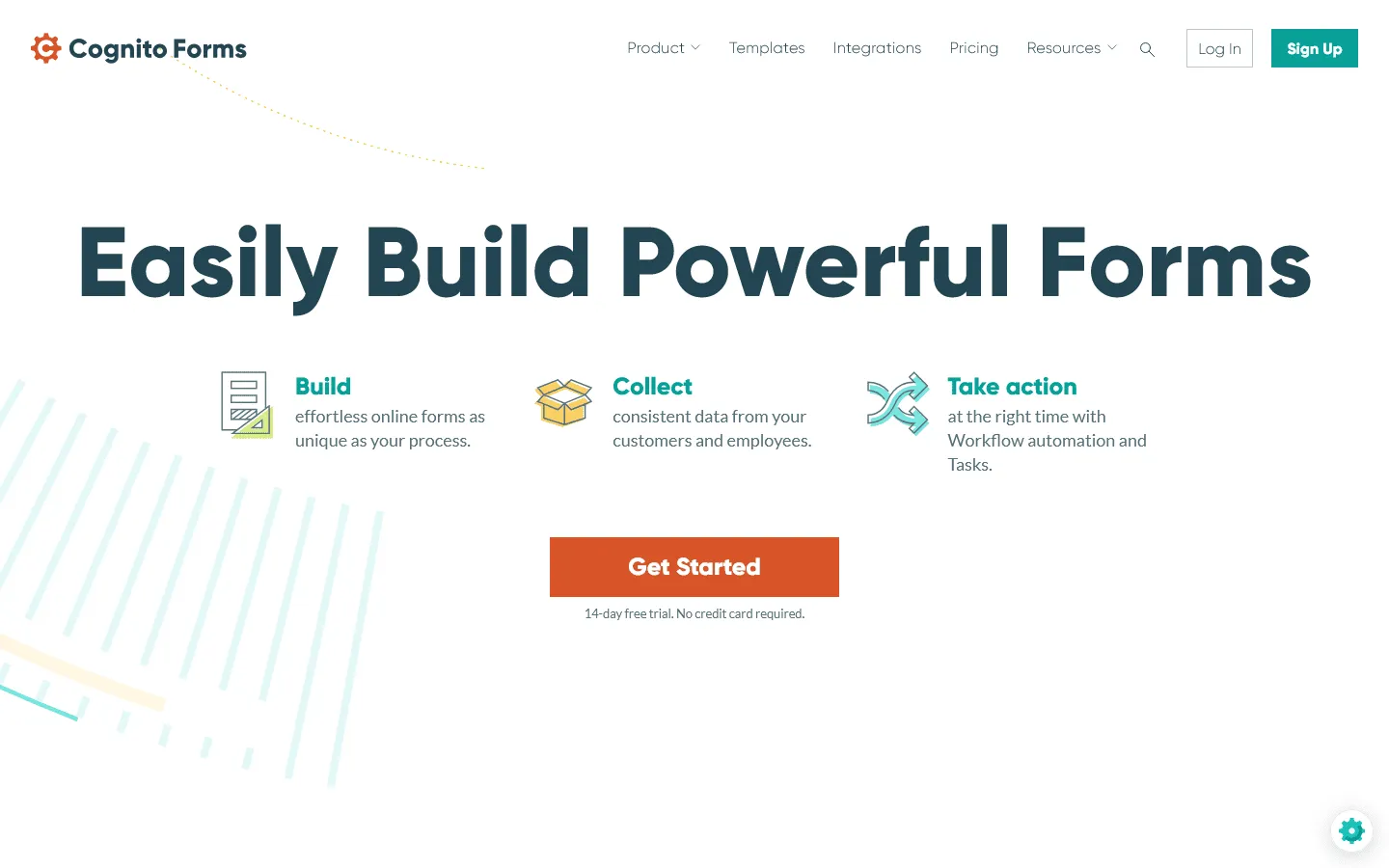 Cognito Forms is a FormAssembly alternative that works well when your forms need calculations, repeating sections, or structured line items. If your forms include pricing calculations, order totals, scoring logic, or multi-item entries, Cognito handles these more naturally than FormAssembly and at a much lower price.
Its formula builder feels similar to a spreadsheet: you reference fields, compute totals, and update values as people type. Repeating sections let respondents add multiple entries, which is useful for itemized requests. HIPAA support is available on the Enterprise plan.
Design options are straightforward. For internal or process-driven forms, that is usually fine. For branded marketing pages, other FormAssembly alternatives will give you more control.
Our guide to Cognito Forms alternatives looks at other tools in this calculation-heavy category.
Verdict: Cognito Forms is a practical FormAssembly alternative for forms that require real-time calculations and repeating sections.
Key features
- Formula builder for calculations and scoring
- Repeating sections for line items and multi-entries
- HIPAA compliance on Enterprise plan
- Payment processing with Stripe and PayPal
Cognito Forms pricing
- Free: 100 responses/month
- Pro ($19/month): 2,000 responses, no branding
- Team ($39/month): 10,000 responses, shared ownership
- Enterprise ($129/month): Unlimited responses, HIPAA compliance
Pros
- Calculation engine is one of the best available
- Good for order forms, quotes, and scoring
- HIPAA compliance at a lower price than FormAssembly
Cons
- Limited visual customization
- Design feels utilitarian compared to modern builders
7. Fillout
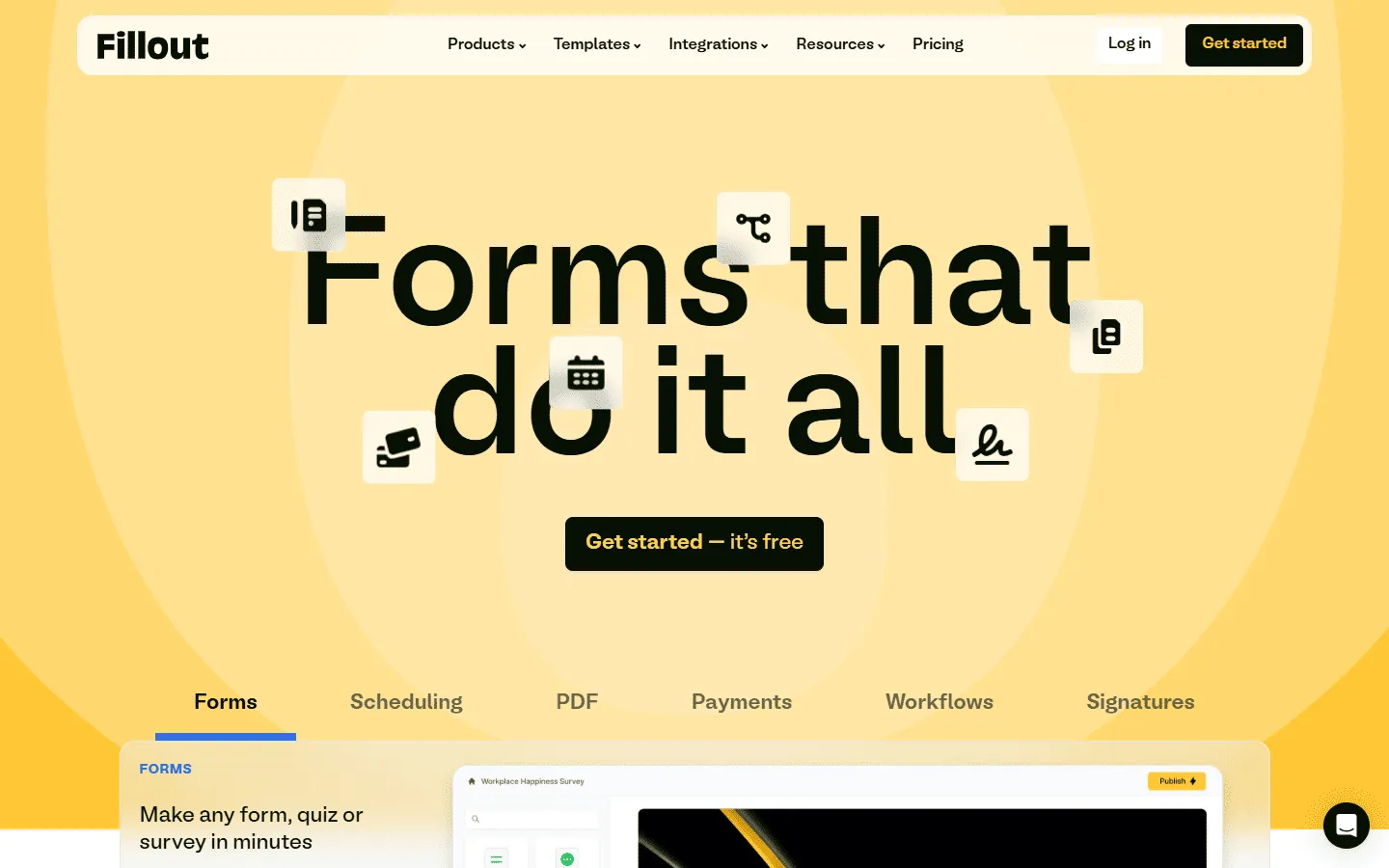 Fillout is a modern FormAssembly alternative for teams whose data lives in Airtable, Notion, or HubSpot. It can read from and write to those systems in real time, so forms can prefill from existing records, update entries, and stay in sync.
This is similar in concept to FormAssembly’s Salesforce approach, but aimed at tools that smaller teams use day to day. If you do not rely on Salesforce and you want a form to behave like a front end for your database, Fillout is a strong option.
The visual side is clean and modern, though layout customization is limited. The free plan allows 1,000 responses per month, and paid plans start at $15/month, well below FormAssembly’s entry point. For teams that do not need Salesforce or heavy compliance, Fillout is a more practical and affordable tool.
Verdict: Fillout is the right FormAssembly alternative when your data lives in Airtable, Notion, or HubSpot rather than Salesforce.
Key features
- Real-time two-way sync with Airtable, Notion, and HubSpot
- Pre-fill forms from existing database records
- Advanced conditional logic and multi-step flows
Fillout pricing
- Free: 1,000 responses/month
- Starter ($15/month): 2,000 responses/month, advanced logic
- Pro ($40/month): 5,000 responses/month, advanced integrations
- Business ($75/month): Unlimited responses, team features
Pros
- Native integration with modern database tools
- More affordable than FormAssembly for non-Salesforce teams
- Clean, easy-to-navigate interface
Cons
- Most powerful features are Airtable and Notion-focused
- No Salesforce-native integration at FormAssembly’s depth
8. SurveyMonkey
 If your goal is to understand trends, gather structured feedback, or run research, SurveyMonkey’s analysis tools go far beyond what FormAssembly offers. You get statistical weighting, cross-tabulation, sentiment analysis, A/B testing for questions, and benchmarking against industry norms.
For HR teams, customer experience professionals, or researchers collecting categorical data, those tools save hours of manual spreadsheet work. Submitting a form is just the start, SurveyMonkey is built around what you do with the data next.
The builder is more traditional and dated compared to modern form tools. Design options are limited, and it is not built for Salesforce-heavy workflows or compliance-heavy industries. It is best for structured, survey-style data collection where reporting quality matters.
Our SurveyMonkey alternatives guide covers how it compares to other survey-focused tools if you want a broader view.
Verdict: SurveyMonkey is a better FormAssembly alternative when your priority is analyzing response data rather than routing it through workflows.
Key features
- Statistical weighting and cross-tabulation
- Industry benchmarking and NPS tools
- A/B testing for question variations
- Expert-written templates for research and HR
SurveyMonkey pricing
- Free: 25 responses/survey, 10 questions/survey
- Standard Monthly ($39/month): 1,000 responses/month, more question types
- Advantage Annual ($432/year): 15,000 responses/year, A/B testing, recurring surveys
- Premier Annual ($1,188/year): 40,000 responses/year, advanced logic
- Team plans: From ~$30/user/month with collaboration features
- Enterprise: Custom pricing, SSO, HIPAA compliance
Pros
- Professional-grade analytics and reporting
- Good benchmarking tools for HR and research
- Handles high response volumes reliably
Cons
- Limited design and branding options
- No Salesforce workflow integration at FormAssembly’s depth
9. Zoho Forms
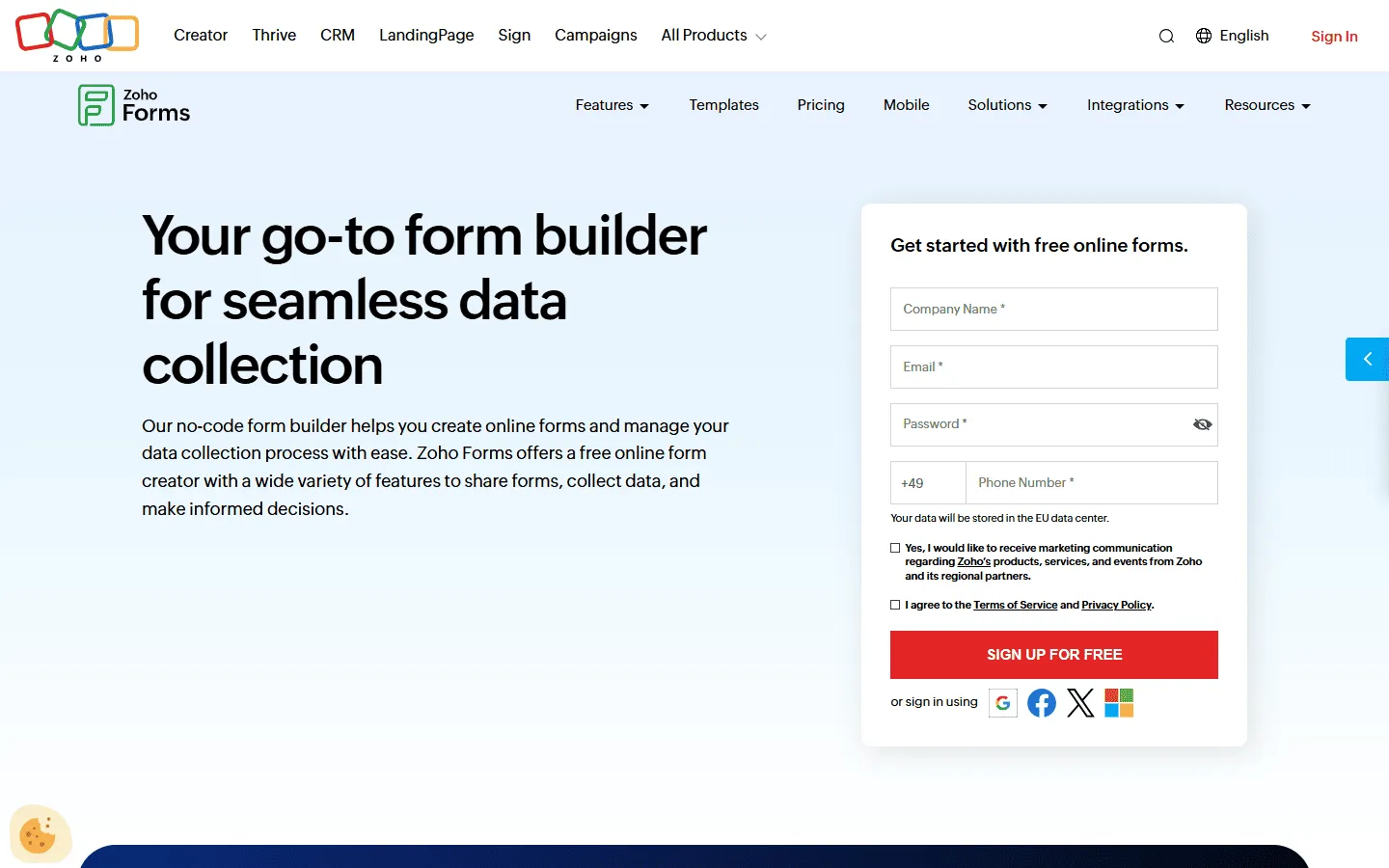 Zoho Forms is a FormAssembly alternative for teams already using Zoho. It connects directly to Zoho CRM, Desk, Projects, and other Zoho apps. Submissions can create records, trigger tasks, send follow-ups, and route approvals without relying on third-party automation.
The comparison with FormAssembly is mostly about ecosystems. FormAssembly is optimized for Salesforce environments. Zoho Forms is optimized for Zoho environments. If you are deeply invested in either platform, the native integration is significantly more reliable than connecting a general-purpose form builder through Zapier.
Pricing is one of the strongest arguments for Zoho Forms. The Basic plan starts at $10/month, a fraction of FormAssembly’s cost, and the upper tiers include HIPAA compliance. Design options are basic, and forms tend to look functional rather than polished.
Verdict: Zoho Forms is the practical choice for teams using Zoho CRM or other Zoho tools who want native integration without FormAssembly’s cost.
Key features
- Native mapping to Zoho CRM, Desk, and other Zoho apps
- Approval routing and task assignment built in
- Offline data collection via mobile app
- HIPAA compliance on the Premium plan
Zoho Forms pricing
- Free: 3 forms, 500 responses/month
- Basic ($10/month): 10,000 responses/month, custom branding
- Standard ($25/month): 25,000 responses/month, approvals
- Professional ($50/month): 75,000 responses/month
- Premium ($90/month): 150,000 responses/month, HIPAA compliance
Pros
- Direct integration with the Zoho suite
- Approval workflows built in without add-ons
- Significantly cheaper than FormAssembly
Cons
- Limited value outside the Zoho ecosystem
- Design flexibility is basic
10. Google Forms
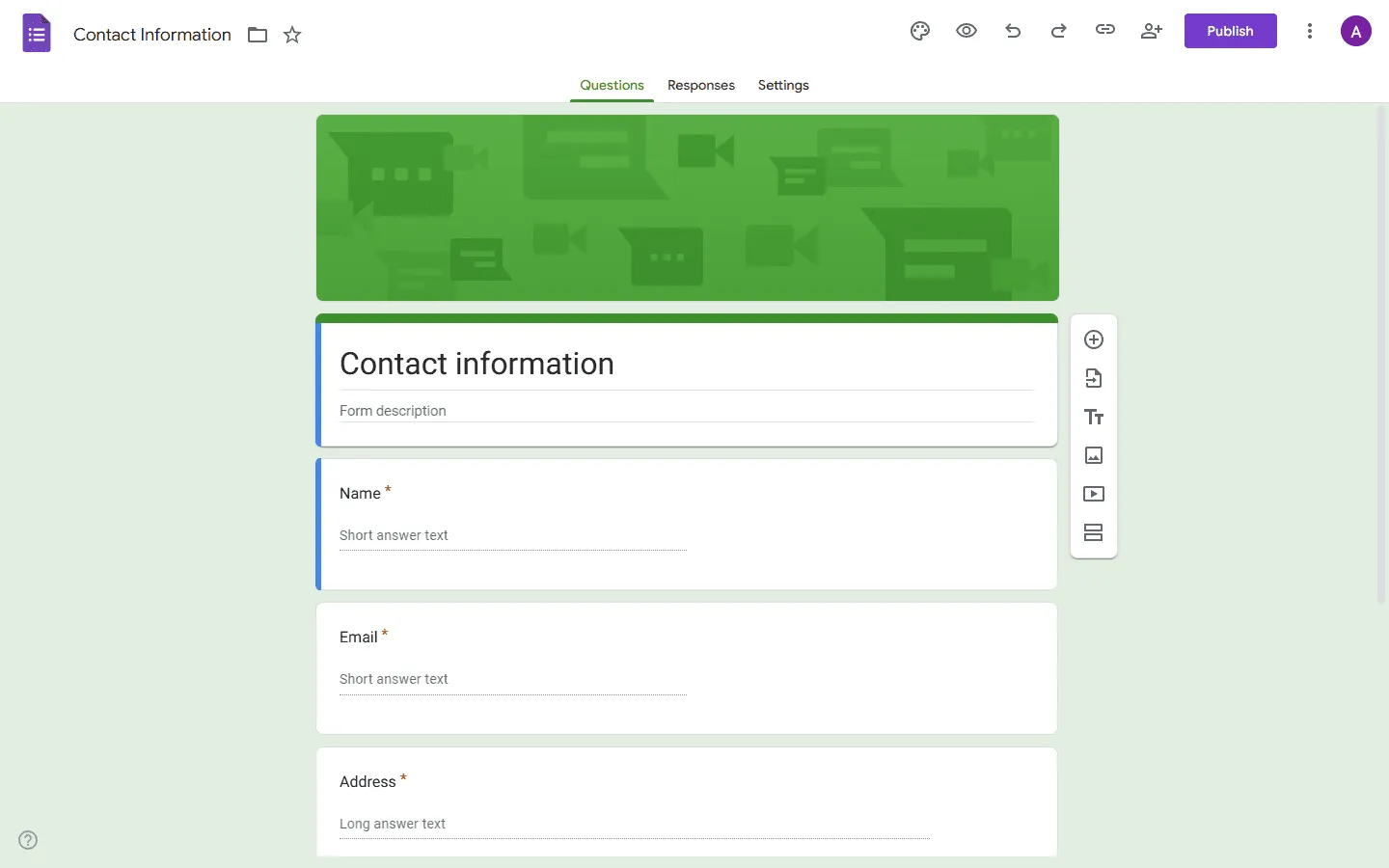 Google Forms is a simple, free alternative to FormAssembly for basic data collection. You create a form, share a link, and responses appear in Google Sheets. Setup is minimal, and most people already know how it works.
For internal forms like IT requests, quick feedback, event RSVPs, and short surveys, that simplicity can be enough. If your current FormAssembly use case is simple data capture, Google Forms is worth considering as a baseline.
The limitations are significant: minimal styling, basic conditional logic, no Salesforce integration, no compliance certifications, and no workflow routing. If those things matter to your use case, Google Forms is not a replacement. But for simpler, internal data collection, the cost and setup difference is hard to ignore.
If you want to explore other low-cost or free options, our Google Forms alternatives guide covers the broader landscape.
Verdict: Google Forms is a reasonable FormAssembly alternative for straightforward internal forms where compliance and Salesforce are not requirements.
Key features
- Completely free with no response limits
- Native sync to Google Sheets
- Easy sharing and permission management
Google Forms pricing
- Free: Unlimited responses, all core features
Pros
- Zero cost for any volume
- Instant to set up and share
- Familiar to almost everyone
Cons
- No compliance certifications
- No Salesforce or CRM integration
- Basic logic and very limited styling
11. Microsoft Forms
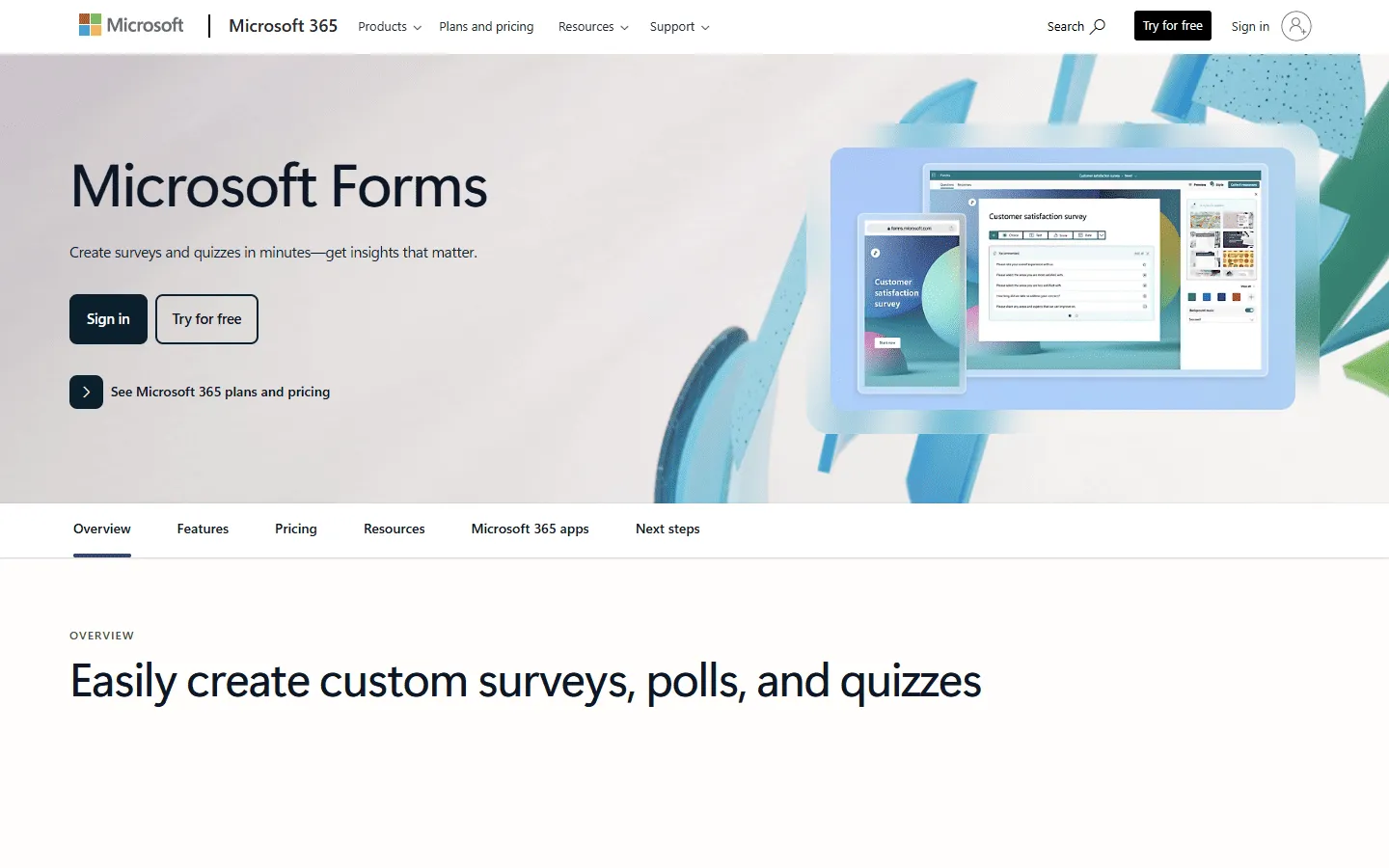 Microsoft Forms is a common FormAssembly alternative for organizations standardized on Microsoft 365. It fits naturally with Teams, SharePoint, OneDrive, and Excel. Forms are quick to build, easy to share internally, and responses can be exported to Excel.
For many companies, it comes at no additional cost because it is included with Microsoft 365.
It does not cover Salesforce integration, advanced logic, compliance programs, or workflow approvals in the way FormAssembly does. It is a data collection tool, not a process tool. For Microsoft 365 shops that only need lightweight data collection internally, that difference is acceptable.
Our Microsoft Forms alternatives guide covers other tools worth considering if you need something between Microsoft Forms and full enterprise platforms.
Verdict: Microsoft Forms is worth considering as a FormAssembly alternative for internal data collection in organizations already standardized on Microsoft 365.
Key features
- Included with Microsoft 365 at no extra cost
- Real-time sync with Excel
- Accessible through Microsoft Teams
- Quiz and branching features
Microsoft Forms pricing
- Free: Available with any Microsoft 365 subscription
Pros
- No additional cost for Microsoft 365 users
- Integrates directly with Teams and SharePoint
- Good for internal surveys and quizzes
Cons
- No compliance certifications
- Limited conditional logic
- Not suitable for customer-facing or complex workflows
Best FormAssembly alternatives for Salesforce workflows
If you use FormAssembly mainly because of Salesforce, evaluate alternatives on these specifics:
- Prefill from Salesforce records (not just pushing submissions into Salesforce)
- Object mapping depth (custom objects, relationships, and multi-object workflows)
- Deduplication / matching rules (avoid creating duplicate Leads/Contacts)
- Permissioning + audit trails (who changed what, and when)
With that in mind, here are the best FormAssembly alternatives, depending on the role of Salesforce in your workflow:
- Closest “all-around” replacement for many teams: Jotform (good connector coverage, easier to run, but less Salesforce-native depth).
- Best option if your process includes docs + signatures: Formstack (strong suite, Salesforce integration varies by setup).
- Best option if Salesforce is only a destination (not the source of truth): FormGrid, Typeform, Tally, or Fillout + automation (Zapier/Make) can be enough.
Other Salesforce-connected options that often come up in FormAssembly evaluations include 123FormBuilder and Wufoo. They can work well for simpler Salesforce pipelines, but you will want to test prefill + mapping on your exact objects before committing.
Our review methodology
We evaluated more than 30 form tools by building the same form in each: a multi-step intake with conditional logic, a file upload, and an integration to an external tool.
We focused on four things:
- Ease of use: How quickly can you get a working form live, without setup documentation?
- Feature depth: Does it handle the specific use case well, not just in a demo?
- Design control: Can you make it look like your brand, or does it default to a generic template?
- Value for money: What do you actually get at each pricing tier, and where do limits become a problem?
We also checked recent reviews on G2 and Capterra to catch recurring issues and changes in pricing.
How to choose the best FormAssembly alternative
Not every FormAssembly alternative is trying to solve the same problem. The right choice depends on what you are actually trying to do differently.
Start with the Salesforce question
FormAssembly’s defining feature is its Salesforce integration. If Salesforce is at the core of your workflow and you need precise field mapping, prefill from records, and deduplication, the list of alternatives narrows quickly. Jotform has a Salesforce connector, but it is less precise. Formstack connects too, but mapping is more manual. If Salesforce accuracy is non-negotiable, your alternatives are mostly other enterprise tools with specific Salesforce connectors.
If Salesforce is not central to what you do, this constraint disappears and the list opens up significantly.
Think about what comes after form submission
FormAssembly is used more for what happens after someone submits than for how the form looks. Data gets routed to Salesforce, approvals get triggered, records get updated. If your forms are mostly endpoints (collect data, store it somewhere, done), most alternatives will work. If your forms are part of a larger process chain, you need a tool with real workflow capabilities, not just integrations.
Consider design requirements
FormAssembly forms are serviceable but not visually flexible. If you are building forms for public-facing campaigns, branded applications, or pages where presentation affects how people respond, tools like FormGrid, Typeform, and Paperform give you far more visual control.
If the form is internal or process-oriented, design rarely matters as much, and the focus shifts to logic, routing, and integration.
Factor in compliance requirements honestly
Compliance certifications (HIPAA, SOC 2, PCI) carry significant value in regulated industries. If you genuinely need them, your options narrow to Jotform (higher tiers), Formstack, Cognito Forms Enterprise, and a few others. If compliance is only a theoretical concern rather than a hard requirement, dropping that filter opens up better-value alternatives.
Check what you are actually paying for
FormAssembly pricing scales, and the features that matter most are often on higher plans. When evaluating alternatives, compare what you will actually pay once the tool is fully configured for your team.
Conclusion: Which FormAssembly alternative should you choose?
There is no single replacement that works for everyone, because FormAssembly serves different people for different reasons.
- If design and brand presentation matter: FormGrid gives you visual layout control that FormAssembly does not prioritize.
- If you need enterprise features at a more accessible price: Jotform covers most of the same ground at a lower cost.
- If you want higher completion rates through guided flows: Typeform is better suited for lead capture and feedback forms.
- If you need document generation and e-signatures alongside forms: Formstack handles that more natively.
- If you want advanced features without a high monthly cost: Tally and Cognito Forms offer solid functionality for much less.
- If your data lives in Airtable or Notion: Fillout connects to those databases better than any alternative.
- If you run in the Zoho ecosystem: Zoho Forms integrates naturally at a fraction of FormAssembly’s cost.
- If analysis is the goal, not routing: SurveyMonkey has better reporting tools.
- If you just need simple internal forms: Google Forms or Microsoft Forms are free and fast.
FormAssembly remains the best option for Salesforce-centric data collection in regulated industries. If that describes your team, the price is justified. If it does not, most teams will find a more practical and affordable fit in this list.
FormAssembly alternatives FAQ
What is the best free FormAssembly alternative?
FormGrid is a strong option if you want unlimited responses and a well-designed form builder at no cost. Tally and Google Forms are also completely free and usable for real projects. None of these match FormAssembly’s Salesforce depth, but for general data collection without compliance requirements, they work well.
What is the best FormAssembly alternative for Salesforce?
If you need a form builder with strong Salesforce integration but want to move away from FormAssembly, Jotform is the most widely used option. Its Salesforce connector handles most standard use cases. For more precise field mapping and bidirectional data flow, FormAssembly remains the benchmark, but Formstack and some newer tools like Formcrafts also offer dedicated Salesforce connectors.
Can you replace FormAssembly with Salesforce itself?
Sometimes, yes. If your main goal is clean data in Salesforce (and the form is used by employees, partners, or logged-in users), building the flow directly in Salesforce can be the most reliable option.
If you need public-facing forms, more design control, or faster iteration, a form builder with a Salesforce connector is usually a better fit. In that case, prioritize prefill, update behavior, and field mapping depth over template count.
What is the best FormAssembly alternative for HIPAA compliance?
Jotform (Gold and Enterprise tiers), Formstack, Cognito Forms (Enterprise), and Zoho Forms (Premium) all offer HIPAA compliance. Jotform is often the first choice here because it combines the compliance requirement with more accessible pricing and a broader feature set.
What is the best FormAssembly alternative for surveys and research?
SurveyMonkey is the clearest choice for structured research and analysis. It offers statistical reporting, cross-tabulation, and response filtering tools that go well beyond what FormAssembly or most general-purpose form builders provide. Typeform is a better fit for feedback surveys where completion rates are the priority.