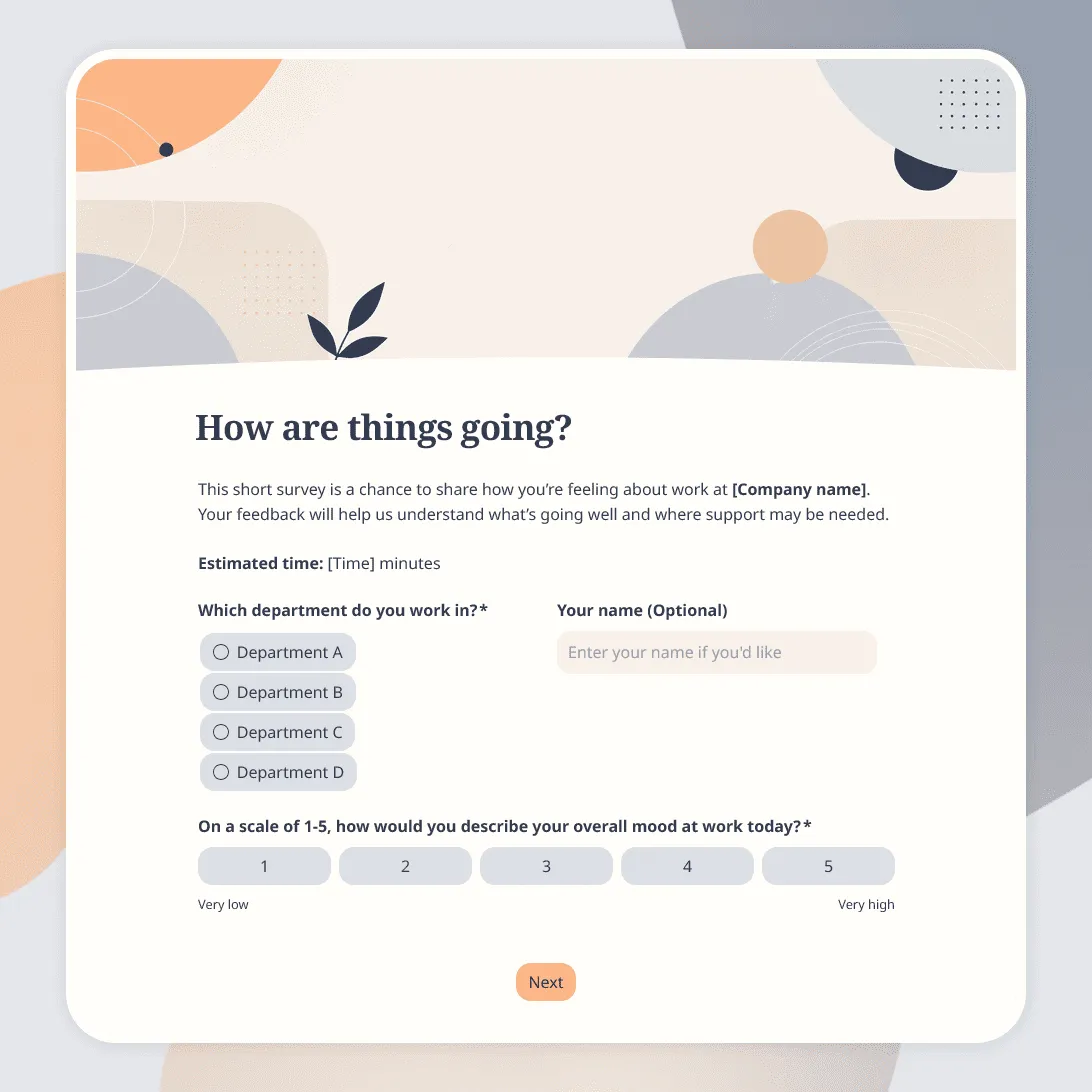
Employee Pulse Survey Template
Free employee pulse survey template for quick team check-ins on workload, morale, communication, manager support, and more.
Need a custom employee pulse survey?
Describe your workplace and check-in goals and FormGrid will generate a tailored survey.
About this employee pulse survey template
Employee pulse surveys are short, recurring check-ins. They help you understand how people are feeling right now, not once a year after problems have already had time to build up.
This employee pulse survey template is designed for quick team feedback on workload, morale, priorities, communication, manager support, stress, blockers, and what needs attention. It works for weekly, biweekly, monthly, or quarterly employee check-ins.
Use this template when you want a lightweight way to spot patterns across a team, department, location, or company. It is a good fit for HR teams, managers, founders, people ops teams, remote teams, growing startups, agencies, nonprofits, and internal leadership teams.
What this template includes
This employee pulse survey helps you ask about:
- Overall mood at work
- Workload and stress level
- Clarity of priorities
- Team communication
- Manager or leadership support
- Blockers that are slowing people down
- Recognition and motivation
- What is working well
- What needs attention
- Whether the employee wants someone to follow up
The template is fully customizable. You can change the pulse questions, wording, rating scales, design, images, conditional logic, anonymity settings, thank-you message, and any follow-up email or internal notification you want to use.
How to use this template
Click “Use this template” to open the employee pulse survey in FormGrid.
- Choose the pulse survey rhythm. Decide whether the survey will go out weekly, biweekly, monthly, after busy periods, or during specific company changes.
- Keep the survey short. Pulse surveys work best when they are easy to answer. Start with a few rating questions and one or two open text questions.
- Adjust the topics. Focus the survey on what you want to monitor right now, such as workload, stress, role clarity, communication, morale, management support, or team blockers.
- Decide whether responses should be anonymous. If you want more candid feedback, avoid asking for names or identifying details. If follow-up matters, add an optional contact question at the end.
- Add follow-up logic for serious issues. Use conditional logic to ask for more context when someone gives a low score, reports high stress, or says they want someone to reach out.
- Update the thank-you message. Use a custom end page to explain how feedback will be reviewed and when employees can expect changes or follow-up.
- Test the survey before sending it. Submit a test response on desktop and mobile. Check that the wording feels clear, the survey is not too long, and the low-score logic works correctly.
- Share the survey. After you publish the form, send the link by email, Slack, Microsoft Teams, intranet, or internal newsletter. You can also embed it on an internal page with an embed code.
For help with question wording, rating scales, anonymity, and response review, see how to create a feedback form.
As responses come in, use the response table to review scores, comments, and follow-up requests. You can also export responses to compare results over time, share summaries with managers, or prepare a team discussion.
Tips for employee pulse surveys
A good pulse survey should feel quick to complete and safe to answer honestly.
- Ask about the present, not the whole employee experience. Pulse surveys are best for current signals: workload this week, clarity this month, stress right now, or how communication has felt recently.
- Avoid turning it into an annual engagement survey. If the survey gets too long, people will stop treating it like a quick check-in.
- Make rating scales easy to understand. Label the ends of the scale so employees know what a low or high score means.
- Leave room for context. A low workload score or morale score is useful, but a short written explanation helps you understand what is happening.
- Be clear about anonymity. Do not imply that responses are anonymous if you collect names, emails, small-team details, or follow-up contact information.
- Close the loop. Share what you learned and what will happen next. Employees are more likely to keep answering if they see that the feedback is used.
Employee pulse survey template FAQs
What is an employee pulse survey?
An employee pulse survey is a short, recurring survey used to check how employees are feeling at a specific point in time. It usually focuses on topics like workload, morale, stress, communication, support, and blockers.
How often should you send an employee pulse survey?
Many teams send pulse surveys weekly, biweekly, monthly, or quarterly. The right cadence depends on how fast things change and how much feedback your team can realistically review and act on.
What questions should an employee pulse survey include?
A pulse survey usually includes a few rating questions about mood, workload, stress, clarity, communication, and support, followed by one or two open questions about what is working and what needs attention.
Should employee pulse surveys be anonymous?
They can be. Anonymous surveys often lead to more candid feedback, especially on sensitive workplace topics. If you want to follow up with specific employees, make contact details optional and explain how they will be used.
How long should an employee pulse survey be?
Keep it short. A good pulse survey often has 5 to 10 questions and should take only a few minutes to complete.
Can I show follow-up questions based on low scores?
Yes. Use conditional logic to ask for more detail when someone gives a low rating, reports high stress, or says they need support.
Can I track employee pulse survey results over time?
Yes. You can review responses in the response table and export responses to compare results across survey rounds, departments, teams, or time periods.
Is this employee pulse survey template free?
Yes. This template is free to use, and you can collect unlimited employee pulse survey responses on the free plan.
Related templates
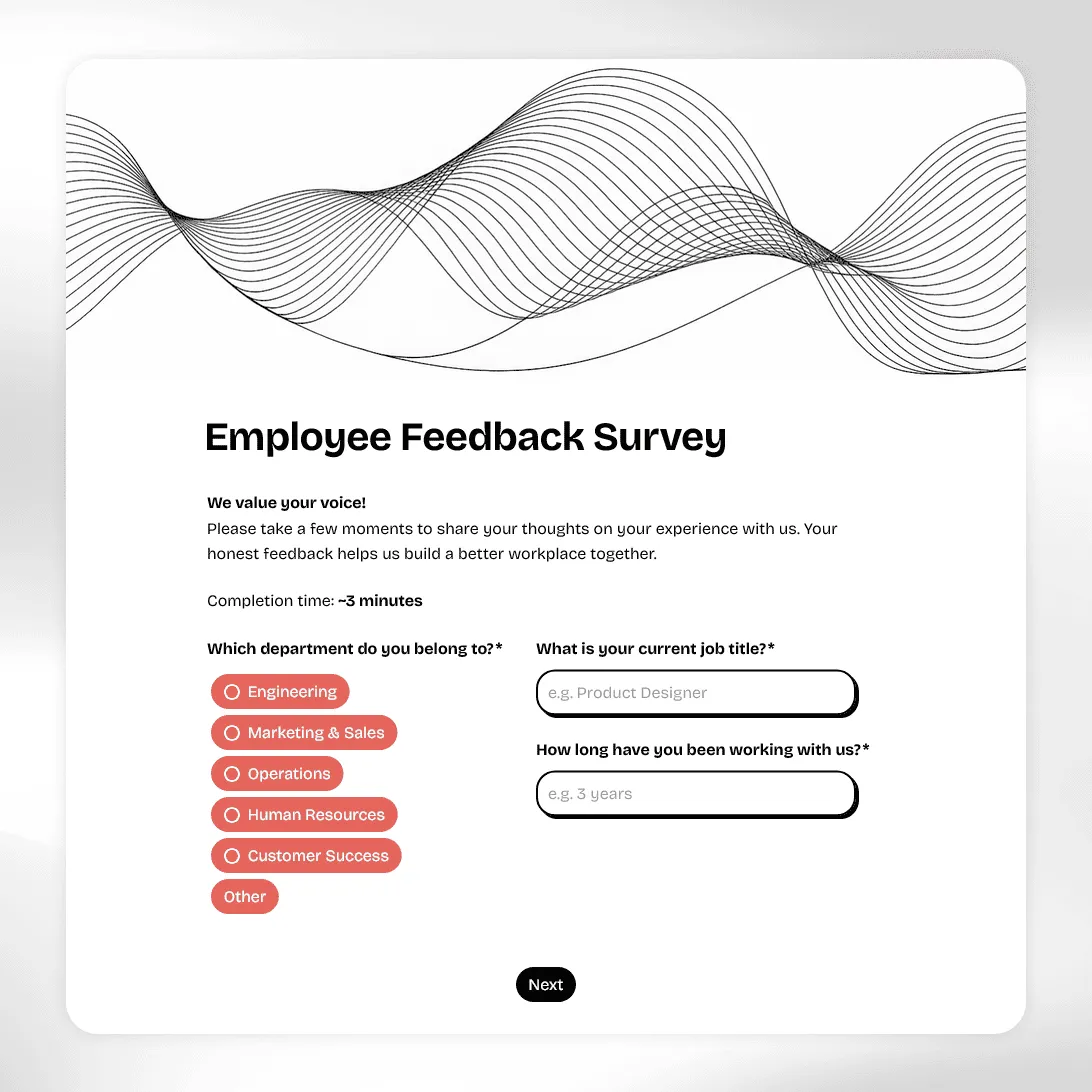
Employee Feedback Survey Template
Free employee feedback survey template for measuring engagement, culture, and team morale. Collect anonymous insights and act on what actually matters.
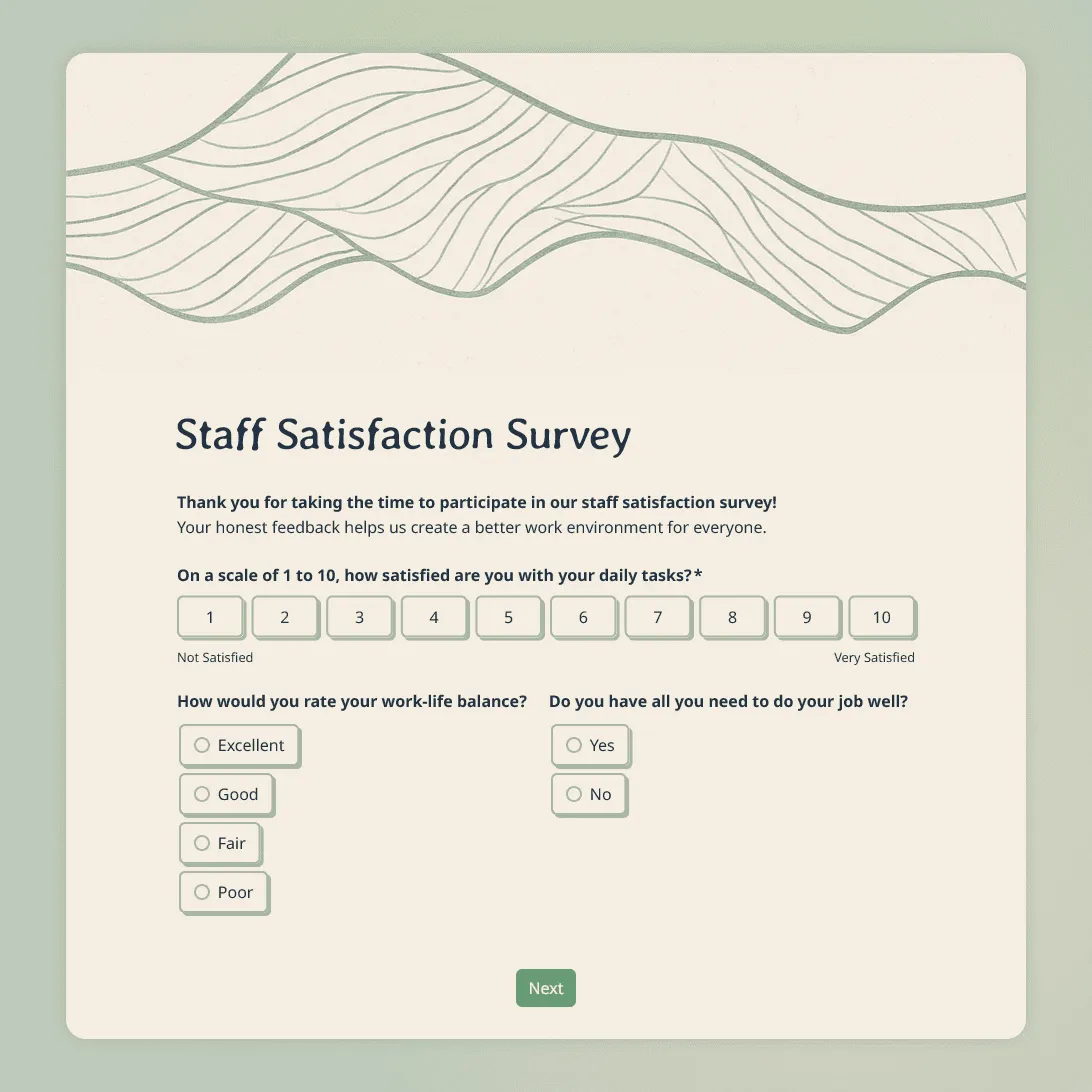
Staff Satisfaction Survey Template
Free staff satisfaction survey template for measuring employee morale, management quality, and workplace culture. Anonymous, customizable, and ready to share.
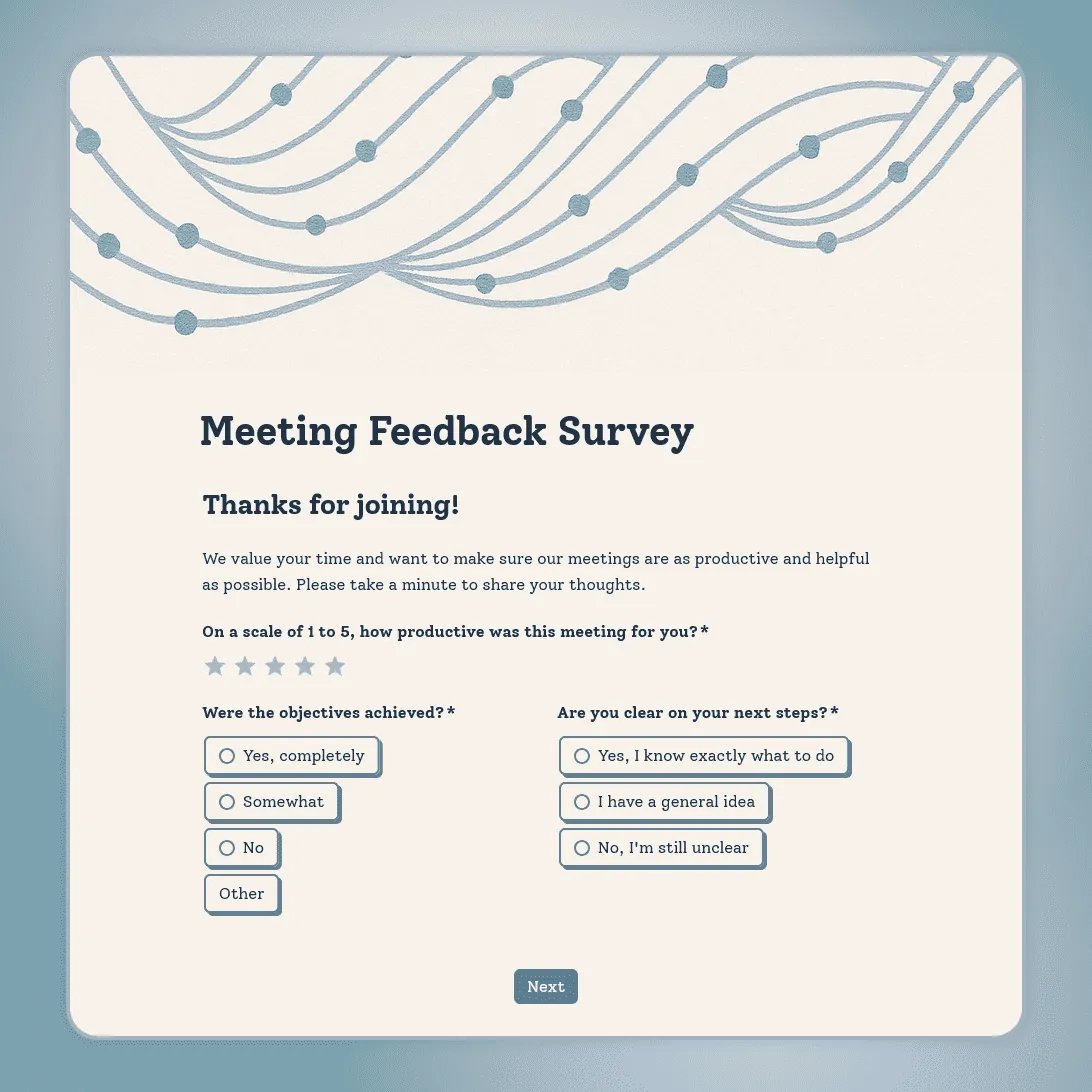
Meeting Feedback Survey Template
Free meeting feedback survey template for evaluating whether your sessions are productive, focused, and worth people's time. Short, anonymous, and easy to share.