Meeting Feedback Survey Template
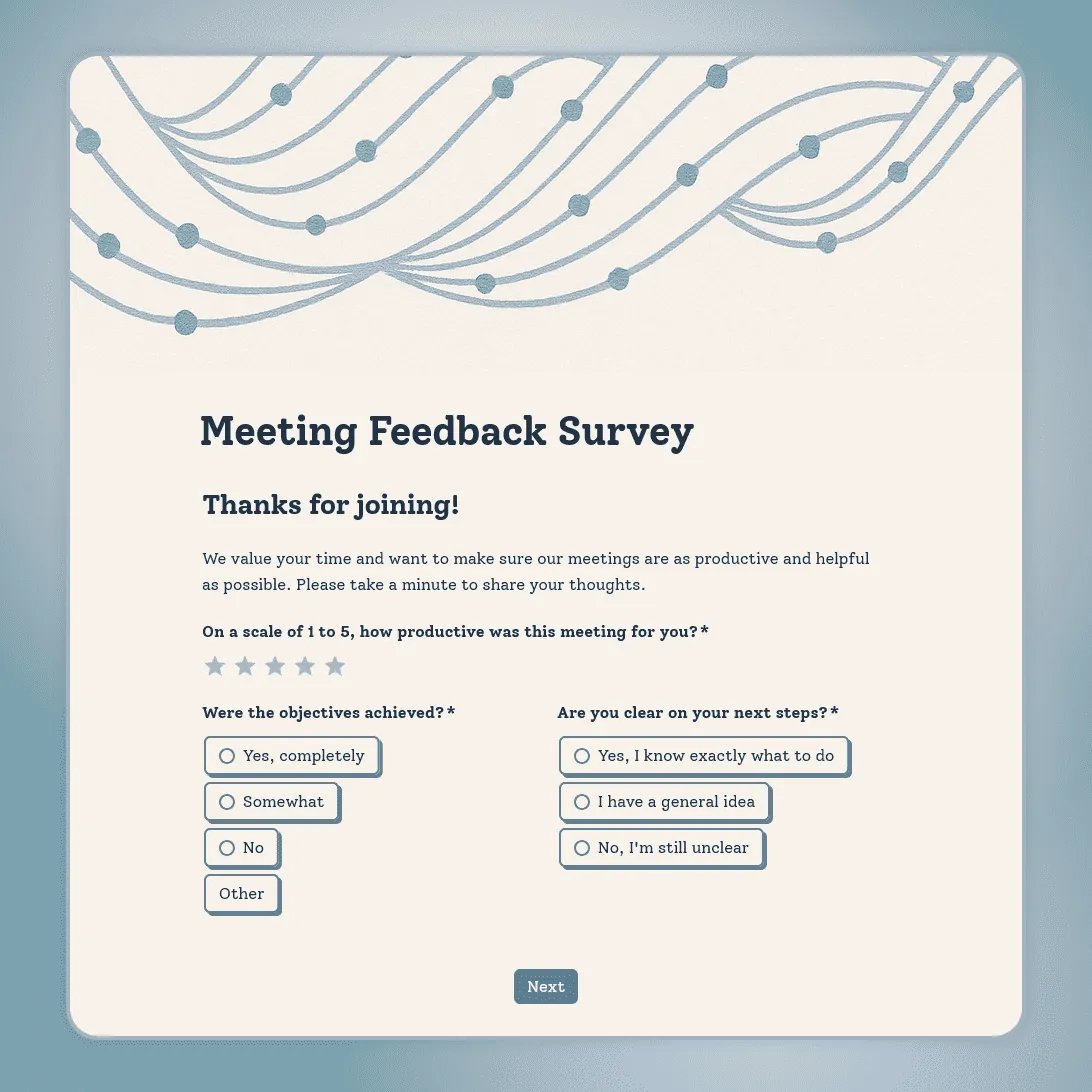
Free meeting feedback survey template for quick post-meeting feedback on clarity, focus, participation, next steps, and time well spent.
Need a custom meeting feedback survey?
Describe your meeting type and FormGrid will create a tailored feedback survey for you.
About this meeting feedback survey template
Meeting feedback needs to be quick. The survey should take less time than the meeting recap.
This meeting feedback survey template is built for short post-meeting check-ins. It asks whether the meeting had a clear purpose, stayed focused, made good use of time, gave people a chance to contribute, and ended with clear next steps.
The default version is anonymous and short enough to send after team meetings, project check-ins, sprint retrospectives, all-hands meetings, client calls, planning sessions, and internal workshops.
It is especially useful for recurring meetings. A few responses each month can show whether the meeting is still useful, too long, unclear, repetitive, or missing the right people.
Questions included in this template
The default survey is intentionally short. For most meetings, these questions are enough:
- Was the purpose of the meeting clear?
- Was the meeting a good use of your time?
- Was the meeting the right length?
- Did you have enough opportunity to contribute?
- Are the next steps clear?
- What should change for the next meeting?
For recurring meetings, add one extra question:
- Should we keep this meeting, shorten it, change the format, or stop running it?
For meetings with a facilitator, presenter, or meeting owner, add:
- Did the facilitator keep the discussion focused?
- Was the agenda followed?
- Were decisions and action items summarized clearly?
Customize this meeting feedback survey template
Open this meeting feedback survey template in FormGrid. You can edit it manually, or describe the changes you need in the AI chat.
For example, you can ask FormGrid to:
- “Make this work for a weekly team meeting. Ask about focus, agenda, time, participation, and action items.”
- “Adapt this for a sprint retrospective. Ask what went well, what slowed us down, what to change, and whether everyone had a chance to contribute.”
- “Make this anonymous and keep it under one minute.”
FormGrid can update the questions, conditional logic, field descriptions, layout, colors, design, and confirmation message for you.
Adjust it for different meeting types
Weekly team meetings
Keep the survey very short. Ask whether the meeting was useful, focused, the right length, and clear on next steps. For recurring meetings, include a question about whether the format should change.
Project meetings
Add questions about decisions, blockers, ownership, deadlines, and whether everyone left knowing what happens next.
Sprint retrospectives
Ask what worked, what slowed the team down, what should change, and whether the discussion felt balanced. Keep the wording neutral so people can give honest feedback.
All-hands meetings
Ask about clarity, relevance, leadership updates, Q&A, and whether the meeting helped people understand company priorities.
Client or stakeholder meetings
Ask whether the agenda was clear, the right people were included, the discussion stayed focused, and next steps were agreed.
When to send the survey
-
For one-time meetings, send the survey soon after the meeting ends. For virtual meetings, share the link in the chat or follow-up message. For in-person meetings, send it the same day.
-
For recurring meetings, avoid sending the survey after every session. A monthly or quarterly check-in is usually enough to spot patterns without making feedback feel like another task.
-
For longer sessions, such as workshops, planning days, or all-hands meetings, send the survey at the end of the session or in the follow-up email.
Check before sharing the survey
Before sending the survey, check that:
-
The meeting type is clear. The questions should match the meeting you are evaluating.
-
The survey is short enough. For most meetings, five or six questions are enough.
-
Anonymity is handled clearly. If the survey is anonymous, say so in the intro.
-
The open question is specific. “What should change next time?” is easier to answer than a broad “Any feedback?”
-
The confirmation message is simple. Thank people and tell them how the feedback will be used.
After you publish the survey, share the link in the meeting chat, follow-up email, Slack thread, calendar recap, or internal meeting notes.
Review meeting feedback
After responses come in, look for patterns across meetings. A single low score may reflect one unusual session. Repeated comments about unclear agendas, too many attendees, missing decisions, or no clear next steps point to a meeting format that needs to change.
You can export responses to CSV or Excel, or send meeting feedback to the tools your team already uses. For example, send responses to Airtable or Notion, add rows to a spreadsheet, post updates in Slack, or start a Zapier or Make workflow.
Related guides and resources
- How to create a feedback form
- Employee feedback survey template
- Workshop feedback form template
- Training feedback form template
Meeting feedback survey FAQs
What should a meeting feedback survey ask?
A meeting feedback survey should ask whether the meeting had a clear purpose, stayed focused, used the right amount of time, gave people a chance to contribute, and ended with clear next steps. Add one open question about what should change next time.
How many questions should a meeting feedback survey have?
For most meetings, five or six questions are enough. A meeting feedback survey should be quick to complete, especially when it is sent after a regular team meeting.
Should meeting feedback be anonymous?
Anonymous feedback usually works better for internal meetings because people can be more honest about unclear agendas, poor facilitation, meeting length, or participation issues.
When should I send a meeting feedback survey?
Send it soon after the meeting ends. For virtual meetings, share the link in the chat or follow-up message. For recurring meetings, send it monthly or quarterly rather than after every session.
Can I use this template for recurring meetings?
Yes. This template works well for weekly team meetings, project check-ins, sprint retrospectives, leadership meetings, all-hands meetings, and other recurring sessions. Add a question asking whether the meeting should continue, be shortened, or change format.
Can I use this template for workshops or training sessions?
Yes, but a workshop or training session usually needs more detailed feedback. For learning-focused sessions, the workshop feedback form template or training feedback form template may be a better starting point.
Is this meeting feedback survey template free?
Yes. This meeting feedback survey template is free, and you can collect unlimited responses on the free plan.
Related templates
Employee Feedback Survey Template
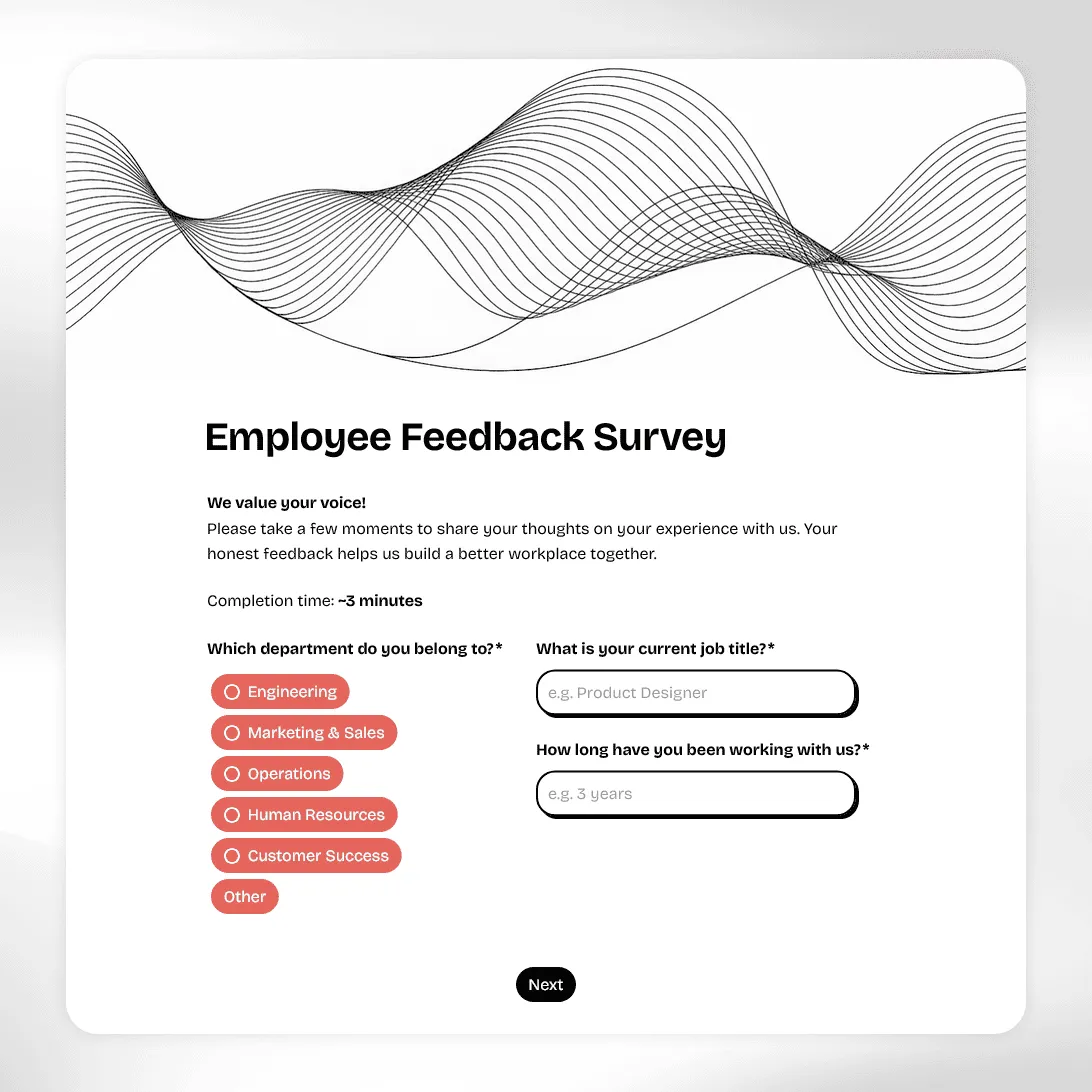
Free employee feedback survey template for measuring engagement, culture, and team morale. Collect anonymous insights and act on what actually matters.
Workshop Feedback Form Template
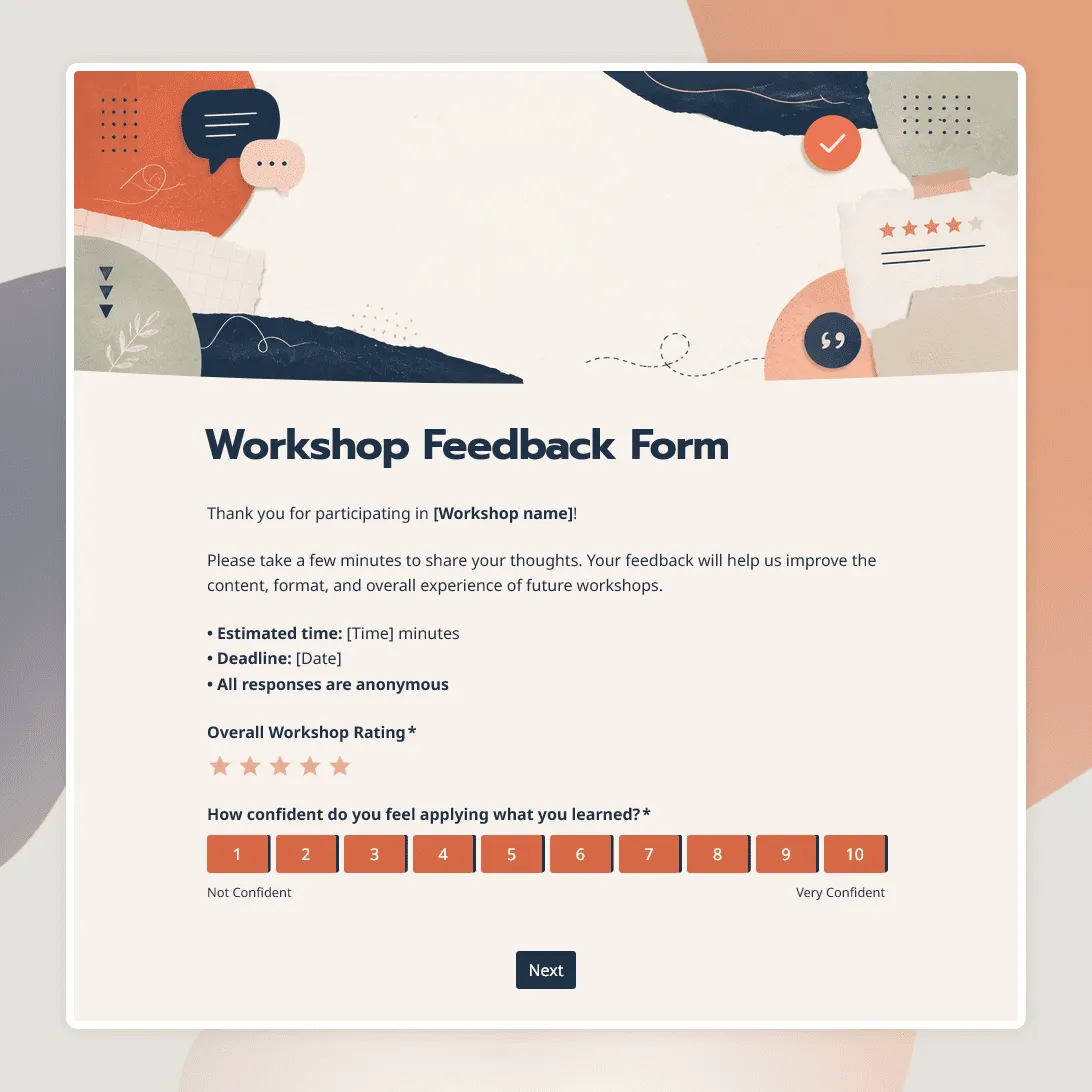
Free workshop feedback form template for collecting participant feedback on content, activities, materials, and learning outcomes.
Training Feedback Form Template
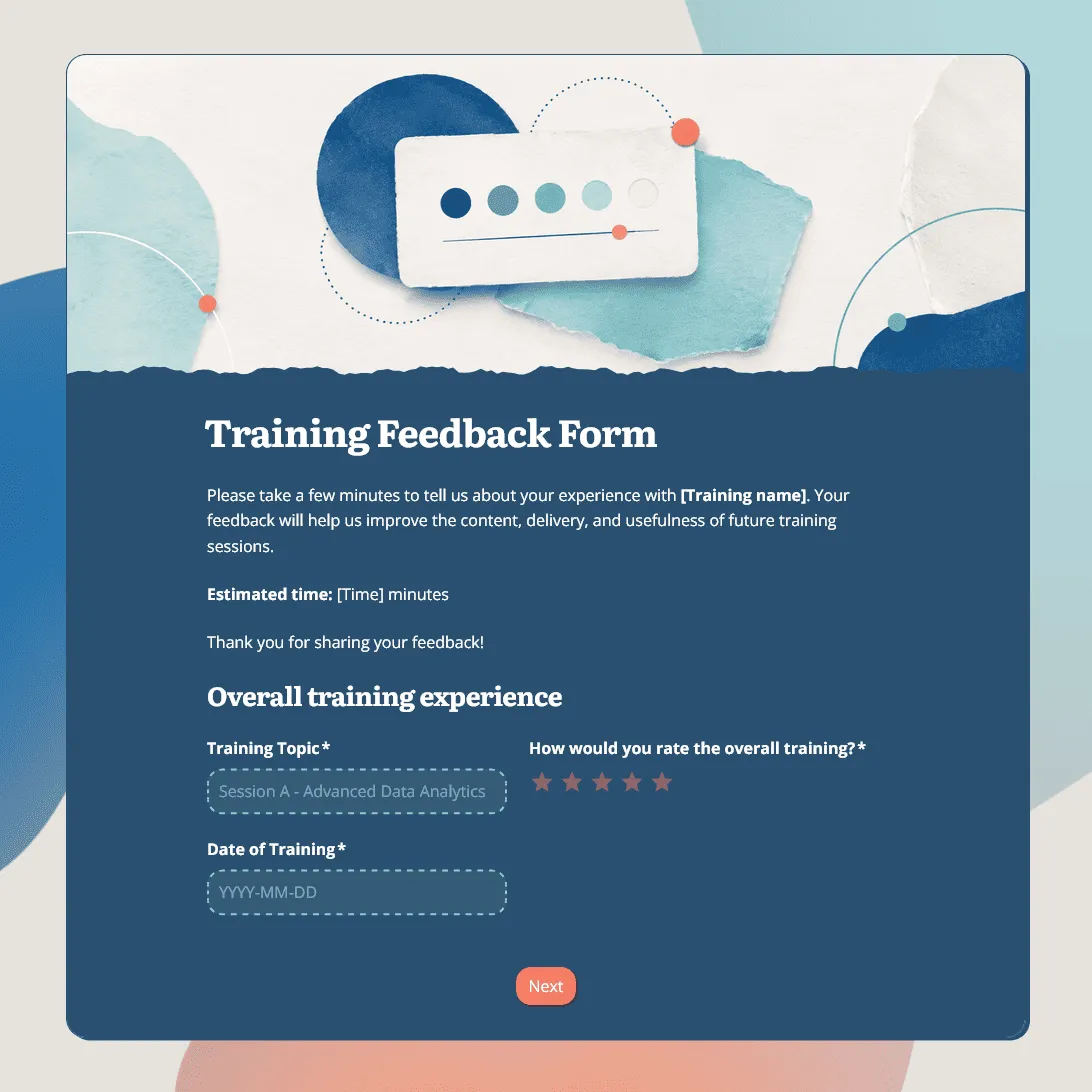
Free training feedback form template for post-training evaluation, employee training feedback, trainer reviews, and learning follow-up.