Training Feedback Form Template
Free training feedback form template for post-training evaluation, employee training feedback, trainer reviews, and learning follow-up.
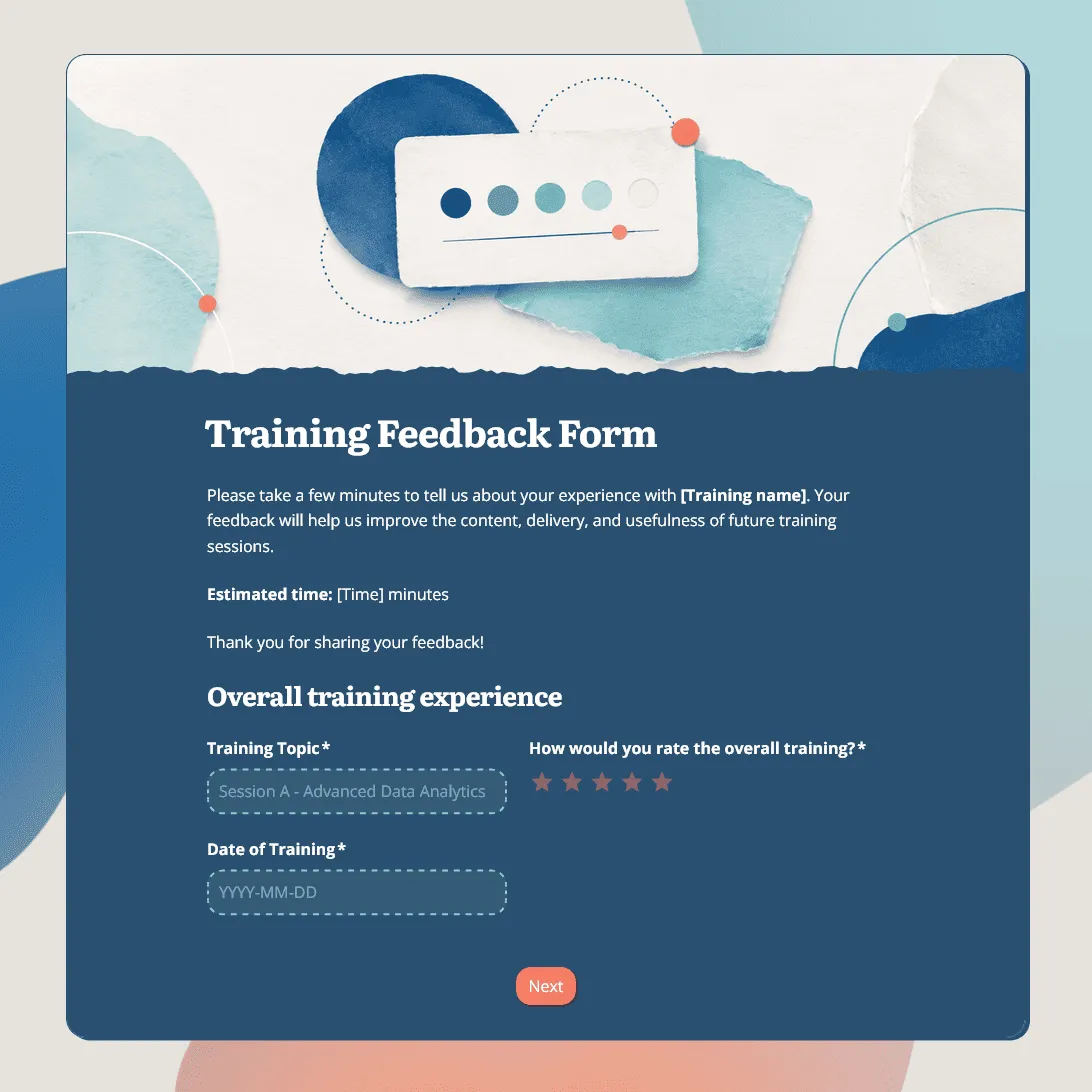
Need a custom training feedback form?
Describe your training session and FormGrid will create a tailored feedback form for you.
About this training feedback form template
Training feedback is most useful when it shows whether participants understood the session, found it relevant, and know what to do next.
This training feedback form template helps you collect post-training feedback on the content, trainer, pacing, materials, practical value, confidence, and follow-up needs. It works for employee training, onboarding, compliance training, product training, sales training, customer support training, safety training, leadership programs, and professional development sessions.
The template is short enough to send right after a session, but detailed enough to help HR teams, managers, trainers, and facilitators improve the next training round.
For workshop-specific feedback, see the workshop feedback form template. For course-level evaluation, see the course evaluation form template.
What this template includes
This training feedback form template includes questions about:
- training topic, date, and format
- overall session rating
- relevance to the participant’s role
- trainer or facilitator clarity
- pace and length
- materials, slides, examples, or resources
- practical value
- confidence after the session
- remaining questions
- what worked well
- what should improve
- follow-up support or extra resources
- optional name, team, or contact details
The strongest questions connect the session to real work. Ask whether the training was relevant, what participants feel ready to apply, and where they still need help.
Customize this training feedback form template
Start with this training feedback form template, then adjust it for the session you are evaluating. You can edit it manually, or describe the changes you need in the AI chat.
For example, you can ask FormGrid to:
- “Adapt this for employee onboarding and ask about role clarity, first-week confidence, tools, manager support, and remaining questions.”
- “Make names optional and explain that feedback will be reviewed in aggregate.”
- “Shorten this to five questions for a quick post-training pulse.”
When to send a training feedback form
Send the form soon after the training session, while the details are still fresh.
- For a short internal session, share the link in the follow-up message, Slack thread, Teams chat, LMS, or training recap.
- For onboarding, compliance, or certification programs, collect feedback after key sessions and again at the end of the full program.
- For recurring training, compare feedback across cohorts. Repeated comments about unclear examples, rushed pacing, missing resources, or weak follow-up are more useful than one-off comments from a single session.
Before you share the form
Before you publish the form, check that:
-
The training details are clear. Include the training topic, date, trainer, audience, format, and any context participants need before answering.
-
The rating questions match your goals. Keep the ratings that matter for this session, such as relevance, trainer clarity, pacing, materials, confidence, and practical value.
-
The written questions are specific. Ask what participants can apply, what was unclear, and what support they still need.
-
Optional identity fields make sense. For internal training, optional name, team, role, or department fields can help with follow-up without forcing people to identify themselves.
-
The confirmation message sets expectations. Thank participants and explain whether the feedback will be reviewed by HR, the trainer, a manager, or the training team.
After you publish the form, share the link by email, chat, LMS, intranet, calendar follow-up, or training materials. You can also embed the form on an internal training page.
Review training feedback after the session
After responses come in, compare the answers by session, trainer, topic, team, role, or training format.
Low relevance scores usually mean the session missed the audience. Low confidence scores often point to missing practice, unclear examples, or follow-up support. Repeated comments about pacing, materials, or trainer clarity give you a practical list of changes for the next session.
You can export responses to CSV or Excel for trainer reviews, HR reports, compliance records, onboarding improvements, or planning the next cohort. You can also send responses to Airtable, Notion, Slack, Zapier, Make, or your team’s reporting workflow.
Related guides and resources
- Workshop feedback form template
- Course evaluation form template
- Employee feedback survey template
- How to create a feedback form
Training feedback form FAQs
What should a training feedback form ask?
A training feedback form should ask about the training content, trainer or facilitator, pacing, materials, relevance, practical value, confidence after the session, and what should improve. Include at least one open question so participants can explain their ratings.
What is the difference between a training feedback form and a training evaluation form?
The terms are often used together. A training feedback form usually focuses on participant reactions, such as relevance, trainer clarity, pacing, materials, and confidence. A training evaluation form can be broader and may also include learning outcomes, assessment results, completion records, or manager review.
What is a good post-training evaluation question?
A strong post-training evaluation question asks whether the participant can apply what they learned. For example: “How confident do you feel using what you learned in your role?” or “What is one thing you feel ready to do differently after this training?”
When should I send a training feedback form?
Send it soon after the training session, while the details are still fresh. For longer programs, collect feedback after key sessions and again at the end of the full training.
Should training feedback be anonymous?
Anonymous feedback can help participants give more honest answers, especially for internal training. If you need follow-up, keep name and contact fields optional rather than required.
Can I ask different questions for different training types?
Yes. Use conditional logic to show different questions based on the training topic, format, role, team, or rating.
Can I embed the training feedback form in an LMS or internal page?
Yes. After publishing, you can add the form with an embed code, or share the form link directly in your LMS, intranet, email, chat, or training materials.
How do I review training feedback responses?
You can review incoming feedback in FormGrid and export responses to CSV or Excel for reporting, trainer reviews, or planning the next training session.
Is this training feedback form template free?
Yes. This training feedback form template is free, and you can collect unlimited training feedback responses on the free plan.
Related templates
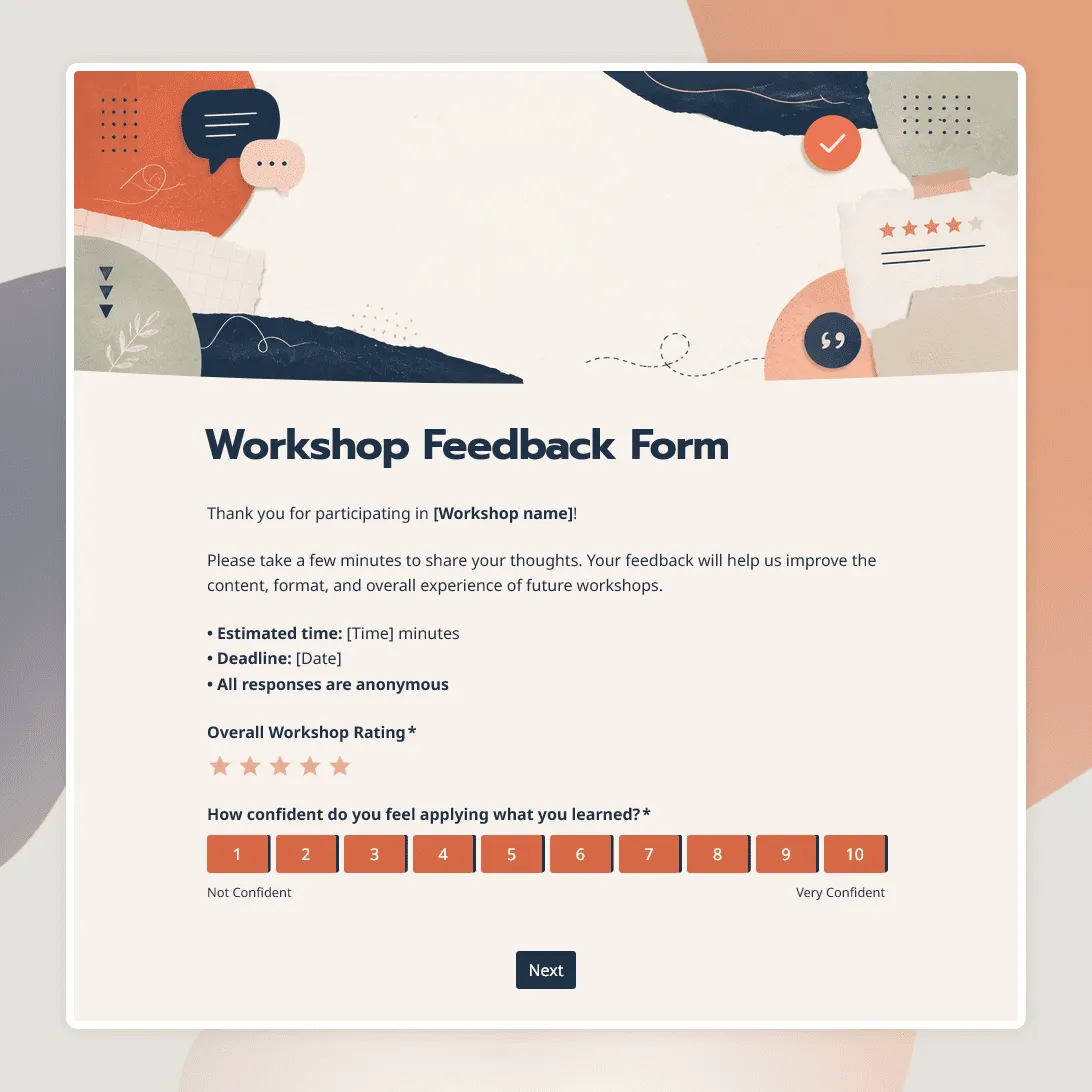
Workshop Feedback Form Template
Free workshop feedback form template for collecting participant feedback on content, activities, materials, and learning outcomes.
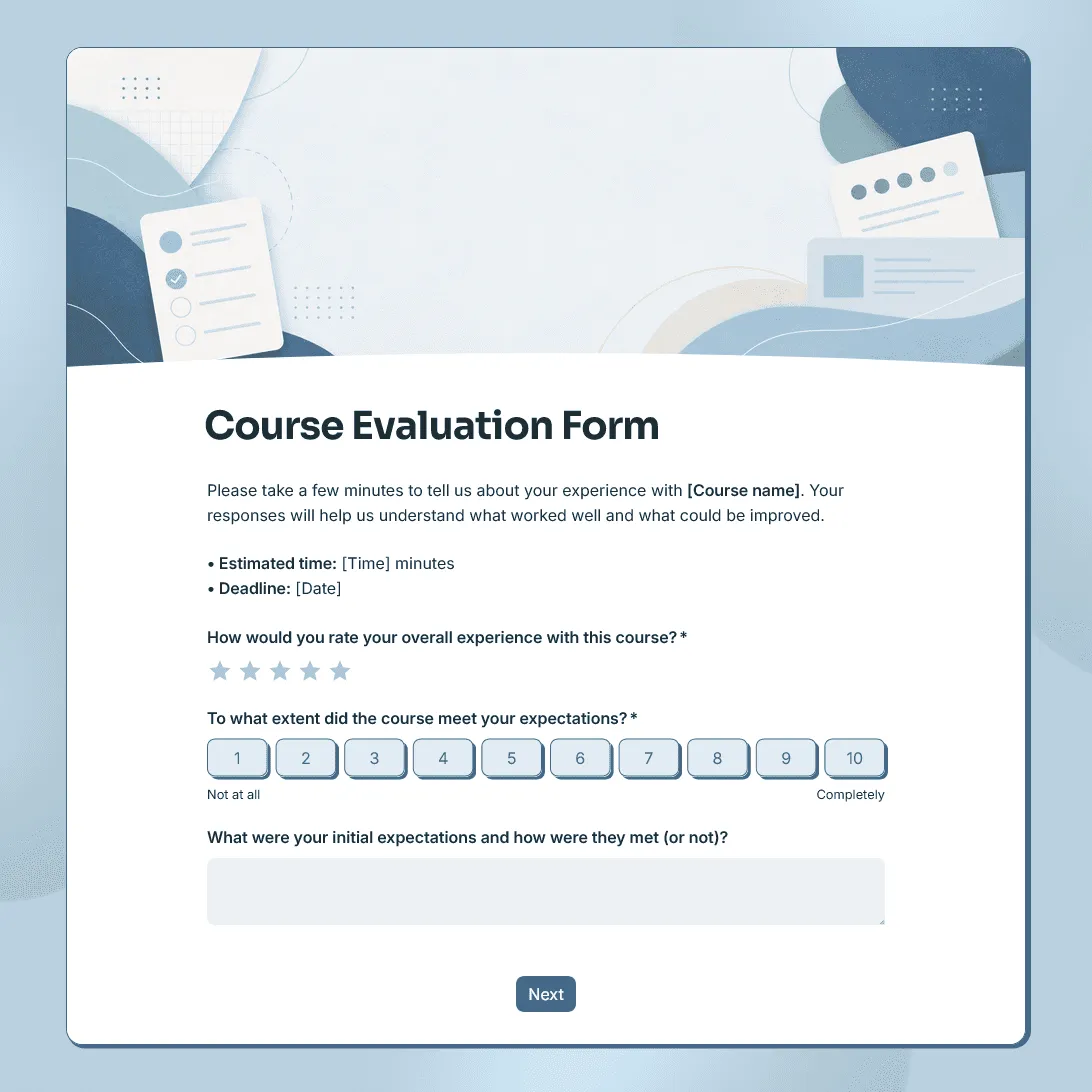
Course Evaluation Form Template
Free course evaluation form template for collecting student feedback after a class, course, workshop, or training program.
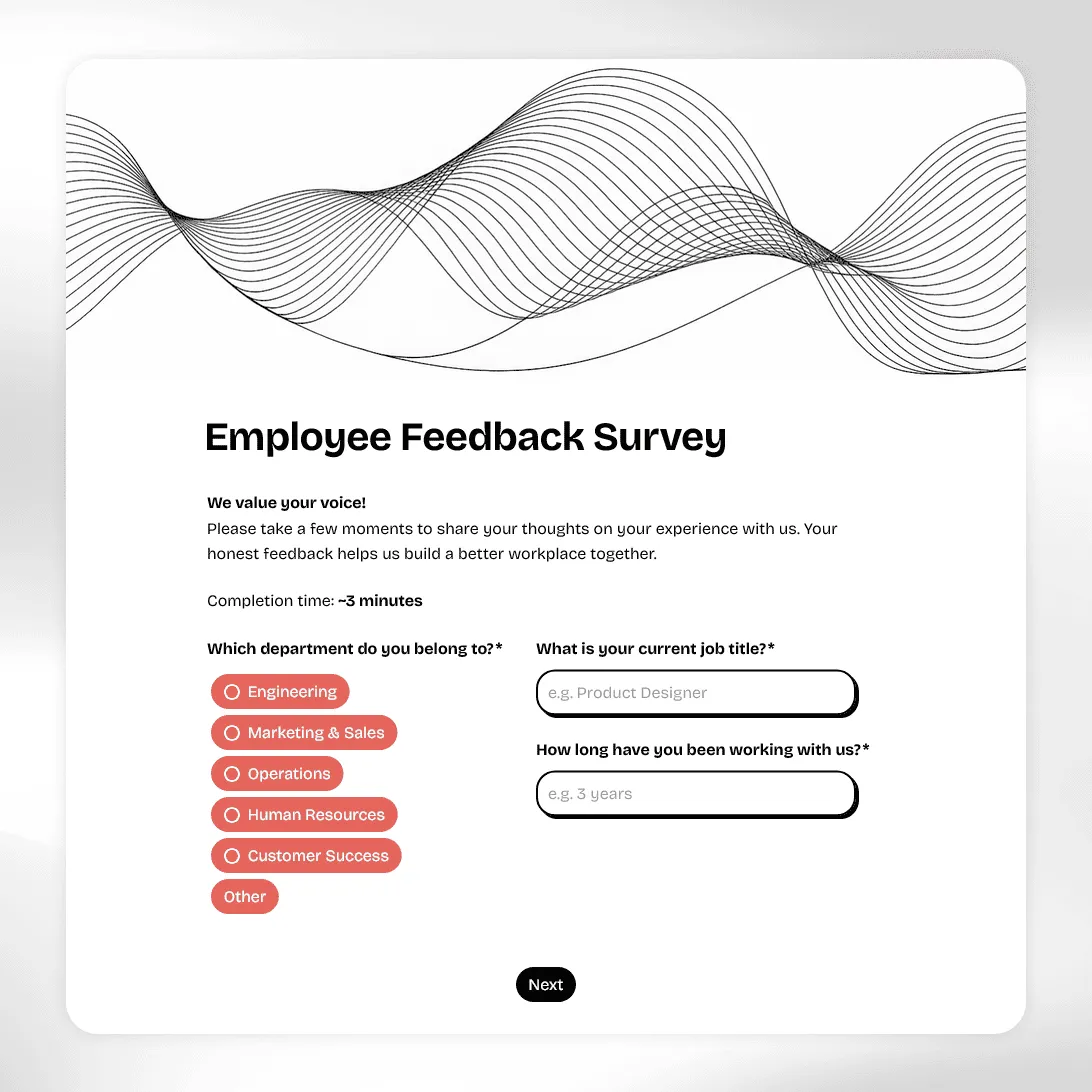
Employee Feedback Survey Template
Free employee feedback survey template for measuring engagement, culture, and team morale. Collect anonymous insights and act on what actually matters.