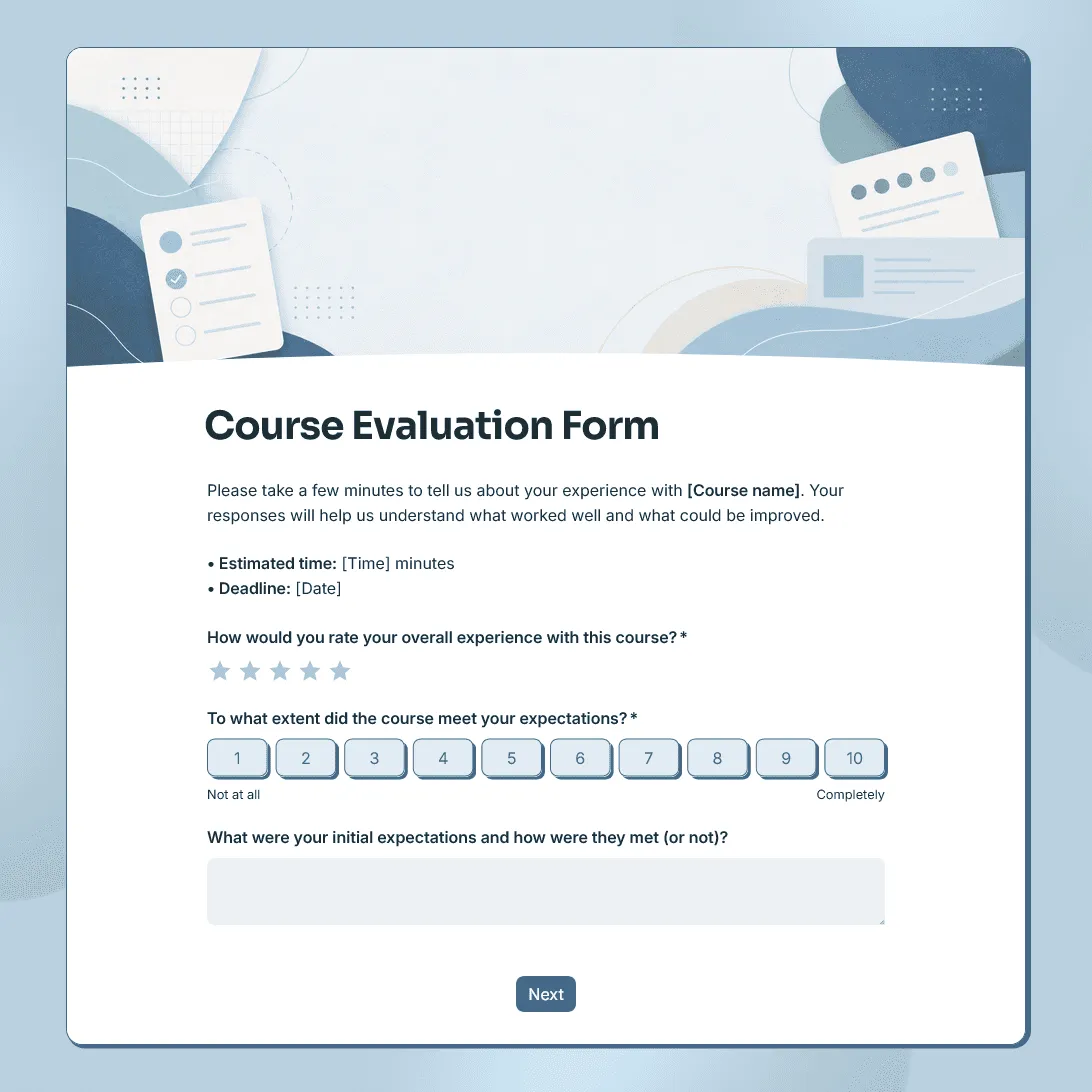
Course Evaluation Form Template
Free course evaluation form template for collecting student feedback after a class, course, workshop, or training program.
Need a custom course evaluation form?
Describe your course and FormGrid will generate a tailored evaluation form for your needs.
About this course evaluation form template
Use this course evaluation form template to collect student feedback after a course, class, workshop, training session, or professional development program.
The template helps you understand how students experienced the course: what was clear, what felt useful, where the pacing worked, and what should be improved before the next session or cohort.
It works for online courses, in-person classes, university courses, employee training, coaching programs, certificate courses, workshops, and community education programs.
What this template includes
This course evaluation survey template includes questions about:
- Overall course experience
- Course content and structure
- Instructor clarity and support
- Course pace and workload
- Assignments, activities, or exercises
- Learning materials and resources
- Online platform, classroom setup, or course format
- Whether the course met expectations
- What students found most useful
- What could be improved
- Optional follow-up contact details
You can keep the form anonymous, collect contact details for follow-up, or use different questions for online, in-person, beginner, advanced, or multi-session courses.
How to use this template
Click “Use this template” to open the course evaluation form in FormGrid.
- Add the course details. Include the course name, instructor, date, term, cohort, or session so responses are easy to organize later.
- Review the rating questions. Keep the ratings that match what you want to learn, such as content quality, instructor clarity, pace, workload, materials, and overall satisfaction.
- Keep open-ended questions specific. “What should we improve for the next group?” usually gets better answers than a broad comments box.
- Decide whether the evaluation should be anonymous. If you want anonymous feedback, remove names, email addresses, student IDs, company names, or other identifying fields.
- Adjust the form for the course format. For online courses, ask about the platform, recordings, materials, and communication. For in-person courses, focus more on classroom setup, activities, schedule, and instructor support.
- Use conditional questions if needed. With conditional logic, students can see different questions based on course type, attendance format, level, or role.
- Update the final message. Thank students for their feedback and explain how their responses will be used.
- Publish and share the form. Send the link after the final session, add it to your course platform, or include it in a follow-up email.
Responses appear in the response table, where you can review ratings, comments, and trends. You can also export responses to CSV or Excel when you need to share results, compare courses, or analyze feedback in a spreadsheet.
Tips for better course evaluations
- Keep the form short enough that students will actually finish it. A few focused ratings and two or three open-ended questions are usually more useful than a long survey with repetitive scales.
- Ask about things you can change. Feedback on pacing, assignments, examples, materials, instructions, communication, and course format is easier to act on than vague satisfaction scores alone.
- Send the evaluation while the course is still fresh. For multi-week courses, you can also send a shorter mid-course check-in before the final evaluation, especially if you still have time to adjust the course.
Course evaluation form template FAQs
What should a course evaluation form ask?
A course evaluation form should ask about the course content, instructor, pace, workload, materials, learning outcomes, and overall experience. It should also leave room for students to explain what worked well and what should be improved.
Should course evaluations be anonymous?
Anonymous evaluations often lead to more honest feedback, especially in schools, universities, and workplace training. If you need to follow up with students, make contact details optional or explain clearly why you are asking for them.
When should I send a course evaluation?
Send it soon after the final class, workshop, or training session. For longer courses, you can also send a short mid-course evaluation so students can flag problems while there is still time to improve the experience.
How long should a course evaluation form be?
Keep it focused. A practical course evaluation usually has a small set of rating questions and a few open-ended questions. Remove anything you will not review or act on.
How do I review course evaluation responses?
Use the response table to review individual responses and ratings. Export the results when you want to share feedback with instructors, summarize trends, or compare courses.
Is this course evaluation form template free?
Yes. The template is free to use, and you can collect unlimited course evaluation responses on the free plan.
Related templates
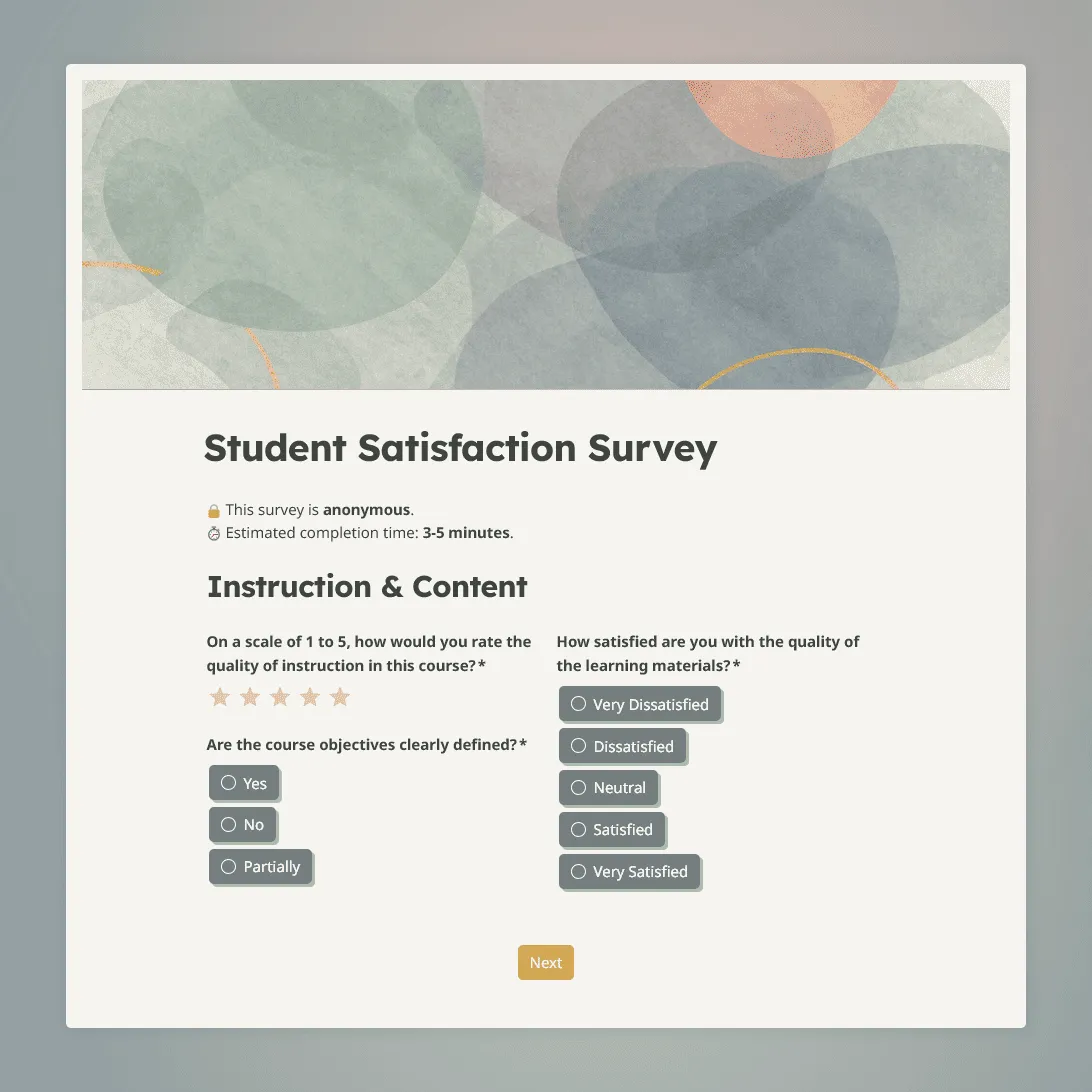
Student Satisfaction Survey Template
Use this free student satisfaction survey template for course evaluations, end-of-term reviews, and program assessments.
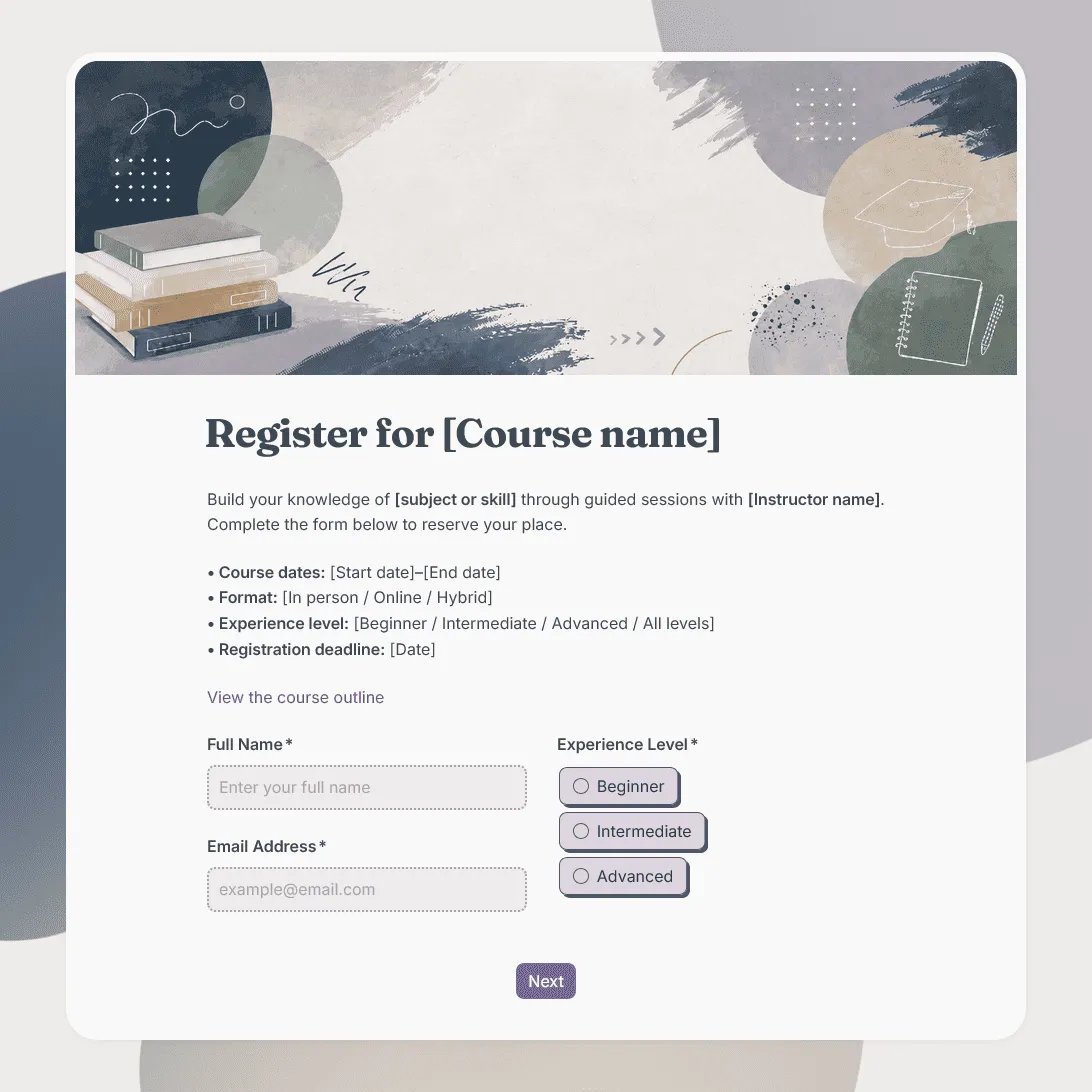
Class Registration Form Template
Use this free class registration form template to collect student details, class preferences, and more.
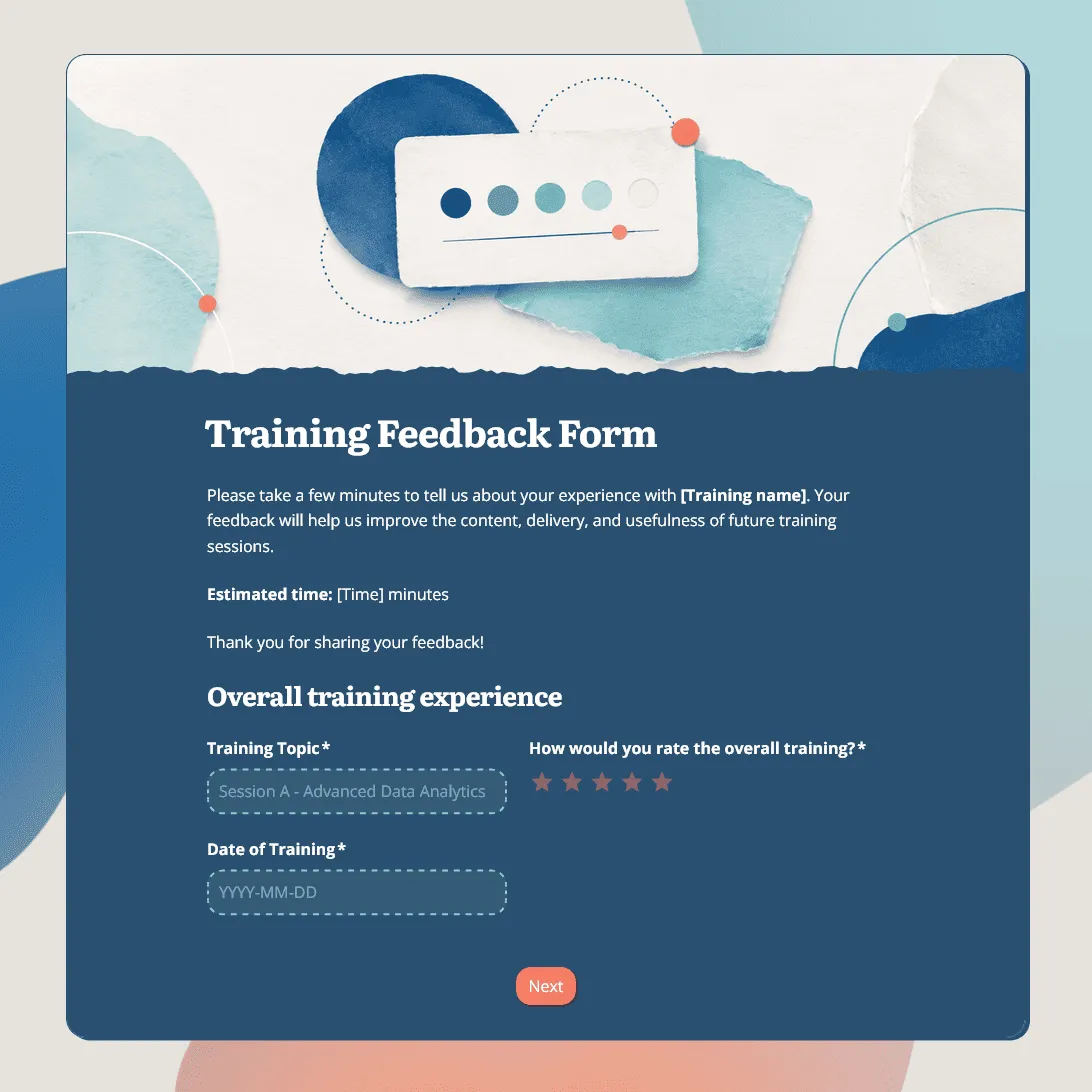
Training Feedback Form Template
Free training feedback form template for employee training, onboarding, workshops, and professional development programs.
Class Feedback Form Template
Free class feedback form template for collecting student feedback after lessons, workshops, training sessions, and online or in-person classes.