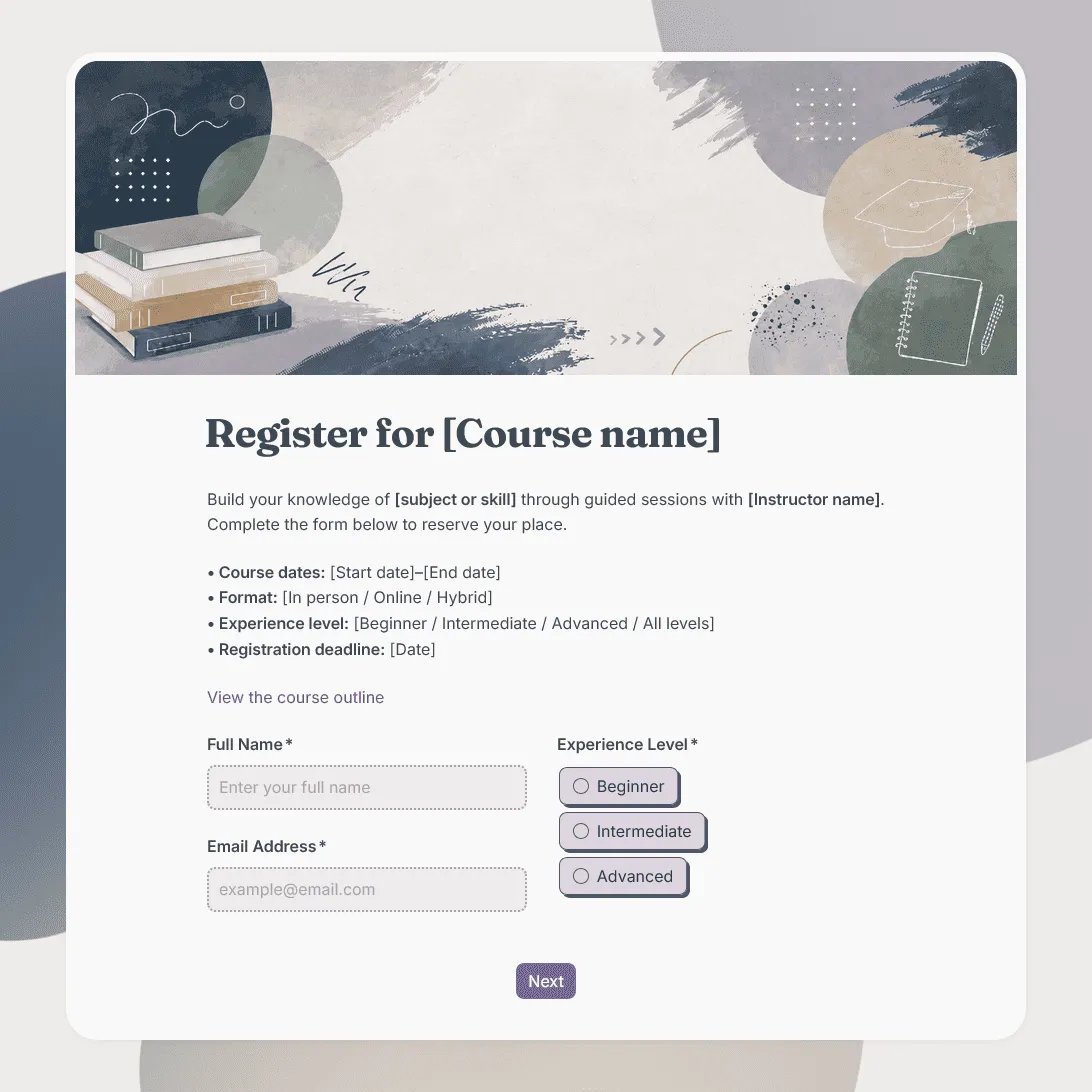
Course Registration Form Template
Free course registration form template for online courses, in-person programs, training cohorts, certificate courses, and multi-session classes.
Need a custom course registration form?
Describe your course and FormGrid will generate a tailored registration form template for you.
About this course registration form template
Course registration often needs a little context before enrollment is confirmed: which course someone wants to join, whether they meet any prerequisites, which schedule works for them, and what your team needs to send before the first session.
Our course registration form template helps you collect those details for online courses, in-person courses, cohort-based programs, certificate courses, professional training, continuing education, language courses, coaching programs, and multi-session classes.
Use this template when students, employees, clients, or community members need to register for a course and share details that help you manage enrollment, communication, materials, and follow-up.
What this template includes
This template gives you a starting point for:
- Student name and contact details
- Course or program selection
- Preferred schedule, cohort, or start date
- Experience level
- Learning goals
- Prerequisites or eligibility questions
- Organization, school, or company
- Billing, invoice, or payment contact details
- Accessibility needs
- Dietary needs for in-person courses
- Required document upload
- Consent, policy, or terms agreement
- Email update permission
- Notes for the course organizer
The template is fully customizable for your course setup, from enrollment questions and schedule logic to the page design, images, confirmation message, and email students receive after registering.
How to use this template
Click “Use this template” to open the course registration form in FormGrid.
- Add the course details. Update the title, intro text, course name, dates, location or online format, instructor, registration deadline, price, and contact details.
- Set up course options. Replace the sample choices with your own courses, levels, cohorts, start dates, formats, or schedule options.
- Review student information fields. Keep the name, email, phone, organization, school, or billing details that your team needs for enrollment and communication.
- Ask about readiness for the course. Add or adjust questions about experience level, prerequisites, goals, required materials, certificates, or documents.
- Add uploads if enrollment requires documents. Use a file upload field for IDs, certificates, transcripts, permission slips, application documents, or payment proof.
- Use logic for different course paths. With conditional logic, beginner and advanced students, online and in-person participants, or different course tracks can see different follow-up questions.
- Edit the agreement text. Replace the sample wording with your own cancellation policy, attendance rules, payment terms, certificate requirements, privacy note, or consent agreement.
- Send next steps automatically. Add a send email block so registrants receive an email after signing up. You can include enrollment status, payment instructions, course materials, location details, online access notes, or what happens next.
- Customize the form page. Change the layout, theme, colors, fonts, button styles, and descriptions so the registration page fits your course brand, school, or training program.
- Publish and share the form. After you publish the form, share the link by email, website, learning platform, newsletter, social media, or QR code. You can also add it to your course page with an embed code.
For help planning the signup flow, required fields, follow-up steps, and sharing options, read how to create a registration form.
Responses appear in your response table, where you can review registrations, course choices, schedules, documents, goals, and contact details. You can also export responses when you need a spreadsheet for enrollment lists, cohort planning, invoices, attendance sheets, or instructor handoff.
Tips for course registration forms
Course registration should make enrollment clear for students and manageable for the team running the program.
-
Explain the commitment early. Include the course length, number of sessions, dates, format, workload, price, and any attendance requirements before people register.
-
Keep course choices easy to compare. If you offer multiple levels, cohorts, times, or formats, use clear option labels so students know which one they are choosing.
-
Ask prerequisite questions only when they matter. Experience level, required skills, previous coursework, or document uploads are useful for some courses and unnecessary for others.
-
Separate enrollment details from billing details. The person taking the course may not be the person handling payment, especially for workplace training or school programs.
-
Use the confirmation email for practical next steps. Students may need payment instructions, reading materials, login details, classroom location, calendar information, or a note about when enrollment will be confirmed.
Course registration form template FAQs
What should a course registration form include?
A course registration form usually includes student name, email address, course choice, schedule preference, experience level, learning goals, prerequisites, payment or billing details, consent agreement, and any notes needed before the course starts.
Can students choose between different course dates or levels?
Yes. Add multiple choice or dropdown fields for course level, cohort, date, time, format, or instructor. Use conditional logic if different choices need different follow-up questions.
Can I collect required documents with the form?
Yes. Add a file upload field for IDs, certificates, transcripts, permission forms, applications, payment proof, or other required documents.
Can I send students an automatic confirmation email?
Yes. Add a send email block to send an email after registration. You can include course details, payment instructions, access links, required materials, or next steps.
Can I embed this course registration form on my website?
Yes. After publishing, you can add the form to your course page, school website, training portal, or landing page with an embed code, or share the form link directly.
Can I customize this course registration form?
Yes, this template is fully customizable for your course program. You can add or remove questions, update the fields, modify the design, change conditional logic, add images, and customize the confirmation message.
Is this course registration form template free?
Yes. This template is free to use, and you can collect unlimited course registrations on the free plan.
Related templates
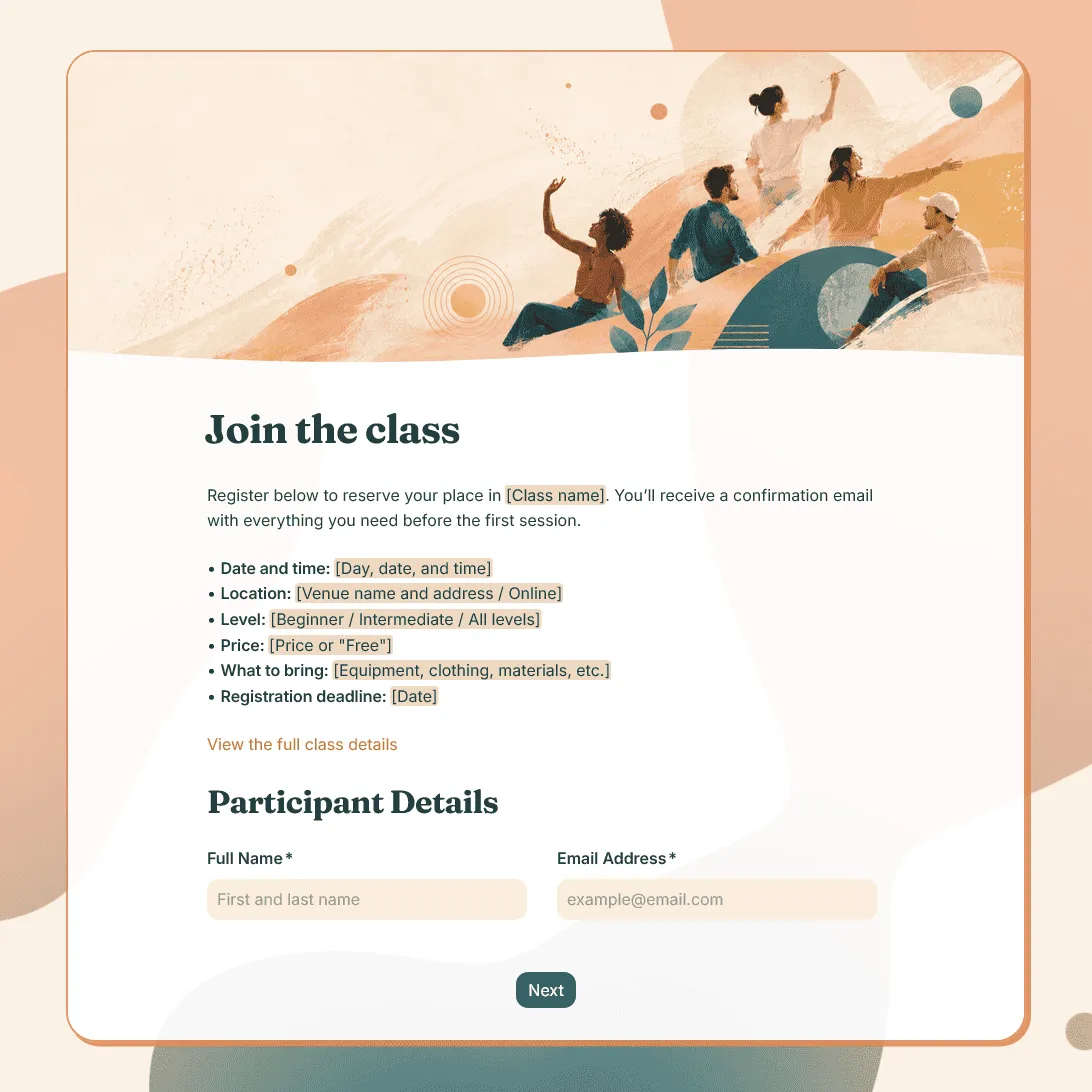
Class Registration Form Template
Use this free class registration form template to collect student details, class preferences, and more. Fully customizable.
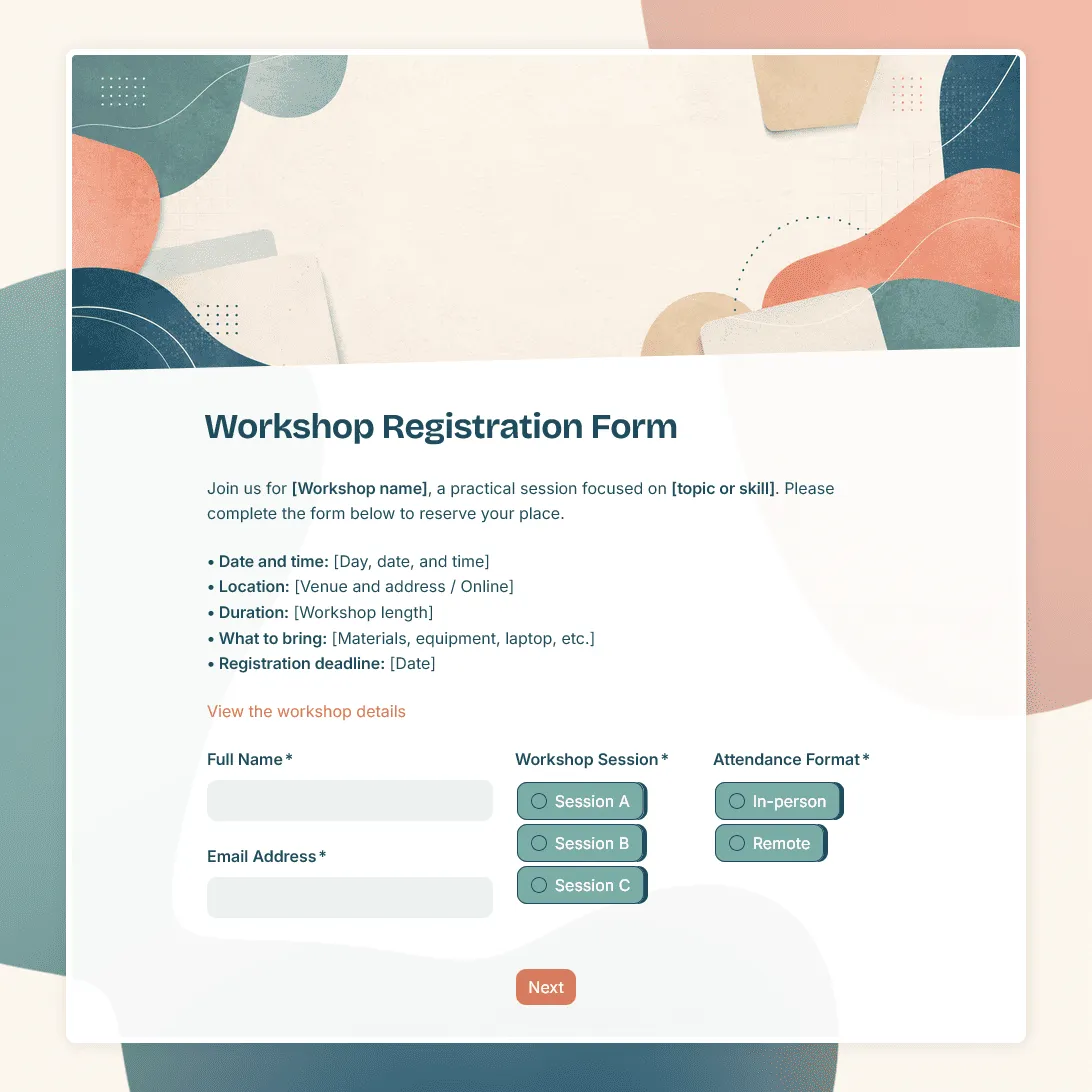
Workshop Registration Form Template
Free workshop registration form template for collecting signups for workshops, training sessions, creative classes, and more.
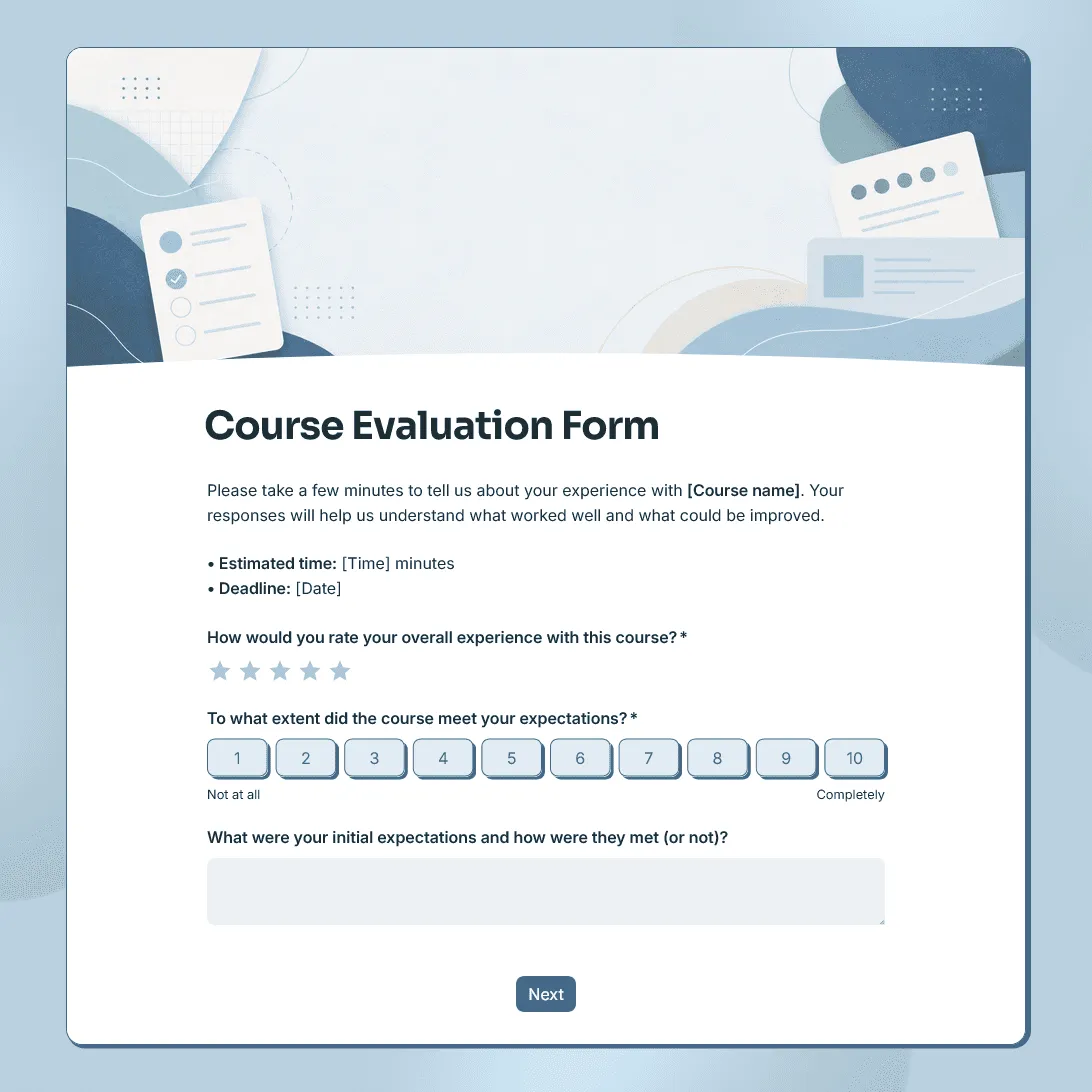
Course Evaluation Form Template
Free course evaluation form template for collecting student feedback after a class, course, workshop, or training program.