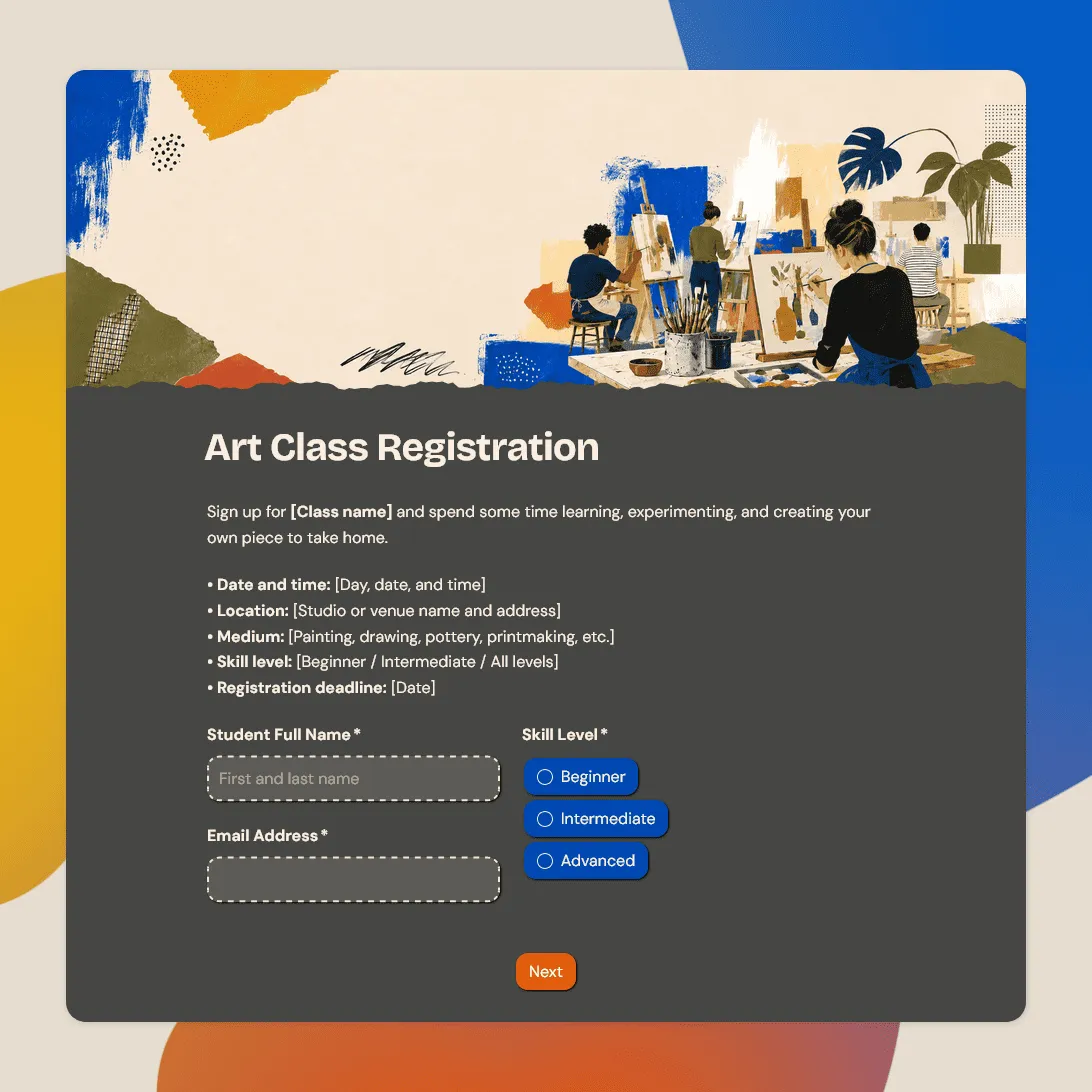
Class Registration Form Template
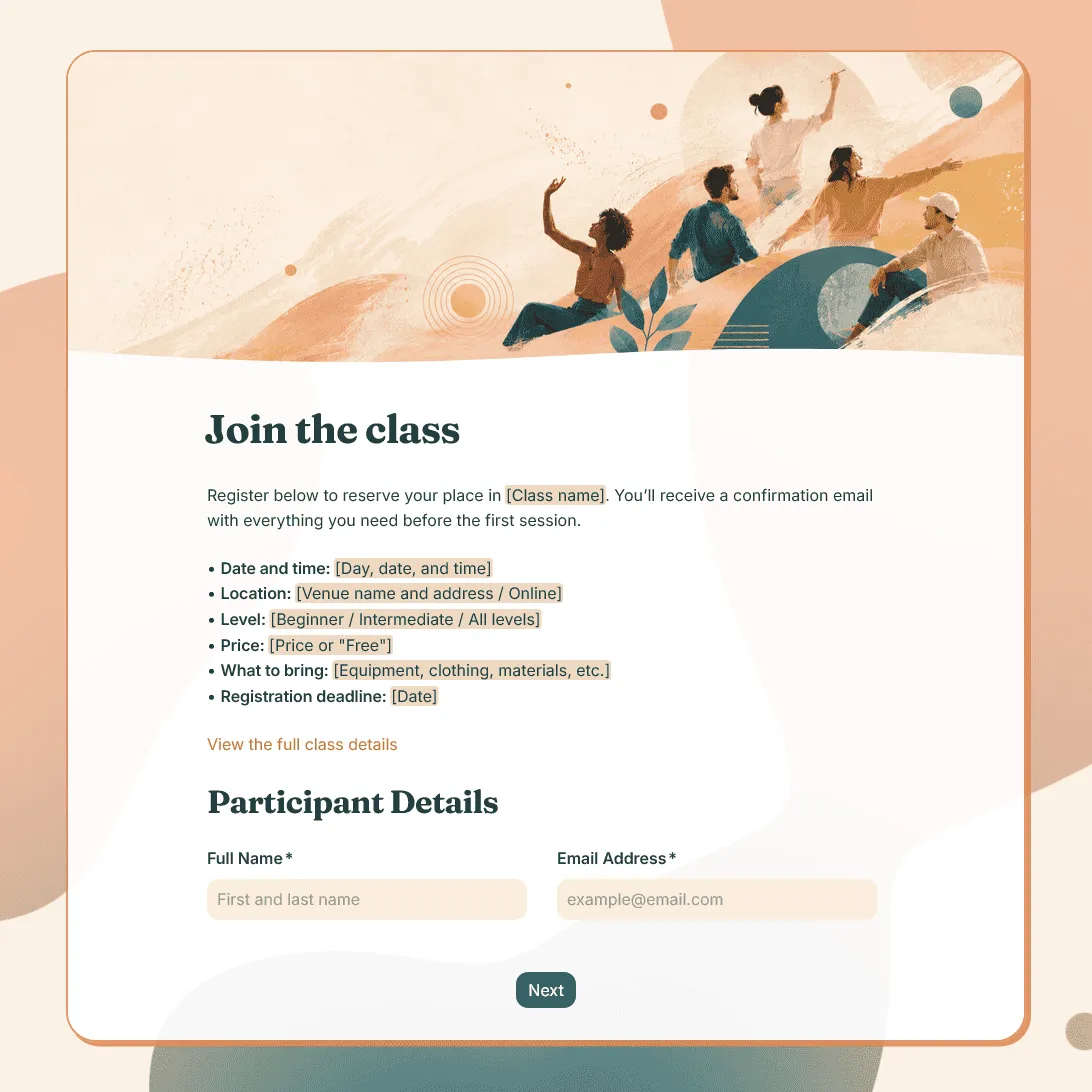
Use this free class registration form template to collect student details, class preferences, and more.
Need a custom class registration form?
Describe your class or studio, and FormGrid will generate a tailored registration form.
About this class registration form template
This class registration form template is for workshops, lessons, courses, training sessions, and small-group programs. Use it to collect participant details, class choices, schedule preferences, experience level, accessibility needs, emergency contacts, consent, and any notes you need before the class starts.
It works for in-person classes, online classes, one-off workshops, recurring sessions, adult education, community programs, after-school activities, and private lessons.
Class registration form questions
The best questions depend on the type of class, who is signing up, and how much you need to know before accepting the registration. Start with the essentials, then add class-specific questions only where they help you plan.
Participant details
- Full name
- Email address
- Phone number
- Age or date of birth, if relevant
- Parent or guardian name, for children or teens
- Preferred contact method
Class choice and schedule
- Which class would you like to join?
- Which date or session are you registering for?
- What time slot works best for you?
- Are you joining in person or online?
- Are you registering for yourself or someone else?
Use multiple choice fields for class options, session dates, time slots, skill levels, and attendance format.
Experience level and goals
- Have you taken a similar class before?
- How would you describe your current level?
- What are you hoping to learn?
- Is there anything the instructor should know before the class?
These questions are especially useful for language classes, art classes, music lessons, fitness classes, coding workshops, and professional training.
Access, safety, and support
- Do you have any accessibility needs?
- Do you have any allergies, medical notes, or restrictions the instructor should know about?
- Who should we contact in an emergency?
- Do you need any materials, equipment, or setup instructions before the class?
For children’s classes, sports programs, and in-person workshops, add the emergency contact fields your team needs before the first session.
Consent and policies
- I agree to the class policies.
- I understand the cancellation or refund policy.
- I give permission for the participant to attend.
- I agree to receive class updates by email.
For minors, include parent or guardian consent. For paid classes, mention when payment is due and whether the registration is confirmed immediately or reviewed first.
How to customize this online class registration form
After clicking “Use this template,” update the form around your actual class setup.
- Replace the sample class options with your own class names, dates, time slots, and levels.
- Include the details students need before signing up, such as location, price, duration, instructor name, materials, or prerequisites.
- Use conditions to show different questions for online and in-person classes, beginner and advanced groups, or adult and child registrations.
- Update the custom end page with the next step, such as payment instructions, class location, arrival time, or a note that the registration is pending review.
How to share your class registration form
Once the form is ready, publish it and send the link wherever students are likely to find it.
Common places to share it:
- Class landing page
- School or studio website
- Email newsletter
- Instagram bio
- Facebook event
- Community group
- Student portal
- QR code on posters or flyers
- Direct message to interested students
If you have a website, you can add the form directly to the class page with an embedded form. That works well when students are already reading about the class schedule, instructor, price, or location.
How to manage class registrations
After someone submits the form, their registration appears in your response table. You can review each submission, check class choices, scan schedule preferences, and keep track of new signups as they come in.
Turn on email notifications if you want an alert whenever someone registers. This is useful for small classes, limited spots, paid workshops, and programs where you need to follow up quickly.
For planning, rosters, attendance lists, or reporting, export responses as CSV or XLSX and sort by class, date, time slot, level, or registration status.
Related templates and guides
- Fitness class registration form template
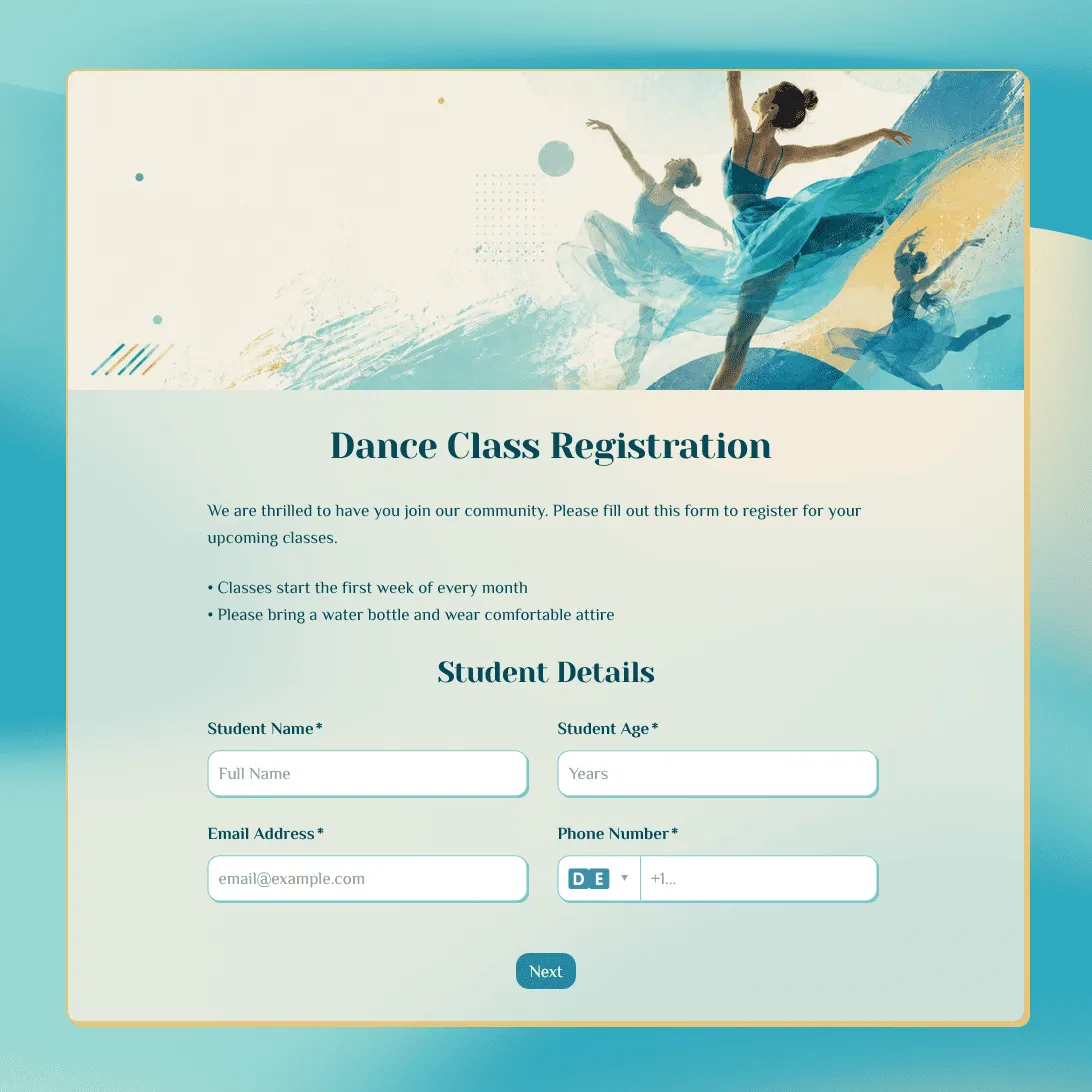
- Dance class registration form template
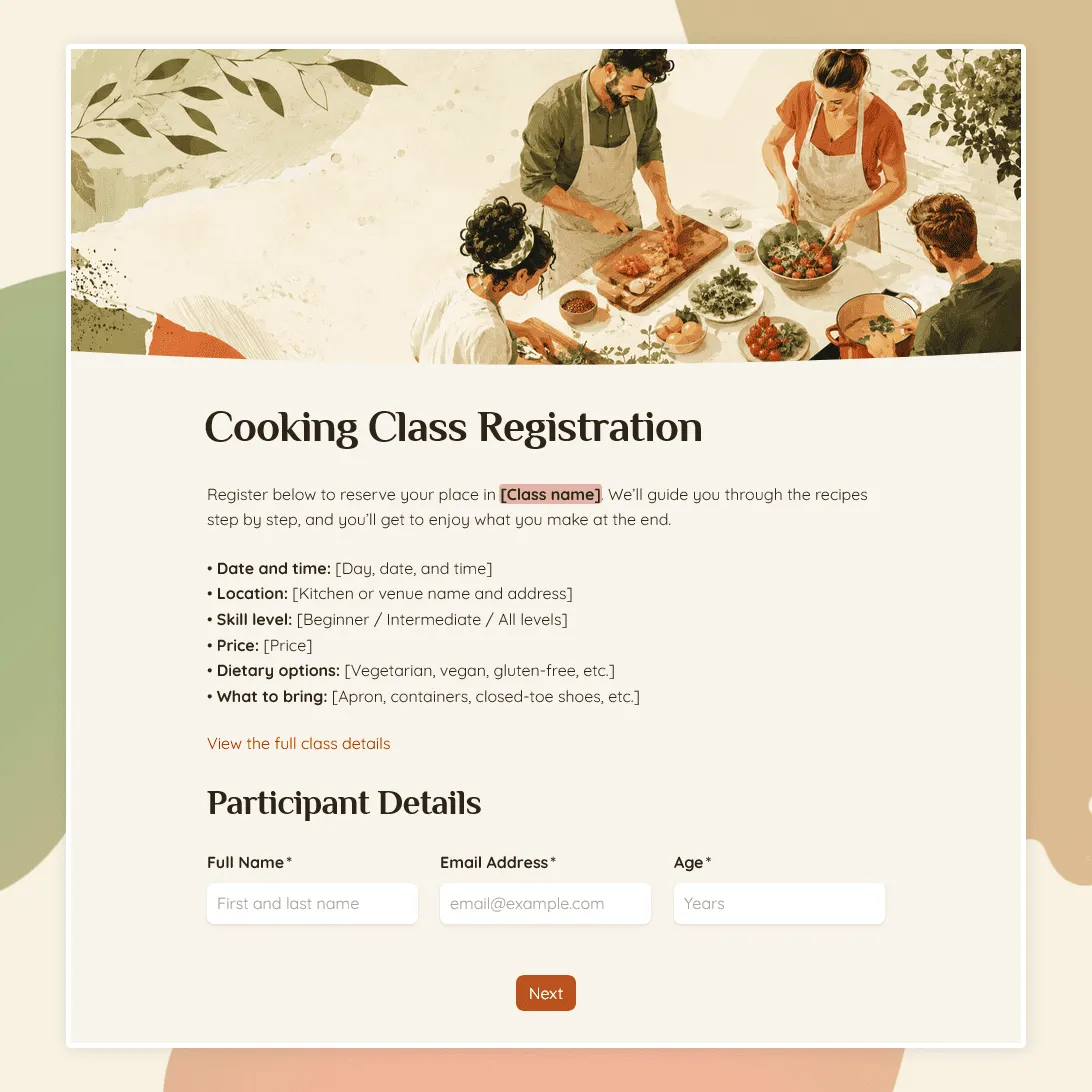
- Cooking class registration form template
- Yoga class registration form template
- How to create an online registration form
Class registration form FAQs
What should a class registration form include?
A class registration form should include participant details, contact information, class choice, preferred schedule, experience level, accessibility needs, emergency contact information if relevant, consent, and any notes the instructor needs before class starts. For class dates, levels, formats, and time slots, use multiple choice fields.
Can I use this form for online classes?
Yes. Keep the experience level question, then add time zone, attendance format, technical needs, or login details if they matter for your class. On the confirmation page, explain when students will receive the meeting link, class materials, or access instructions. You can create that with a custom end page.
Can I use this form for children’s classes?
Yes. Use or update the parent or guardian fields, emergency contact information, health notes, age group, and consent text. Add pickup permissions if your class needs them. You can also use conditions to show guardian questions only when someone is registering a child or teen.
Can students choose between multiple class dates or time slots?
Yes. Update the existing class date, time slot, level, or format options. If each class needs different follow-up questions, use conditions to show the right questions based on the selected option.
Can I collect payments with this class registration form?
If payment happens outside the form, include payment instructions in the confirmation message. For example, tell students whether they should pay by bank transfer, payment link, invoice, or in person before the first class. Use a custom end page for those next steps.
How do I handle limited spots?
Mention the class capacity near the top of the form and explain whether registration is confirmed immediately or reviewed first. Turn on email notifications if you want an alert for each new signup, and use the response table to monitor registrations as they come in.
Can I embed this class registration form on my website?
Yes. After publishing, you can add the form to a class page, school website, studio website, or landing page with an embedded form. This works well when students are already reading about the schedule, instructor, price, location, or course details.
Can I collect payments with this class registration form?
If payment happens outside the form, add payment instructions to the confirmation message. For example, tell students whether they should pay by bank transfer, payment link, invoice, or in person before the first class. Use a custom end page for those next steps.
Can I export class registrations?
Yes. You can export responses as CSV or XLSX and use the file to create class rosters, attendance lists, waitlists, or reports.
Is this class registration form template free?
Yes. You can use this template for free. FormGrid also lets you create unlimited forms and collect unlimited responses on the free plan.
Related templates
Dance Class Registration Form Template
Use this free dance class registration form template to collect student details, class preferences, and more.
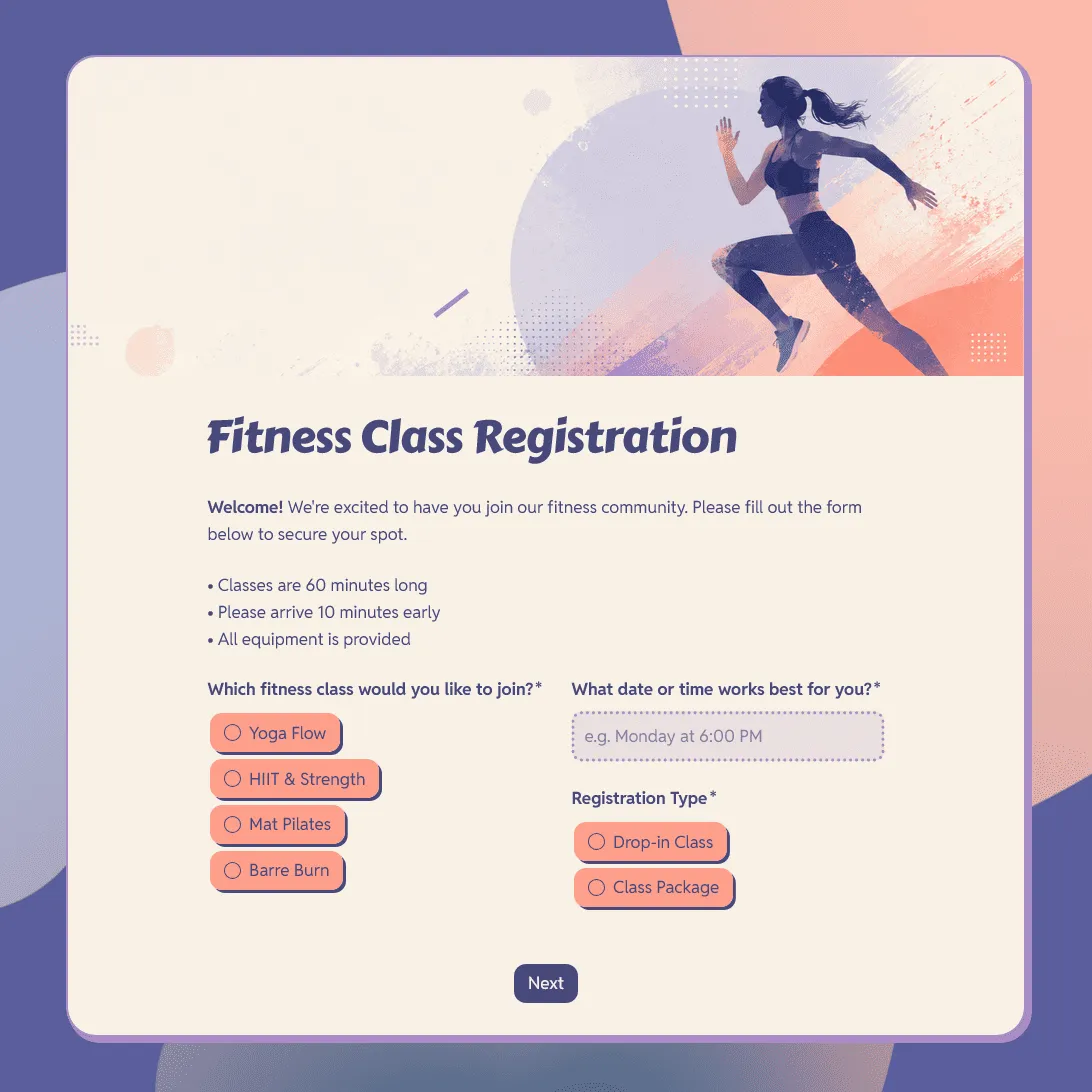
Fitness Class Registration Form Template
Use this free fitness class registration form template to collect participant details, class preferences, schedule choices, and more.
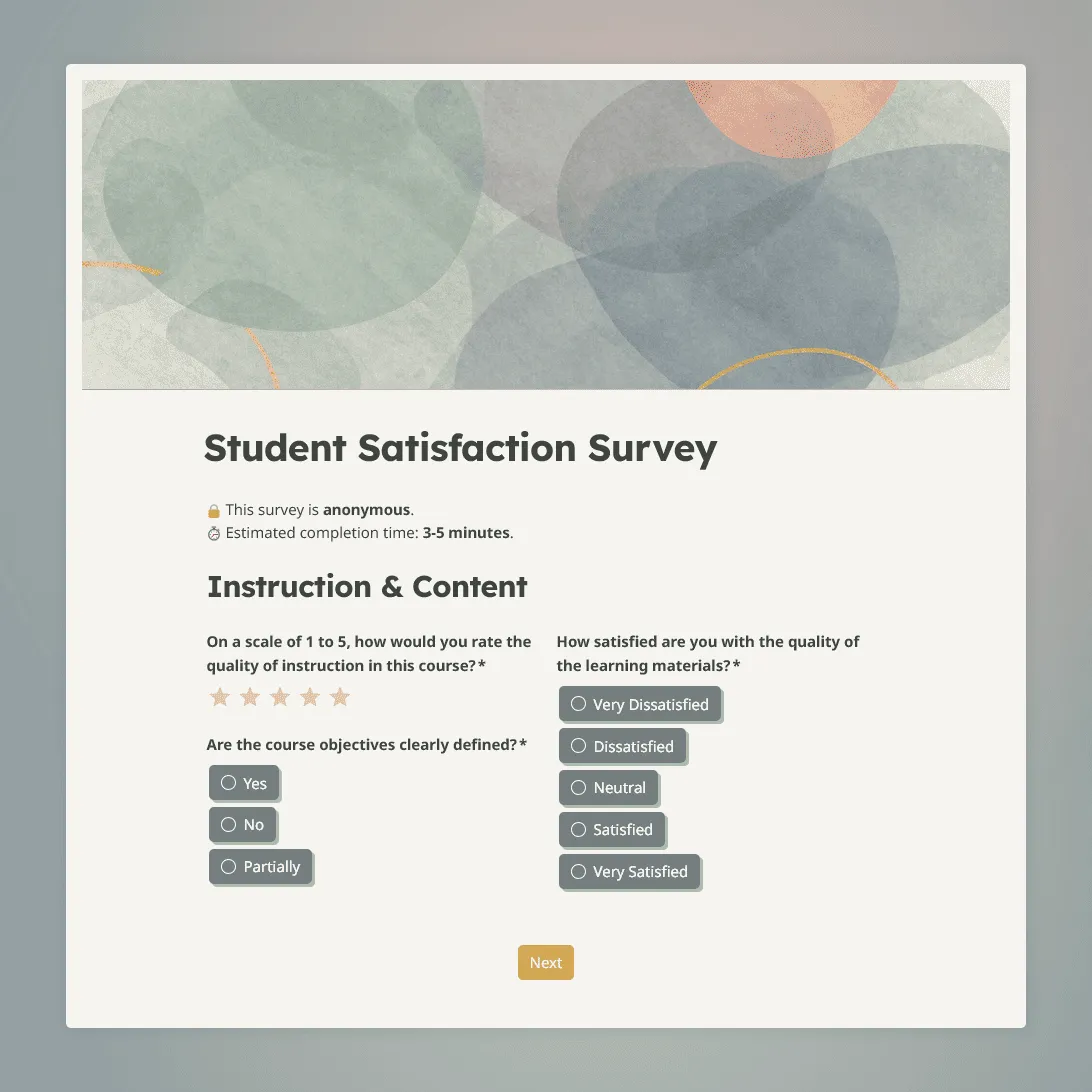
Student Satisfaction Survey Template
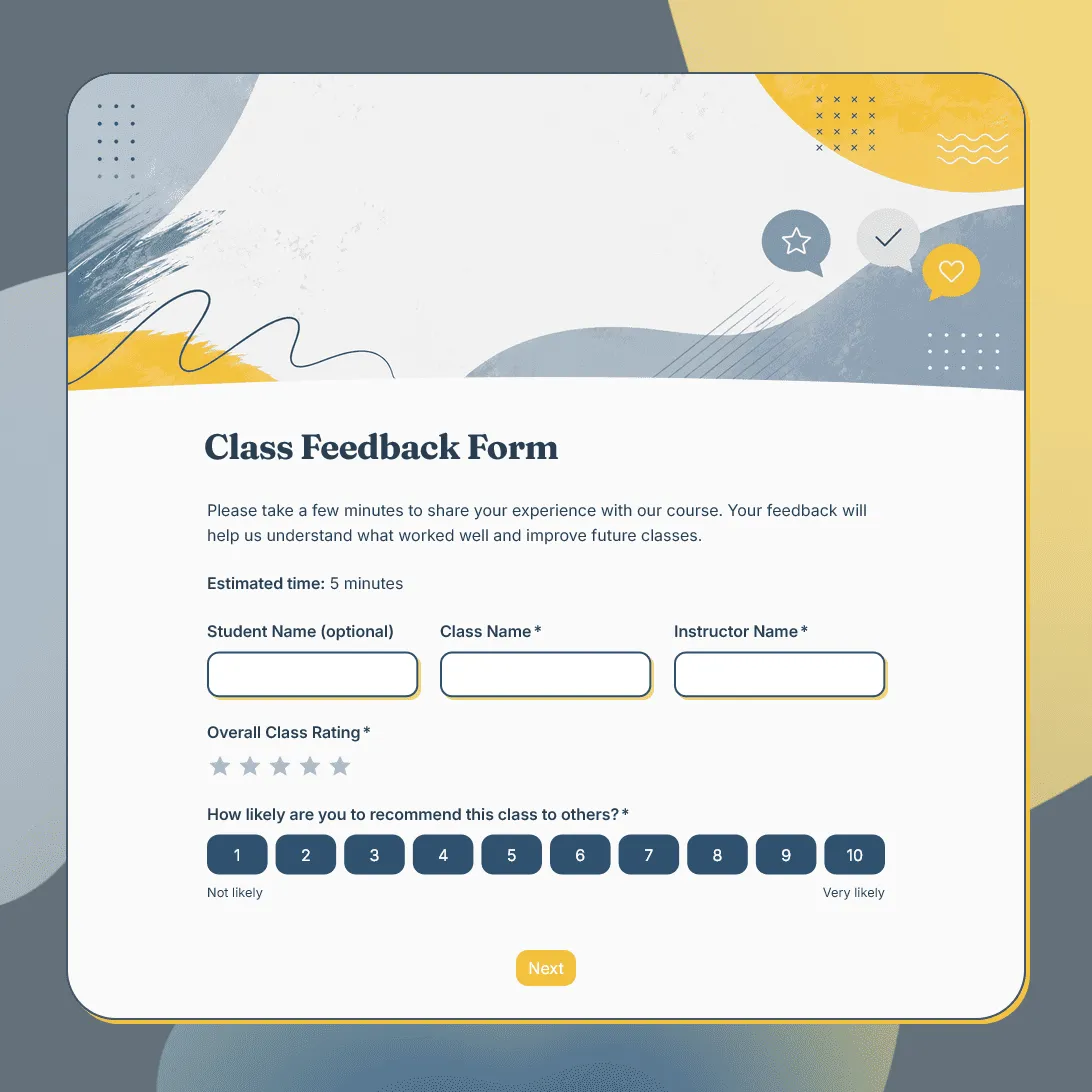
Use this free student satisfaction survey template for course evaluations, end-of-term reviews, and program assessments.