Class Feedback Form Template
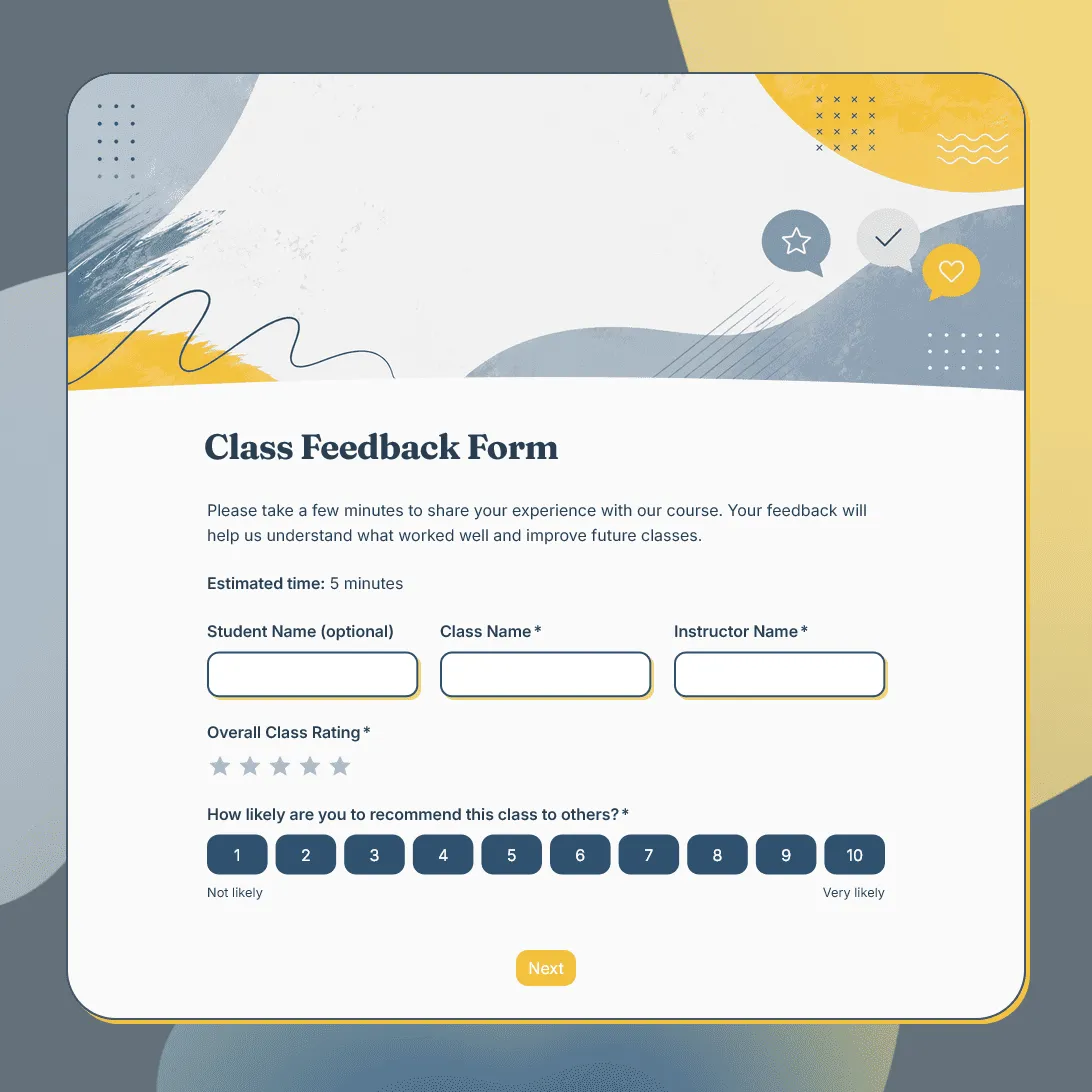
Free class feedback form template for collecting student feedback after lessons, workshops, training sessions, and online or in-person classes.
Need a custom class feedback form?
Describe your class and FormGrid will generate a tailored feedback form template for you.
About this class feedback form template
Class feedback is most useful while the session is still fresh. Students can tell you whether the pace felt right, which parts were clear, where they got stuck, and what would make the next class easier to follow.
Our class feedback form template is designed for single classes, short programs, online lessons, workshops, recurring sessions, and small-group learning experiences. It can be used by instructors, tutors, schools, studios, coaches, training providers, community centers, and course creators.
Use this template after a fitness class, art class, cooking class, dance class, language lesson, professional workshop, online class, kids’ program, or adult education session. For longer programs with grades, assignments, or multiple modules, our course evaluation form template may give you a more detailed starting point.
What this template includes
Use this template to ask students about:
- Class name or session title
- Instructor name
- Class date or time
- Overall class rating
- Content clarity
- Instructor helpfulness
- Class pace
- Difficulty level
- Materials, slides, handouts, or resources
- Activities, exercises, or practice time
- Online or in-person class experience
- Confidence after the class
- What students liked most
- What felt unclear or difficult
- What could be improved
- Interest in future classes
- Permission to follow up
- Automatic thank-you email
You can change the questions, descriptions, fields, rating scales, conditional logic, layout, theme, colors, fonts, button styles, confirmation message, and automatic email steps.
How to use this template
Click “Use this template” to open the class feedback form in FormGrid.
- Add your class details. Update the title, intro text, class name, instructor name, date, format, and any short note students should read before answering.
- Review the rating questions. Keep the ratings that match what you want to learn, such as clarity, pacing, difficulty, instructor support, materials, and overall experience.
- Adjust the written questions. Ask what helped students most, what felt confusing, and what they would change for the next session.
- Match the form to your class format. Online classes may need questions about audio, video, links, or screen sharing. In-person classes may need questions about room setup, equipment, timing, or group size.
- Use conditional questions where useful. With conditional logic, students who give a low rating can see a follow-up question, while students interested in another class can see future-session questions.
- Set up an automatic thank-you email. Add a send email block if students should receive a thank-you note, class resources, homework, replay link, or next-step instructions after submitting feedback.
- Customize the design. Change the layout, colors, fonts, button styles, and descriptions so the form feels aligned with your class, school, studio, or brand.
- Publish and share the form. After you publish the form, send the link by email, add it to a class follow-up message, share it in chat, place it behind a QR code, or embed it on your website with an embed code.
Responses appear in your response table, where you can review ratings, comments, class dates, instructor names, and follow-up permissions. You can also export responses when you need a spreadsheet for instructor review, program planning, team discussions, or reporting.
For more information on setting up feedback forms, check out our guide on how to create a feedback form.
Tips for collecting better class feedback
Class feedback should help you improve the next session, not create extra work for students or instructors.
-
Ask soon after class. Students give clearer answers when they still remember the examples, activities, pacing, and parts that felt confusing.
-
Keep the form short. A few focused ratings and one or two comment fields are usually enough for a single class.
-
Separate pace from difficulty. A class can be easy but rushed, or challenging but well-paced. Asking both gives you better signals.
-
Leave room for specific comments. Ratings help you spot patterns, but written feedback explains whether the issue was an unclear example, missing context, too little practice, or a confusing activity.
-
Ask about confidence. For skills-based classes, confidence after the session can be more useful than satisfaction alone.
-
Share what changes. When students see that feedback leads to clearer instructions, better materials, or improved pacing, they are more likely to answer next time.
Class feedback form template FAQs
When should I send a class feedback form?
Send it shortly after class, ideally the same day or within a few days. Feedback is usually clearer before students forget the details of the session.
What should I ask in a class feedback form?
Ask about the overall experience, instructor, content clarity, pace, difficulty, materials, activities, and what could be improved. Add one open comment field so students can explain their ratings.
Can I ask different questions based on the class type?
Yes. Use conditional logic to show different follow-up questions for online classes, in-person classes, beginner sessions, advanced sessions, private lessons, or group classes.
Can I send students class resources after they submit feedback?
Yes. Add a send email block to send an automatic email with a thank-you note, replay link, slides, homework, practice materials, or next-class details.
Can students leave anonymous feedback?
Yes. Make name and email fields optional or remove them if you want anonymous responses. For small classes, avoid asking too many identifying questions.
Can I embed this class feedback form on my website?
Yes. After publishing, you can add the form to your class page, student portal, studio website, or course site with an embed code, or share the form link directly.
Can I customize this class feedback form?
Yes. You can change the questions, descriptions, fields, rating scales, conditional logic, layout, theme, colors, fonts, button styles, confirmation message, and automatic email steps.
Is this class feedback form template free?
Yes. This template is free to use, and you can collect unlimited class feedback responses on the free plan.
Related templates
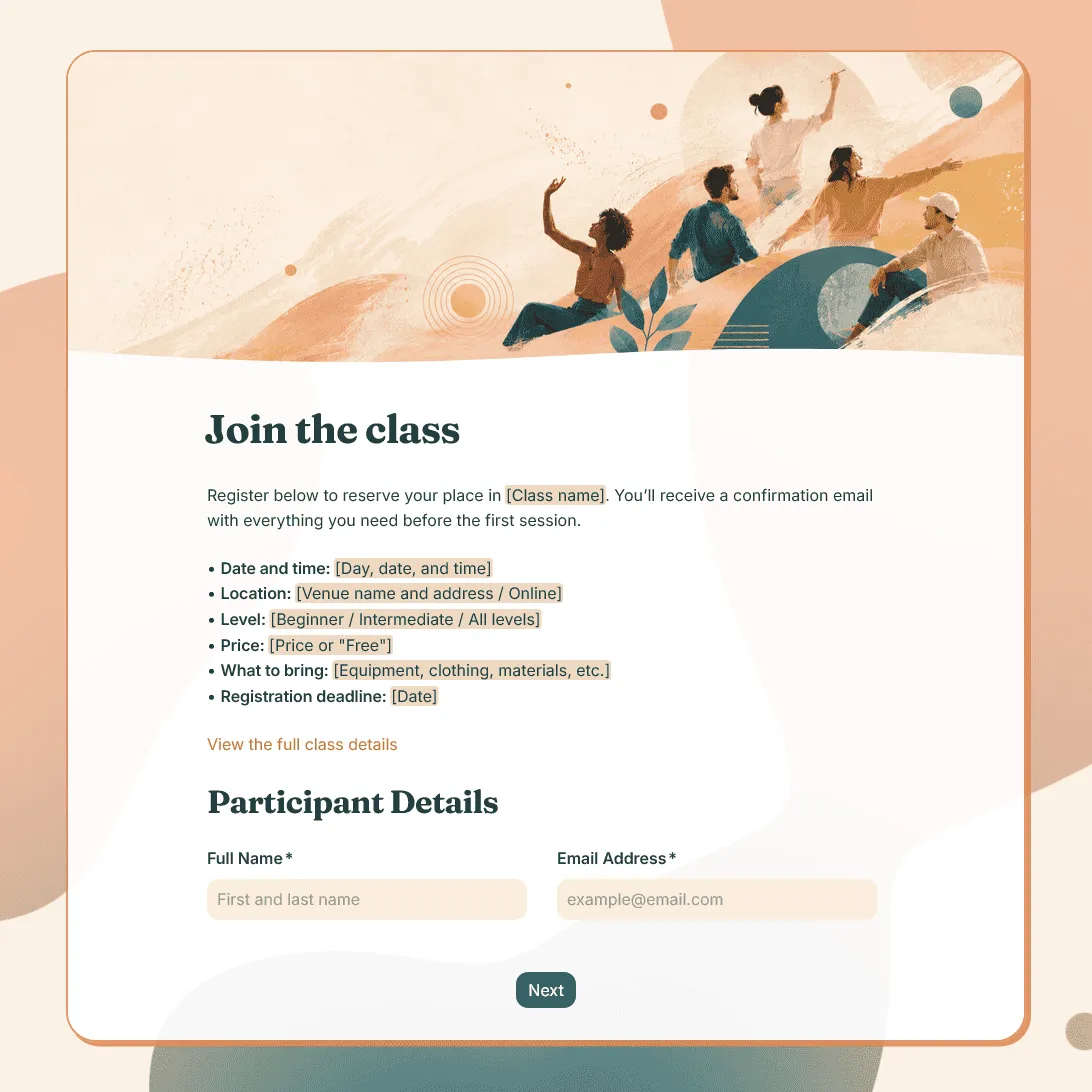
Class Registration Form Template
Use this free class registration form template to collect student details, class preferences, and more.
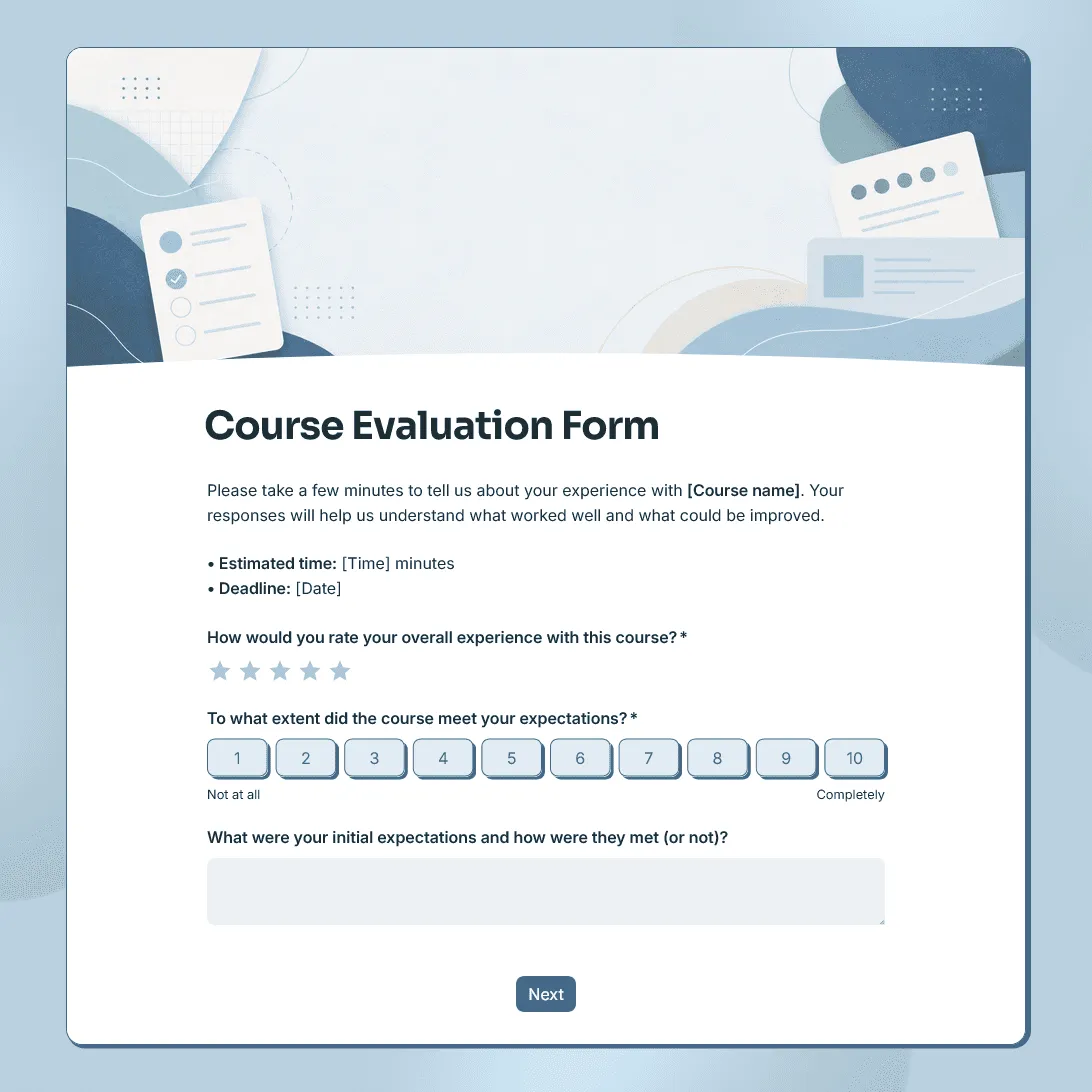
Course Evaluation Form Template
Free course evaluation form template for collecting student feedback after a class, course, workshop, or training program.
Workshop Feedback Form Template
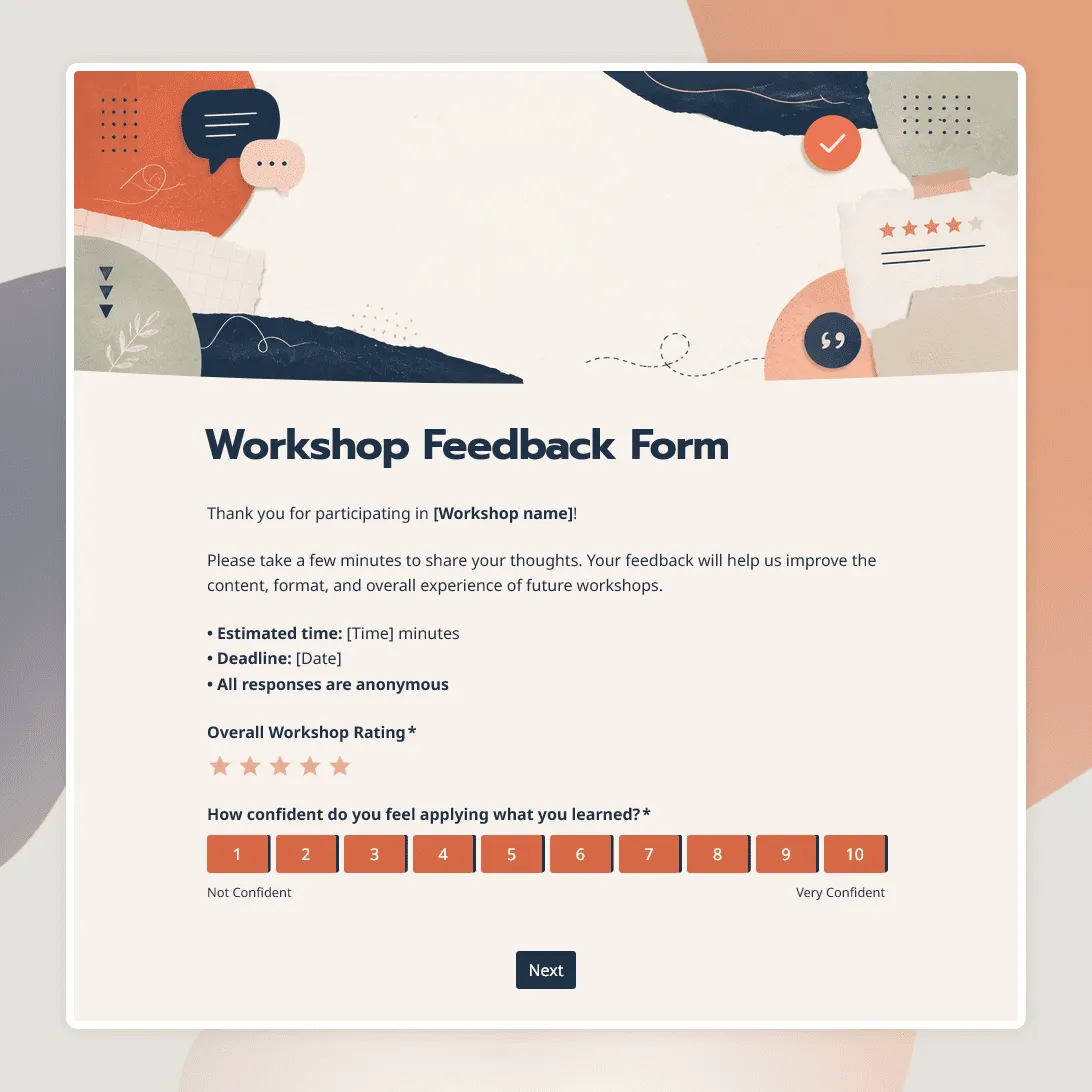
Free workshop feedback form template for collecting participant feedback after online, in-person, and hybrid workshops.
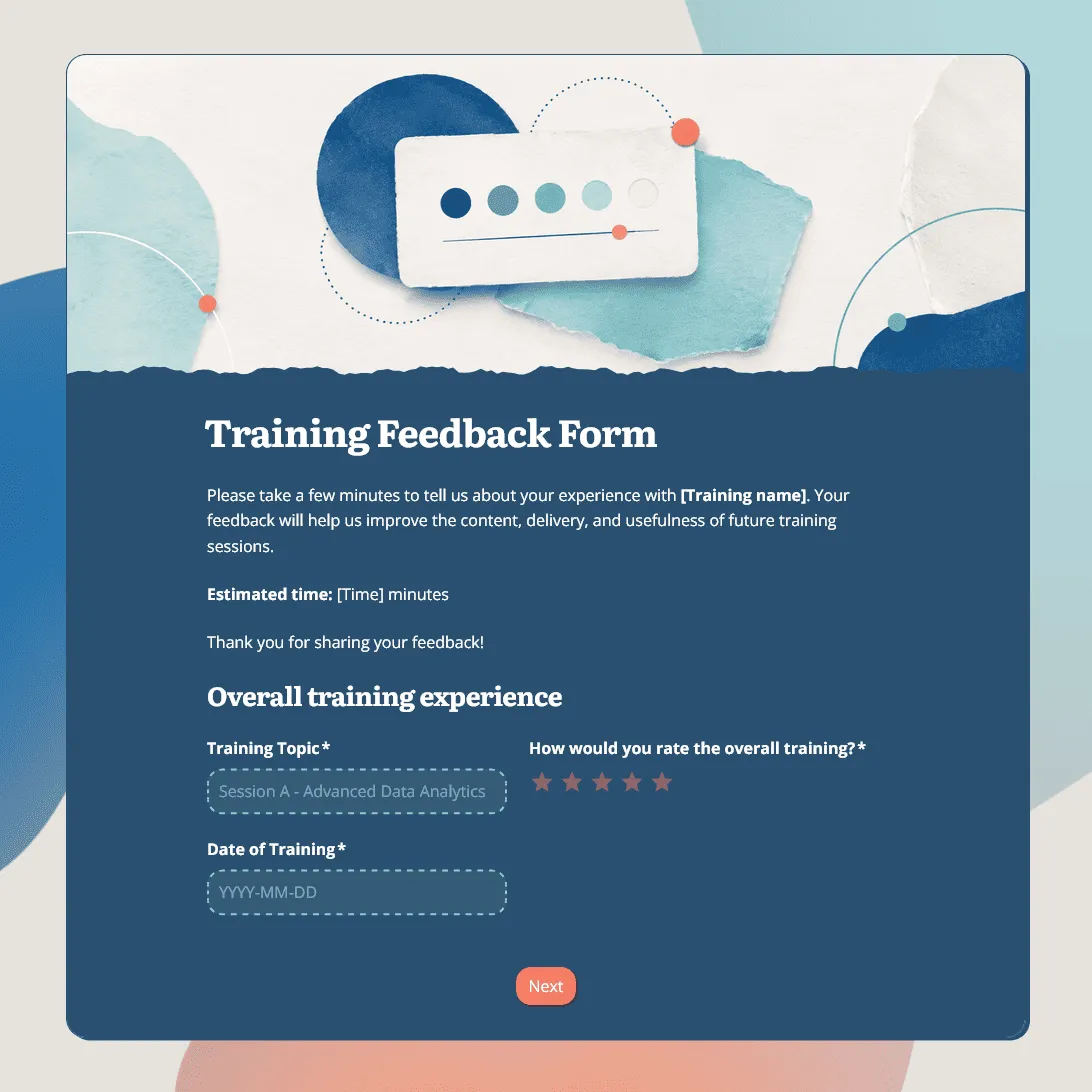
Training Feedback Form Template
Free training feedback form template for employee training, onboarding, workshops, and professional development programs.
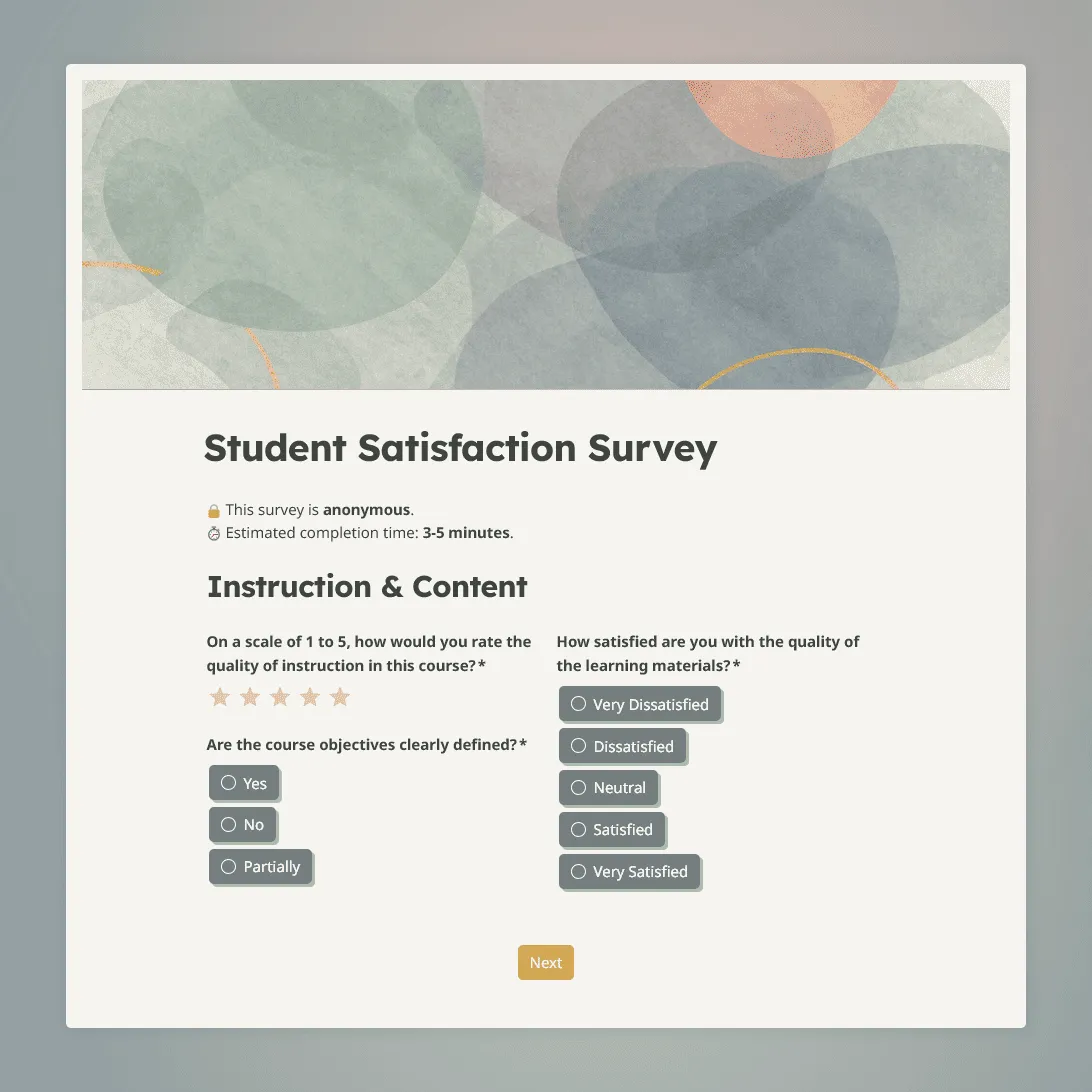
Student Satisfaction Survey Template
Use this free student satisfaction survey template for course evaluations, end-of-term reviews, and program assessments.