Workshop Feedback Form Template
Free workshop feedback form template for collecting participant feedback on content, activities, materials, and learning outcomes.
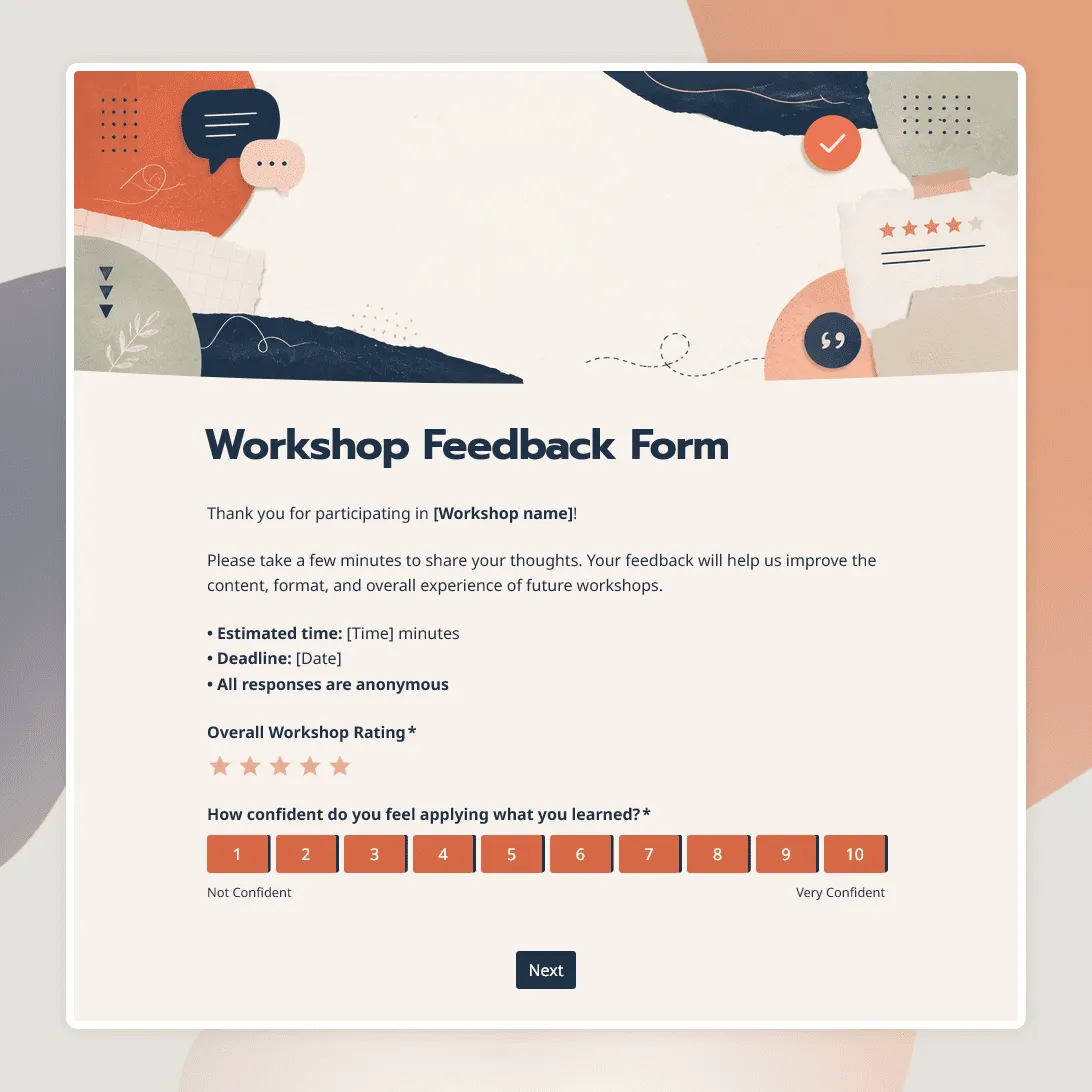
Need a custom workshop feedback form?
Describe your workshop and FormGrid will create a custom feedback form you can edit and share.
About this workshop feedback form template
Workshop feedback is most useful while participants still remember the session: what felt clear, where the pace dragged, which activity helped, and what they feel ready to do next.
This workshop feedback form template is made for online, in-person, and hybrid sessions. It can be used after professional development workshops, training sessions, creative workshops, community sessions, webinars, internal team workshops, hands-on classes, and multi-session programs.
The form focuses on the parts organizers usually need to improve before running the workshop again: content, facilitator clarity, pacing, activities, materials, format, confidence after the session, and suggested next topics.
What this form collects
The form collects feedback on:
- workshop format
- overall workshop rating
- content clarity and usefulness
- facilitator or instructor
- pacing and session length
- activities, exercises, or discussions
- slides, handouts, worksheets, or resources
- confidence after the workshop
- most useful part of the session
- what felt unclear
- what participants would change
- topics participants want next
- optional contact details for follow-up
You can keep it short for a quick same-day survey, or add more detail for training programs, internal reviews, grant reports, certification workshops, or recurring sessions.
With conditional logic, online participants can answer questions about the platform, audio, video, chat, and interaction. In-person participants can answer questions about the room, materials, timing, and activities. Low ratings can show a follow-up question about what felt unclear or unhelpful.
How to customize this workshop feedback form
Open the workshop feedback form in FormGrid, then adjust it around the session you ran.
-
Add the workshop details. Update the title, workshop name, date, facilitator, format, and intro text.
-
Match the form to the workshop format. Keep the questions that fit your session. Online workshops may need questions about platform quality and interaction. In-person workshops may need questions about the room, materials, timing, and activities.
-
Review the outcome questions. For learning-focused workshops, ask whether participants feel clearer, more confident, or better prepared after the session.
-
Adjust the activity questions. If the workshop included exercises, breakout groups, discussions, practice time, worksheets, or live demos, ask which parts helped most.
-
Keep the rating section focused. Overall rating, content, facilitator, pacing, and usefulness are usually enough for a short post-workshop form.
-
Add follow-up questions for low ratings. Ask what felt unclear, what slowed people down, or what would have made the session easier to follow.
-
Review contact details. Keep name and email optional unless you need to send certificates, resources, or follow-up materials.
-
Update the confirmation message. Thank participants and explain how the feedback will be used.
-
Publish and share the form. After you publish the form, send the link by email, chat, calendar follow-up, QR code, or workshop recap page. You can also embed the form on your website.
Workshop feedback questions to ask
A good workshop feedback form should help you understand both the session experience and what participants took away from it.
For most workshops, ask:
- How would you rate the workshop overall?
- How clear was the workshop content?
- How helpful was the facilitator?
- Was the pace too slow, too fast, or about right?
- How useful were the activities or exercises?
- How useful were the materials or resources?
- What was the most useful part of the workshop?
- What felt unclear or could be improved?
- What topic would you like to explore next?
For learning or training workshops, add questions like:
- How confident do you feel using what you learned?
- What is one thing you plan to apply?
- What question do you still have?
- What resource would help you after the workshop?
For online workshops, ask about audio, video, platform access, chat, breakout rooms, and interaction. For in-person workshops, ask about the room, timing, materials, group size, and practice activities.
Tips for collecting better workshop feedback
Send the form the same day
Share the form while the session is still fresh. The best time is usually at the end of the workshop, in the follow-up email, or in the recap message.
Ask about the outcome
For a learning workshop, satisfaction alone gives you limited insight. Ask whether participants feel clearer, more confident, or ready to apply what they learned.
Keep it short for one-time workshops
For a single workshop, five to eight questions are usually enough. Ask about the overall experience, content, facilitator, pacing, usefulness, and one open comment.
Add detail for longer programs
For multi-session workshops, training programs, or grant-funded sessions, add questions about each session, materials, learning goals, accessibility, and what participants need next.
Review comments before repeating the workshop
Look for repeated notes about pacing, unclear instructions, missing examples, weak activities, too much theory, too little practice, or technical issues. Those are the details that usually improve the next session fastest.
Related guides and resources
Workshop feedback form FAQs
What should a workshop feedback form ask?
A workshop feedback form should ask about the overall experience, content clarity, facilitator, pacing, activities, materials, usefulness, confidence after the session, and what could be improved.
When should I send a workshop feedback form?
Send it the same day, ideally at the end of the workshop or in the follow-up message. For longer programs, you can collect feedback after each session and again at the end.
How many questions should a workshop feedback form have?
For a short workshop, five to eight questions is usually enough. For a longer training program or multi-session workshop, you can add more detailed questions about learning goals, materials, activities, and follow-up needs.
What questions should I ask after an online workshop?
After an online workshop, ask about the platform, audio, video, chat, breakout rooms, interaction, content clarity, facilitator, pacing, and whether participants felt able to take part.
Can I ask different questions for online and in-person workshops?
Yes. With conditional logic, online participants can answer questions about platform quality, audio, video, and interaction. In-person participants can answer questions about the room, materials, timing, and activities.
Should workshop feedback be anonymous?
Anonymous feedback can make participants more comfortable sharing honest comments. Keep name and email optional unless you need contact details for certificates, resources, or follow-up.
Is this workshop feedback form template free?
Yes. This workshop feedback form template is free, and you can collect unlimited responses on the free plan.
Related templates
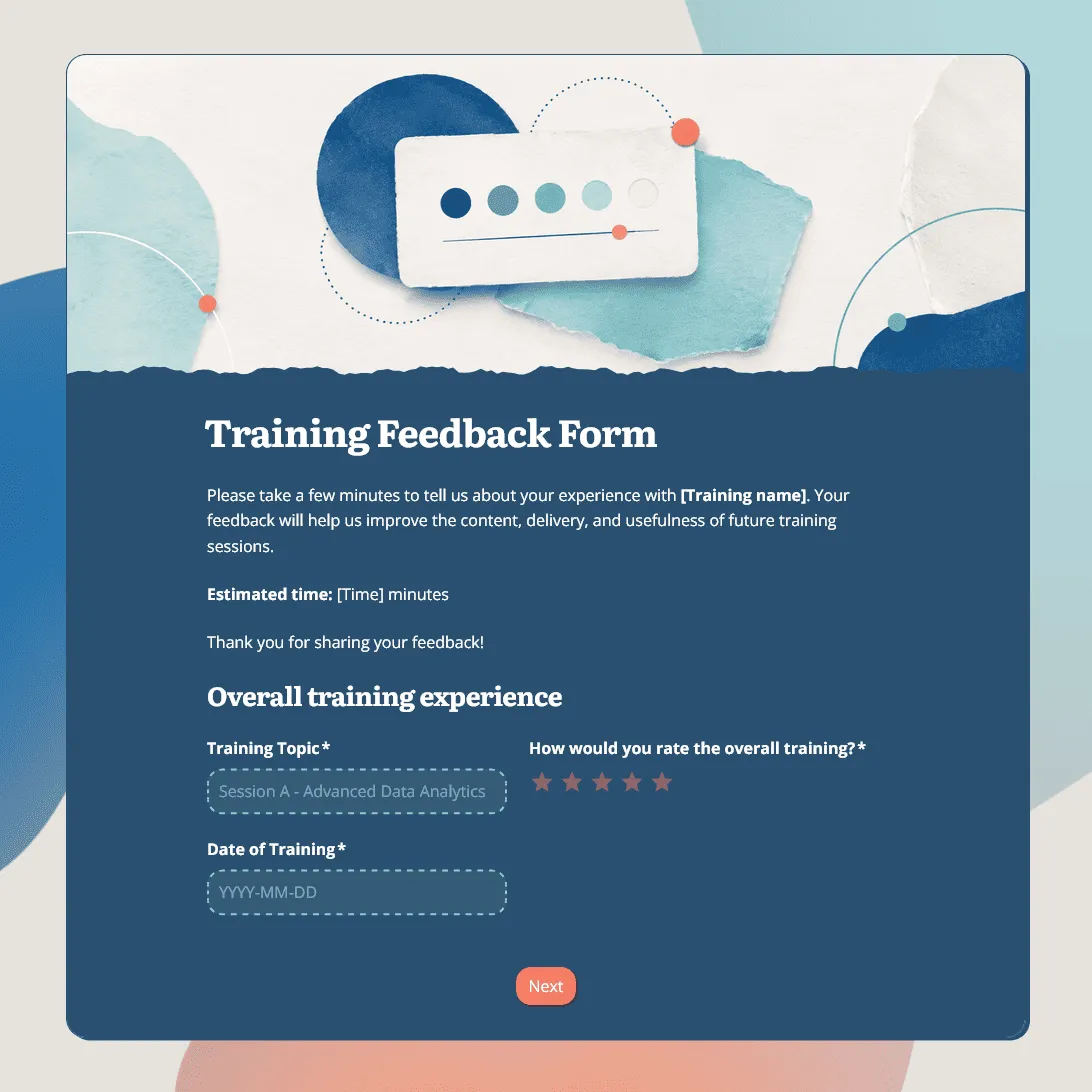
Training Feedback Form Template
Free training feedback form template for post-training evaluation, employee training feedback, trainer reviews, and learning follow-up.
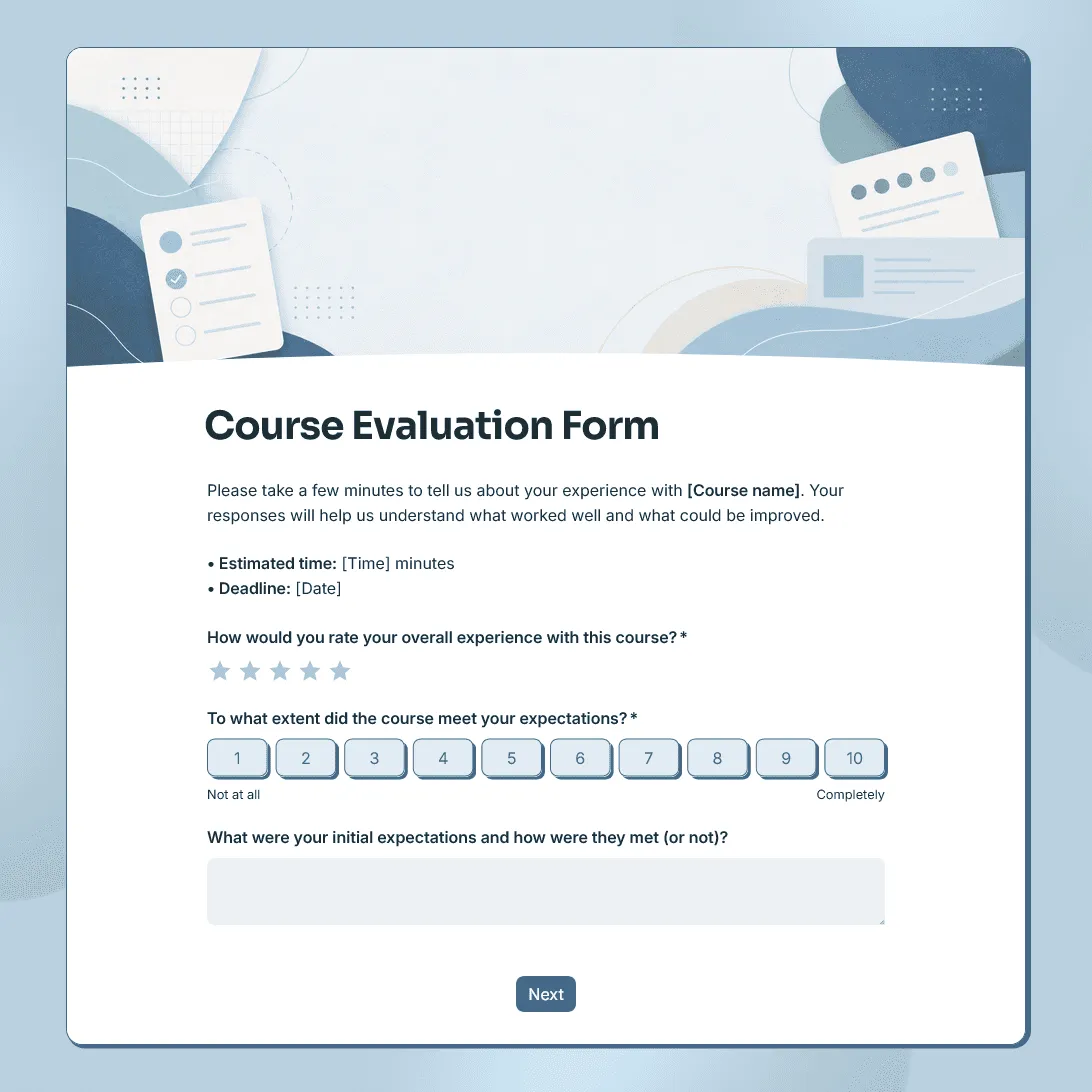
Course Evaluation Form Template
Free course evaluation form template for collecting student feedback after a class, course, workshop, or training program.
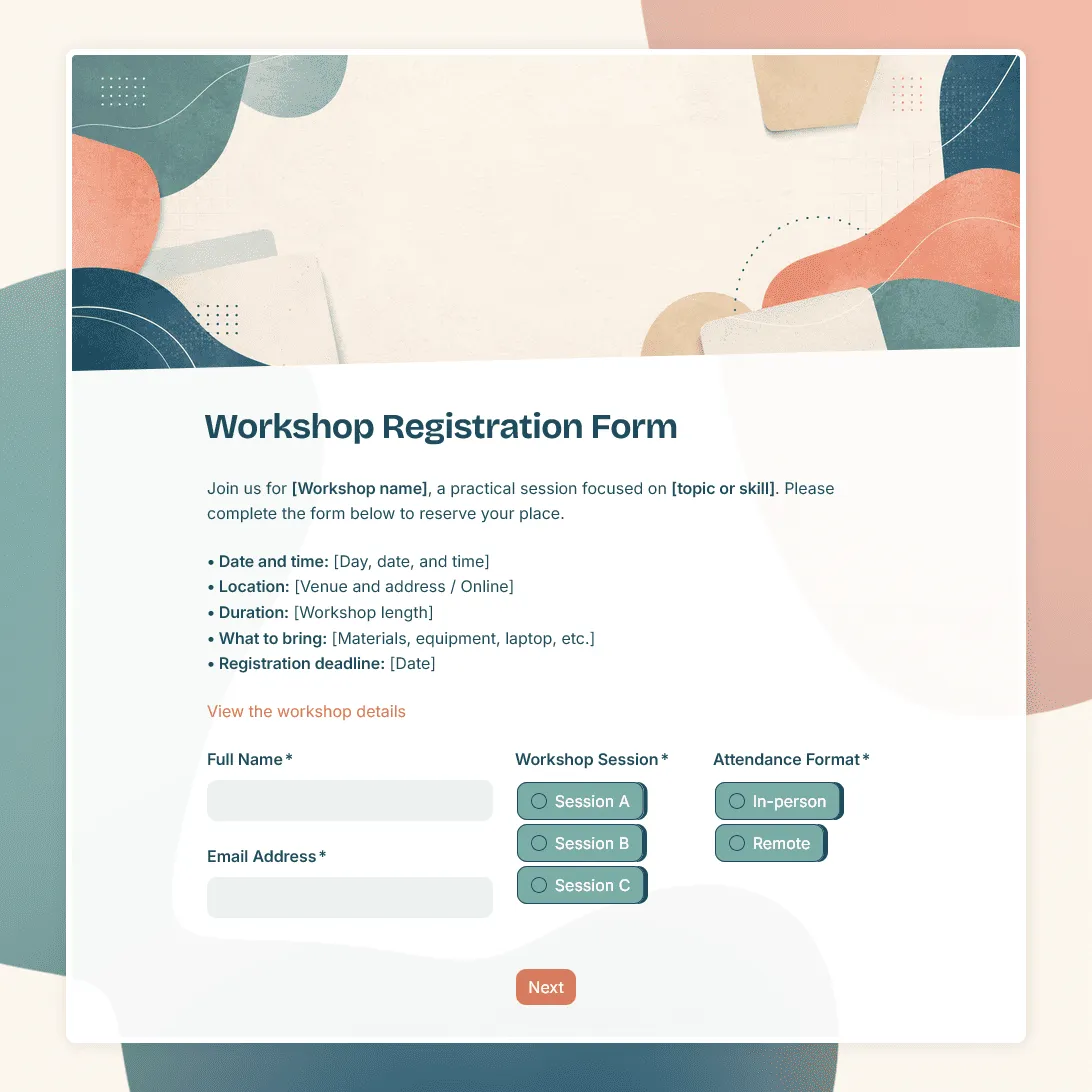
Workshop Registration Form Template
Free workshop registration form template for collecting signups for workshops, training sessions, creative classes, and more.