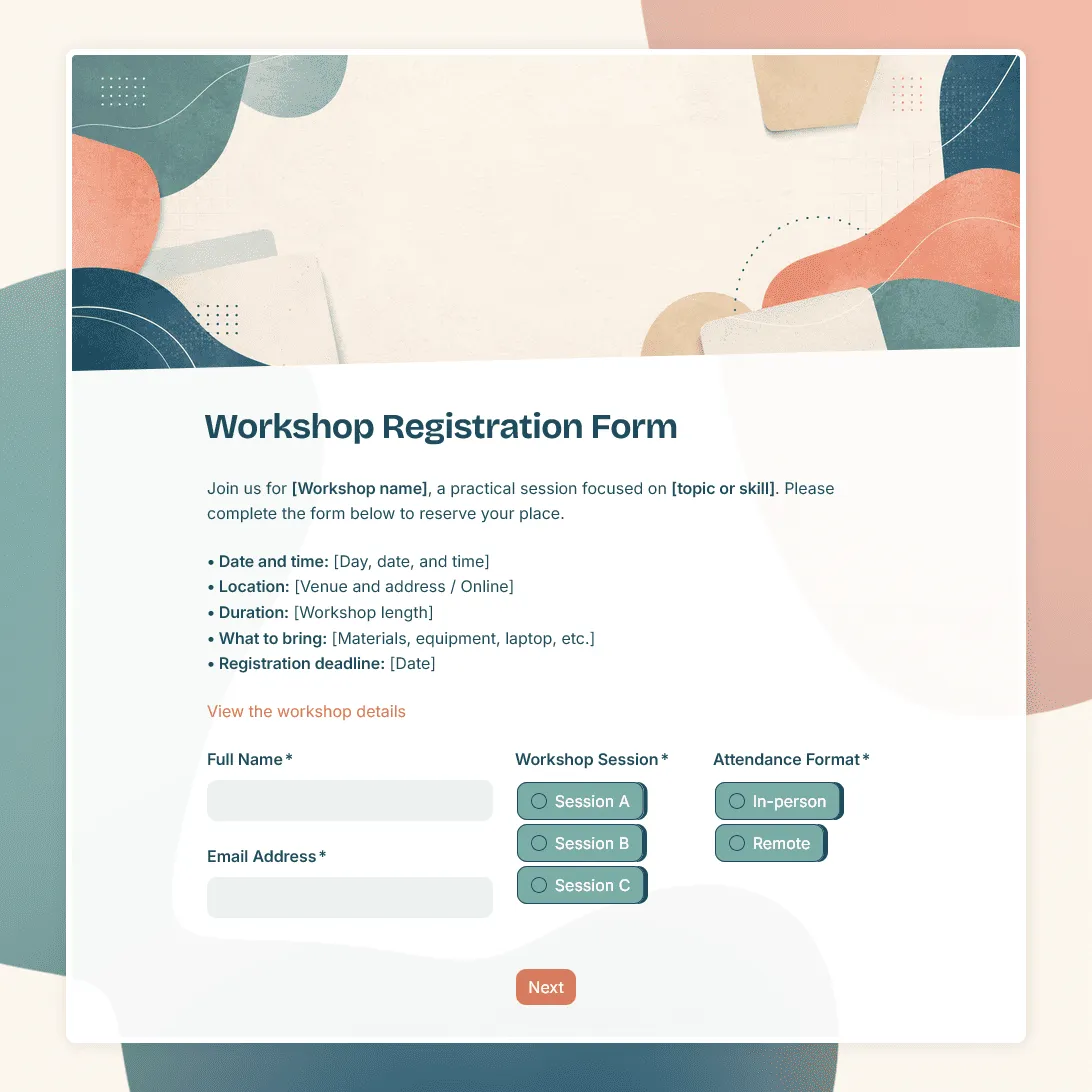
Workshop Registration Form Template
Free workshop registration form template for collecting signups for workshops, training sessions, creative classes, and more.
Need a custom workshop registration form?
Describe your workshop and FormGrid will generate a tailored registration form for you.
About this workshop registration form template
Use this workshop registration form template to collect signups for online workshops, in-person workshops, creative sessions, training events, professional development programs, community workshops, and small-group learning events.
The template gives you a practical starting point for gathering the details you need before the workshop starts: who is joining, which session they want, what level they are at, and whether there is anything the organizer or instructor should know in advance.
You can keep the form short for a one-hour session, or add more detail for paid workshops, multi-day programs, limited-capacity sessions, or workshops with materials, meals, prerequisites, or follow-up resources.
What this template includes
This workshop registration form template includes questions for:
- Participant details
- Workshop or session choice
- Attendance format
- Experience level
- Goals or expectations
- Dietary or accessibility notes
- Materials, equipment, or preparation notes
- Consent or policy agreement
- Confirmation message after submission
Everything can be edited, removed, or reordered to match your workshop.
How to use this template
Click “Use this template” to open the workshop registration form in FormGrid.
- Add the workshop details. Include the workshop title, host or instructor, date, time, location, format, price, and registration deadline.
- Update the session options. Replace the sample choices with your own dates, topics, time slots, levels, or attendance formats.
- Review the participant questions. Keep the fields that help you prepare, such as experience level, goals, accessibility needs, dietary notes, or material requirements.
- Add preparation details. Use text blocks to explain what participants should bring, install, read, or complete before the workshop.
- Review the policy text. Replace the sample wording with your own cancellation policy, payment instructions, consent text, or participation agreement.
- Use conditional questions where helpful. With conditional logic, online attendees can see joining-link instructions, while in-person attendees can see venue or meal questions.
- Update the confirmation message. Use a custom end page to confirm the registration and explain what happens next.
- Publish and share the form. Send the link by email, add it to your event page, or embed it on your website with an embed code.
Responses appear in the response table, where you can review signups, session choices, notes, and capacity. Turn on email notifications if you want each new registration sent to your inbox. You can also export responses to CSV or Excel for attendance lists, check-in sheets, or planning files.
For the full setup process, including fields, logic, confirmation messages, testing, and sharing, read how to create a registration form.
Adapt the form for different workshops
- For a creative workshop, add questions about skill level, materials, project goals, and anything participants should bring.
- For a professional development workshop, ask about role, organization, experience level, learning goals, and topics participants want covered.
- For an online workshop, include time zone, access instructions, required software, and when participants will receive the meeting link.
- For a paid workshop, explain the payment step clearly in the confirmation message, especially if payment happens outside the form.
Workshop registration form template FAQs
What should a workshop registration form include?
A workshop registration form should usually include participant details, workshop date or session choice, attendance format, experience level, and any notes that help the instructor prepare. For paid, in-person, or limited-capacity workshops, add the details needed for payment, access, materials, meals, or check-in.
Can I use one form for multiple workshop dates?
Yes. Update the session choice field with your available dates, times, or topics. If different sessions need different follow-up questions, use conditional logic.
Can I embed the workshop registration form on my website?
Yes. After publishing, add the form to your workshop page with an embed code, or share the form link directly.
How do I review workshop registrations?
Use the response table to review signups, session choices, participant notes, and capacity. Turn on email notifications for new registrations, or export responses when you need a spreadsheet.
Is this workshop registration form template free?
Yes. The template is free to use, and you can collect unlimited workshop registrations on the free plan.
Related templates
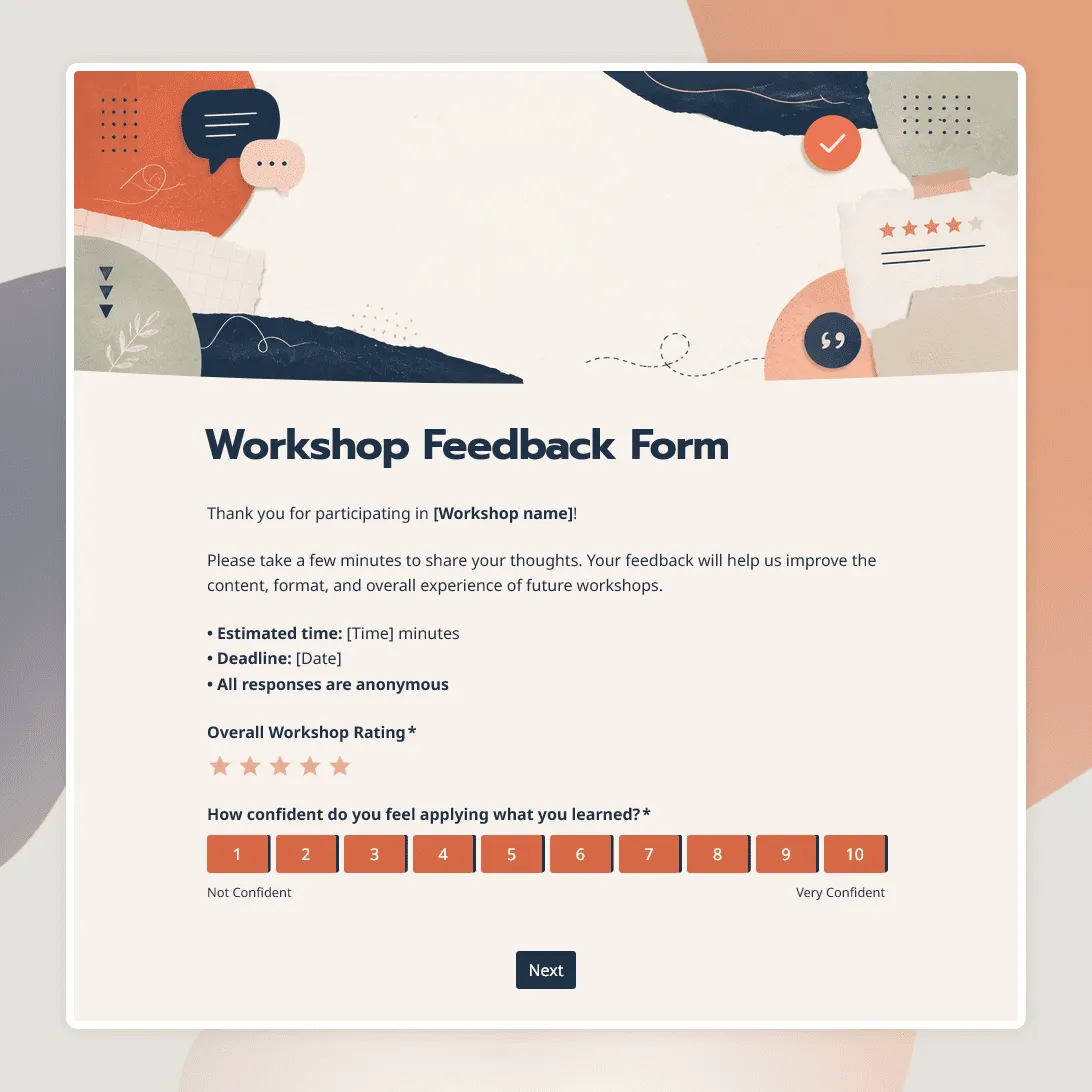
Workshop Feedback Form Template
Free workshop feedback form template for collecting participant feedback after online, in-person, and hybrid workshops.
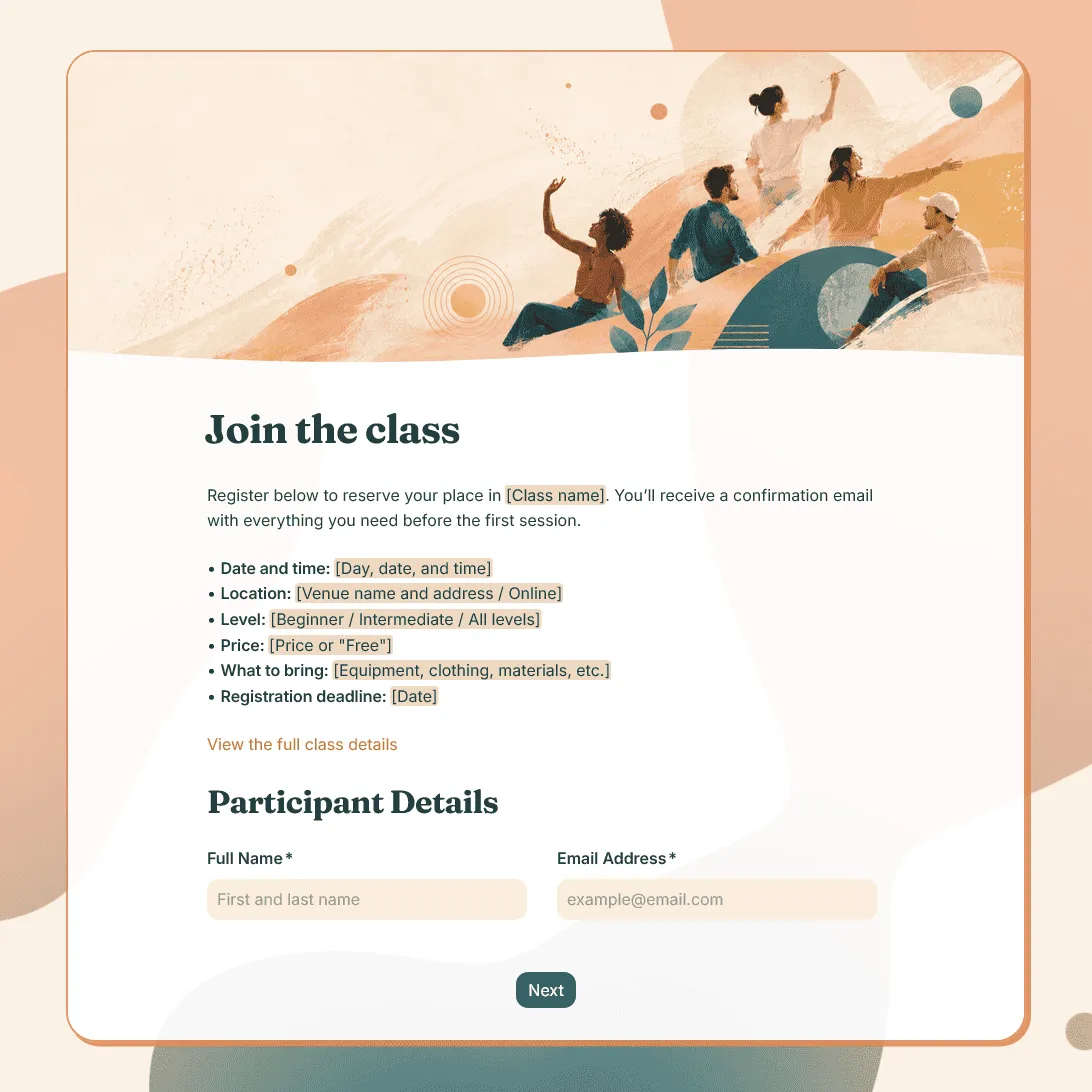
Class Registration Form Template
Use this free class registration form template to collect student details, class preferences, and more.
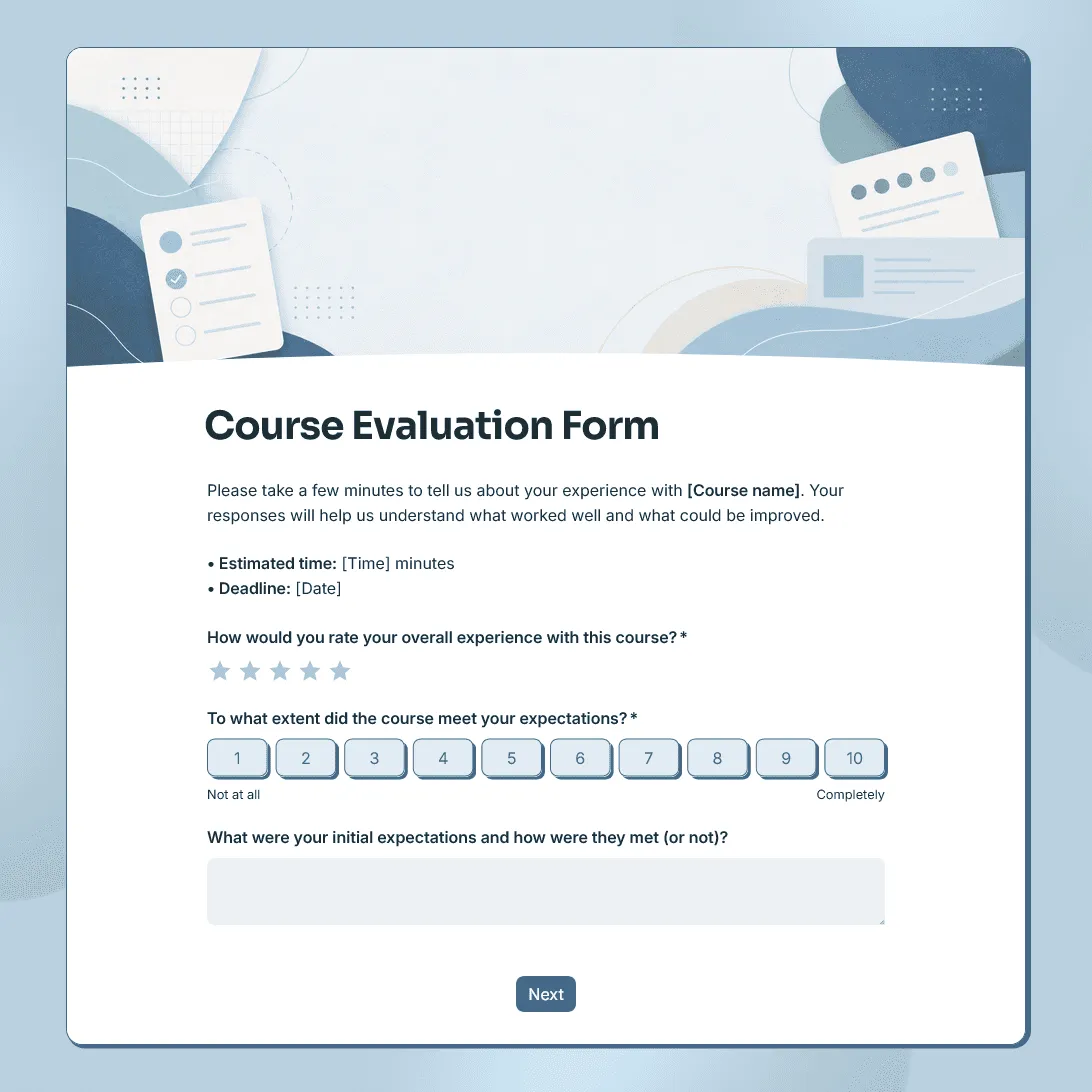
Course Evaluation Form Template
Free course evaluation form template for collecting student feedback after a class, course, workshop, or training program.
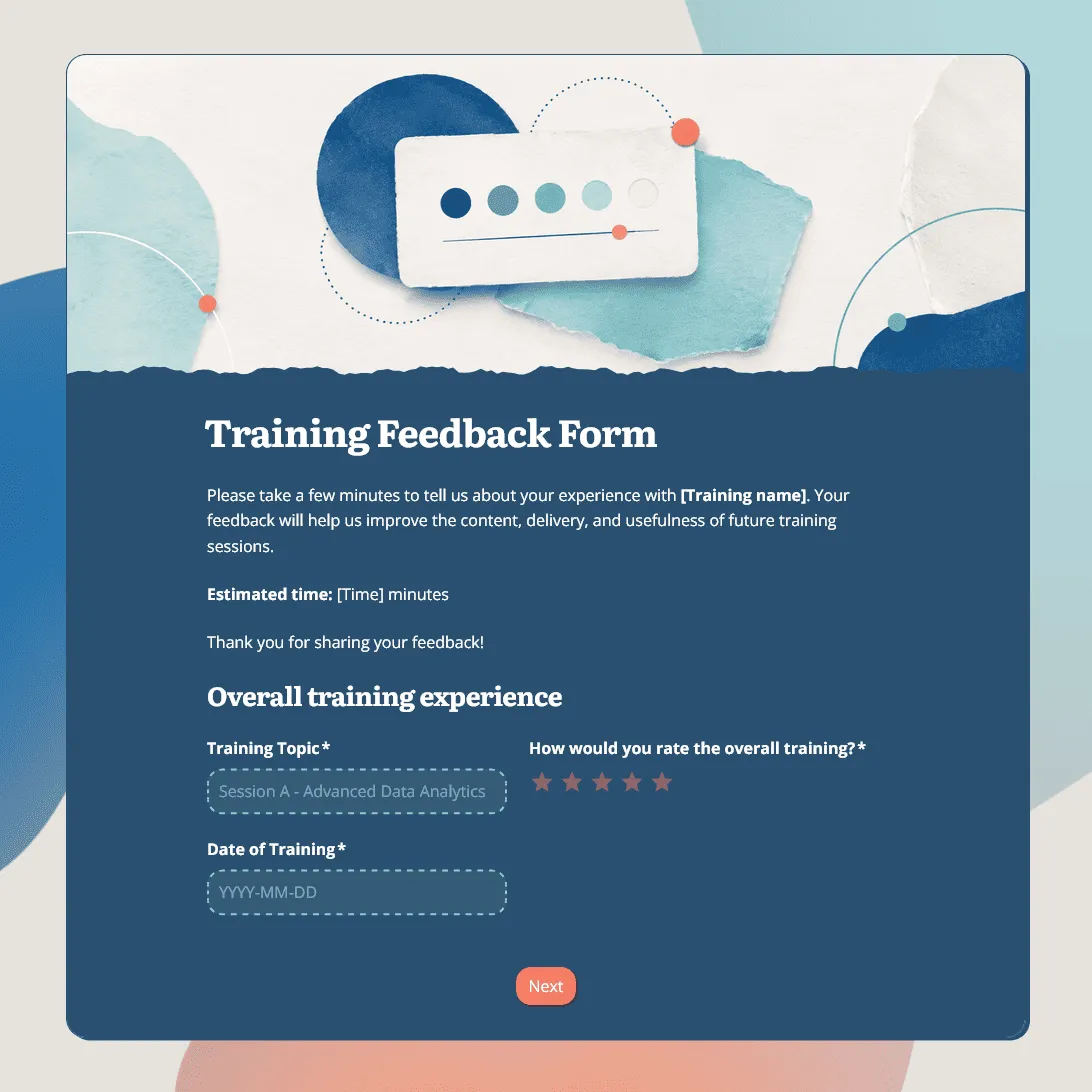
Training Feedback Form Template
Free training feedback form template for employee training, onboarding, workshops, and professional development programs.