Student Satisfaction Survey Template
Use this free student satisfaction survey template for course evaluations, end-of-term reviews, and program assessments.
Need a custom student satisfaction survey?
Tell us about your institution and FormGrid will generate a custom student satisfaction survey for you.
About this student satisfaction survey template
This student satisfaction survey template helps schools, universities, training providers, tutors, and online course creators collect feedback after a course, term, module, workshop, or program.
Use it to ask students about teaching quality, course materials, workload, communication, learning environment, support, facilities, and overall satisfaction. You can keep the survey anonymous, adjust the rating scales, add course-specific questions, and share it by link, email, QR code, or inside your learning platform.
What is a student satisfaction survey?
A student satisfaction survey is an evaluation tool used to measure how students feel about their educational experience. It goes beyond exam results to look at the quality of instruction, the effectiveness of course materials, and the support available outside the classroom. Most student satisfaction surveys measure:
- Teaching quality: Is the instructor clear, well-prepared, and responsive to questions?
- Course content: Is the curriculum relevant and organized? Is the workload appropriate?
- Facilities and support: Are the physical spaces, online platforms, or student services working well?
- Overall experience: Would students recommend the course or program to someone else?
- Future readiness: Do students feel the course is preparing them for what comes next?
How to use this student satisfaction survey template
Start by clicking “Use this template”, then adjust the survey around the course or program you want to evaluate.
- Update the introduction. Tell students what the survey is for, how long it takes, whether responses are anonymous, and how the feedback will be used.
- Edit the course details. Add the course name, instructor name, term, module, program, or campus if you need to segment results later.
- Review the rating questions. Use rating scales for teaching quality, course materials, workload, learning environment, and overall satisfaction. For NPS-style questions, use a linear scale field.
- Keep open questions focused. Add one or two comment fields for the most useful written feedback, such as what worked well and what should change next time.
- Add conditional follow-ups if needed. Use conditions to show extra questions when a student gives a low rating, chooses a specific course format, or selects a particular support area.
- Check the confirmation message. Use a custom end page to thank students and explain when feedback will be reviewed.
Student satisfaction survey questions
A thorough course evaluation covers instruction, environment, and outcomes. Here is what this template includes:
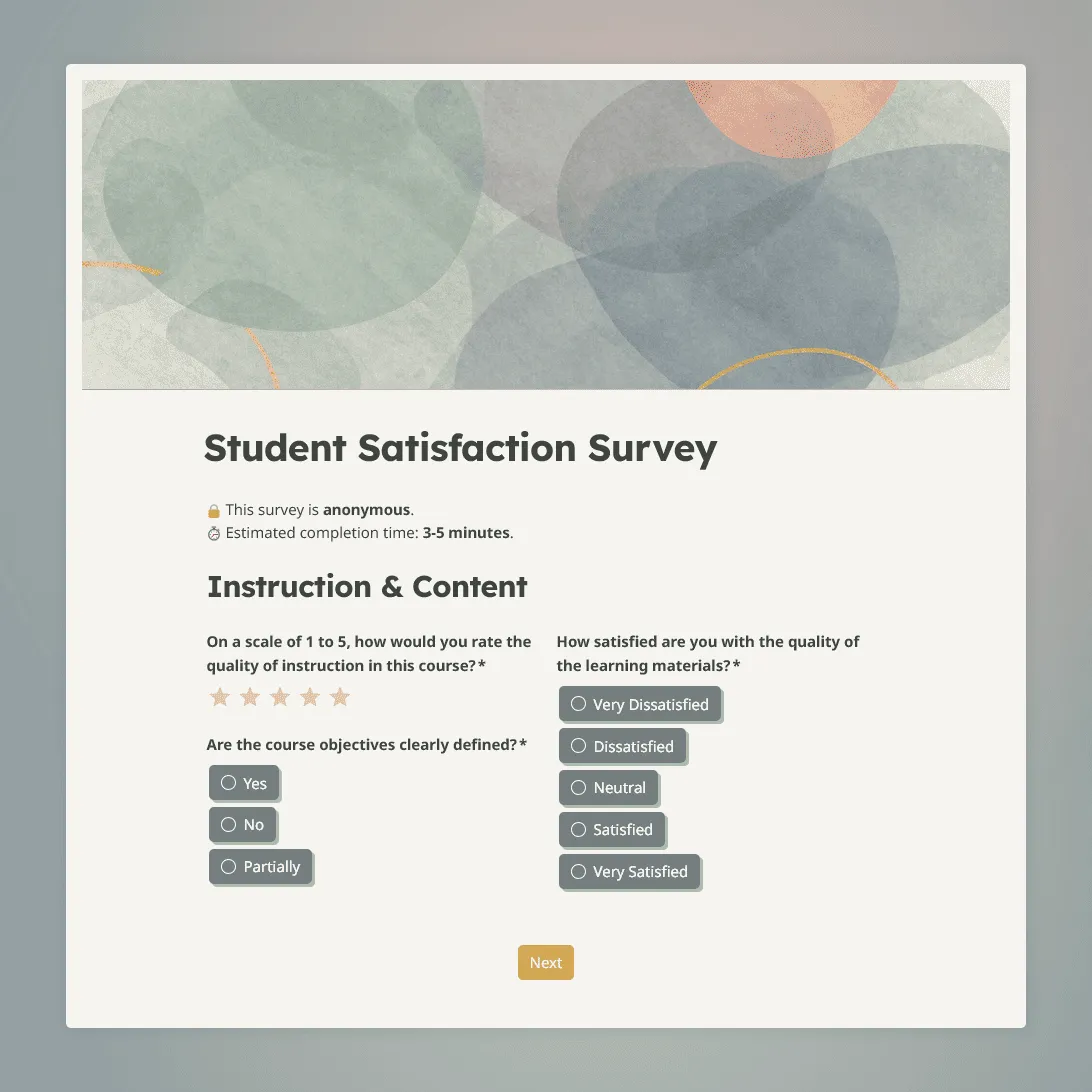
Instruction and content
- On a scale of 1 to 5, how would you rate the overall quality of teaching in this course?
- Are the learning objectives and course requirements clearly defined and communicated?
- How satisfied are you with the relevance and quality of the course materials?
- Is the workload for this course reasonable given the credit value?
Environment and support
- Do you feel comfortable asking questions or contributing to class discussions?
- How accessible and helpful is the teaching staff outside of scheduled class time?
- How would you rate the learning environment (classroom, online platform, or lab facilities)?
Outcomes and experience
- Do you feel this course is preparing you well for your next step, whether that is further study or your career?
- On a scale of 0 to 10, how likely are you to recommend this course or program to a friend?
- Is there anything else you would like to share about your experience this term?
When to send a student satisfaction survey
The timing of your survey affects both your response rate and the quality of the feedback:
- Mid-term: A short 5-question check-in halfway through the course lets you catch and address issues while there is still time to make a difference.
- End of term: The most common time for a comprehensive course evaluation. Students have the full picture and can reflect on the whole experience.
- Post-graduation: A follow-up 6 to 12 months after completion gives you a realistic picture of how well the program actually prepared graduates for work or further study.
- After a specific module or workshop: If you run intensive or standalone sessions, a short survey within 24 hours captures reactions while the content is still vivid.
How to review student satisfaction survey results
After students submit the survey, responses appear in your response table. You can scan individual submissions, review comments, and compare answers across fields.
For a quick read, look at:
- average satisfaction ratings
- repeated low scores
- common themes in open comments
- differences between course sections, modules, or terms
- changes in scores over time
If you need to analyze results outside FormGrid, export responses as CSV or XLSX and compare the same questions across terms, instructors, courses, or programs.
Tips for better student satisfaction surveys
Make anonymity clear
If the survey is anonymous, say that at the top. Students are more likely to give honest feedback when they understand what is collected and who will see the results.
Do not ask too many open questions
Written comments are useful, but they take more effort. Use rating questions for the main topics, then add one or two optional comment fields.
Ask about specific parts of the course
Avoid broad questions that are hard to act on. Instead of only asking whether students liked the course, ask about teaching clarity, workload, materials, communication, support, and learning environment.
Keep demographic questions limited
Small groups can become identifiable quickly. Only ask for details such as class section, campus, program, or year level if you need them for analysis.
Share what changed
After reviewing the results, tell students what you learned and what will change. Even a short summary helps build trust and makes future surveys more likely to get thoughtful responses.
Student satisfaction survey FAQs
Should a student satisfaction survey be anonymous?
In most cases, yes. Students may be more honest when their name is not attached, especially if they are giving feedback about an instructor, grade-related process, or course experience. Add a short note at the top of the survey explaining whether responses are anonymous and who will review the results.
How many questions should a student satisfaction survey have?
For an end-of-term course evaluation, 10 to 15 questions is usually enough. For a mid-course check-in, keep it shorter: 5 to 7 questions works better. The longer the survey gets, the less attention students usually give to open-text answers.
What questions should I ask in a student satisfaction survey?
Ask about teaching quality, course materials, workload, communication, support, learning environment, overall satisfaction, and likelihood to recommend. Add one or two open questions so students can explain what worked well and what should change.
Can I customize this survey for a specific course or program?
Yes. Add your course name, module, instructor, campus, program, or learning format. You can also add questions about labs, fieldwork, online learning, group projects, exams, assignments, or placement experience.
How do I compare results across multiple terms?
Use the same core questions each term, then export responses as CSV or XLSX. Comparing the same questions over time makes it easier to see whether course changes are improving the student experience.
Can I ask different follow-up questions based on a student’s rating?
Yes. Use conditions to show follow-up questions based on a rating, selected course format, or answer choice. For example, students who give a low workload rating can see an extra question asking what felt unreasonable.
Is this student satisfaction survey template free?
Yes. You can use this template for free. FormGrid also lets you create unlimited forms and collect unlimited responses on the free plan.
Related templates
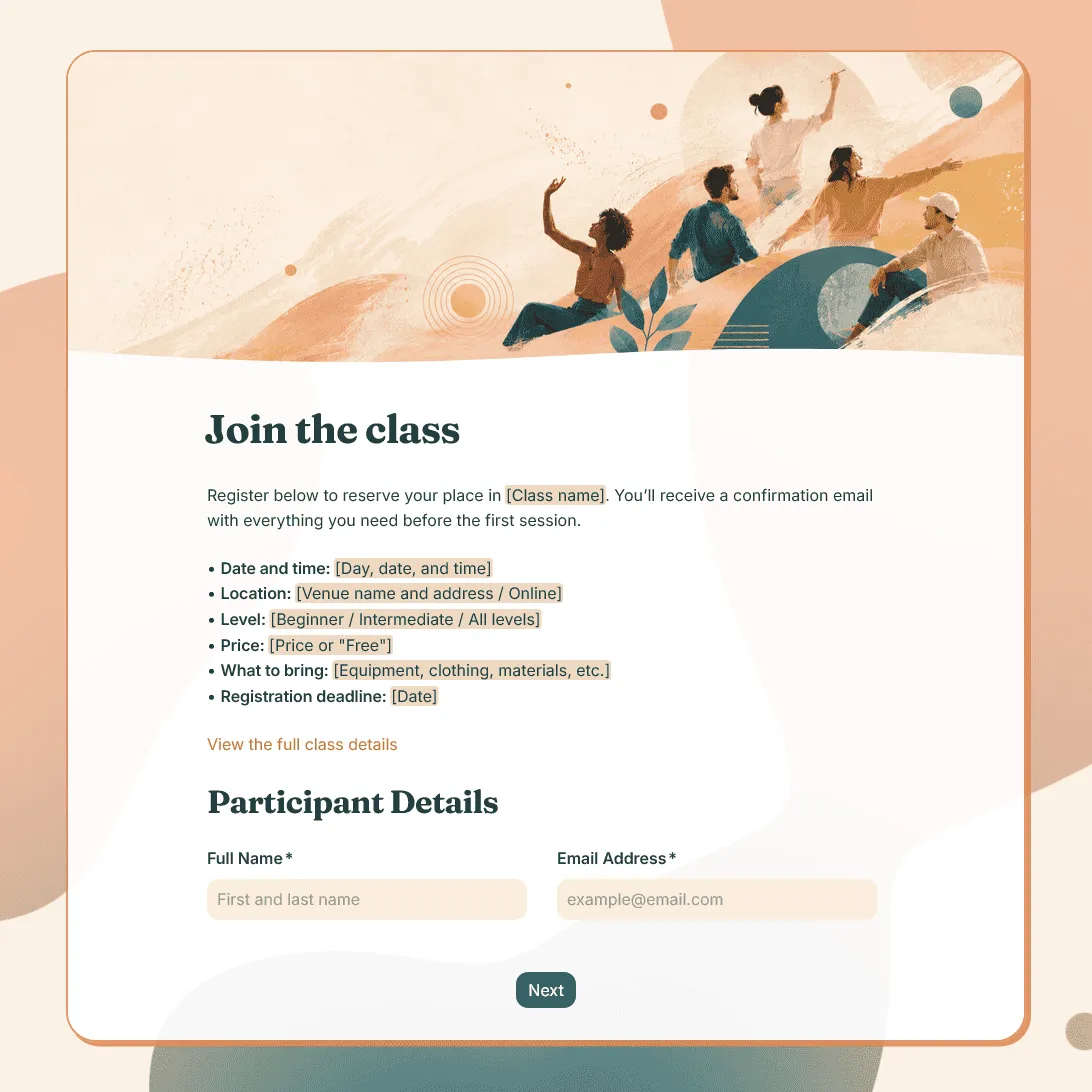
Class Registration Form Template
Use this free class registration form template to collect student details, class preferences, and more. Fully customizable.
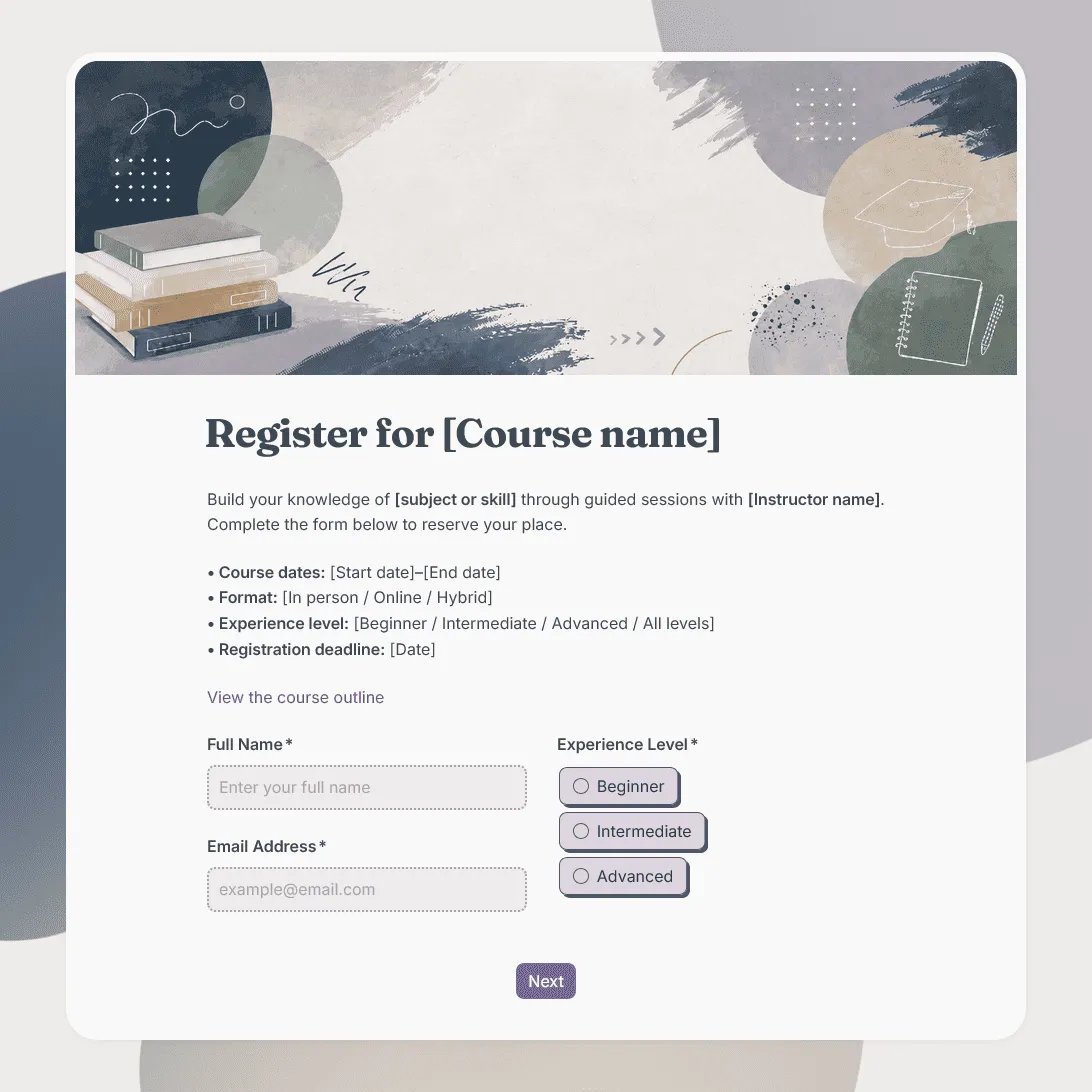
Course Registration Form Template
Free course registration form template for online courses, in-person programs, training cohorts, certificate courses, and multi-session classes.
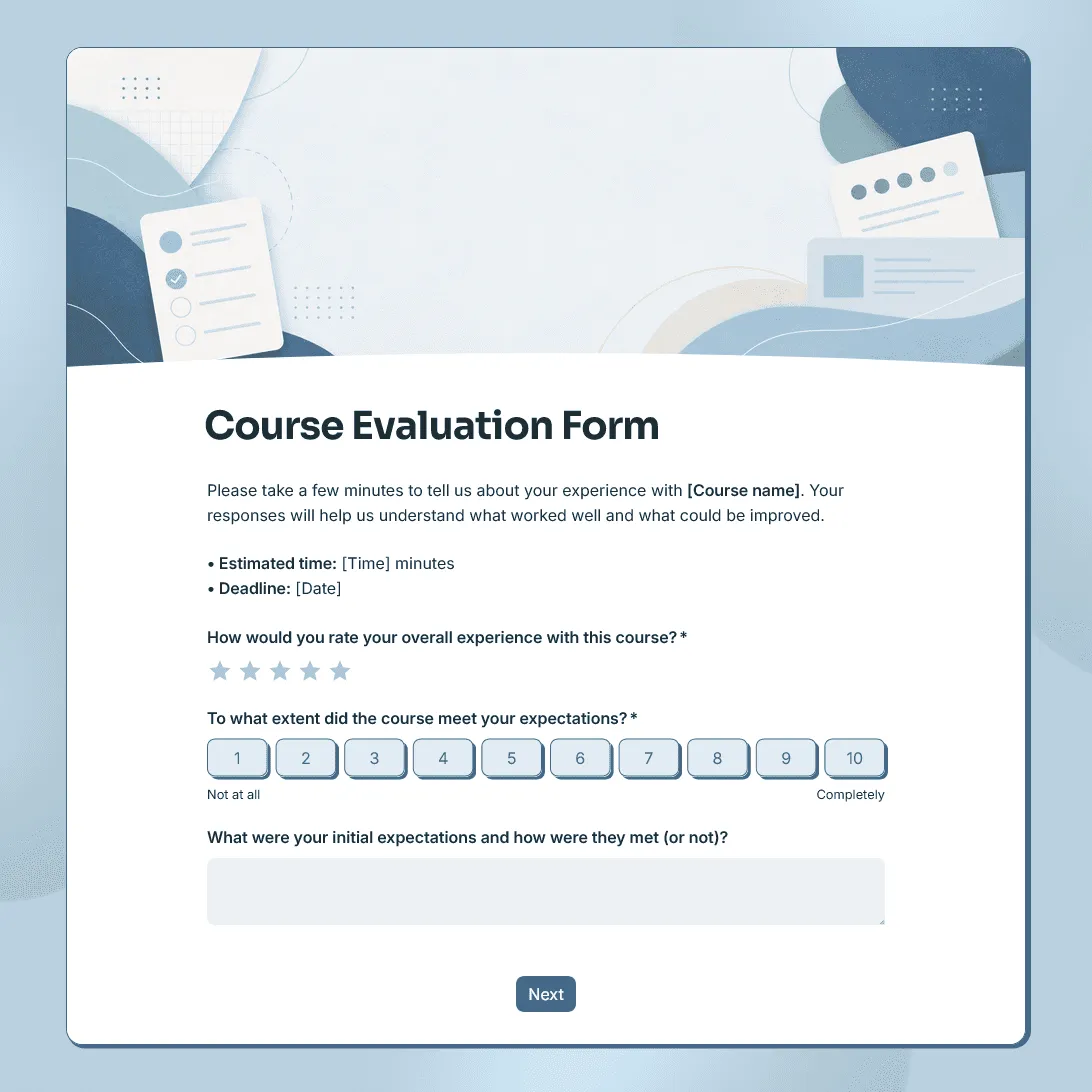
Course Evaluation Form Template
Free course evaluation form template for collecting student feedback after a class, course, workshop, or training program.