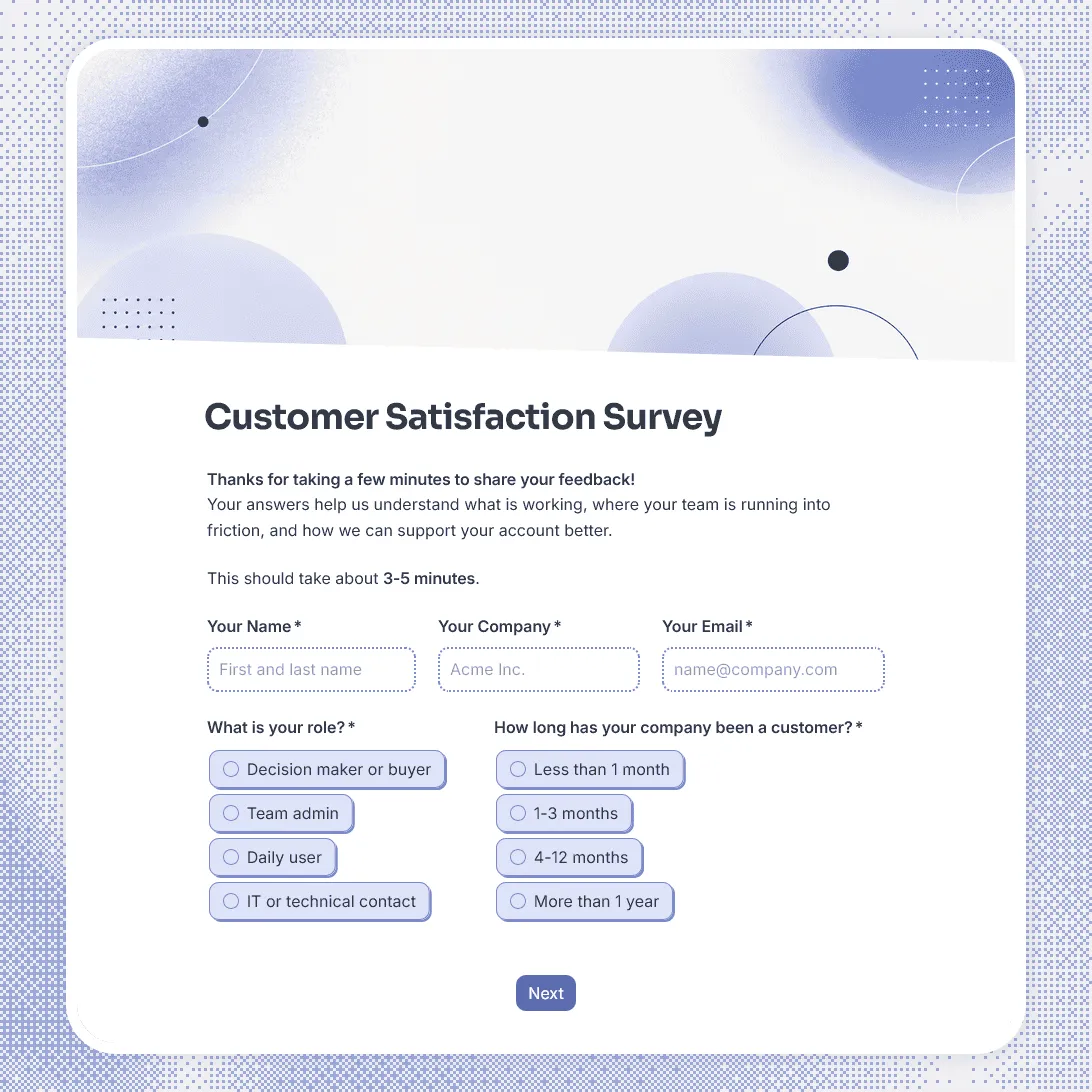
B2B Customer Satisfaction Survey Template
Free B2B customer satisfaction survey template for measuring account health, product experience, onboarding, support quality, and renewal risk.
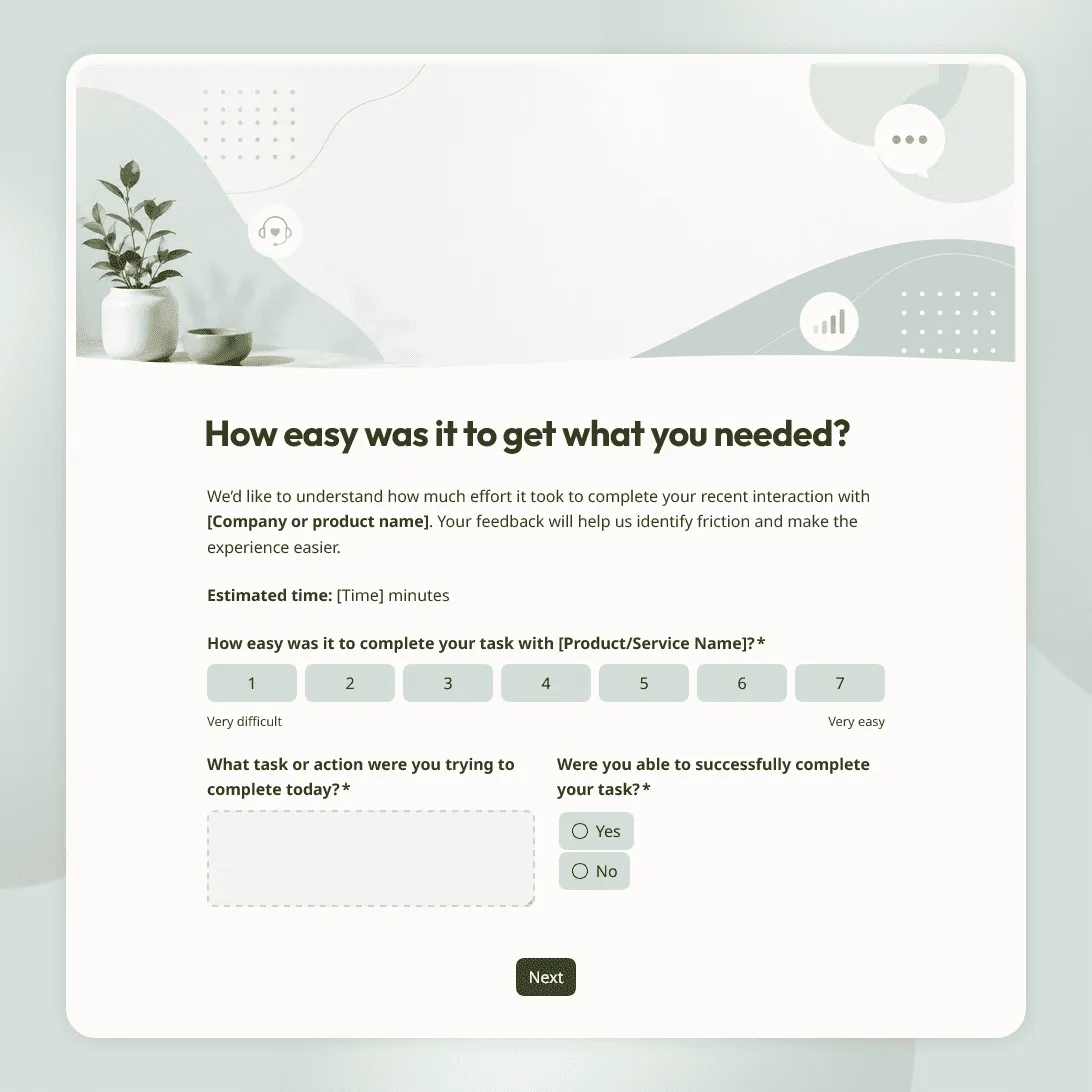
Customer Effort Score Survey Template
Free customer effort score survey template for measuring how easy it was for customers to get help, complete a task, or resolve an issue.
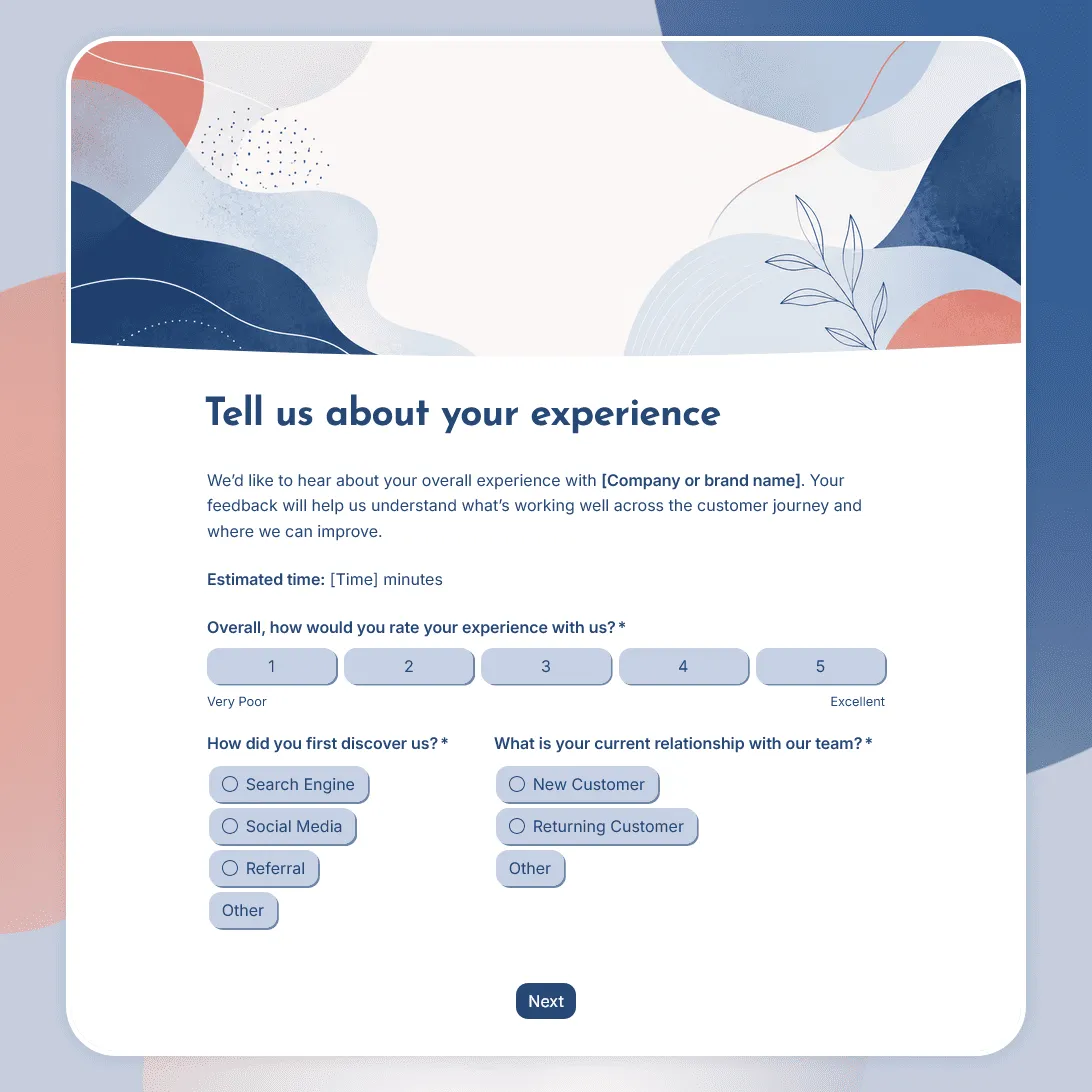
Customer Experience Survey Template
Free customer experience survey template for understanding the customer journey, including first impressions, onboarding, support, value, friction, and loyalty.
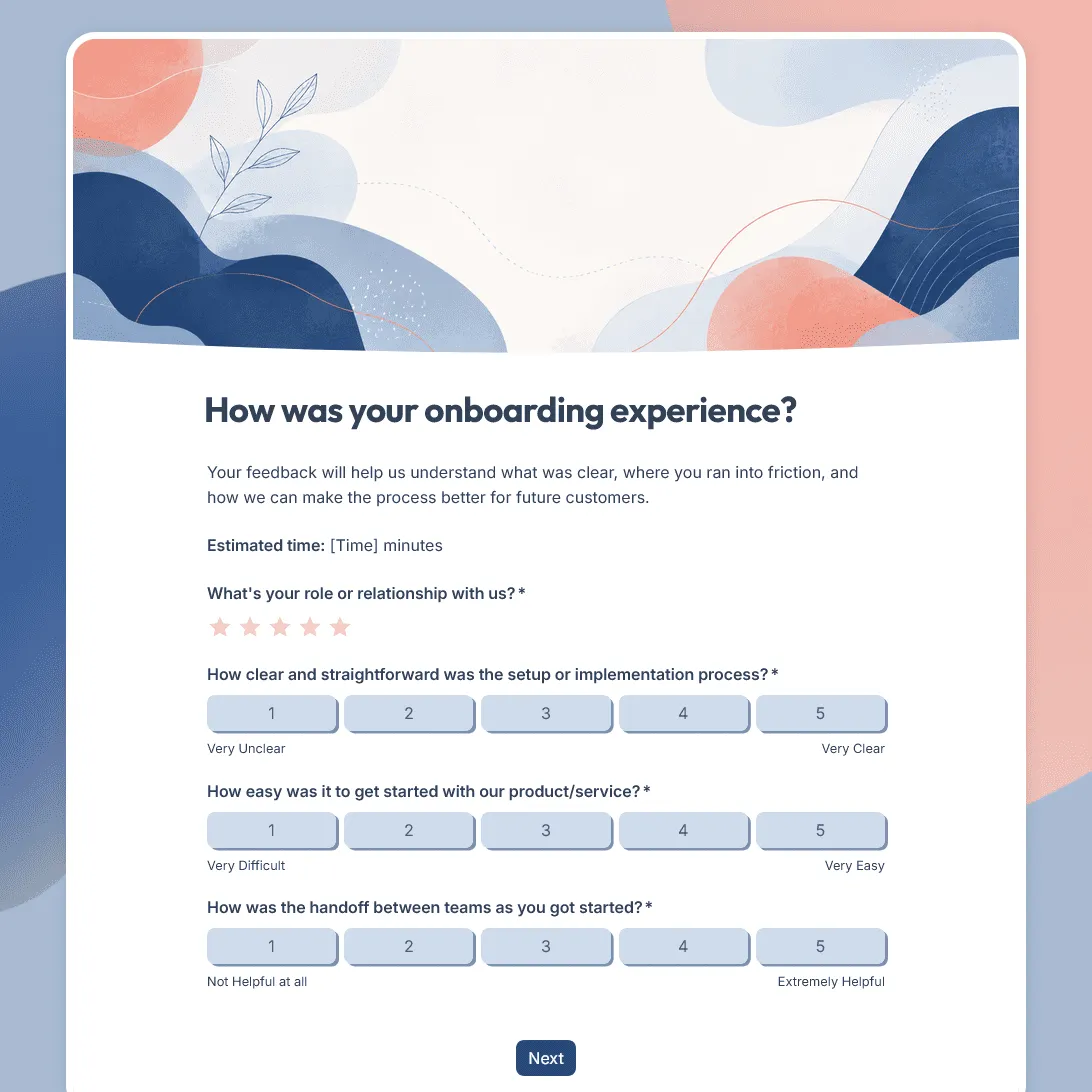
Customer Onboarding Feedback Survey Template
Use this free customer onboarding feedback survey template to uncover friction and improve the onboarding experience.
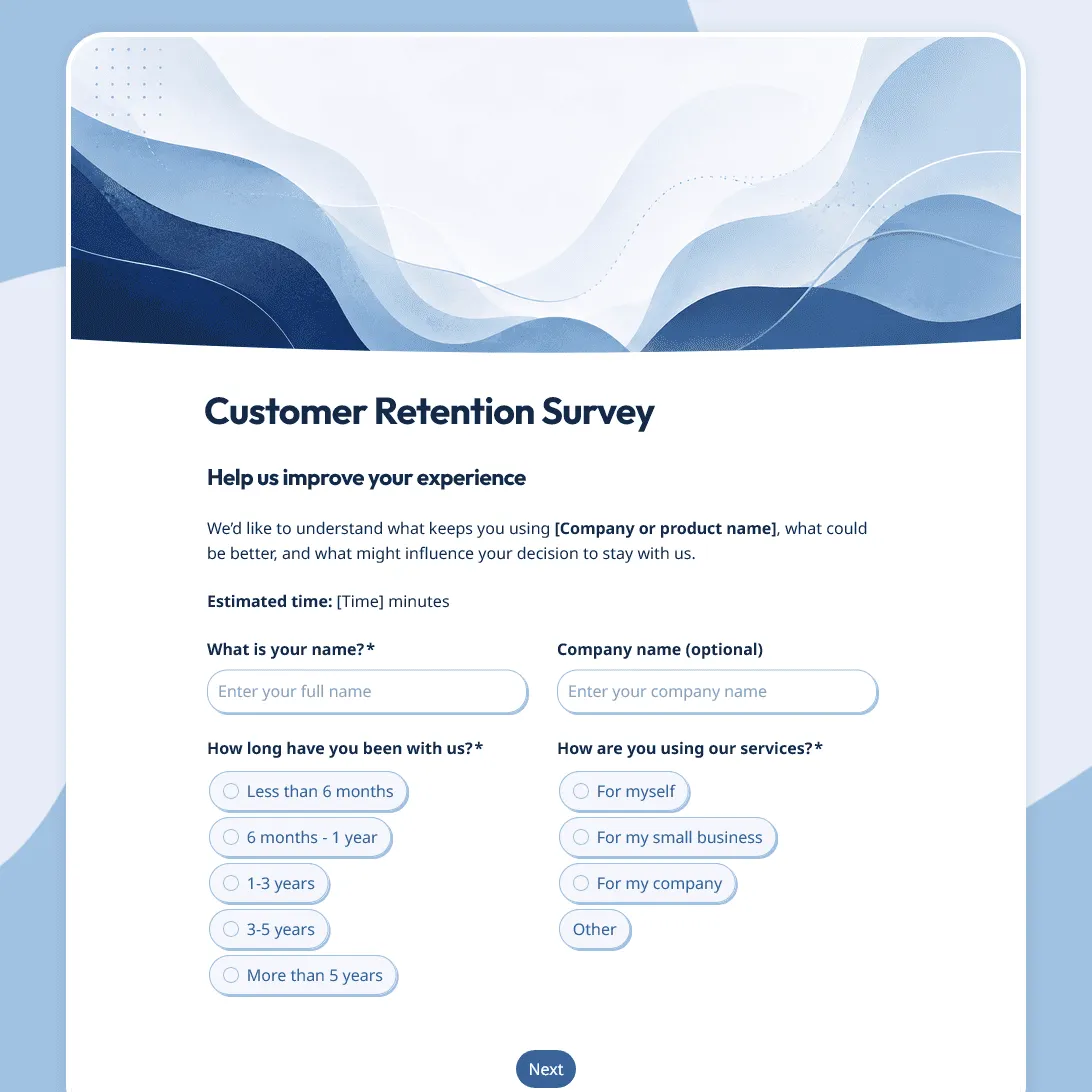
Customer Retention Survey Template
Free customer retention survey template for understanding why customers stay and what puts them at risk.
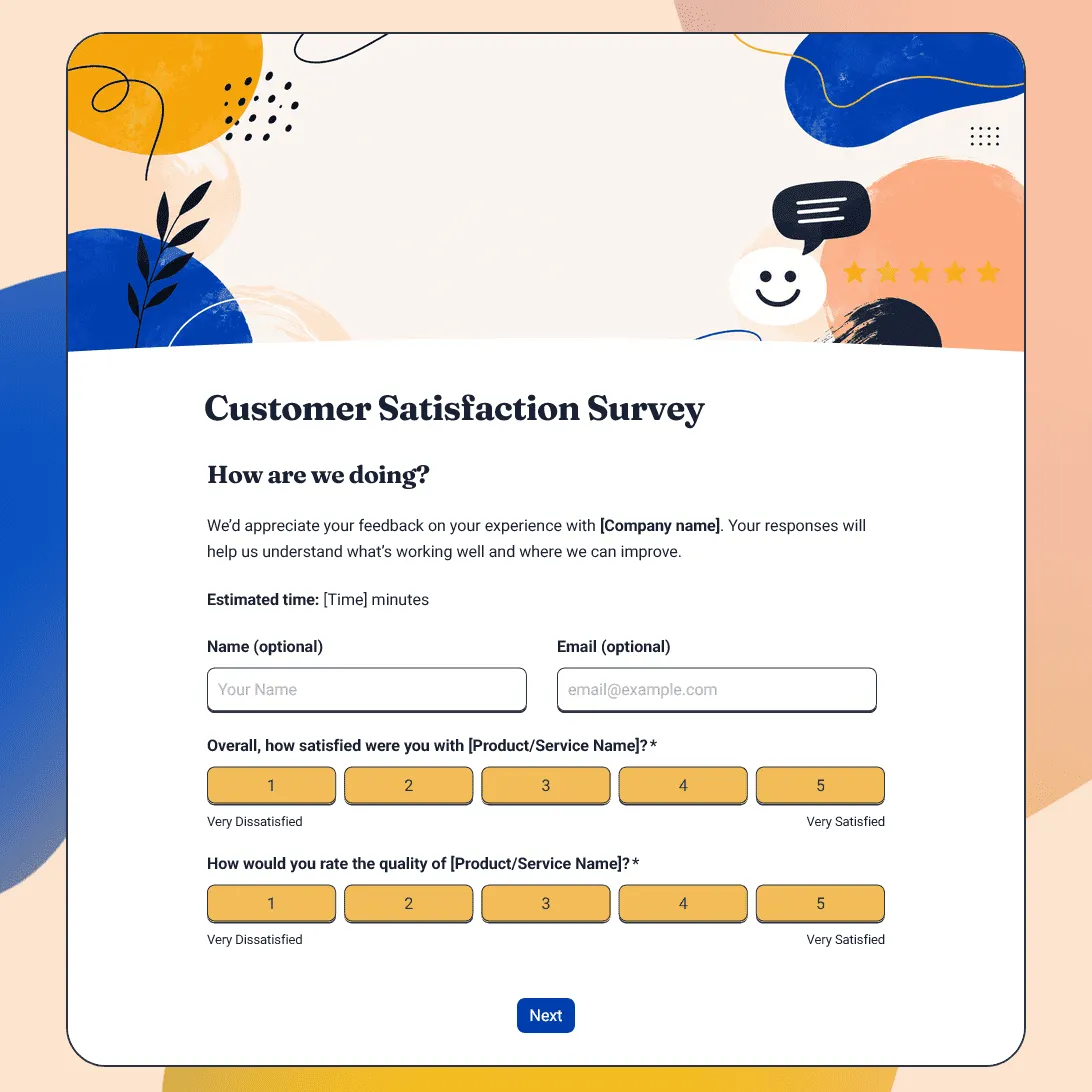
Customer Satisfaction Survey Template
Free customer satisfaction survey template for measuring customer experience, product quality, support, delivery, value, and likelihood to return.
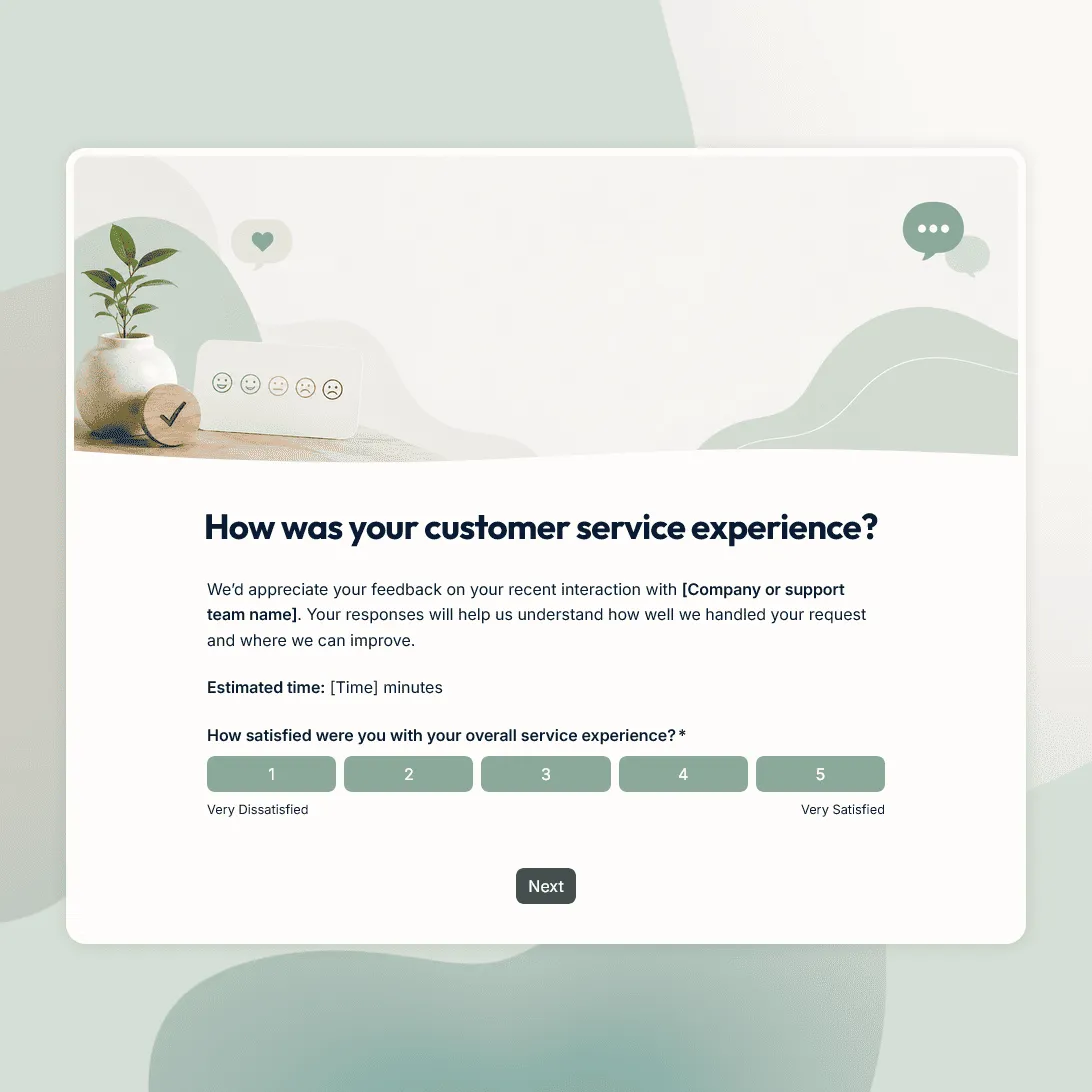
Customer Service Survey Template
Free customer service survey template for measuring support quality, response time, issue resolution, and customer satisfaction.
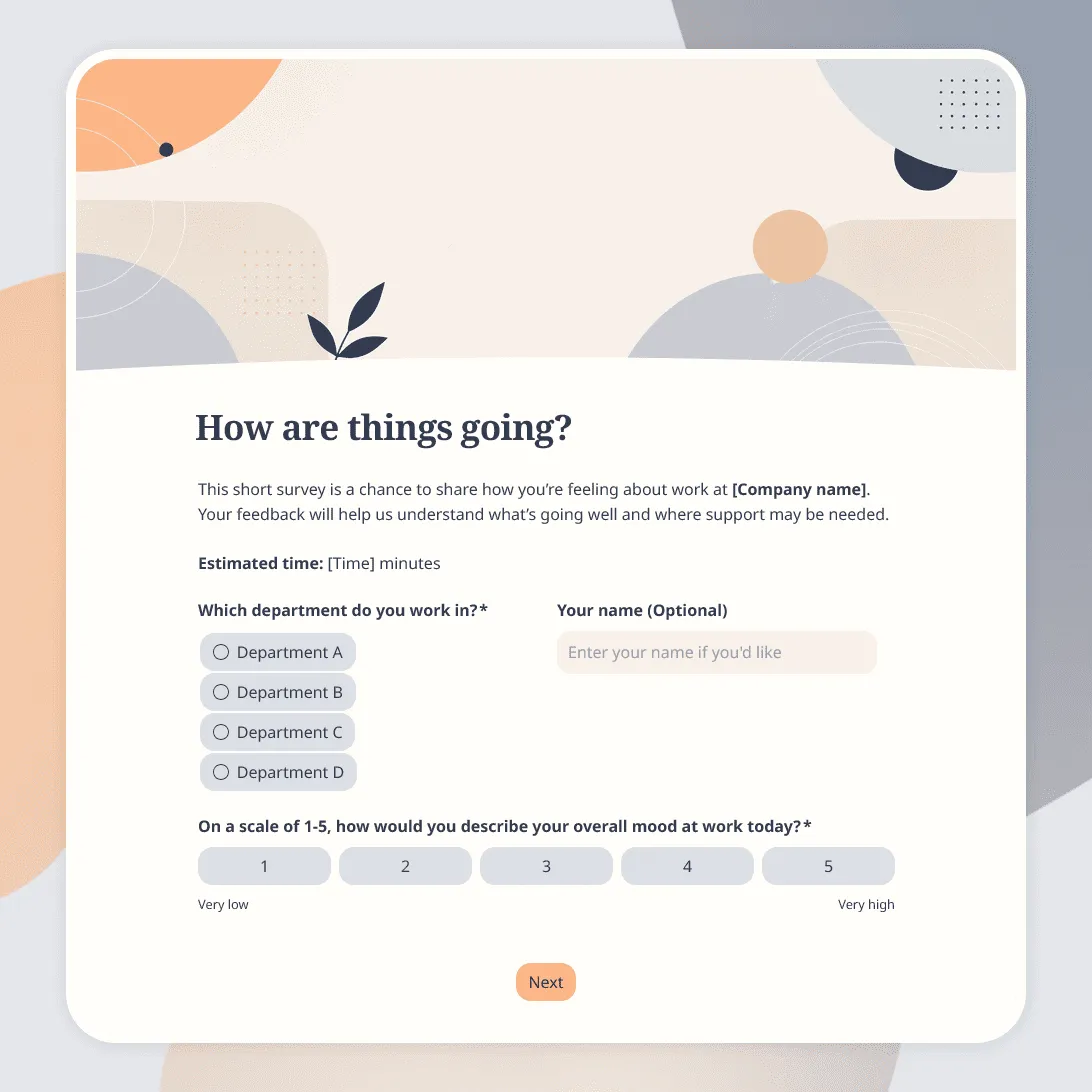
Employee Pulse Survey Template
Free employee pulse survey template for quick team check-ins on workload, morale, communication, manager support, and more.
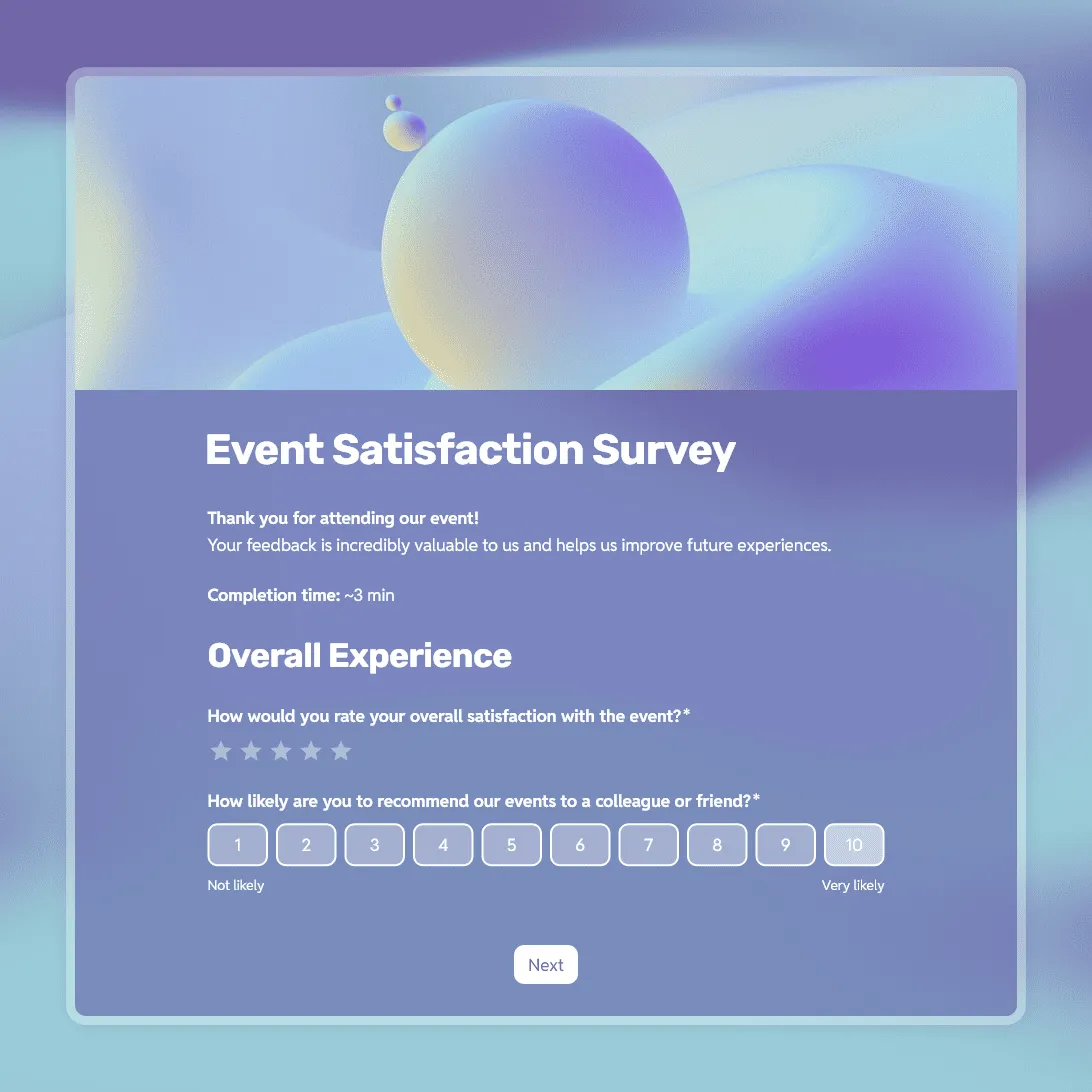
Event Satisfaction Survey Template
Free event satisfaction survey template with NPS, rating scales, and open questions. Measure how your attendees felt and what to improve next time.
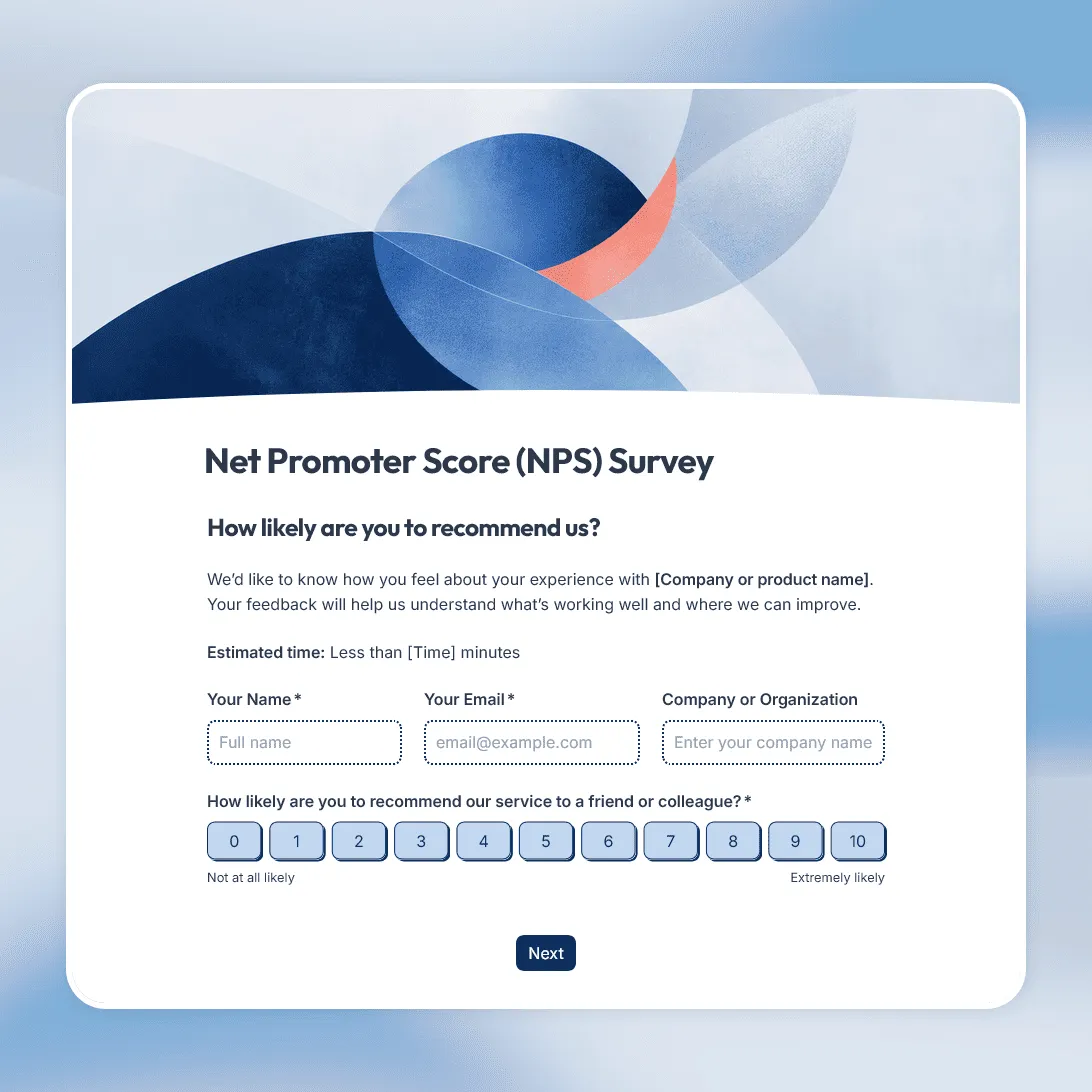
NPS Survey Template
Free NPS survey template for measuring customer loyalty and understanding what makes customers recommend.
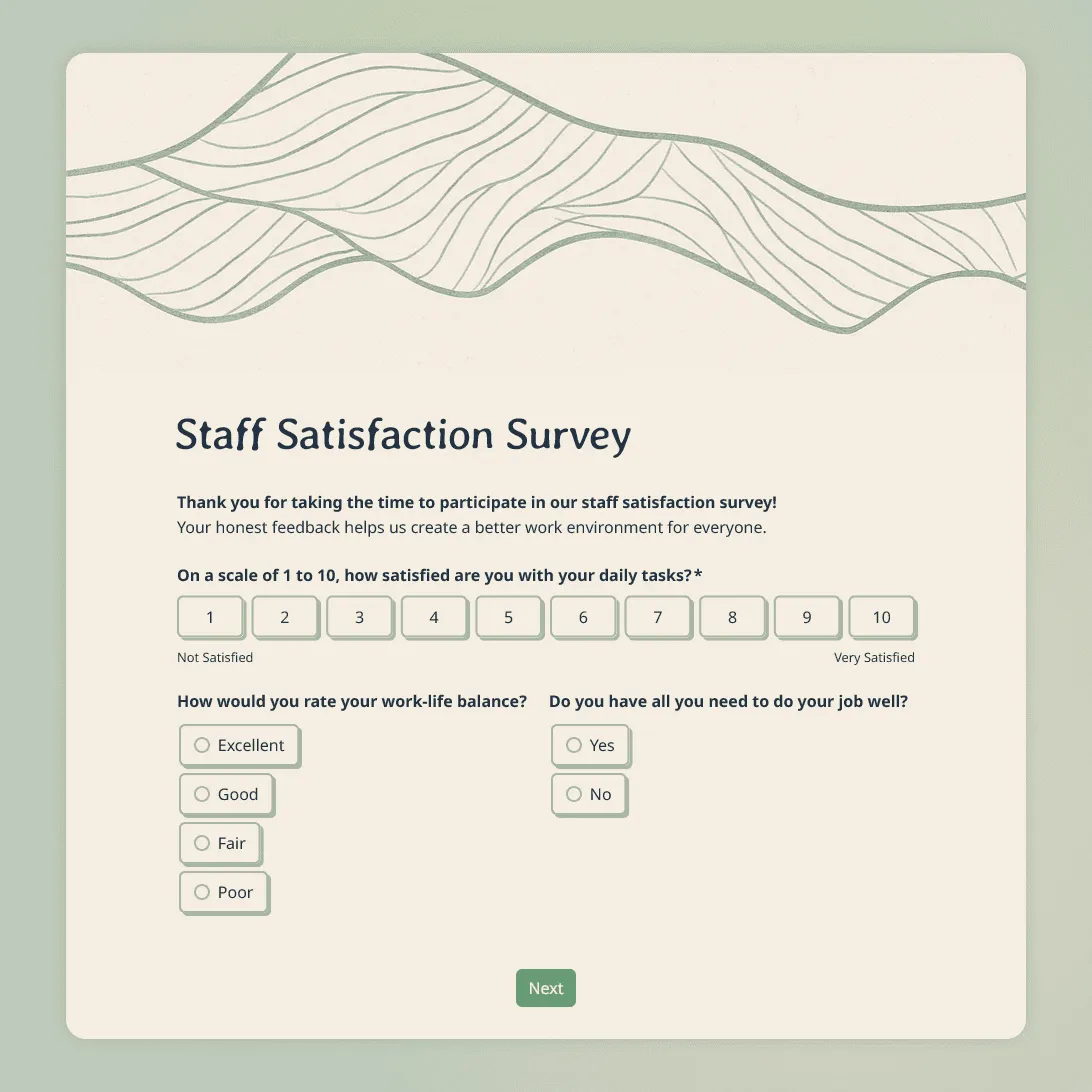
Staff Satisfaction Survey Template
Free staff satisfaction survey template for measuring employee morale, workload, manager support, recognition, workplace culture, and intent to stay.
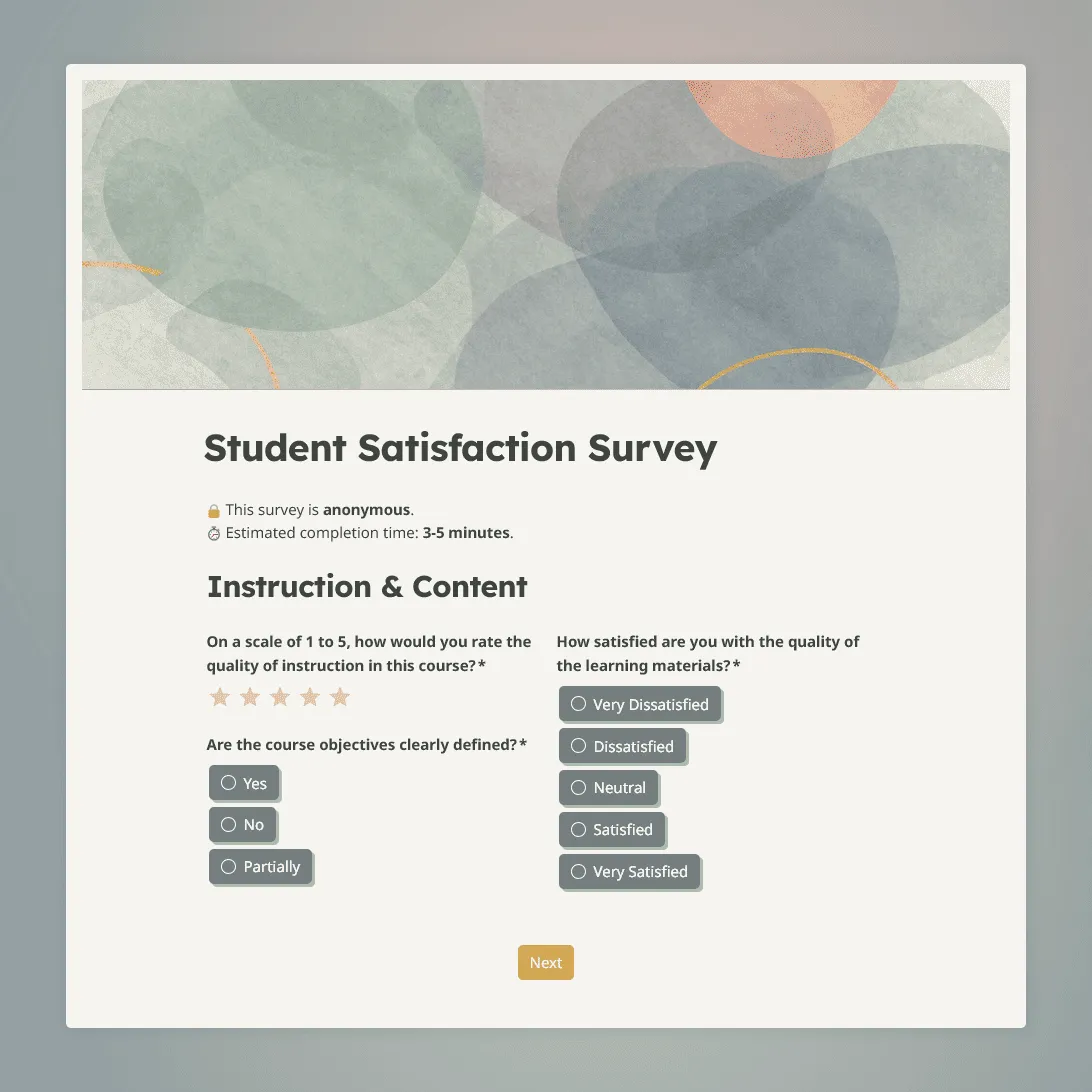
Student Satisfaction Survey Template
Use this free student satisfaction survey template for course evaluations, end-of-term reviews, and program assessments.
About satisfaction surveys
A satisfaction survey measures how people feel about a specific experience: a product they bought, a service they received, an event they attended, or a course they completed. The goal is always the same: to get a reliable signal from the people who matter most, so you can decide what to improve.
There are two main types of satisfaction surveys. Transactional surveys are sent right after a single interaction, like a support ticket closing or a checkout completing. Relational surveys zoom out and ask about the overall relationship (how someone feels about your brand after months of use, for example). Both are valuable, but they serve different purposes and should be built differently.
What kinds of satisfaction surveys are there?
Depending on what you are measuring, you might use a different format:
- Event satisfaction surveys: Sent to attendees after a conference, workshop, webinar, or company retreat to understand what worked and what to improve for next time.
- Staff satisfaction surveys: Used internally to measure how employees feel about their roles, management, and working conditions.
- Student satisfaction surveys: Used by schools, universities, tutors, and online course creators to evaluate the learning experience and instructor quality.
- Customer satisfaction surveys: Sent after a purchase, delivery, or support interaction to track CSAT scores and identify friction points.
- Product satisfaction surveys: Focused on a specific product or feature, often used by product teams to prioritize their roadmap.
What is a CSAT score?
CSAT stands for Customer Satisfaction Score. It is calculated by asking one simple question: “How satisfied were you with your experience?” on a scale of 1 to 5. The CSAT score is the percentage of respondents who chose 4 or 5 (satisfied or very satisfied).
For example: if 80 out of 100 respondents chose 4 or 5, your CSAT score is 80%.
CSAT is best used for short-term, transactional feedback. It captures immediate sentiment after a specific touchpoint rather than measuring long-term loyalty.
What is an NPS score, and how is it different?
NPS stands for Net Promoter Score. It asks: “How likely are you to recommend us to a friend or colleague?” on a scale of 0 to 10.
Respondents are grouped into three buckets:
- Promoters (9-10): Loyal fans who are likely to refer new customers.
- Passives (7-8): Satisfied but not enthusiastic. They would not actively recommend you.
- Detractors (0-6): Unhappy customers who could damage your reputation.
The NPS is calculated by subtracting the percentage of Detractors from the percentage of Promoters. A score above 0 is positive; above 50 is considered excellent.
NPS measures long-term loyalty and brand sentiment. CSAT measures short-term satisfaction with a specific interaction. Most businesses track both.
How to use the satisfaction survey templates
All of the templates in this section are free. Here is how to get one live quickly:
- Pick the right template. Choose the one that matches your use case (event, staff, student, or general satisfaction). Click “Use this template” to copy it into your FormGrid workspace.
- Edit the questions. Add your own rating scales, swap out placeholder text, or remove questions that do not apply to your situation. FormGrid’s form builder requires no coding.
- Add your branding. Upload your logo, change the color scheme, and set a custom success message your respondents will see after they submit.
- Share or embed. Copy a shareable link to paste into your email, or grab the embed code to place the survey directly on your website or event page.
- Review the results. Responses appear in your FormGrid dashboard as they come in. You can export everything to a spreadsheet whenever you need it.
Not sure which questions to ask? Click “Generate your survey” from any template page and describe your situation in plain language. FormGrid will build a customized survey for you from scratch.
Tips for getting more and better responses
Getting people to fill out your survey is the hardest part. Here is what actually helps:
- Send it at the right moment. For event surveys, 24 hours after the event is the sweet spot. Any later and people start to forget the details.
- Keep it short. Aim for under 10 questions. A survey that takes 2 minutes to complete gets far more responses than one that takes 10.
- Always include an open text box. Rating scales tell you what the score is. An open text box tells you why. Include at least one “Anything else you would like to share?” field.
- Do not make every question required. Forcing people to answer a question they do not have a strong opinion on leads to random, useless data.
- Close the loop. If you run a staff or student satisfaction survey, share the results with the group and explain what you plan to do about the feedback. This builds trust and increases participation in future surveys.
Frequently asked questions
What is the difference between a satisfaction survey and a feedback survey?
Satisfaction surveys are focussed on measuring how good or bad an experience was, usually with rating scales and numerical scores. Feedback surveys are broader and may ask open-ended questions about what to add, change, or remove. In practice, many surveys combine both approaches.
How long should a satisfaction survey be?
For transactional surveys (after a purchase, support call, or event), keep it to 3 to 7 questions. For annual employee or student satisfaction surveys, you can go up to 15 to 20 questions. Longer surveys should be broken into clearly labeled sections so they do not feel overwhelming.
Should satisfaction surveys be anonymous?
For internal surveys (staff satisfaction, employee feedback), anonymity is almost always the better choice. People are far more likely to share honest opinions when their name is not attached. For customer satisfaction surveys, it can be useful to collect contact information so you can follow up with unhappy respondents directly.
What is a good response rate for a satisfaction survey?
For email surveys sent to customers, anything above 20% is solid. For internal employee surveys where participation is expected, aim for 70% or higher. If your response rates are consistently low, the survey is probably too long, the timing is off, or people do not believe anything will change as a result.
Can I collect satisfaction survey responses from multiple locations?
Yes. You can share the same form link across multiple channels simultaneously (email campaigns, QR codes on printed materials, embedded on a website, or sent through messaging apps). All responses land in one dashboard.
How do I handle very negative feedback?
If you collect contact details, consider following up personally with any respondent who left a very low score. Acknowledging the issue and explaining what you are doing about it often turns a critic into a loyal supporter. Even if you cannot reach out individually, use the negative feedback to drive your next round of improvements.
Can I use conditional logic in a satisfaction survey?
Yes. You can set up questions that only appear when a respondent gives a low score. For example, if someone rates their experience a 1 or 2, you can automatically show a follow-up question asking what went wrong. This keeps the survey short for happy respondents while capturing richer detail from unhappy ones.
Is FormGrid free for running satisfaction surveys?
Yes. FormGrid’s core features, including unlimited responses, are free. You can run as many satisfaction surveys as you need, collect unlimited submissions, and export your results without paying anything.
Recommended reading
Best customer satisfaction survey tools: A comparison of the top software options for tracking satisfaction.