Event Satisfaction Survey Template
Free event satisfaction survey template with NPS, rating scales, and open questions. Measure how your attendees felt and what to improve next time.
Need a custom event satisfaction survey?
Describe your event and FormGrid will generate a custom satisfaction survey for your attendees.
About this event satisfaction survey template
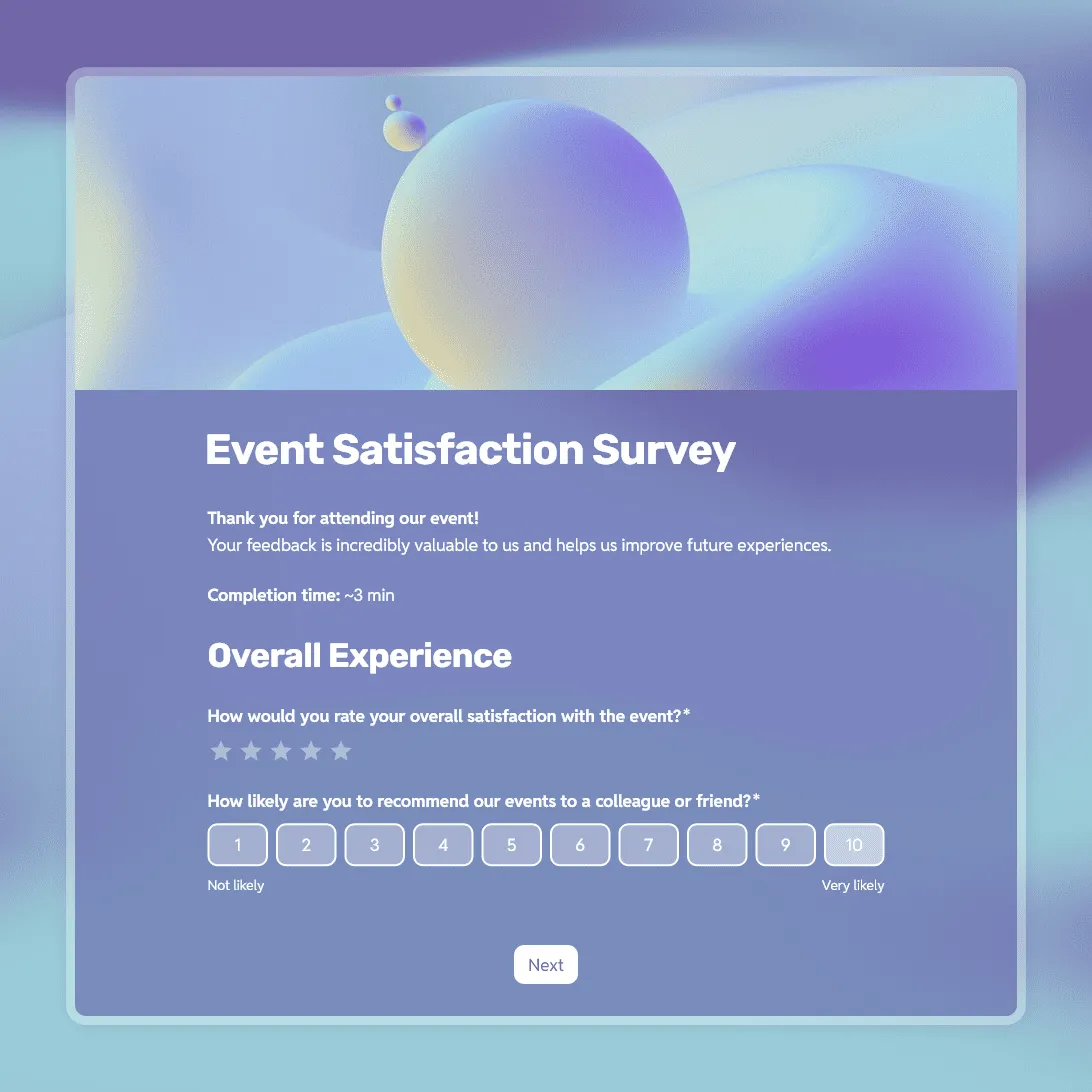
After an event ends, you have a short window to find out how people actually felt about it. Attendance numbers tell you who showed up. This event satisfaction survey template tells you whether it was worth their time.
Whether you ran a corporate conference, a local workshop, or an online webinar, this template gives you a practical way to measure how the event landed. It covers overall sentiment, specific ratings for key parts of the experience, and a Net Promoter Score question so you can benchmark future events against this one.
This template is useful for:
- Conference organizers who want to improve the experience year after year.
- Nonprofit teams evaluating a fundraising dinner or community day.
- HR teams measuring the success of internal training or company events.
- Event planners gathering data to share with clients and vendors.
- Webinar hosts checking whether their online session was worth attending.
What is an event satisfaction survey?
An event satisfaction survey is a short questionnaire sent to attendees after an event ends. The goal is to capture feedback while the experience is still fresh. It typically measures:
- Overall satisfaction: A general rating of how attendees felt about the event as a whole.
- Specific elements: Ratings for individual parts like the speakers, venue, or online platform.
- Net Promoter Score (NPS): How likely guests are to recommend the event to someone else.
- Future intent: Whether they would attend the next one.
- Open feedback: What they would change if they could.
Event satisfaction survey questions
Getting useful data depends on asking the right mix of rating questions and open-ended ones. Here is what this template includes:
Rating scales
- Overall satisfaction: “How would you rate your overall experience at this event?” (1 to 5)
- Content quality: “How relevant was the content to your interests or professional needs?” (1 to 5)
- Organization: “How satisfied were you with the logistics, registration process, and venue?” (1 to 5)
- Recommendation: “How likely are you to recommend this event to a friend or colleague?” (0 to 10)
Open questions
- “What was your favorite part of the event?”
- “What is one thing we could have done better?”
- “What topics would you like us to cover next time?”
When to send your event satisfaction survey
Timing matters more than most organizers realize. Response rates drop sharply after the first 24 hours.
- Best practice: Send the survey within 2 to 4 hours of the closing remarks, or display a QR code at the exit so people can respond before they leave.
- For webinars: Share the link in the chat during the final 10 minutes, or display it on the closing slide.
- For multi-day events: Run a short daily check-in each evening, then send a final comprehensive survey on the last day.
- Follow-up: One reminder sent 24 to 48 hours later is standard and usually effective for capturing respondents who missed the first send.
Related event templates and guides
These related templates and guides can help you plan the event and collect feedback after it ends:
- Event registration form template: for collecting attendee details, ticket choices, dietary needs, accessibility requests, and consent before the event.
- Conference registration form template: for conference signups, session choices, badge details, dietary needs, accessibility requests, and attendee consent.
- Event feedback survey template: for collecting more detailed comments and improvement ideas after the event.
- Post-event survey questions: for more question examples for attendees, speakers, sponsors, and staff.
- How to create a feedback form: our comprehensive guide on planning, styling, and distributing feedback surveys.
- How to measure customer satisfaction: learn how to measure customer satisfaction with CSAT, NPS, CES, feedback surveys, reviews, complaints, retention data, and customer satisfaction survey questions.
Event satisfaction survey FAQs
What is a good NPS score for an event?
An NPS above 0 is technically positive, but most event organizers aim for 50 or higher. A score of 50 means your promoters significantly outnumber your detractors, which suggests the event delivered real value. Scores below 30 are a signal to look more closely at what went wrong. For a full list of question ideas beyond NPS, see our guide to post-event survey questions.
How long should an event satisfaction survey be?
Aim for 8 to 10 questions. Most people will complete a survey that takes under 3 minutes, and that is roughly what 8 to 10 focused questions take. Anything longer will see a noticeable drop in completion rates, especially from people filling it out on their phones while traveling home.
Should the survey be anonymous?
For public or corporate events, including the attendee’s name is fine, and it lets you follow up with unhappy respondents. For internal company events where you want candid input, anonymous is usually better. You can make name and email fields optional in FormGrid so each respondent decides for themselves.
How do I increase my survey response rate?
Timing is the single biggest factor. Surveys sent within 2 hours of an event get significantly higher response rates than those sent the next morning. Keeping the survey short helps too. A clear subject line like “How was [Event Name]? Share your thoughts in 2 minutes” tends to outperform a generic “feedback requested” message.
Can I collect responses at the event with a QR code?
Yes. Once you publish your survey in FormGrid, you get a shareable link that can be converted into a QR code using any standard QR code generator. Display it on screen at the end of a session, print it on programs, or set up a device at the exit. Attendees can scan and respond in under a minute.
What is the difference between an event satisfaction survey and an event feedback survey?
The terms are often used interchangeably, but there is a subtle difference. A satisfaction survey focuses on measuring how good or bad the experience was, usually through rating scales and an NPS question. An event feedback survey tends to ask more open-ended questions about what to add, remove, or change. This template leans toward satisfaction measurement, but it includes open questions too.
Is this event satisfaction survey template free?
Yes. This template and FormGrid’s core features are completely free. You can collect unlimited responses from your attendees at no cost.
Related templates
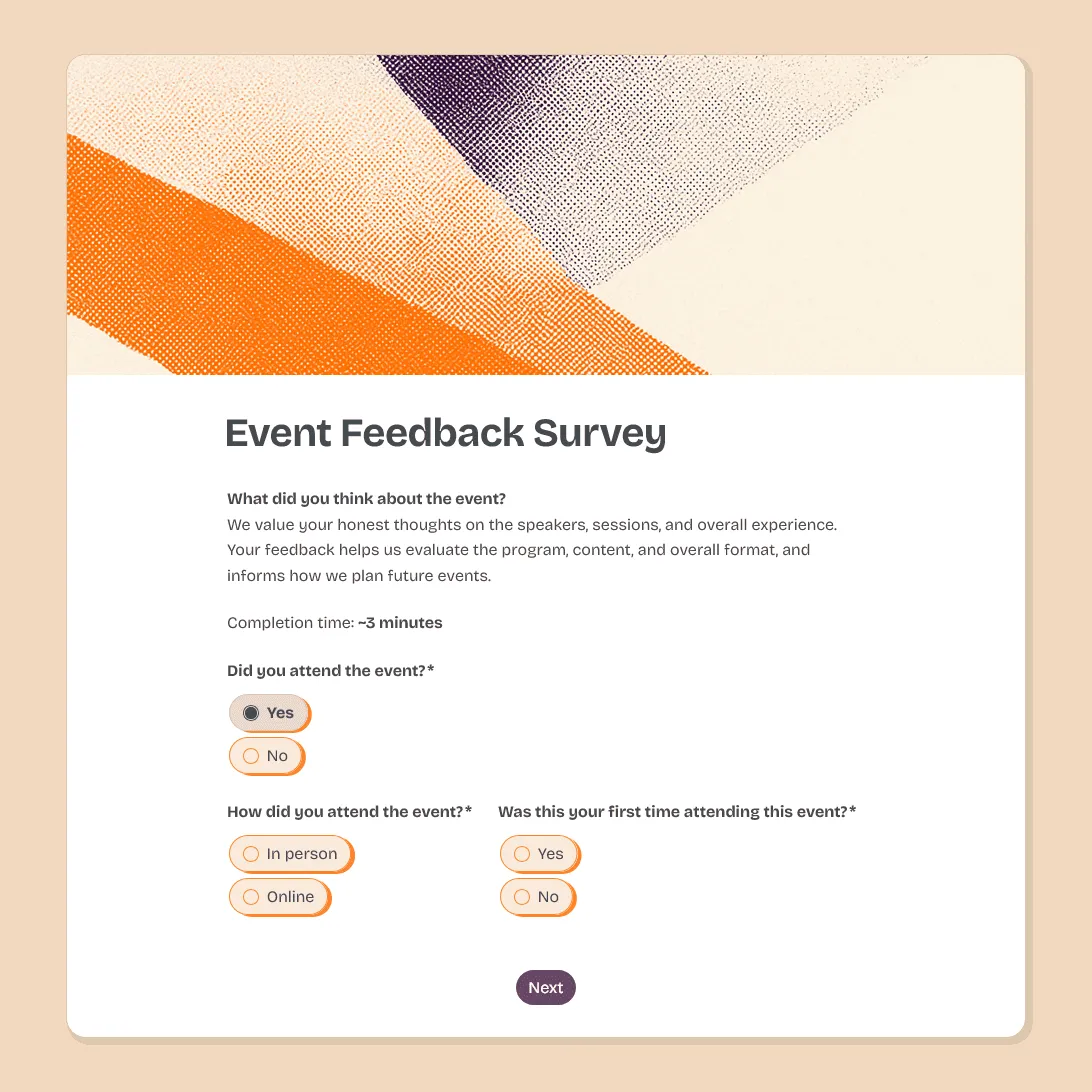
Event Feedback Survey Template
Free event feedback survey template for post-event feedback on satisfaction, sessions, speakers, logistics, venue, and future event ideas.
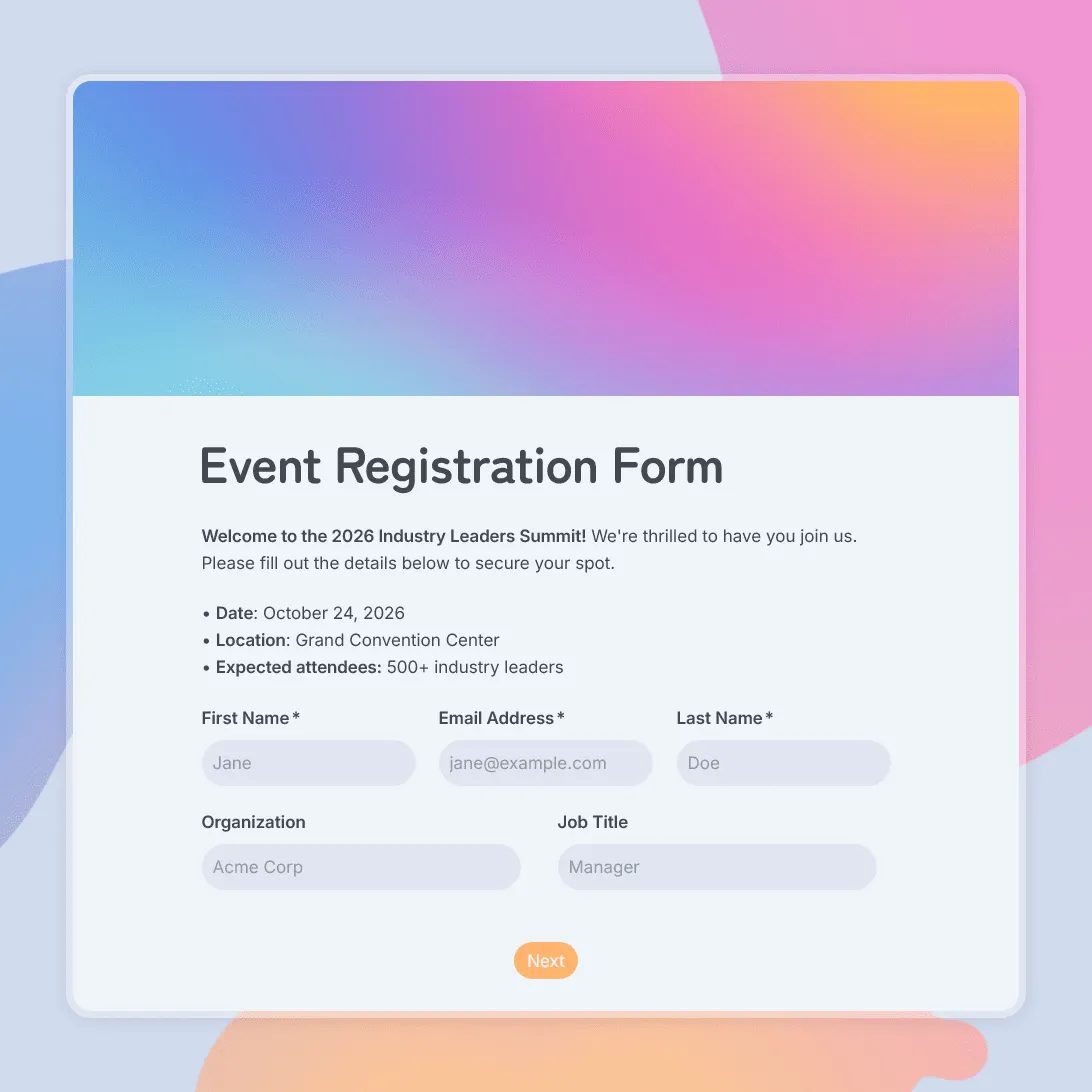
Event Registration Form Template
Use this free event registration form template to collect attendee details, preferences, and more.
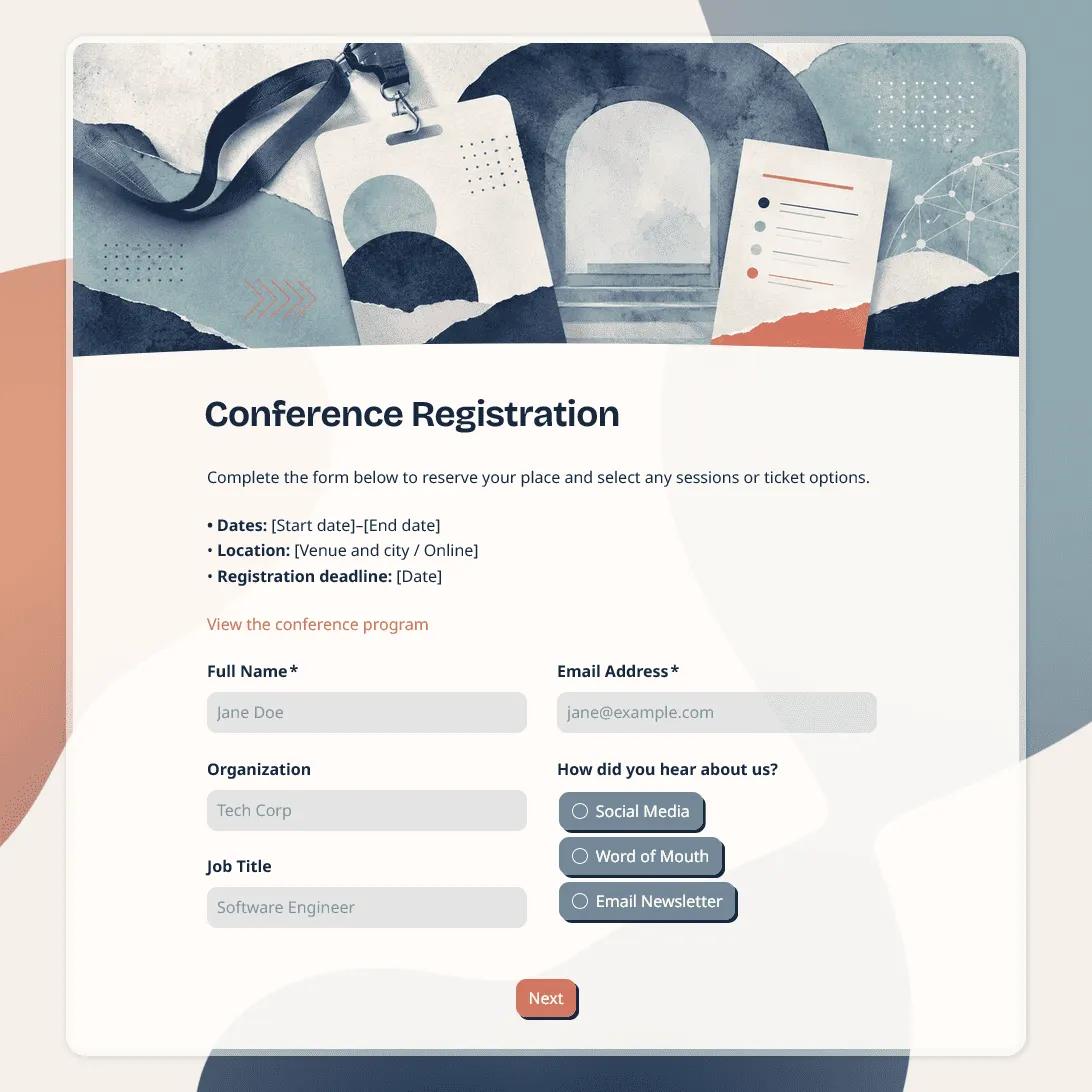
Conference Registration Form Template
Use this free conference registration form template to collect attendee details, session choices, accessibility requests, and more.