Event Feedback Survey Template
Free event feedback survey template for post-event feedback on satisfaction, sessions, speakers, logistics, venue, and future event ideas.
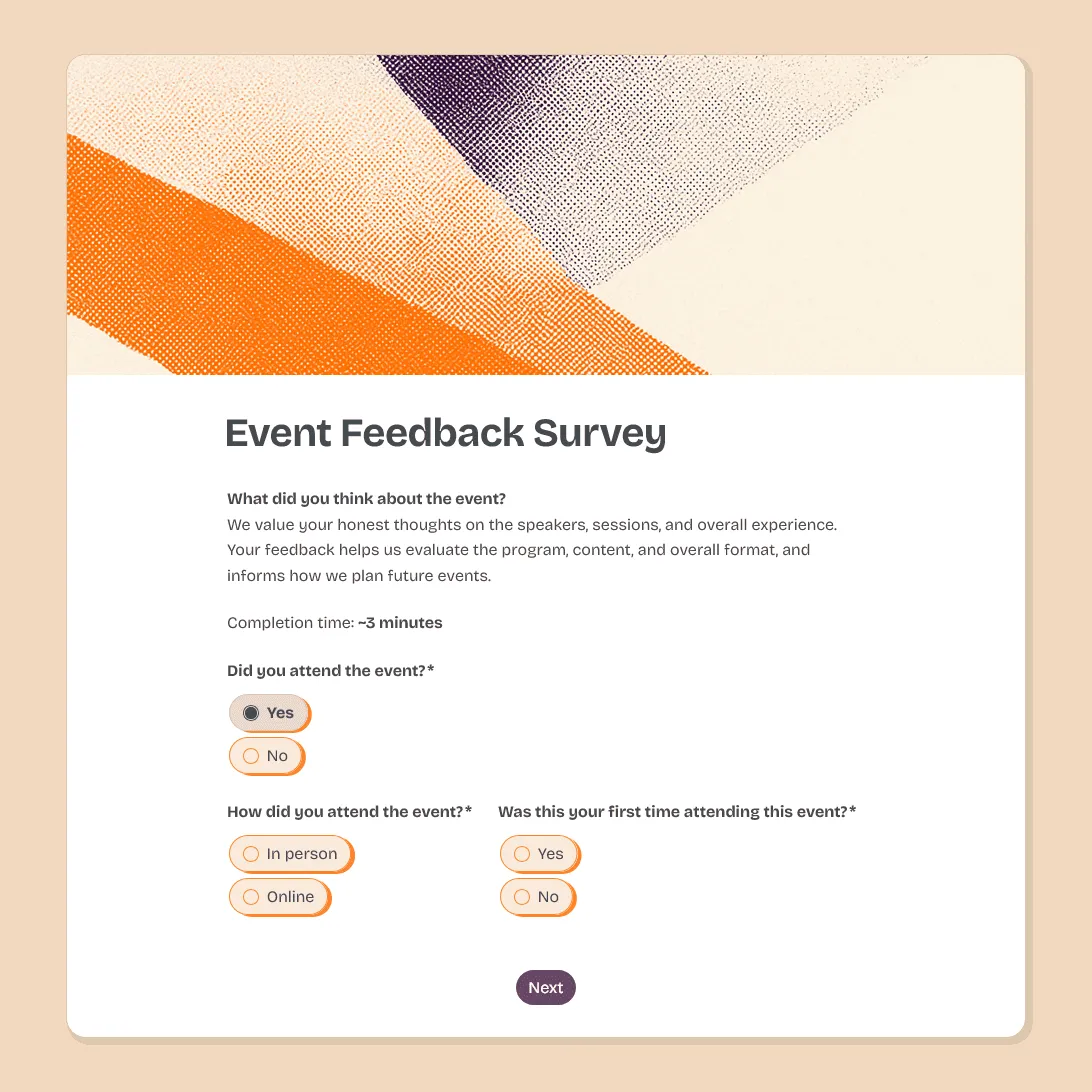
Need a custom event feedback survey?
Describe your event and FormGrid will create a tailored feedback survey for you.
About this event feedback survey template
Good event feedback should tell you what attendees valued, where the experience fell short, and what would make the next event better.
This event feedback survey template gives attendees a quick way to rate the overall experience, content, speakers, logistics, venue or online platform, and likelihood to recommend. It also asks what they enjoyed most, what should improve, and what topics they would like to see in the future.
It fits webinars, workshops, conferences, community events, fundraisers, internal company events, networking events, product launches, and live sessions.
For pre-event signups, start with the event registration form template. For a more rating-focused survey, see the event satisfaction survey template.
What this template includes
This event feedback survey template includes questions about:
- overall event rating
- likelihood to recommend
- content quality
- speaker or presenter quality
- session relevance
- event length
- organization and communication
- venue or online platform
- technical or logistical issues
- favorite part of the event
- what should improve next time
- future topic suggestions
The survey combines rating questions for quick analysis with open questions for more detailed feedback.
Customize this event feedback survey template
Open this event feedback survey template in FormGrid. You can edit it manually, or describe the changes you need in the AI chat.
For example, you can ask FormGrid to:
- “Adapt this for a conference and add session ratings, speaker ratings, venue feedback, networking feedback, and sponsor questions.”
- “Make this shorter for a community event. Keep only overall rating, favorite part, one improvement question, and future topic ideas.”
- “Create separate questions for in-person attendees and online attendees.”
FormGrid can update the questions, conditional logic, field descriptions, layout, colors, design, and confirmation message for you.
Match the survey to your event
Different events need different feedback. For example:
- a webinar usually needs questions about audio, video, chat, Q&A, pacing, and replay value
- a conference needs session, speaker, venue, networking, sponsor, and schedule feedback
- an in-person community event may need questions about check-in, signage, accessibility, catering, location, and atmosphere
- internal company events focus on relevance, clarity, leadership updates, and whether the event helped people understand priorities
- fundraisers ask about the attendee experience, mission clarity, donor interest, sponsor visibility, and whether people would attend or support a future event
Keep the core survey short, then add only the questions that match the event you actually ran.
When to send the survey
Send the survey while the event is still fresh.
For webinars and online events, share the link in the chat, final slide, follow-up email, or event platform. For in-person events, place a QR code near the exit, on table cards, or in the post-event email. For multi-day events, a short daily check-in can capture feedback while sessions are still easy to remember, followed by a final survey at the end.
For recurring events, you may not need a survey every time. Monthly, quarterly, or post-series feedback can be enough when the format stays mostly the same.
Before you share the survey
Before you publish the survey, check that:
-
The questions match the event format. Remove venue questions for online events, and remove platform questions for in-person events.
-
The survey is short enough. For most events, 5 to 10 questions is enough.
-
Rating scales are clear. Use the same scale style where possible so results are easy to compare.
-
Open questions are specific. “What should we improve next time?” is easier to answer than a broad “Any feedback?”
-
The follow-up question is optional. Some attendees may want to explain an issue in more detail, but they should not need to leave contact details to submit feedback.
-
The confirmation message is useful. Thank attendees and mention how the feedback will be used.
After you publish the survey, share the link by email, Slack, social media, event app, QR code, or your event website. You can also embed the survey on a post-event page.
Managing incoming event feedback
Before collecting responses, decide where feedback should go.
You can review responses in FormGrid, export responses to CSV or Excel, or share the results dashboard with your team, sponsors, stakeholders, or leadership.
You can also connect the survey to the tools your team already uses. Send new responses to Airtable or Notion, add rows to a spreadsheet, post updates in Slack, or start a Zapier or Make workflow when someone submits the survey.
Add a send email block before publishing if attendees should receive a thank-you message, event recap, next event link, discount code, certificate, or follow-up details after submitting feedback.
Related event templates and guides
- Event registration form template
- Event satisfaction survey template
- Post-event feedback form template
- Post-event survey questions
- How to create a feedback form
Event feedback survey FAQs
What should an event feedback survey ask?
An event feedback survey should ask attendees to rate the overall experience, content, speakers, organization, venue or online platform, and likelihood to recommend. It should also include open questions about what they enjoyed, what should improve, and what they would like to see next time.
How many questions should an event feedback survey have?
For most events, 5 to 10 questions is enough. Short surveys usually get more responses, especially when attendees are answering right after the event.
When should I send an event feedback survey?
Send it as soon as possible after the event. For online events, share the link before the session ends or in the follow-up email. For in-person events, use a QR code at the venue or send the survey the same day.
What is the difference between an event feedback survey and an event satisfaction survey?
An event satisfaction survey focuses mainly on ratings, such as overall satisfaction, speaker quality, venue, and likelihood to recommend. An event feedback survey is broader and gives attendees more space to explain what worked, what did not, and what should change next time.
Can I share event feedback results with sponsors or stakeholders?
Yes. You can share the results dashboard or export the responses to CSV or Excel. This can help you summarize attendee satisfaction, top-rated sessions, common issues, and ideas for future events.
Is this event feedback survey template free?
Yes. This event feedback survey template is free, and you can collect unlimited responses on the free plan.
Related templates
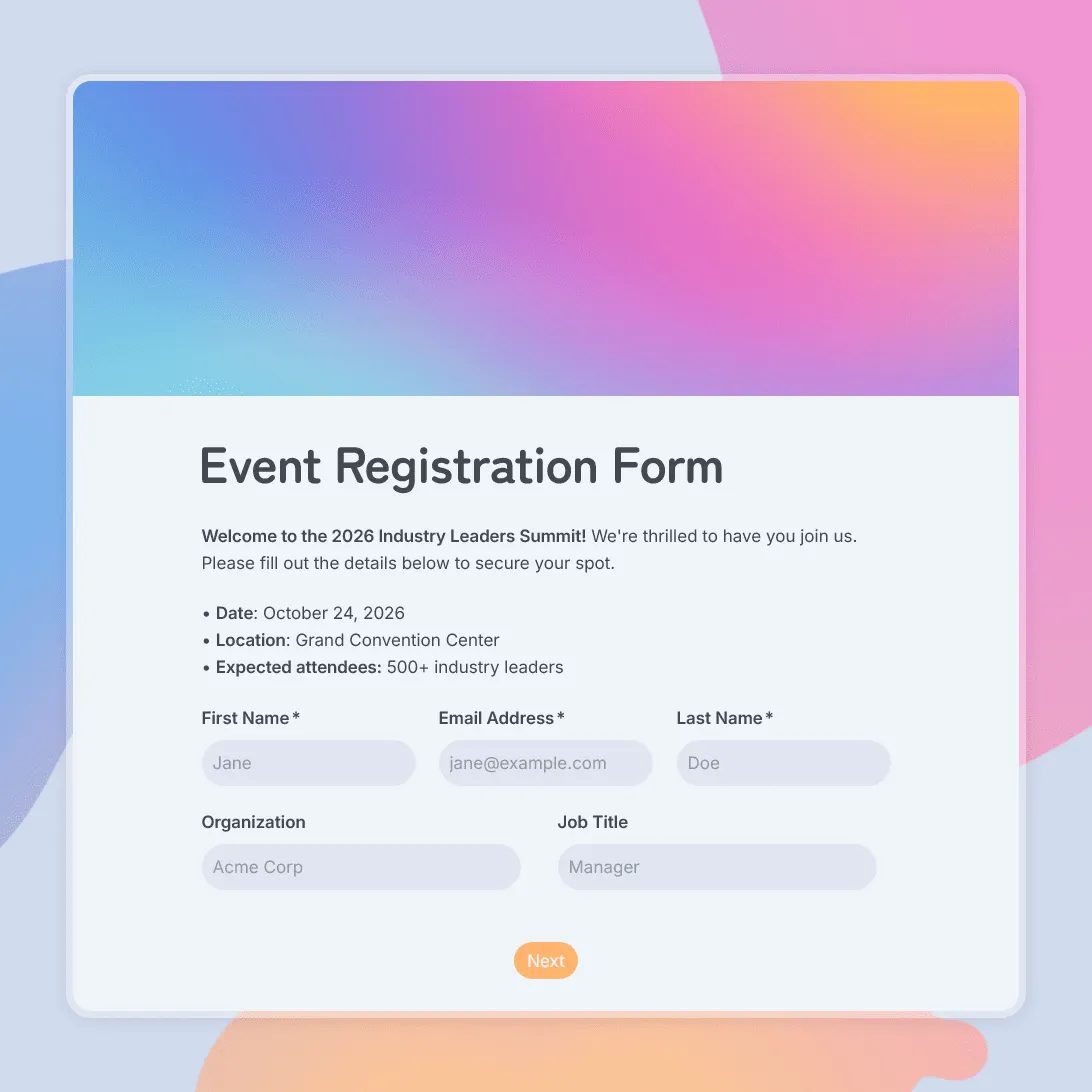
Event Registration Form Template
Use this free event registration form template to collect attendee details, preferences, and more.
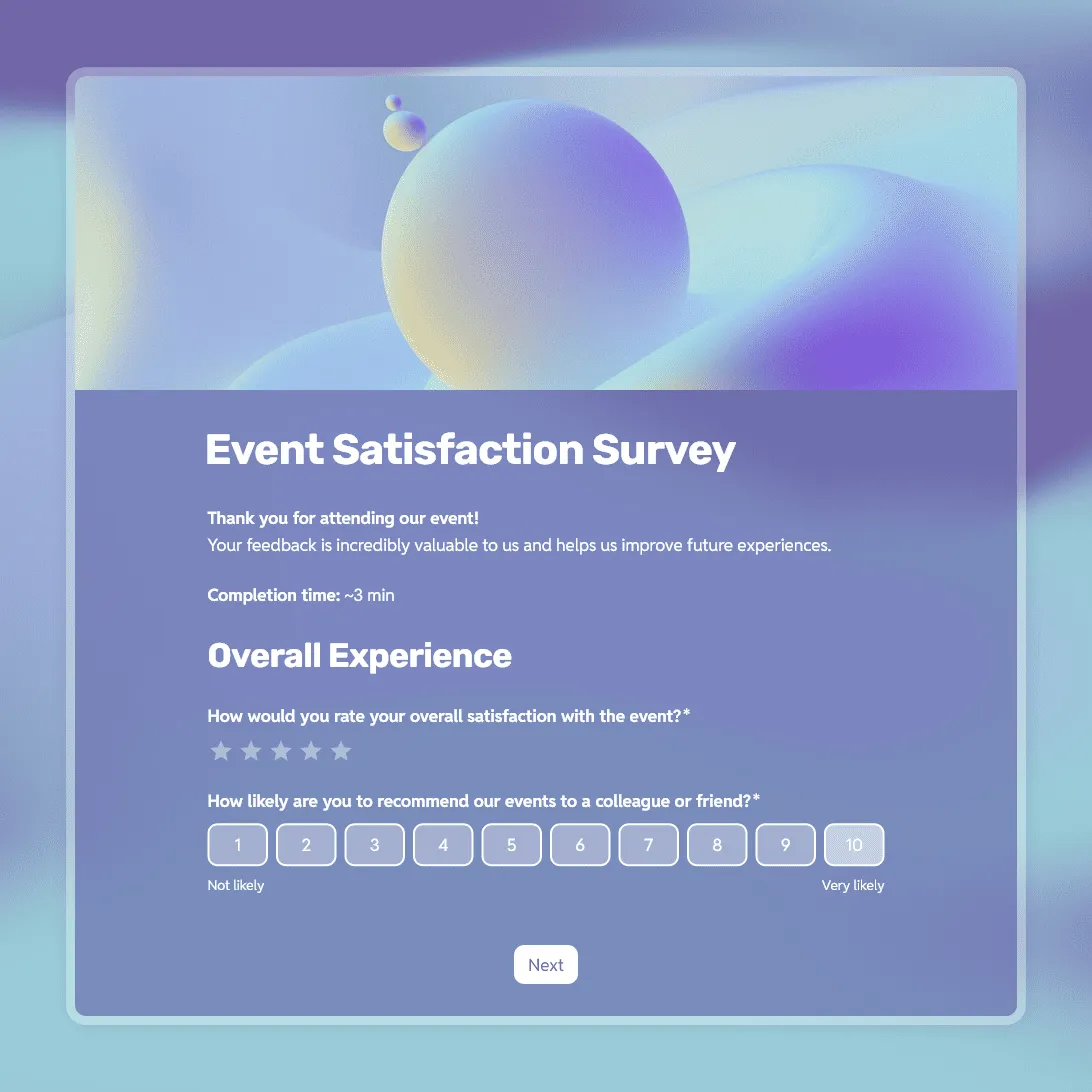
Event Satisfaction Survey Template
Free event satisfaction survey template with NPS, rating scales, and open questions. Measure how your attendees felt and what to improve next time.
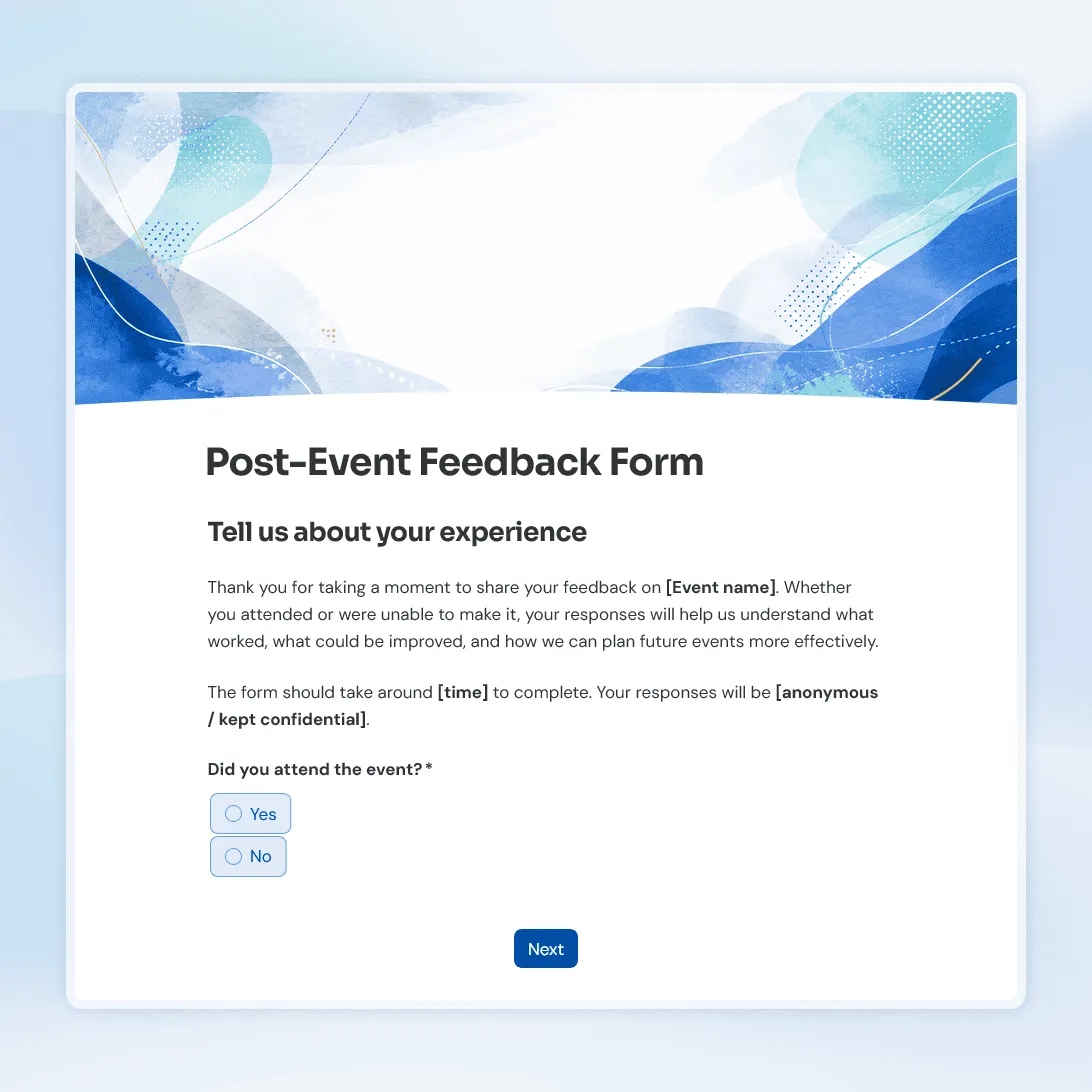
Post-Event Feedback Form Template
Free post-event feedback form template for collecting attendee feedback after workshops, conferences, fundraisers, meetups, and more.