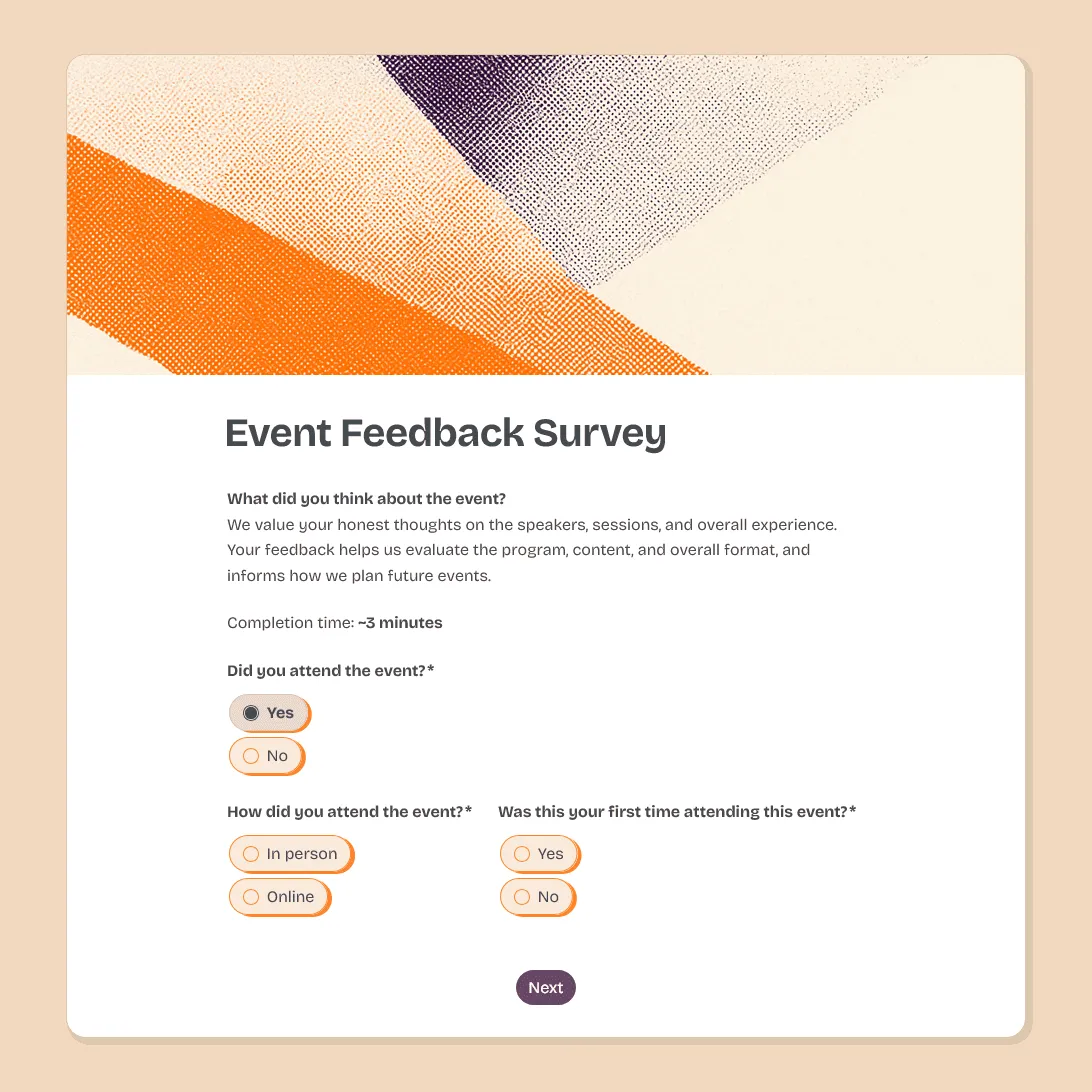
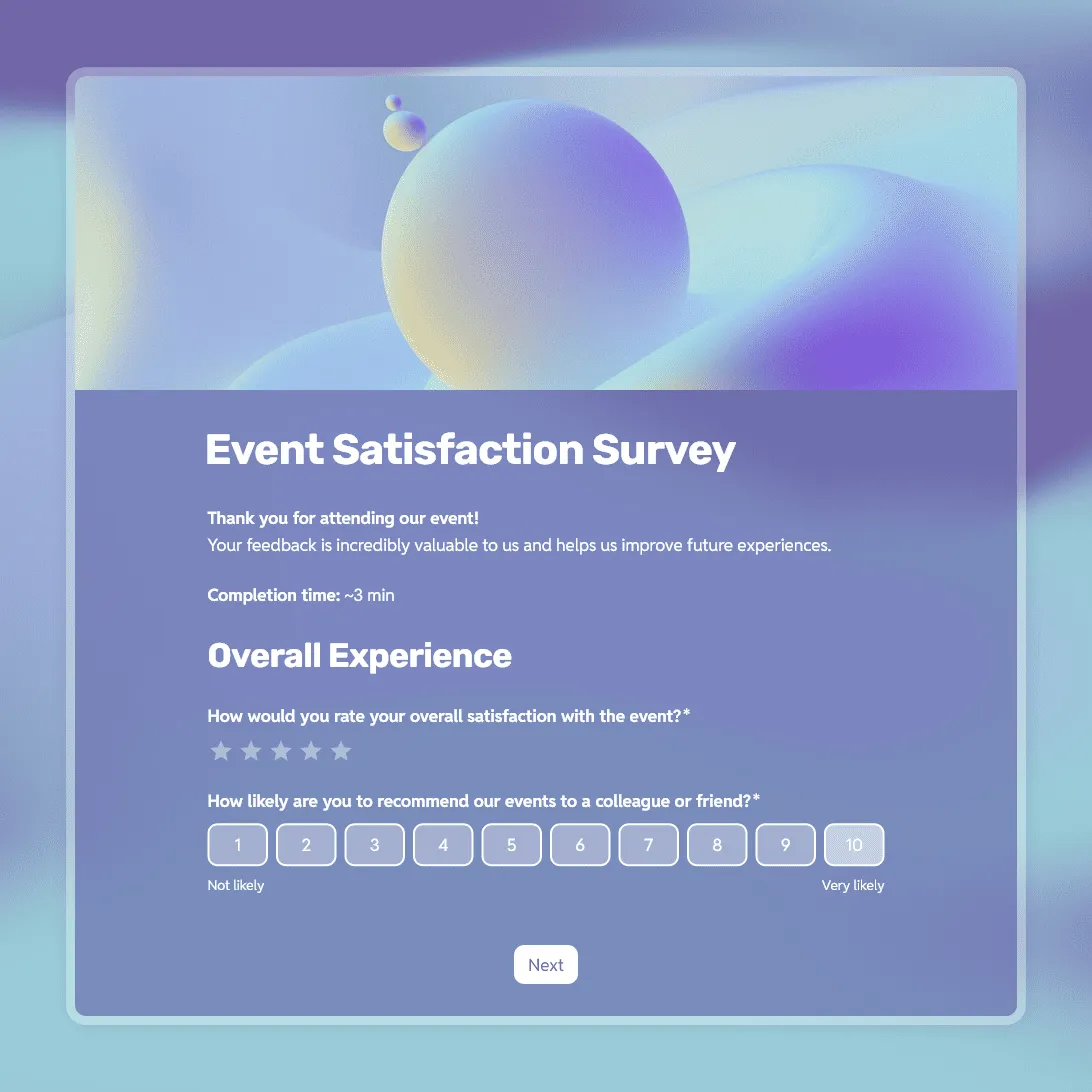
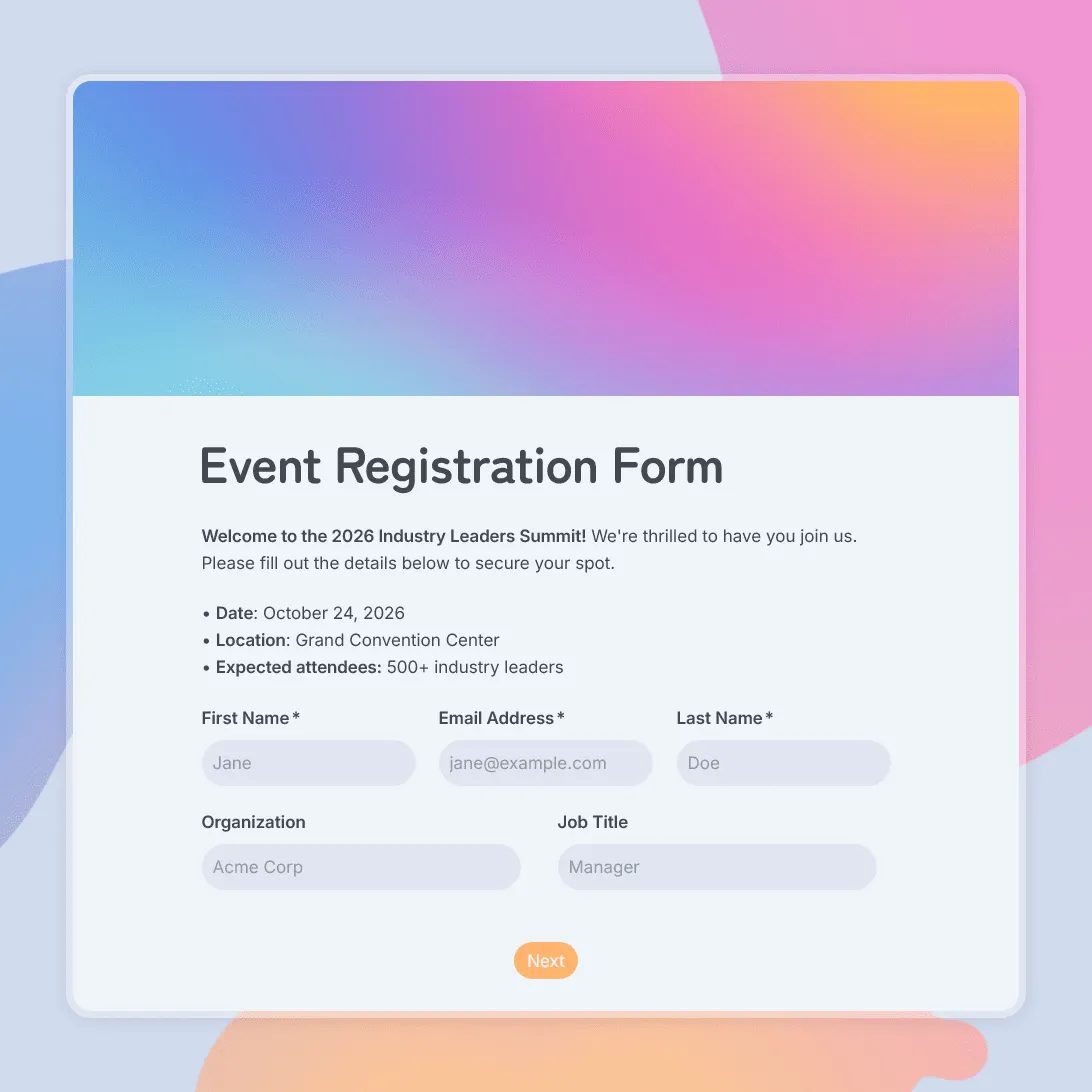
Post-Event Feedback Form Template

Free post-event feedback form template for collecting attendee feedback after workshops, conferences, fundraisers, meetups, and more.
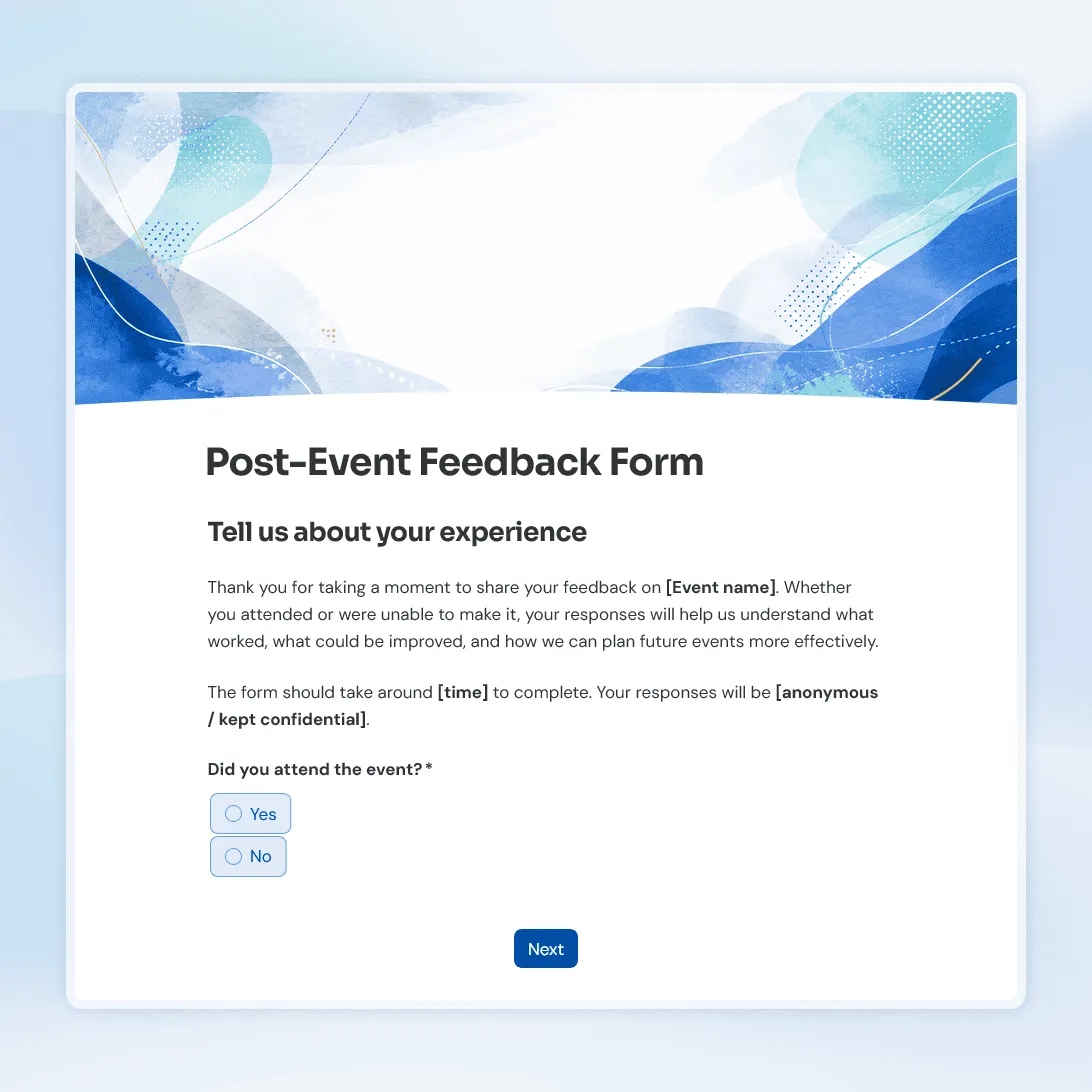
Use this template
No signup required / Free unlimited responses
Post-Event Feedback Form Template

Need a custom post-event feedback form?

Describe the type of feedback you want to collect and FormGrid will generate a tailored form for you.

About this post-event feedback form template

Use this post-event feedback form template after a workshop, conference, webinar, fundraiser, meetup, open house, community event, school event, or internal company event.

The template helps you ask about the parts of the event people are most likely to remember: the schedule, content, speakers, venue, communication, and overall experience. It also leaves room for comments, so people can tell you what a rating alone would miss.

What this template includes

This post-event feedback form template includes questions about:

  • Overall event experience
  • Event organization
  • Venue, location, or online setup
  • Speakers, sessions, or activities
  • Communication before and during the event
  • Favorite part of the event
  • What could be improved
  • Likelihood to attend again
  • Likelihood to recommend the event
  • Respondent role or group
  • Optional comments
  • Optional contact details for follow-up

You can trim the form for a casual meetup, expand it for a conference, or adjust the wording for attendees, speakers, sponsors, vendors, volunteers, or internal teams.

How to use this template

Click “Use this template” to open the post-event feedback form in FormGrid.

  1. Add your event name. Replace the sample title with the event name and a short thank-you message.
  2. Review the rating questions. Keep the ratings that match what you want to learn, such as organization, content, speakers, venue, communication, or online setup.
  3. Remove anything you will not act on. If a question will not help you improve the next event, cut it.
  4. Adjust the role question. Use it to separate feedback from attendees, speakers, sponsors, vendors, volunteers, or staff. With conditional logic, each group can see the questions meant for them.
  5. Make open-ended questions easier to answer. Specific prompts like “What should we improve next time?” usually work better than a vague comments box.
  6. Decide whether the form should be anonymous. Remove names, emails, ticket numbers, company names, or role details if you want fully anonymous feedback.
  7. Update the final message. Thank people for taking the time to respond, and mention whether you may follow up.
  8. Send it soon after the event. Add the link to a thank-you email, recap message, community post, or internal follow-up.

You can review responses in the response table. If you need to share the results with your team, export responses to CSV or Excel.

Post-event feedback form template FAQs

When should I send a post-event feedback form?

Send it soon after the event, while people still remember the details. A thank-you email, event recap, or follow-up message is usually the right place for the link.

Can I collect anonymous event feedback?

Yes. Remove names, email addresses, ticket numbers, company names, and any other identifying fields. If you still want a way to follow up, keep the contact field optional.

Can I ask different questions for attendees, speakers, vendors, or volunteers?

Yes. Use the role question to identify the respondent group, then use conditional logic to show the right follow-up questions.

What should I ask in a post-event feedback form?

Ask about the parts you can actually learn from: overall experience, organization, content, speakers, venue, communication, accessibility, favorite moments, and what should change next time.

Can I embed the feedback form on an event page?

Yes. Publish the form, then add it to your website with an embed code, or share the form link in a follow-up email.

How much can I change in this post-event feedback form template?

The template is fully customizable. You can rewrite the questions, remove sections, change the rating scales, adjust the design, and create different paths for different respondent groups.

Is this post-event feedback form template free?

Yes. The template is free to use, and you can collect unlimited responses on the free plan.