Conference Registration Form Template
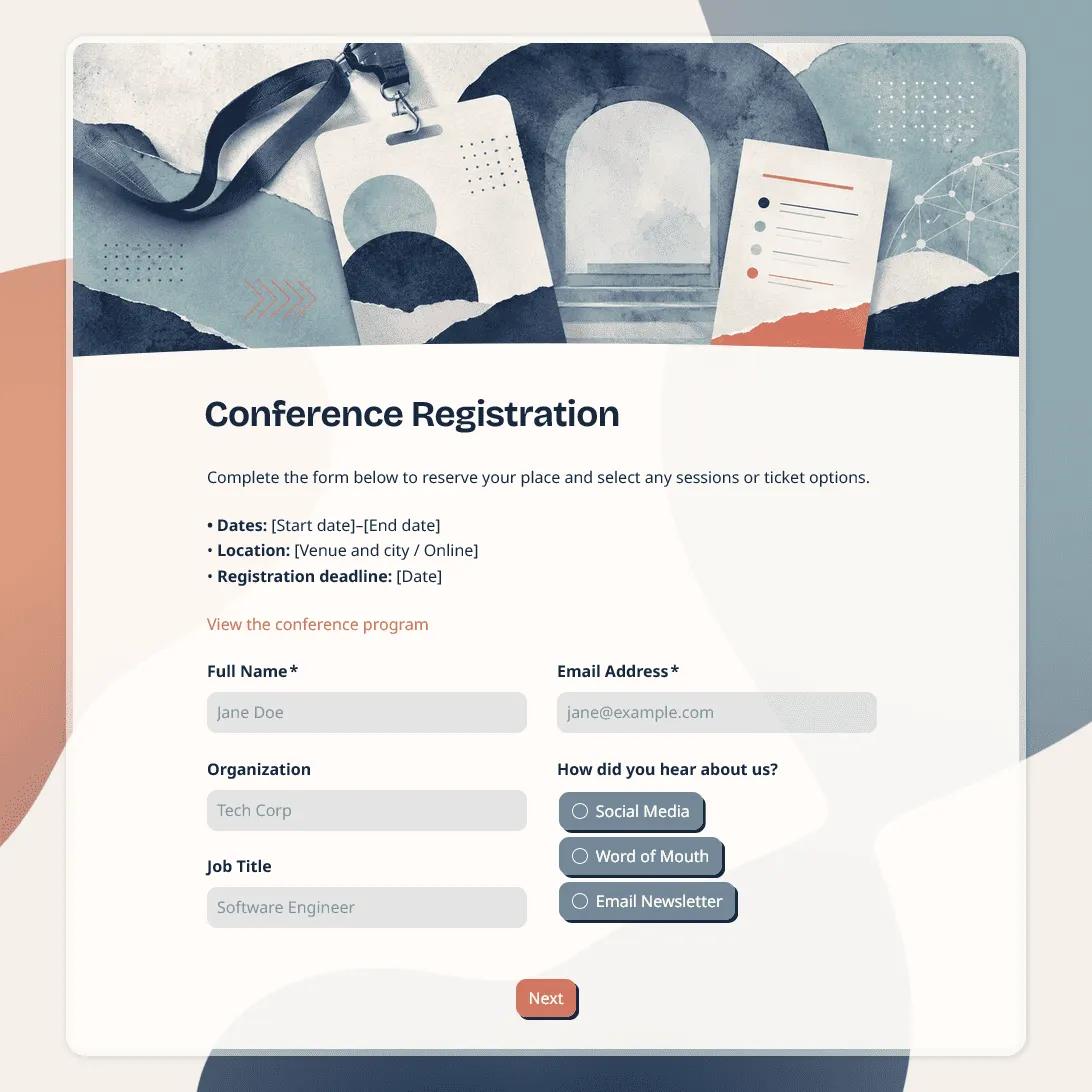
Use this free conference registration form template to collect attendee details, session choices, accessibility requests, and more.
Need a custom conference registration form?
Describe your conference and FormGrid will generate a tailored registration form for you.
About this conference registration form template
Use this free conference registration form template to collect attendee details before your event. The template includes fields for contact information, ticket type, session choices, workshop preferences, dietary needs, accessibility requests, badge details, consent, and email updates.
It works for business conferences, industry events, academic conferences, nonprofit conferences, leadership summits, training conferences, and multi-session programs. You can edit the questions, add your conference details, adjust the design, and share the form with a link or embed it on your website.
For a broader event signup page, use the event registration form template. For online conferences, the webinar registration form template may also be useful.
What is a conference registration form?
A conference registration form is used to sign people up before a conference. It helps organizers confirm who is attending, collect contact details, manage ticket types, plan sessions, prepare name badges, arrange meals, and send event updates.
A good conference registration form should be clear and specific. Ask for the details your team needs for planning, check-in, communication, and follow-up. Keep the form easy to complete, especially if attendees are registering on mobile.
Conference registration form questions
This template covers the details most conference organizers need before the event.
Attendee details
Collect each attendee’s name, email address, phone number, organization, job title, and location. These fields help you build the attendee list, prepare name badges, send updates, and contact attendees if plans change.
Ticket and registration details
Ask for the ticket type, pass type, registration category, attendance days, membership status, invitation code, or discount code. These fields help you manage check-in, access, pricing categories, and capacity.
Session and workshop choices
Let attendees choose sessions, tracks, workshops, breakout rooms, or preferred time slots. This helps your team plan room capacity, materials, speakers, and schedules.
Badge and networking details
Add fields for badge name, company, role, website, LinkedIn profile, pronouns, or networking preferences. These details are useful for professional conferences, industry events, and networking-heavy programs.
Dietary and accessibility requests
Add clear questions for dietary restrictions, allergies, accessibility needs, seating requests, language preference, or other support requests. Keep these questions optional unless your team needs the information before the event.
Consent and communication
Use consent fields for conference terms, photo and video permission, email updates, event policies, sponsor updates, or required signatures. Add your own wording based on your conference rules.
How to customize this template for different conferences
- For a business conference, add company name, job title, industry, ticket type, networking interests, and preferred sessions.
- For an academic conference, add institution, department, research area, presentation title, poster session details, and dietary needs.
- For a nonprofit conference, add organization name, role, membership status, volunteer interest, accessibility requests, and communication preferences.
- For a multi-day conference, add attendance days, meal choices, session tracks, evening event attendance, and hotel or travel details if your team needs them.
- For a conference with workshops, add workshop choices, skill level, equipment needs, and questions for the instructor.
How to set up your conference registration form
- Open the template. Click “Use this template” to copy it into your FormGrid workspace.
- Add your conference details. Include the conference name, date, time, venue, agenda, and any important instructions.
- Review the attendee questions. Keep the fields your team needs for check-in, planning, communication, and follow-up.
- Add session choices. Include tracks, workshops, breakout sessions, time slots, or attendance days.
- Update the consent section. Add conference terms, photo release text, attendance policies, or required agreements.
- Test the form. Submit a test registration and check the response table before sharing it.
- Share the form. Embed it on your website or send the link by email, social media, partner newsletters, or event listings.
Conference registration confirmation message example
Thanks for registering for [Conference name]. We received your registration and will send conference details to your email before [date]. If you need to update your registration, contact us at [organizer email].
Related conference and event templates
These related templates can help you manage the rest of your event process:
- Event registration form template: for general event signups, local events, workshops, and community events.
- Event feedback survey template: for collecting attendee comments after the conference.
- Event satisfaction survey template: for measuring attendee satisfaction after the conference.
- Post-event feedback form template: for collecting feedback after an event.
- Post-event survey questions: for examples of questions to ask attendees after the event.
Conference registration form FAQs
What should a conference registration form include?
A conference registration form should include attendee details, contact information, ticket or pass type, session choices, workshop preferences, badge details, dietary needs, accessibility requests, consent, and any details your team needs before the event.
Can attendees choose sessions or workshops?
Yes. You can add session choices, workshop selections, breakout room preferences, attendance days, or track options. This helps you plan capacity, materials, staffing, and room assignments.
Can attendees register guests or groups?
Yes. You can add a guest count field or create a separate section for guest details. For conferences with strict capacity, ask for each attendee’s name, email address, ticket type, and session choices.
Can I collect dietary and accessibility requests?
Yes. You can add dedicated questions for dietary restrictions, allergies, accessibility needs, seating requests, language preference, or other support requests. Keep these questions clear and optional unless the information is required for planning.
Can I embed this conference registration form on my website?
Yes. You can embed the form on your conference website or share it with a direct link. This works well for conference pages, landing pages, newsletters, partner websites, and social media posts.
Is this conference registration form template free?
Yes. This template is free to use. FormGrid also includes unlimited forms and unlimited responses on the free plan, so you can collect conference registrations without response caps.
Related templates
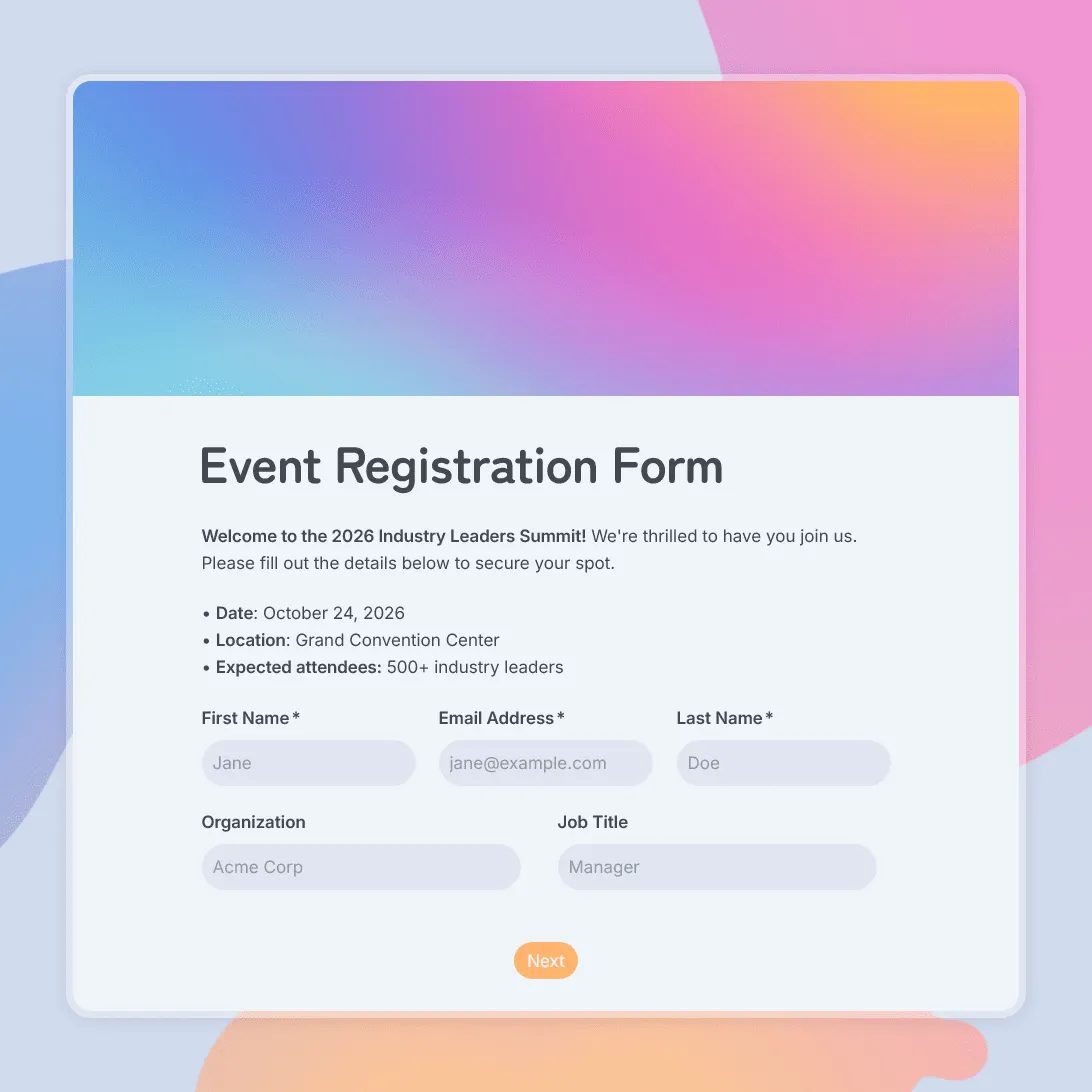
Event Registration Form Template
Use this free event registration form template to collect attendee details, preferences, and more.
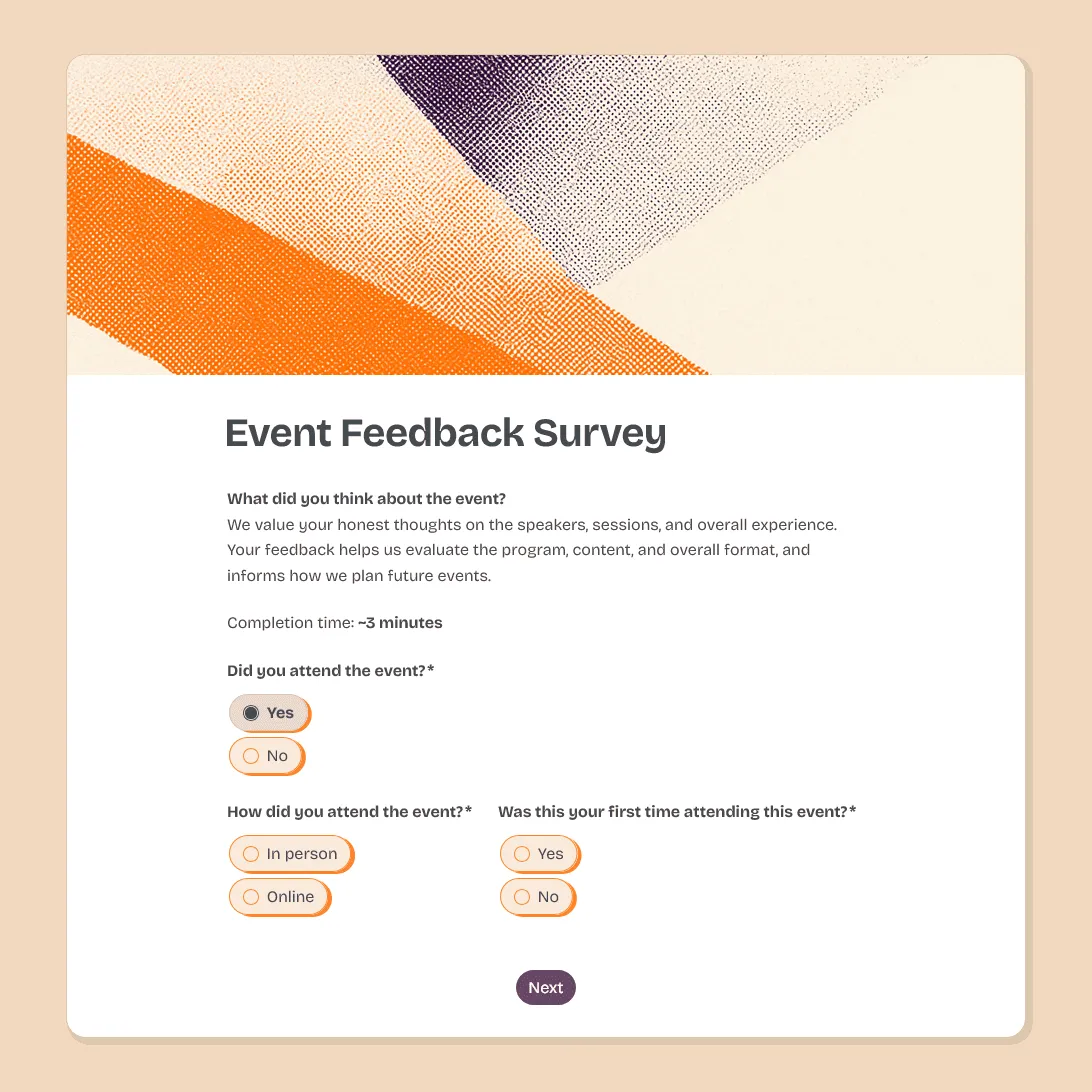
Event Feedback Survey Template
Free event feedback survey template for post-event feedback on satisfaction, sessions, speakers, logistics, venue, and future event ideas.
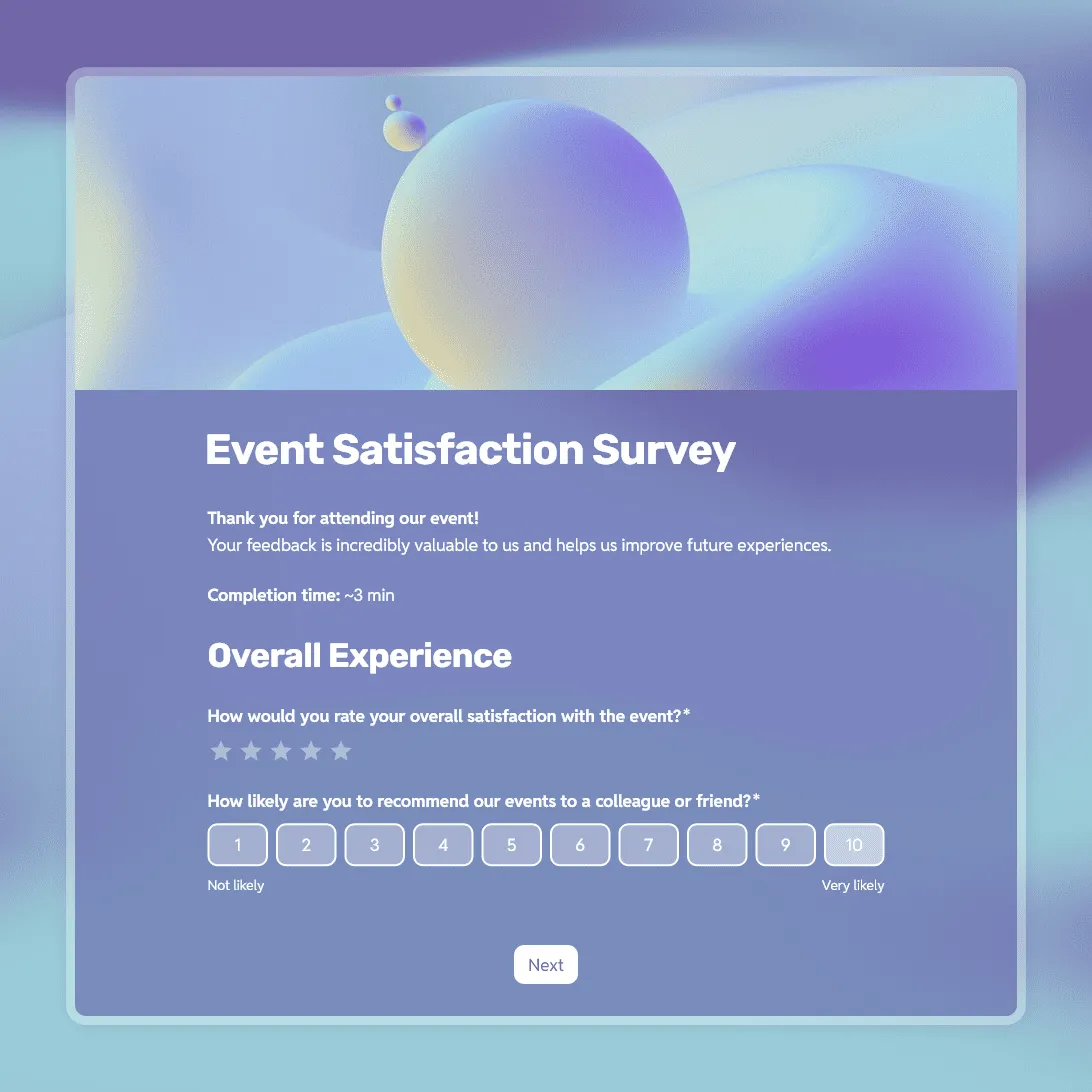
Event Satisfaction Survey Template
Free event satisfaction survey template with NPS, rating scales, and open questions. Measure how your attendees felt and what to improve next time.