Webinar Registration Form Template
Free webinar registration form template for attendee details, session choices, and speaker questions.
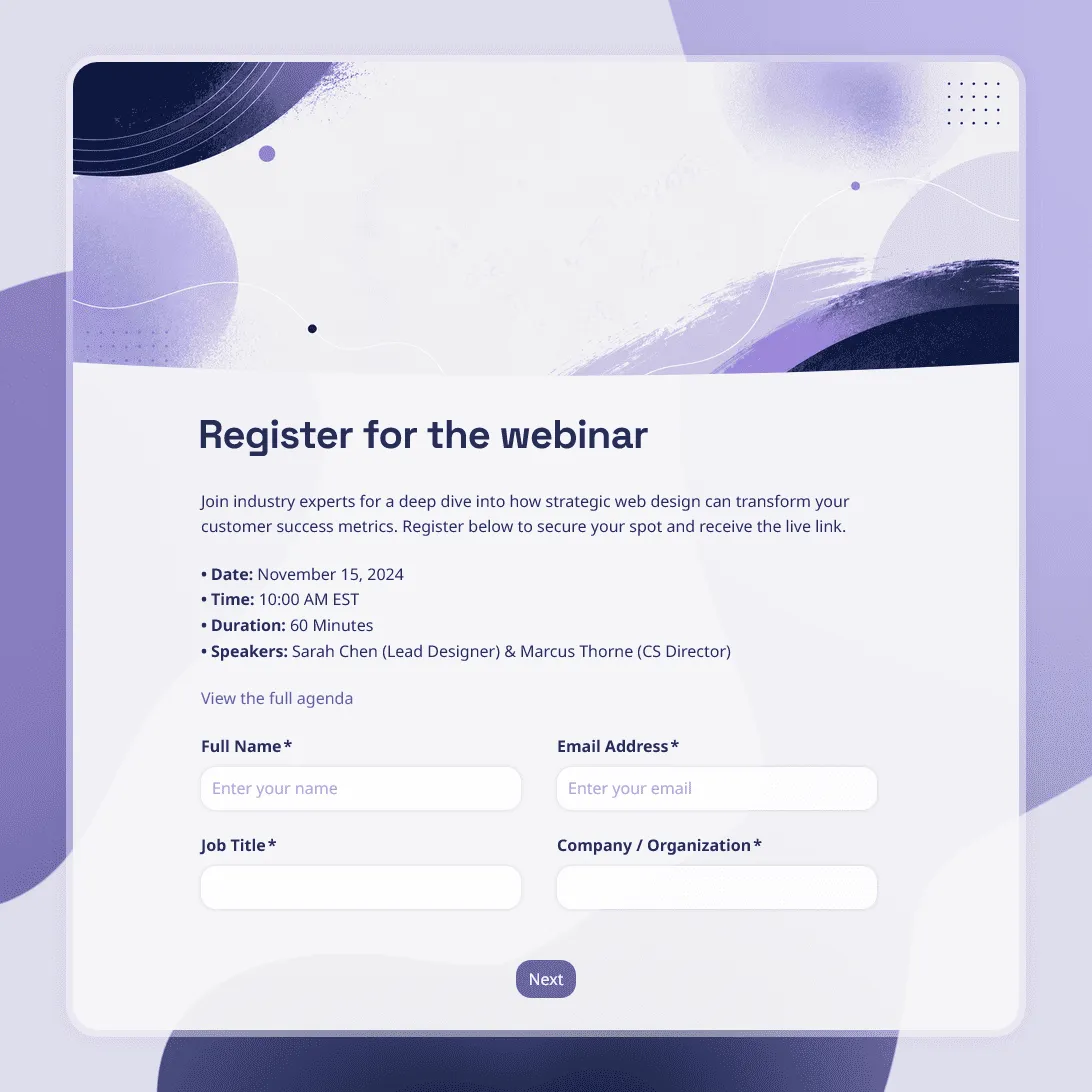
Need a custom webinar registration form?
Describe your webinar and FormGrid will create a tailored registration form for you.
About this webinar registration form template
Use this free webinar registration form template to collect signups for live webinars, product demos, online training sessions, expert talks, and other virtual events.
The template starts with the details most webinar hosts need: attendee name and email, professional information when relevant, session preferences, topic interests, and a place to submit questions before the event. You can remove anything you do not need or add your own questions.
After someone registers, you can automatically send a confirmation email with the webinar link, joining instructions, or other access details.
What is a webinar registration form?
A webinar registration form is an online signup form used to collect attendee information before a webinar. At minimum, it usually asks for a name and email address so the organizer knows who is attending and where to send the joining details.
For webinars used for sales, training, or lead generation, the form can also collect information such as company, role, session preference, or what the attendee wants to learn.
Webinar registration form questions
A simple webinar signup does not need many questions. Start with the information you will actually use.
This template can include questions such as:
- What is your name?
- What email address should we send the webinar details to?
- What is your job title or role?
- What company or organization are you with?
- Which webinar session would you like to attend?
- What topic are you most interested in?
- What would you like us to cover during the webinar?
- Do you have a question for the speaker?
For a public webinar, name and email may be enough. For a B2B webinar or product demo, company and role can give your team useful context for the session and follow-up.
If you have an international audience, you can also ask for a time zone or offer several session times.
What to include on your webinar registration form
The form itself should also make the important webinar details easy to find before someone signs up.
Include:
- Webinar title
- Date and start time
- Time zone
- Speaker or host
- Short description of what the session will cover
- Any registration deadline
- What attendees should expect after signing up
If a recording will be available, you can mention that here as well.
Everything in the template can be edited, including the questions, text, layout, colors, fonts, buttons, confirmation message, and automatic emails.
How to use this webinar registration template
Click “Use this template” to open an editable copy in FormGrid.
-
Add your webinar details. Replace the sample title, description, date, time, speaker information, and session options with your own.
-
Choose the registration questions you need. Keep name and email, then decide whether company, role, topic interests, or other questions will actually be useful.
-
Set up any conditional questions. If you have several attendee types or sessions, use conditional logic to show relevant follow-up questions without making everyone complete a longer form.
-
Send the confirmation automatically. Add a send email block to send the webinar link, access instructions, preparation notes, or other details immediately after registration.
-
Publish the form. Share the registration link directly or add the form to your webinar landing page with an embed code.
Your registrations appear in the response table, where you can review attendee details and submitted questions. You can also export responses for reporting, speaker preparation, or follow-up.
Tips for a better webinar signup form
-
Keep optional fields optional. Company, job title, industry, and similar questions can be useful for B2B webinars, but they do not need to be required for every event.
-
Make the time zone impossible to miss. This matters especially when people are joining from different countries.
-
Ask questions you can act on. A question such as “What would you like us to cover?” can help the speaker decide where to spend more time during the session.
-
Tell people what happens after they register. Make it clear whether the webinar link is sent immediately or closer to the event.
-
Test the full registration flow. Submit the form yourself and check the confirmation email, links, required fields, logic, and mobile layout before sharing it.
Related guides and resources
- Virtual event registration form template – Collect signups for online conferences, workshops, multi-session events, and other virtual events.
- Post-event feedback form template – Ask attendees what they thought of the webinar after the session.
- Event feedback survey template – Get more detailed feedback on the content, speaker, and overall event experience.
- How to create an online registration form – Learn how to choose your registration fields, set up the form, handle confirmations, and avoid common signup mistakes.
Webinar registration form template FAQs
What should a webinar registration form include?
Most webinar registration forms include the attendee’s name and email address. Depending on the event, you may also ask for company, job title, session preference, topic interests, or a question for the speaker.
The webinar title, date, time, time zone, and speaker information should usually be displayed on the form rather than entered by the attendee.
How many questions should a webinar registration form have?
Use as few as you can while still collecting the information you need. A simple public webinar may only require name and email. A B2B webinar or product demo may also ask for role, company, and one question about the attendee’s interests or needs.
What questions should I ask before a webinar?
Useful pre-webinar questions include “What would you like us to cover?”, “What is your biggest question about this topic?”, and “Which part of the webinar are you most interested in?”
Choose questions that will actually influence the presentation or your follow-up.
Can I automatically send the webinar link after registration?
Yes. Add a send email block to automatically email attendees after they submit the form. The email can include the joining link, date and time, instructions, preparation materials, or information about the recording.
Can I use this template for a product demo?
Yes. For a product demo, you can add questions about company, role, use case, team size, or what the attendee wants to see during the demonstration.
Can I embed the registration form on my webinar landing page?
Yes. After you publish the form, you can embed it directly on your website or webinar landing page. You can also share the standalone registration link.
Can I customize the webinar registration form?
Yes. You can change the questions, wording, layout, fonts, colors, images, logic, confirmation message, and automatic emails.
Is this webinar registration form template free?
Yes. The template is free to use, and you can collect unlimited webinar registrations on the free plan.
Related templates
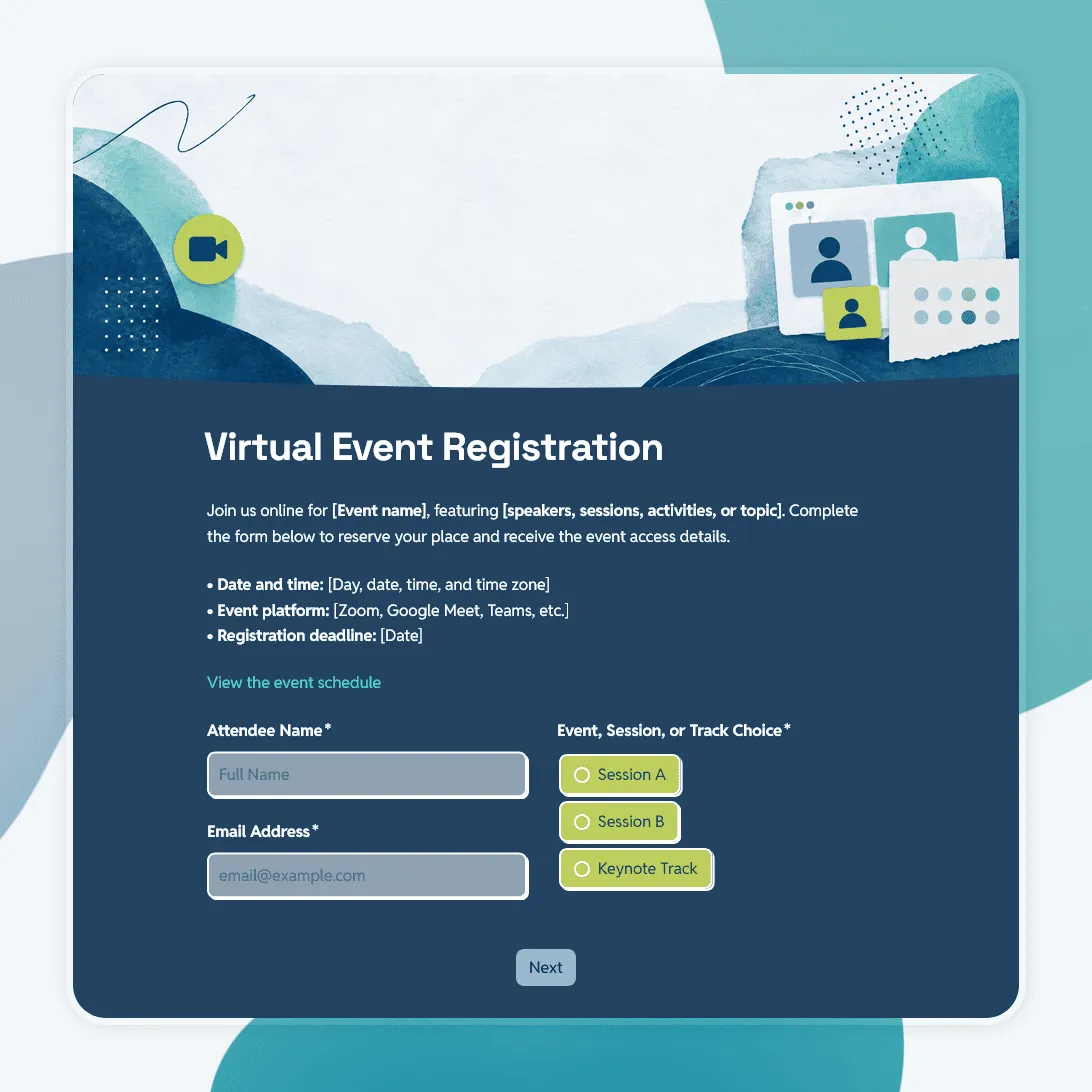
Virtual Event Registration Form Template
Free virtual event registration form template for webinars, online workshops, virtual conferences, livestreams, and remote events.
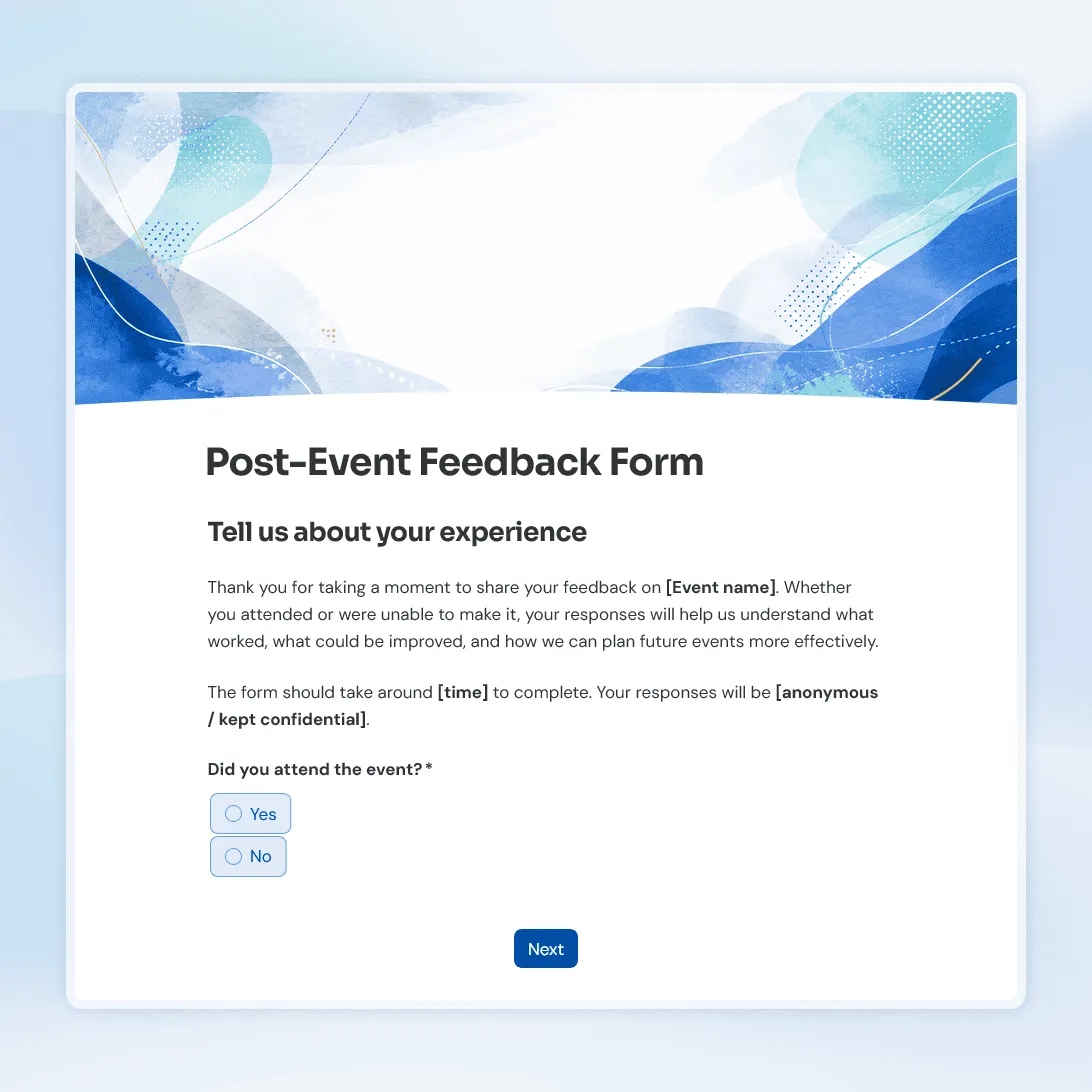
Post-Event Feedback Form Template
Free post-event feedback form template for collecting attendee feedback after workshops, conferences, fundraisers, meetups, and more.
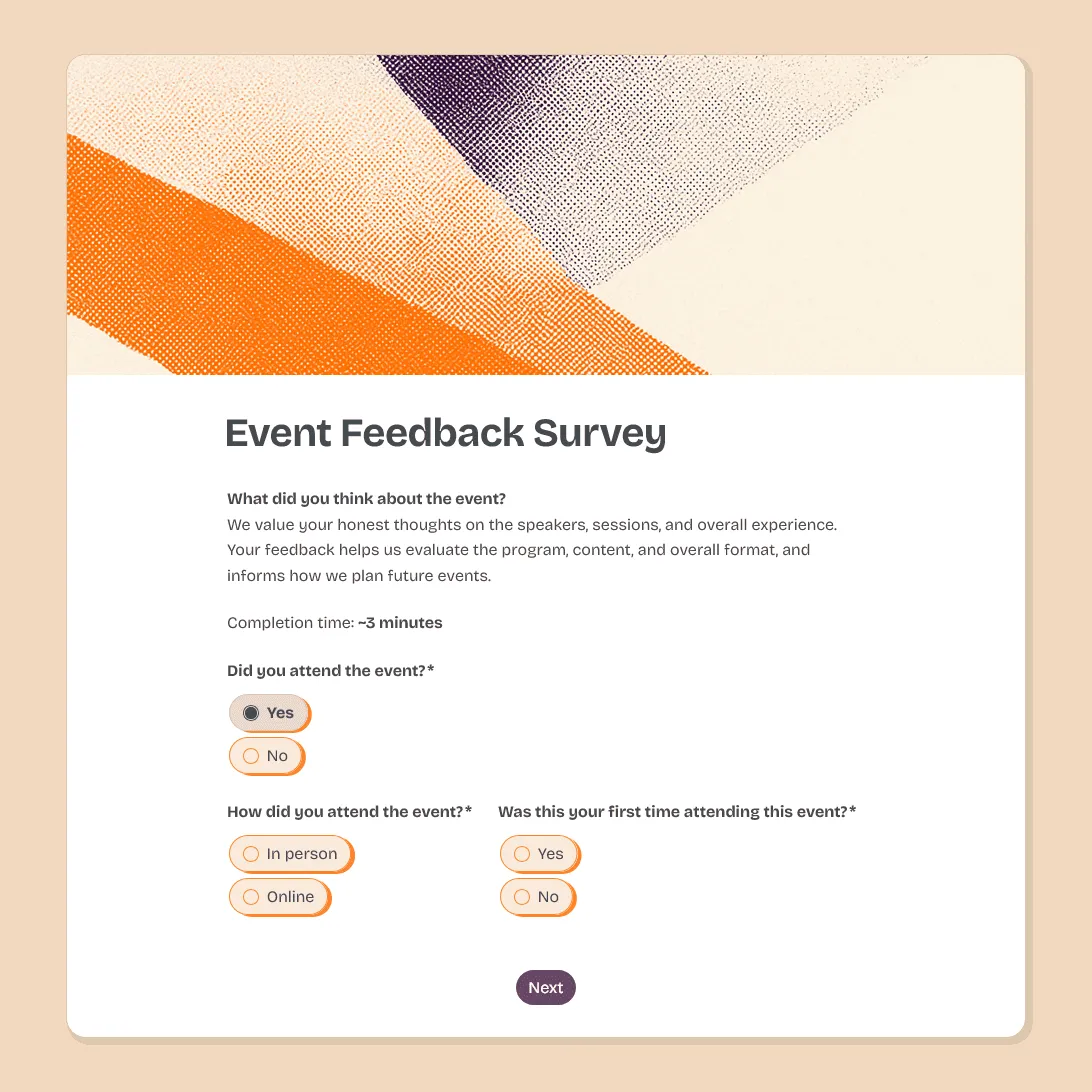
Event Feedback Survey Template
Free event feedback survey template for post-event feedback on satisfaction, sessions, speakers, logistics, venue, and future event ideas.