Virtual Event Registration Form Template
Free virtual event registration form template for webinars, online workshops, virtual conferences, livestreams, and remote events.
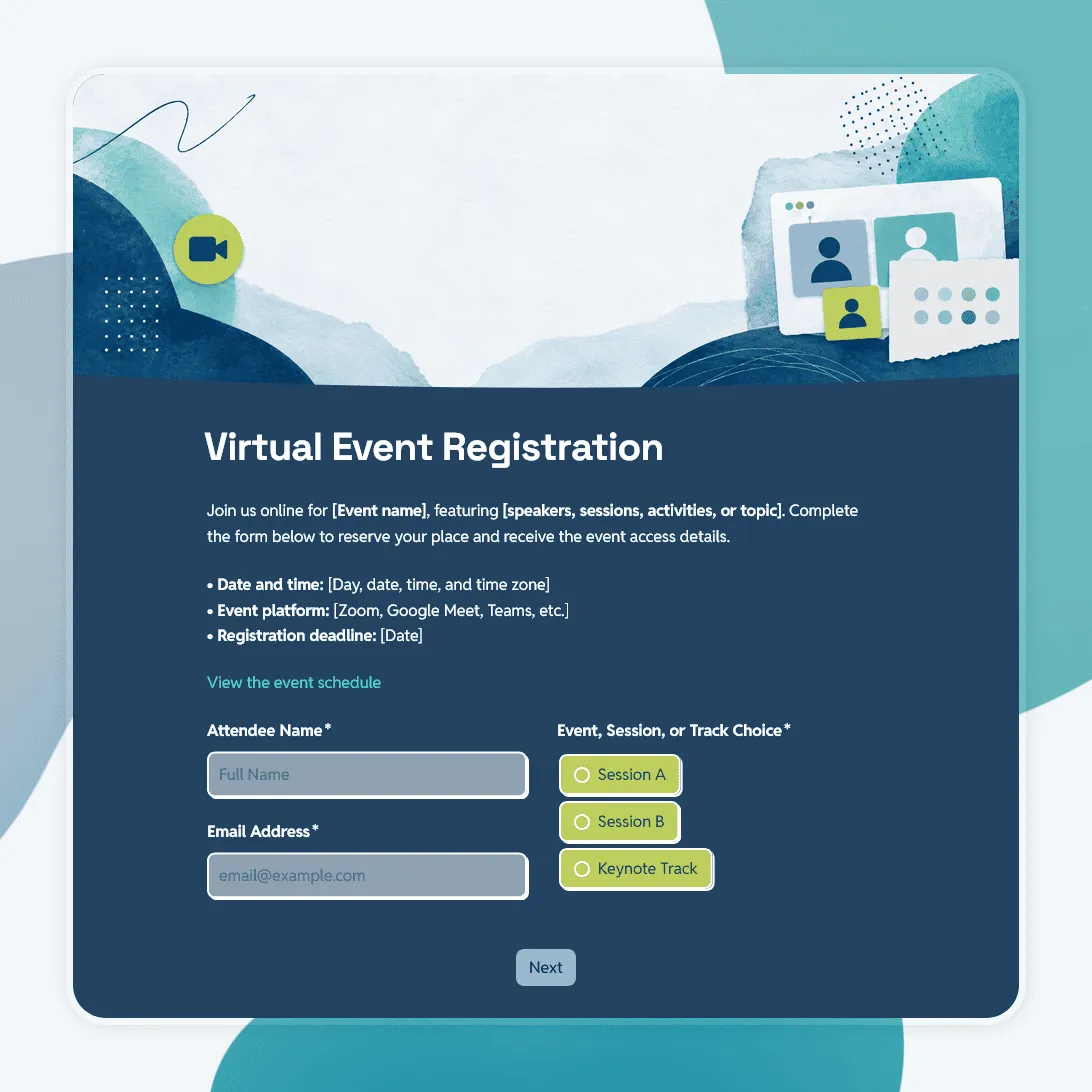
Need a custom virtual event registration form?
Describe your online event and FormGrid will create a tailored registration form for you.
About this virtual event registration form template
Virtual event signups need to do more than collect a name and email. Attendees need to know when the event happens, how they will join, whether they will receive a recording, and what to expect after they register.
This virtual event registration form template helps you collect the details that matter before an online event: attendee information, session choice, time zone, topic interests, speaker questions, accessibility needs, recording consent, email permission, and reminder preferences.
It works for webinars, online workshops, virtual conferences, livestreams, remote training sessions, product demos, digital meetups, online classes, internal company events, and community calls.
For a webinar-only signup flow, see the webinar registration form template. For a larger in-person or hybrid event, see the event registration form template.
Built for online event logistics
The template is organized around the questions that prevent confusion before a virtual event starts.
- Attendee details: name, email address, organization, role, or team
- Event choice: session, track, workshop, attendance option, or ticket type
- Time zone: useful when attendees join from different regions
- Topic interests: helps hosts understand what people care about before the session
- Questions for the speaker: gives presenters useful input before the event
- Accessibility needs: lets organizers prepare captions, materials, or other support
- Recording consent: useful when sessions are recorded, shared, or repurposed
- Email permission: helps manage reminders, updates, and post-event follow-up
- Calendar reminder preference: makes it easier to reduce no-shows
- Confirmation message: tells attendees what happens after registration
That makes the form useful for both simple one-session events and more structured virtual programs.
Virtual event registration questions
A good virtual event registration form should answer three things: who is joining, what they need, and how they should receive event details.
Attendee details
Start with the information you need to identify the attendee and send the right follow-up.
- What is your name?
- What is your email address?
- What organization or company are you part of?
- What is your role?
- Are you registering for yourself or someone else?
Session and attendance details
These questions help you plan attendance, session capacity, and event communication.
- Which session would you like to attend?
- Which track or topic are you most interested in?
- What time zone are you joining from?
- Will you attend live, watch the recording, or both?
- Do you want to receive a calendar reminder?
Speaker questions and topic interests
Pre-submitted questions can help hosts shape the session before it starts.
- What would you like the host or speaker to cover?
- Do you have a question you would like answered during the event?
- What is your main reason for joining?
- Have you attended one of our events before?
Access, consent, and support
These questions help avoid last-minute confusion.
- Do you have any accessibility needs we should know about?
- Do you consent to the session being recorded?
- Would you like to receive event updates by email?
- Is there anything else the organizer should know?
Adapt the template to your virtual event
This template already covers the core online-event details. Before sharing it, adjust the wording and options to match your event format.
-
For a webinar, keep the form short. Focus on name, email, role, topic interest, questions for the speaker, recording preference, and email updates.
-
For an online workshop, add experience level, goals for the session, materials needed, breakout group preference, and preparation notes.
-
For a virtual conference, review session choices, tracks, attendee type, time zone, sponsor questions, networking interest, and recording access.
-
For an internal company event, replace public-facing wording with your own team language. Ask for department, role, location, questions for leadership, accessibility needs, and recording preference.
-
For a product demo, ask about use case, company size, current tools, product interest, questions for the presenter, and preferred follow-up.
Registration emails and access details
The confirmation step is especially important for virtual events. People register, then immediately look for the joining link, calendar details, replay information, and reminder schedule.
Before publishing the form, decide what attendees should receive after they submit:
- the access link
- a note explaining when the access link will be sent
- calendar details
- event date, time, and time zone
- preparation instructions
- speaker or agenda details
- recording information
- contact details for event questions
Add a send email block before publishing if attendees should receive an automatic confirmation email after registering.
The success page should match the same message. Tell attendees whether they are confirmed, whether the link is coming later, and where to ask questions if they cannot join.
Sharing the registration form
After you publish the form, share the registration link where attendees are most likely to see it.
For public events, add it to the event landing page, email campaign, social media post, community announcement, partner newsletter, or speaker promotion. For internal events, share it in Slack, Teams, an intranet page, a calendar invite, or an internal newsletter.
You can also embed the form on your event page so people can register without leaving the page.
Managing virtual event signups
Once registrations come in, review attendee details, session choices, time zones, questions for the speaker, accessibility needs, recording consent, and email permissions.
You can export responses to CSV or Excel for attendee lists, speaker prep, reminder emails, CRM imports, session planning, or post-event follow-up.
You can also send registrations to Airtable or Notion, add rows to a spreadsheet, post new signups in Slack, or start a Zapier or Make workflow when someone registers.
Related guides and resources
- Webinar registration form template
- Conference registration form template
- Event registration form template
- Event feedback survey template
- How to create a registration form
Virtual event registration form FAQs
What should a virtual event registration form include?
A virtual event registration form should include attendee name, email address, event or session choice, time zone, topic interests, questions for the host or speaker, accessibility needs, recording consent, email permission, and confirmation details.
Can I use this template for an online workshop?
Yes. For an online workshop, adjust the template to ask about experience level, goals, preparation needs, materials, breakout group preferences, accessibility needs, and questions for the facilitator.
Can I use this template for a virtual conference?
Yes. For a virtual conference, add session choices, tracks, attendee type, time zone, networking interest, sponsor questions, and recording access. For a larger event, the conference registration form template may be a better starting point.
Can attendees submit questions before the event?
Yes. This template includes a place for attendees to submit questions, topics, or prompts before the event. That can help speakers, hosts, or panelists prepare a more relevant session.
How do I send attendees the event link?
Add a send email block before publishing. The email can include the event link, calendar details, time zone, preparation notes, or a message explaining when access details will be sent.
Can I embed the virtual event registration form on my website?
Yes. After publishing, you can embed the form on your event page or share the registration link directly.
How do I track virtual event registrations?
You can review registrations in FormGrid and export responses to CSV or Excel for attendee lists, speaker prep, reminder emails, session planning, or reporting.
Is this virtual event registration form template free?
Yes. This virtual event registration form template is free, and you can collect unlimited registrations on the free plan.
Related templates
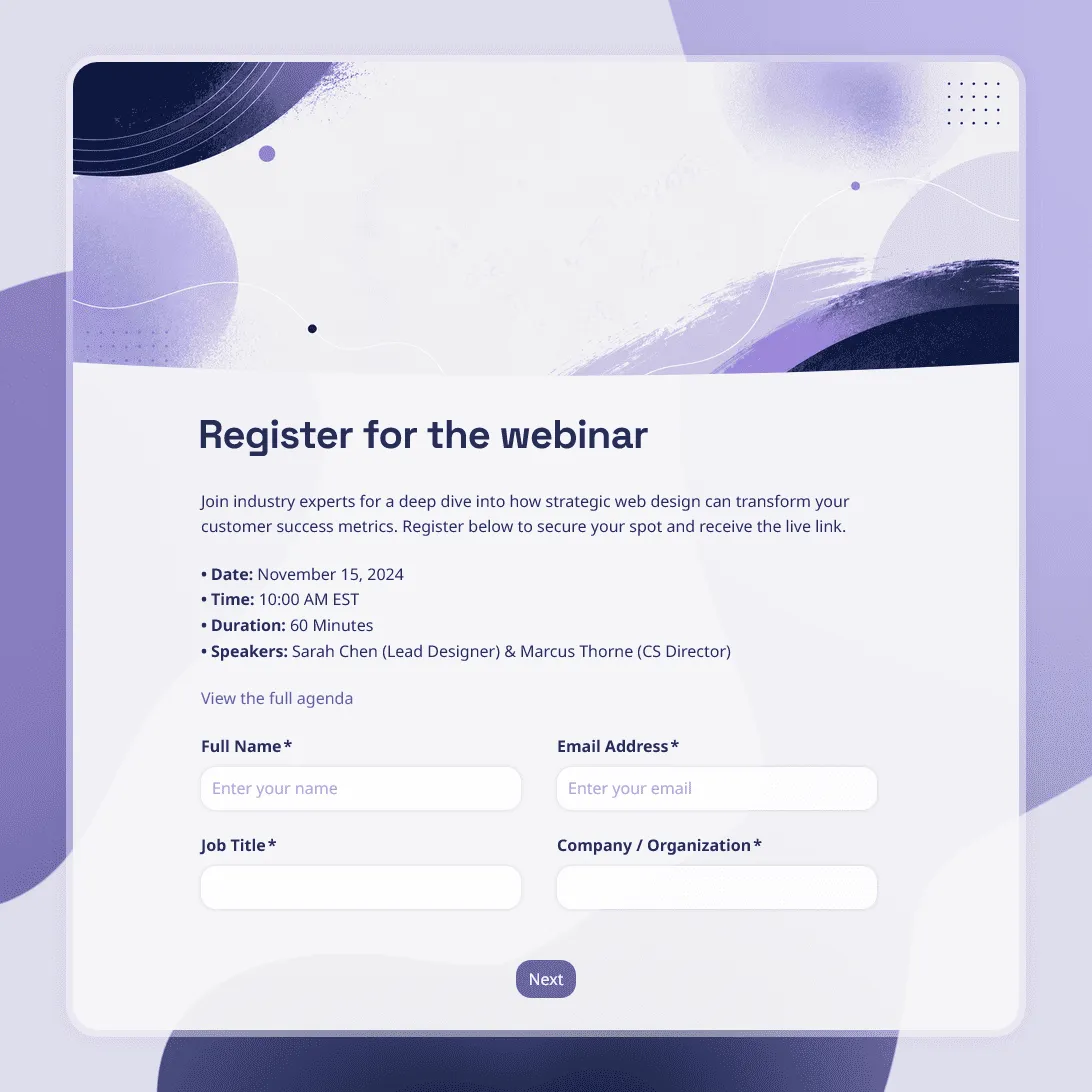
Webinar Registration Form Template
Free webinar registration form template for attendee details, session choices, and speaker questions.
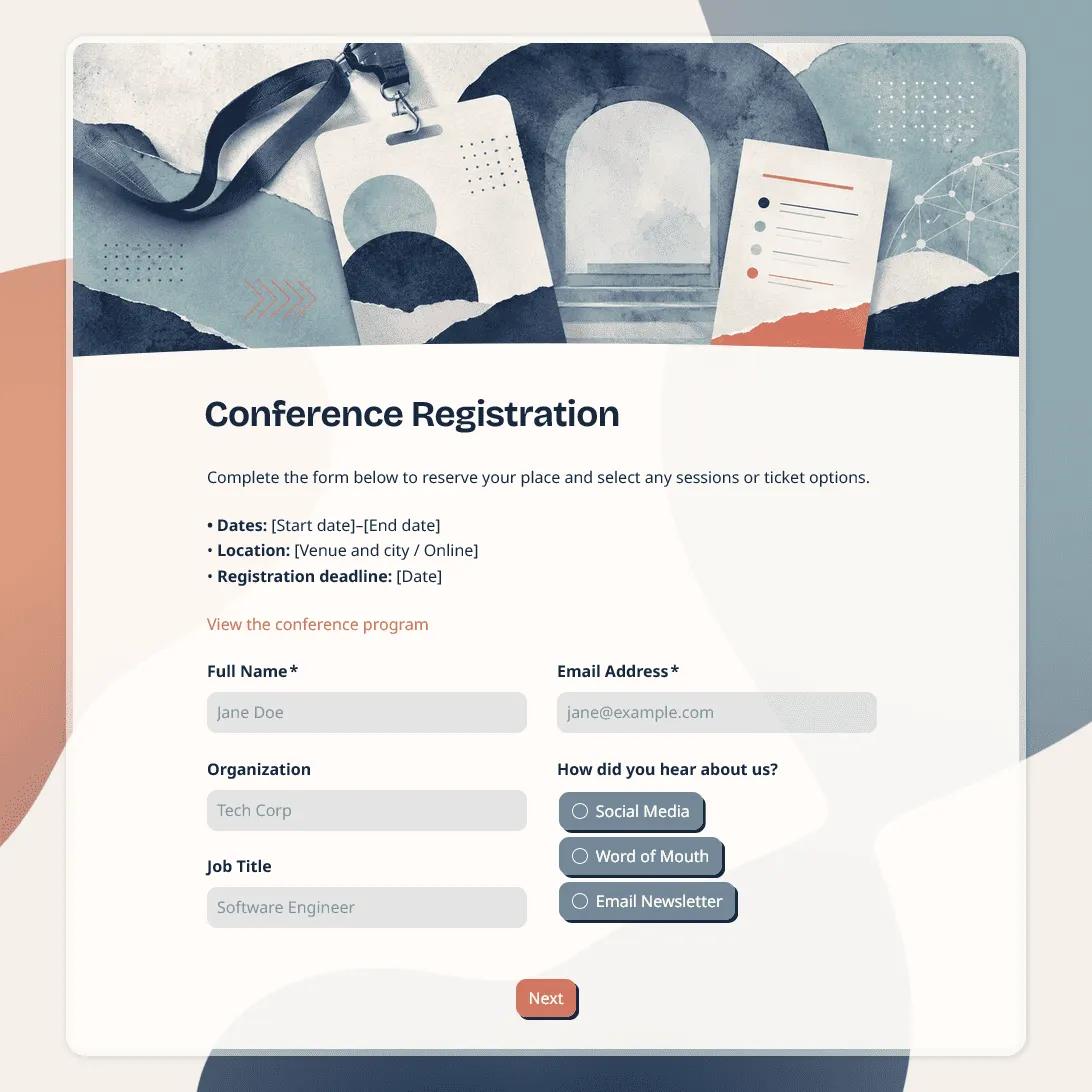
Conference Registration Form Template
Use this free conference registration form template to collect attendee details, session choices, accessibility requests, and more.
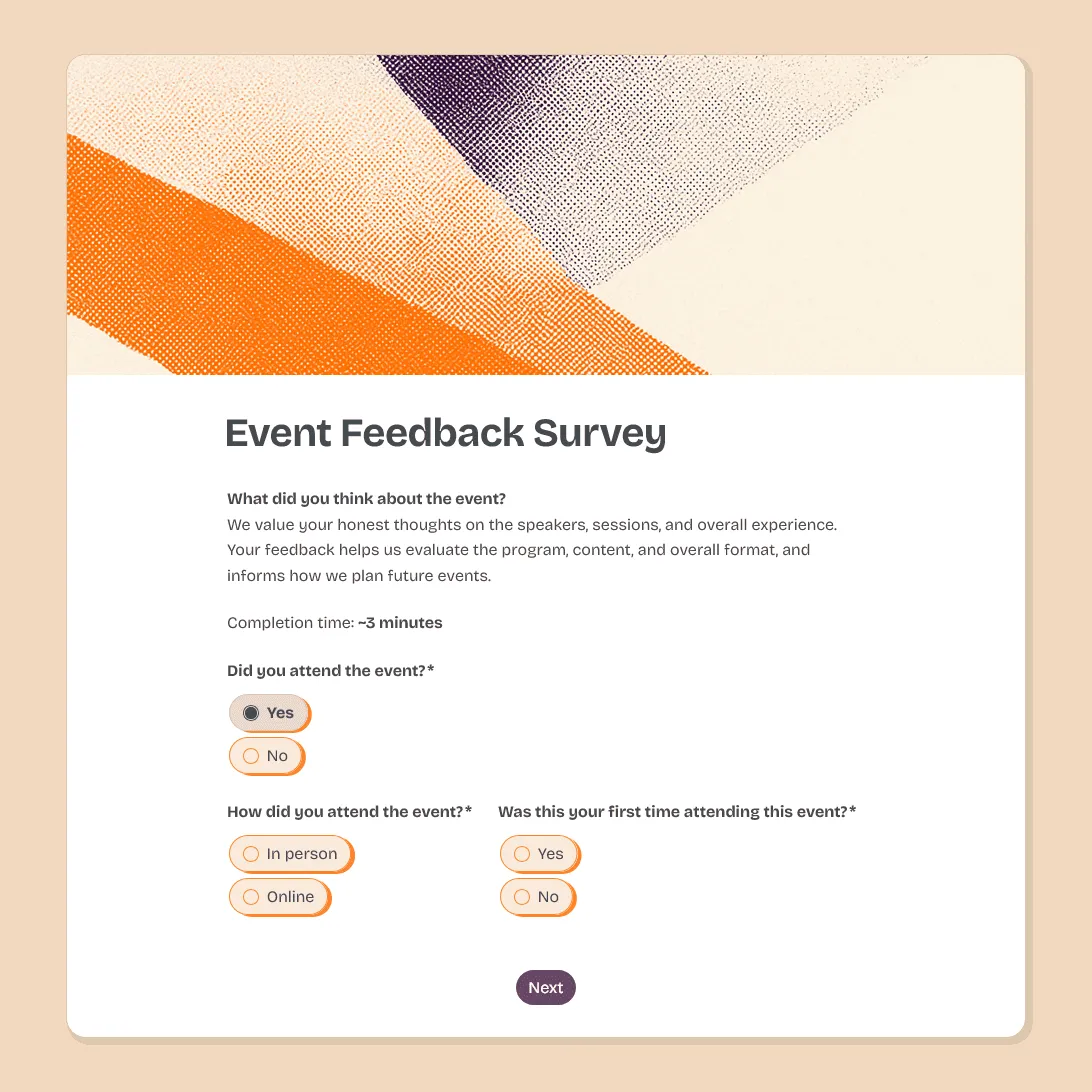
Event Feedback Survey Template
Free event feedback survey template for post-event feedback on satisfaction, sessions, speakers, logistics, venue, and future event ideas.