14 Best Customer Satisfaction Survey Tools in 2026 (Free & Paid)
Customer satisfaction surveys look simple from the outside. Ask for a rating, add a follow-up question, send it after a support ticket or purchase.
In practice, the tool you choose changes the kind of feedback you get. It affects who sees the survey, when they see it, how likely they are to answer, and whether anyone on your team actually follows up.
That is why the “best” customer satisfaction survey tool depends heavily on the workflow. A small support team sending CSAT after resolved tickets does not need the same setup as an enterprise CX team tracking feedback across regions, products, and channels. A SaaS company running in-app surveys has different needs than a service business collecting NPS after appointments.
In this guide, we compare 15 customer satisfaction survey tools based on pricing, strengths, limitations, and the kind of team each one makes sense for.
Best customer satisfaction survey tools compared
Here is a quick overview of the customer satisfaction survey software covered in this guide.
| Tool | Best for | Free plan | Starting price |
|---|---|---|---|
| FormGrid | Design-first CSAT and NPS surveys | Available | $29/month |
| SurveyMonkey | Analysis and industry benchmarking | Available | $25/month |
| Typeform | Conversational surveys with high completion rates | Available | $29/month |
| Qualtrics XM | Enterprise CX research and experience management | Not available | Custom |
| Survicate | Multi-channel CX surveys for SaaS teams | Available | $99/month |
| AskNicely | Frontline NPS and service recovery workflows | Not available | Custom |
| Nicereply | Post-support CSAT for helpdesk teams | Not available | $39/month |
| HubSpot Service Hub | CSAT inside the HubSpot CRM | Available | $15/seat/month |
| Hotjar | On-site behavioral feedback and in-page surveys | Available | $39/month |
| Medallia | Omnichannel enterprise satisfaction programs | Not available | Custom |
| Chattermill | AI analysis of large feedback volumes | Not available | Custom |
| SurveySparrow | Conversational NPS and recurring feedback loops | Available | $19/month |
| Jotform | CSAT surveys alongside broader form workflows | Available | $34/month |
| Qualaroo | In-context microsurveys on websites and products | Not available | $19.99/month |
What is a customer satisfaction survey tool?
A customer satisfaction survey tool helps you ask customers how an experience went and turn those answers into something your team can act on.
That experience could be a support conversation, a purchase, an onboarding flow, a product interaction, a visit, or a longer customer relationship. Most tools can collect common metrics like CSAT, NPS, and CES. The bigger differences are around delivery, timing, follow-up, reporting, and integrations.
A basic form builder can collect a rating. A dedicated customer satisfaction tool usually goes further: it can send surveys automatically after specific events, track scores over time, alert the right person when a low score comes in, and connect feedback to customer records in your CRM or helpdesk.
Customer satisfaction survey software vs customer feedback survey software
Customer satisfaction survey software is more specific than general customer feedback software.
A broad feedback tool might cover feature requests, research surveys, website feedback, product ideas, and customer interviews. A satisfaction tool is usually built around CSAT, NPS, or CES. It helps you send those surveys at the right moment, track scores over time, and follow up when someone reports a bad experience.
What features matter most in customer satisfaction survey software?
The most important features depend on your workflow, but for most teams the essentials are:
- support for CSAT, NPS, and CES
- delivery channels such as email, in-app, website widget, SMS, or link
- conditional logic and follow-up questions
- score tracking and trend reporting
- integrations with CRM, support, and analytics tools
- a workable way to review or analyze open-ended feedback
How we evaluated these tools
We looked at each tool from the point of view of a team that needs to collect satisfaction feedback regularly, not just publish a one-off survey.
The main criteria were:
- how quickly you can create and send a CSAT, NPS, or CES survey
- which channels are supported, including email, website, in-app, SMS, and direct links
- whether the tool helps you act on low scores, not just collect them
- how well it handles open-ended feedback
- how pricing changes as responses, seats, or survey volume increase
- whether it’s best suited for support teams, SaaS teams, research teams, or enterprise CX programs
We also checked vendor pricing pages, product documentation, and publicly available feature details.
15 best customer satisfaction survey tools
1. FormGrid
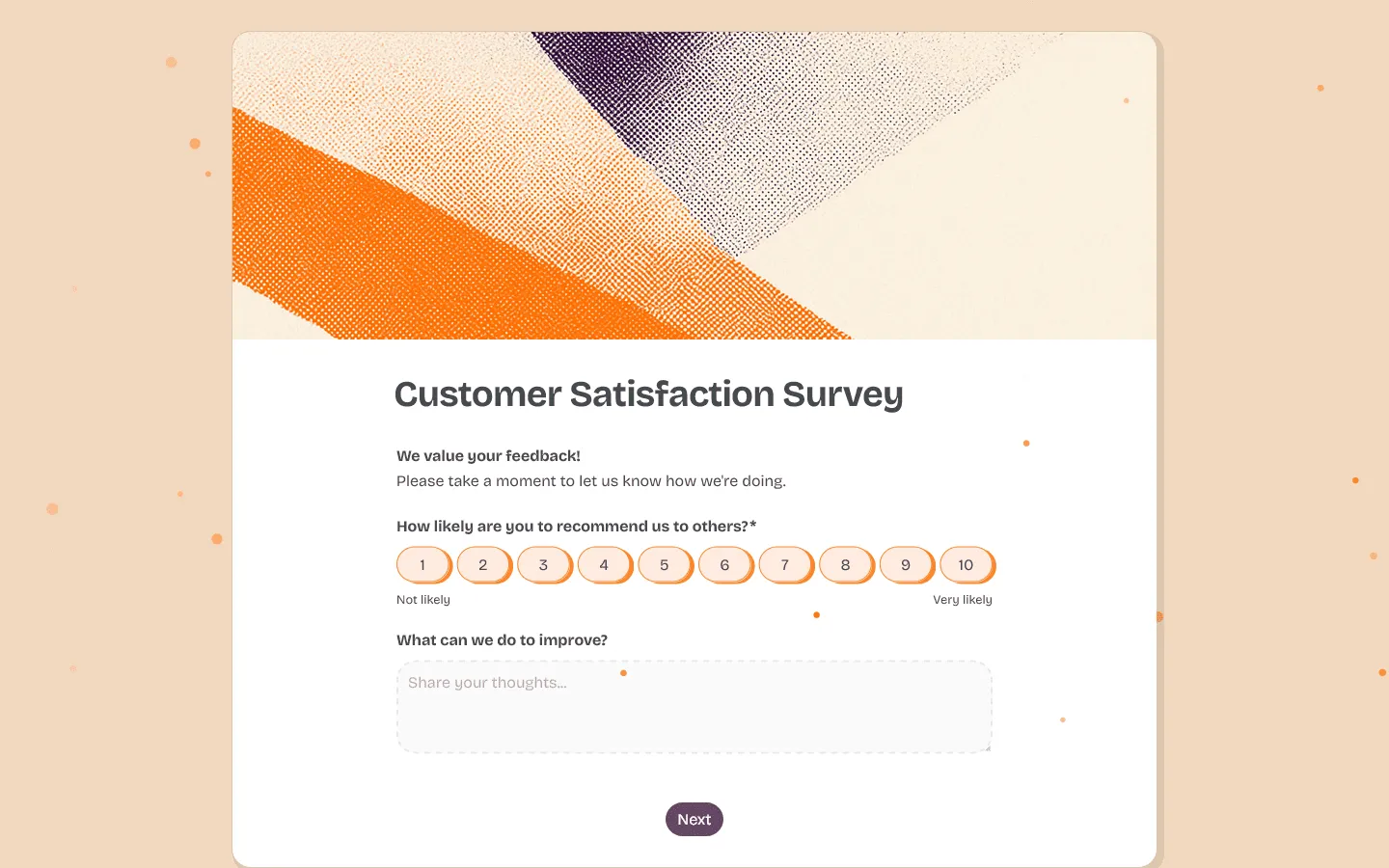
FormGrid is a free customer satisfaction survey tool that works best when the survey itself needs to look good. Most CSAT and NPS surveys look functional, but forgettable. That is fine for some internal workflows. It’s less suited when the survey is customer-facing and appears right after a purchase, support interaction, onboarding flow, or event. FormGrid gives you full control over layout, styling, and presentation, so you can create satisfaction surveys that match your brand and feel more intentional.
You can generate a fully custom survey from a simple prompt, including CSAT, NPS, post-purchase, and open-ended feedback surveys. Conditional logic lets you show different follow-up questions based on the score. For example, a low CSAT rating can trigger a “What went wrong?” question, while a high score can ask what worked well.
You can also start with our customer satisfaction survey template, then adjust the questions, design, and score-based follow-ups for your own customer journey.
FormGrid is not an enterprise CX platform. It does not include benchmarking, advanced text analytics, or large-scale reporting dashboards. It’s a better fit for teams that care about the survey experience itself and want more flexibility than standard survey tools usually offer.
Pros
- Complete design freedom for surveys that match your brand
- AI form generation for fast creation from a prompt
- Unlimited forms and responses on the free plan
- Conditional logic for adaptive follow-up questions
Cons
- Does not include built-in benchmarking or advanced text analysis
- Not designed for enterprise deployments
FormGrid pricing
- Free: Unlimited forms and responses, all core features
- Plus ($29/month): Team collaboration, remove FormGrid branding, version history
- Business ($79/month): User roles and permissions, advanced link and access settings
Why choose FormGrid?
Choose FormGrid if you want customer satisfaction surveys that feel more like part of your brand experience. It is especially useful when design, layout, and response experience matter as much as the score itself.
2. SurveyMonkey
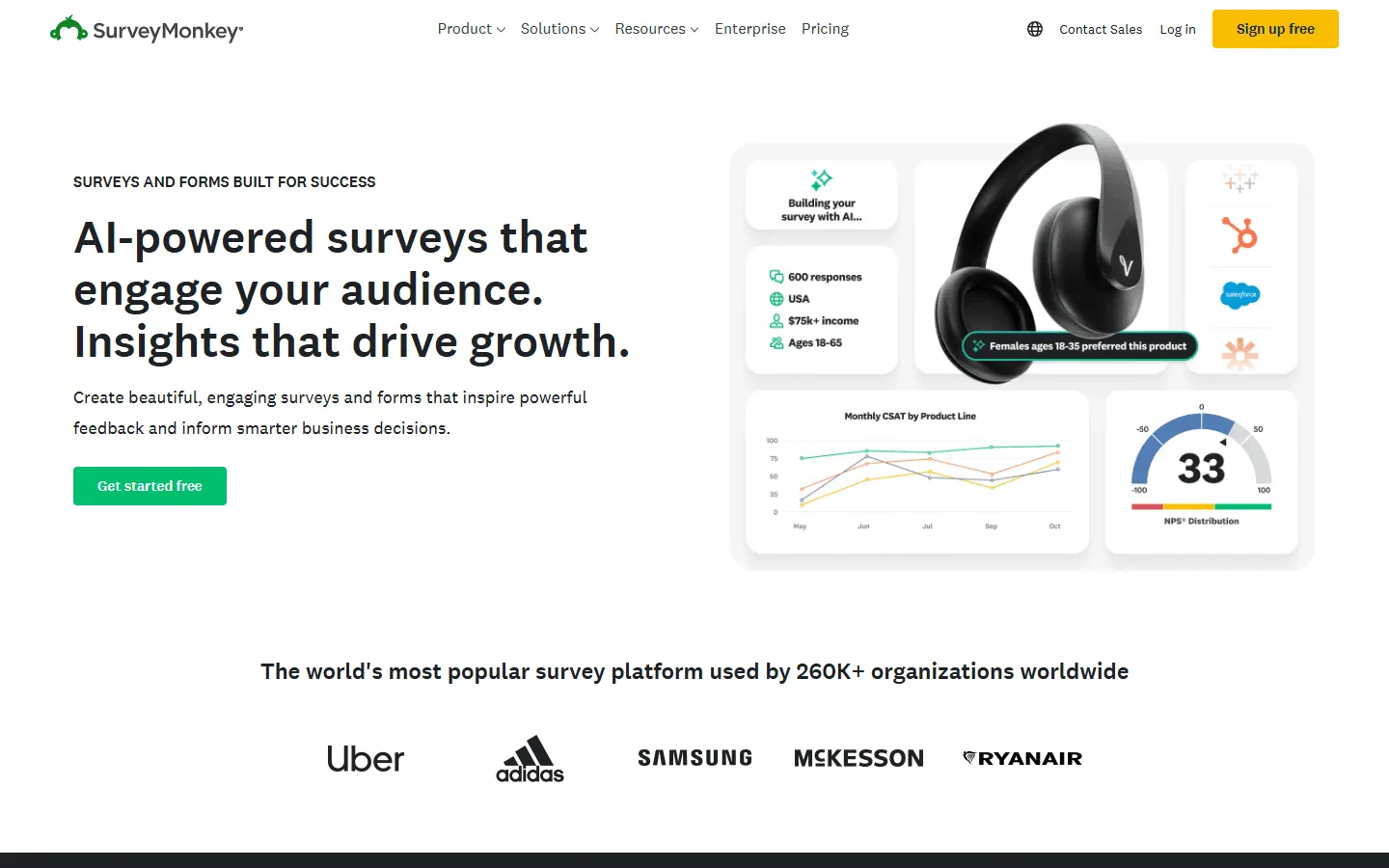
SurveyMonkey has been in the survey space long enough that most people in a CX role have used it at some point. The interface has not changed dramatically over the years, but the analysis features are still among the strongest available at this price range.
What separates SurveyMonkey from simpler CSAT survey tools is the depth of its reporting. You can cross-tabulate results, filter responses by custom attributes, and compare your NPS or CSAT scores against verified industry benchmark data. For teams that need to present satisfaction results to leadership or track performance against competitors, that benchmarking capability is genuinely useful.
The free plan is tightly restricted at 10 questions and 25 responses per survey. If the cost or response limits become an issue, our comparison of SurveyMonkey alternatives covers several platforms with more flexible pricing models.
Pros
- Deep cross-tab reporting and data analysis
- Industry benchmark comparisons for CSAT and NPS scores
- Large library of expert-certified survey templates
- Wide integration support (Salesforce, Zendesk, HubSpot, Slack)
Cons
- Interface feels dated compared to newer tools
- Free plan is very restrictive
- Costs can escalate as team size and response volume grow
SurveyMonkey pricing
- Free: 10 questions/survey, 25 responses/survey
- Standard Monthly ($39/month): 1,000 responses/month
- Advantage Annual ($432/year): 15,000 responses/year, A/B testing, recurring surveys
- Premier Annual ($1,188/year): 40,000 responses/year, advanced logic
- Enterprise: Custom limits, SSO, HIPAA compliance
Why choose SurveyMonkey?
SurveyMonkey is the safest choice when reporting matters more than design. In particular, if you need to slice results by segment, compare scores over time, or present satisfaction data to leadership.
3. Typeform

Typeform shows one question at a time, which gives surveys a more conversational feel than a standard form. That format can help with completion rates, especially when the survey is customer-facing and you want the experience to feel polished.
The trade-off is cost. Typeform gets expensive as response volume grows, and the reporting is lighter than what you get from tools built more for analysis than presentation. Our overview of Typeform alternatives covers platforms with more scalable tiers.
Pros
- High-quality respondent experience that can help with completion rates
- Clean, minimal design
- Strong conditional logic and branching
- Good integrations with CRMs and marketing automation tools
Cons
- Response limits make it expensive at volume
- Analytics are relatively lightweight for complex data analysis
Typeform pricing
- Free: 10 responses/month
- Basic ($29/month): 100 responses/month
- Plus ($59/month): 1,000 responses/month, branding options
- Business ($99/month): 10,000 responses/month, team features
- Enterprise: Custom limits, SSO, HIPAA compliance
Why choose Typeform?
Typeform makes sense when the respondent experience is the priority. It’s less appealing if you expect high response volume, because the limits become expensive quickly.
4. Qualtrics XM
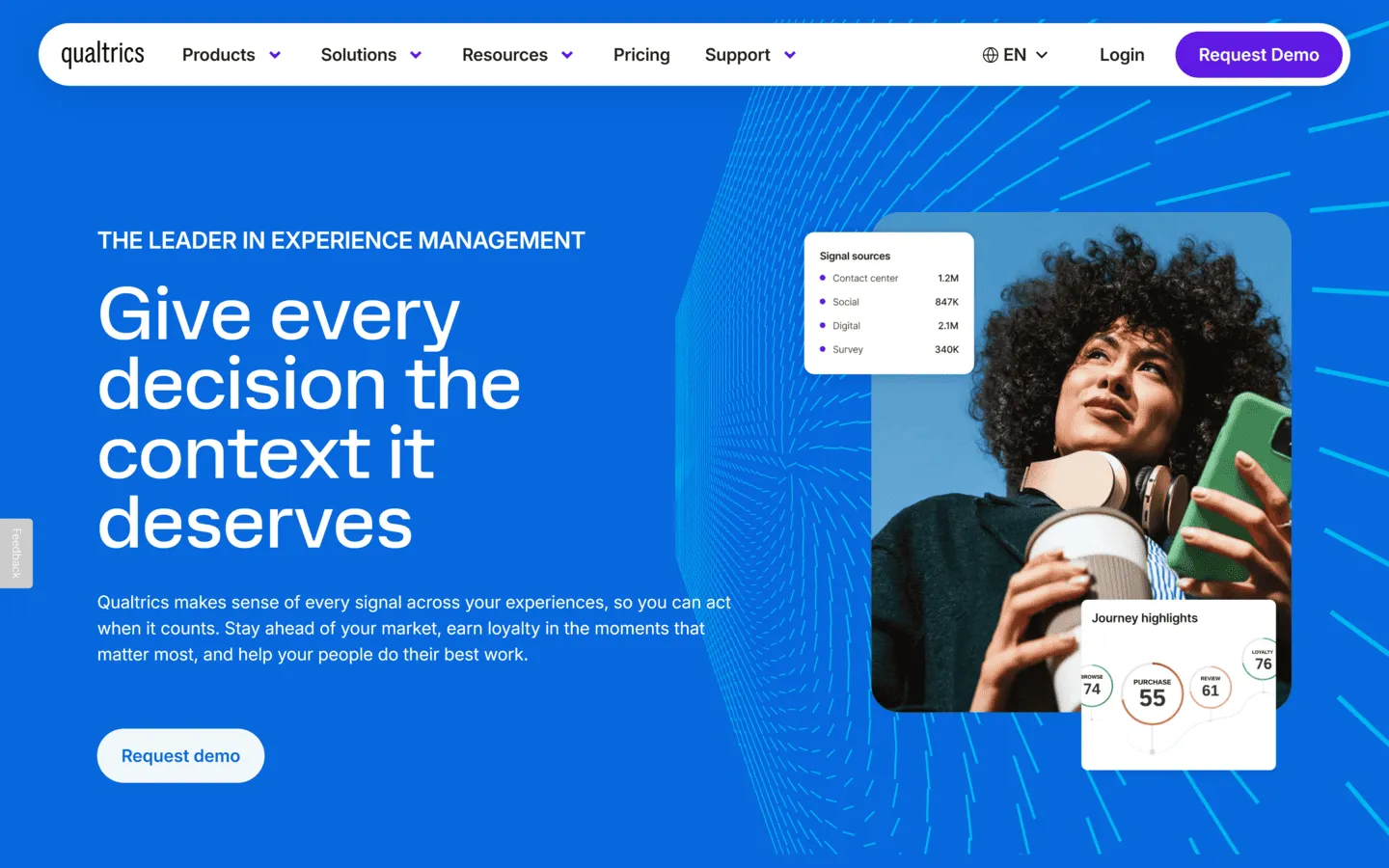
Qualtrics XM is built for teams that need more than a survey tool. It covers CSAT, NPS, CES, advanced logic, dashboards, text analysis, and connections to other business systems in a way that smaller tools usually do not.
It’s powerful, but it’s also expensive and heavier to implement. It also has a learning curve that typically requires dedicated admin resources. If you are not already sure you need Qualtrics, you probably do not.
Pros
- Research-grade analytics with statistical significance testing
- AI-powered text analysis across open-ended responses
- Multi-channel distribution (web, email, SMS, mobile, kiosk)
- Extensive enterprise security and compliance (HIPAA, GDPR, FedRAMP)
Cons
- Typically starts in the thousands of dollars annually
- Steep learning curve and significant implementation time
- Overkill for teams without a dedicated CX or research function
Qualtrics pricing
- Custom enterprise pricing (contact sales; no standard published tiers)
Why choose Qualtrics?
Qualtrics is for teams that already have a mature research or CX operation. If you mainly need to send CSAT surveys and review the results, it’s more platform than you need.
5. Survicate
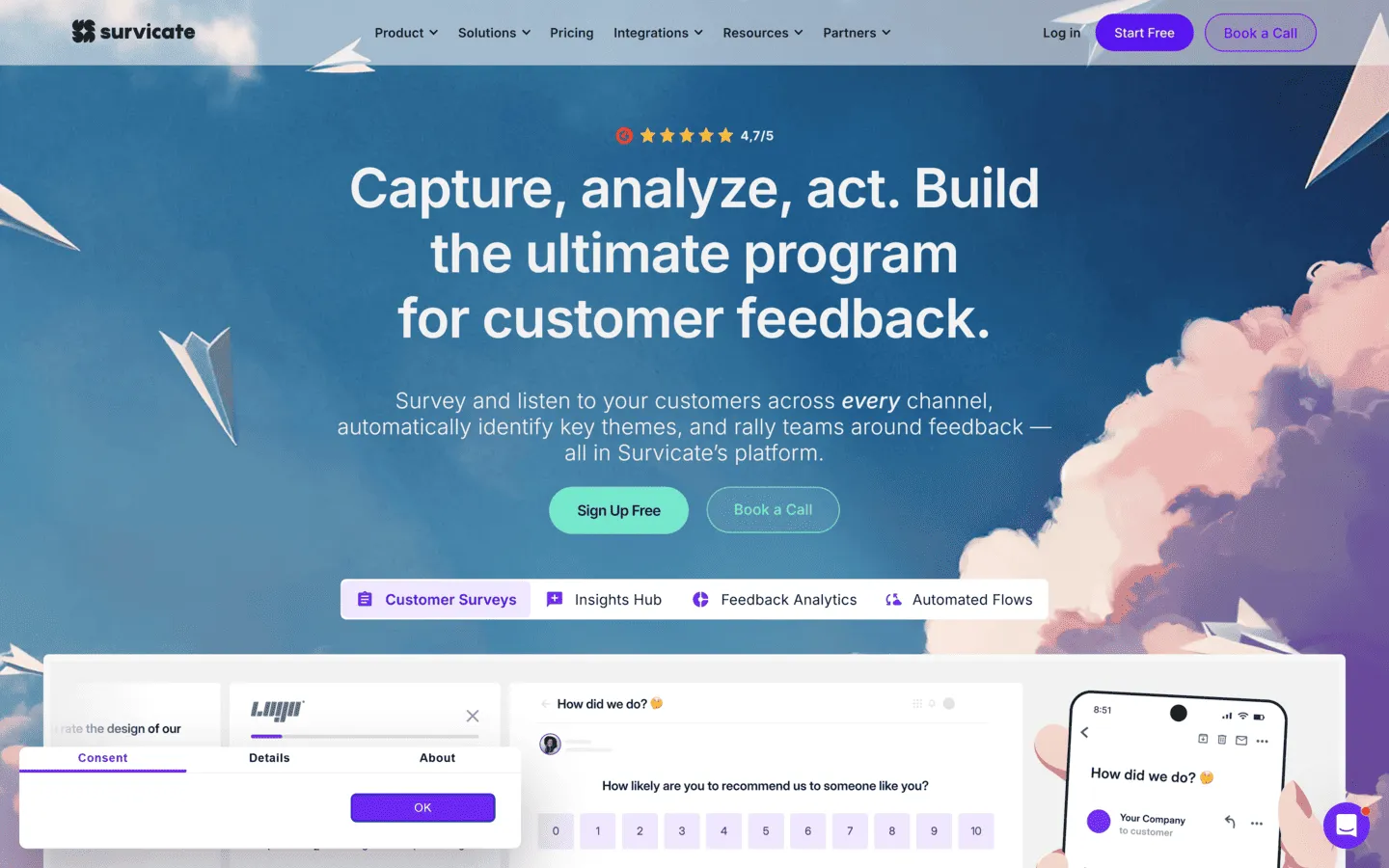
Survicate is a good fit for SaaS teams that want to collect feedback across several customer touchpoints.
You can send CSAT, NPS, and CES surveys by email, in-app prompt, website widget, mobile app, or direct link. The targeting is the useful part: surveys can appear based on user segment, product behavior, plan, or time since onboarding.
Survicate is stronger at collection and targeting than deep analysis. If you collect a lot of open-ended feedback, you may still need another tool for text analysis.
Pros
- Strong multi-channel delivery (email, in-app, link, web widget)
- Precise targeting based on user behavior and product attributes
- Pre-built NPS, CSAT, and CES templates with built-in scoring
- Native integrations with Salesforce, HubSpot, and Intercom
Cons
- Pricing jumps considerably as monthly response volume grows
- Text analysis relies on manual tagging rather than automation
- Limited design customization compared to general form builders
Survicate pricing
- Free: 25 responses/month
- Good (~$99/month): 500 responses/month, multiple channels, integrations
- Better (~$249/month): Higher response limits, additional integrations
Why choose Survicate?
Choose Survicate if you want to trigger customer satisfaction surveys at specific moments in the product journey across multiple channels, particularly if you are in a SaaS context where behavioral targeting makes a real difference to response quality.
6. AskNicely
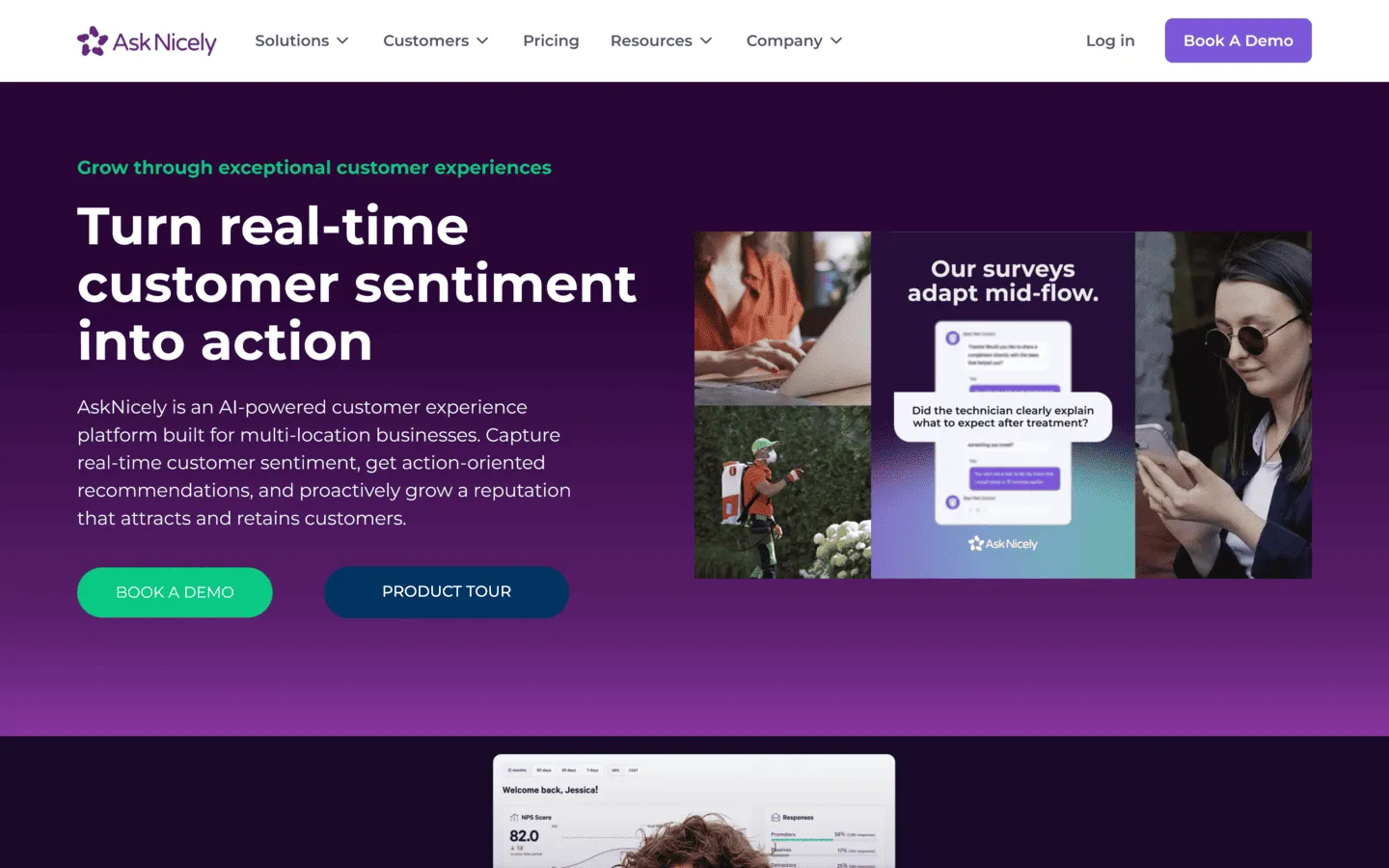
AskNicely is built for service teams that use NPS as an operational metric, not just a quarterly report.
When a low score comes in, AskNicely can notify the right manager, assign a follow-up, update the CRM, or trigger a recovery workflow. That makes it useful for hospitality, healthcare, field services, and other teams where one bad interaction can quickly turn into churn or a bad review.
It’s mainly focused on NPS, so it’s less flexible if you need broader survey types or research-style feedback.
Pros
- Strong workflow automation for acting on NPS responses in real time
- Real-time leaderboards for frontline staff performance tracking
- Good mobile app for service teams
- Deep integrations with Salesforce and HubSpot
Cons
- Primarily centered on NPS; limited for broader feedback collection
- No publicly listed pricing
- Routing and escalation rules require meaningful configuration time
AskNicely pricing
- Custom pricing based on organization size and selected modules
Why choose AskNicely?
AskNicely fits service-based businesses in hospitality, healthcare, and field services where customer ratings are tied directly to individual team performance and the ability to follow up quickly determines whether a negative experience turns into churn.
7. Nicereply
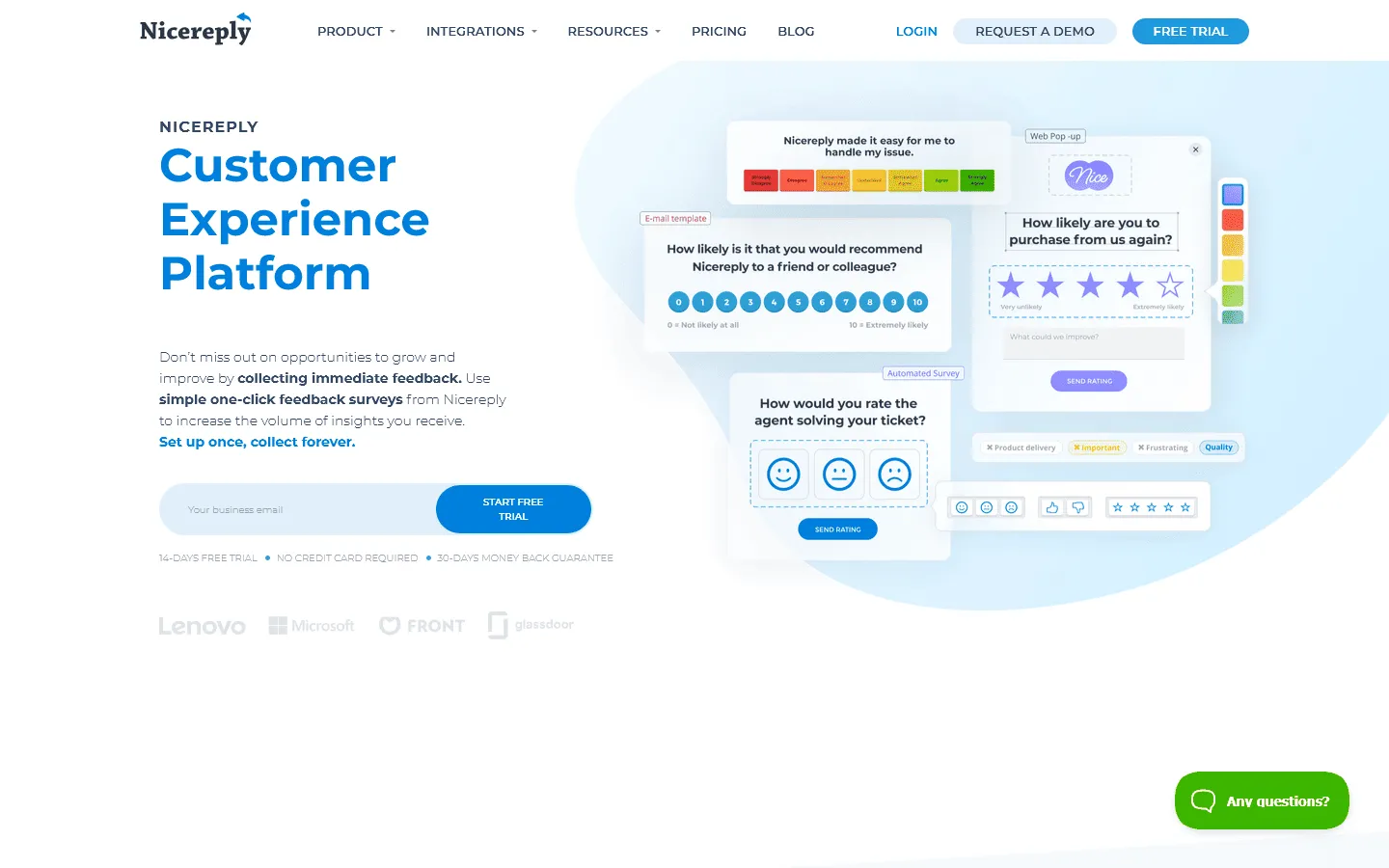
Nicereply is purpose-built for support and customer success teams. It integrates directly with helpdesk platforms like Zendesk, Freshdesk, Front, and Help Scout, and triggers CSAT, NPS, or CES surveys automatically when an agent closes a ticket.
The in-signature survey format is particularly effective for support use cases. A single click to rate an interaction captures feedback without requiring the customer to open a separate form, which typically produces higher response rates than a follow-up email asking them to visit a link. Agent-level leaderboards give support managers a clear view of which team members are consistently rated well and which may need coaching.
Outside of support workflows, Nicereply has limited applicability. It’s not a general-purpose survey tool and does not extend easily to feedback collection beyond the helpdesk channel.
Pros
- Designed specifically for support team workflows
- In-signature and post-resolution surveys with high response rates
- Agent-level performance tracking and leaderboards
- Quick and straightforward setup
Cons
- Less suitable for non-support use cases
- NPS survey pages show Nicereply branding on lower plans
Nicereply pricing
- 14-day free trial. Paid plans start at $39/month
Why choose Nicereply?
Nicereply is the natural choice for support teams that want CSAT data embedded directly in their helpdesk workflow without setting up a separate survey program. If your primary satisfaction measurement need is post-ticket feedback, it’s difficult to beat at this price point.
8. HubSpot Service Hub
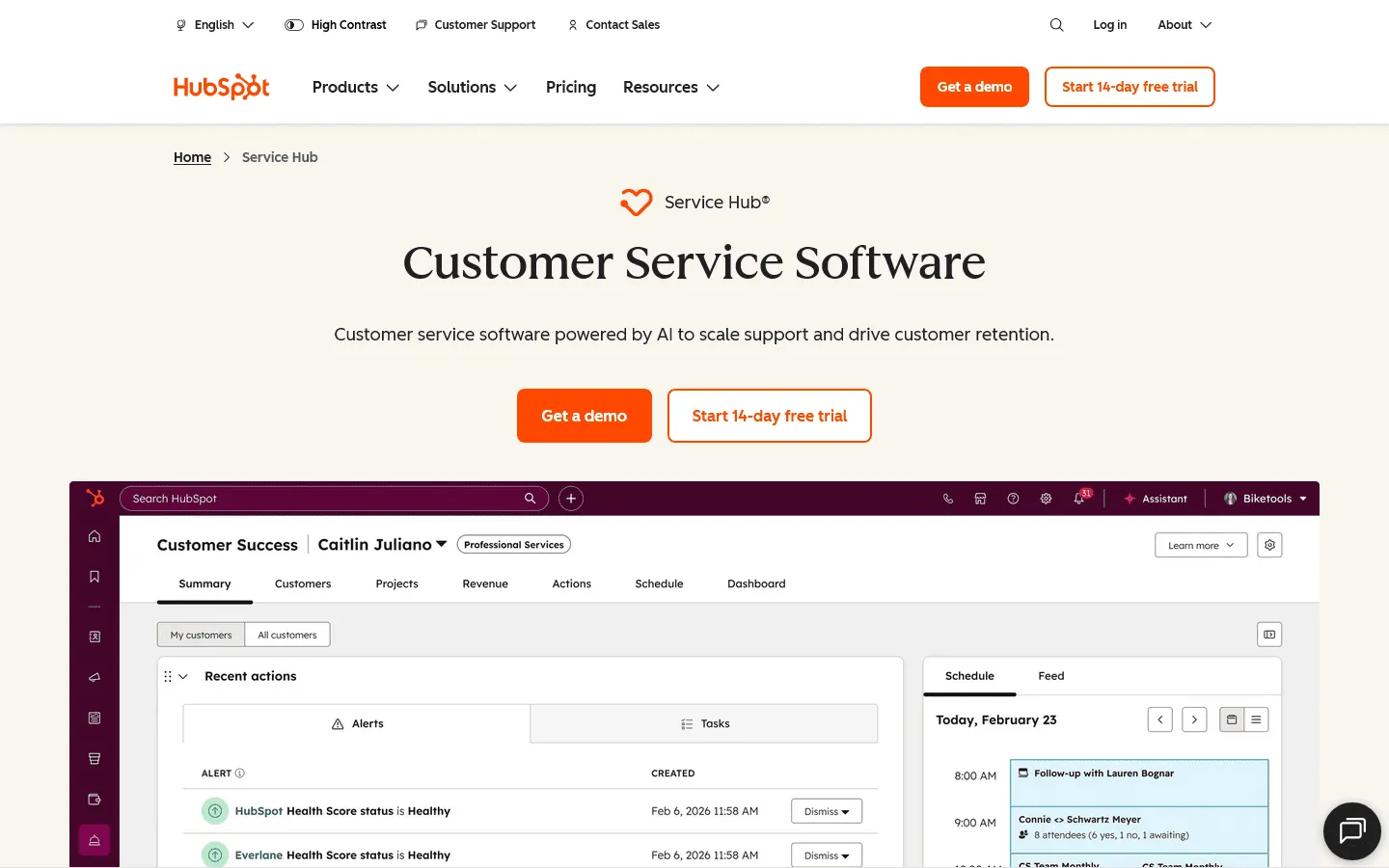
HubSpot Service Hub is the easiest option if your team already uses HubSpot.
CSAT, NPS, and CES responses connect directly to contact records, so support and sales teams can see feedback in the same place as customer history. You can also trigger workflows when someone leaves a low score, such as notifying the account owner or creating a follow-up task.
The main limitation is reporting depth. Service Hub is great if your team already lives in HubSpot, but it’s not the tool I would pick for a standalone CX research program.
Pros
- CSAT and satisfaction data sits alongside CRM contact records
- Quick to set up for HubSpot users with no additional tooling
- Automated follow-up workflows based on score thresholds
- Competitive pricing for smaller teams
Cons
- Limited analytical depth for enterprise-scale programs
- Satisfaction insights are less useful outside the HubSpot ecosystem
HubSpot Service Hub pricing
- Starter ($15/seat/month)
- Professional ($90/seat/month)
- Enterprise ($150/seat/month)
Why choose HubSpot Service Hub?
Service Hub is the path of least resistance for teams already on HubSpot. If you want NPS and CSAT data inside your CRM without adding another platform, it covers that need well for most mid-market use cases.
9. Hotjar
Hotjar, now part of Contentsquare, is useful when you want to understand what visitors are doing before they give feedback.
It combines heatmaps, session recordings, and short on-page surveys. You can ask visitors for feedback on a specific page, after a certain amount of time, or when they are about to leave.
Hotjar is not built for scheduled CSAT or NPS programs. It works better as a website feedback and behavior tool that helps explain where users are getting stuck.
Pros
- Connects satisfaction feedback to actual on-site user behavior
- Contextual in-page surveys that capture reactions in the moment
- Quick to install and configure
- Useful for identifying UX friction that customers would not otherwise report
Cons
- Not suitable for email-first or scheduled satisfaction campaigns
- Feedback is limited to website and app visitors
- Survey design options are fairly basic
Hotjar pricing
- Free: 35 daily sessions, basic survey tools
- Plus ($39/month): 100 daily sessions, more recordings
- Business ($99/month): Unlimited heatmaps, advanced filters, integrations
Why choose Hotjar?
Choose Hotjar if you run a website or web product and want to understand where visitors encounter friction. It works best alongside a dedicated satisfaction survey tool, not as a replacement for one.
10. Medallia
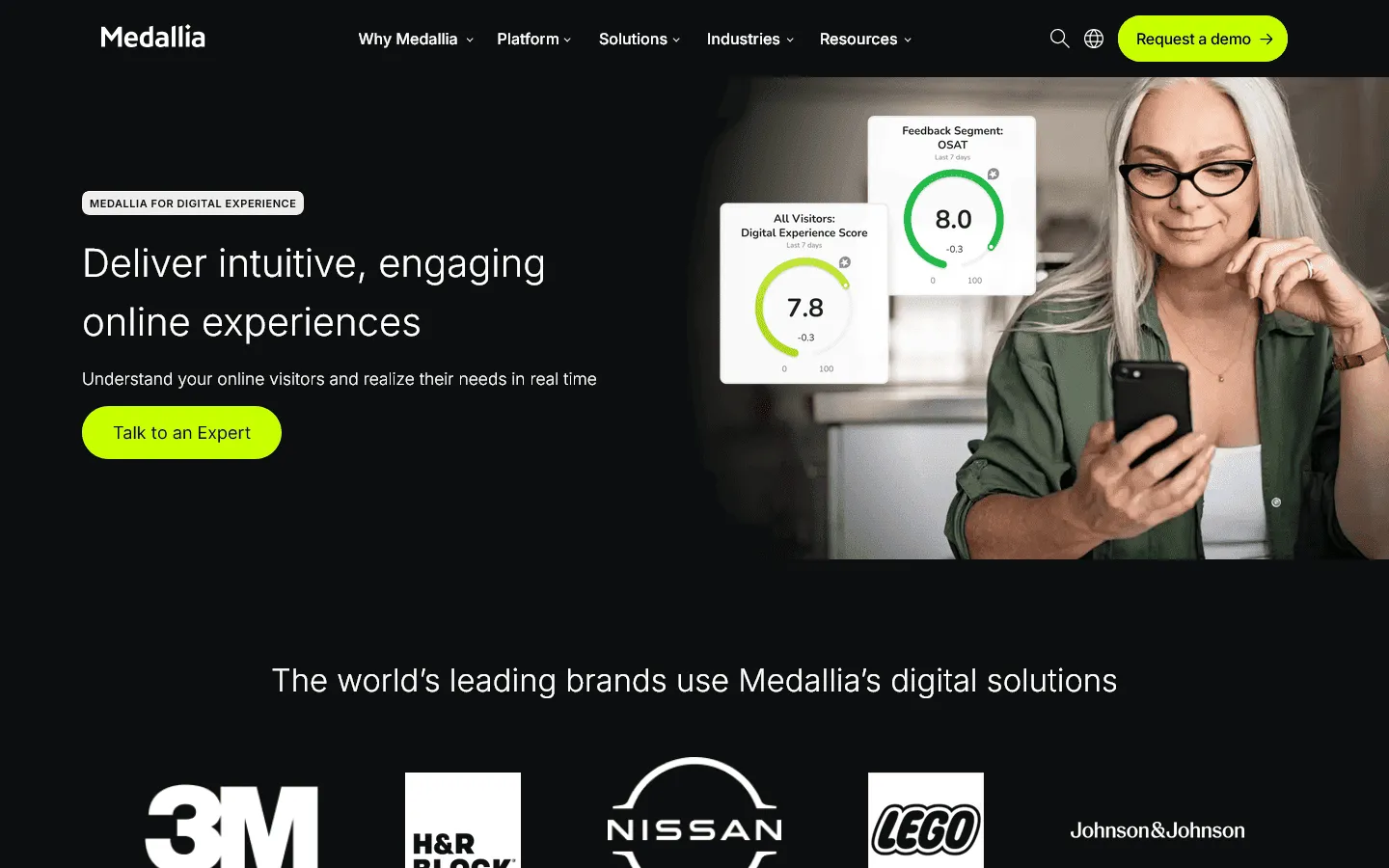
Medallia is built for large companies running customer experience programs across many teams, regions, and channels.
It can collect feedback from email, SMS, web, mobile apps, call centers, social media, and other customer touchpoints. The value is in bringing all of that feedback into one place, then giving different teams dashboards and alerts based on what they need to act on.
Medallia is not a quick self-serve survey tool. It usually requires a serious implementation project and is best suited to companies with dedicated CX teams.
Pros
- Omnichannel signal capture across email, SMS, web, mobile, IVR, and social
- Predictive churn detection based on satisfaction patterns
- Role-based dashboards and real-time alerts
- Mature enterprise platform with a deep client base
Cons
- Heavy implementation requirements and reliance on managed services
- Not appropriate for small or mid-sized businesses
- Custom pricing with no public tiers
Medallia pricing
- Custom enterprise pricing. Contact sales for a quote.
Why choose Medallia?
Medallia fits large global enterprises with dedicated CX operations that need a managed, omnichannel satisfaction program. For most teams, it’s too heavy.
11. Chattermill
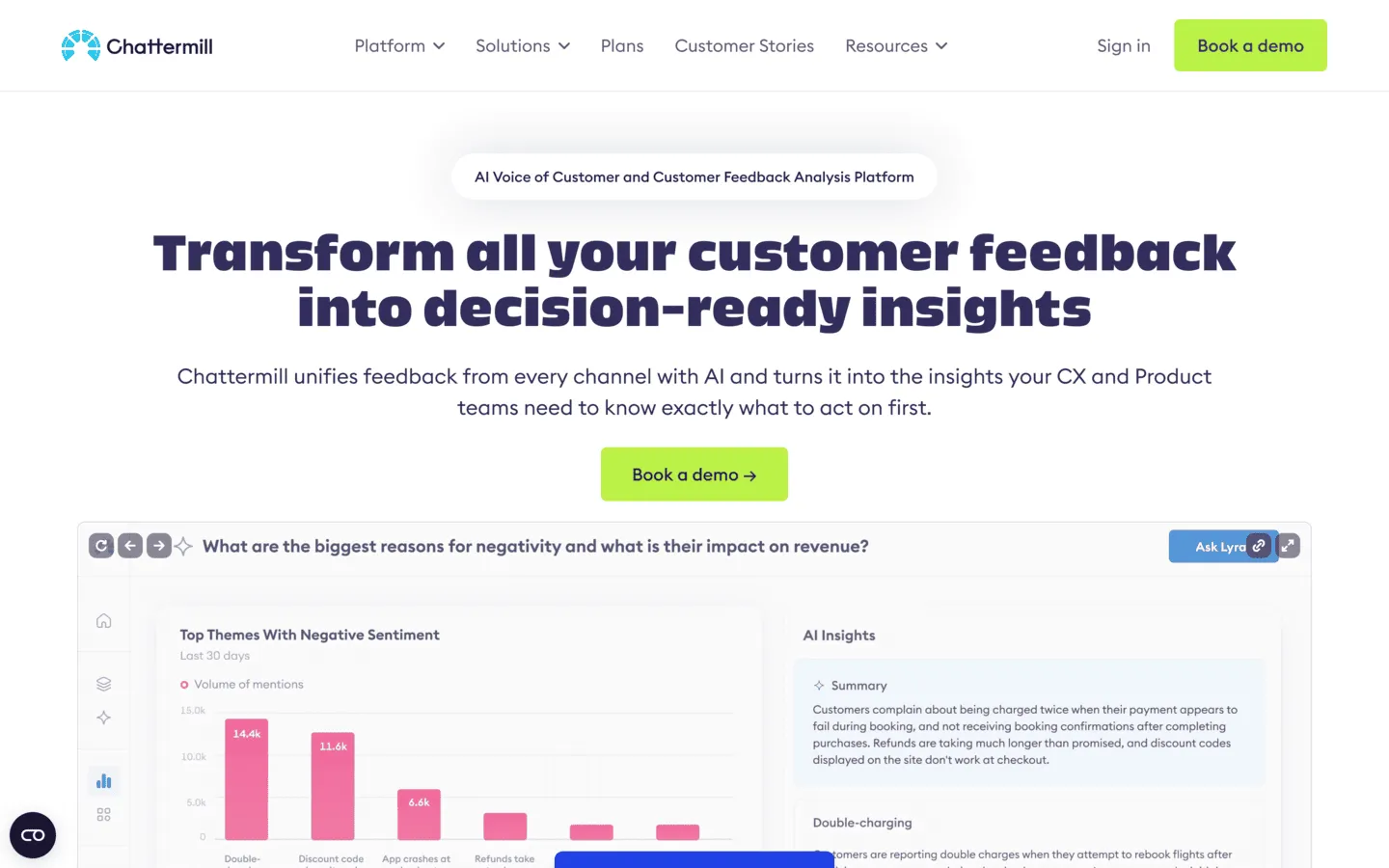
Instead of replacing your survey tools, Chattermill connects to them and uses AI to classify themes, detect sentiment, and quantify the impact of specific issues on overall satisfaction.
If you collect thousands of open-ended responses each month, manual tagging and reading is not practical. Chattermill automates the categorization, detects sentiment, tracks trends, and helps teams see which issues are affecting satisfaction, retention, or churn.
Chattermill is only worth the investment once feedback volume is high enough that manual review starts becoming a real bottleneck. If you are still at a scale where someone can read through the responses, it’s more tool than you currently need.
Pros
- Automated text classification and sentiment analysis at scale
- Unified view of feedback from surveys, reviews, and support channels
- Theme-level impact scoring to prioritize what matters most
Cons
- It’s an analysis layer, not a survey creation or collection tool
- Enterprise pricing makes it inaccessible for smaller teams
- Requires a meaningful volume of existing feedback to generate useful insights
Chattermill pricing
- Custom enterprise pricing. Contact sales for a quote.
Why choose Chattermill?
Chattermill is the right choice for large CX or insights teams that already collect substantial volumes of feedback and need to make sense of it faster than manual analysis allows.
12. SurveySparrow
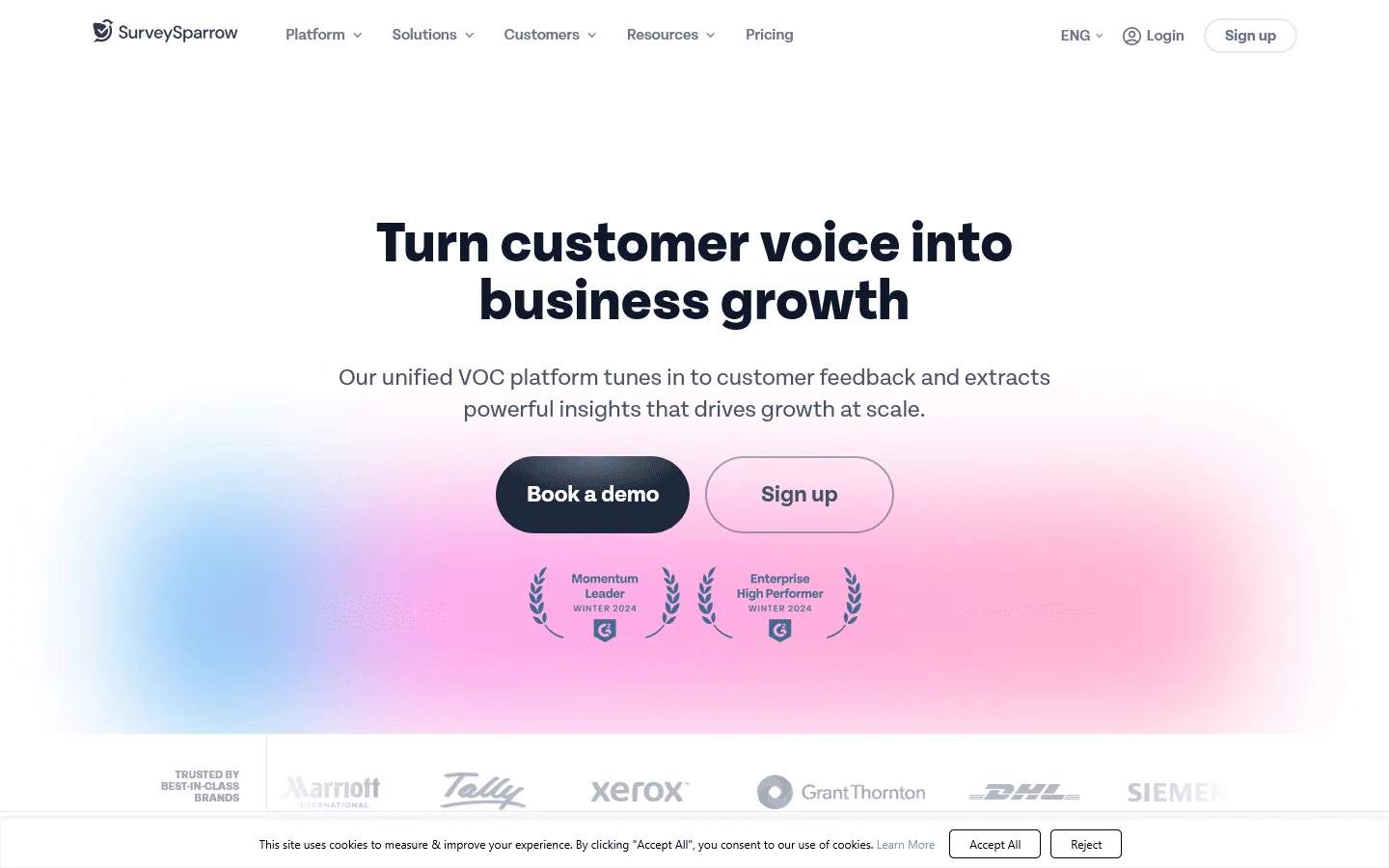
SurveySparrow is a conversational survey tool for teams running recurring NPS, CSAT, or CES programs.
Surveys appear one question at a time, which can feel easier to complete than a traditional form. You can also schedule recurring sends, use templates for common satisfaction metrics, and analyze open-ended answers with its CogniVue feature.
The main drawback is pricing clarity. The public plans cover the basics, but many features that matter for larger satisfaction programs, such as white-labeling, SSO, and advanced integrations, require a custom quote.
If SurveySparrow is on your shortlist but you want to compare it against similar tools, our SurveySparrow alternatives guide covers the closest options.
Pros
- Conversational format typically improves completion rates
- Built-in CSAT, NPS, and CES templates with automated scheduling
- AI-powered response analysis through CogniVue
- Supports both customer and employee engagement surveys and feedback programs
Cons
- Many key features require contacting sales rather than self-serve upgrades
- Less suited to teams needing statistical depth or cross-tab reporting
- Free plan is quite limited at 75 responses per quarter
SurveySparrow pricing
- Free: 75 responses/quarter, 10 questions/survey
- Basic ($19/month): 2,500 responses/year, unlimited questions, logic jumps
- Starter ($39/month): 15,000 responses/year, multi-lingual surveys, e-signatures
- Business ($79/month): 36,000 responses/year, recurring surveys, custom branding
- Enterprise (custom pricing): SSO, custom domains, HIPAA compliance
Why choose SurveySparrow?
SurveySparrow works well for teams that want recurring NPS or CSAT programs with a polished respondent experience and some automated analysis of the open-ended feedback that comes back. If the conversational format is important to you and you want automation built in from the start, it’s worth evaluating alongside Survicate.
13. Jotform

Jotform is a general form builder that can also handle basic customer satisfaction surveys.
It has CSAT and NPS templates, conditional logic, and plenty of integrations. That makes it useful if satisfaction surveys are only one part of a broader form workflow, such as intake forms, registrations, approvals, or internal requests.
It’s weaker for ongoing satisfaction tracking. You do not get dedicated CSAT or NPS dashboards, trend reports, or benchmarking without sending the data somewhere else.
Our Jotform alternatives guide is also worth a look if you want to see how it compares to other feature-heavy builders.
Pros
- Large library of CSAT and NPS templates to start quickly
- Strong conditional logic for adaptive follow-up questions
- Works well when satisfaction surveys are part of a broader operational workflow
- Integrates with Salesforce, HubSpot, Google Sheets, and Zapier
Cons
- No built-in CSAT or NPS dashboards with trend tracking
- Response limits on lower-tier plans
- Not designed specifically for ongoing satisfaction programs
Jotform pricing
- Free: 5 forms, 100 responses/month
- Bronze ($34/month): 25 forms, 1,000 responses/month, no branding
- Silver ($39/month): 50 forms, 2,500 responses/month
- Gold ($99/month): 100 forms, 10,000 responses/month, HIPAA compliance
- Enterprise (custom pricing): Unlimited usage, SSO, SLA
Why choose Jotform?
Choose Jotform if customer satisfaction surveys are just one part of a broader form setup. If satisfaction tracking is a major workflow for your team, a dedicated tool will usually make more sense.
14. Qualaroo
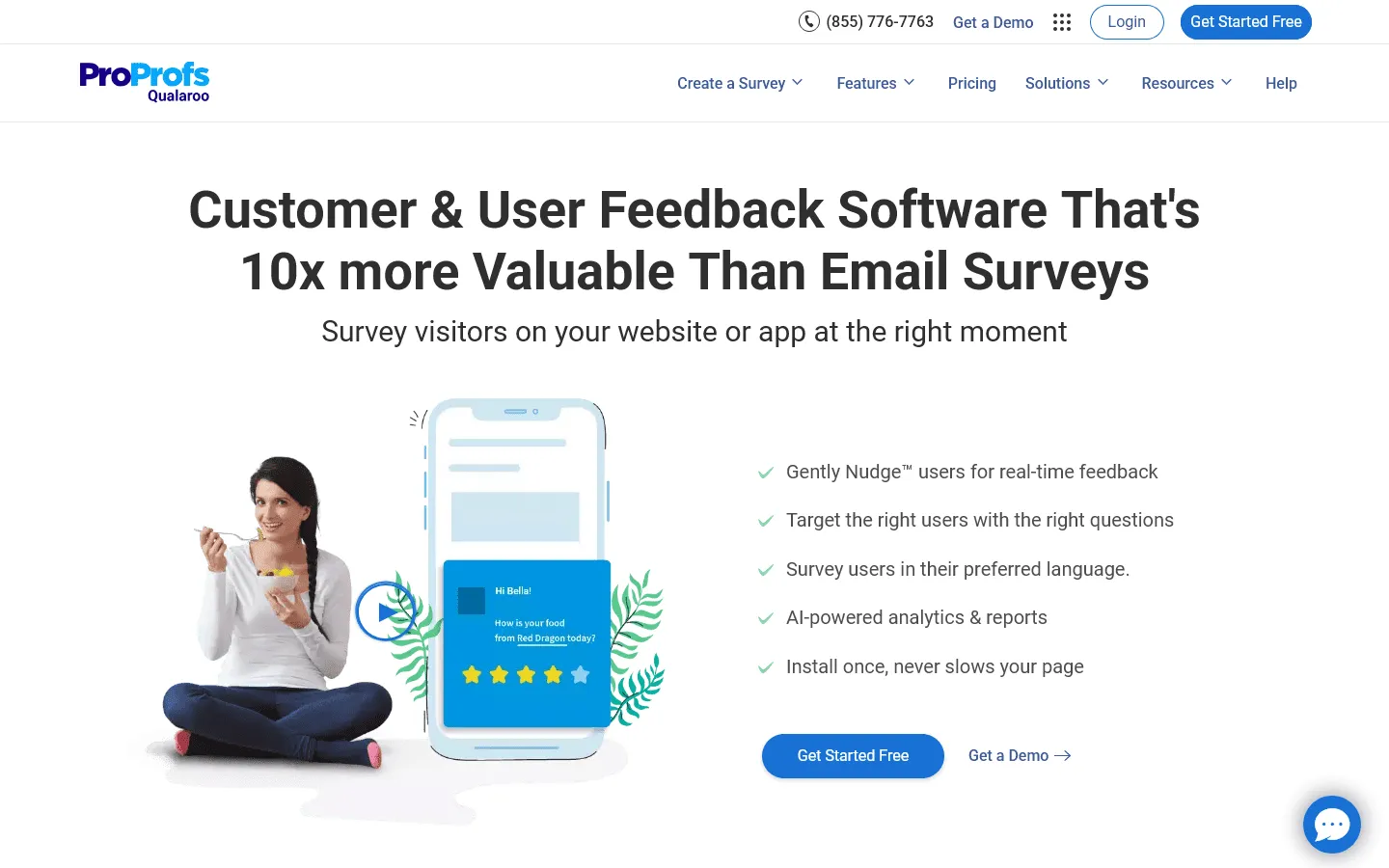
Qualaroo is best for short website and product surveys that appear while someone is using your site or app.
You can show a small survey widget based on behavior, such as time on page, scroll depth, page URL, or custom user attributes. That makes it useful for questions like, “What stopped you from checking out?” or “Did this page answer your question?”
Qualaroo is mostly a collection tool. The reporting is useful for basic review, but teams that need deeper analysis will usually export the data or connect it to another system.
If you want to compare it with similar in-context feedback tools, see our Qualaroo alternatives guide.
Pros
- In-context microsurveys that capture feedback during the actual experience
- Precise behavioral and attribute-based targeting
- Unobtrusive Nudge format that does not interrupt the user flow
- AI Sentiment Analysis to categorize open-ended responses automatically
Cons
- Not suited for email-based or scheduled satisfaction campaigns
- Reporting is lightweight; deeper analysis requires exporting data
- Annual billing only on standard plans
Qualaroo pricing
- Essentials ($19.99/month, billed annually): Unlimited surveys and responses, all core targeting features
- Premium ($49.99/month, billed annually): AI Sentiment Analysis, advanced integrations
- Business (custom pricing): White-labeling, dedicated support, custom contracts
Why choose Qualaroo?
Qualaroo is the right tool when you need feedback captured in context rather than retrospectively. If you run a website or SaaS product and want to understand where users are encountering friction or leaving dissatisfied without relying on follow-up emails, the behavioral targeting and on-page delivery format make it a better fit than most general survey tools.
How to choose the right customer satisfaction survey tool
These tools solve different problems, so the useful question is not which one is best overall. It’s which one fits the way your team actually collects feedback and uses the results.
A support team sending CSAT after ticket resolution needs something different from a product team running in-app surveys, and both need something different from an enterprise CX team tracking multiple programs across regions and channels.
What are you measuring?
Start with the survey type. If you primarily want to track CSAT after support interactions, a helpdesk-integrated tool like Nicereply is purpose-built for that. If you want to measure NPS across your full customer base on a recurring schedule, Survicate or SurveyMonkey handles that well. If you need a research-grade platform for formal CX programs with complex logic and cross-functional reporting, Qualtrics is built for that kind of work.
Where does your feedback come from?
Some tools are designed primarily for email surveys. Others focus on in-app prompts, website intercepts, or post-chat ratings. Make sure the platform supports the channels where your customers will actually respond, not just the channels you find easiest to manage.
How much volume are you dealing with?
Response-based pricing models are manageable for teams sending a few hundred surveys a month. At a few thousand, those costs can accumulate quickly. Look closely at how pricing scales before committing, particularly if you plan to run ongoing rather than one-off programs.
Do you need integrated analysis?
Some teams want everything in one place: creation, delivery, and analysis. Others already have data infrastructure and just need clean response data they can route to their own systems. Once you know which camp you are in, the shortlist gets much smaller. Tools like Chattermill and Qualtrics include deep analysis; tools like Nicereply focus on clean collection and simple reporting.
What does your existing tech stack look like?
Integration matters more than most teams account for upfront. If you are on Zendesk, Nicereply connects directly. If you are in HubSpot, Service Hub removes the need for a separate tool. Choosing a platform that fits your existing stack saves implementation time and keeps satisfaction data where your team already works.
Customer satisfaction survey best practices
The tool helps, but the way you write and time the survey matters just as much.
-
Keep the survey short. Most transactional CSAT surveys should be three to five questions at most. Ask for the rating, add one useful follow-up, and stop there unless the respondent’s answer gives you a reason to ask more.
-
Send it close to the experience. A support CSAT survey works best right after the ticket is closed. Product feedback is often better collected while the person is still using the feature. The longer you wait, the more vague the feedback becomes.
-
Always ask why. A score tells you the outcome. The open-ended answer tells you what to fix. Even one optional text field after the rating can make the feedback much more useful.
-
Use neutral wording. “How satisfied were you with your support experience?” is cleaner than “How much did you enjoy our support?” Leading questions make scores look better, but they make the data less useful.
-
Follow up on low scores. If someone leaves a critical comment, do not let it sit in a dashboard. A fast, thoughtful follow-up can recover trust and often gives you more useful context than the original survey response.
-
Watch the trend, not one score. A single CSAT score can be noisy. The trend over weeks and months tells you whether the customer experience is improving, getting worse, or staying flat.
Conclusion: Which customer satisfaction survey tool should you choose?
There is no single best customer satisfaction survey tool for every team. The right tool depends on what you are measuring, where your customers are, and what you plan to do with the results.
- For well-designed, brand-consistent CSAT and NPS surveys: FormGrid gives you layout control and unlimited free responses that most dedicated survey tools do not. You can also browse our satisfaction survey templates to see examples of what is possible or use this customer feedback form template.
- For analysis, benchmarking, and statistical depth: SurveyMonkey is still the strongest option in its price range.
- For high completion rates with a conversational format: Typeform or SurveySparrow both use a one-question-at-a-time format; Typeform is better for design-led programs, SurveySparrow for recurring automated feedback loops.
- For post-support CSAT embedded in a helpdesk: Nicereply is purpose-built for exactly that.
- For quick, low-friction CSAT or NPS campaigns: While Delighted was previously the go-to for rapid setup, its sunset in mid-2026 means teams should look elsewhere. Survicate offers comparable multichannel targeting, while FormGrid can be a good fit for highly customized designs.
- For enterprise-scale CX research: Qualtrics XM provides the most comprehensive toolset available at a corresponding price.
- For CSAT alongside broader form and workflow needs: Jotform works well if you are already using it for other data collection and do not want a separate satisfaction tool.
- For in-context microsurveys on a website or product: Qualaroo captures feedback at the moment of experience rather than afterward.
Start by identifying the specific gap you are trying to close: a missing metric, a channel where you have no feedback, or responses you cannot act on because there are too many to read manually. Then choose the tool that fits that need rather than the one with the longest feature list.
Customer satisfaction survey FAQs
Is Delighted no longer available?
Yes. Following its acquisition by Qualtrics, the Delighted service was officially retired on June 30, 2026. The platform is completely shut down and no longer accepts signups or routes surveys. If you want a similar lightweight solution for tracking satisfaction metrics without a complex setup, we recommend evaluating Survicate or building your own surveys with FormGrid.
What is the difference between CSAT, NPS, and CES?
CSAT (Customer Satisfaction Score) measures satisfaction with a specific interaction or experience, typically right after it happens. NPS (Net Promoter Score) measures how likely customers are to recommend you to others, usually on a 0-10 scale. CES (Customer Effort Score) measures how easy it was for a customer to accomplish something, which is a particularly good predictor of loyalty in support contexts. Many teams use all three at different points in the customer journey. Our overview of customer feedback survey tools covers how they compare in more detail.
What is a good CSAT score?
A good CSAT score depends on your industry, your audience, and how you ask the question. In many B2B SaaS contexts, anything above 80% is generally seen as strong, but the more important thing is whether your score is improving, holding steady, or slipping over time.
A flat 84% can be more useful than a one-time 90% if it reflects a stable process. Trends usually tell you more than isolated scores.
How often should I send customer satisfaction surveys?
For transactional CSAT, send the survey right after the interaction you want to measure, such as a support conversation or a purchase. For relationship NPS, a quarterly cadence is common because it gives you a useful trend without over-surveying the same customers.
The main thing to avoid is sending too often. Survey fatigue lowers response rates and usually makes the data worse.
Can I collect satisfaction feedback without a dedicated survey tool?
Yes. For small volumes, a Google Form (or one of the many Google Forms alternatives) can work well. A dedicated tool starts to make sense when you need automated triggers, channel-specific delivery, trend tracking over time, or integration with your CRM and support systems. At that point, a purpose-built platform saves considerably more time than it costs.
What questions should a customer satisfaction survey include?
Start with your core metric question: a rating scale for CSAT, the 0-10 likelihood-to-recommend question for NPS, or an effort scale for CES. Follow with one to two specific questions about the area you want to understand. Close with a single open-ended question like “What could we have done better?” or “Is there anything you would like to share?” Three to five questions total is usually enough. Longer surveys see meaningfully lower completion rates.
What is the best customer satisfaction survey tool for small businesses?
For small businesses, the best tool is usually one that is easy to set up, flexible enough to cover the core survey types, and not priced aggressively by response volume. Tools like FormGrid, SurveyMonkey, Jotform, and Typeform are often easier to adopt than enterprise CX platforms, though the right choice depends on whether you care more about design, analysis, or automation.
What features should customer satisfaction survey software include?
The most useful features usually include support for CSAT, NPS, and CES, conditional logic, multi-channel delivery, trend reporting, CRM or helpdesk integrations, and a way to analyze open-ended feedback.