11 Best Qualaroo Alternatives and Competitors in 2026 (Free & Paid)
Qualaroo built its reputation on in-context feedback. Its Nudge widget appears in the corner of a web page or app and asks one focused question at the right moment, for example on exit intent, after a task is completed, or on key pages like pricing.
That approach works well for a specific kind of feedback: short, targeted, and tied to user behavior. But Qualaroo’s pricing jumps sharply based on response volume, the widget design stays narrow, and the analytics don’t go much deeper than basic sentiment categorization. Teams that need more targeting flexibility, richer reporting, or a broader feedback stack tend to start looking elsewhere.
We compared the most commonly used Qualaroo alternatives to help you find the right fit, whether you’re running NPS programs, product research, or ongoing customer experience measurement.
Qualaroo alternatives: Quick summary
| Qualaroo alternative | Best for | Free plan | Starting price |
|---|---|---|---|
| FormGrid | Visually flexible surveys and forms | Available | $29/month |
| Survicate | In-context website and app surveys | Available | $99/month |
| Hotjar (now part of Contentsquare) | Behavior analytics + feedback | Available | $39/month |
| SurveyMonkey | Research and analytics | Available | $39/month |
| Typeform | Conversational experience | Available | $29/month |
| Formbricks | Open-source in-product surveys | Available | Free |
| Qualtrics | Enterprise CX programs | Available | Custom |
| SurveySparrow | Conversational surveys and NPS | Available | $19/month |
| QuestionPro | Multilingual research | Available | $99/month |
| Mopinion | Digital feedback on websites and apps | Not available | $229/month |
| Jotform | Feature-rich form building | Available | $34/month |
Closest Qualaroo replacements (in-app + on-site micro-surveys)
If you’re replacing Qualaroo specifically for short, triggered questions inside a product or on a website, start here:
- Survicate: The closest day-to-day replacement (widgets, targeting, reporting, integrations).
- Mopinion: Good option when you need deeper analytics and segmentation across large sites.
- Formbricks: Open-source and self-hostable; best if you can implement event tracking.
- Contentsquare (formerly Hotjar): Best when you also want recordings/heatmaps to understand the “why” behind answers.
What is Qualaroo?
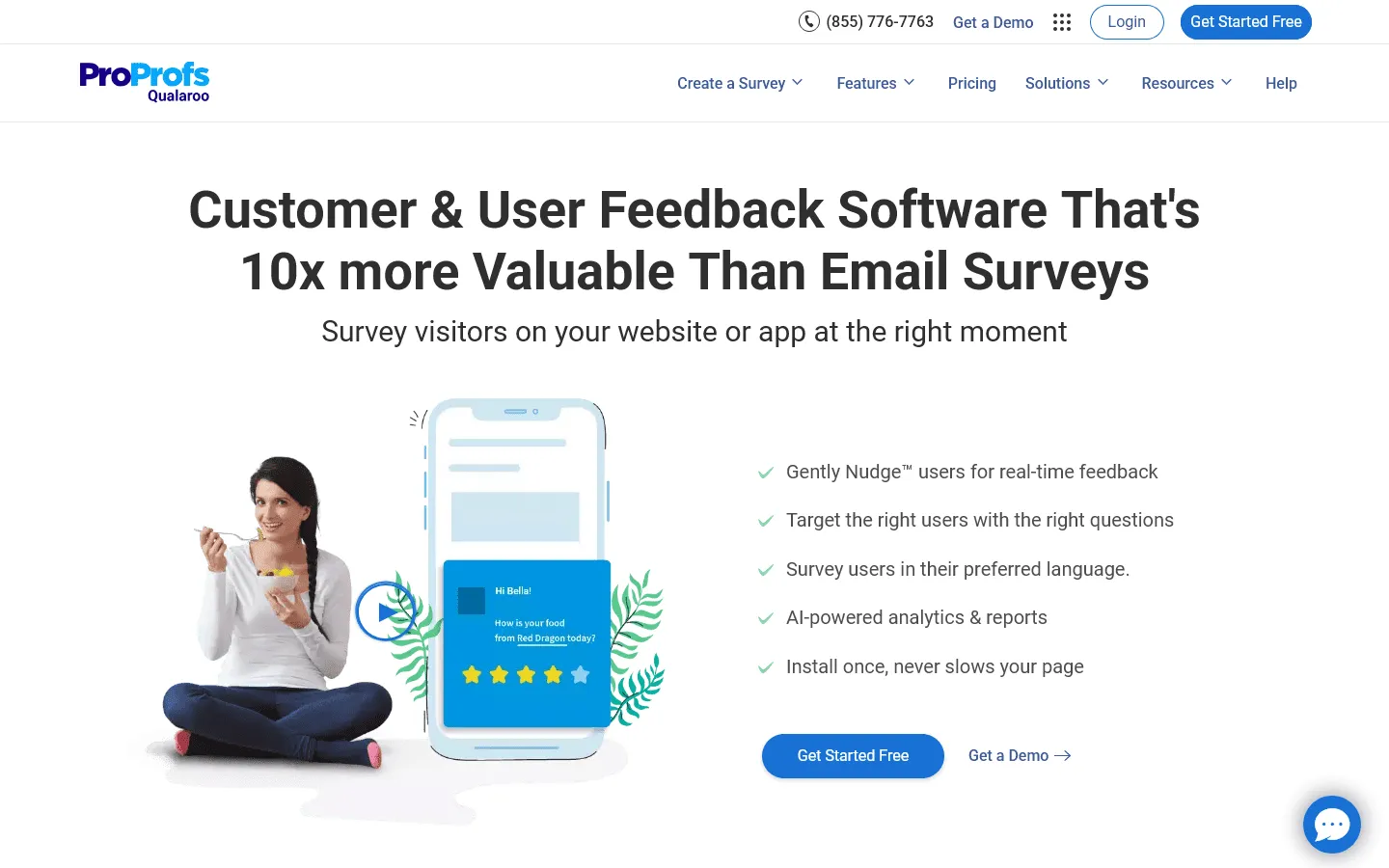 Qualaroo is a feedback tool built around its “Nudge” widget: a small survey prompt that appears on websites or in apps to capture feedback at a specific moment in the user journey. It’s used primarily by product teams, UX researchers, and CX professionals who want to understand why users behave the way they do.
Qualaroo supports NPS and other common question types, behavioral targeting rules, and sentiment analysis for open-text responses powered by IBM Watson. You can trigger surveys based on factors like time on page, specific URLs, or user attributes.
Why people look for Qualaroo alternatives
Pricing rises quickly when you run surveys continuously
Qualaroo pricing is tied to usage, so costs tend to climb as response volume grows. White labeling is also an add-on (an extra $300/year). If you run feedback campaigns continuously, it is easy to reach a point where other tools feel like a better deal.
Limited survey design options
The Nudge widget has a fixed layout. You can adjust colors and add a logo, but there is limited room to make it feel like part of your product. If the survey UI matters to you, this gets old fast.
Analytics often stop at tagging
Qualaroo is built for short, triggered prompts. It is not meant for longer surveys, complex branching, or email distribution. If your feedback setup has expanded beyond on-site nudges, you may end up needing a second tool anyway.
Narrow scope
Qualaroo is specifically a feedback widget tool. It doesn’t run longer surveys, handle complex branching, or support email distribution. Teams whose needs go beyond short, triggered prompts often end up needing a second tool alongside it.
11 best Qualaroo alternatives and competitors
1. FormGrid
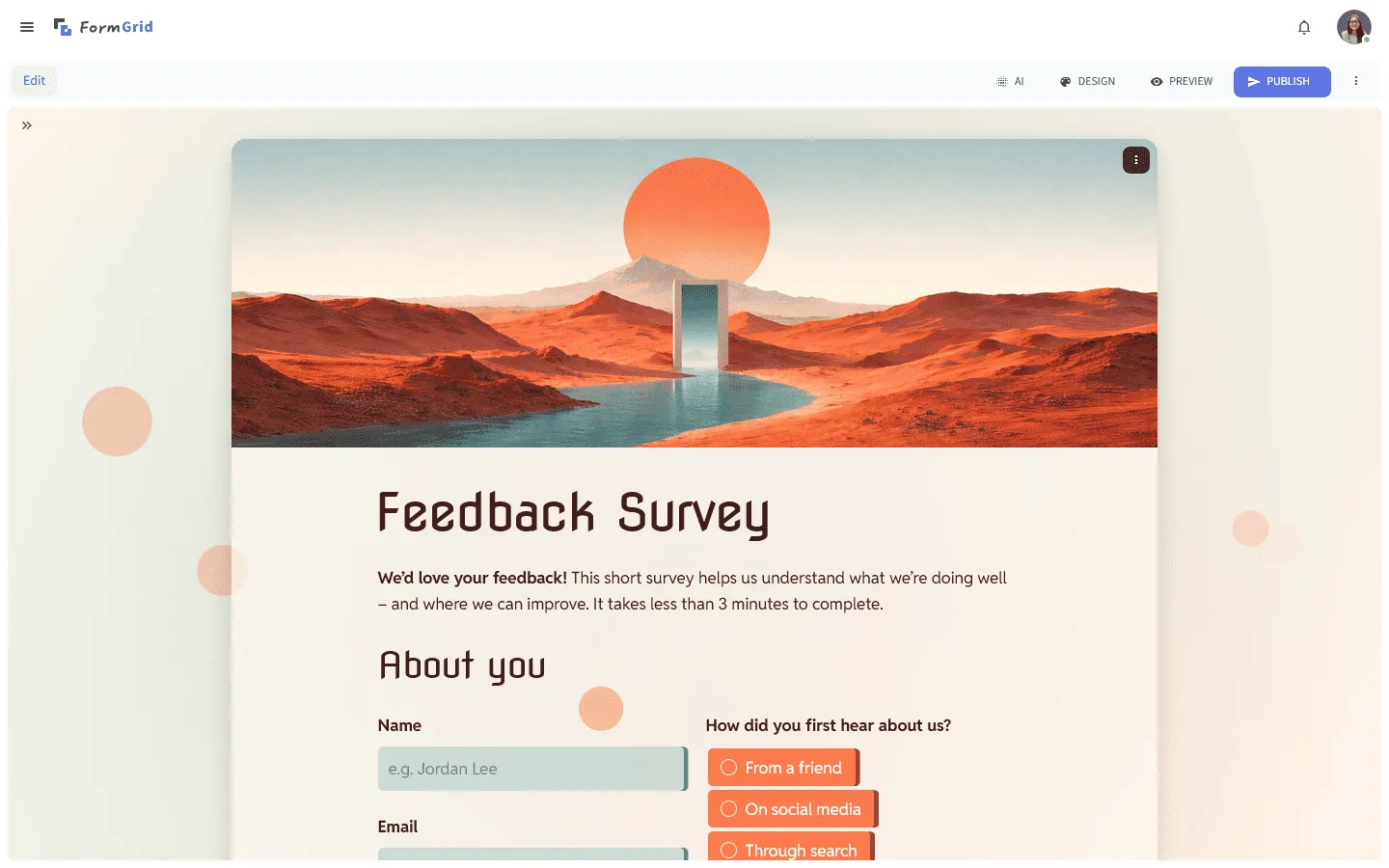 FormGrid lets you build surveys on a document-style canvas, with full control over layout and design. You can set spacing, columns, and visual hierarchy so the survey fits your brand and the context where it lives, instead of feeling like a generic widget sitting on top of the page.
It’s a practical alternative for feedback scenarios that don’t fit the nudge model: onboarding questionnaires, post-purchase surveys, customer research forms, and anything with more than one or two questions. You can start from scratch or generate a complete survey for free from a short prompt, including the structure, content, and visual theme.
The free plan includes unlimited forms and unlimited responses, so you can run feedback programs without worrying about response limits.

Key features
- Document-style editor with full layout and design control
- AI-assisted form generation from a short prompt
- Unlimited forms and responses on the free plan
- Multi-column layouts and flexible visual hierarchy
- Responsive designs that work on all devices
FormGrid pricing
- Free: Unlimited forms and responses, access to all core features
- Plus ($29/month): Collaboration, remove FormGrid branding, version history
- Business ($79/month): User roles and permissions, advanced link settings
Why choose FormGrid over Qualaroo?
Choose FormGrid when design and flexibility matter and you want your survey to look like a natural part of your product or website rather than a pop-up widget. And it’s free.
2. Survicate
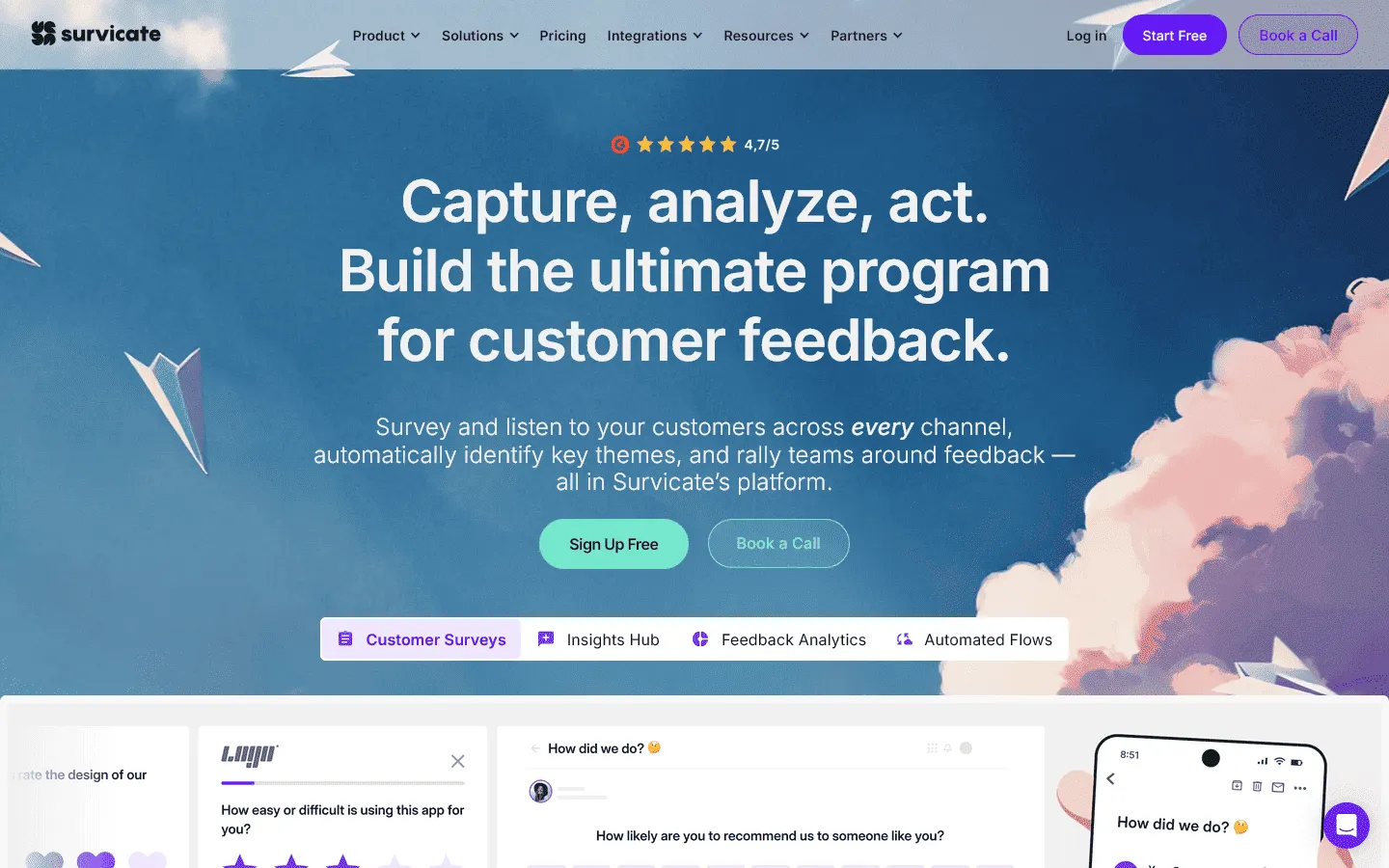 Survicate is one of the closest Qualaroo replacements. It runs surveys in the same places (on websites, inside apps, triggered by user behavior) but with more targeting options, better integrations, and more developed reporting.
Survicate targeting can be more granular than Qualaroo: you can trigger surveys based on traffic source, visited pages, CRM properties, or custom attributes from your app. Distribution includes website widgets, in-app surveys, email, and shareable links. Responses can flow into tools like HubSpot, Intercom, or Slack so feedback is easier to act on.
The reporting includes filters, trend views, and segment breakdowns that Qualaroo’s interface doesn’t have. It’s a natural step up for product and marketing teams that found Qualaroo’s analytics too shallow relative to its cost.
Key features
- Website widgets, in-app surveys, email surveys, and link surveys in one platform
- Behavioral and attribute-based targeting
- NPS, CSAT, and CES question types
- Native integrations with HubSpot, Intercom, Zapier, and Slack
- Trend reports and segment filtering
Survicate pricing
- Free: 25 responses/month, basic features
- Good ($99/month): 1,000 responses/month, all channels, integrations
- Better ($149/month): 2,500 responses/month, advanced targeting, white-labeling
- Best ($249/month): 10,000 responses/month, full feature access
- Enterprise (custom): Unlimited responses, SSO, dedicated support
Why choose Survicate over Qualaroo?
Survicate covers Qualaroo’s core use case with better analytics, more delivery channels, and stronger integrations at a more predictable price.
3. Hotjar (now part of Contentsquare)
 Contentsquare absorbed Hotjar in 2024, and the main value is still the same: heatmaps and session recordings combined with on-site surveys and feedback widgets. You can see what users did before and after they answered, which adds context that a standalone feedback widget cannot.
On-site surveys support targeting by page, time on site, and device. The feedback widget captures quick ratings and open text. The free tier is generous (up to 200,000 monthly sessions with unlimited heatmaps and 100 survey responses per month), which is useful if you want to test it on real traffic.
Survey features are simpler compared to dedicated customer feedback survey tools like Qualaroo, but if you already want behavior analytics, having feedback in the same platform is convenient.
Key features
- Heatmaps, session recordings, and surveys in one platform
- On-site surveys with behavioral targeting
- Feedback widgets for capturing quick ratings and open text
- Funnels and journey analytics
- AI-powered insights (Sense) on paid plans
Contentsquare pricing
- Free: 200,000 sessions/month, unlimited heatmaps, 100 survey responses/month
- Growth ($39/month): Advanced features, AI insights, zone-based heatmaps
- Voice of Customer Add-on (+$80/month): 500 responses/month, AI survey analysis
- Pro (custom): Expanded limits, advanced segmentation
- Enterprise (custom): Full platform, SSO, SLA, dedicated support
Why choose Contentsquare over Qualaroo?
Contentsquare makes the most sense if you want behavioral data and feedback in the same tool. Session recordings alongside survey responses give you more context than Qualaroo’s standalone widget can.
4. SurveyMonkey
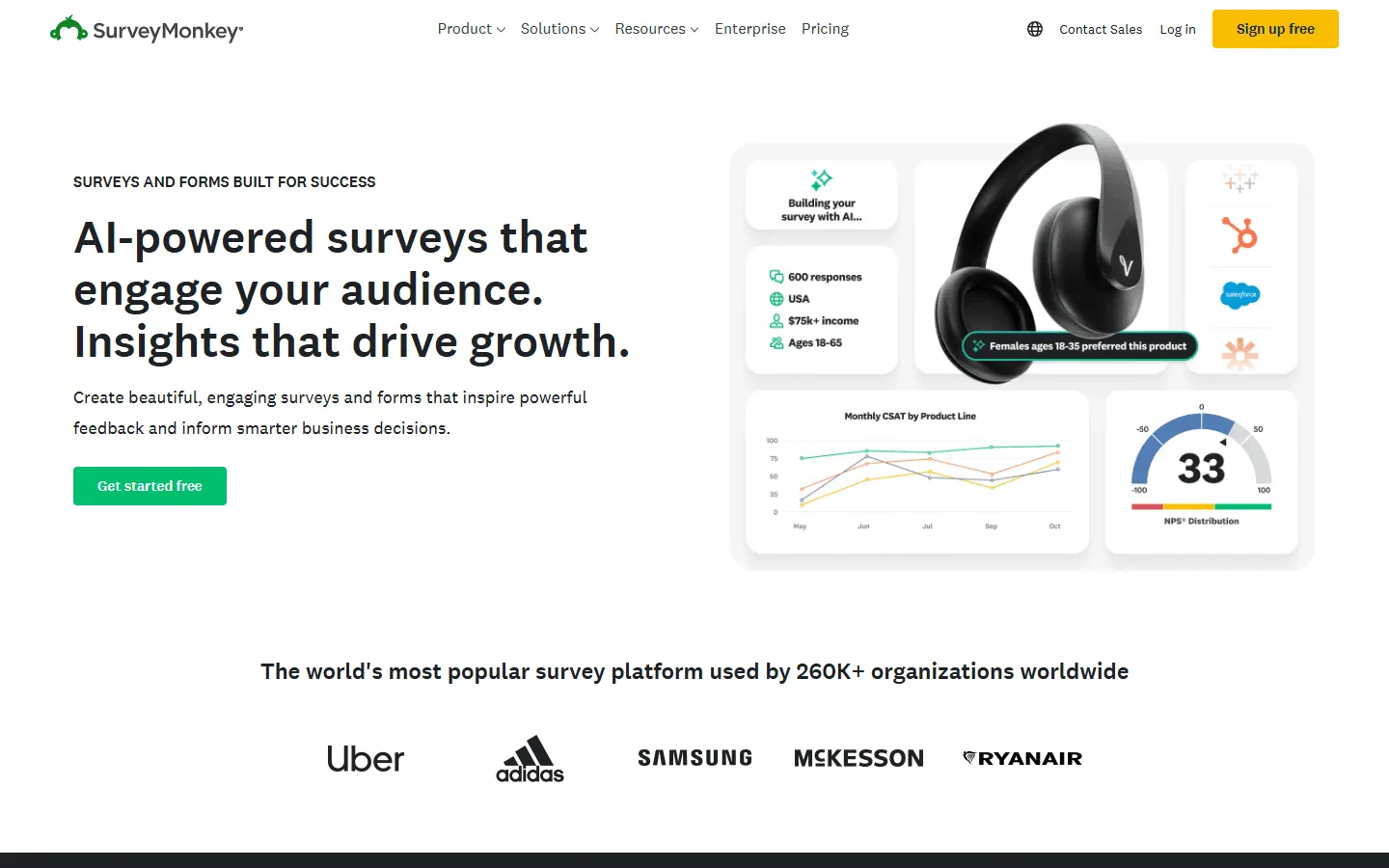 SurveyMonkey is a multi-channel survey platform rather than a behavioral widget tool. It’s worth considering as a Qualaroo alternative when your needs have grown beyond short, triggered prompts: email surveys, link campaigns, NPS tracking across segments, or structured research with deeper reporting.
The analysis side is more developed than Qualaroo’s: response filtering, trend tracking, cross-tabulation, and benchmarks against industry averages are all built in. It also includes a library of expert-reviewed question templates, which is useful for teams newer to research who want to avoid common phrasing mistakes.
One clear tradeoff: SurveyMonkey doesn’t trigger surveys based on in-app behavior or page events. If behavioral targeting is central to your setup, you’d need to pair it with another tool.
For a full picture of how it compares with similar platforms, our SurveyMonkey alternatives guide covers the main options.
Key features
- Email, link, and social distribution options
- Question bank with expert-reviewed templates
- Skip and display logic for conditional flows
- Advanced filtering, NPS tracking, and exportable reports
- Benchmark data for comparing results to industry averages
SurveyMonkey pricing
- Free: 10 questions/survey, 25 responses/survey
- Standard ($39/month): 1,000 responses/month, unlimited questions
- Advantage Annual ($432/year): 15,000 responses/year, payments, recurring surveys
- Premier Annual ($1,188/year): 40,000 responses/year, advanced logic
- Team plans: From ~$30/user/month
- Enterprise: Custom limits, SSO, HIPAA compliance
Why choose SurveyMonkey over Qualaroo?
SurveyMonkey is the better fit when you need multi-channel distribution and structured analysis rather than a behavioral widget.
5. Typeform
 Typeform is built around a one-question-at-a-time flow with a polished, interactive UI. It supports rich media (images, video, GIFs) and is often used for surveys where the experience itself affects completion rates.
Typeform is a good Qualaroo alternative when the survey is a deliberate part of the experience, like post-purchase feedback, onboarding questionnaires, or customer research embedded in a product flow. People tend to finish more often when the survey feels like a guided interaction rather than a widget interruption.
It is not a direct Qualaroo replacement for exit intent or time-on-page triggers. If that is your core use case, you will likely want Survicate or Contentsquare instead. But for research, onboarding, and customer-facing surveys, the design quality is a real advantage.
See how it compares to similar tools in our Typeform alternatives guide.
Key features
- One-question-at-a-time conversational flow
- Support for images, videos, and GIFs in questions
- Logic jumps and branching based on prior answers
- Calculator and payment fields for complex flows
- VideoAsk integration for video-based responses
Typeform pricing
- Free: 10 responses/month
- Basic ($29/month): 100 responses/month, basic integrations
- Plus ($59/month): 1,000 responses/month, custom branding, more logic
- Business ($99/month): 10,000 responses/month, team access, priority support
- Enterprise (custom): Custom limits, SSO, HIPAA compliance
Why choose Typeform over Qualaroo?
Choose Typeform when the survey itself needs to feel polished and intentional (onboarding flows, research, and customer-facing forms where presentation affects response quality).
6. Formbricks
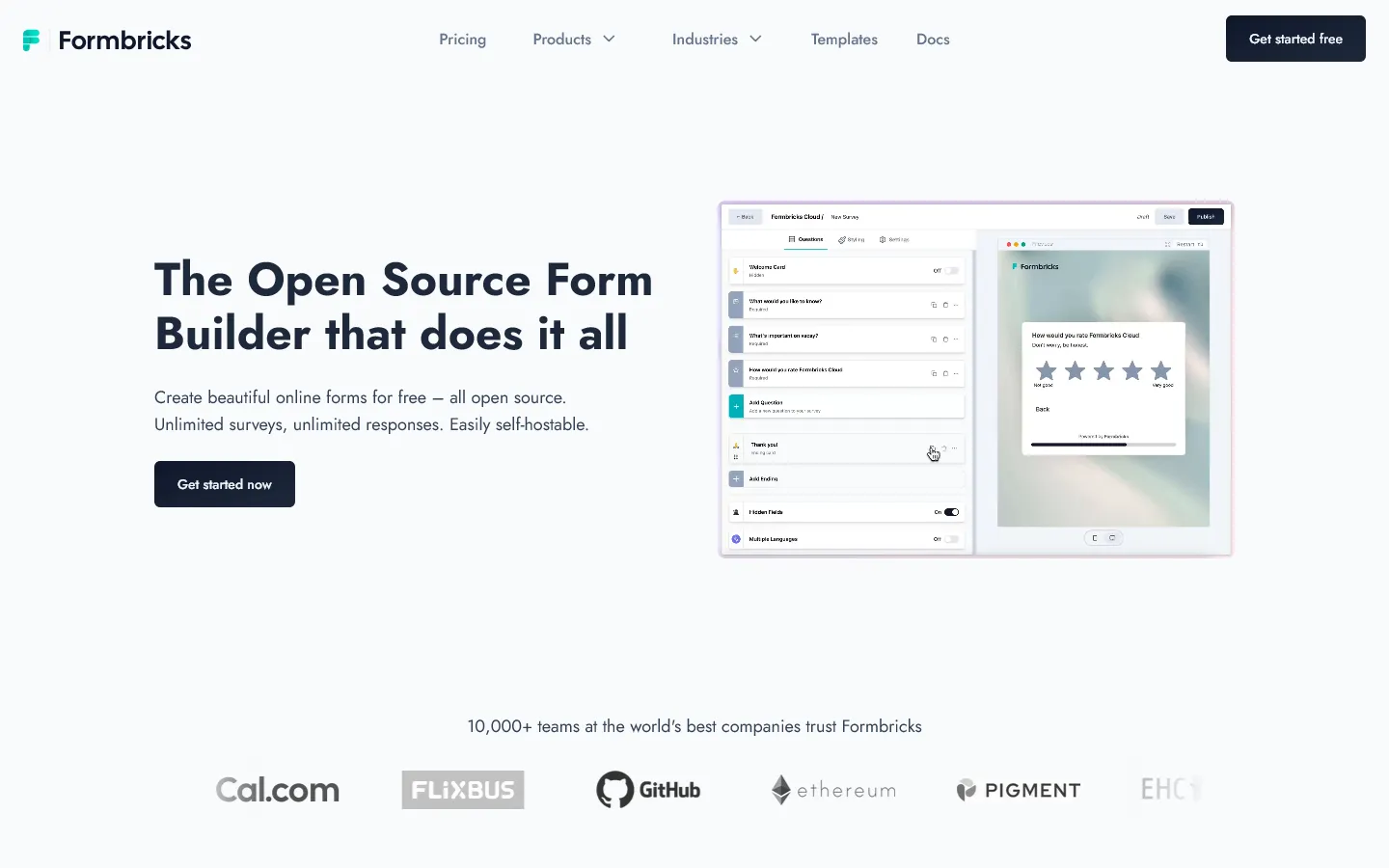 Formbricks is an open-source feedback tool built for in-product and in-website surveys. It covers Qualaroo’s core use case but adds full data ownership and self-hosting support, which matters for teams with data residency requirements or companies that don’t want user feedback routed through a third-party cloud.
Surveys trigger based on custom events: a user completing a specific action, reaching a page, or hitting a milestone in your app. That event-based model is more precise than Qualaroo’s URL and time-based targeting, and because Formbricks integrates at the code level, it can track custom user attributes for fine-grained control over who sees each survey and when.
The cloud version is free at reasonable usage levels, and self-hosting is free at any scale. The tradeoff is setup complexity: custom event tracking requires developer involvement. For product teams with engineering support, this makes Qualaroo’s pricing and data limitations a non-issue.
Key features
- In-app and in-website surveys triggered by user actions
- Open-source codebase with self-hosting support
- Custom event and attribute targeting
- Pre-built templates for NPS, CSAT, PMF, and churn surveys
- Full data ownership with the self-hosted option
Formbricks pricing
- Free (cloud): 250 responses/month, 2 surveys
- Startup ($29/month): Unlimited responses and surveys, remove branding
- Enterprise (custom): SSO, role-based access, SLA, dedicated support
- Self-hosted: Free and open source for any scale
Why choose Formbricks over Qualaroo?
Formbricks is a strong fit if data control matters, your team can handle developer setup, and you want precise in-product targeting without paying per response.
7. Qualtrics
 Qualtrics is the enterprise option for teams that have outgrown tools like Qualaroo and need a full-scale experience management platform. It covers customer experience, employee engagement, product research, and brand tracking in one system.
Where Qualaroo offers basic sentiment analysis, Qualtrics runs regression analysis, significance tests, and predictive models directly in the platform through its “Stats iQ” engine. Open-text responses are analyzed automatically, themes and sentiment are tracked over time, and custom dashboards can be built for every stakeholder role.
The tradeoff is price and complexity. Qualtrics requires a significant budget, a steep learning curve, and usually an implementation partner or dedicated internal resources. It’s worth evaluating as a Qualaroo replacement only if you need a full research or CX program, not just a better feedback widget.
Key features
- Advanced statistical analysis (Stats iQ) built into the platform
- Predictive intelligence and automated text analysis
- Customer, employee, and market research modules
- Role-based dashboards with custom widgets
- Enterprise security, SSO, and HIPAA compliance
Qualtrics pricing
- Free: Limited to 500 responses, 8 question types
- Customer-led plans (from ~$420/month): Core research features
- Enterprise (custom): Full XM platform, custom limits, dedicated support
Why choose Qualtrics over Qualaroo?
Choose Qualtrics when feedback is part of a structured, organization-wide CX or research program that Qualaroo’s limited analytics can’t support.
8. SurveySparrow
 SurveySparrow uses a chat-style interface that presents questions one at a time, similar in feel to Qualaroo’s single-question approach but more visually polished. Beyond the interface, it adds stronger automation features: recurring NPS or CSAT surveys can be scheduled to run automatically at set intervals, with trend tracking and alerts when scores drop.
It also includes case management that can turn a low survey score into a support ticket automatically, which is useful for teams trying to close the feedback loop without manual follow-up. A website widget covers on-site feedback similar to Qualaroo, though behavioral targeting options are more limited.
For more tools in this space, the SurveySparrow alternatives guide covers similar platforms.
Key features
- Chat-style conversational survey interface
- Recurring surveys with automated scheduling
- NPS, CSAT, and CES tracking with trend analysis
- Case management for closing the feedback loop
- Website widget, email, and link distribution
SurveySparrow pricing
- Free: 75 responses/quarter, 10 questions/survey
- Basic ($19/month): 2,500 responses/year, unlimited questions, logic jumps
- Starter ($39/month): 15,000 responses/year, multi-lingual, signatures
- Business ($79/month): 36,000 responses/year, recurring surveys, custom branding
- Enterprise (custom): SSO, custom domains, HIPAA compliance
Why choose SurveySparrow over Qualaroo?
SurveySparrow works well for automated recurring feedback programs (scheduled NPS, employee pulse surveys, and multi-channel CX programs) that Qualaroo’s one-shot widget doesn’t handle.
9. QuestionPro
 QuestionPro covers what Qualaroo doesn’t: longer surveys, advanced question types, multilingual support, and structured research analytics. It’s worth considering when feedback needs have grown beyond short triggered prompts and you need a platform that handles full research programs.
The tool supports 40+ question types including conjoint analysis and MaxDiff, panel management for recruiting respondents, and offline data collection. Native multilingual support in 100+ languages is a practical differentiator for global teams. The interface is functional but dated, and configuring complex surveys can take more steps than expected. It’s built for teams with an existing research process, not for quick lightweight surveys.
Our QuestionPro alternatives guide covers similar platforms if you want to compare.
Key features
- 40+ question types including conjoint and MaxDiff
- Multilingual survey support (100+ languages)
- Panel management and respondent recruitment
- Offline survey collection
- NPS and CX analytics modules
QuestionPro pricing
- Free: 200 responses/survey, basic features
- Advanced ($99/month): 25,000 responses/year, advanced logic, exports, custom branding
- Team Edition ($83/user/month): 100,000 responses/year, collaboration
- Research Suite: Custom pricing
Why choose QuestionPro over Qualaroo?
QuestionPro makes sense when you need a full research platform (diverse question types, multilingual capability, and respondent recruiting) rather than a behavioral widget tool.
10. Mopinion
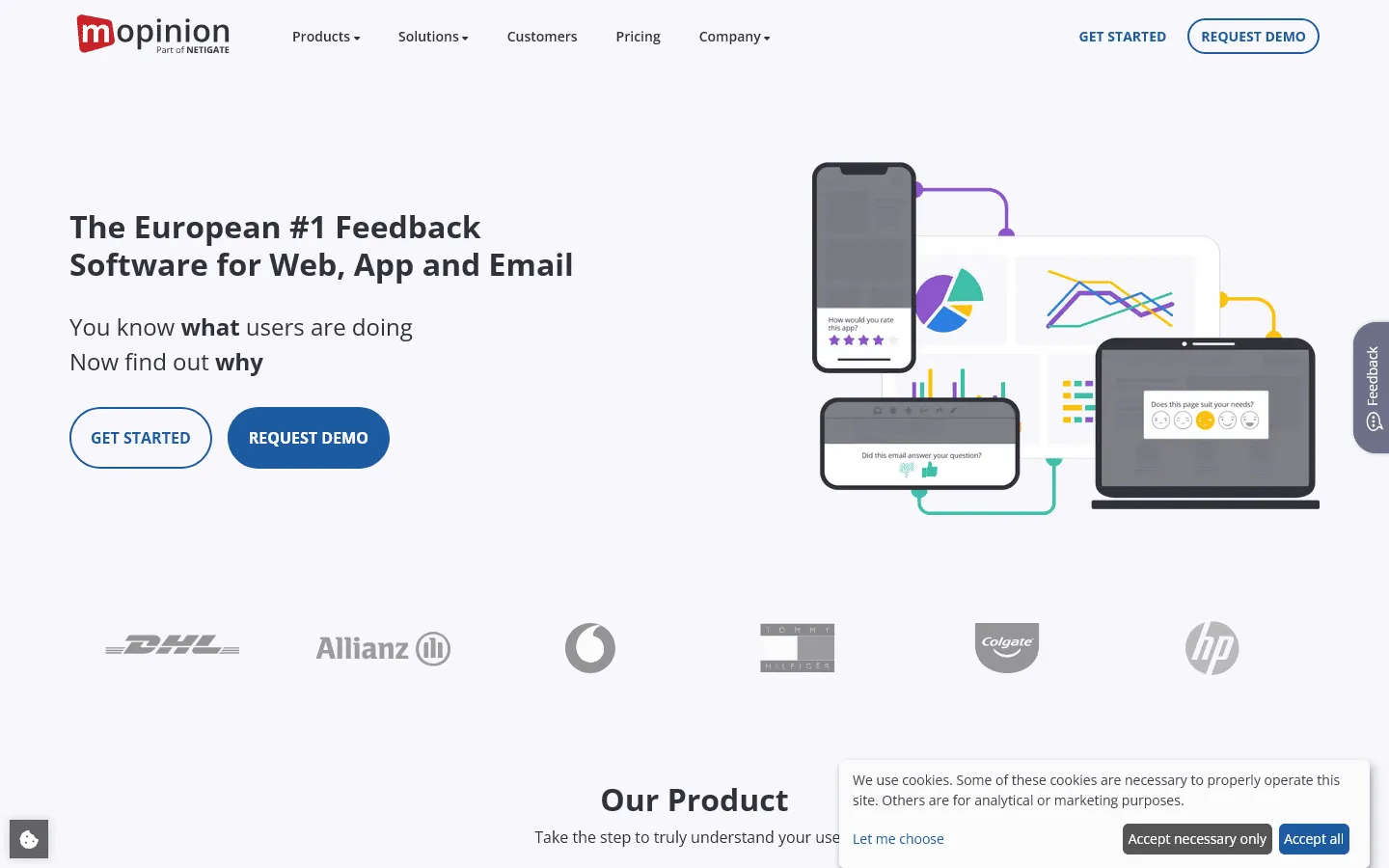 Mopinion is the closest purpose-built replacement for Qualaroo’s core use case in terms of analytical depth. It runs feedback forms as embedded widgets, pop-ups, or slide-in panels triggered by user behavior, and adds a reporting layer that Qualaroo doesn’t have.
The reporting platform includes custom dashboards where you can visualize feedback alongside metadata like device type, page category, and session data. Open-text analysis surfaces themes and sentiment trends automatically, and results can be filtered by any tag or attribute you collect. For teams managing feedback across a large site or multiple digital properties, that filtering capability becomes essential quickly.
The focus is narrow: Mopinion is digital feedback only, with no email distribution or respondent panel tools. It’s more expensive than Qualaroo with no free plan, but for teams that need both Qualaroo’s on-site targeting and significantly better analytics, it’s one of the strongest options in this specific category.
Key features
- Website and app feedback widgets with behavioral targeting
- Custom reporting dashboards with filtering and segmentation
- AI-powered text analysis and sentiment categorization
- Multi-device support and A/B survey testing
- Integrations with Slack, Jira, HubSpot, and Salesforce
Mopinion pricing
- No free plan
- Growth ($229/month): Core feedback tool, standard reporting
- Turbo ($579/month): Advanced analytics, text analysis, API access
- Enterprise (custom): SSO, dedicated support, SLA
Why choose Mopinion over Qualaroo?
Mopinion is the right move for digital teams that need Qualaroo’s on-site feedback approach with significantly better analytics and reporting built in.
11. Jotform
 Jotform is a general-purpose form builder that handles feedback alongside payments, file uploads, approvals, and e-signatures. It’s not a behavioral widget tool, but it’s a practical Qualaroo alternative when the feedback process lives outside your product (for example, post-call surveys, intake forms, NPS programs sent by email, or any structured data collection that needs more than a one-question prompt).
The template library is large, conditional logic is available for adaptive flows, and HIPAA-compliant plans cover healthcare use cases. The breadth is the main advantage: if your current setup requires multiple tools to handle feedback, registrations, and operational forms, Jotform can consolidate them.
For how it compares in the broader form-building market, see our Jotform alternatives list.
Key features
- Drag-and-drop builder with 10,000+ templates
- Payments, file uploads, and e-signatures
- Conditional logic and multi-page forms
- HIPAA-compliant plans
- 200+ integrations with CRMs and business tools
Jotform pricing
- Free: 5 forms, 100 responses/month
- Bronze ($34/month): 25 forms, 1,000 responses/month
- Silver ($39/month): 50 forms, 2,500 responses/month
- Gold ($99/month): 100 forms, 10,000 responses/month, HIPAA
- Enterprise (custom): Unlimited usage, SSO, SLA
Why choose Jotform over Qualaroo?
Jotform works best when your feedback process includes more than a quick prompt: longer surveys, multi-step flows, file collection, or integration with operational workflows.
How we evaluated Qualaroo replacements
We tested these tools by running actual feedback surveys across each one. For each tool, we looked at:
- How flexible is the targeting? Can you show surveys based on user behavior, specific URLs, or custom attributes?
- How good is the reporting? Can you filter, segment, and track trends without exporting to a spreadsheet?
- How does data integrate with other tools? Does feedback flow into CRMs, Slack, or support platforms automatically?
- How does pricing hold up as survey volume scales?
- Is the survey experience good enough that respondents actually complete it?
We also reviewed recent user feedback on G2 and Capterra to surface patterns in what frustrates users over time.
What to look for in a Qualaroo alternative
Targeting and triggers
If you are replacing Qualaroo, the first question is simple: do you need surveys triggered by real user behavior, or are link/email surveys enough?
Most general survey tools don’t trigger based on user behavior. If behavioral targeting is important (exit intent, time on page, specific user attributes) focus on Survicate, Hotjar, or Formbricks. They’re the tools that most closely replicate Qualaroo’s nudge approach.
Analytics capability
If you’ve been exporting Qualaroo data to analyze it elsewhere, look for built-in filtering, trend tracking, and segmentation. Mopinion and Qualtrics are the strongest here, though both are expensive. SurveyMonkey and SurveySparrow offer reasonable reporting at more accessible price points.
Distribution channels
Qualaroo is a widget tool. If you also need email surveys, link sharing, or multi-channel programs, SurveyMonkey and QuestionPro cover those cases. Many teams end up combining a widget tool with a multi-channel platform.
Data ownership and privacy
For teams in the EU or regulated industries, where data lives matters. Formbricks can be fully self-hosted. Other tools vary in data residency and compliance options, so this is worth verifying directly if it applies to your situation.
Conclusion: Which Qualaroo alternative should you choose?
- If you want full design control at no cost: FormGrid gives you unlimited responses and complete layout freedom, free.
- If you want the same widget-style targeting with better analytics: Survicate is the most direct replacement; Mopinion goes deeper on reporting.
- If you want behavioral feedback alongside session recordings: Contentsquare covers both in one platform.
- If you want open-source, self-hosted, in-product surveys: Formbricks is the only real option in that category.
- If you need a full research or survey platform: SurveyMonkey for accessible multi-channel research, Qualtrics for enterprise CX programs.
- If you want an engaging, conversational survey experience: Typeform and SurveySparrow both tend to produce higher completion rates than static forms.
Qualaroo alternatives FAQ
What is the best free Qualaroo alternative?
FormGrid is the best free option for unlimited responses and full design control. Formbricks is the strongest free option specifically for in-product and website feedback widgets (250 responses/month on the cloud plan, free at any scale if self-hosted). Contentsquare also has a generous free tier (up to 200,000 sessions/month with 100 survey responses) which covers behavioral analytics alongside feedback.
What is the best Qualaroo alternative for NPS surveys?
Survicate and SurveySparrow both have NPS tracking with trend analysis and automated scheduling built in. Both let you set up recurring NPS surveys and get alerted when scores shift.
Can I run in-app surveys without a developer?
Contentsquare installs with a simple JavaScript snippet and covers basic in-page surveys and feedback widgets without development work. Survicate also sets up via snippet or tag manager. Formbricks offers a no-code cloud version but requires developer involvement for advanced event-based targeting.
What is the best Qualaroo alternative for website exit surveys?
Contentsquare and Survicate both support exit intent triggers natively. Contentsquare also gives you session recordings showing what users were doing before they triggered the exit survey, which adds context most feedback tools can’t match.
Is there an open-source alternative to Qualaroo?
Formbricks is the main open-source option that covers Qualaroo’s core use case: in-product surveys, behavioral targeting, and full self-hosting. The code is available on GitHub.