10 Best SurveySparrow Alternatives in 2026 (Free & Paid)
SurveySparrow popularized the “conversational” survey format, where questions appear one at a time like a chat. The idea is straightforward: reduce distractions and improve completion rates.
Over time, though, the format can feel restrictive. You can’t show multiple questions at once, layout control is limited, and pricing increases as responses grow. Many teams and users eventually start looking for something more flexible.
We evaluated the best SurveySparrow alternatives to help you find a tool that offers the right balance of engagement, design flexibility, and analytical power.
SurveySparrow alternatives: Quick summary
If you want the short version, this table compares the most popular SurveySparrow alternatives and competitors based on use cases, pricing, and free plan limits:
| SurveySparrow alternative | Best SurveySparrow replacement for | Free plan | Starting price |
|---|---|---|---|
| FormGrid | Visually unique forms | Available | $29/month |
| Typeform | Premium conversational experience | Available | $29/month |
| Jotform | Feature-rich data collection | Available | $34/month |
| SurveyMonkey | Deep research and analysis | Available | $39/month |
| Qualtrics | Enterprise customer experience | Available | Custom |
| Zoho Survey | Complete business ecosystem | Available | $13/month |
| Alchemer | Advanced logic and reporting | Not available | $55/month |
| HubSpot Forms | Inbound marketing and CRM | Available | $15/month |
| Google Forms | Simple, free surveys | Available | Free |
| Tally | Minimalist document-style forms | Available | Free |
Why look for a SurveySparrow alternative?
Format limitations
The primary reason to switch from SurveySparrow is usually the format itself. The tool is opinionated: it wants every interaction to be a chat. While this can increase completion rates for short surveys, it can be frustrating for respondents filling out long applications or complex forms where they want to see more than one question at a time.
Pricing that escalates with volume
Pricing is another common friction point. SurveySparrow’s cost per response can get high, and many essential features (like removing their branding or using advanced logic) require upgrading to significantly more expensive plans. For many small businesses and growing teams, the value proposition starts to drop off as volume increases.
Stability and performance concerns
Finally, stability and support are frequent concerns. Users often report bugs in the builder or slow load times for respondents. If respondents hit slow load times or the builder feels unpredictable, it directly affects completion rates and how professional the experience feels.
10 best SurveySparrow alternatives and competitors
1. FormGrid
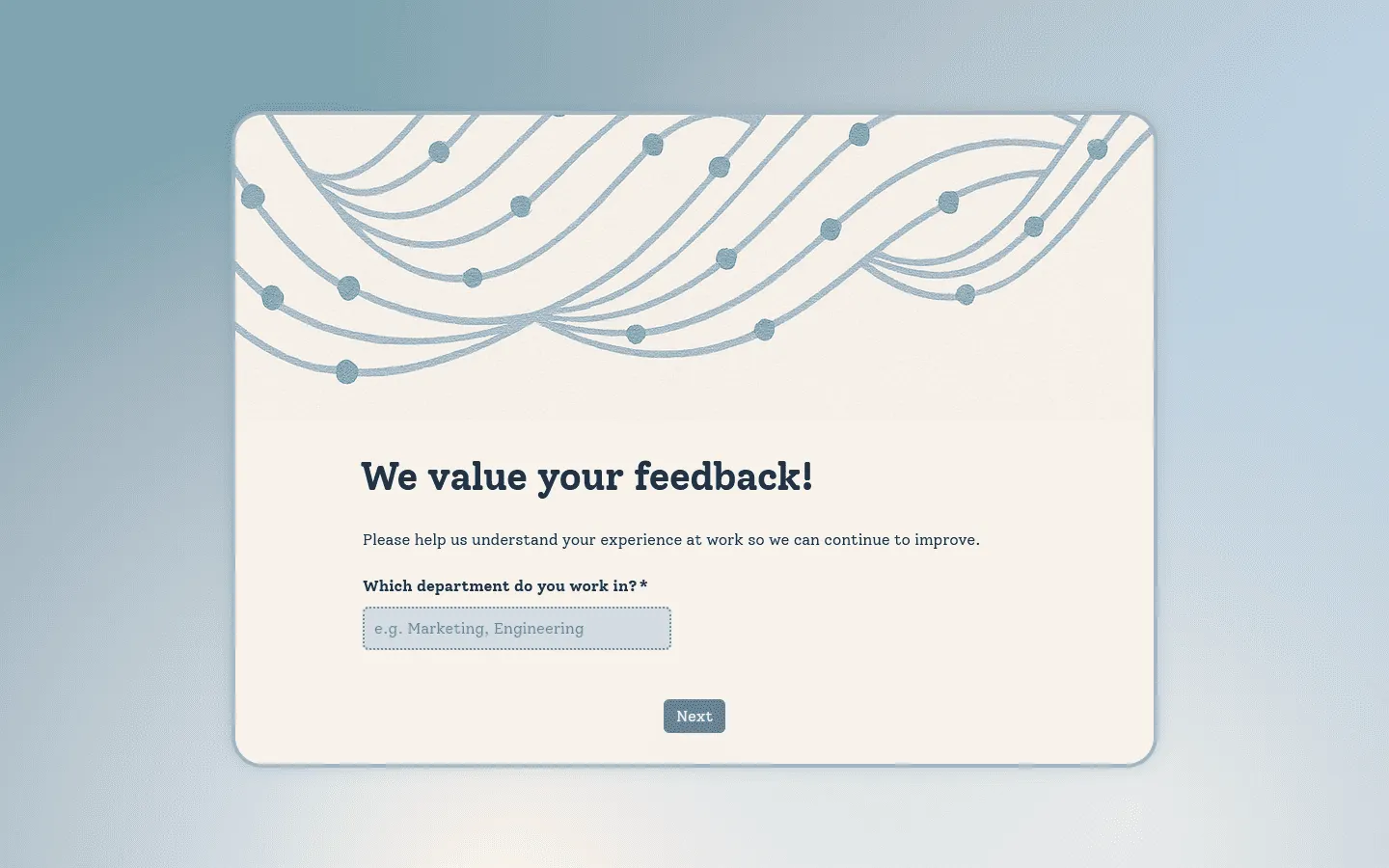
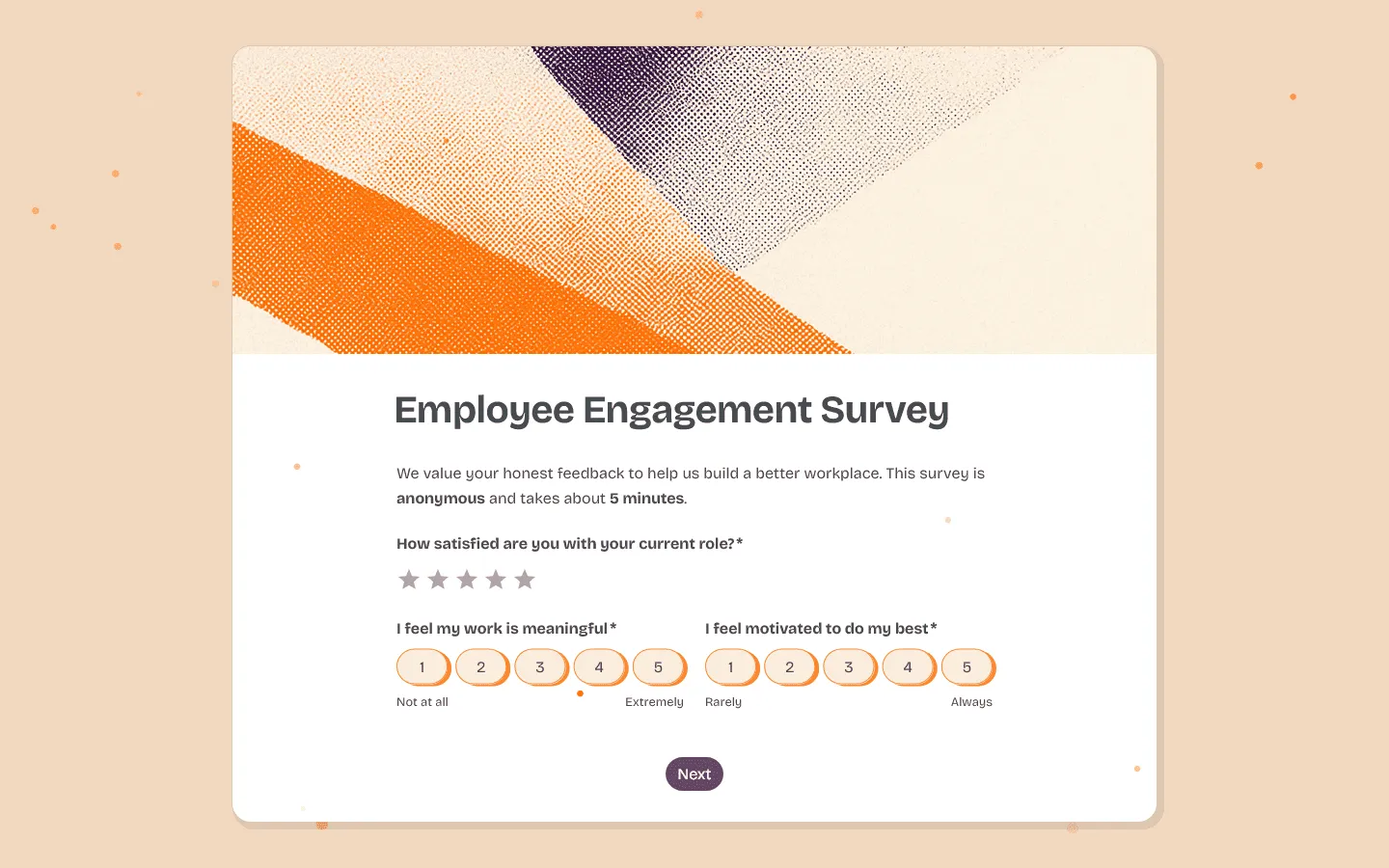 FormGrid is the best free SurveySparrow alternative if you want modern, engaging forms without being trapped in a chat interface. It gives you complete design freedom, allowing you to create multi-column layouts, adjust spacing, and style every element to match your brand. Unlike SurveySparrow, which forces a specific flow, FormGrid lets you build forms that feel like a natural part of your website.
The editor uses a document-style approach that is intuitive and fast. You don’t need to click through complex menus to change a setting; you just edit the form directly on the canvas. This makes it easy to build professional-looking surveys, waitlists, and contact forms that perform well on both desktop and mobile devices.
If you don’t want to start from scratch, you can also generate a complete survey from a short prompt, including the structure, content, and visual theme.
Best of all, FormGrid is free. It offers unlimited forms and unlimited responses without charging a monthly fee. If response caps and upgrade pressure are the main reasons you’re leaving SurveySparrow, this removes that constraint entirely.
Key features
- Flexible document-style editor
- AI-aided form generation to speed up building
- Complete control over colors, fonts, and spacing
- Modern, responsive designs that look great on mobile
- Unlimited forms and submissions for free
FormGrid pricing
- Free: Unlimited forms and responses, access to all core features
- Plus ($29/month): Collaboration, remove FormGrid branding, version history
- Business ($79/month): User roles and permissions, advanced link settings
Why choose FormGrid over SurveySparrow?
Choose FormGrid if you want full control over layout and design instead of a fixed chat-style flow. It gives you the engagement of a modern tool with the flexibility of a traditional form builder, all for free.
2. Typeform
 Typeform is the standard-bearer for conversational forms. If you are leaving SurveySparrow but still want that “one-at-a-time” question flow, Typeform is the more polished, premium version of the concept. The animations are smoother, the templates are more varied, and the overall respondent experience feels significantly more high-end.
Typeform focuses heavily on the visual experience. You can easily embed videos, images, and brand assets to make the survey feel like an interactive story rather than a data collection task. It is widely used by marketing teams and consumer brands because it consistently delivers high completion rates.
However, Typeform shares some of SurveySparrow’s limitations regarding pricing. It can get expensive quickly as you scale. But if the goal is to impress your audience and keep them engaged through a long questionnaire, Typeform justifies the cost with its higher polish and stability.
If you like the conversational style but need other options, check out our guide to Typeform alternatives.
Key features
- The industry-leading “one-question-at-a-time” interface
- Video and image-based questions for high engagement
- Logic branching that feels intuitive to build
- Built-in analytics and response summaries
- Extensive library of high-quality templates
Typeform pricing
- Free: 10 responses/month, limited features
- Basic ($29/month): 100 responses/month, basic integrations
- Plus ($59/month): 1,000 responses/month, more logic, branding options, and integrations
- Business ($99/month): 10,000 responses/month, team features, advanced analytics, priority support
- Enterprise (custom pricing): Custom limits, SSO, custom domains, HIPAA compliance
Why choose Typeform over SurveySparrow?
Switch to Typeform if you love the conversational format but want a product that feels more finished and reliable. If you care mainly about completion rates and visual polish, Typeform still sets the bar for this format.
3. Jotform
 Jotform is the utility knife of form builders. While SurveySparrow is specialized for feedback, Jotform is designed to handle literally any form-based task you can imagine. From collecting payments and generating PDF contracts to managing inventory and scheduling appointments, Jotform has a widget or template for it.
If SurveySparrow feels narrow in scope, Jotform offers a much broader feature set. It offers two distinct building modes: a “Classic” form for standard layouts and “Card Forms” for a conversational, one-at-a-time experience. This flexibility allows you to choose the right format for each specific project rather than forcing everything into a chat style.
With over 20,000 templates and over 100 integrations, it handles operational workflows well. If you need to build a complex workflow where a form submission triggers a payment, signs a document, and updates a database, Jotform handles that complexity far better than SurveySparrow. For other tools with similar feature sets, check out our Jotform alternatives.
Key features
- Large library of templates and widgets
- “Card Forms” for a conversational experience
- Native electronic signature and PDF tools
- Integration with over 30 payment gateways
- HIPAA compliance options
Jotform pricing
- Free: 5 forms, 100 responses/month
- Bronze ($34/month): 25 forms, 1,000 responses/month, no branding
- Silver ($39/month): 50 forms, 2,500 responses/month, more storage and integrations
- Gold ($99/month): 100 forms, 10,000 responses/month, HIPAA, priority support
- Enterprise (custom pricing): Unlimited usage, SSO, SLA
Why choose Jotform over SurveySparrow?
Choose Jotform if you need your forms to do real work. Whether it is processing payments or managing approvals, it offers functional power that SurveySparrow cannot match.
4. SurveyMonkey
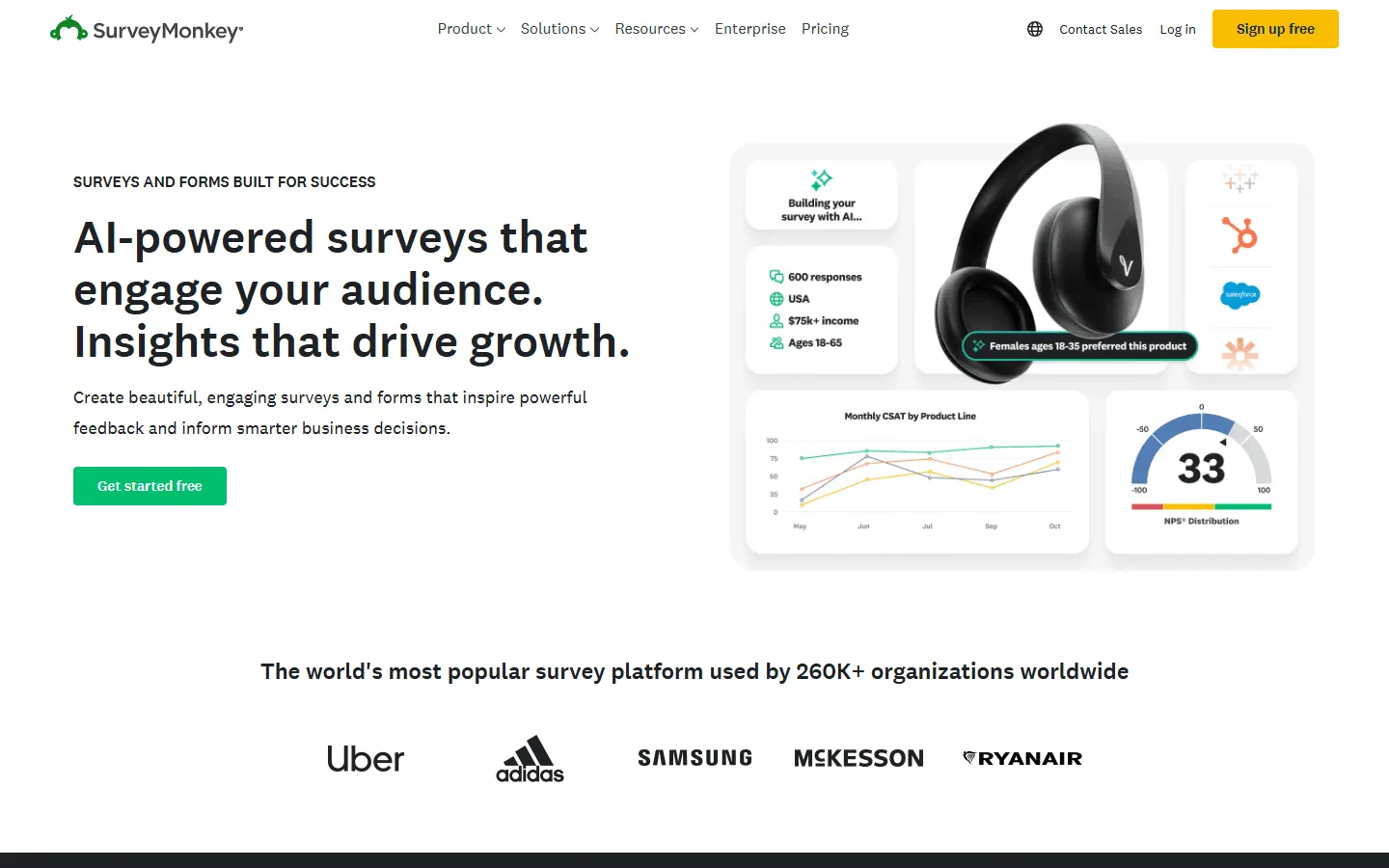 SurveyMonkey is built for teams that care more about methodology and reporting than visual presentation. While SurveySparrow focuses on the interface, SurveyMonkey focuses on the science of asking questions. It provides tools to help you write unbiased questions, benchmark your answers against industry peers, and run deep statistical analysis on the results.
It is a more traditional survey tool, but that is exactly what many researchers need. The platform allows for complex logic, randomization, and quota management that ensures your data is statistically significant. If you are reporting to a board or publishing a study, SurveyMonkey gives you the rigorous backend tools to support your findings.
The interface is functional and reliable, though less “fun” than SurveySparrow. However, for serious market research or customer satisfaction tracking (CSAT/NPS) where accuracy is paramount, SurveyMonkey’s analytical depth is worth the trade-off in visual style.
For more tools that focus on deep data analysis, see our list of SurveyMonkey alternatives.
Key features
- Professional question bank and survey methodology tools
- Advanced data analysis and sentiment tracking
- Benchmarking against industry standards
- Extensive export options for reports
- Team collaboration tools
SurveyMonkey pricing
- Free: 25 responses/survey, 10 questions/survey, basic features
- Standard Monthly ($39/month): 1,000 responses/month, more question types, custom themes
- Advantage Annual ($432/year): 15,000 responses/year, payments, A/B testing, recurring surveys
- Premier Annual ($1,188/year): 40,000 responses/year, no SurveyMonkey branding, advanced logic
- Team Advantage (~$30/user/month): 50,000 responses/year, collaboration features
- Team Premier (~$75/user/month): 100,000 responses/year
- Enterprise: Custom limits, advanced governance, SSO, HIPAA compliance
Why choose SurveyMonkey over SurveySparrow?
Move to SurveyMonkey if you need to trust your data. It’s often the better fit for market research, employee benchmarks, and structured data analysis.
5. Qualtrics
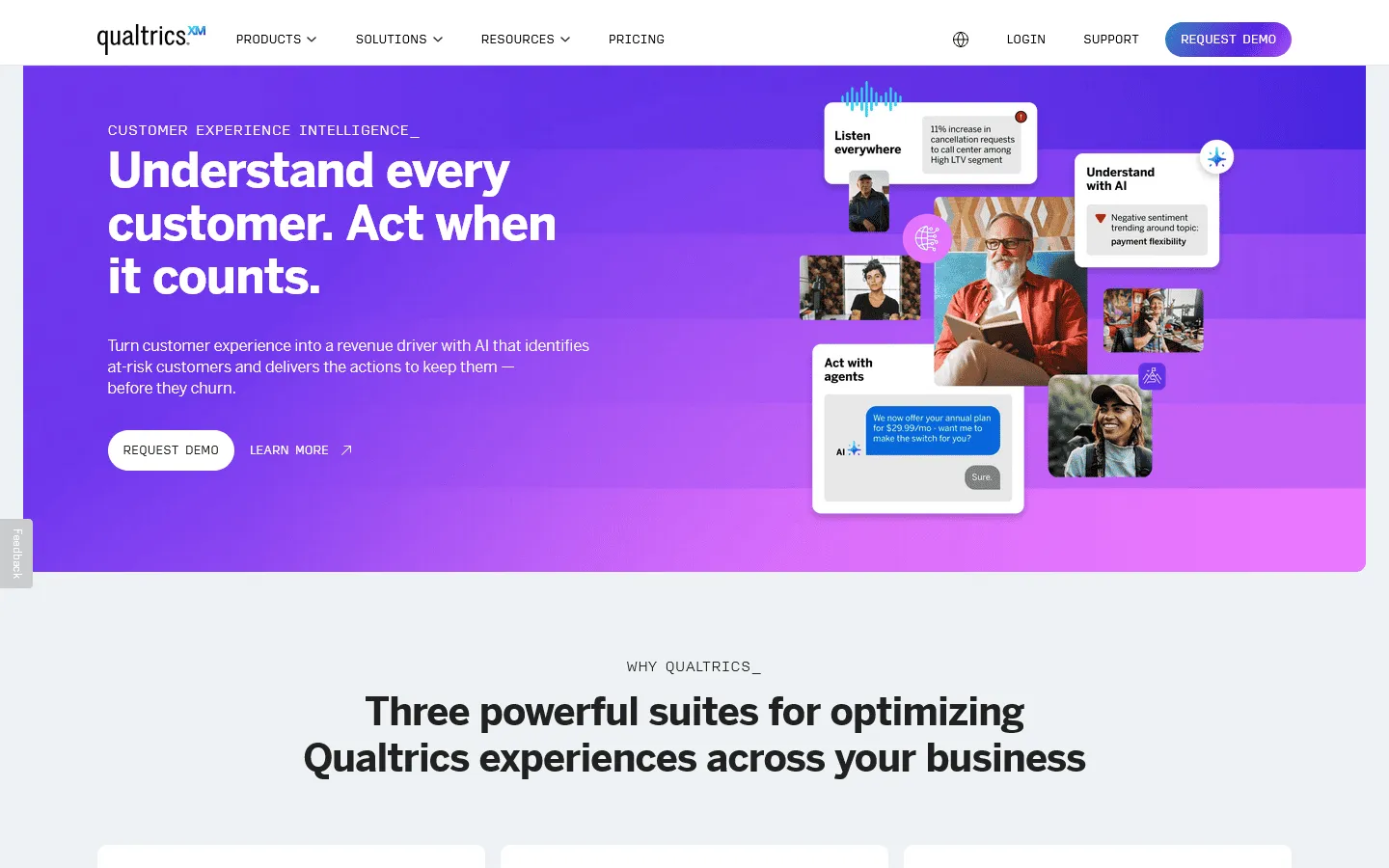 Qualtrics allows enterprises to manage customer experience (CX) at scale. SurveySparrow markets itself as a CX tool, but Qualtrics is an entire Experience Management ecosystem. It is designed for large organizations that need to listen to customers across every channel (email, web, app, SMS) and combine that data into actionable insights.
The platform uses advanced AI to analyze text sentiment, predict customer churn, and automatically trigger follow-up actions. For example, a low rating on a survey can instantly alert a customer success manager or create a support ticket. This level of automation and integration is far beyond what standard survey tools offer.
Qualtrics is complex and expensive, typically requiring a significant annual contract. But for large companies where a 1% improvement in customer retention may be worth millions, the investment in Qualtrics’ powerful analytics and automation engine can justify the higher cost.
Key features
- Powerful AI-driven text and sentiment analysis
- Predictive intelligence to identify at-risk customers
- Omnichannel feedback collection (email, web, app, SMS)
- Enterprise-grade security and governance
- Advanced statistical analysis built-in
Qualtrics pricing
- Free: Limited to 500 responses, 8 question types
- Custom pricing: Based on features and scale, typically enterprise-level
Why choose Qualtrics over SurveySparrow?
Upgrade to Qualtrics if you are an enterprise organization. It provides the security, governance, and advanced analytics required to manage CX at a global scale.
6. Zoho Survey
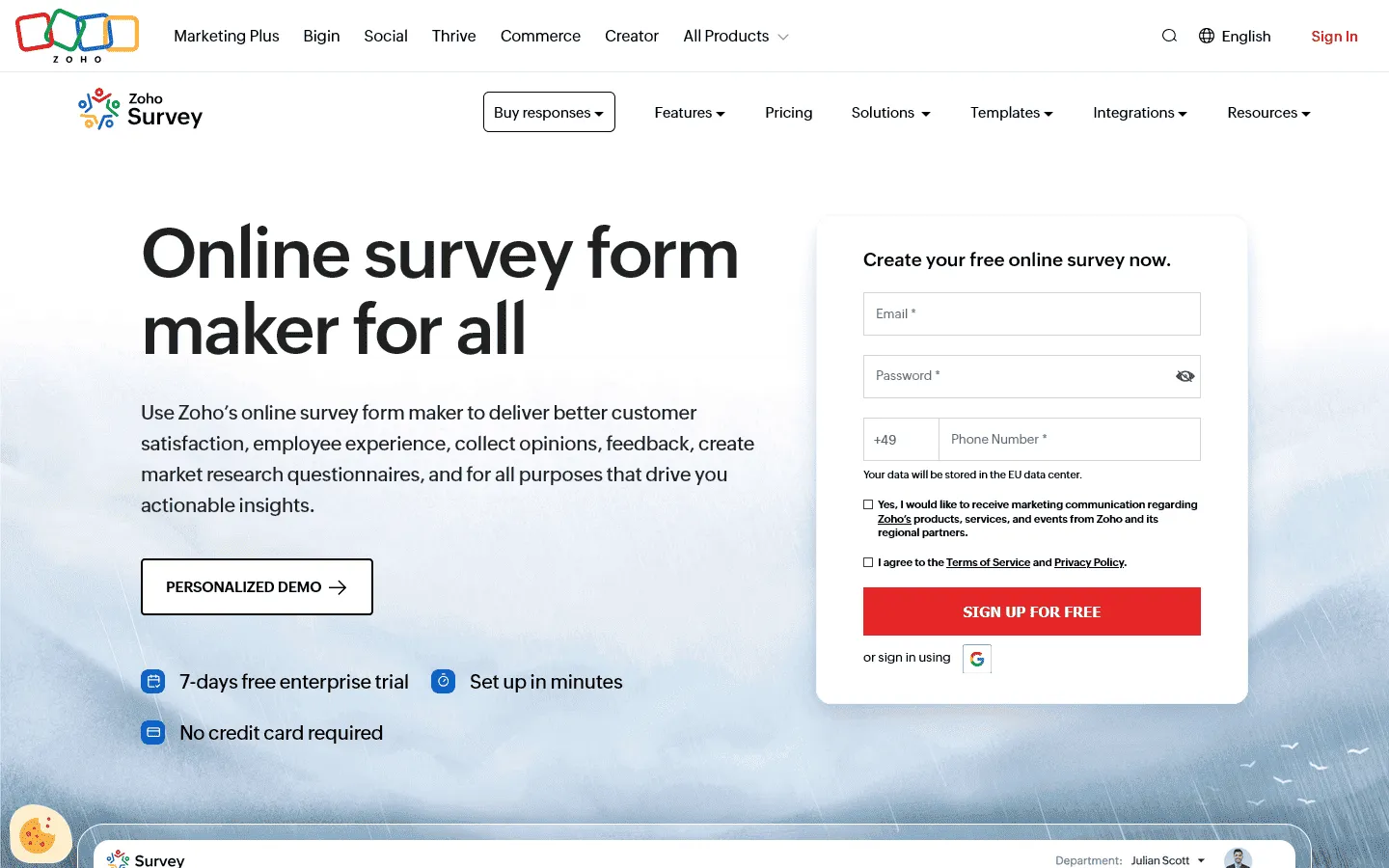 Zoho Survey is the pragmatic choice for businesses already using the Zoho ecosystem. If you use Zoho CRM, Zoho Projects, or Zoho Desk, this tool is a natural extension of your workflow. It allows you to push survey data directly into customer records, triggering sales actions or support follow-ups without complex integrations.
Even as a standalone tool, Zoho Survey offers good value. It provides features like multilingual support, offline data collection, and panel integration at a price point that is significantly lower than SurveySparrow. The interface is simple and workmanlike, focusing on getting the job done efficiently.
It also supports white-labeling on affordable plans, which is a big advantage for agencies or brands that want to fully own the survey experience. If you need a solid, integrated business tool without the fluff, Zoho Survey delivers exactly that.
Key features
- Deep integration with Zoho CRM and other Zoho apps
- Multilingual support for global surveys
- Offline survey capabilities
- Affordable pricing plans
- Custom reports and dashboards
Zoho Survey pricing
- Free: 3 surveys, 10 questions/survey, 100 responses/survey
- Basic ($7.42/month): 3 surveys, 1,000 responses/survey, custom themes, basic integrations
- Plus ($25/month): Unlimited surveys, 3,000 responses/survey, advanced integrations
- Pro ($35/month): Unlimited surveys, 5,000 responses/survey, custom branding
- Enterprise ($75/month): Unlimited surveys, 7,000 responses/survey, SSO, audit logs
Why choose Zoho Survey over SurveySparrow?
Pick Zoho Survey if you want value and integration. It connects directly to your business data and offers professional features at a fraction of the cost.
7. Alchemer
 Alchemer (formerly SurveyGizmo) is for the builders and the tinkerers. While SurveySparrow tries to simplify everything into a chat, Alchemer gives you raw power. It is known for its flexibility, allowing you to use custom scripts and advanced logic to make your survey do almost anything you can think of.
This is the tool you choose when you hit a wall with other builders. Need to route respondents based on a complex combination of three previous answers? Need to pass data to a custom internal API? Alchemer can handle it. It bridges the gap between a standard survey tool and a custom-coded solution.
It also offers excellent reporting and visualization options, letting you slice and dice data in ways that most tools don’t support.
Key features
- Advanced logic and branching capabilities
- Custom scripting for total control
- Flexible reporting and data visualization
- “Close the loop” feedback management features
- Award-winning support team
Alchemer pricing
- Collaborator ($55/month): 75,000 responses/year
- Professional ($165/month): 100,000 responses/year, custom branding, advanced logic
- Full Access ($275/month): 125,000 responses/year, advanced reporting
- Enterprise: Custom pricing
Why choose Alchemer over SurveySparrow?
Choose Alchemer if you need flexibility. If SurveySparrow feels too restrictive and you need a tool that can be customized to fit a specific, complex requirement, this is it.
8. HubSpot Forms
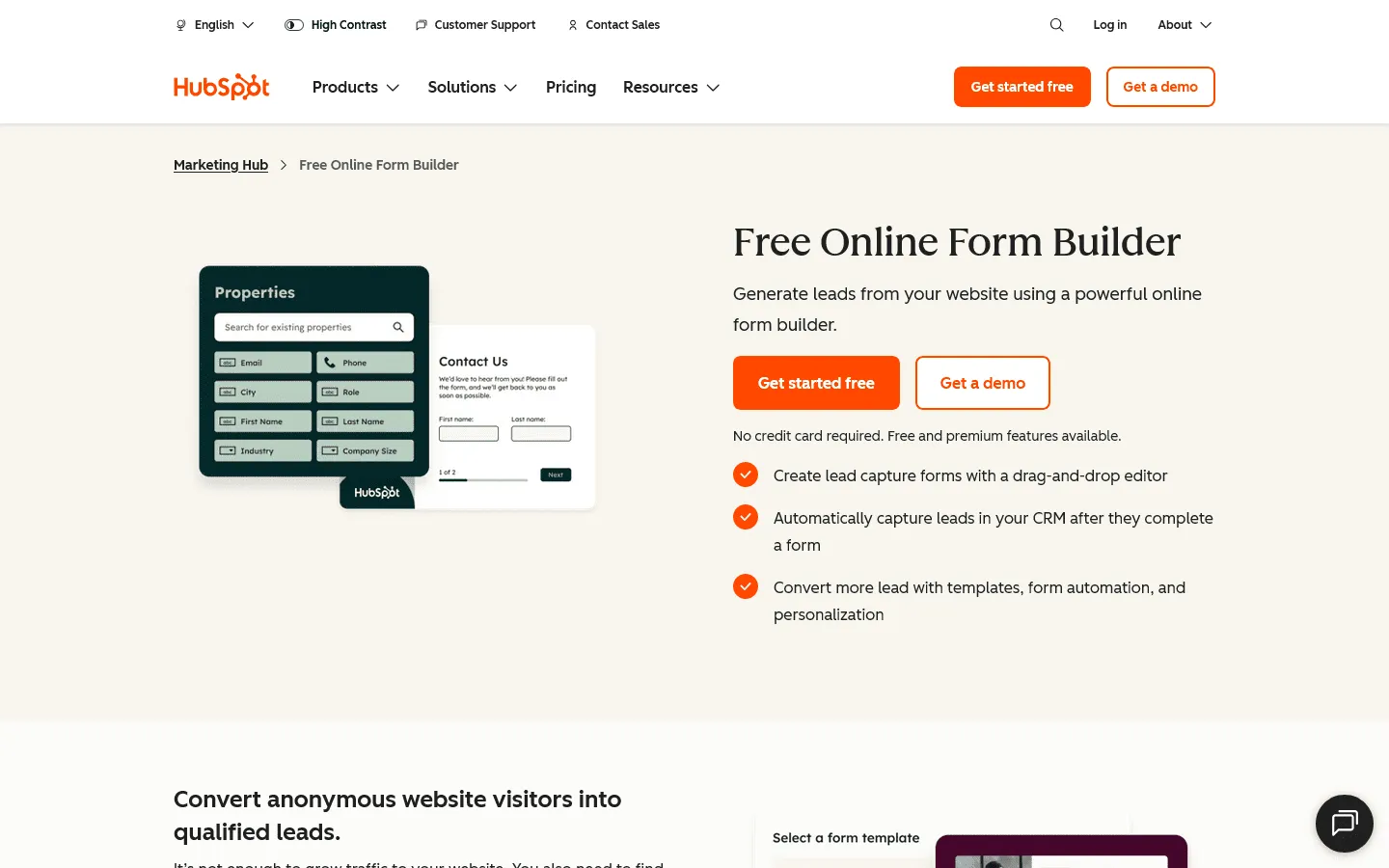 HubSpot Forms solves a different problem: converting visitors into leads. SurveySparrow is often used for lead capture, but it creates a silo where data lives in the survey tool. HubSpot Forms puts that data directly into the heart of your CRM, where it becomes actionable immediately.
The forms are designed for conversion. You can use features like “progressive profiling,” which asks different questions to returning visitors, slowly building a complete profile over time without overwhelming them. Because it is part of the HubSpot ecosystem, a form submission can instantly trigger a personalized email sequence or notify a sales rep.
It is less about “surveying” and more about “growing.” If your primary goal for a form is to generate business, using a dedicated marketing tool like HubSpot is far more effective than a generic survey builder.
Key features
- Built directly into the HubSpot CRM (free)
- Automatic lead capture and enrichment
- Smart forms that profile users over time (Progressive Profiling)
- Easy drag-and-drop builder
- Triggers automated email follow-ups
HubSpot Forms (Marketing Hub) pricing
- Free: Limited features
- Starter ($9/user/month): Additional features, no HubSpot branding
- Professional ($800/month): Omni-channel marketing automation
- Enterprise ($3,600/month): Higher limits, advanced automation
Why choose HubSpot Forms over SurveySparrow?
Switch to HubSpot Forms if your goal is sales. It removes the friction between collecting a lead and acting on it, making your marketing much more efficient.
9. Google Forms
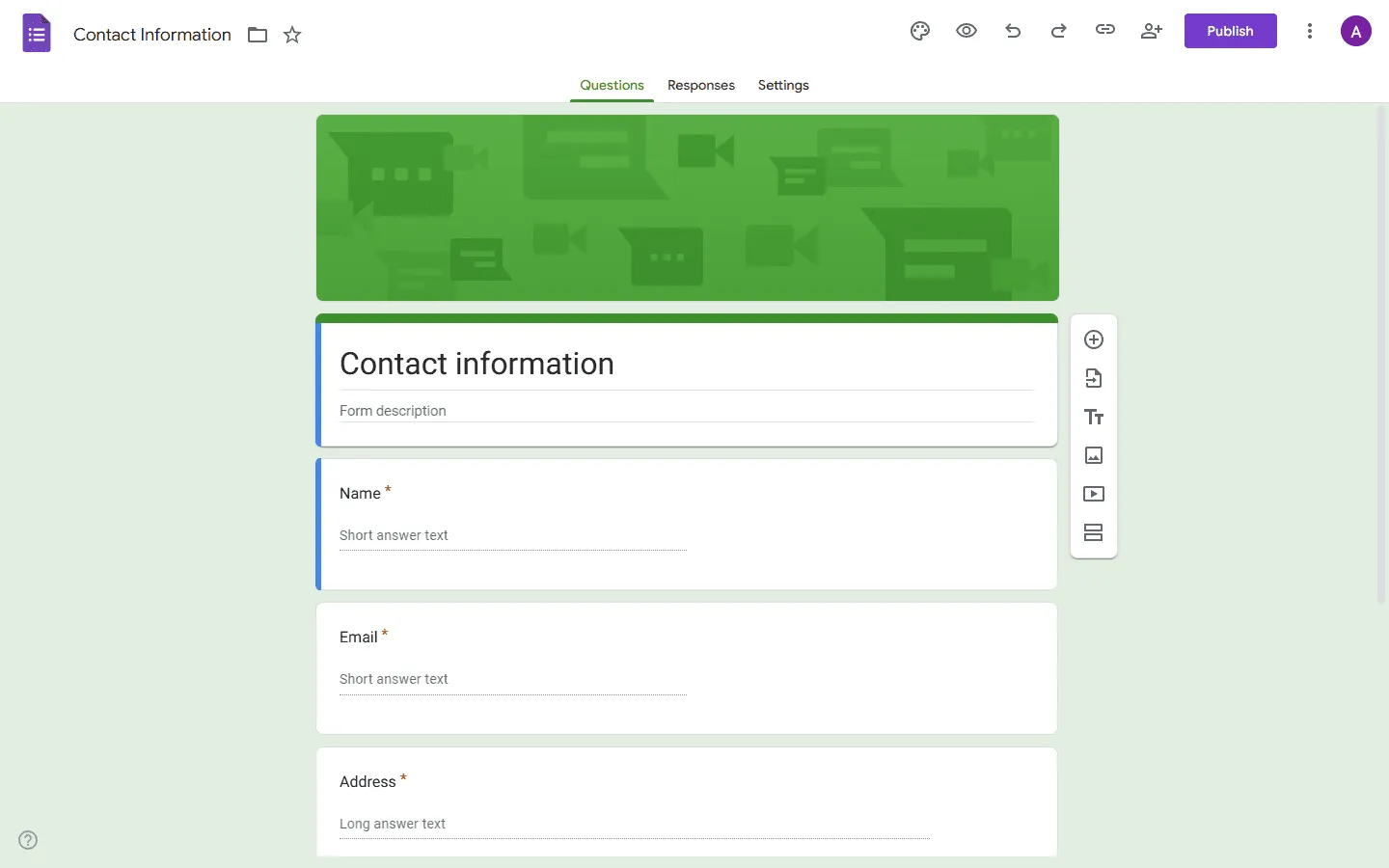 Google Forms proves that simple is often better. It is the antithesis of SurveySparrow: no chat bubbles, no fancy animations, just a straightforward list of questions. For internal polls, event signups, and quick data collection, this simplicity is its greatest strength.
It is completely free and reliable. You don’t have to worry about response limits or paywalls. The integration with Google Sheets means your data is instantly available for sorting and analysis. While it lacks advanced logic and branding, it handles the basics well.
For many organizations, the “conversational” features of SurveySparrow are overkill for simple tasks. If you just need to ask the team where they want to go for lunch or collect registration details for a webinar, Google Forms does the job with zero friction and zero cost. If you want to stick with similar free tools, we have a complete list of Google Forms alternatives.
Key features
- 100% free for personal use
- Direct integration with Google Sheets
- Familiar interface for creators and respondents
- No limits on questions or responses
- Basic logic and branching
Google Forms pricing
- Free: For personal use
- Business: Included in Google Workspace plans
Why choose Google Forms over SurveySparrow?
Use Google Forms when utility matters most. It is the fastest, easiest, and cheapest way to get a functional form online.
10. Tally
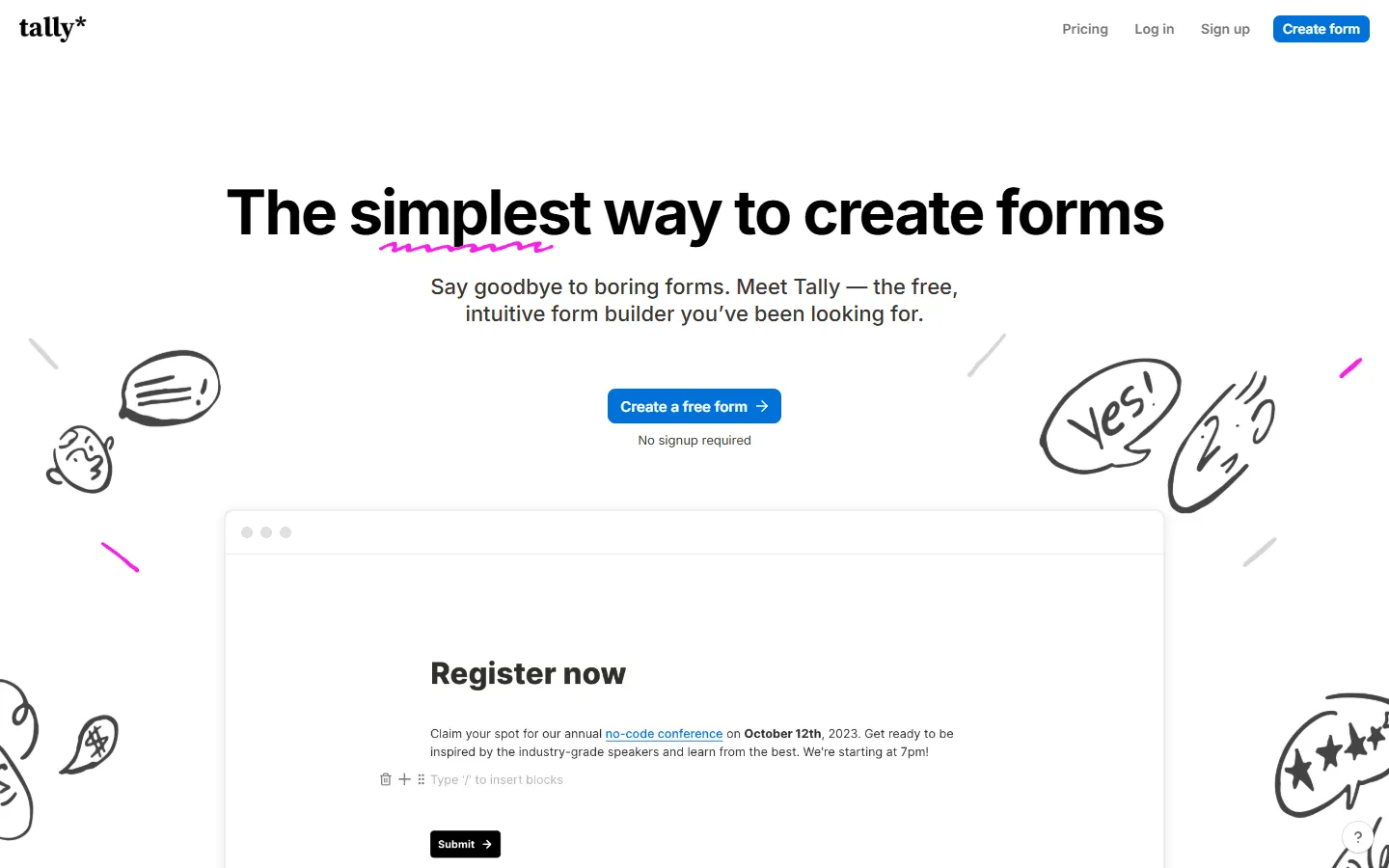 Tally re-imagines the form building experience. SurveySparrow bets on the chat interface; Tally bets on the document interface. It works like a Notion doc: you just type your questions, insert blocks with slash commands, and build a form as easily as writing a memo.
The interface feels lightweight and fast. It removes the clunkiness of drag-and-drop sidebars and complex settings menus. The resulting forms are clean, minimalist, and perform beautifully on all devices. It is a favorite among startups, creators, and product teams who appreciate good design.
Tally also has a very generous free plan. You get unlimited forms, unlimited submissions, and even payment collection features for free. If you want a tool that feels “new” and distinct from the legacy players but don’t like the chat format, Tally is a good middle ground.
For other minimalist or free options, check out our Tally alternatives guide.
Key features
- Minimalist document-style editor
- 99% of features available for free
- No limits on forms or submissions
- Notion-like typing experience
- Simple payment collection
Tally pricing
- Free: Unlimited forms and submissions, basic logic, payments, file uploads
- Pro ($29/month): Custom domains, remove Tally branding, advanced integrations
- Business ($89/month): Email verification, form version history
Why choose Tally over SurveySparrow?
Choose Tally for a modern experience that isn’t a chat bot. It offers a beautiful, minimalist design and an unbeatable free plan for creators and small teams.
How we evaluated SurveySparrow alternatives
SurveySparrow is primarily used for conversational surveys and customer feedback workflows, so we focused on tools that can realistically replace that setup. For each tool, we built three real-world use cases: a short conversational survey, a longer multi-section form with branching logic, and a customer feedback form with follow-up automation.
While testing, we paid attention to what actually matters once a form goes live:
- How flexible is the layout? Can you control spacing, multi-column structure, branding, and visual hierarchy?
- How clear and manageable is the logic once conditions, piping, or scoring are added?
- What distribution options are available (link, embed, email, website widget, SMS)?
- How useful are the reporting tools for filtering, exporting, and sharing results with a team?
- What happens to pricing and limits as responses increase?
We also reviewed recent user feedback on G2 and Capterra to spot recurring issues around performance, support, and reliability. This page is updated periodically as features and pricing change.
Conclusion: Which SurveySparrow alternative is right for you?
- For design control: FormGrid gives you the most visual freedom without the cost.
- For conversational surveys: Typeform is the polished, premium version of what SurveySparrow tries to be.
- For complex data: Jotform or Alchemer handle the heavy lifting that simple survey tools can’t.
- For sales and leads: HubSpot Forms connects your data directly to revenue.
- For research: SurveyMonkey provides the analytics needed for serious data projects.
SurveySparrow alternatives FAQs
What is the closest alternative to SurveySparrow?
If you want the same “one-question-at-a-time” experience, Typeform is usually the closest match. If your focus is broader customer feedback programs (NPS/CES/CSAT + reporting), enterprise tools like Qualtrics are closer in scope. If you use SurveySparrow specifically for behavioral feedback widgets and in-context surveys, our guide to Qualaroo alternatives covers tools built for that same use case.
Is there a free alternative to SurveySparrow?
Yes, FormGrid, Tally, and Google Forms are all free alternatives. FormGrid and Tally offer modern designs and unlimited submissions for free, while Google Forms offers a basic, reliable option.
Which competitor is most similar to SurveySparrow?
Typeform is the most similar. Both tools focus on a “conversational,” one-question-at-a-time interface. Typeform generally offers a more polished and stable experience.
Can I migrate my surveys and responses from SurveySparrow?
Most tools support CSV export/import for responses. For the survey itself, you usually rebuild it, then reuse the same question structure and labels so reporting stays consistent.
SurveySparrow vs SurveyMonkey: which is better?
It depends on your goal. SurveySparrow is better for engagement and “friendly” surveys. SurveyMonkey is significantly better for data analysis, reporting, and market research.