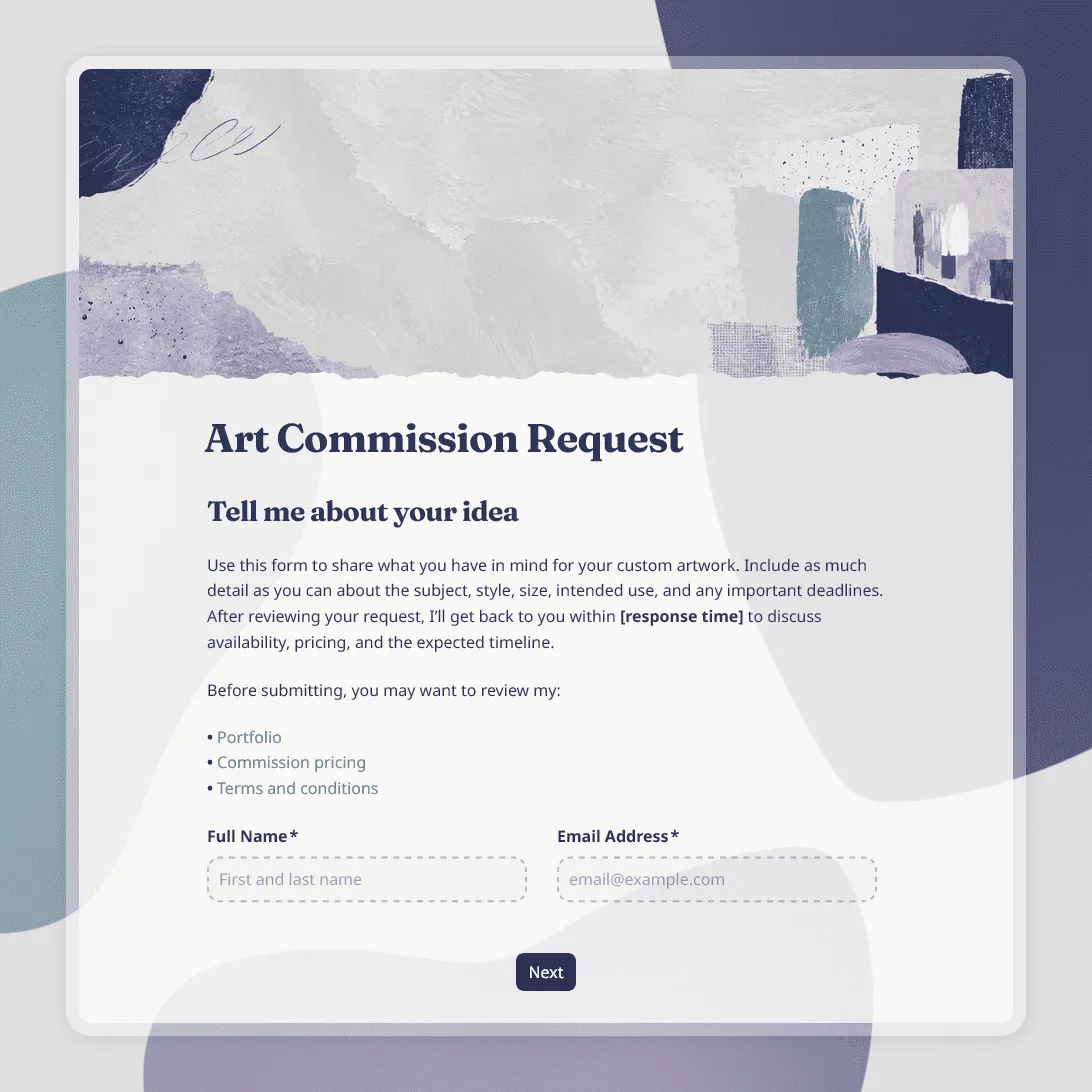
Art Commission Form Template
Free art commission form template for artists, illustrators, and makers. Collect project details, references, budget, timeline, and client details.
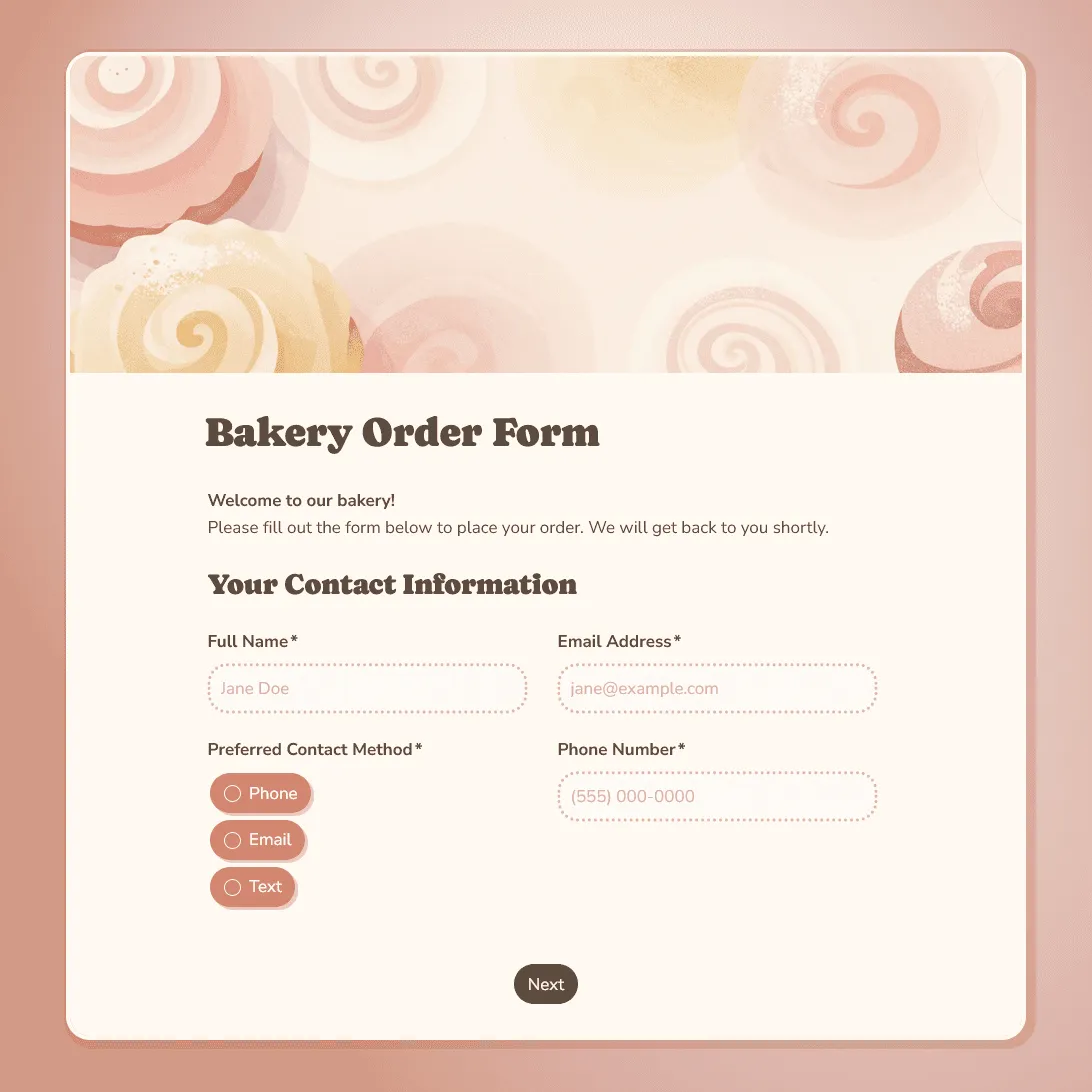
Bakery Order Form Template
Free bakery order form template for collecting custom cake, bread, and pastry orders. Capture flavors, dietary needs, pickup dates, and customer details in one place.
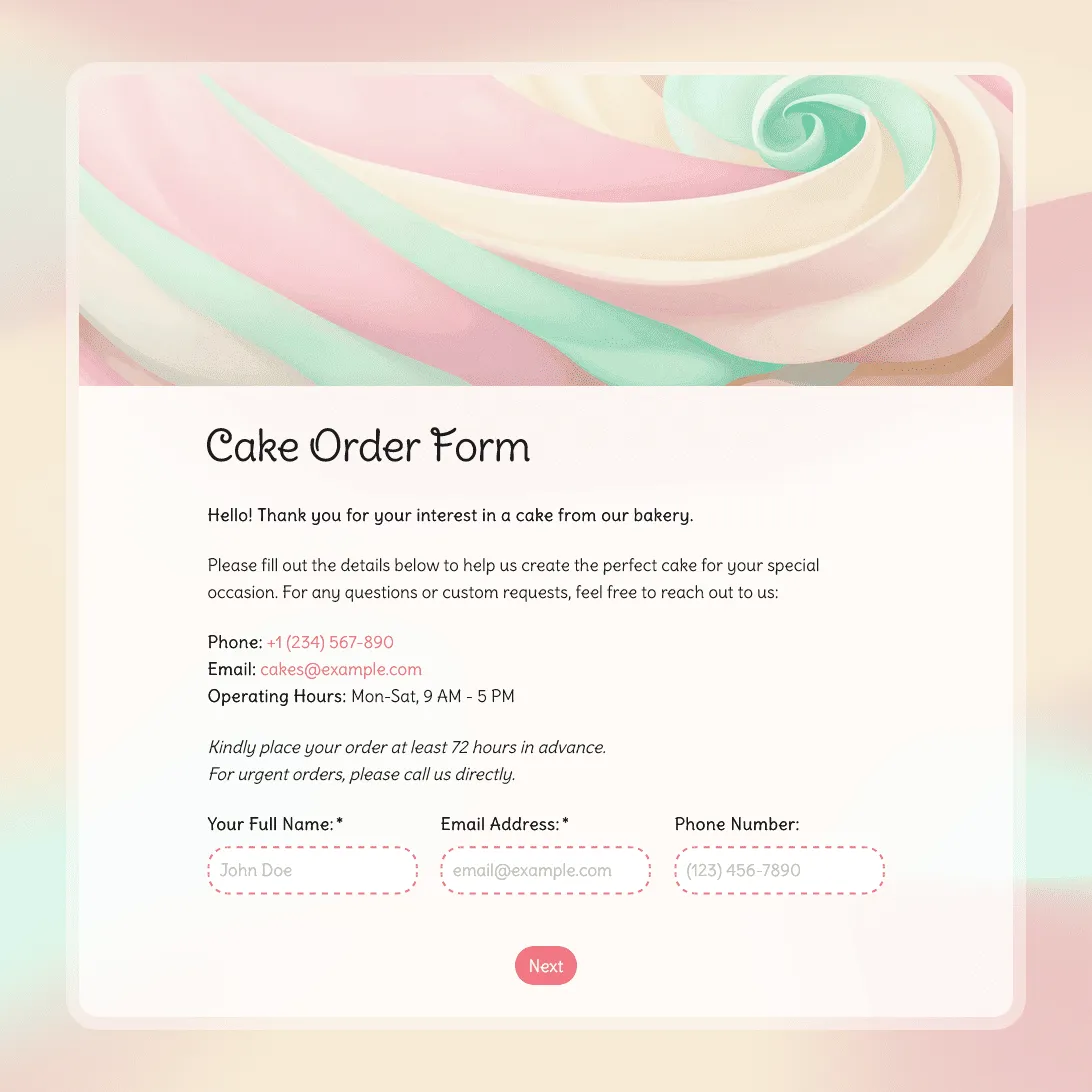
Cake Order Form Template
Free cake order form template for custom birthday cakes, wedding cakes, and celebration cakes. Capture size, flavor, design details, and pickup dates upfront.
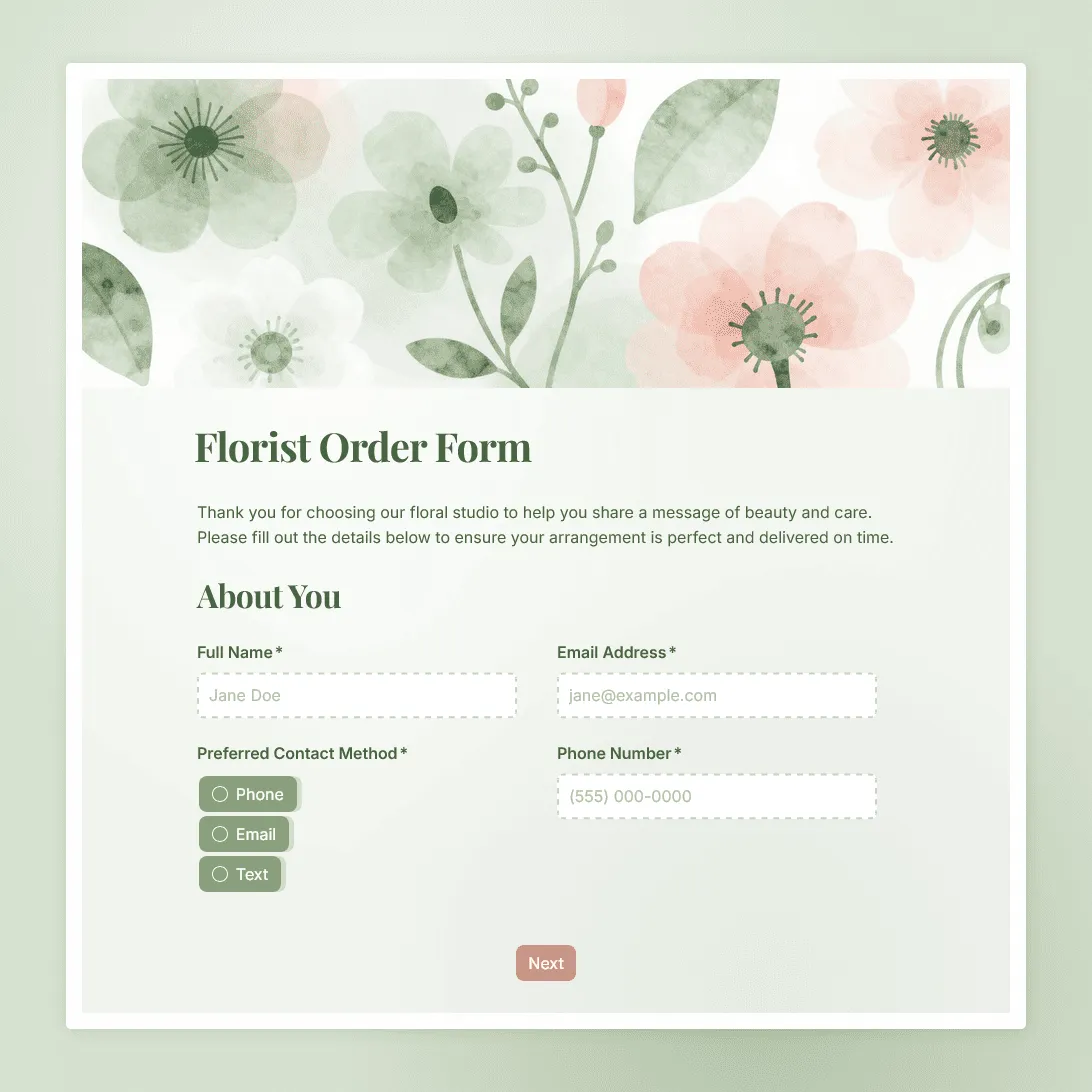
Florist Order Form Template
Use this free florist order form template to collect bouquet choices, sender details, recipient address, delivery instructions, and card messages.
About order forms
An online order form lets customers place orders for your products or services on their own time, without needing to call you, message you on Instagram, or track you down at a market stall.
For most small businesses and independent makers, this is a genuine game-changer. Instead of piecing together order details from a string of voice messages and texts, every order arrives in the same format with all the information already there (the item, the quantity, the date needed, any special customizations, and a way to contact the customer if something is unclear).
Order forms are especially common in food and floral businesses, where every order tends to be unique and the margin for misunderstanding is high.
What should an order form include?
The exact fields depend on your product, but most order forms share a similar core structure:
- Customer details. Name, email address, and phone number. Email is how you send the confirmation; phone is how you follow up if something is missing or unclear.
- What they are ordering. The product or service name, quantity, and any customization options. Use dropdown menus or checkboxes for common choices like flavors, sizes, or colors so customers see all available options rather than typing freeform answers.
- When they need it. A date picker for pickup or delivery prevents the confusion that comes from interpreting handwritten or verbal date formats.
- Any special instructions. An open text box at the end of the form gives customers a place to add details that did not fit into any other field. It is worth including even if most customers leave it blank.
- Allergen or dietary information. If you work in food, this is not optional. An explicit question about allergies or dietary requirements is both a customer service standard and a safety requirement.
Why an order form works better than messages and emails
Taking orders through Instagram DMs or WhatsApp messages seems manageable when you have five orders a week. It stops working when you have twenty.
The problems that creep in: messages get buried, details get transcribed incorrectly, verbal confirmation does not count as a record, and you spend more time chasing customers for information than actually fulfilling orders.
An order form fixes all of this. Every submission arrives with complete information. You get a timestamped record of every order. Customers get a confirmation message the moment they submit, so there is no ambiguity about whether the order went through.
It also looks more professional. A clean order form on your website or in your Instagram bio signals that you are organized and take your work seriously.
How to set up an order form in FormGrid
All the templates in this section are free.
- Pick the template that fits. Click “Use this template” to open it in your FormGrid workspace.
- Edit the product options. Update the dropdown menus, checkboxes, and form fields to reflect your actual offerings. If you sell six flavors of cupcake, set those six options up in a dropdown so customers choose from your actual list rather than typing something unexpected.
- Add allergen questions. If you work in food, include a required field asking about dietary restrictions and allergies.
- Write a clear confirmation message. Tell customers what happens next (when they can expect confirmation, what your lead time is, and how to reach you if they have a question).
- Set up email notifications. Turn on email alerts in FormGrid and you will get a notification the moment a new order is submitted, so nothing slips through.
- Share the form. Paste the link in your Instagram bio, add it to your website’s menu or footer, or drop it in WhatsApp as a pinned message so customers can access it anytime.
If your products are unique or you need a more tailored structure, click “Generate your form” and describe your business in plain language.
Frequently asked questions
How does an online order form help my small business?
It stops orders from getting lost in messages, ensures you have all the details before you start work, and creates a written record of every request. For any business handling custom or pre-ordered items, it saves significant time back-and-forth with customers.
Should I collect payment through the order form?
That depends on your workflow. Some businesses prefer to confirm the order first and then send an invoice separately. Others want payment upfront to secure the booking. FormGrid lets you collect order details without a payment step, and you can add payment instructions to your confirmation message asking customers to pay via bank transfer, PayPal, or whichever method you prefer.
Can customers choose from a list of products on the form?
Yes. You can set up dropdown menus, radio buttons, or checkbox lists with your specific products, flavors, or options. This is more reliable than asking customers to type a freeform answer, since they are selecting from your actual available choices.
How will I know when a new order comes in?
You can set up email notifications in FormGrid so you receive an alert as soon as someone submits the form. You can also log into your dashboard at any time to view all your orders in one place.
Can I set a minimum order or lead time requirement?
You can include this information in the form description or in a note at the top of the form. For example, “All orders must be placed at least 72 hours in advance” or “Minimum order quantity is 12 cupcakes.” This sets expectations before the customer starts filling anything out.
What if an order is incomplete or the customer made a mistake?
Your dashboard includes the contact details the customer provided. You can reach out directly to clarify the order before you begin. Most customers appreciate a quick confirmation message before you start working on something custom.
Can I limit orders by date or total number?
Yes. You can set a maximum submission count to stop taking orders once you have hit your capacity (useful during busy seasons like Christmas or Valentine’s Day when demand exceeds what you can fulfill). You can also add a date field with restrictions to prevent customers from requesting pickup before your earliest available date.
Is FormGrid’s order form template mobile-friendly?
Yes. All FormGrid forms are fully responsive. Most customers browsing Instagram or your website will be on their phones, so the form adapts to any screen size automatically.
Is this order form template free?
Yes. All FormGrid templates are free. You can collect unlimited orders and use all the core form builder features at no cost.