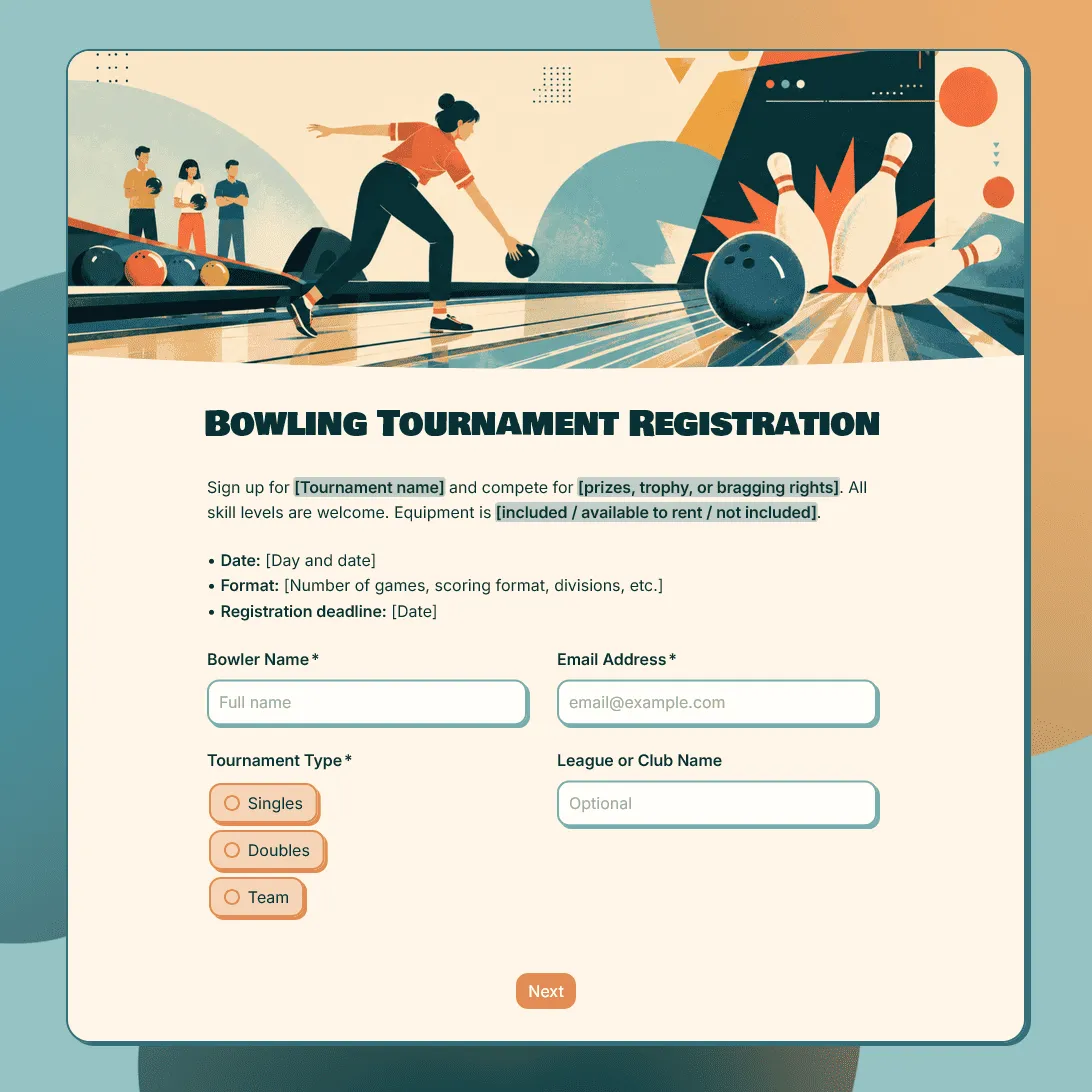
Bowling Tournament Registration Form Template
Free bowling tournament registration form template for leagues, clubs, fundraisers, school events, and local competitions.
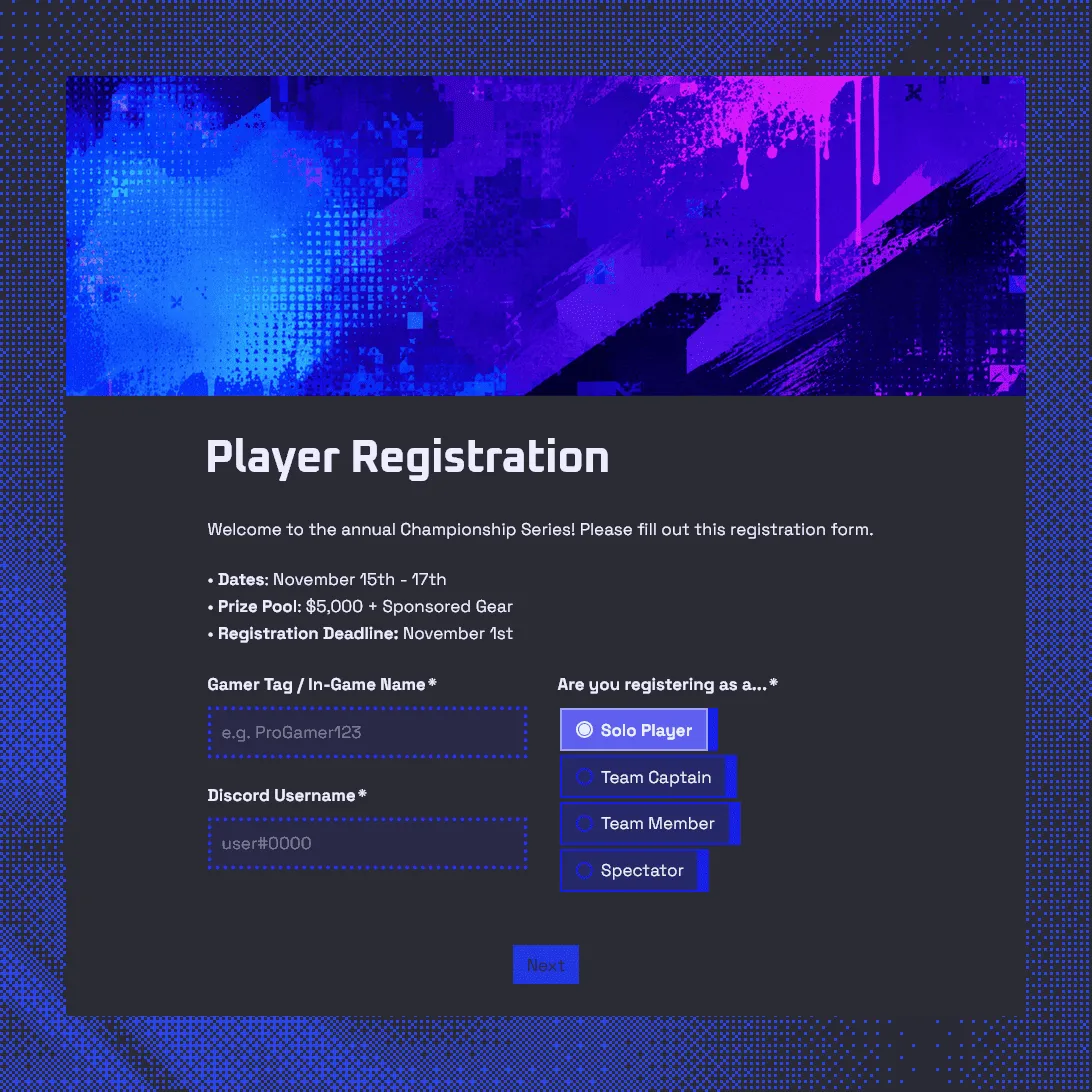
Gaming Tournament Registration Form Template
Use this free gaming tournament registration form template to collect player details, gamer tags, Discord usernames, and match availability.
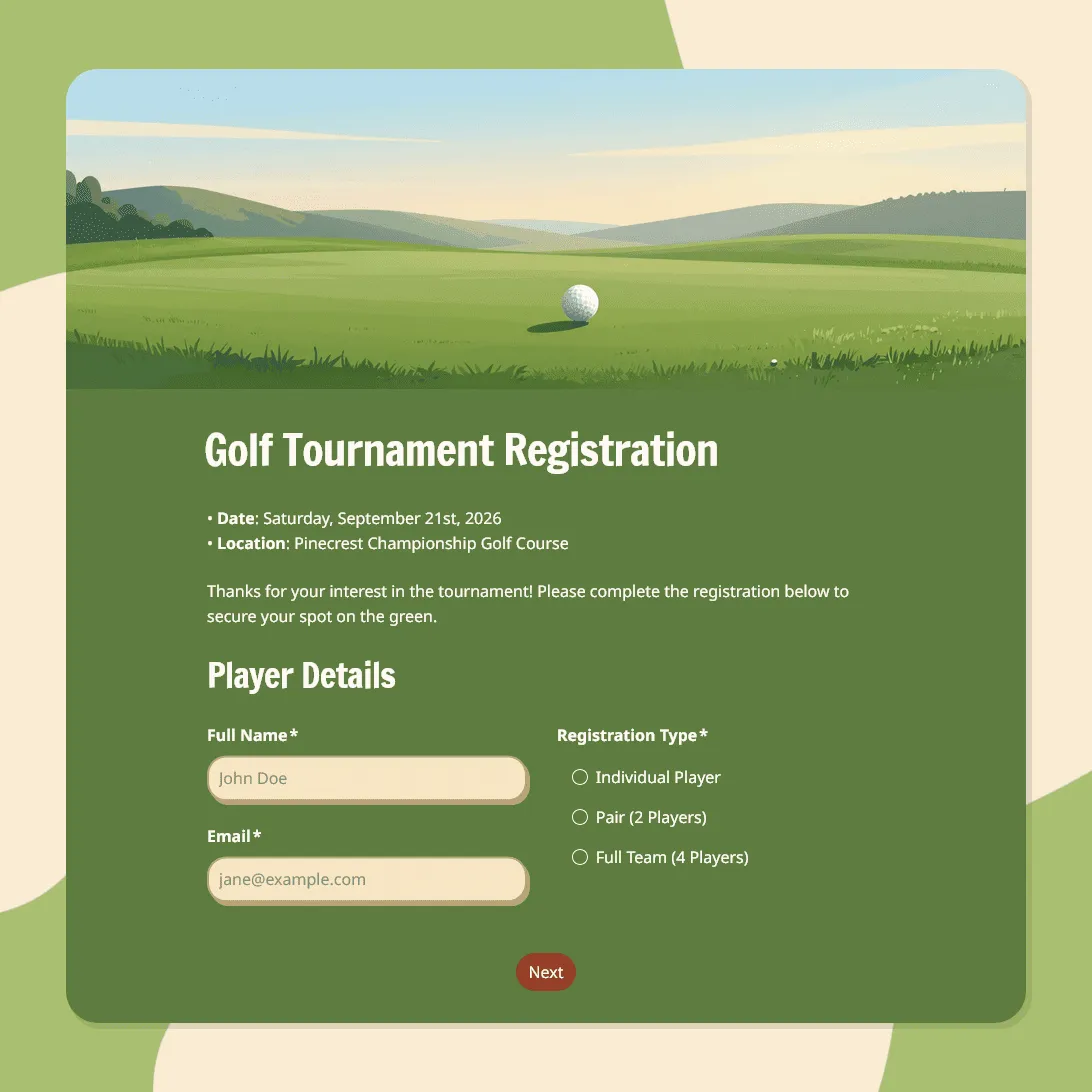
Golf Tournament Registration Form Template
Use this free golf tournament registration form template to collect player details, team signups, tee time preferences, and waivers.
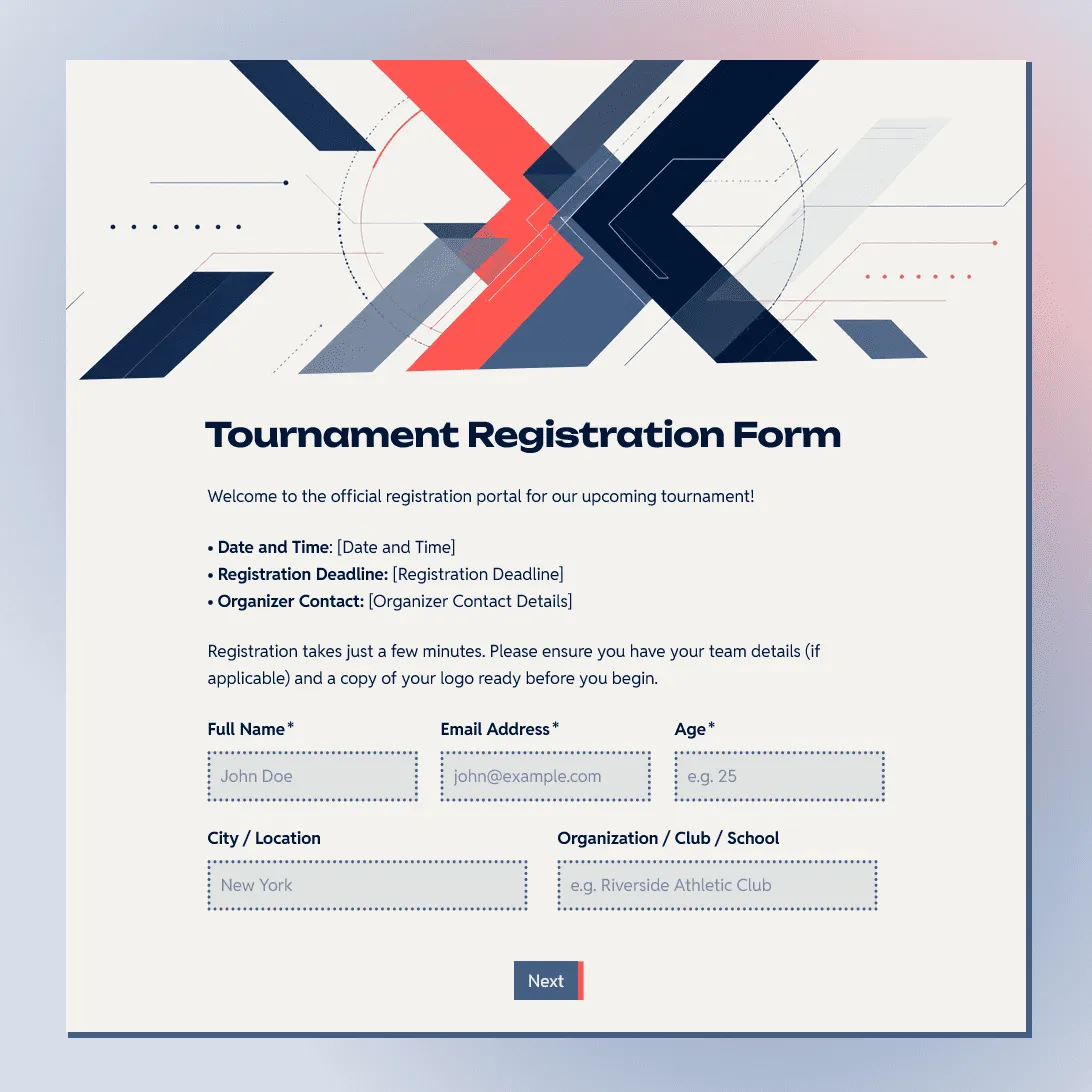
Tournament Registration Form Template
Use this free tournament registration form template to collect participant details, team entries, divisions, and waivers.
About tournament registration form templates
Tournament signups are easiest to manage when every entry arrives in the same format. Player names, team rosters, divisions, skill levels, time slots, waivers, and rule agreements are much easier to sort when they are collected through structured questions.
These templates are built for competitions where the registration details affect scheduling, brackets, scoring, check-in, or team setup. They can work for sports tournaments, gaming tournaments, golf events, bowling tournaments, school competitions, charity tournaments, club events, and local leagues.
What tournament registration forms usually include
Tournament forms often need enough detail to organize brackets, tee times, squads, matches, teams, or divisions. Depending on the event, you may want to collect:
- Player, captain, or team contact details
- Team name, roster, partner, or doubles information
- Tournament format or entry type
- Division, skill level, age group, or handicap
- Preferred time slot, squad time, tee time, or session
- League, club, school, company, or organization name
- Equipment, platform, game, or category details
- Emergency contact details for youth or physical events
- Rules agreement, waiver, or photo consent
- Payment instructions or registration notes
For small tournaments, keep the form short and focus on contact details, entry type, and rules. For larger events, use the form to collect the details you will need later for scheduling, seeding, check-in, scoring, and follow-up.
Tips for managing tournament registrations
Use the form to collect entries in a way that makes the tournament easier to build and run.
-
Separate individual and team entries. Make it clear whether someone is registering as an individual, a pair, a full team, or a captain submitting a roster.
-
Collect the details you need for brackets or divisions. Ask for age group, skill level, ranking, handicap, average score, platform, game mode, or division when those details affect placement.
-
Make schedule choices easy to compare. If players can choose a tee time, squad time, session, match window, or preferred start time, use clear options and explain whether the choice is guaranteed.
-
Add rules and eligibility before submission. Include tournament rules, refund notes, late arrival policy, substitution rules, code of conduct, or waiver text before the final agreement.
-
Plan for changes. Tournament rosters often shift. Use the confirmation message to tell participants how to update team details, request changes, make payment, or contact the organizer.
Tournament registration form FAQs
How do I collect information for brackets or divisions?
Ask for the details that affect placement, such as age group, skill level, ranking, handicap, average score, team size, platform, game mode, or division. Use dropdowns or multiple choice fields where possible so the responses are easier to sort later.
How do I create an online tournament registration form?
Start with a tournament registration form template, update the event details, edit the entry options, and publish the form. After publishing, copy the registration link and share it with players, teams, clubs, schools, leagues, or your event audience.
For a fuller walkthrough, see How to create an online registration form.
Can I collect team registrations?
Yes. Add fields for team name, captain details, player names, partner details, substitutes, and roster notes. For doubles, squads, or full teams, make the entry format clear at the start of the form.
Can I use one form for different divisions or entry types?
Yes. Use conditional logic to show different follow-up questions based on the selected division, format, age group, skill level, or event type.
Can I embed a tournament registration form on my website?
Yes. After publishing, you can add the form to your tournament page with an embed code, or share the form link directly.
How do I track tournament registrations?
Responses appear in your response table. You can review players, teams, divisions, rosters, time slots, waivers, and notes in one place. You can also export responses when you need a spreadsheet for brackets, check-in lists, schedules, or team planning.
Are these tournament registration form templates free?
Yes. All FormGrid tournament registration form templates are free to use, and you can collect unlimited registrations on the free plan.