Tournament Registration Form Template
Use this free tournament registration form template to collect participant details, team entries, divisions, and waivers.
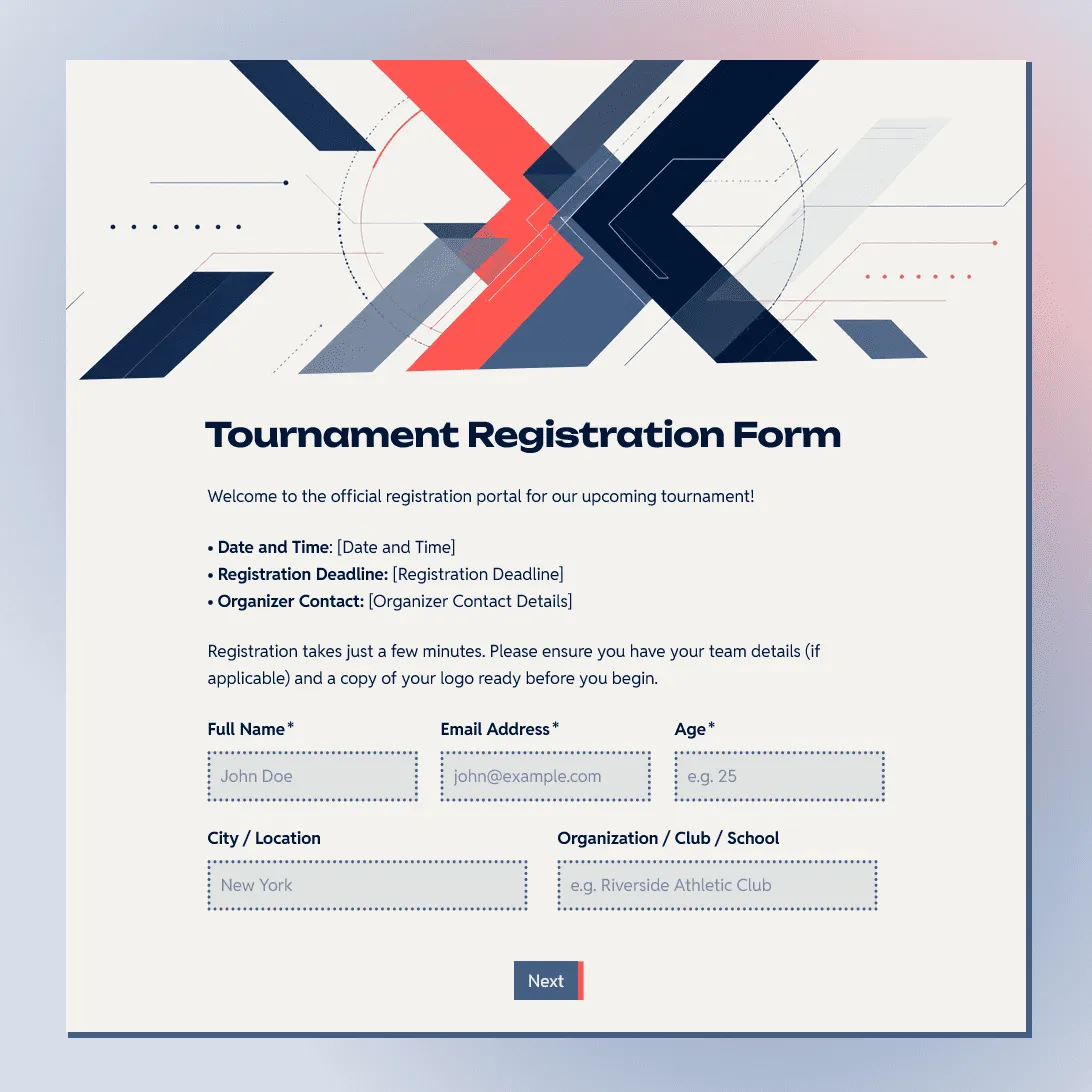
Need a custom tournament registration form?
Describe your tournament and FormGrid will generate a tailored registration form for you.
About this tournament registration form template
This tournament registration form template helps you collect entries before a sports tournament, gaming tournament, school competition, club event, charity tournament, or community contest.
It starts by asking whether someone is registering as an individual player, team captain, or group contact. From there, the template collects the details needed for planning: participant names, team details, division, skill level, availability, entry fee instructions, waivers, photo consent, and contact information.
The template can work for single-player tournaments, team tournaments, doubles events, bracketed competitions, round-robin formats, charity events, youth tournaments, local leagues, and casual community contests.
For more specific formats, start with the golf tournament registration form template, gaming tournament registration form template, or bowling tournament registration form template.
What this template includes
This tournament registration form template includes fields for:
- registration type
- participant name and contact details
- team name
- team captain details
- player names
- division or category
- age group, if needed
- skill level
- schedule availability
- preferred match time
- entry fee instructions
- payment reference, if payment happens outside the form
- tournament rules agreement
- liability waiver
- parent or guardian consent, if minors are participating
- photo and video consent
- emergency contact, if needed
You can keep the template short for a casual local tournament, or add more details for team rosters, youth events, charity tournaments, multi-day competitions, seeded brackets, or events with entry fees.
Customize this tournament registration form template
Open this tournament registration form template in FormGrid. You can edit it manually, or describe the changes you need in the AI chat.
For example:
- “Make this a team tournament form with captain details, player names, substitute players, and team size.”
- “Adapt this for a youth sports tournament with parent contact, emergency contact, age group, and consent fields.”
- “Make this work for a gaming tournament with gamer tag, Discord username, platform, region, game title, and rules agreement.”
- “Add entry fee instructions and a payment reference field.”
- “Change the design to match our school tournament.”
FormGrid can update the questions, conditional logic, field descriptions, layout, colors, design, and confirmation message.
Before you share your tournament form
After you customize the template, check the parts that affect registration and event planning:
-
Registration paths: Individual players should see individual questions. Team captains should see team roster questions. Parents or guardians should see consent and emergency contact fields.
-
Divisions and categories: Keep only the divisions your tournament actually uses, such as age group, skill level, bracket, gender category, seed, handicap, or open division.
-
Team details: For team entries, make sure the form collects team name, captain details, player names, team size, substitutes, and the main contact for updates.
-
Entry fee instructions: Add the fee amount, payment method, payment deadline, and payment reference field if payment happens outside the form.
-
Waivers and consent: Update the tournament rules, liability waiver, refund policy, photo consent, and parent or guardian consent where needed.
-
Confirmation message: Tell registrants what happens after they submit: entry confirmed, pending review, waiting for payment, or bracket details coming later.
After you publish the form, share the link by email, social media, club announcements, school updates, event listings, or QR code flyers. You can also embed the form on your tournament page.
Manage tournament registrations
After publishing, submissions are saved in FormGrid. You can export responses to CSV or Excel for check-in lists, team rosters, brackets, divisions, payment tracking, waiver checks, and schedule planning.
You can also connect the form to the tools your organizers already use. Send new registrations to Airtable or Notion, add rows to a spreadsheet, post updates in Slack, or start a Zapier or Make workflow when someone registers.
Add a send email block before publishing if registrants should receive an automatic confirmation email with the next step, payment instructions, check-in details, or tournament updates.
Related templates and guides
- Golf tournament registration form template
- Gaming tournament registration form template
- Bowling tournament registration form template
- Event registration form template
- Post-event feedback form template
- How to create an online registration form
Tournament registration form FAQs
What should a tournament registration form include?
A tournament registration form should include participant details, team details if needed, division or category, skill level, availability, entry fee instructions, tournament rules, waiver agreement, photo consent, and organizer contact details.
Can I include a waiver in the registration form?
Yes. Add a required waiver agreement, tournament rules, refund policy, parent or guardian consent, photo release text, and a signature field if your tournament requires one.
Can I collect entry fee details?
Yes. You can add entry fee instructions, registration type, payment status, or a payment reference field. If payment happens outside the form, explain the payment method and deadline clearly.
Can I send an automatic confirmation email?
Yes. Add a send email block before publishing. The email can confirm that the registration was received and include payment instructions, check-in details, schedule information, or next steps.
Is this tournament registration form template free?
Yes. This tournament registration form template is free, and you can collect unlimited tournament registrations on the free plan.
Related templates
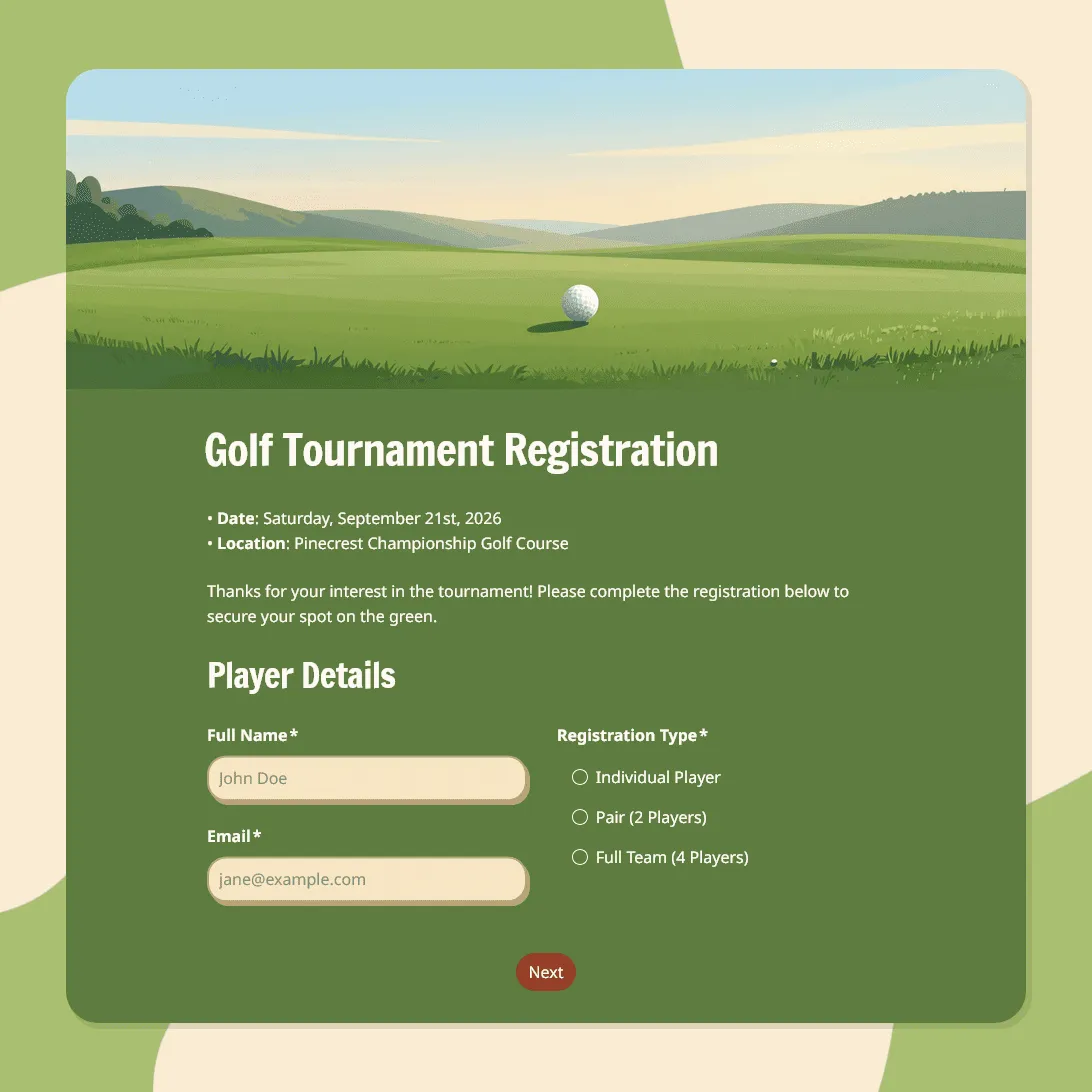
Golf Tournament Registration Form Template
Use this free golf tournament registration form template to collect player details, team signups, tee time preferences, and waivers.
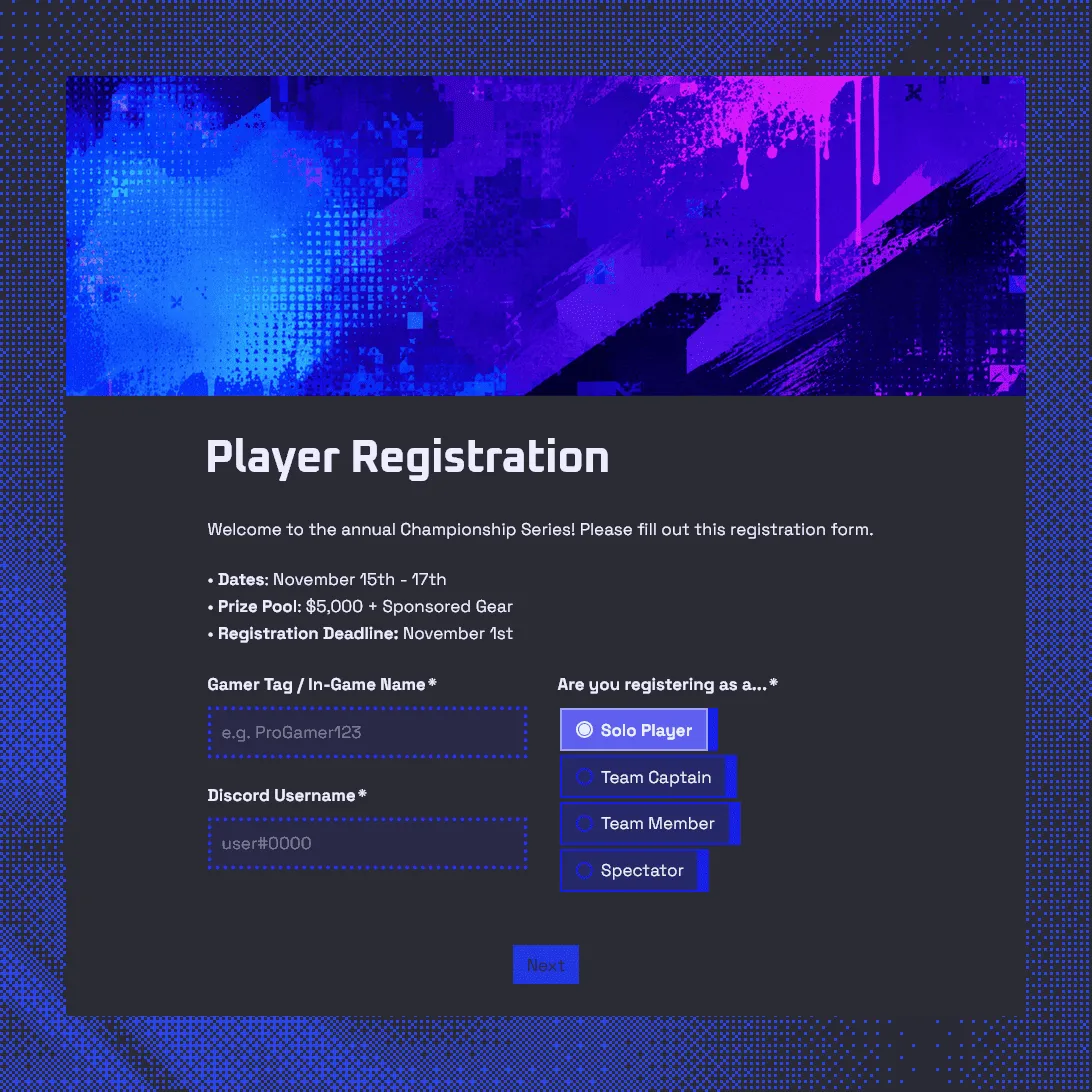
Gaming Tournament Registration Form Template
Use this free gaming tournament registration form template to collect player details, gamer tags, Discord usernames, and match availability.
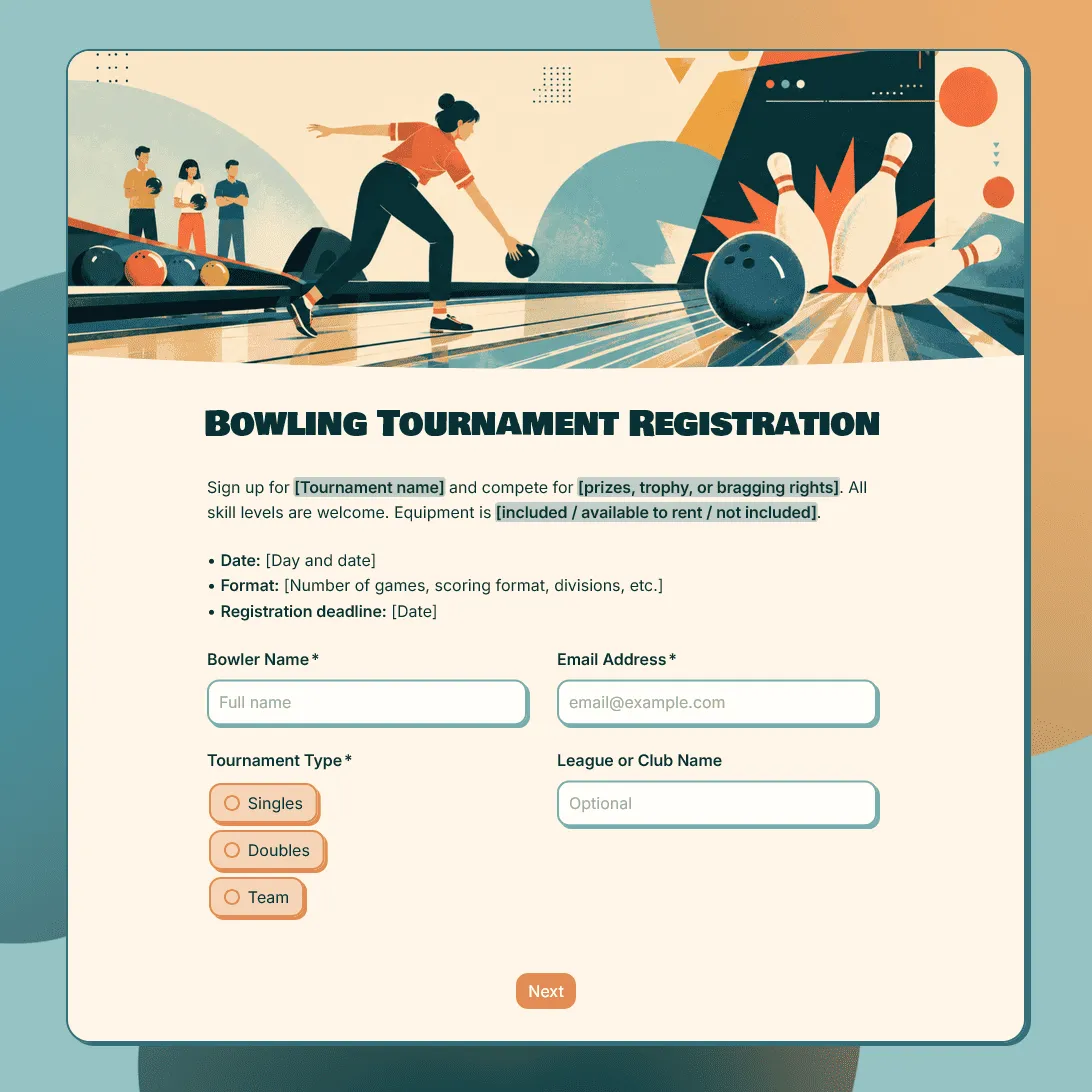
Bowling Tournament Registration Form Template
Free bowling tournament registration form template for leagues, clubs, fundraisers, school events, and local competitions.