Gaming Tournament Registration Form Template
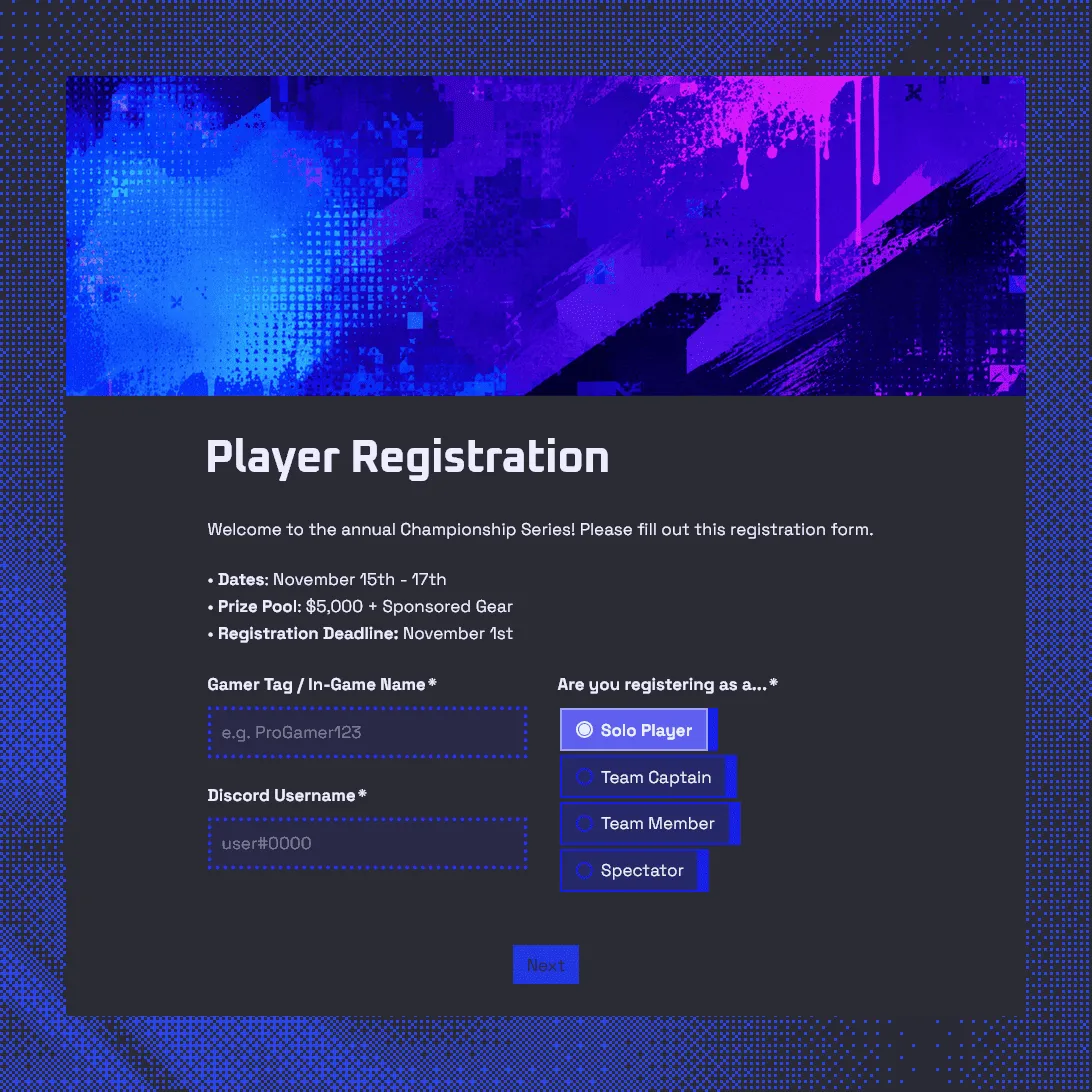
Use this free gaming tournament registration form template to collect player details, gamer tags, Discord usernames, and match availability.
Need a custom tournament registration form?
Describe your tournament and FormGrid will generate a tailored registration form with a custom design.
About this gaming tournament registration form template
Use this free gaming tournament registration form template to collect player, team, and spectator signups before your event. It helps you gather the details needed to build brackets, contact participants, check eligibility, manage rosters, plan match times, and share tournament updates.
The template includes fields for player names, gamer tags, Discord usernames, email addresses, game title, platform, server region, skill level, team details, match availability, rules agreement, streaming consent, and prize eligibility.
It works for esports tournaments, school gaming events, college esports clubs, LAN parties, online competitions, Discord community tournaments, creator tournaments, charity streams, and game-specific events.
For a broader event signup flow, use the event registration form template. For a full walkthrough, see our guide on how to create an online registration form.
Start with the tournament format
A gaming tournament registration form should match the way your tournament is run. A solo tournament, a team tournament, a LAN event, and an online bracket all need different details.
Start with one question near the top:
How are you registering?
Useful options include:
- Solo player
- Duo or squad
- Team captain
- Team member
- Substitute player
- Spectator
- Streamer or creator
- Volunteer or moderator
This makes the rest of the form easier to manage. A solo player may only need to share a gamer tag, platform, region, rank, and Discord username. A team captain needs to share roster details, substitute players, team contact details, and any rules that apply to roster changes. You can use conditions to show different fields based on the registration type.
Collect the details you need for brackets
The form should give you clean registration data before you start building brackets or match groups.
Useful player fields include:
- First and last name
- Email address
- Discord username
- Gamer tag or in-game name
- Game title
- Platform
- Server or region
- Timezone
- Rank or skill level
- Previous tournament experience
- Backup contact method
For online tournaments, Discord username is often the most useful contact field. For school, college, youth, or in-person events, you may also need a real name, school email, emergency contact, age confirmation, or parent approval.
Add team and roster fields
For team-based tournaments, collect enough information to confirm the roster and contact the right person before matches begin.
Useful team fields include:
- Team name
- Team captain name
- Team captain email
- Team captain Discord username
- Player names
- Player gamer tags
- Substitute players
- Team region
- Team logo upload, if needed
Add roster rules directly above the team fields. Mention the maximum team size, substitute rules, region rules, and whether players can change the roster after registration closes. If you want teams to upload a logo, add a file upload field and restrict uploads to image files.
Ask for game, platform, rank, and region
Gaming tournaments often need competitive details that a standard event form would miss.
Useful tournament fields include:
- Game title
- Game mode
- Platform, such as PC, PlayStation, Xbox, Nintendo Switch, or mobile
- Server or region
- Rank or skill level
- Preferred role, class, or position
- Tournament division
- Controller type, if relevant
- Bracket format, if players can choose
- Team size
For casual tournaments, rank can be optional. For competitive events, it helps with divisions, seeding, and fairer matchups.
Add scheduling and check-in questions
Many tournament issues happen before the first match. Players miss check-in, use the wrong timezone, or do not know where updates will be posted.
Add a short scheduling section with:
- Timezone
- Preferred match time
- Unavailable dates or times
- Check-in confirmation
- Agreement to join the event Discord
- Backup contact method
- Confirmation that the player can play during the scheduled window
Mention the main communication channel in the form description and confirmation message. If updates happen in Discord, say that before the player submits the form. You can also turn on email notifications so your team knows when new players or teams register.
Include rules, eligibility, and consent
Add required agreement fields near the end of the form. Keep the wording clear and link to the full rules if they are too long for the form.
Common agreement fields include:
- Agreement to tournament rules
- Code of conduct agreement
- Eligibility confirmation
- Age confirmation
- Prize terms acknowledgment
- Streaming and recording consent
- Photo and video consent for LAN events
- Parent or guardian consent, if required
- Signature, if required
If prizes are involved, include the basic eligibility terms. If minors can participate, add the approval fields your organization needs. For tournaments that require written approval, add a signature field at the end of the form.
Add a spectator path if people can watch
Some gaming tournaments need spectator registration, especially LAN events, school tournaments, creator events, and community finals.
A simple spectator path can include:
- Name
- Email address
- Discord username
- Attendance type
- Games they want to watch
- Guest count
- Photo and video consent
- Permission to receive event updates
This keeps player registration focused while still giving organizers a clean attendee list.
Example gaming tournament registration questions
Use these questions as a starting point:
- Are you registering as a solo player, team captain, team member, substitute player, spectator, or volunteer?
- What is your gamer tag or in-game name?
- What is your Discord username?
- Which game are you entering?
- What platform do you play on?
- What server or region do you use?
- What is your rank or skill level?
- What timezone are you in?
- Which match times work for you?
- Are there any times you cannot play?
- What is your team name?
- Who is the team captain?
- What are the gamer tags of each team member?
- Do you have any substitute players?
- Do you agree to the tournament rules?
- Do you agree to the code of conduct?
- Do you consent to your match being streamed or recorded?
- Do you confirm that you meet the age and eligibility requirements?
- Do you agree to the prize terms?
How to set up your gaming tournament registration form
- Open the template. Click “Use this template” to copy it into your FormGrid workspace.
- Add the tournament details. Include the game title, date, time, format, platform, region, prize details, rules, and organizer contact information.
- Set up registration paths. Ask whether someone is joining as a solo player, team captain, team member, substitute player, spectator, streamer, or volunteer.
- Add player and team fields. Collect gamer tags, Discord usernames, email addresses, team names, player names, platform, skill level, and region.
- Collect schedule details. Ask for timezone, match availability, unavailable times, and check-in confirmation.
- Add rule agreements. Include tournament rules, code of conduct, streaming consent, prize terms, and eligibility requirements.
- Write the confirmation message. Use a custom end page to tell players where updates will be posted, when brackets will be shared, and what they need to do before their first match.
- Test the form. Submit test registrations as a solo player, team captain, team member, and spectator.
- Share the form. Embed it on your website or share the link in Discord, social media, email, school groups, club pages, or community channels.
After registrations come in, you can export responses as a CSV or Excel file and use the data to prepare brackets, player lists, team rosters, and check-in sheets. If you want to avoid repeat signups, you can also prevent duplicate submissions for fields like email address, Discord username, or gamer tag.
Related registration templates and guides
These related templates and guides can help with other signup flows:
- Tournament registration form template: for collecting participant details, team entries, divisions, and waivers.
- Event registration form template: for general event signups, workshops, meetups, and community events.
- Post-event feedback form template: for collecting feedback after the tournament.
- How to create an online registration form: for planning your form, choosing fields, writing the confirmation message, and testing the signup flow.
Gaming tournament registration form FAQs
What should a gaming tournament registration form include?
A gaming tournament registration form should include player details, gamer tag, Discord username, email address, game title, platform, server region, skill level, team information, match availability, rules agreement, and eligibility details.
How do I register players for a gaming tournament?
Start by deciding who can register: solo players, teams, team captains, substitute players, spectators, streamers, or volunteers. Then collect the details needed for brackets and communication, such as gamer tag, Discord username, game title, platform, region, skill level, timezone, and match availability. Add your rules and confirmation message before sharing the form.
Can players register as a team?
Yes. You can add fields for team name, team captain, captain email, Discord username, player names, gamer tags, substitute players, and team logo upload. This helps you prepare brackets and contact the right person before matches begin.
Can I collect Discord usernames?
Yes. You can add a Discord username field and use it for match updates, check-in reminders, bracket announcements, and rule changes.
Should I ask for rank or skill level?
Ask for rank or skill level if you need balanced brackets, divisions, seeding, or fair matchups. For casual community tournaments, this field can be optional.
Can spectators register with this form?
Yes. You can add a spectator path with fields for name, email address, Discord username, attendance type, guest count, and the games they want to watch. This works well for LAN events, school tournaments, creator events, and community finals.
Can I include tournament rules in the form?
Yes. You can add tournament rules, a code of conduct, streaming consent, prize terms, eligibility requirements, and a required agreement checkbox before submission. Use wording approved by your organization.
Can I use this template for an esports tournament?
Yes. This template works for esports tournaments, online gaming competitions, LAN events, school tournaments, college esports clubs, creator events, and Discord community tournaments. You can edit the fields based on the game, bracket format, platform, and rules.
Is this gaming tournament registration form template free?
Yes. This template is free to use. FormGrid also includes unlimited forms and unlimited responses on the free plan, so you can collect gaming tournament registrations without response caps.
Can I embed this gaming tournament registration form on my website?
Yes. You can embed the form on your website or share it with a direct link. This works well for tournament pages, Discord servers, school club pages, creator communities, and social media posts.
Related templates
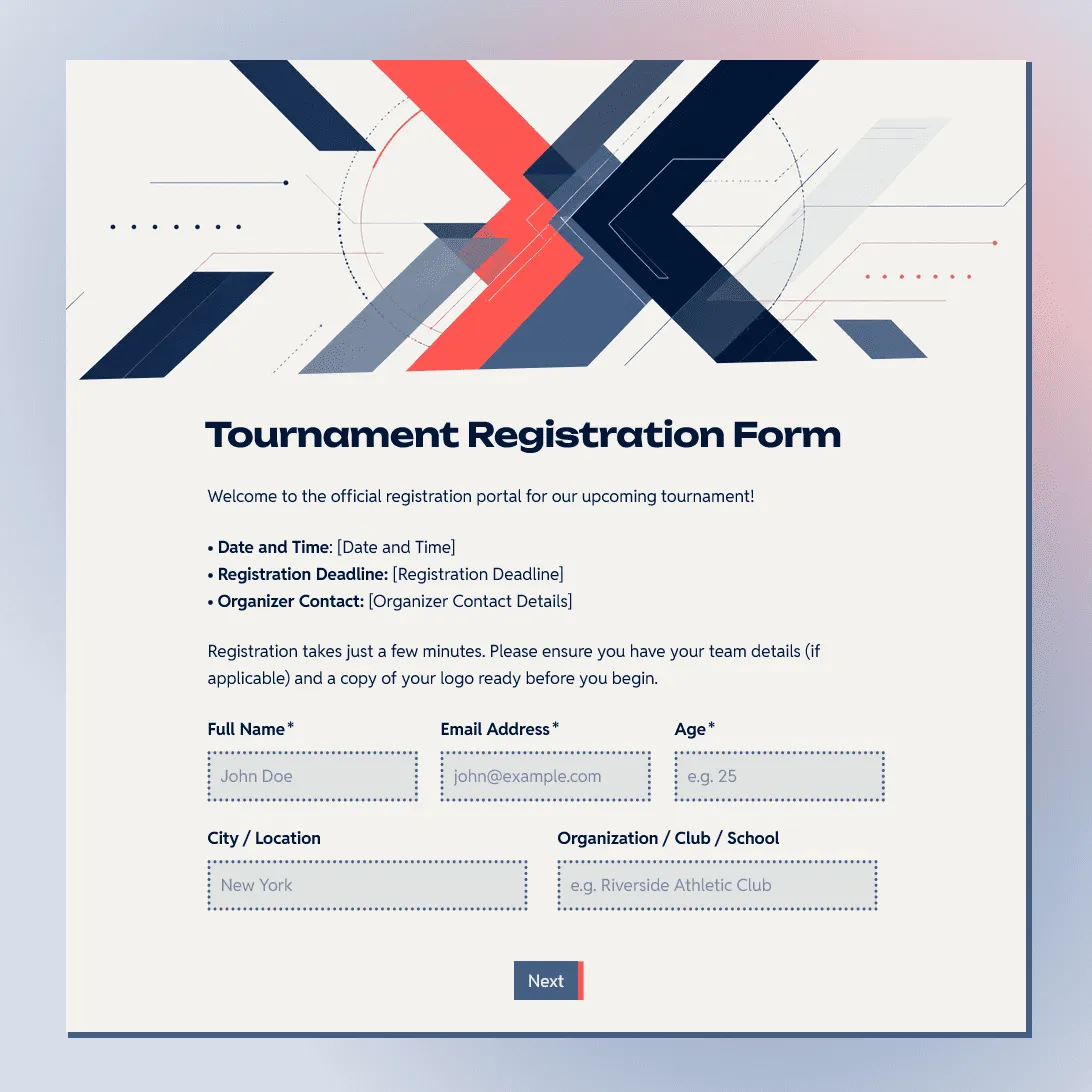
Tournament Registration Form Template
Use this free tournament registration form template to collect participant details, team entries, divisions, and waivers.
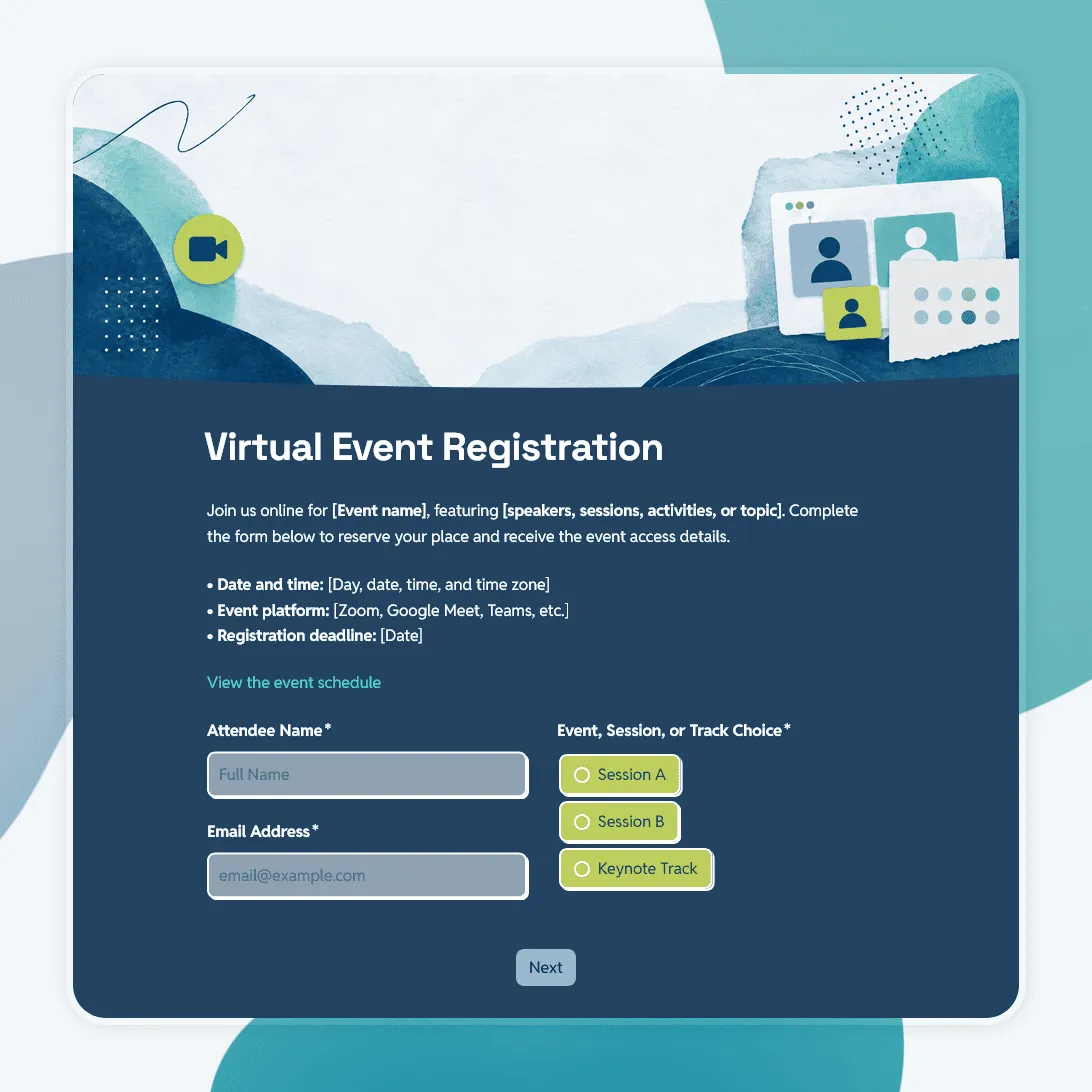
Virtual Event Registration Form Template
Free virtual event registration form template for webinars, online workshops, virtual conferences, livestreams, and remote events.
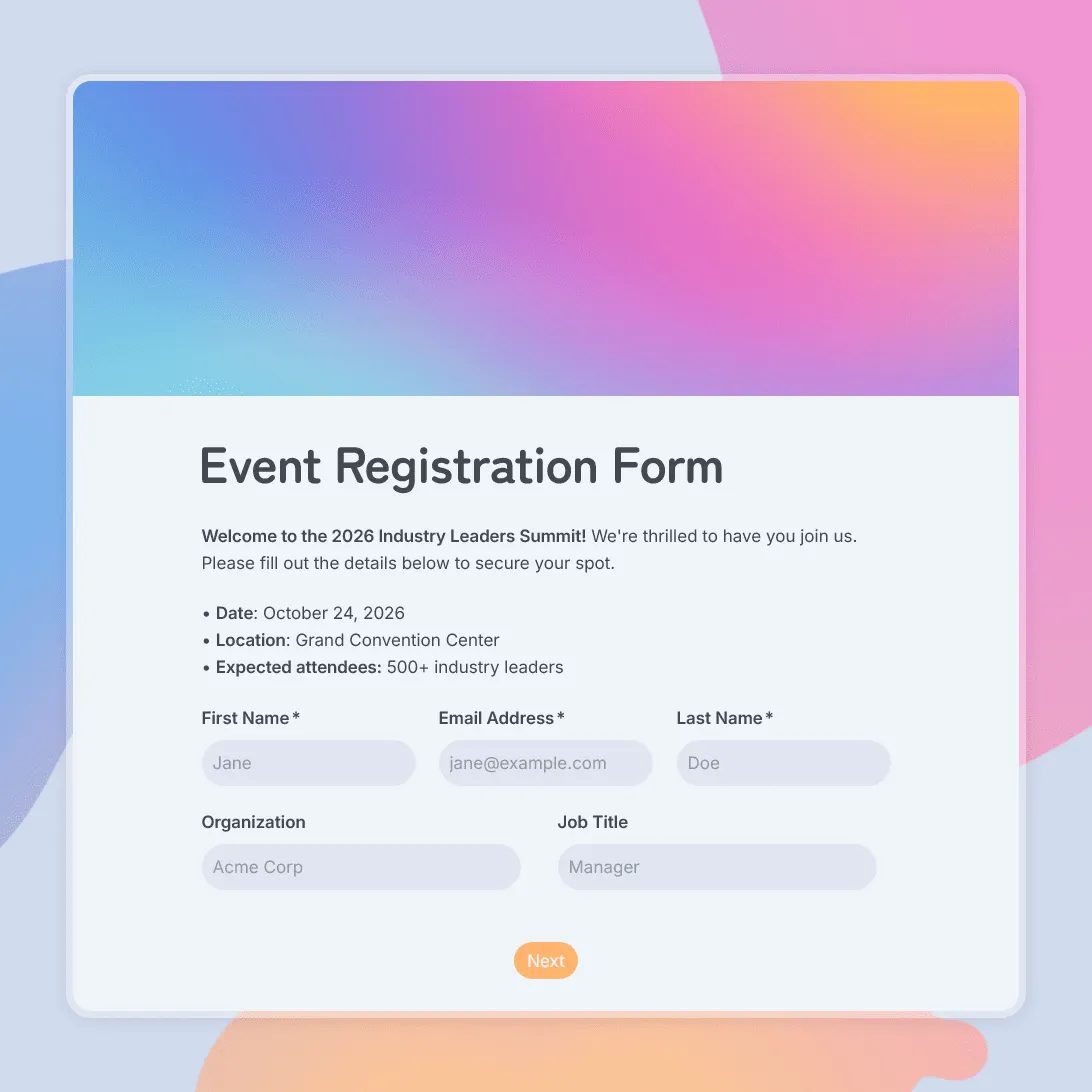
Event Registration Form Template
Use this free event registration form template to collect attendee details, preferences, and more.