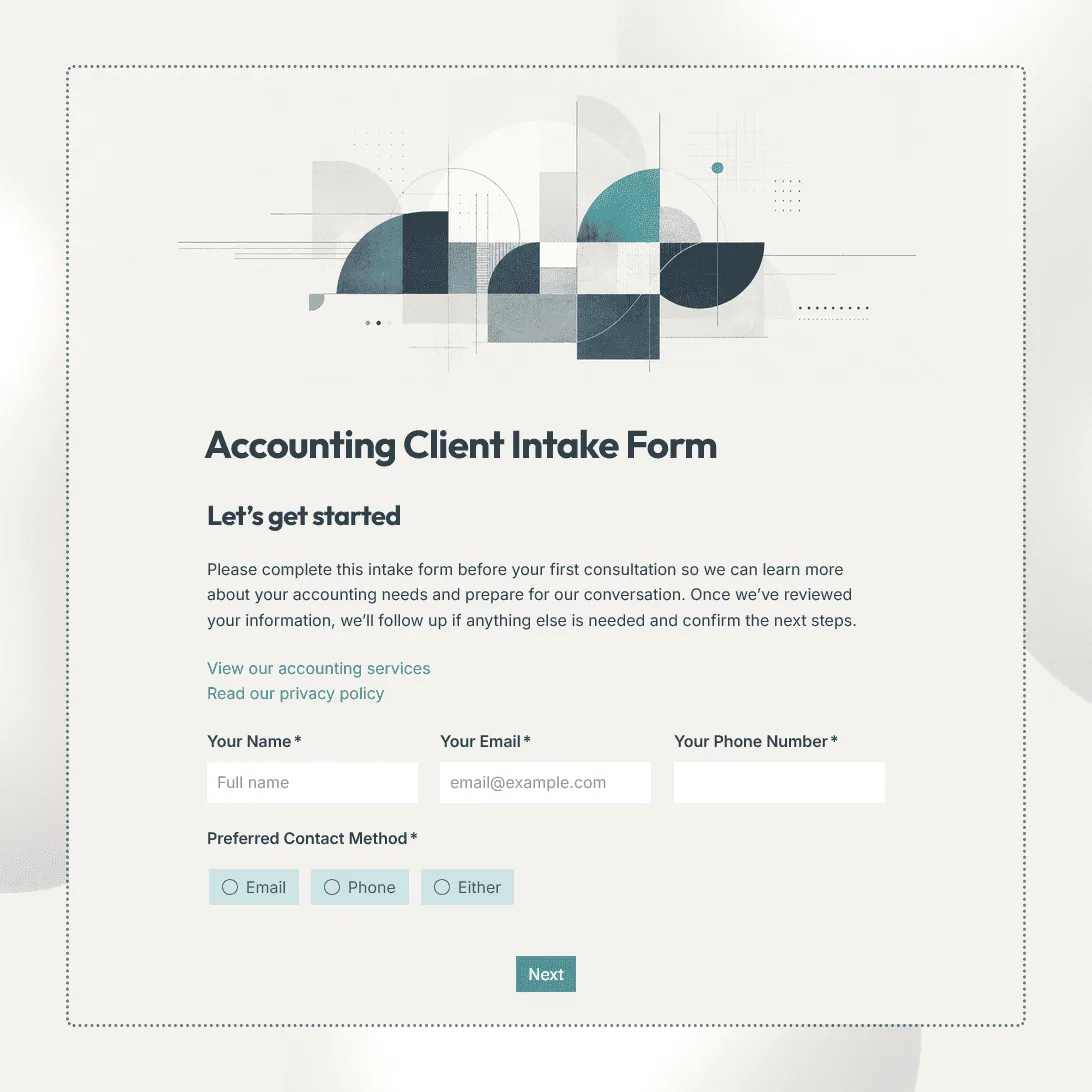
Accounting Client Intake Form Template
Free accounting client intake form template for collecting client details, services needed, accounting setup, tax information, deadlines, and documents.
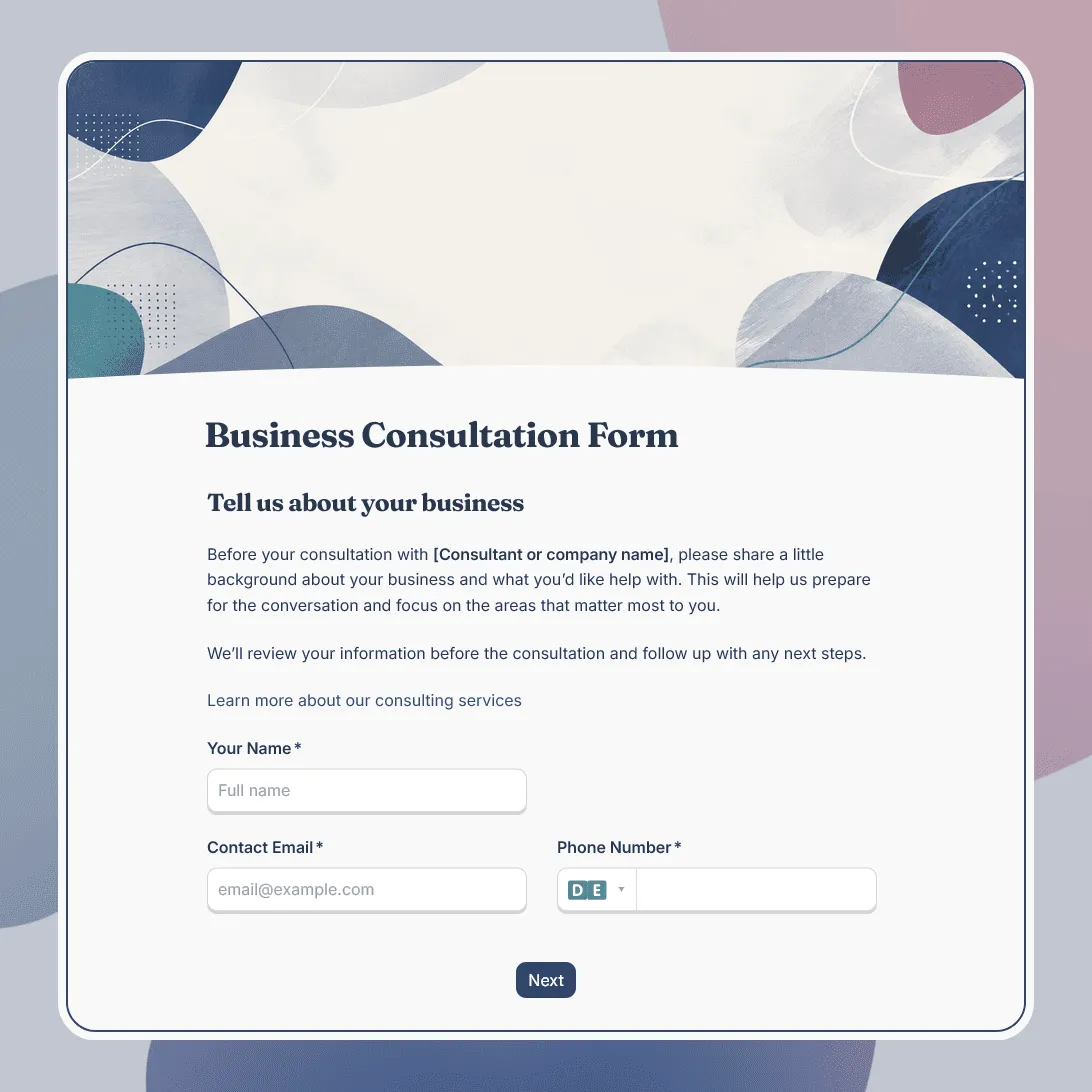
Business Consultation Form Template
Free business consultation form template for understanding a company's goals, challenges, and consulting needs before a strategy call.
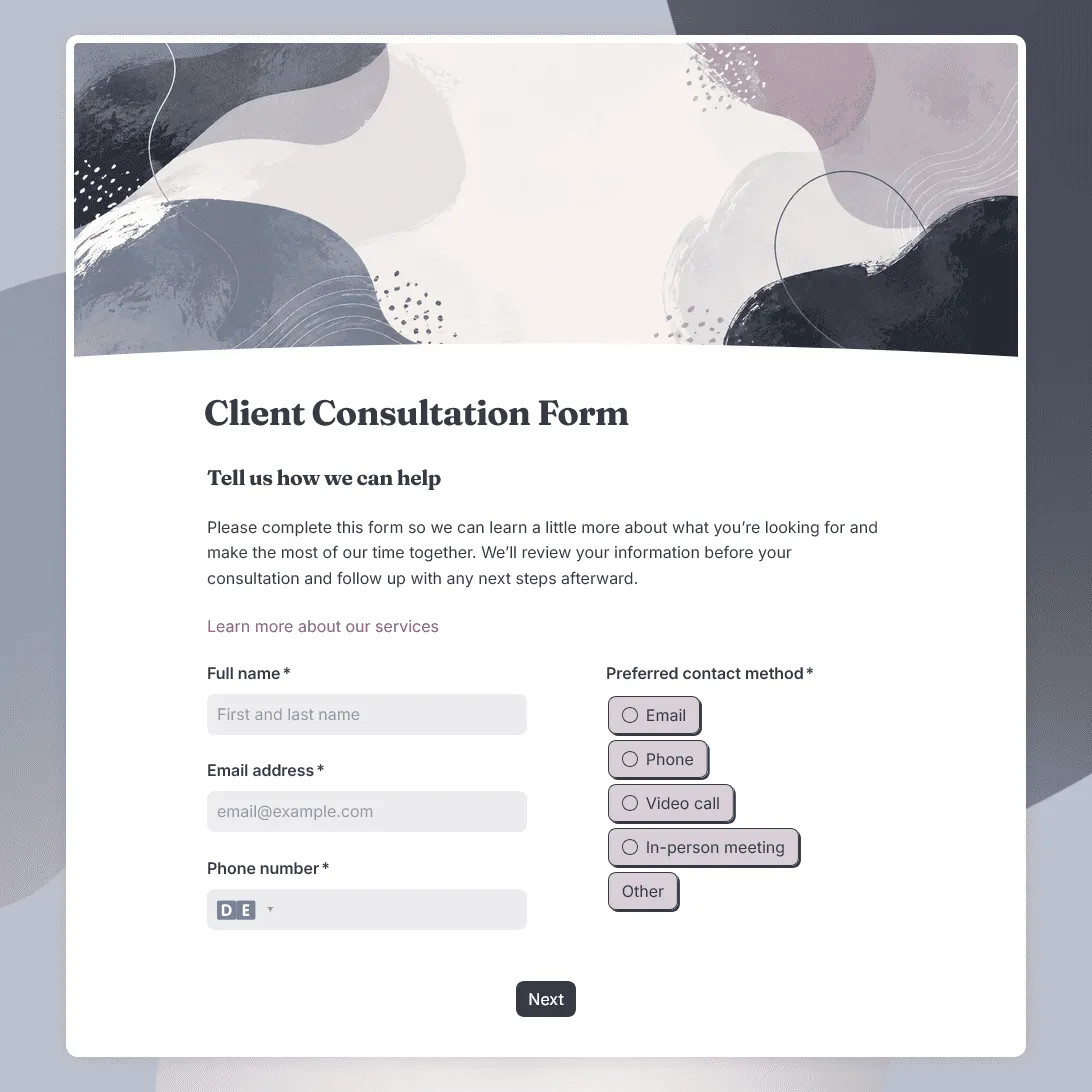
Client Consultation Form Template
Free client consultation form template for preparing calls, appointments, project discussions, and service recommendations.
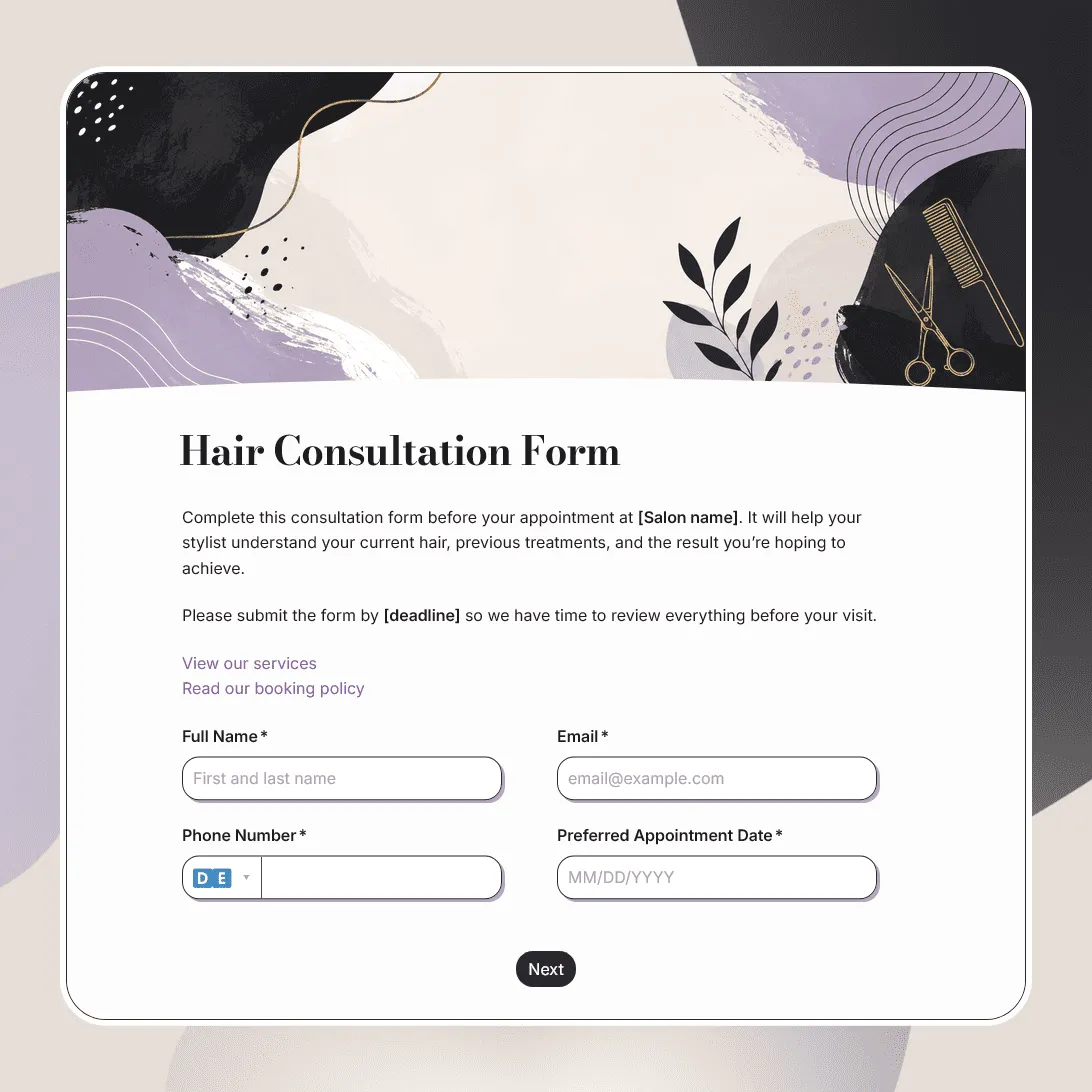
Hair Consultation Form Template
Free hair consultation form template for collecting hair goals, color history, scalp concerns, allergies, product use, inspiration photos, and stylist notes.
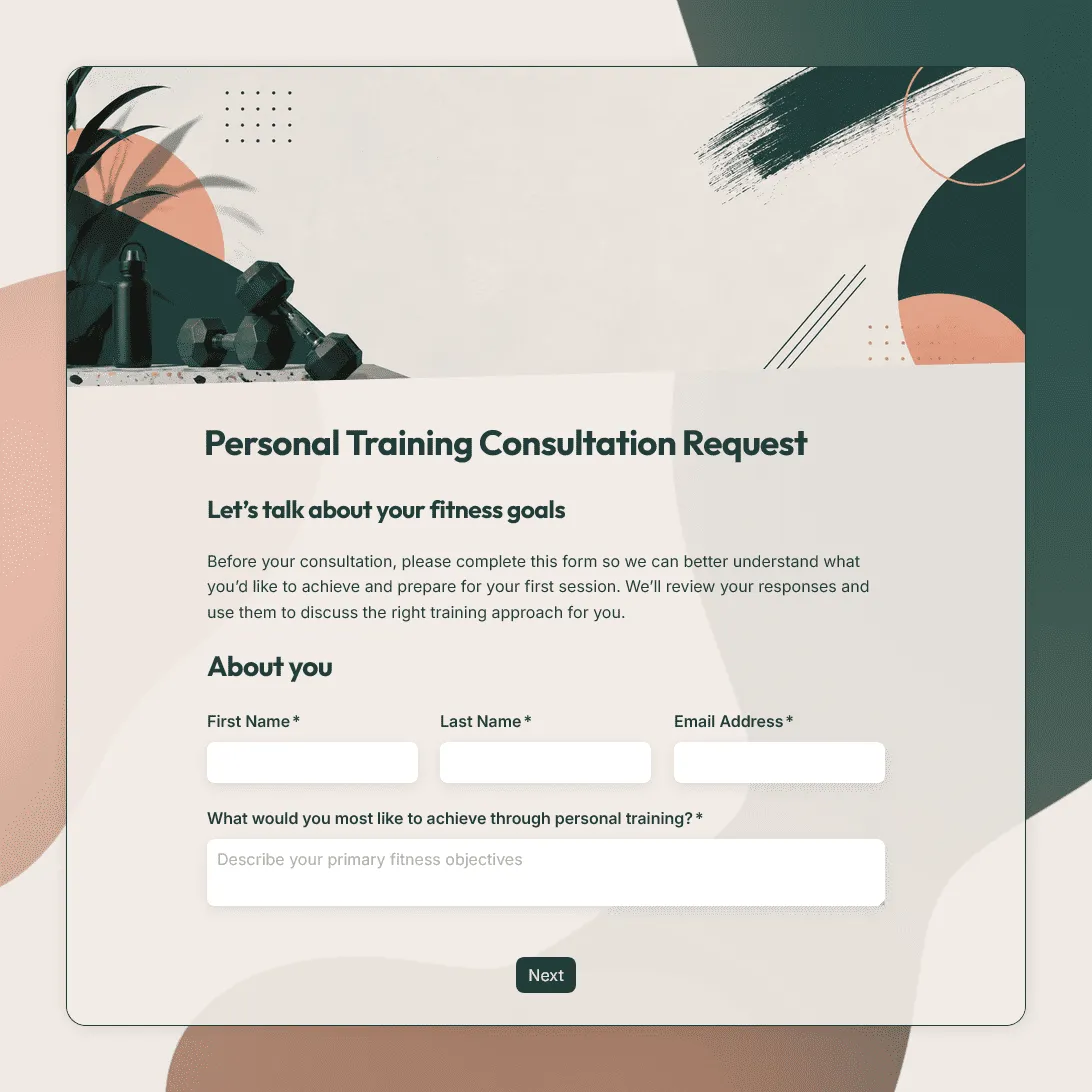
Personal Trainer Consultation Form Template
Free personal trainer consultation form template for fitness goals, training experience, availability, preferences, and more.
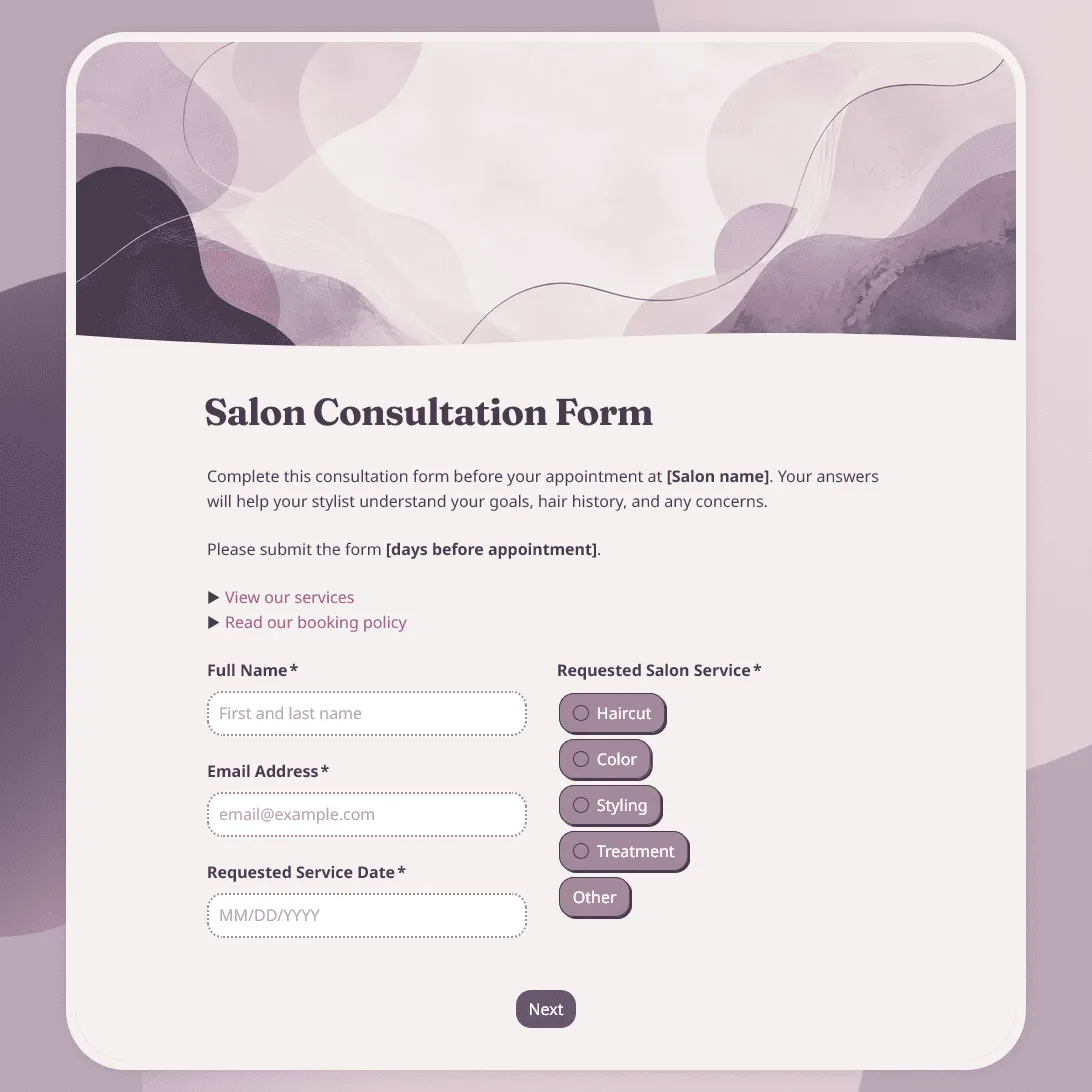
Salon Consultation Form Template
Free salon consultation form template for collecting client hair goals, allergies, product preferences, inspiration photos, and more.
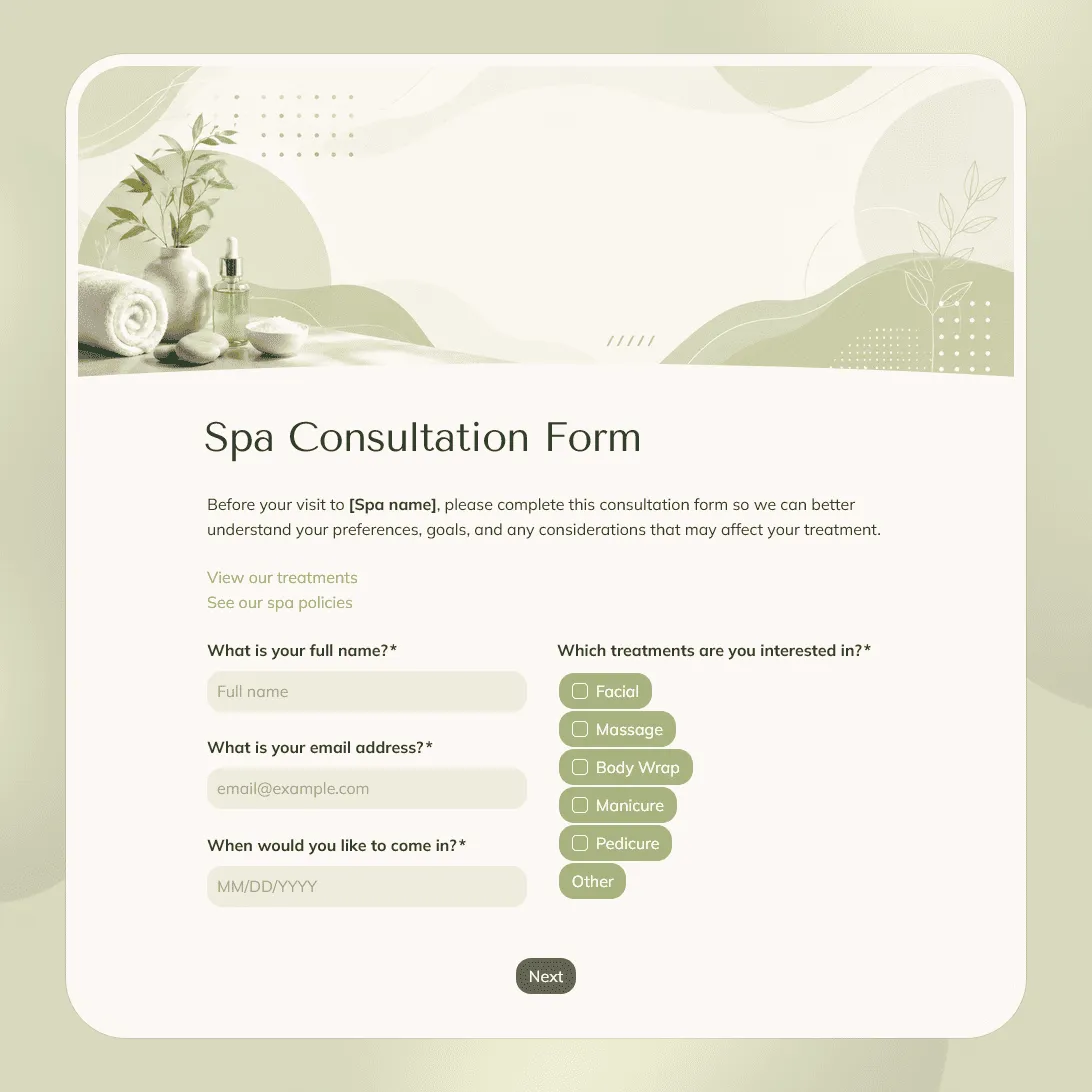
Spa Consultation Form Template
Free spa consultation form template for collecting treatment preferences, allergies, health notes, and other details before an appointment.
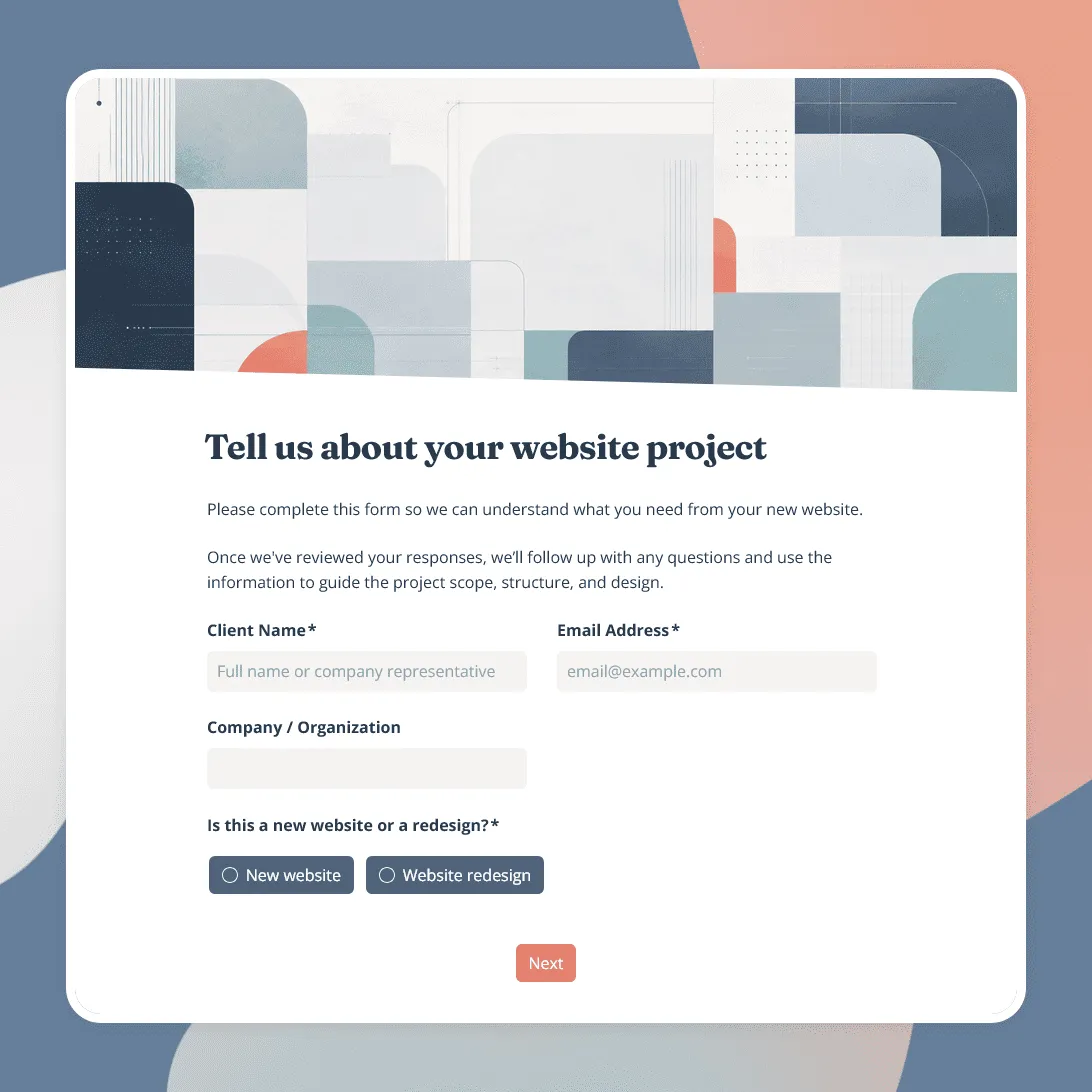
Website Design Intake Form Template
Free website design intake form template for collecting project goals, website requirements, design preferences, budget, timeline, content, and more.
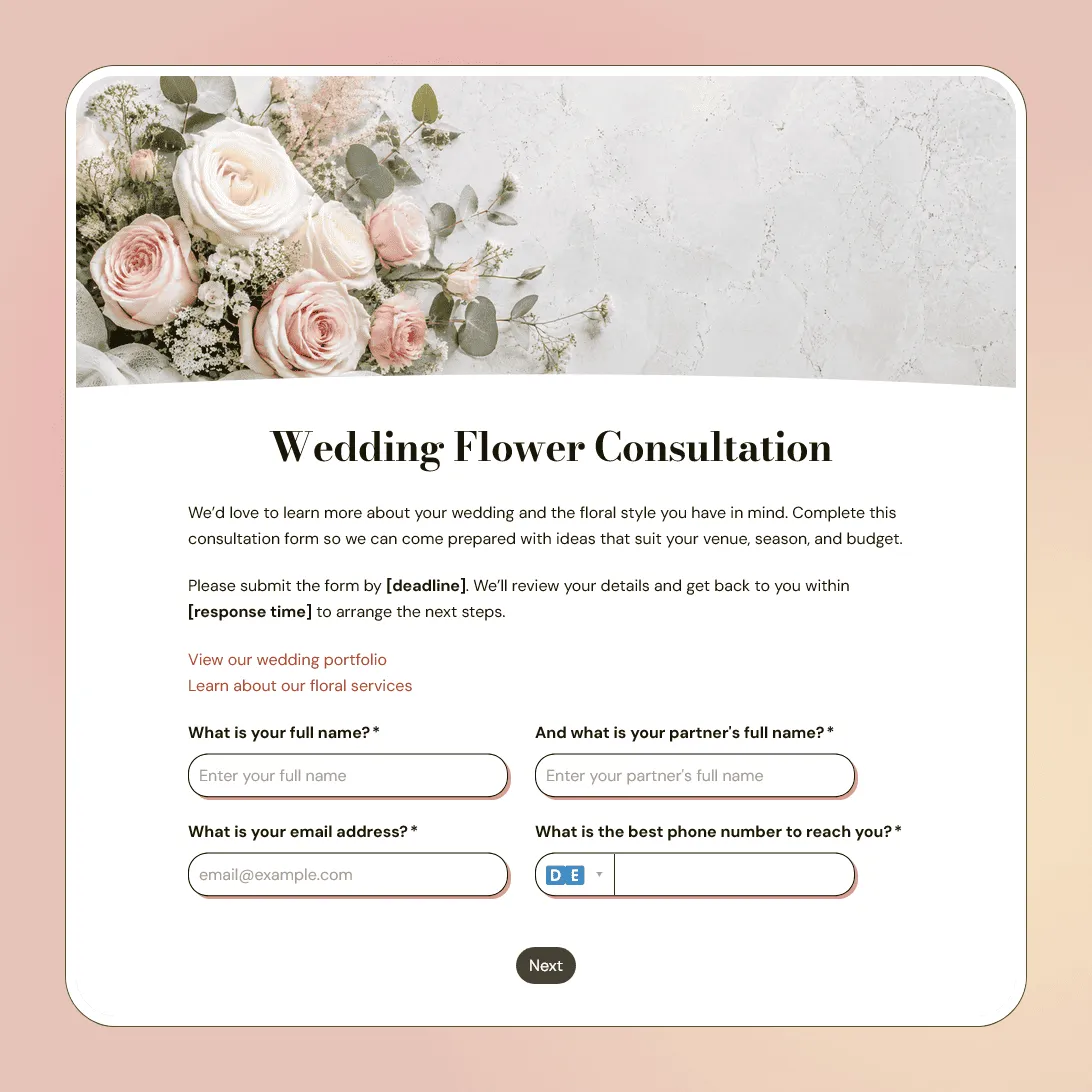
Wedding Flower Consultation Form Template
Free wedding flower consultation form template for florists collecting wedding details, floral style, color palette, budget, and inspiration photos.
About consultation forms
Consultation forms help you prepare before a client conversation, appointment, or service begins. They collect the context you would otherwise have to ask for manually: what the client needs, what they have tried before, what their goals are, what constraints matter, and whether there is anything your team should review in advance.
They are especially useful when the first conversation depends on personal details, project context, service history, preferences, photos, files, timelines, budgets, or health and safety notes.
A good consultation form should not try to replace the consultation itself. It should give you enough information to make the meeting, appointment, or intake call more useful.
Still planning the structure? Our guide on how to create a consultation form covers question planning, service-specific sections, file uploads, confirmation messages, and sharing options.
What should a consultation form include?
The right questions depend on the service, but most consultation forms should cover a few core areas:
- Client details. Name, contact information, company or organization, appointment date, and preferred way to follow up.
- Reason for the consultation. What does the client need help with? What service are they interested in? What outcome are they hoping for?
- Background and history. Previous work, past treatments, current setup, service history, pain points, goals, preferences, or anything that affects the recommendation.
- Files, photos, or links. Inspiration images, reference files, screenshots, documents, reports, portfolios, or other materials your team should review before the consultation.
- Timing and expectations. Deadline, appointment timing, budget range, urgency, availability, or decision timeline.
- Consent and policies. Agreement to consultation terms, privacy consent, cancellation policy, patch test note, or permission to be contacted.
How to customize a consultation form in FormGrid
Pick the consultation template closest to your service, then shape it around the first step in your client process.
- Start with the service type. Make it clear whether the form is for a discovery call, salon appointment, quote request, intake session, audit, treatment, or another consultation.
- Ask only what you need before the next conversation. Save detailed planning questions for later if they are not needed before the first call or appointment.
- Use conditional questions. A new client, returning client, color client, strategy client, or urgent request may need different follow-up questions. Conditional logic keeps the form shorter.
- Add uploads where they help. Use file upload fields for photos, briefs, screenshots, reports, documents, or reference files.
- Set expectations after submission. Use a custom confirmation page to explain whether the consultation is confirmed, whether your team will review the details first, and when the client should expect a reply.
- Share or embed the form. After you publish the form, send the link before appointments, add it to your booking flow, or embed it on your website with an embed code.
If your consultation process is more specific, click “Generate your form” and describe your service, the type of client filling it out, what you need to know before the consultation, and the style you want.
Frequently asked questions
What is a consultation form?
A consultation form is used to collect information before a call, appointment, project discussion, or service. It helps the person providing the service understand the client’s needs, background, goals, and any details that should be reviewed before the consultation begins.
What is the difference between a consultation form and an intake form?
An intake form usually collects the information needed to start working with a new client or patient. A consultation form is usually tied to a specific appointment, service, or conversation. The two can overlap, especially when the consultation is the first step in the client relationship.
Can clients upload photos or files?
Yes. You can add a file upload field so clients can attach photos, documents, screenshots, reports, inspiration images, contracts, or other supporting materials.
Can I show different questions for different services?
Yes. Use conditional logic to show different questions based on the service selected, client type, appointment type, urgency, budget, location, or previous experience.
Should a consultation form ask about budget?
It depends on the service. Budget questions are useful when they affect scope, recommendations, or fit. If an exact number feels too direct, use ranges or ask about the client’s expected investment level.
Can I send a confirmation email after the form is submitted?
Yes. Add a send email block to confirm that the consultation form was received. You can include next steps, appointment details, preparation notes, contact information, or a booking link.
Can I embed a consultation form on my website?
Yes. Once the form is published, you can embed it on a service page, booking page, contact page, onboarding page, or client portal with an embed code, or share the form link directly.
Are these consultation form templates free?
Yes. All FormGrid templates are free to use, and you can collect unlimited consultation form responses on the free plan.