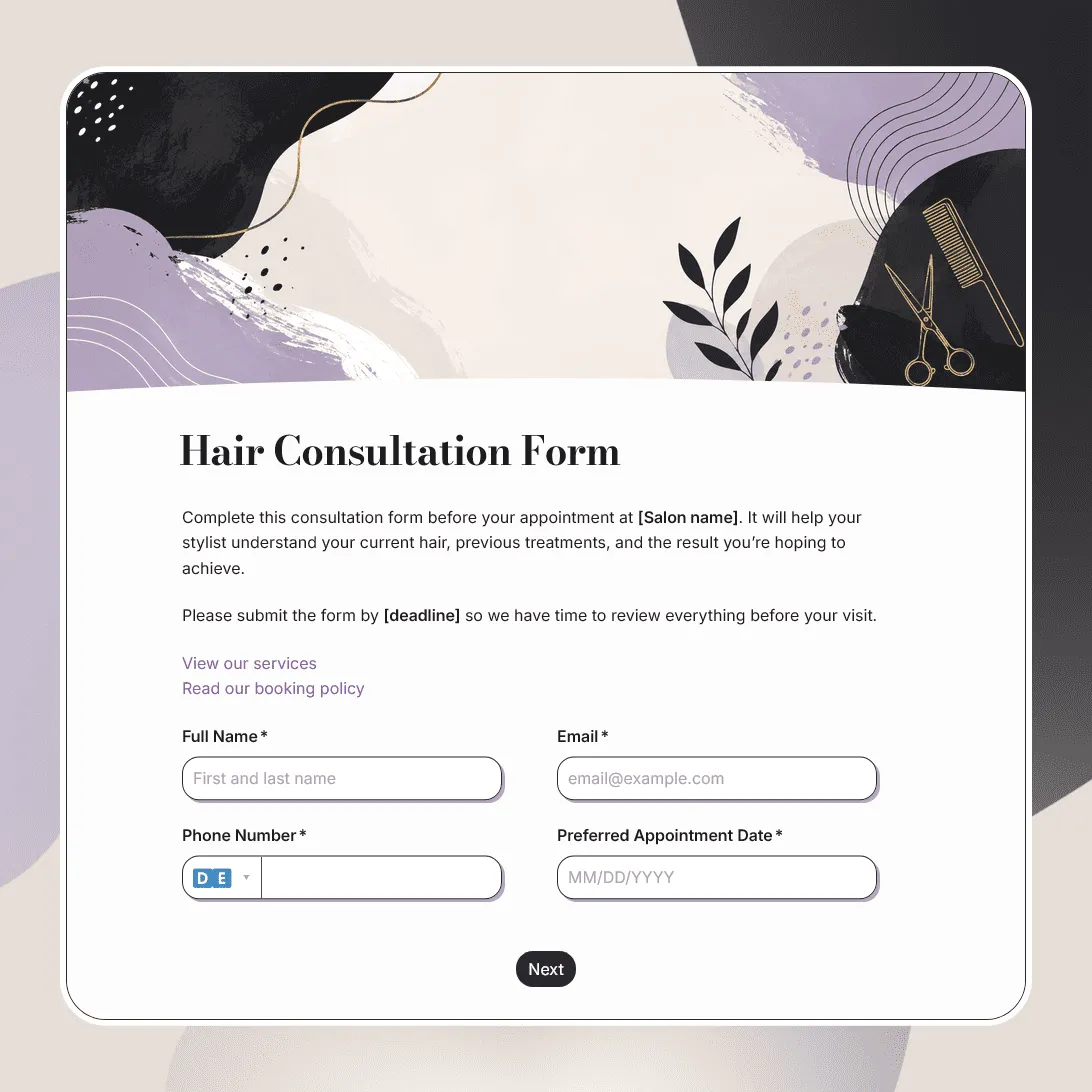
Hair Consultation Form Template
Free hair consultation form template for collecting hair goals, color history, scalp concerns, allergies, product use, inspiration photos, and stylist notes.
Need a custom hair consultation form?
Describe your services and FormGrid will generate a tailored consultation form for you.
About this hair consultation form template
Hair consultations often depend on details clients do not always remember during the appointment. Previous color, bleach, box dye, heat damage, scalp sensitivity, at-home products, styling habits, and inspiration photos can all affect what is realistic, safe, and worth recommending.
Our hair consultation form template helps stylists collect that context before the client arrives. It works for haircuts, hair color, balayage, highlights, corrective color, extensions, keratin treatments, scalp treatments, bridal hair, event styling, barber services, and first-time client consultations.
Use this template when you want a clearer picture of the client’s current hair, desired result, hair history, and expectations before the consultation begins.
What this template includes
This hair consultation form helps you collect:
- Client name and contact details
- Appointment date
- Requested hair service
- Current hair length and texture
- Desired result or hair goals
- Current hair photos
- Inspiration photos
- Previous color, bleach, box dye, or chemical treatments
- Scalp concerns or product sensitivities
- Allergies or reactions the stylist should know about
- Current haircare products
- Styling routine and heat tool use
- Maintenance preferences
- Budget or appointment-time expectations, if relevant
- Consent to salon policies
- Notes for the stylist
You can customize the full template before sending it to clients: update the questions, change the layout and images, adjust the design for your salon, add logic for different hair services, rewrite the consent text, and edit the confirmation message or client email.
How to use this template
Click “Use this template” to open the hair consultation form in FormGrid.
- Add the consultation context. Explain whether the form is for a first visit, color consultation, haircut, corrective service, extension appointment, treatment, or event styling.
- Update the service choices. Replace the sample options with the services you offer, such as cut, color, highlights, balayage, toner, extensions, keratin, scalp treatment, bridal hair, or barber services.
- Ask for the client’s starting point. Include questions about hair length, texture, current color, recent services, at-home dye, heat styling, product use, and anything that may affect the result.
- Collect photos before the appointment. Add file upload fields for current hair photos, inspiration images, or examples of colors and styles the client wants to avoid.
- Add service-specific follow-ups. Use conditional logic so color clients see color history questions, extension clients see maintenance questions, and event styling clients see timing and outfit details.
- Review safety and sensitivity questions. Keep allergy, scalp, medication, pregnancy, or medical questions limited to details your salon needs before using products or recommending a service.
- Set expectations in the policy section. Add your cancellation policy, consultation terms, patch test note, deposit details, pricing reminder, or statement that final recommendations are made after review.
- Edit the confirmation page. Use a custom end page to tell clients whether their consultation was received, whether the stylist will review it, and what they should bring or expect.
- Send the form before appointments. After you publish the form, share the link in booking emails, text reminders, Instagram messages, your salon website, or your client portal. You can also add it to a booking page with an embed code.
Before the client arrives, review the details that affect the service: current hair photos, inspiration images, color history, sensitivities, scalp notes, maintenance expectations, and anything the stylist should avoid. The response table is usually enough for appointment prep; export responses only if you keep consultation records outside FormGrid.
For help planning the full pre-appointment flow, see how to create a consultation form. It covers what to ask before a consultation, when to use uploads, and how to set expectations after submission.
Tips for hair consultation forms
A useful hair consultation form should make the appointment easier for both the client and the stylist.
-
Ask for current hair photos, not only inspiration photos. Inspiration images show the goal. Current photos show what the stylist is starting with.
-
Be specific about color history. Box dye, bleach, henna, toner, gloss, relaxer, perm, and keratin treatments can affect what is possible during the appointment.
-
Use logic to keep the form shorter. Someone booking a trim should not have to answer the same questions as someone booking corrective color.
-
Include expectations around time and maintenance. Some styles require multiple sessions, regular toning, specific home care, or a different budget than the client expects.
-
Make sensitive questions feel relevant. Allergies, scalp concerns, and product reactions should be framed as details that help the stylist work safely.
-
Leave room for “what I do not want.” Clients often know what they disliked about a past cut or color, and that can be as useful as the inspiration photo.
Hair consultation form template FAQs
What should a hair consultation form include?
A hair consultation form should include client contact details, requested service, hair goals, current hair condition, hair history, allergies or sensitivities, current products, inspiration photos, current hair photos, and any notes the stylist should review before the appointment.
Can clients upload current hair photos?
Yes. Add a file upload field so clients can upload current hair photos, inspiration images, previous color references, or examples of styles they want to avoid.
Can I show different questions for cuts, color, extensions, and treatments?
Yes. Use conditional logic to show different follow-up questions based on the service selected.
Can I use this form for first-time clients?
Yes. This template works well for first-time hair clients because it gives the stylist background before the appointment and helps reduce surprises during the consultation.
Can I send clients an automatic confirmation email?
Yes. Add a send email block to confirm that the consultation form was submitted and share next steps, appointment reminders, patch test instructions, or contact details.
Can I embed this hair consultation form on my website?
Yes. Add it to your salon website, booking page, service page, or client portal with an embed code. You can also send the form link in booking emails, text reminders, or Instagram messages.
Is this hair consultation form template free?
Yes. This template is free to use, and you can collect unlimited hair consultation requests on the free plan.
Related templates
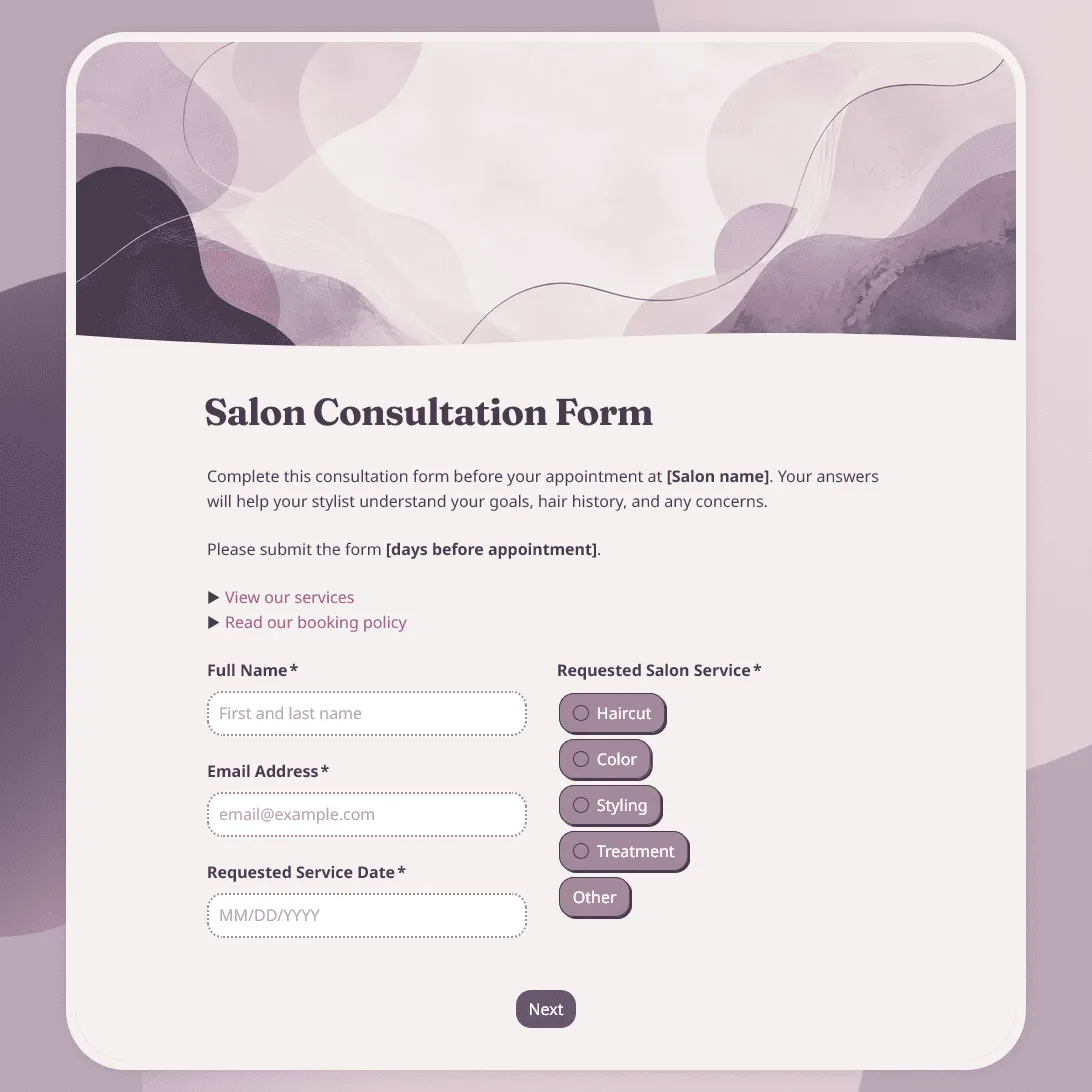
Salon Consultation Form Template
Free salon consultation form template for collecting client hair goals, allergies, product preferences, inspiration photos, and more.
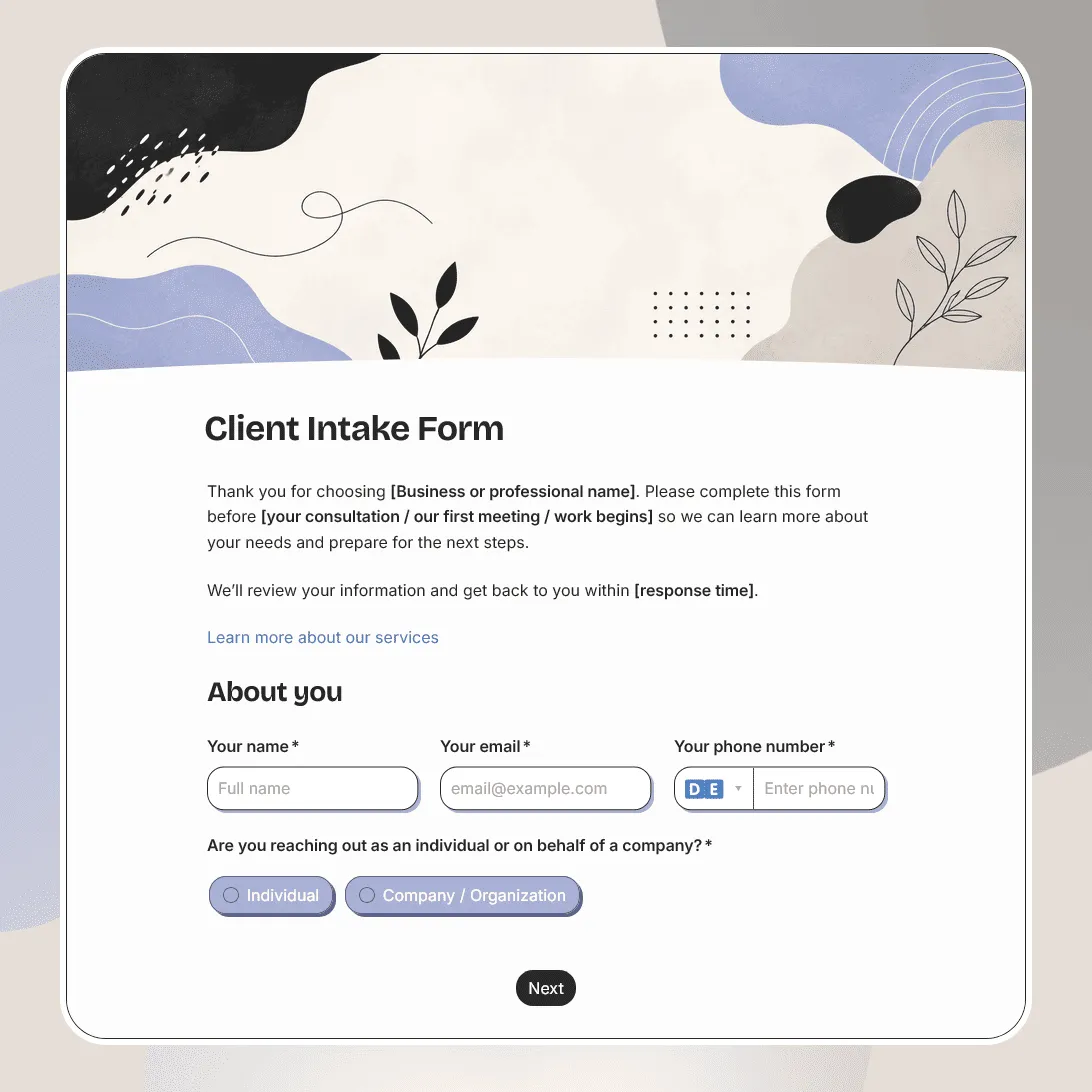
Client Intake Form Template
Free client intake form template for collecting client details, contact information, project goals, timelines, budgets, and more.
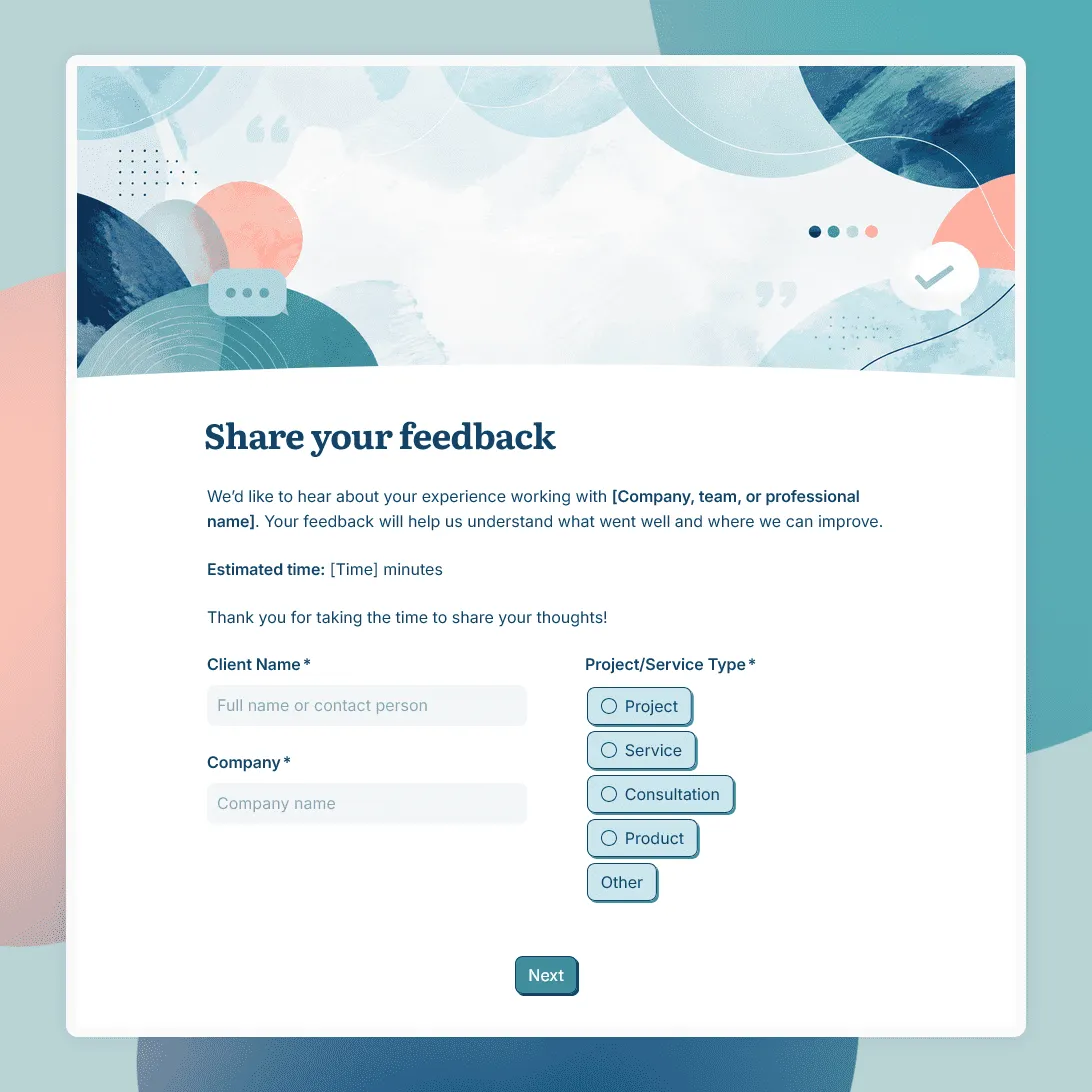
Client Feedback Form Template
Free client feedback form template for agencies, consultants, freelancers, and service businesses to collect post-project feedback, testimonials, and renewal signals.