Client Intake Form Template
Free client intake form template for collecting client details, contact information, project goals, timelines, budgets, and more.
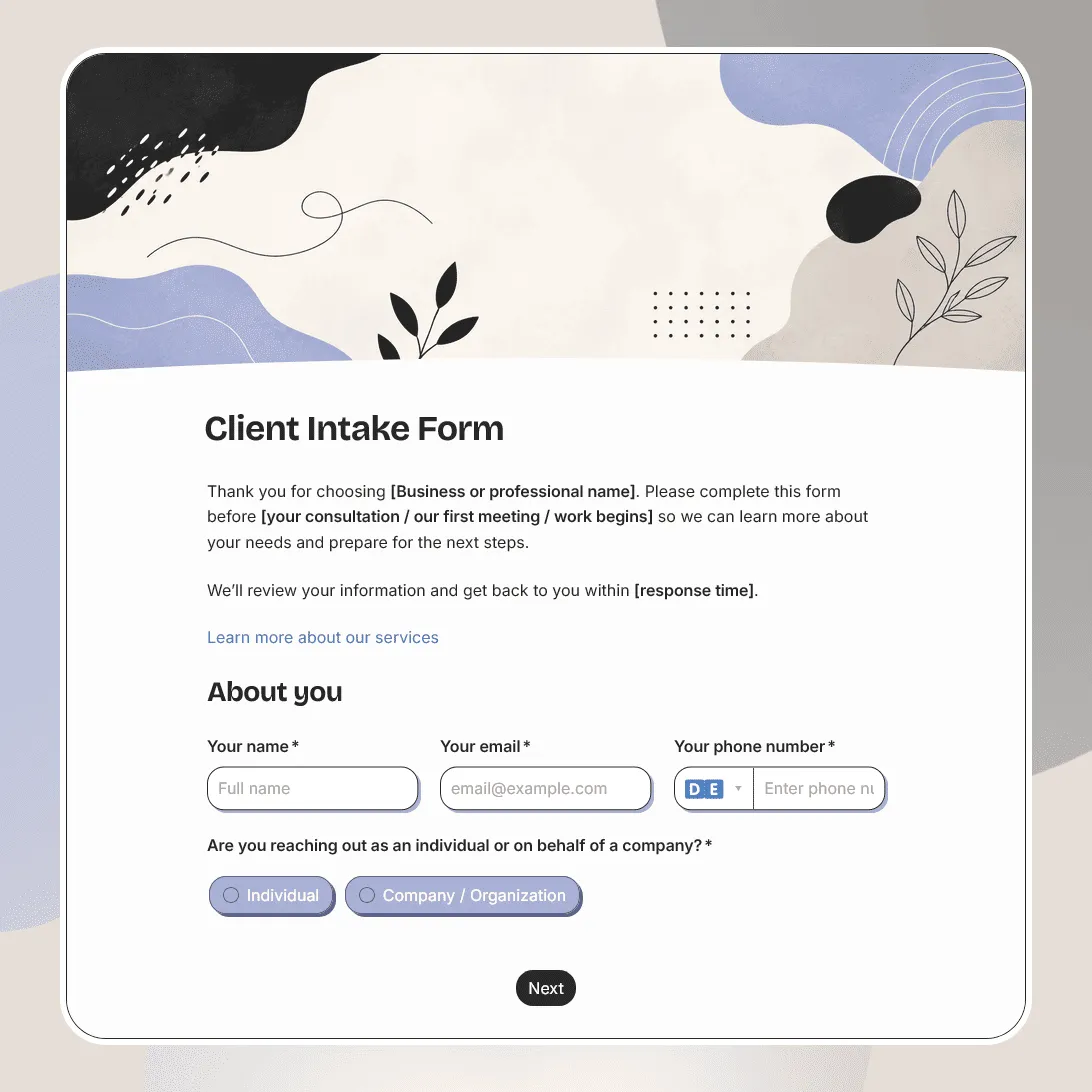
Need a custom client intake form?
Describe your services and intake process and FormGrid will generate a tailored form for you.
About this client intake form template
A client intake form helps you understand a new client before the first call, consultation, project kickoff, or proposal. It gives you the context you need to decide what they need, how urgent the request is, who should follow up, and what information is still missing.
This client intake form template works for agencies, consultants, freelancers, coaches, studios, service providers, accountants, lawyers, designers, marketers, developers, and small businesses that need a better way to collect client requests before work begins.
Use this template before discovery calls, onboarding calls, consultations, quotes, proposals, audits, retainers, or new client projects.
What this template includes
This client intake form helps you collect:
- Client name and contact details
- Company or organization name
- Website or social links
- Service or project type
- Project goals
- Current challenges
- Request details
- Timeline or deadline
- Budget range, if relevant
- Preferred contact method
- Referral source
- Files, links, or supporting materials
- Consent to be contacted
- Notes for your team
It also includes an automatic confirmation email so the client knows their request was received.
The template is fully customizable, so you can change the questions, design, images, conditional logic, confirmation message, and follow-up email. For example, an agency can show different questions for branding, web design, SEO, and paid ads, while a consultant can route new clients by service area, company size, or urgency.
How to use this template
Click “Use this template” to open the client intake form in FormGrid.
- Add your business details. Replace the sample intro with your company name, what the form is for, and when clients can expect a response.
- Choose the services clients can request. Add your own options, such as consulting, design, marketing, accounting, legal support, coaching, development, photography, or another service.
- Ask for context before the first conversation. Include questions about goals, challenges, deadlines, current setup, past work, decision makers, or anything your team usually asks during discovery.
- Add budget and timeline questions carefully. Use ranges if exact numbers are awkward. For example, you can ask for a target launch date, ideal timeline, or rough budget range.
- Collect files and links when they help. Add a file upload field for briefs, screenshots, brand files, reports, contracts, reference images, or other materials. If a link works better, ask for a URL instead.
- Show different questions for different services. Use conditional logic so each client only sees the follow-up questions that match their request.
- Update the confirmation message. Use a custom end page to explain what happens next, how long review usually takes, and whether the client should book a call.
- Send a follow-up email automatically. Add a send email block to confirm the intake was received and share next steps, booking links, contact details, or preparation notes.
- Publish and share the form. After you publish the form, add the link to your website, proposal process, email signature, booking flow, onboarding page, or service page. You can also embed it with an embed code.
When a new request comes in, review the details that decide the next step: service type, project goals, timeline, budget range, files, links, and preferred follow-up method. The response table works for day-to-day intake review; export responses if you need to sort leads, assign requests, or keep a separate client list.
Tips for client intake forms
A good intake form should save time before the first conversation, not turn into a full interview.
-
Ask what you need before the next step. If the next step is a discovery call, focus on enough context to prepare for that call. Save detailed project planning for later.
-
Make the service choice easy. Clients may not know your internal service names. Use clear options and add an “I’m not sure” choice when needed.
-
Use conditional questions to keep the form shorter. A web design client, coaching client, legal client, and marketing client should not all answer the same detailed questions.
-
Give clients room to explain the problem in their own words. A few structured fields are useful, but one open question often reveals what they care about most.
-
Be clear about response time. Tell clients whether you usually reply within one business day, 48 hours, a week, or after reviewing their request.
-
Do not ask for sensitive details too early. If the form is public, avoid collecting confidential information unless you truly need it and have the right consent or privacy wording in place.
Client intake form template FAQs
What is a client intake form?
A client intake form collects the details you need from a new or prospective client before a call, consultation, quote, proposal, or project kickoff. It usually asks about contact details, service needs, goals, timeline, budget, and any supporting files or links.
What should a client intake form include?
A client intake form usually includes client contact information, company details, requested service, project description, goals, challenges, timeline, budget range, preferred contact method, referral source, and any files or links needed before follow-up.
Can clients upload files?
Yes. Add a file upload field if clients should attach briefs, screenshots, brand assets, reports, reference files, contracts, or other materials.
Can I show different questions for different services?
Yes. Use conditional logic to show different follow-up questions based on service type, project size, client type, urgency, budget, or timeline.
Can I send clients an automatic confirmation email?
Yes. Add a send email block to confirm that the intake form was received and share next steps, contact details, preparation notes, or a booking link.
Can I embed this client intake form on my website?
Yes. After publishing, you can add the form to your contact page, services page, onboarding page, booking flow, or proposal page with an embed code, or share the form link directly.
Is this client intake form template free?
Yes. This template is free to use, and you can collect unlimited client intake responses on the free plan.
Related templates
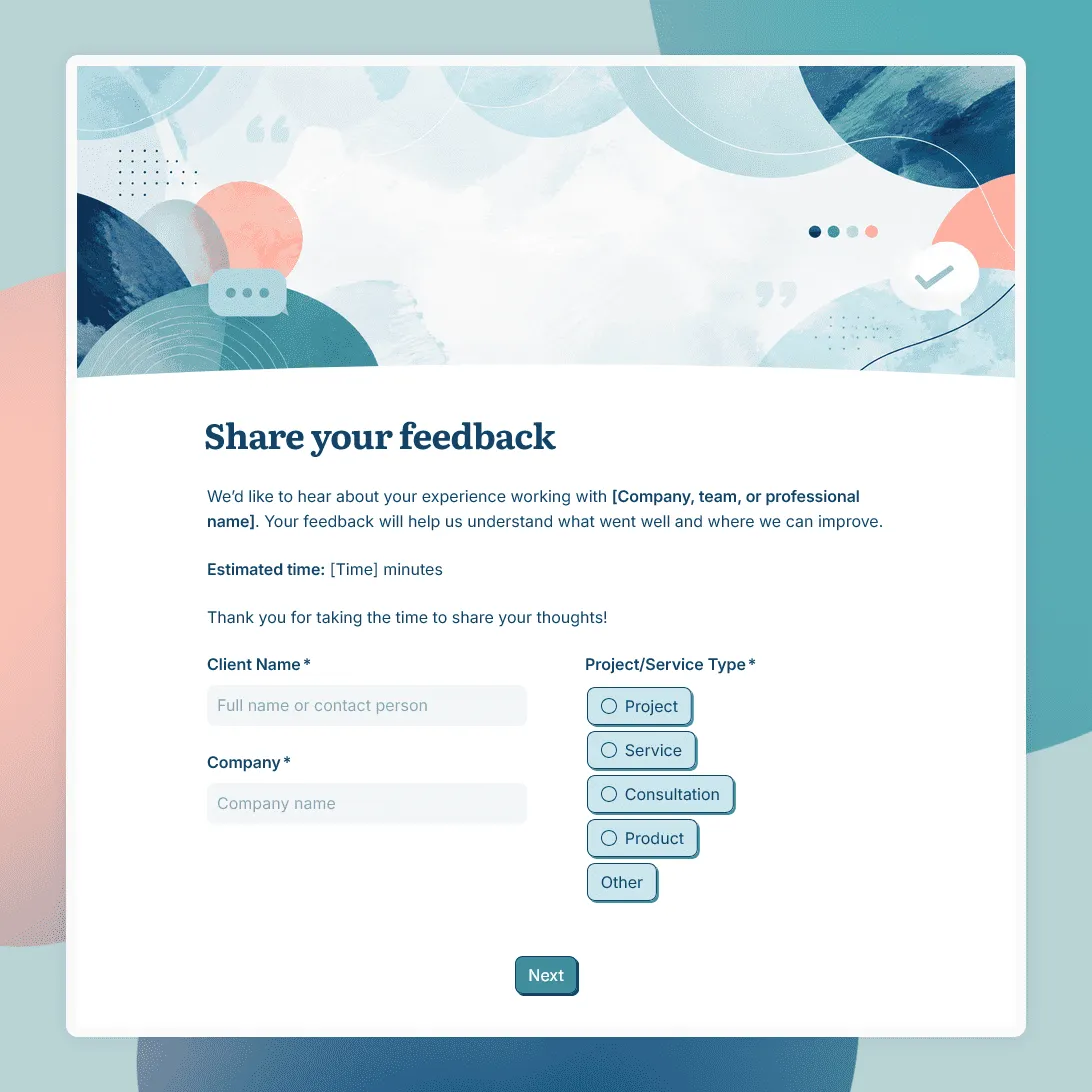
Client Feedback Form Template
Free client feedback form template for agencies, consultants, freelancers, and service businesses to collect post-project feedback, testimonials, and renewal signals.
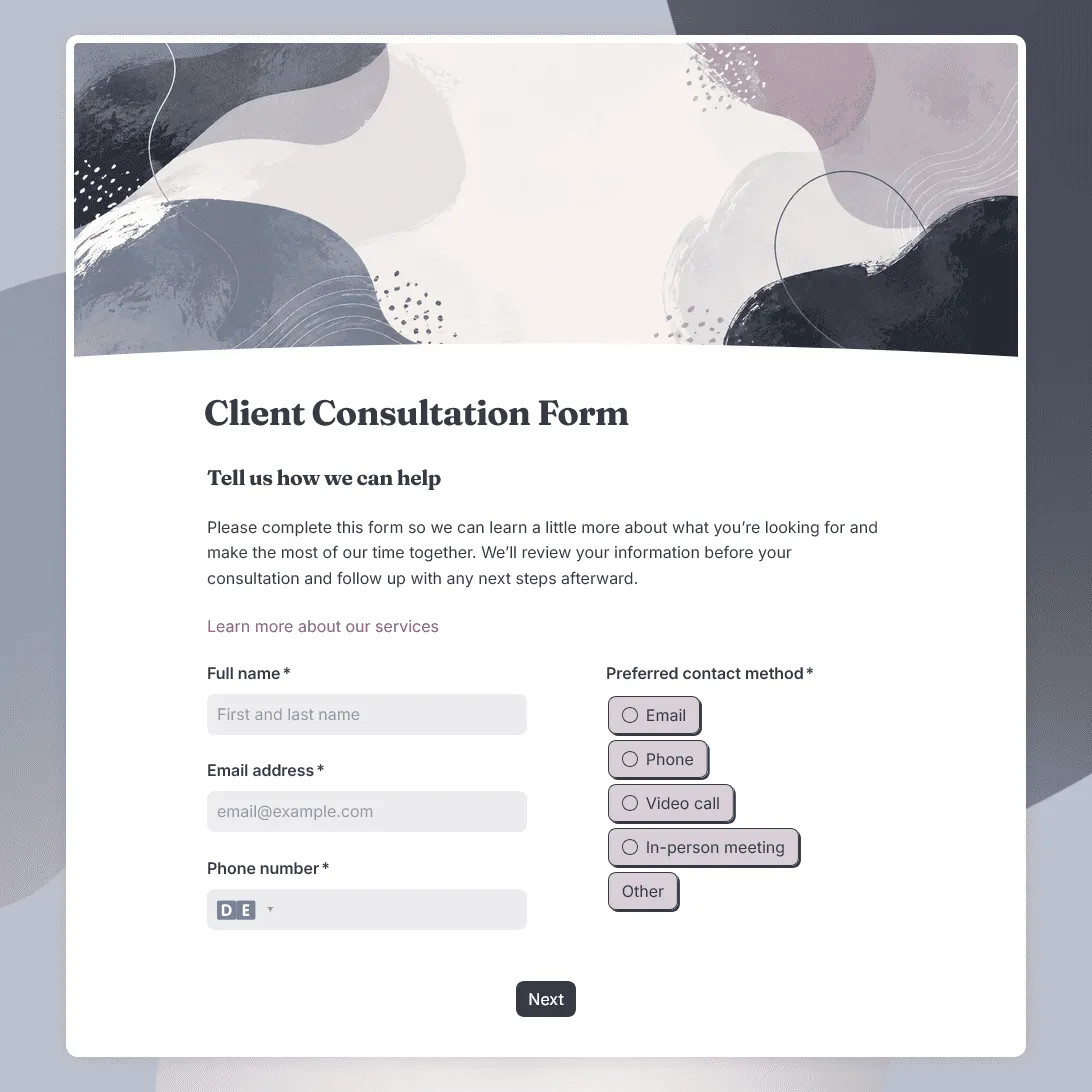
Client Consultation Form Template
Free client consultation form template for preparing calls, appointments, project discussions, and service recommendations.
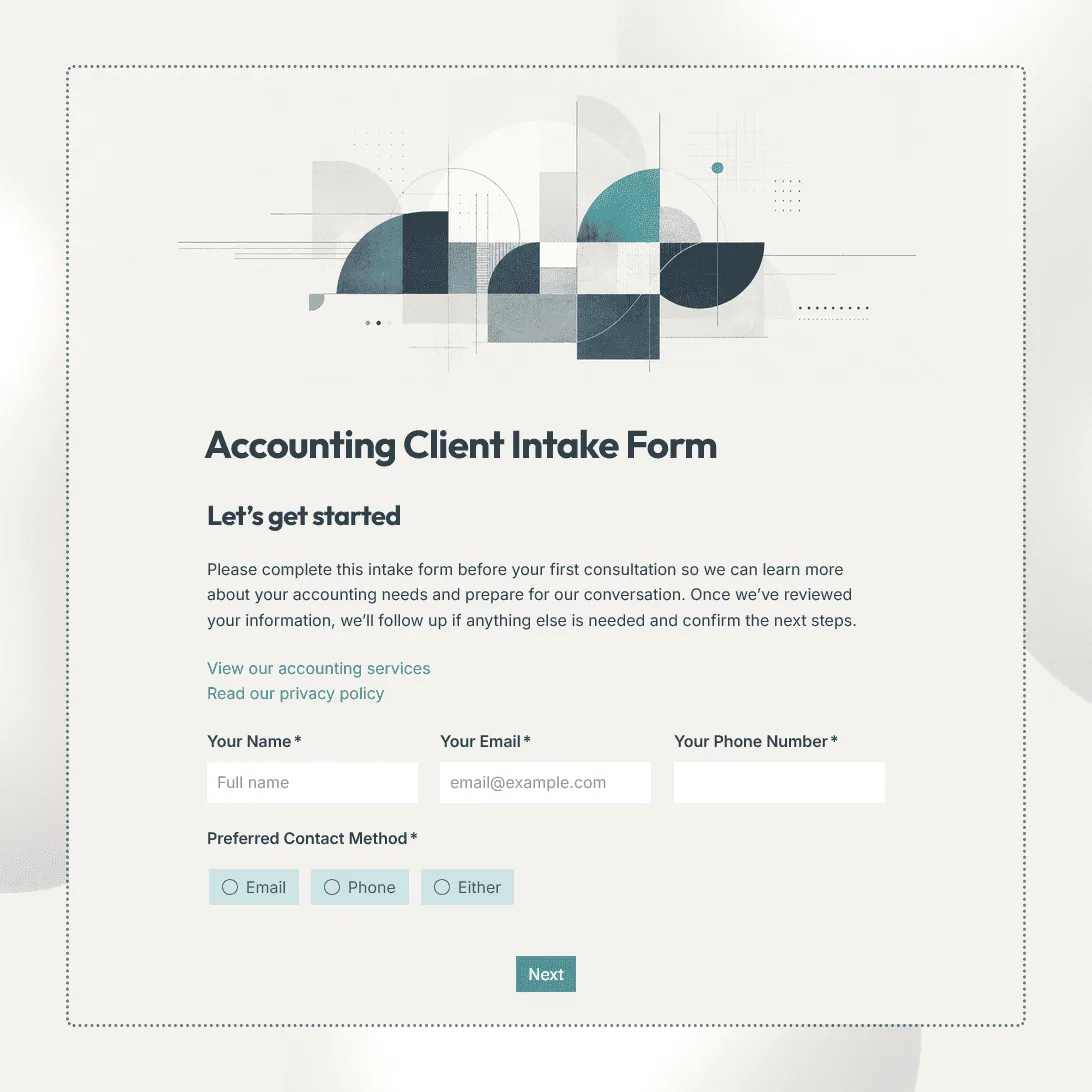
Accounting Client Intake Form Template
Free accounting client intake form template for collecting client details, services needed, accounting setup, tax information, deadlines, and documents.