Client Consultation Form Template
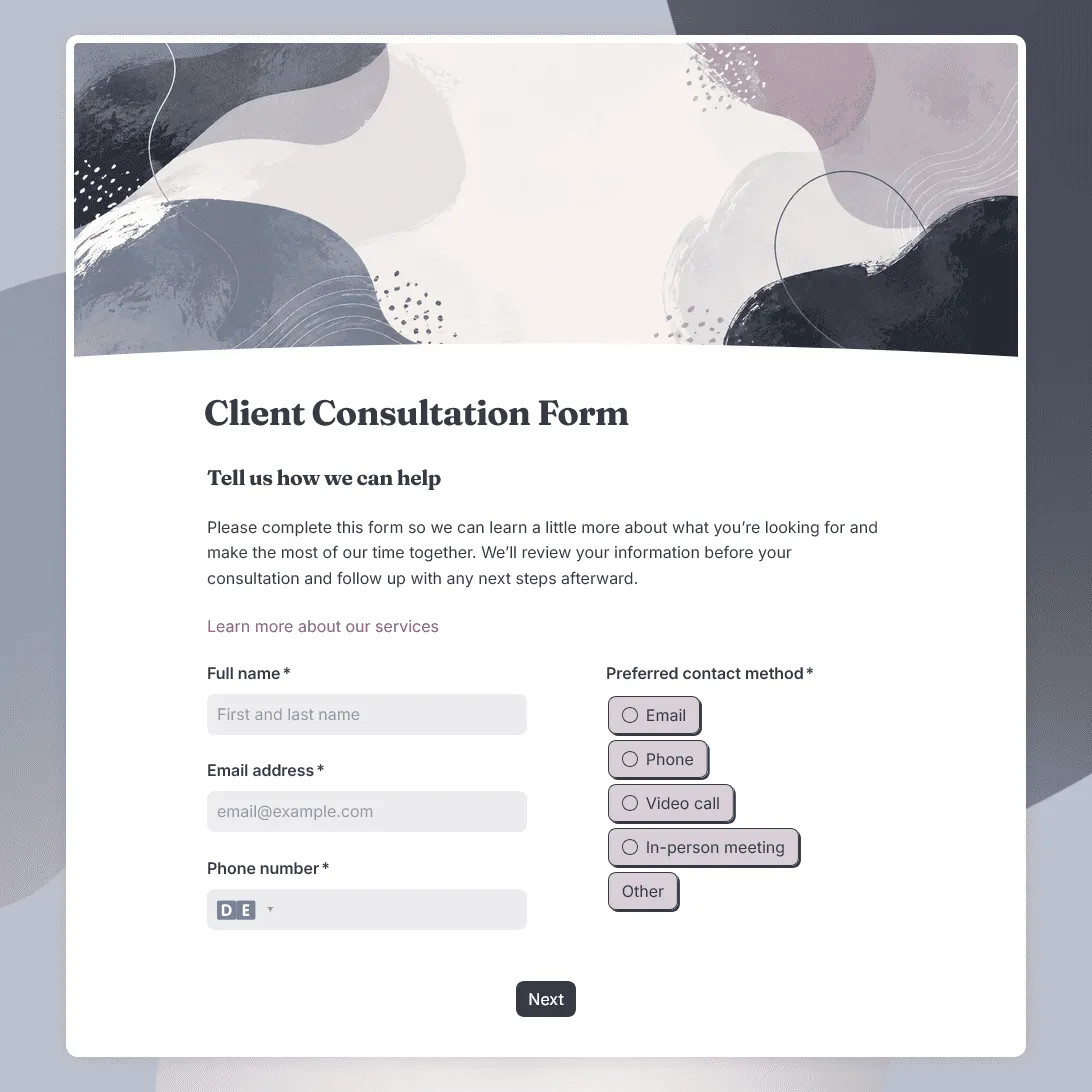
Free client consultation form template for preparing calls, appointments, project discussions, and service recommendations.
Need a custom client consultation form?
Describe your service or consultation type and FormGrid will generate a tailored form for you.
About this client consultation form template
Client consultations are easier when both sides come prepared. Before a call, appointment, audit, proposal discussion, or service recommendation, you need enough context to understand what the client is asking for and what kind of help makes sense.
Our client consultation form template gives you a flexible starting point for many different service-based workflows. It can work for consultants, agencies, coaches, designers, marketers, legal professionals, accountants, studios, wellness providers, creative businesses, and other teams that want to collect useful details before speaking with a client.
Use this template before discovery calls, strategy sessions, quotes, audits, project consultations, paid consultations, onboarding calls, or service planning meetings.
What this template includes
This client consultation form helps you collect the details needed before a client conversation:
- Client name and contact details
- Company, organization, or project name, if relevant
- Type of consultation requested
- Reason for booking the consultation
- Goals or desired outcome
- Current situation or background
- Main challenges or questions
- Timeline or deadline
- Budget range, if useful for the service
- Preferred contact method
- Files, links, screenshots, or documents to review
- Questions the client wants to discuss
- Consent to be contacted
- Notes for your team
It also includes a confirmation email so clients know their request was received and understand the next step.
This template is fully customizable for your consultation process. You can change the questions, rewrite the intro, adjust the design and images, add conditional logic for different service types, and edit the confirmation page or follow-up email.
How to use this template
Click “Use this template” to open the client consultation form in FormGrid.
-
Define the consultation purpose. Make it clear whether clients are requesting a discovery call, paid consultation, audit, project discussion, recommendation, quote, or planning session.
-
Add your service options. Replace the sample choices with the consultation types you offer, such as strategy, design, legal review, coaching, marketing, accounting, wellness, creative direction, technical advice, or general inquiry.
-
Ask for context before the conversation. Include questions that help you understand what the client is dealing with, what they have already tried, what outcome they want, and what information you should review first.
-
Use different paths for different needs. Add conditional logic so a client asking for a quick consultation does not see the same follow-up questions as someone requesting a detailed project review.
-
Collect files only when they help. Use a file upload field for screenshots, briefs, reports, contracts, photos, brand files, documents, or other materials. For simple context, a link field may be enough.
-
Ask about timing and urgency. Add deadline, preferred consultation date, urgency, or availability questions when scheduling or prioritization matters.
-
Set expectations clearly. Use a custom end page to explain whether the consultation is booked, under review, waiting for payment, or followed by a scheduling link.
-
Send a confirmation email. Add a send email block to confirm the submission and share next steps, preparation notes, contact details, or a booking link.
-
Publish and share the form. After you publish the form, add it to your website, booking flow, email signature, service page, client portal, or consultation landing page. You can also embed it with an embed code.
Before the call, review the answers that shape the conversation: consultation type, goals, current situation, open questions, files, and timing. The response table is useful for preparing one request at a time; export responses when you want to compare inquiries, assign them to a team, or keep a separate client record.
For a broader setup guide, including question planning, file uploads, follow-up logic, and sharing, read how to create a consultation form.
Tips for client consultation forms
A good consultation form should make the first conversation more focused without making clients feel like they are doing the full consultation in writing.
-
Ask for the problem in the client’s own words. Structured fields are helpful, but one open question often reveals what the client cares about most.
-
Keep the form lighter for first contact. If someone is only asking whether you can help, avoid a long diagnostic form. Save detailed planning questions for later.
-
Use budget questions carefully. A budget range can help with fit and recommendations, but it should feel practical. Explain that the answer helps you suggest the right scope or next step.
-
Separate urgent requests from normal consultations. If some requests need a faster response, add an urgency question and route those answers separately.
-
Make the confirmation useful. Tell clients whether they should wait for a reply, book a call, send more details, prepare documents, or expect a proposal.
-
Avoid collecting sensitive details too early. For legal, health, financial, or personal matters, ask only for the information needed before the consultation and add clear privacy or consent wording.
Client consultation form template FAQs
What is a client consultation form used for?
A client consultation form collects information before a call, appointment, meeting, or service discussion. It helps you understand the client’s situation, goals, questions, timing, and any files or details you should review before the consultation.
How is this different from a client intake form?
A client intake form is often used when someone is becoming a client or starting an onboarding process. A client consultation form is usually used before a specific conversation, recommendation, quote, audit, or appointment. The two can overlap, but this template is more focused on preparing for the consultation itself.
How long should a client consultation form be?
Keep it short enough that clients can complete it before the call. For a first consultation, ask for contact details, consultation type, goals, background, timing, and one or two open questions. Add more detail only when you need it before giving advice or preparing a quote.
Can I adapt this form for different services?
Yes. You can use conditional logic to show different questions based on the service selected. You can also use the AI chat in FormGrid and ask for changes like: “Adapt this consultation form for a marketing strategy call and add questions about current channels, budget, and goals.”
Can clients upload documents or screenshots before the consultation?
Yes. Add a file upload field when clients need to share briefs, screenshots, reports, contracts, photos, references, or other documents. You can also ask for links when that is easier than uploading files.
Should I ask about budget on a consultation form?
Ask about budget when it affects the recommendation, scope, timeline, or whether the consultation is a good fit. A range usually feels easier to answer than an exact number. You can also make the question optional and discuss it during the call.
Can I use this for paid consultations?
Yes. Adjust the intro and confirmation message so clients understand whether payment is required before the consultation is confirmed. You can also include preparation notes, cancellation terms, or a booking link in the confirmation email.
Can I send an automatic email after someone submits the form?
Yes. Add a send email block to confirm that the consultation request was received. The email can include next steps, preparation instructions, booking details, or contact information.
Can I embed this client consultation form on my website?
Yes. After publishing, you can add the form to a consultation page, service page, booking page, contact page, or client portal with an embed code. You can also share the form link directly.
Is this client consultation form template free?
Yes. This template is free to use, and you can collect unlimited client consultation responses on the free plan.
Related templates
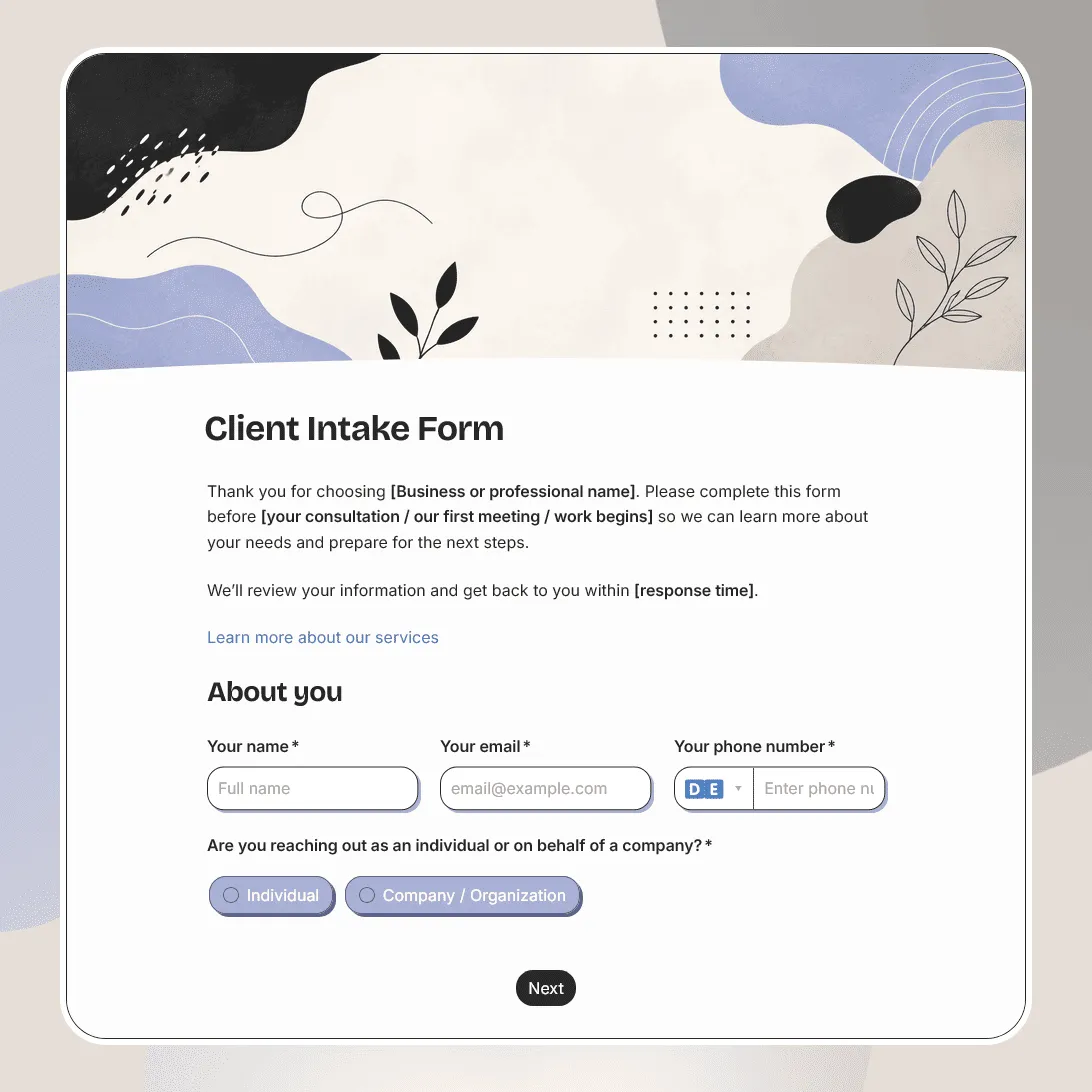
Client Intake Form Template
Free client intake form template for collecting client details, contact information, project goals, timelines, budgets, and more.
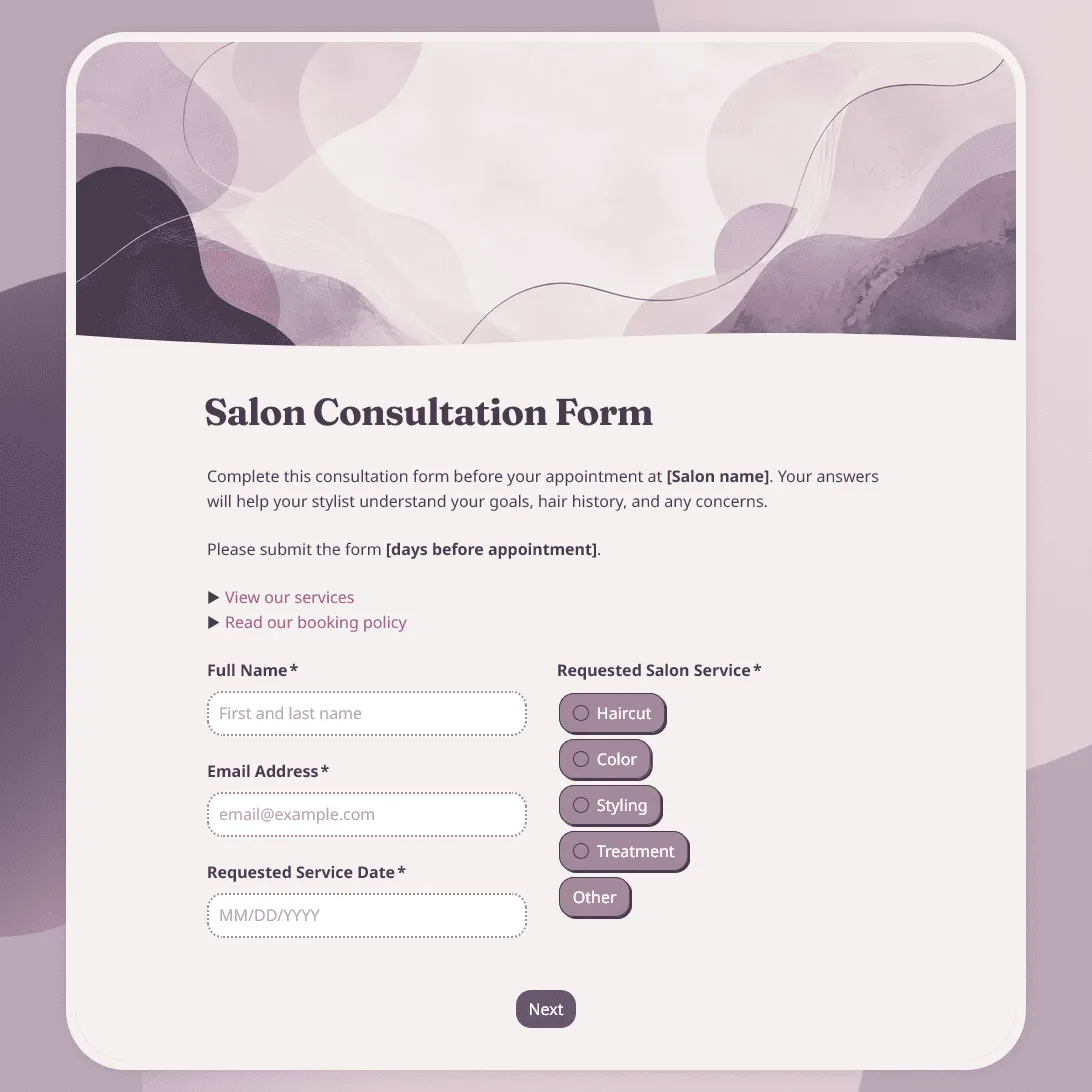
Salon Consultation Form Template
Free salon consultation form template for collecting client hair goals, allergies, product preferences, inspiration photos, and more.
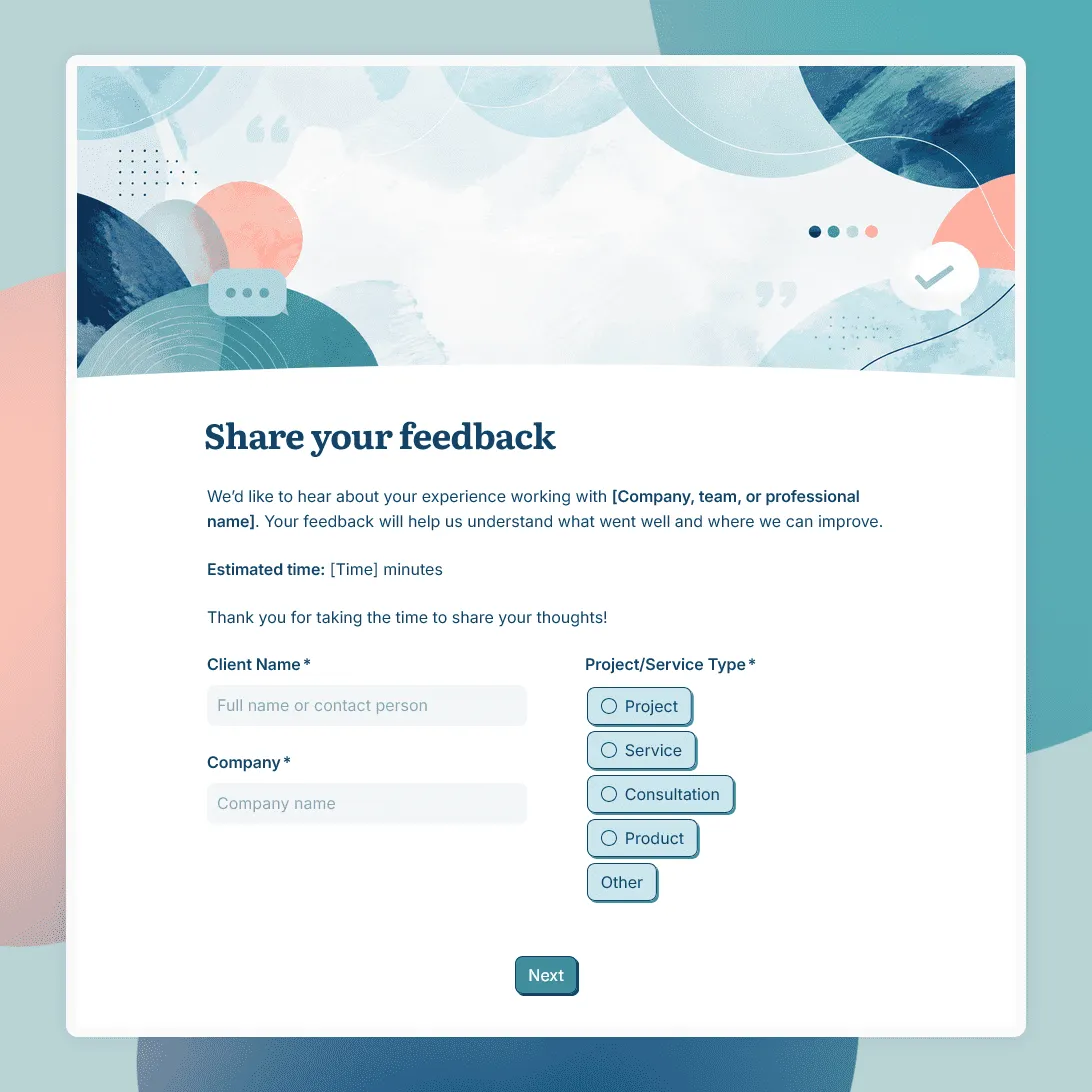
Client Feedback Form Template
Free client feedback form template for agencies, consultants, freelancers, and service businesses to collect post-project feedback, testimonials, and renewal signals.