Client Feedback Form Template
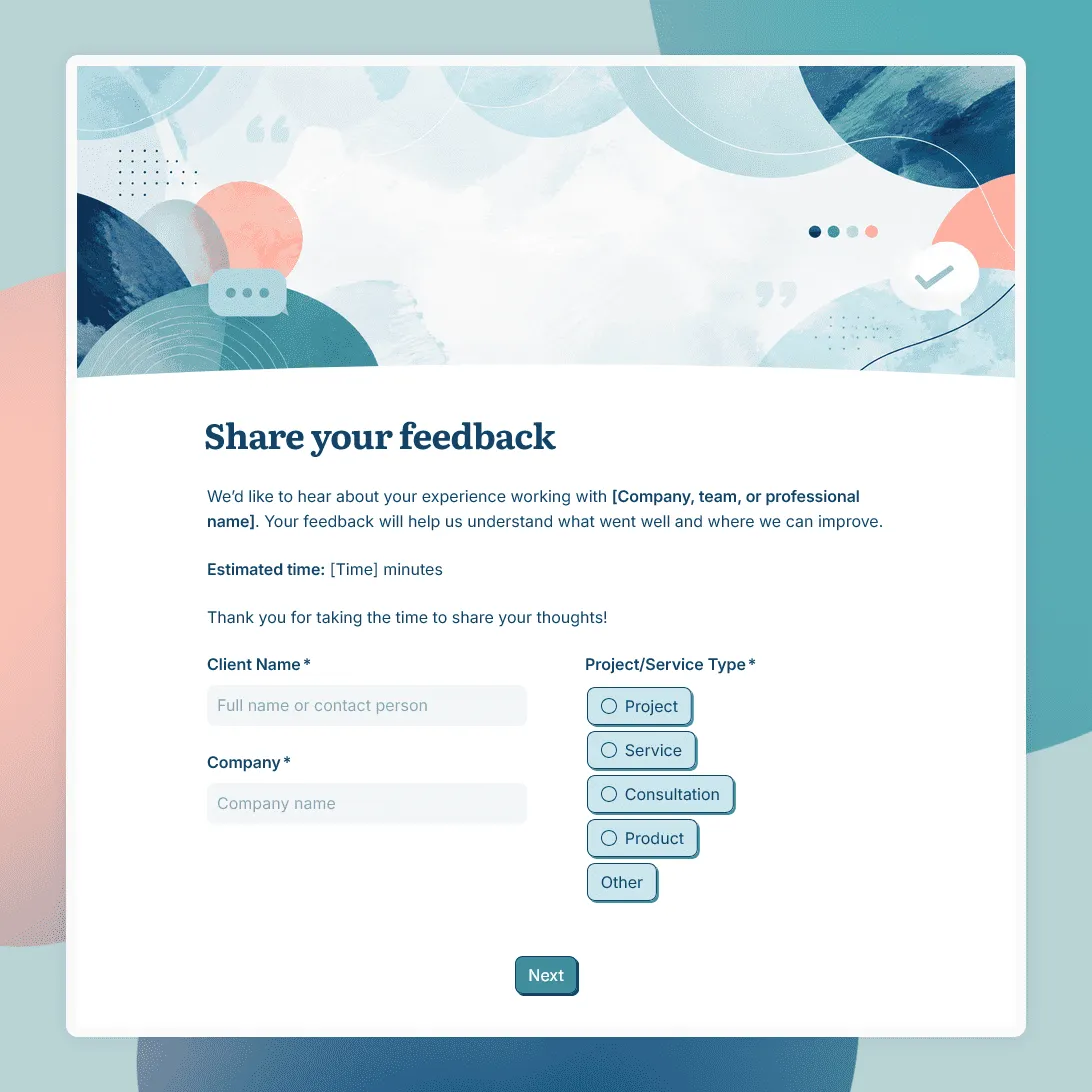
Free client feedback form template for agencies, consultants, freelancers, and service businesses.
Need a custom client feedback form?
Describe your client work and FormGrid will generate a tailored feedback form for you.
About this client feedback form template
Client feedback is most useful when it is tied to a real project, service, or working relationship. A vague “How did we do?” rarely gives you enough to improve the next engagement.
This client feedback form template is designed for agencies, consultants, freelancers, studios, accountants, coaches, contractors, and other service businesses that want structured feedback after client work.
Use it after a project wraps up, after a milestone, at the end of a retainer period, or before a renewal conversation. It gives clients a simple way to comment on the work, the process, the communication, and the outcome.
What this template includes
This client feedback form template includes questions about:
- Client name and company
- Project, service, or engagement type
- Overall satisfaction
- Quality of work
- Communication and responsiveness
- Timeline and delivery
- Collaboration and project management
- Value of the service
- Results or outcomes
- What worked well
- What could be improved
- Likelihood to work together again
- Likelihood to recommend your business
- Testimonial permission
- Optional contact details for follow-up
You can keep it short for a quick end-of-project check-in, or add more detail for larger projects, retainers, client reviews, or internal reporting.
How to use this template
Click “Use this template” to open the client feedback form in FormGrid.
- Add your business and project details. Update the intro text with your company name, project name, client name, service type, or review period.
- Review the rating questions. Keep the ratings that match the client relationship, such as communication, quality, delivery, project management, value, and overall satisfaction.
- Adjust the written questions. Ask clients what went well, what felt unclear, what they would change, and whether anything would make the next project smoother.
- Add context questions when needed. For larger teams, ask who the client worked with, which service they used, or which phase of the project they are reviewing.
- Decide how to handle testimonials. If you want to reuse positive feedback publicly, add a clear permission question and explain where the quote may appear.
- Use conditional questions for follow-up. With conditional logic, low ratings can trigger a question about what went wrong. High ratings can trigger a testimonial or referral question.
- Update the confirmation message. Thank the client and explain whether someone from your team may follow up.
- Publish and share the form. Send the link by email after the project, add it to an offboarding checklist, or include it in your client portal.
Responses appear in your response table, where you can review ratings, comments, testimonial permissions, and follow-up requests. You can also export responses when you need to share feedback with your team or compare results across projects.
Tips for collecting better client feedback
Client feedback should help you understand both the finished work and the working experience around it.
-
Send the form at the right moment. The best time is usually after delivery, after a major milestone, or before a renewal conversation. Waiting too long makes feedback less specific.
-
Separate outcome from process. A client may love the final result but feel the communication was messy. Another may appreciate the process but feel the result missed something. Ask about both.
-
Keep sensitive questions optional. Clients may avoid direct criticism when the relationship is ongoing. Optional comment fields make it easier to share useful notes without pressure.
-
Ask for testimonial permission clearly. A positive comment is not automatically a testimonial. Add a permission question if you want to quote the client on your website, proposals, or marketing materials.
-
Look for patterns across projects. One critical comment may be context-specific. Repeated comments about delays, unclear scope, communication gaps, or handoff issues are worth fixing.
For a step-by-step walkthrough of planning, testing, publishing, and sharing feedback forms, see how to create a feedback form.
Client feedback form FAQs
When should I send a client feedback form?
Send it after a project wraps up, after a key milestone, at the end of a retainer period, or before a renewal discussion. For long-term clients, a short quarterly or semiannual feedback form can work better than waiting until the relationship ends.
What should I ask in a client feedback form?
Ask about the parts of the relationship you can improve: communication, quality of work, timeline, project management, value, results, and overall satisfaction. Include at least one open-ended question so clients can explain their rating.
Should client feedback be anonymous?
For project-based client feedback, anonymous responses are often less useful because you may need context or follow-up. For broader client satisfaction surveys, anonymity can make sense if you want more candid feedback across many clients.
Can I show different questions based on the client rating?
Yes. Use conditional logic to show follow-up questions based on a rating. For example, a low score can ask what needs to improve, while a high score can ask for a testimonial or referral.
Can I embed the client feedback form on my website or client portal?
Yes. After publishing, you can add the form to your website or client portal with an embed code, or share the form link directly.
How do I review client feedback responses?
Use the response table to review ratings, written comments, testimonial permissions, and follow-up requests. You can also export responses to CSV or Excel for reporting or team reviews.
Is this client feedback form template free?
Yes. The template is free to use, and you can collect unlimited client feedback responses on the free plan.
Related templates
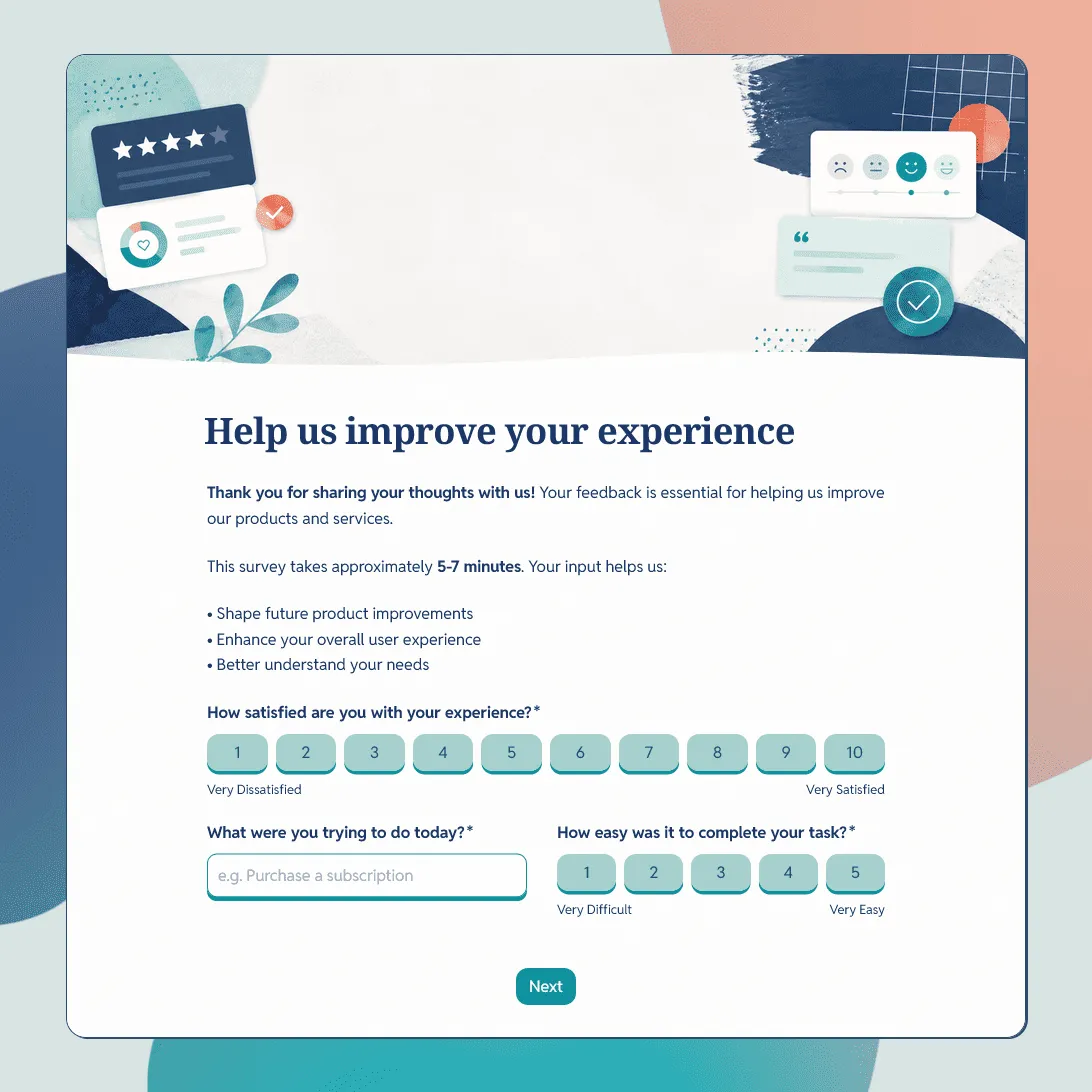
Customer Feedback Form Template
Use this free customer feedback form template to collect ratings, comments, suggestions, NPS, contact details, and follow-up consent.
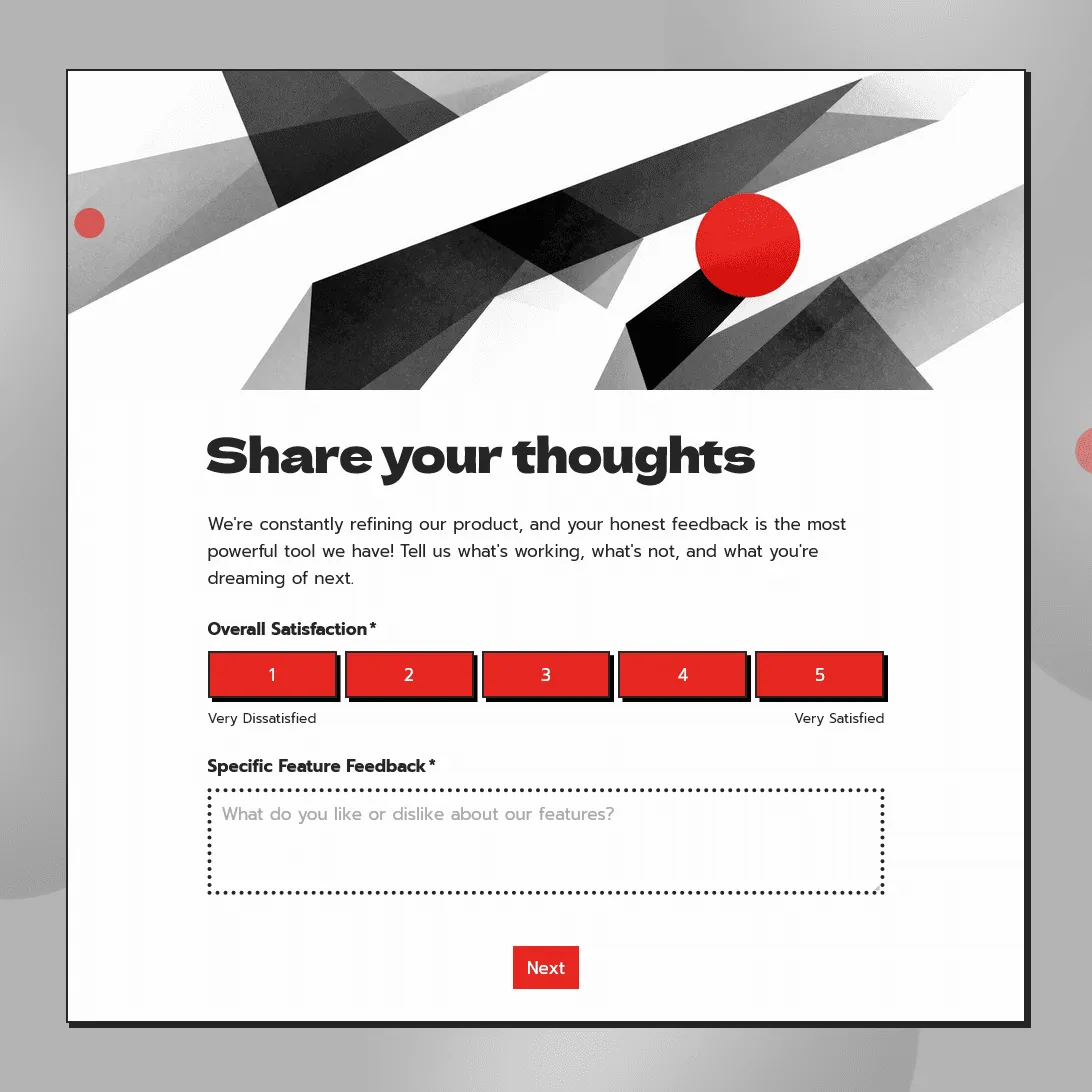
Product Feedback Form Template
Use this free product feedback form template to collect ratings, feature requests, bug reports, comments, screenshots, and follow-up details.
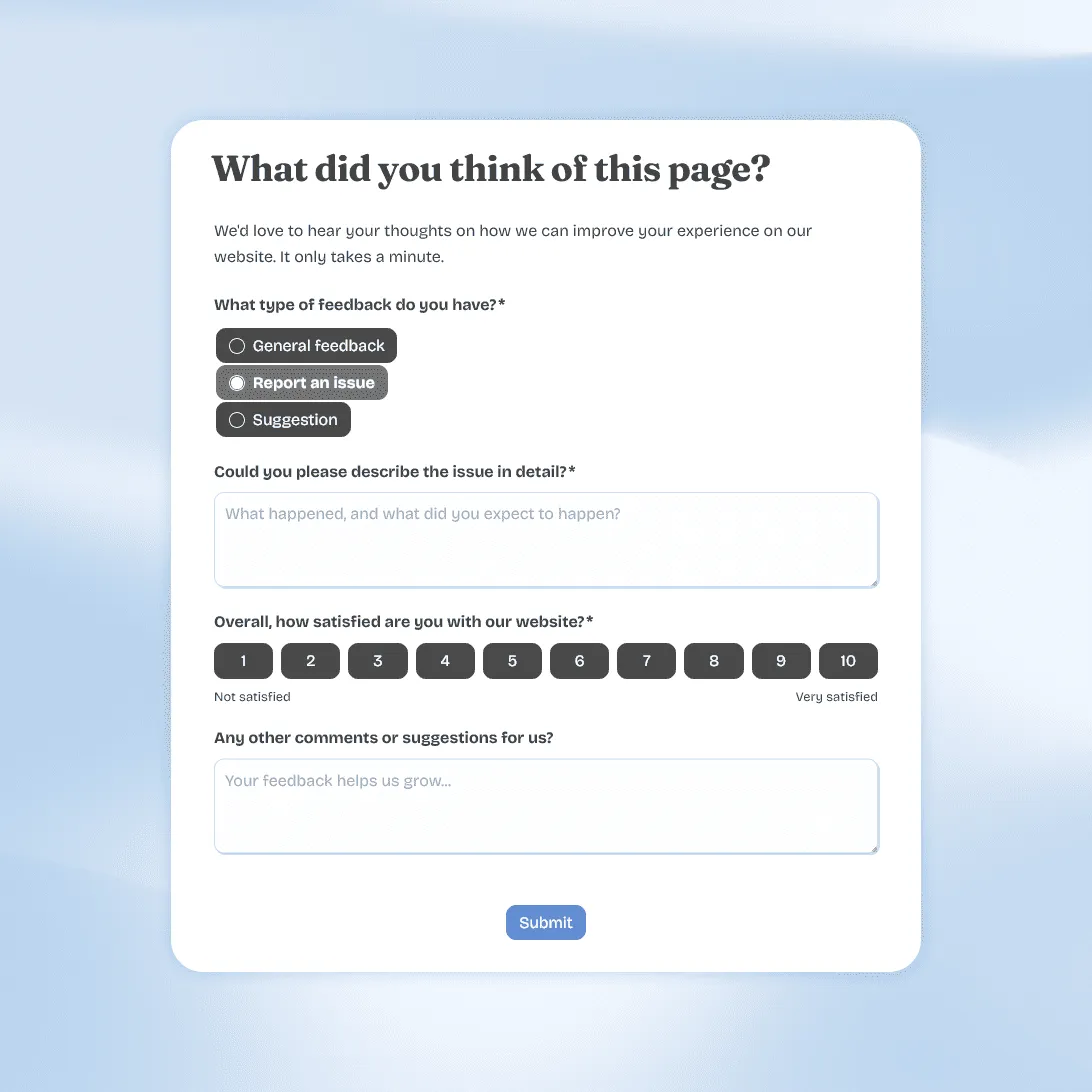
Website Feedback Form Template
Use this free website feedback form template to collect visitor feedback, UX issues, bug reports, and suggestions directly on your site.