Customer Feedback Form Template
Use this free customer feedback form template to collect ratings, comments, suggestions, NPS, contact details, and follow-up consent.
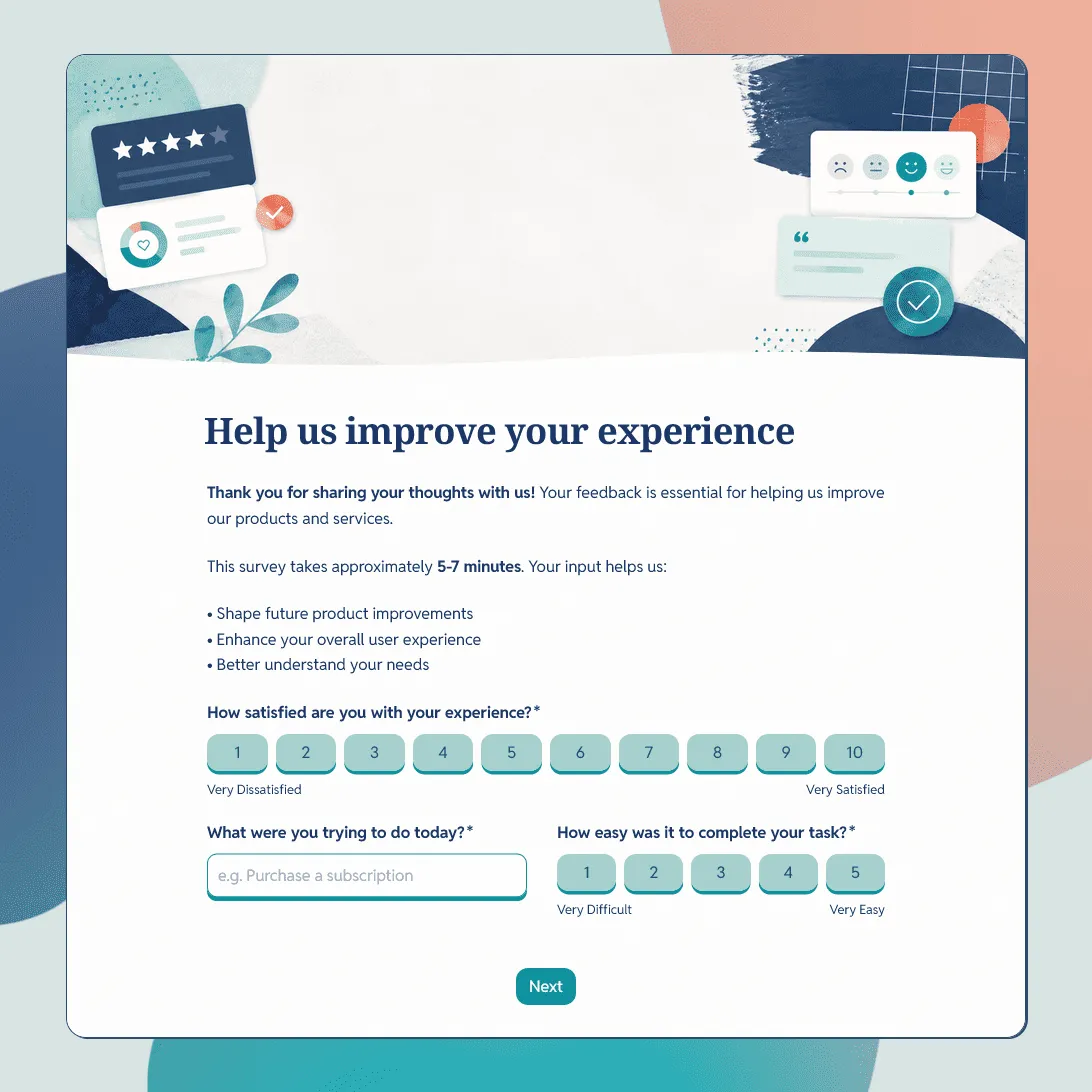
Need a tailored customer feedback form?
Describe what you want to learn and FormGrid will generate a custom feedback form template.
About this customer feedback form template
Use this free customer feedback form template to collect ratings, comments, suggestions, and follow-up details from your customers. The template includes questions for overall satisfaction, product or service quality, customer support, likelihood to recommend, open feedback, issue details, screenshot upload, and follow-up consent.
It works for SaaS products, online stores, service businesses, agencies, restaurants, local shops, customer support teams, and any team that wants a simple way to understand what customers think. You can edit the questions, adjust the design, and share the form with a link or embed it on your website.
What is a customer feedback form?
A customer feedback form is a short form used to collect opinions, ratings, comments, and suggestions from customers. It helps you understand what customers liked, what caused frustration, what could be clearer, and what they want you to improve.
A good customer feedback form should be easy to complete and specific enough to produce useful answers. Ask about one clear experience, such as a purchase, support interaction, product trial, delivery, appointment, or recent visit. Keep the form short, make open questions optional, and give customers a clear way to ask for follow-up if they need it.
What should a customer feedback form include?
A customer feedback form should collect the details you need to understand the customer’s experience and decide what to do next.
Overall satisfaction
Start with a simple rating question:
- How satisfied were you with your experience?
- How would you rate our product or service?
- How easy was it to get what you needed?
- How likely are you to recommend us to a friend or colleague?
Rating questions make responses easier to compare over time. They also help you spot patterns across products, services, locations, or customer groups.
Product or service feedback
Ask customers to rate the specific part of the experience you want to improve:
- Product quality
- Ease of use
- Customer support
- Delivery or setup
- Value for money
- Communication
- Speed of service
Keep this section focused. A long list of ratings can make the form feel like work.
Open feedback
Open questions help you understand the reason behind a rating. Useful questions include:
- What did you like most?
- What could we improve?
- Was anything confusing or difficult?
- What almost stopped you from completing your purchase?
- Is there anything else you want to share?
One or two open questions are usually enough. Make them optional if the rating questions already give you the main signal.
Issue details
If customers are reporting a problem, ask for enough context to investigate it:
- What happened?
- When did it happen?
- Which product, page, order, or service was involved?
- What device or browser were you using?
- Can you upload a screenshot?
A screenshot upload can be useful for product feedback, website feedback, app feedback, and support-related feedback.
Customer details
Contact details should be optional unless you need them to follow up:
- Name
- Email address
- Company name
- Order number or account ID
- Permission to contact the customer
This gives unhappy customers a way to get help while still allowing others to leave quick feedback.
Customer feedback form questions
You can use these questions as a starting point:
- How satisfied are you with your experience?
- What were you trying to do?
- How easy was it to complete?
- How would you rate the quality of the product or service?
- How would you rate the support you received?
- How likely are you to recommend us to a friend or colleague?
- What did you like most?
- What could we improve?
- Did anything feel unclear, slow, or difficult?
- Did you run into a problem?
- Would you like us to follow up with you?
- What is your email address?
How to customize this template for different feedback types
- For product feedback, ask about ease of use, missing features, bugs, pricing, onboarding, and what the customer was trying to do. Or simply use this product feedback form template.
- For customer service feedback, ask about response time, helpfulness, clarity, resolution, and whether the customer still needs help.
- For website feedback, ask what the visitor was looking for, whether they found it, what page they were on, and what made the experience difficult.
- For ecommerce feedback, ask about product quality, checkout, delivery, packaging, returns, and customer support.
- For restaurant or local business feedback, ask about service, wait time, cleanliness, product quality, staff friendliness, and whether the customer would return.
When to send a customer feedback form
Send the form close to the experience you want to measure. The timing depends on the situation:
- After a purchase, send it once the customer has had time to receive or use the product.
- After a support interaction, send it after the issue is marked as resolved.
- After a product trial, send it near the end of the trial period.
- After an appointment or service, send it the same day.
- After a cancellation, keep the form very short and ask for the main reason.
Avoid sending the same feedback form too often. Customers are more likely to respond when the request feels specific and timely.
How to set up your customer feedback form
- Open the template. Click “Use this template” to copy it into your FormGrid workspace.
- Add context. Explain what the feedback is about, such as a recent order, support conversation, product trial, appointment, or visit.
- Review the rating questions. Keep the ratings you will actually use for analysis.
- Add open questions. Include one or two questions that let customers explain their rating.
- Add follow-up fields. Ask for name, email, order number, account ID, or screenshot upload only when they help your team respond.
- Write the confirmation message. Thank the customer and tell them what will happen next if they asked for follow-up.
- Test the form. Submit a test response and check the response table before sharing it.
- Share the form. Embed it on your website, send it by email, add it to a support reply, or link to it from your product, receipt, help center, or confirmation page.
If you are still deciding where to collect feedback or how to manage responses, see our guide to customer feedback survey tools. For a comprehensive walkthrough of the planning and design process, check out our guide on how to create a feedback form.
Related guides and resources
Customer feedback form FAQs
What should a customer feedback form include?
A customer feedback form should include an overall satisfaction rating, product or service feedback, open comments, suggestions, issue details, and optional contact information. For product or website feedback, a screenshot upload field can also help your team understand the problem faster.
How many questions should a customer feedback form have?
A customer feedback form usually works best with 5 to 8 questions. Use one overall rating, a few specific ratings, one or two open questions, and optional contact details. Shorter forms tend to get more completed responses.
What are good customer feedback form questions?
Good customer feedback form questions are specific and easy to answer. Useful examples include “How satisfied were you with your experience?”, “What could we improve?”, “Did anything feel unclear or difficult?”, and “Would you like us to follow up?”
Should a customer feedback form be anonymous?
It depends on the goal. Anonymous feedback can make people more comfortable sharing criticism. Asking for contact details helps your team follow up, resolve issues, and ask for more context. A good middle ground is to make name and email optional.
When should I send a customer feedback form?
Send it soon after the experience you want feedback on. For support, send it after the issue is resolved. For ecommerce, send it after delivery. For SaaS, send it after onboarding, a trial period, a support conversation, or a key product action.
Can I embed this customer feedback form on my website?
Yes. You can embed the form on your website or share it with a direct link. It fits naturally on feedback pages, help centers, product dashboards, receipt emails, and support follow-ups.
Is this customer feedback form template free?
Yes. This template is free to use. FormGrid also includes unlimited forms and unlimited responses on the free plan, so you can collect customer feedback without response caps.
Related templates
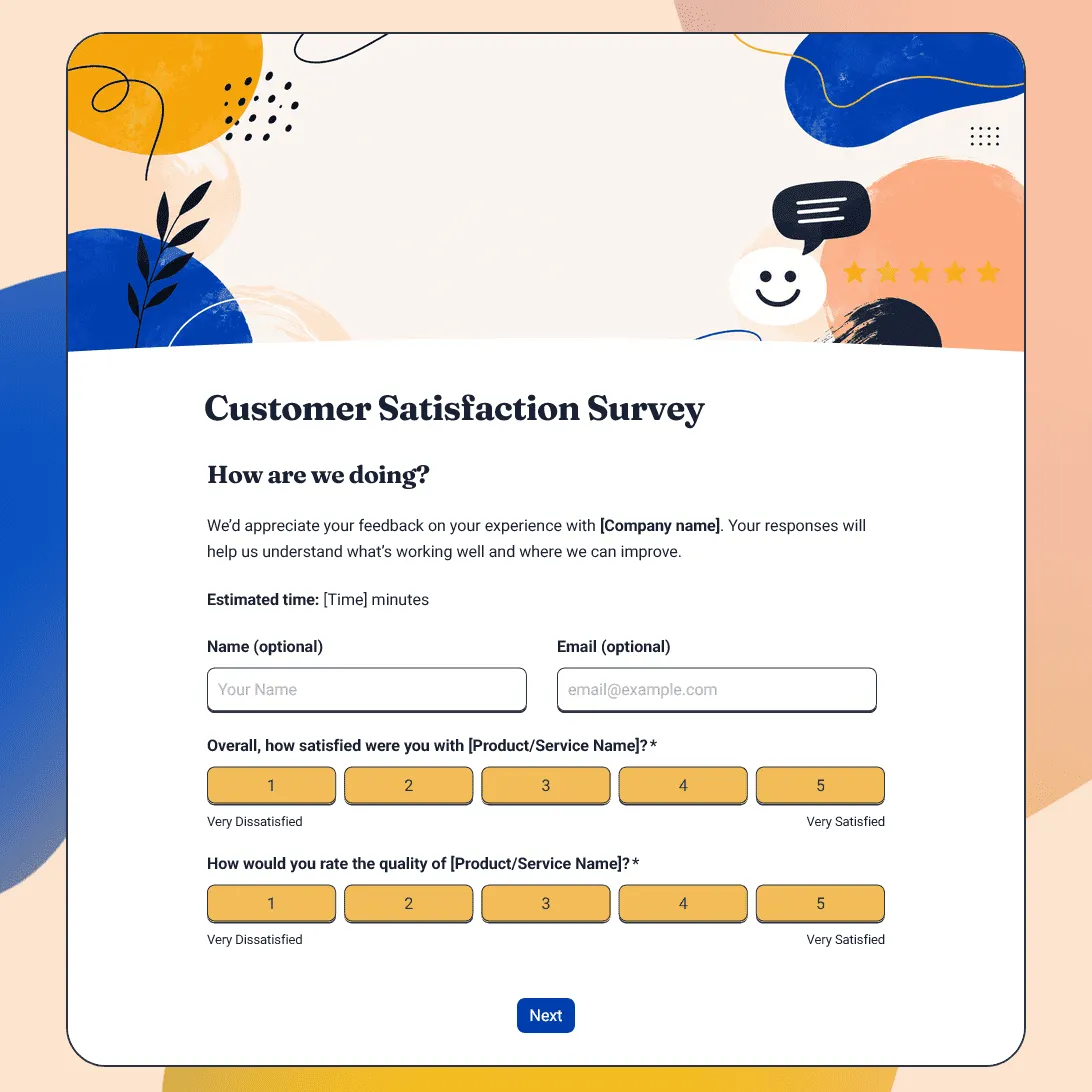
Customer Satisfaction Survey Template
Free customer satisfaction survey template for measuring customer experience, product quality, support, delivery, value, and likelihood to return.
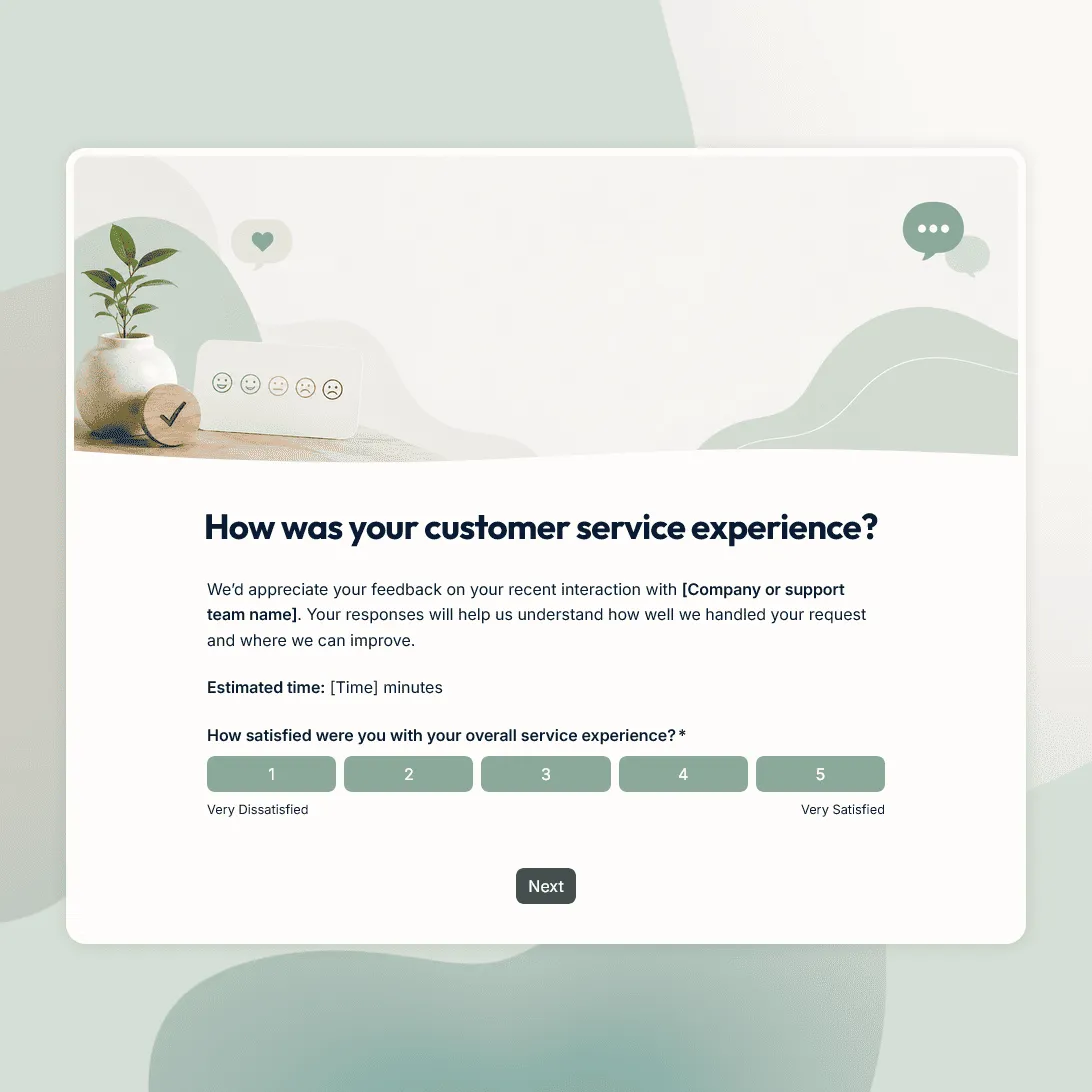
Customer Service Survey Template
Free customer service survey template for measuring support quality, response time, issue resolution, and customer satisfaction.
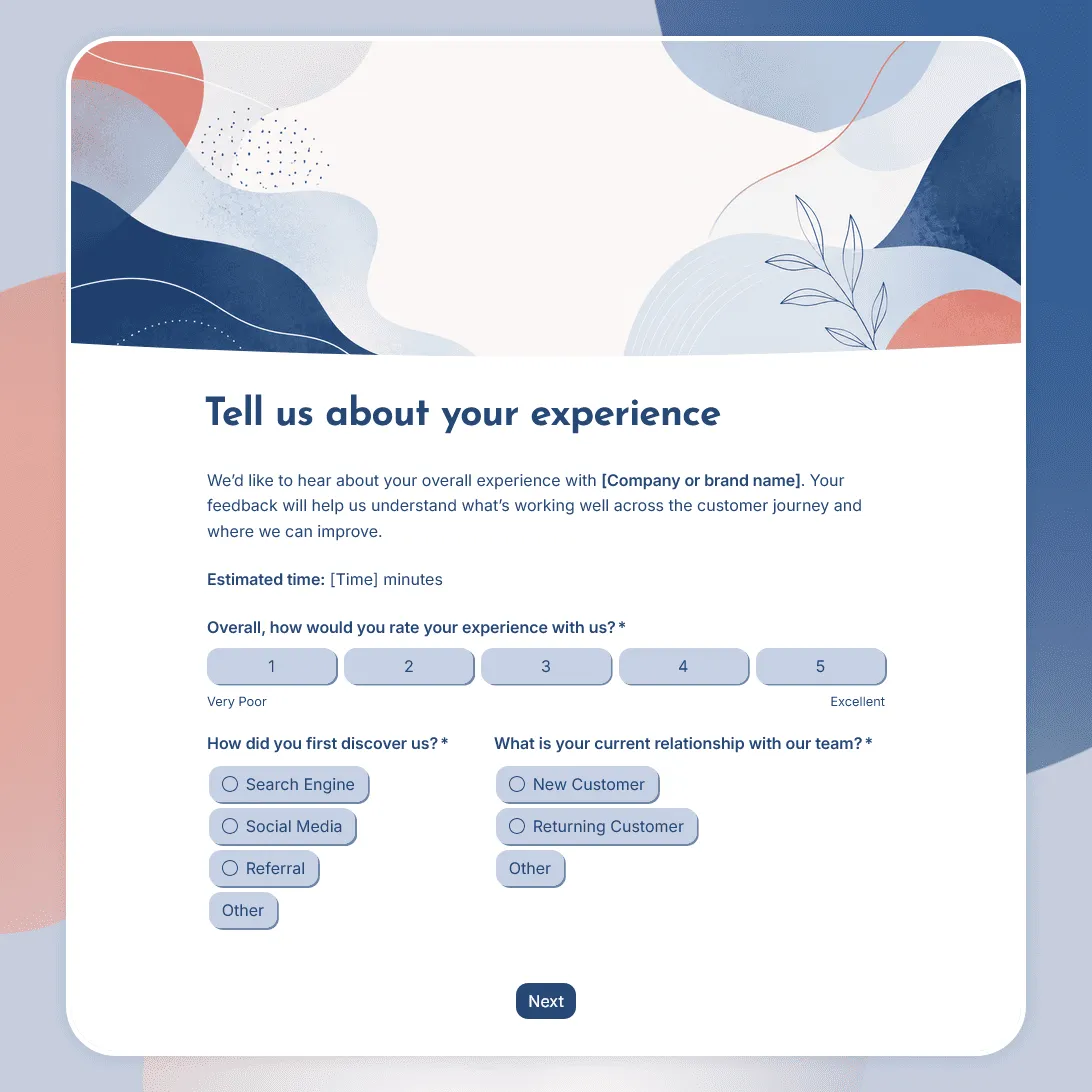
Customer Experience Survey Template
Free customer experience survey template for understanding the customer journey, including first impressions, onboarding, support, value, friction, and loyalty.